

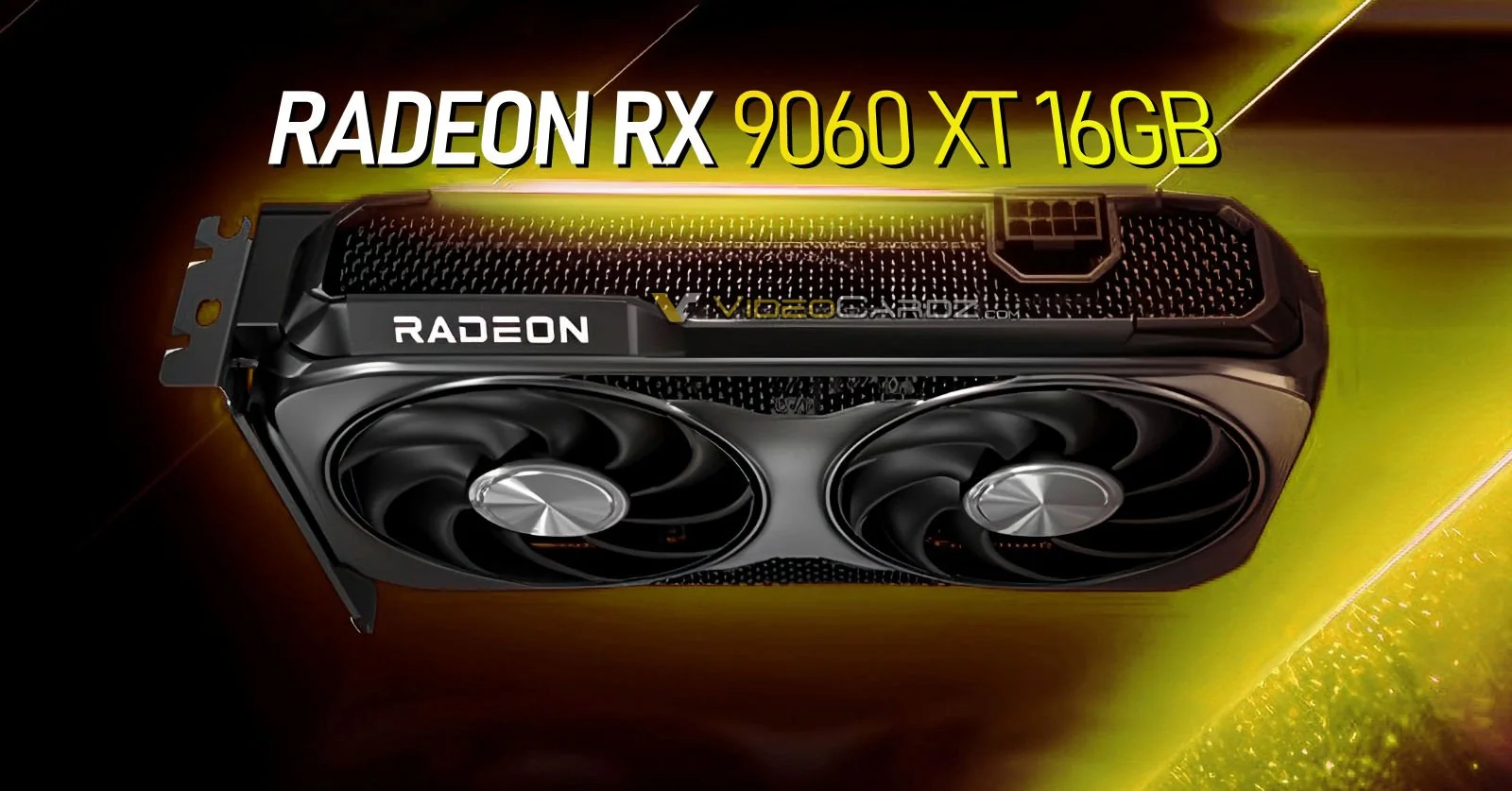
Updated 17/01/2026
The RX 9060 XT 16GB sounds like the kind of GPU that should be easy to recommend. It has the big VRAM number people want, a modest power draw, and the kind of spec sheet that makes budget and mid-range buyers feel like they found the smart option. That is exactly why this card needs a reality check.
This RX 9060 XT 16GB review is not a benchmark spreadsheet pretending to be advice. It is a buying decision article for people who want to know whether this card actually makes sense in a real PC build. If you are comparing options right now, also check our best GPU picks for 1080p and 1440p, because the right answer here depends heavily on what kind of gamer you actually are.
Quick answer: The RX 9060 XT 16GB is a solid buy for 1080p gamers who want modern features, decent efficiency, and extra VRAM headroom. It becomes a much shakier buy if you expect effortless 1440p Ultra gaming, heavy ray tracing, or painless long-term scaling.
- Best for: 1080p high/ultra gaming with a balanced modern CPU
- Biggest strength: 16GB VRAM at a mid-range tier
- Biggest limitation: 128-bit memory bus and limited bandwidth ceiling
- Ideal buyer: Someone upgrading from an older budget GPU, not someone building a “future-proof” monster
- Verdict: Good deal in the right rig, clever trap in the wrong one

Why This Card Looks So Good on Paper
The RX 9060 XT 16GB is easy to like at first glance. You get 16GB of GDDR6 memory, a reasonable power profile, current-gen features, and a spec stack that looks far more generous than the usual mid-range nonsense. That matters because gamers are tired of paying real money for cards that already feel cramped the second a new poorly optimized game lands.
The problem is that big VRAM numbers can hide smaller structural weaknesses. This card has enough memory capacity to make buyers feel safe, but capacity is only one part of the story. If you only shop by the biggest bold number on the box, this GPU can absolutely talk you into the wrong purchase.
Thinking about buying a 16GB graphics card? Before you decide, read our guide comparing 8GB, 12GB, and 16GB VRAM to see who really benefits from the extra memory.
RX 9060 XT 16GB Review, Real-World Performance, Not Marketing Theater
At 1080p, this card makes a lot of sense. It is strong enough for esports, strong enough for most single-player games at high settings, and strong enough for the kind of upgrade that makes an older system finally feel modern again. If your current rig is struggling and you want a cleaner experience without jumping into stupid pricing, the RX 9060 XT 16GB lands in a good spot.
At 1440p, things get more conditional. It can still perform well, but this is where the nice-looking 16GB story starts colliding with the narrower 128-bit memory bus. Some games will still look fine and feel fine. Others will remind you very quickly that raw capacity does not magically erase bandwidth limits.
That is why this card works best when your expectations are realistic. If your goal is “great 1080p, decent 1440p if I am sensible,” then fine. If your goal is “I want this to age like a much bigger card and brute-force every ugly PC port,” you are shopping with the wrong fantasy.
Where the RX 9060 XT Actually Breaks
This is the section most reviews dance around, because it is easier to quote average FPS than explain why a card sometimes feels worse than it should. The RX 9060 XT 16GB does not usually fail because it has too little VRAM. It fails when the workload asks the card to move and feed data in ways that expose the narrower memory setup.
Scenario one, asset-heavy games: titles with lots of streaming, dense environments, or messy PC optimization can show roughness even when the headline frame rate still looks acceptable. That means you can have “playable” numbers while the experience feels less clean than you expected.
Scenario two, 1440p Ultra optimism: if you treat the 16GB label like a blank check for max textures and lazy settings choices, this card starts losing its composure sooner than a wider, stronger option would. It is not useless at 1440p, but it is more fragile there than the VRAM figure suggests.
Scenario three, weak system pairing: this card is not a miracle cure for an old platform. If you drop it into a rig with a tired CPU, limited platform bandwidth, or a badly balanced upgrade path, you may end up blaming the GPU for problems the whole system helped create. If you need a sanity check, read our HWiNFO64 guide for bottlenecks, temps, and sanity checks and how to test gaming PC performance before you start declaring the card a scam.
Why 16GB VRAM Isn’t Useless, And Why It Still Isn’t the Whole Story
Let’s be fair for a second, because the lazy version of this argument would be “16GB does not matter,” and that would be nonsense. Extra VRAM absolutely helps in texture-heavy games, modded games, and badly optimized ports that chew through memory like they were raised in a landfill. If you keep cards for a while, more VRAM is better than less VRAM, full stop.

But capacity is not the same thing as freedom. The RX 9060 XT 16GB still has to move that data efficiently, and that is where the 128-bit bus starts looking less heroic. This is why people get confused. They see the 16GB figure and assume the card belongs in a higher class than it actually does. Sometimes it behaves like a clever value buy. Sometimes it behaves like a reminder that balance matters more than one impressive line item.
If you want a broader breakdown of how memory choices affect gaming, read is 8GB VRAM still enough and how much RAM do games need. Those two topics are related more often than people think.
RX 9060 XT vs The Competition
Specs do not decide everything, but they do help explain why different cards feel better in different roles. The table below is not here to win a nerd fight. It is here to make the buying choice less dumb.
| GPU | VRAM | Memory Bus | Main Strength | Main Weakness | Best For |
|---|---|---|---|---|---|
| RX 9060 XT 16GB | 16GB | 128-bit | Strong 1080p value with generous VRAM | Can feel bandwidth-limited | Balanced 1080p gamers |
| RTX 4060 Ti | Usually less attractive on paper | Varies by model | Better ray tracing and software stack | Can look worse on value | RT and DLSS-focused buyers |
| RX 6700 XT | Still a strong value alternative | Wider class feel in practice | Punchy raster value | Older generation trade-offs | Budget hunters who care about raster |
| RX 7800 XT | More comfortable headroom | Higher-tier positioning | Stronger 1440p confidence | Costs more | Buyers who want less compromise |
If ray tracing and Nvidia’s broader software appeal matter to you, the 4060 Ti stays relevant. If plain raster value matters more, the RX 6700 XT is still a smart gamer’s secret weapon. If you know you want more real 1440p breathing room, stepping higher makes more sense than pretending this card is secretly a bigger one.
For official product positioning and current specs, you can cross-check AMD’s own product page and support pages, plus wider market context from outlets like AMD and PC Gamer.
If you’re comparing these GPUs right now, here are the options that actually make sense depending on your setup and priorities.

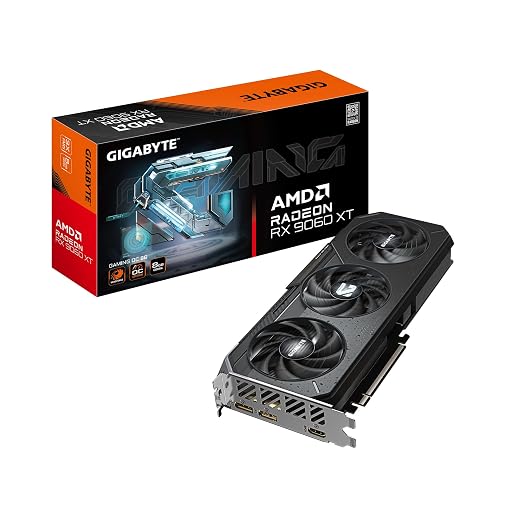

Who Should Actually Buy the RX 9060 XT 16GB
This card makes sense for people who are more disciplined than dramatic. If you mainly game at 1080p, want high settings without turning your wallet into powder, and are pairing it with a decent modern CPU, the RX 9060 XT 16GB is a good buy.
- Buy it if you want a sensible 1080p upgrade
- Buy it if you care about extra VRAM headroom more than premium ray tracing
- Buy it if your current build is balanced and you are not asking this card to do upper-midrange work
If your entire upgrade plan is still fuzzy, read gaming PC upgrades that actually matter and how to pick PC parts that fit and perform. Those two articles will save you from building a lopsided rig and then blaming one component for all your bad choices.
Who Should Avoid It
This is where the “clever trap” label becomes fair. If you are shopping with bigger expectations than this card was built to handle, you are setting yourself up for disappointment. The RX 9060 XT 16GB is not a fake product, but it can become a fake upgrade if the rest of your goals are unrealistic.
- Avoid it if you want easy 1440p Ultra longevity
- Avoid it if you care heavily about ray tracing
- Avoid it if you plan to upgrade the rest of your rig soon and expect this GPU to scale upward forever
- Avoid it if you are on older PCIe platforms and think the card alone will rescue the system
That last point matters. Older CPUs, older motherboards, and restrictive platform bandwidth can muddy the results. If you are upgrading a genuinely old machine, read upgrade your old PC the right way and Smart PC Upgrades for weak PCs before you assume this is the perfect bridge to your next setup.
Games That Run Well on the RX 9060 XT 16GB
The card is not all doom and suspicion. In the right use cases, it is a very capable GPU. It does well in games that are either better optimized, lighter on the memory subsystem, or simply more aligned with what a strong 1080p card is supposed to do.

- Baldur’s Gate 3, great fit for high visual quality without pretending this is a halo card
- Apex Legends, excellent for high refresh 1080p play
- Counter-Strike 2, strong match for competitive players, especially if the rest of the system is clean, see our Counter-Strike 2 performance guide
- Cyberpunk 2077, fine at sensible settings if you stop treating ray tracing like a birthright
- Helldivers 2, workable with balanced settings rather than ego settings
How the RX 9060 XT Actually Behaves on Real PCs
On real systems, this card tends to expose the same old truth, average FPS is not everything. When the game is well behaved and the build is balanced, the RX 9060 XT 16GB feels modern, responsive, and efficient. When the game streams huge assets badly or the platform around it is weak, you can see frametime ugliness before the average frame rate looks alarming.
That is why monitoring matters. If the system feels rough, do not guess. Start by learning how to monitor temperatures, clock speeds and hardware usage. If the card appears to be performing normally but hitching continues, read why a game can stutter even on a high-end PC. The GPU may be responsible, but frametime problems can also come from the game, processor, memory, storage or background software.
Undervolting and Optimization
If you buy this card, one of the smartest things you can do is tune it instead of worshipping stock settings like they came down from a mountain. A light undervolt can reduce heat and noise while keeping performance where it should be. That matters even more in smaller or more airflow-starved cases.
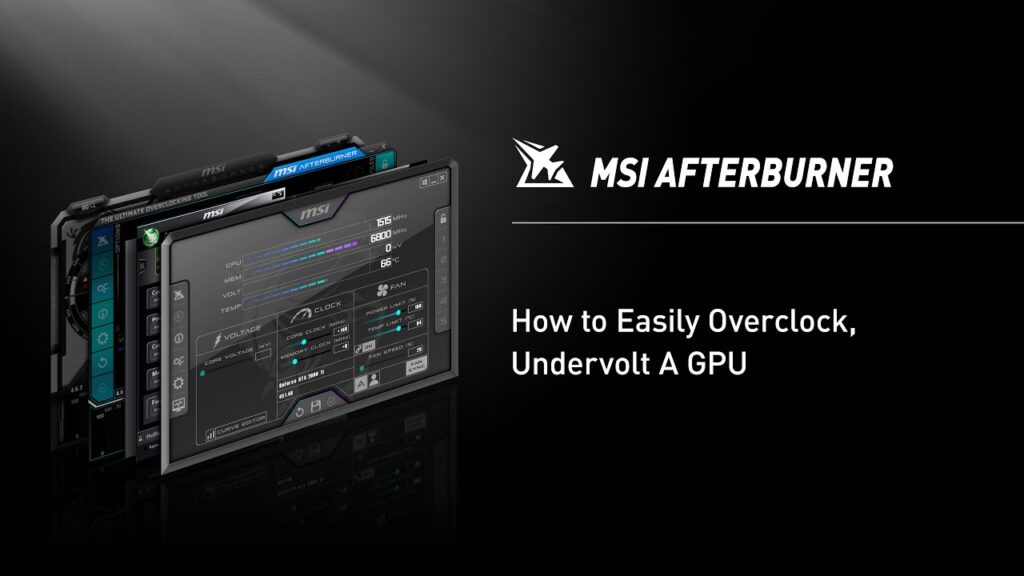
You do not need to get weird with it. You just need to be sane. Start with how to use MSI Afterburner, then read how to undervolt your GPU and lower temps. If you are fighting crashes instead of temperatures, go straight to why does my GPU keep crashing.
What Happens After You Buy?
This is the part too many reviews ignore. The RX 9060 XT 16GB can absolutely make sense today, but the long-term feeling of the purchase depends on what direction your setup goes next. If you stay in a 1080p-centered lane, the card can age fairly well. If your next move is a high-refresh 1440p monitor, heavier games, or more aggressive visual targets, the card may start looking like a temporary stop rather than a foundation.
That does not automatically mean resale falls off a cliff, but it does mean the card’s identity is tied to value more than dominance. It is a “smart if bought correctly” product, not a “buy once and forget the market” product. If you want a broader view of smarter GPU upgrades, also read GPU upgrade mistakes gamers avoid.

Final Verdict
The RX 9060 XT 16GB is not a scam, and it is not a miracle. It is a genuinely relevant mid-range GPU that becomes either a good deal or a clever trap depending on how honest you are about your expectations.
- Buy this if: you want strong 1080p gaming, appreciate extra VRAM, and are building around a balanced modern system
- Avoid this if: you expect premium 1440p longevity, heavy ray tracing comfort, or effortless scaling into a much more demanding setup
Final call: The RX 9060 XT 16GB is a smart buy for disciplined 1080p gamers, but a bad buy for anyone trying to use “16GB” as an excuse to oversell what this card really is.
RX 9060 XT 16GB Review FAQ
Is the RX 9060 XT 16GB good for 1080p gaming?
Yes. That is where the card makes the most sense, especially if you want high settings without paying into a higher tier.
Is the RX 9060 XT 16GB good for 1440p?
It can be, but not as comfortably as the 16GB label might suggest. Sensible settings matter more here.
Is 16GB VRAM future-proof?
It helps, but it does not automatically make the whole card future-proof. Memory capacity is only part of performance.
Does PCIe generation matter?
It can, especially on older platforms. This is one reason legacy hardware users should be careful with expectations.
Should I buy this instead of an RTX 4060 Ti?
Buy the RX 9060 XT 16GB if you care more about raster value and VRAM. Buy the 4060 Ti if you care more about ray tracing and Nvidia’s software ecosystem.

There is another kind of gamer for whom the 16GB 9060XT is absolutely perfect. Those are the guys/gals who already have a motherboard with a PCIe 4.0 x16 slot and any Ryzen 5 CPU from around the 5600 upwards and who primarily play racing games.
60FPS+ is generally plenty for fluid motion in driving games, and I get that even at 4K with the highest in-game graphics settings in DIRT4, GRID(2019), GRID Legends, RIDE4, RIDE5, and many others with a Ryzen 5 5600X running in 45W Eco Mode in an X570 motherboard.
Starting off with a lame system in the first place is obviously going to cripple any new graphics card. A little common sense and homework when matching components goes a long way.
Thanks for sharing your experience, that’s a great example of how much the rest of the system matters.
I agree that if someone already has a solid PCIe 4.0 platform with a Ryzen 5 5600 or better, the 16GB 9060 XT can be an excellent choice, especially for racing games where a consistent 60+ FPS delivers a fantastic experience.
The challenge is that many BuiltToFrag readers are upgrading much older PCs, so I try to write with those users in mind as well. A GPU that performs brilliantly in a balanced system can end up bottlenecked if it’s paired with an older CPU or platform, which is why I always encourage people to consider the whole build rather than just the graphics card.
Thanks again for adding your real-world results, they’ll definitely help other readers who are planning a similar upgrade.
That’s a really useful real world example, especially with the 5600X still being such a capable gaming CPU. Racing games are a good example of why GPU recommendations can’t just be reduced to “this card is for X resolution” the games you actually play and the frame rate you’re targeting matter just as much.
And I completely agree on component matching. A well-balanced older AM4 system can still have plenty of life left in it with the right GPU upgrade. Thanks for adding the actual 4K results as well — that’s useful context for anyone considering the 16GB 9060 XT for a similar setup.