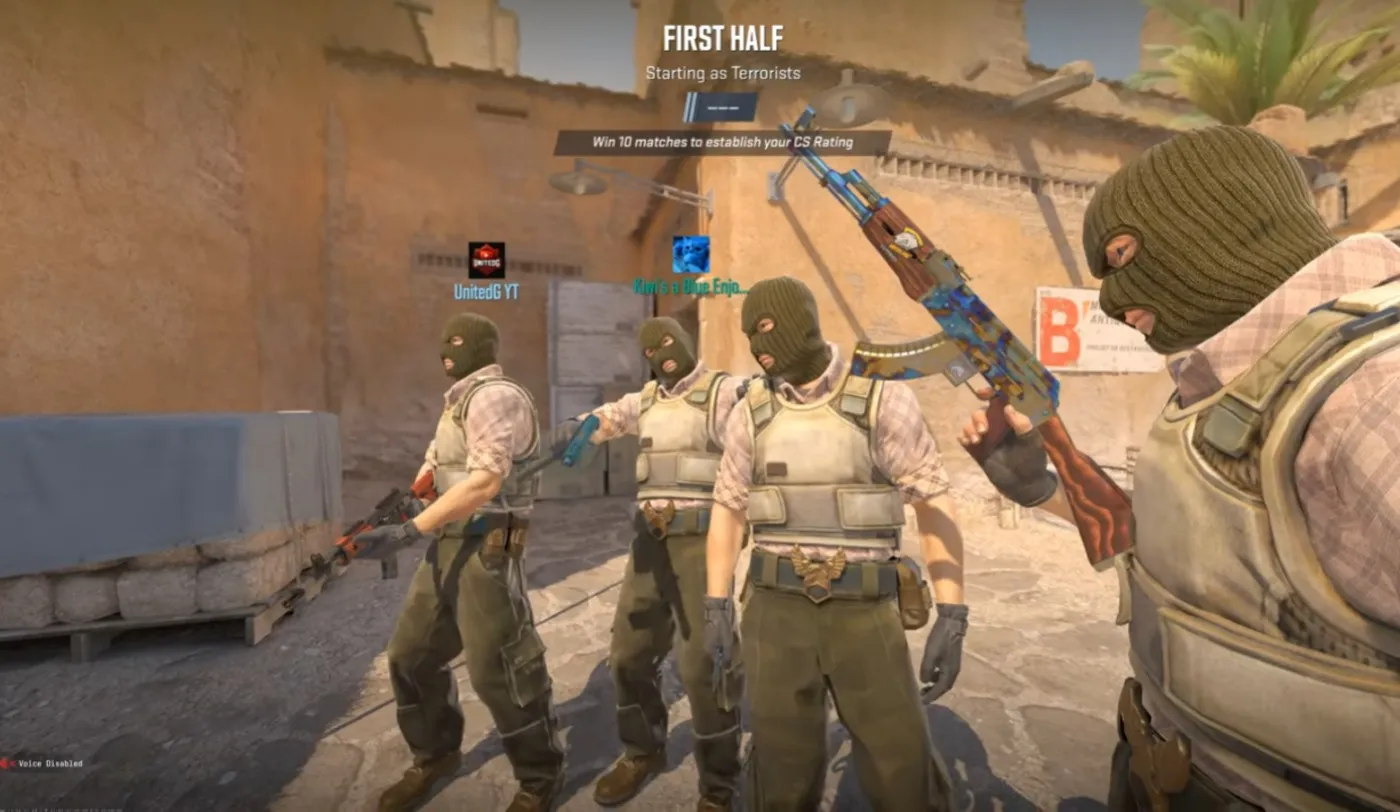
I love Counter-Strike because it’s brutally honest. No ultimates. No hero abilities. No “my character counters your character.” It’s you, your crosshair, your decisions, and a game that punishes bad habits faster than your teammates can type “nice try.”
That’s also why Counter Strike 2 performance issues feel so personal. In most games, a little hitch is annoying. In CS2, one frametime spike can turn a clean peek into a ghost shot, a missed spray, or a round you swear you had.
This is the reality check: CS2 is usually not GPU bound. It’s a CPU and frametime game. If your GPU upgrade didn’t move the needle, you didn’t get scammed, you upgraded the wrong bottleneck. This is one of the classic GPU upgrade mistakes gamers keep making.
Why CS2 Feels Different From Other Games
Most shooters hide performance issues behind visual noise and chaos. CS2 does the opposite, it strips everything down and exposes every tiny inconsistency in your system. That is why even small drops in performance feel bigger, because nothing distracts you from them.
CS2 is not just about high FPS. It is about consistency.
- same timing on peeks
- same recoil feel
- same responsiveness
- stable performance during smokes and fights
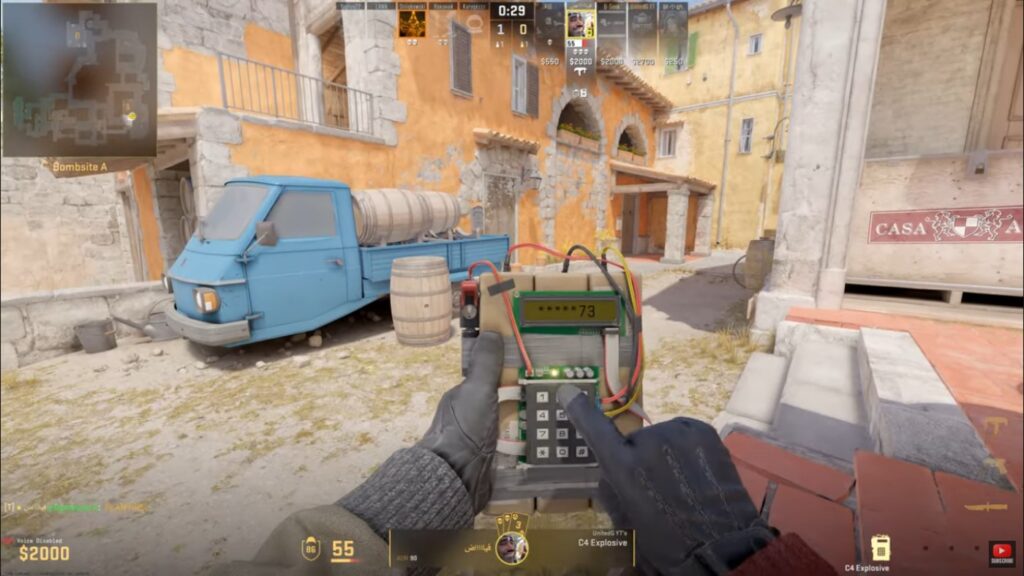
If your frame delivery is uneven, your aim feels inconsistent. That is why CS2 exposes performance problems more than most games. If this sounds familiar, here’s a deeper breakdown of why games stutter on low-end PCs and similar systems.
Why Your GPU Upgrade Didn’t Help
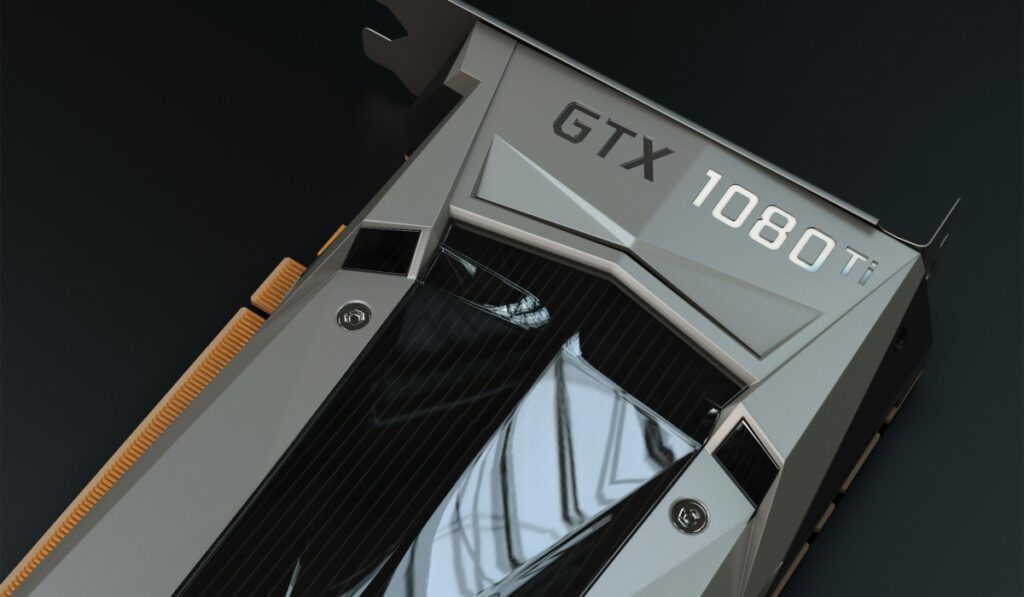
Most players assume a better GPU automatically means better performance. In CS2, that logic breaks down fast because the GPU is often not the bottleneck. If your CPU cannot keep up, your expensive upgrade just sits there waiting. Counter-Strike 2 proves that more frames do not always fix the real problem, and this pillar article breaks down why.
Most gamers assume:
“Low FPS means I need a better GPU.”
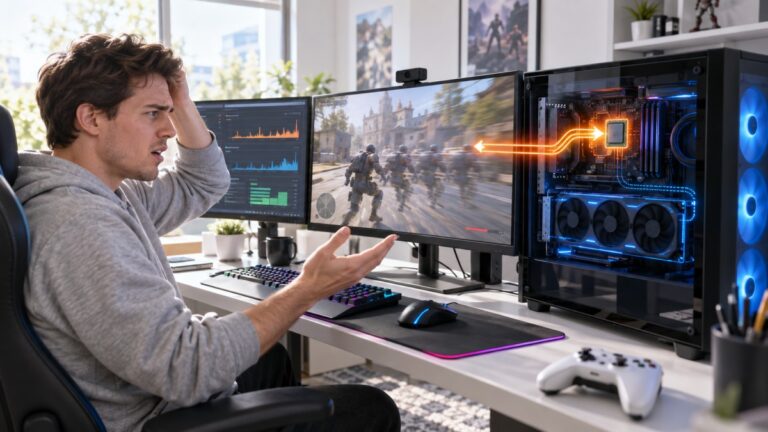
That works in cinematic games. In CS2, your GPU is often waiting on your CPU.
If you are unsure what is holding you back, this guide on CPU vs GPU bottlenecks during gaming will help you diagnose it properly. Also do not assume your new part is broken until you have checked the bottleneck first: why your PC upgrade didn’t improve FPS.
Counter-Strike 2 Performance Is CPU Bound
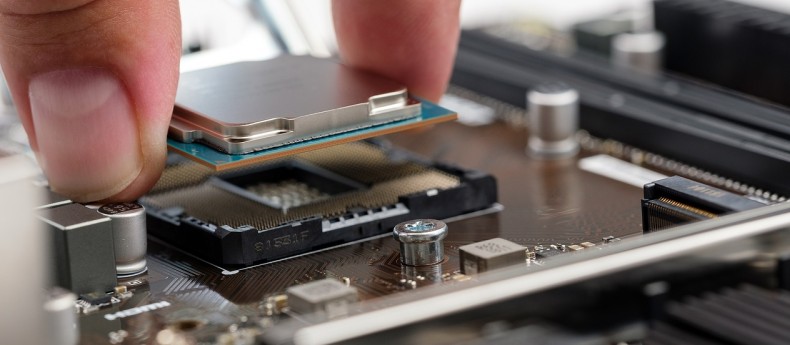
CS2 relies heavily on your CPU to process game logic and prepare frames. This means your overall performance depends more on how fast your CPU can keep up than how powerful your GPU is. If the CPU struggles, everything else feels off. If you are planning upgrades, this best gaming CPUs value guide helps you pick the right one.
Your CPU handles:
- game logic
- player positions
- hit registration
- frame preparation
If your CPU cannot keep up, your GPU sits idle.
If you are hitting high CPU usage, start here: fix high CPU usage while gaming.
Frametime Matters More Than FPS
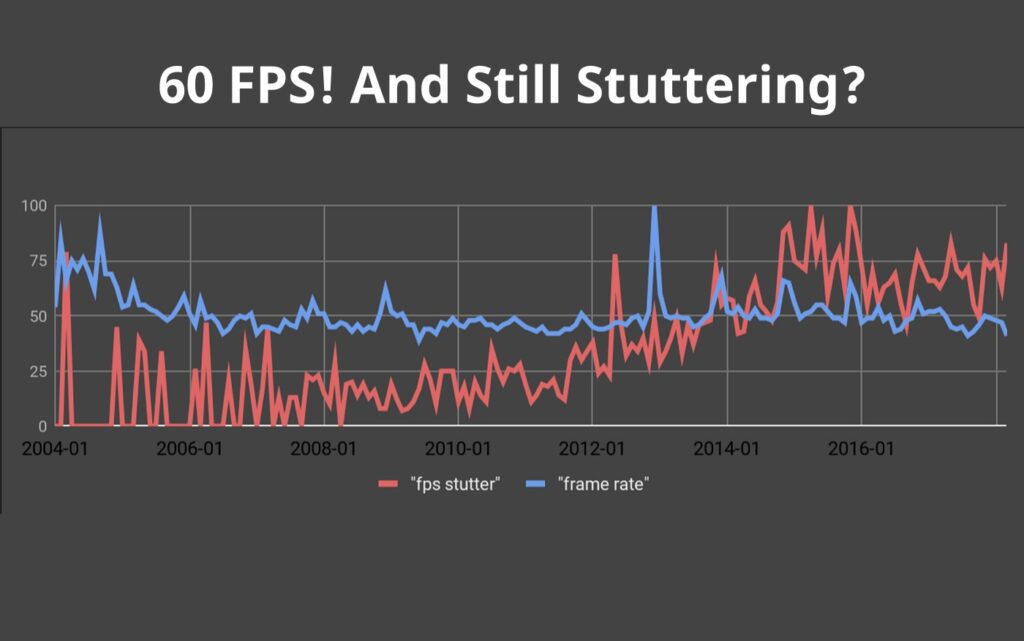
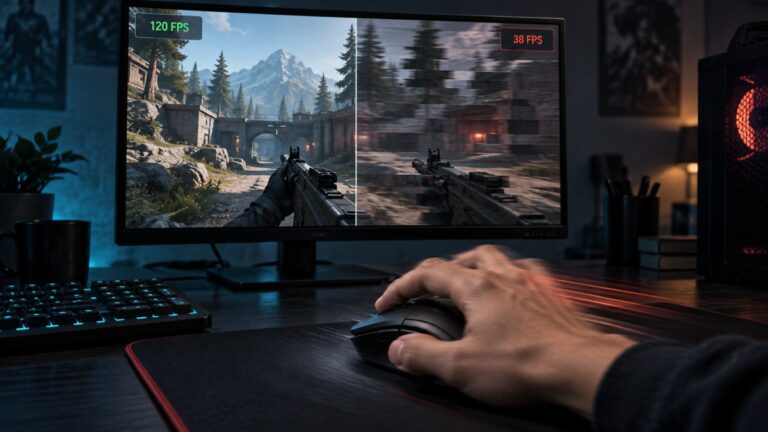
High FPS looks good on paper, but it does not guarantee smooth gameplay. What actually matters is how consistent each frame is delivered. If frametime is unstable, the game feels stuttery even at high frame rates, FPS is your average speed. Frametime is your consistency.
Even high FPS can feel terrible if frame delivery is uneven. One of the simplest fixes is capping your FPS to stabilize performance.
How CS2 Behaves on Real PCs
On most systems, CS2 leans heavily on the CPU and exposes weak spots quickly. Performance tends to break under pressure, especially during fights and utility usage. Smooth gameplay comes from consistency, not just raw power.
- CPU heavy in most scenarios
- very sensitive to frametime spikes
- GPU upgrades often underwhelm
- performance consistency matters more than peak FPS
What Actually Improves CS2 Performance
Throwing money at a GPU rarely fixes the real issue in CS2. Smarter upgrades like a better CPU, faster RAM, and a clean system setup make a bigger difference. The goal is stability, not just higher numbers. If your GPU upgrade did nothing, focus on upgrades that actually impact performance:
- CPU upgrades (single-core performance matters)
- faster RAM with good timings
- clean Windows environment
- proper monitoring tools
These cheap gaming upgrades that boost FPS often outperform expensive GPU swaps in CS2. If you are building from scratch, start with this gaming PC hardware guide.
Simple Upgrade Kit That Actually Helps
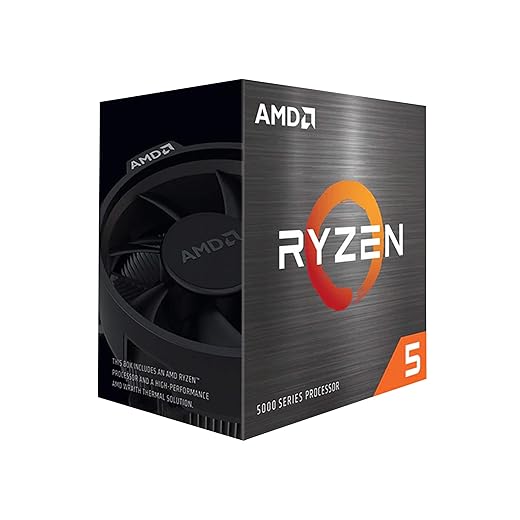


When a GPU Upgrade DOES Help in CS2
There are situations where a GPU upgrade actually matters. Higher resolutions and weaker older GPUs can still hold performance back. In those cases, a better graphics card can finally make a noticeable difference. To be fair, GPUs are not useless. There are situations where they matter:
- 1440p and 4K gaming
- very old or weak GPUs
- high visual settings
- streaming or recording gameplay
If you fall into one of these categories, a GPU upgrade can help. But for most competitive players at 1080p, the CPU is still the limiting factor.
What To Do Before You Upgrade Anything
Upgrading without understanding the problem is how money gets wasted. You need to check what your system is actually doing before buying anything. A few simple checks can save you from upgrading the wrong part.
Stop upgrading blind.
- monitor CPU and GPU usage
- close background apps
- optimize Windows settings
- reduce unnecessary load
Start with this: disable bloatware on Windows. If things still feel off, this guide explains why your PC still feels slow after an upgrade.
Counter-Strike 2 Performance FAQ
Most performance questions around CS2 come down to the same few issues. Players want to know what causes stutter, what to upgrade, and why the game feels inconsistent. These quick answers clear that up without overcomplicating it.
Is CS2 CPU or GPU intensive?
CS2 is mostly CPU intensive, especially at 1080p. The CPU prepares frames, which makes it the main bottleneck in most setups.
Why does CS2 stutter on a high-end PC?
Stutter is usually caused by frametime instability, background processes, or CPU bottlenecks, not raw GPU power.
Should I upgrade CPU or GPU for CS2?
If you play at 1080p competitively, upgrade your CPU first. If you play at higher resolutions, your GPU becomes more important.
For official game updates, visit Counter-Strike 2 on Valve.