Gaming PC Upgrades That Actually Matter
Most gamers upgrade the wrong things first. Not because they are clueless, but because the internet has trained everyone to chase FPS numbers and shiny parts instead of fixing the systems that actually decide how games feel.
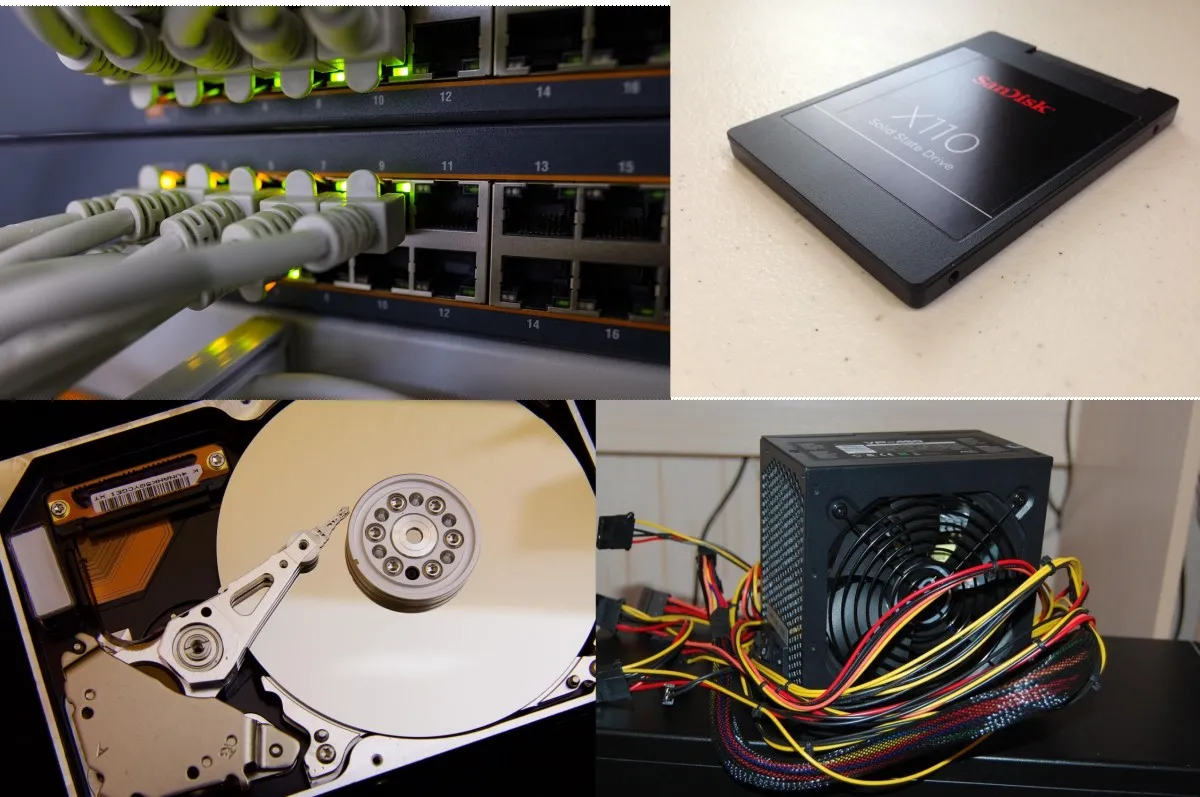
This guide explains which gaming PC upgrades actually matter, networking, storage, power delivery, and supporting tech, and which upgrades rarely move the needle. No shopping lists. No brand hype. Just clear thinking.
How Gaming Performance Really Works (Beyond FPS)
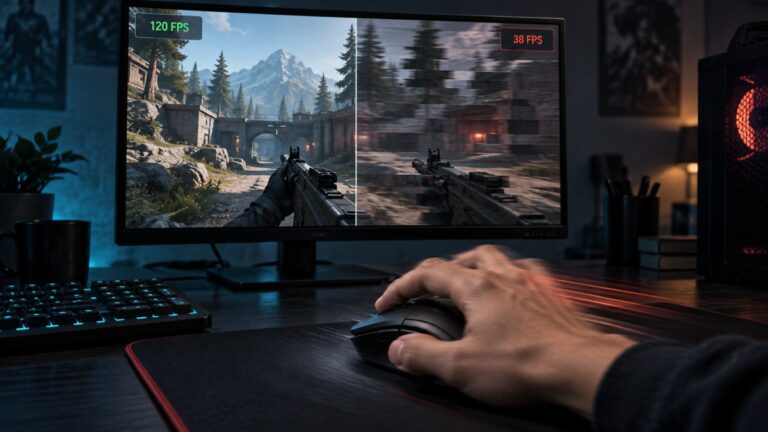
If your FPS counter looks fine but the game still feels bad, you are not imagining it. Gaming performance is not just about how fast frames are rendered, it is about how consistently everything arrives on time.
Frame pacing, asset delivery, latency, and system stability all sit outside the FPS number you stare at. When any of those fail, the experience degrades even if your GPU is technically doing its job. One of the most overlooked upgrades is RAM, especially if your games get worse the longer you play: game using too much RAM.
This is why upgrading the most expensive part does not always fix stutter, hitching, rubber banding, or sudden freezes. The bottleneck is often somewhere quieter. Many upgrades feel important but do nothing for frame rate, which is why it helps to understand what faster SSDs really improve in games and what they do not.
Networking Upgrades, When Internet Is Not the Problem

Many gamers blame their ISP the moment an online game feels rough. Sometimes that is fair. Very often, it is not.
Bandwidth is not latency. A fast speed test does not guarantee a stable connection to a game server. What matters for gaming is consistency, low jitter and minimal packet loss. If your PC suffers from ping spikes, packet loss or random disconnects, first test whether the WiFi adapter is causing the lag or whether the problem begins at the router, ISP or wider internet connection.
If the wireless adapter proves to be the weak link and Ethernet is not practical, our guide to the best WiFi adapters for gaming PCs compares options focused on stable signal rather than inflated maximum-speed claims.
Even Microsoft makes the distinction clear, latency and packet consistency matter more for real time applications than raw throughput. This is why gaming problems can exist on very fast connections.
Microsoft explains how latency affects real time network applications .
Ethernet vs Wi Fi for Gaming
Ethernet remains the gold standard for gaming because it is predictable. Wi Fi has improved massively, but it still introduces variables you do not control, interference, distance, and device congestion.
If you rely on Wi Fi, modern routers and standards matter far more than raw internet speed. A well configured wireless setup can outperform a bad wired one.
We break down how newer Wi Fi hardware actually affects gaming here: Hidden Tech: Wi Fi 7 Gaming Router.
Why Faster Internet Does Not Always Mean Better Gaming
Upgrading from 100 Mbps to 1 Gbps rarely improves gaming latency. Upgrading from unstable to stable does.
Higher bandwidth helps downloads, streaming, and multiple users. It does not magically reduce the time it takes packets to travel across the internet.
Storage Upgrades, Load Times, Stutter, and Streaming
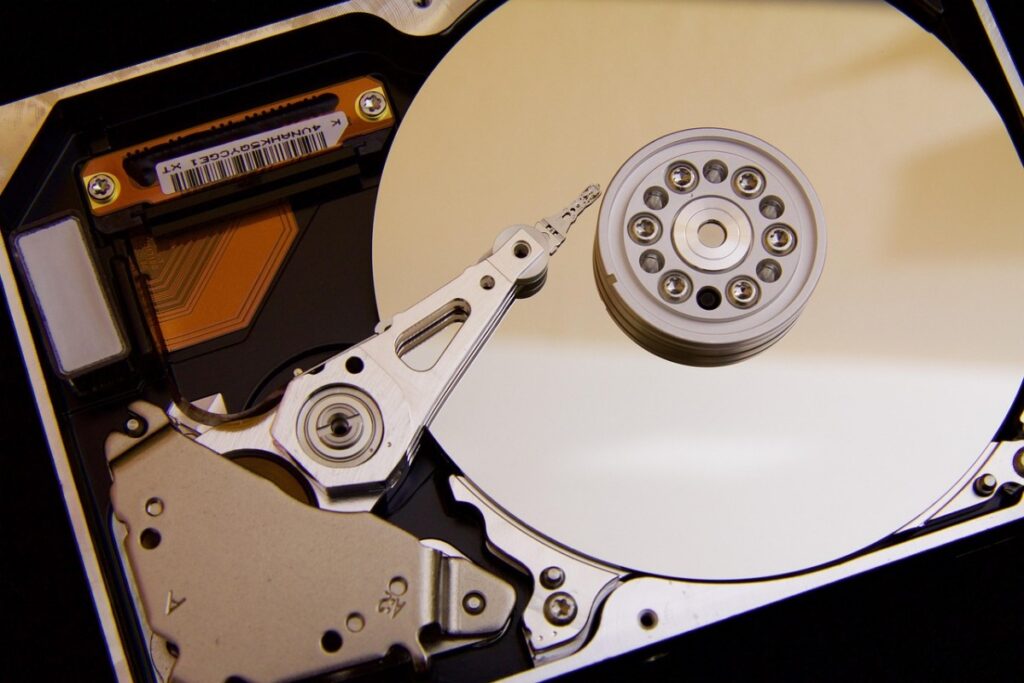
Storage is one of the most misunderstood gaming upgrades. It almost never increases FPS, but it can dramatically change how smooth a game feels. But before you buy random parts, read Upgrade Your Old PC the Right Way to see what’s actually worth upgrading in 2026.
Storage performance is about access latency and consistency, not frame rendering. Intel documents how solid state storage dramatically reduces access delays compared to mechanical drives, which directly affects modern game asset streaming. Most upgrades sound good on paper but do nothing in practice, our full hardware guide shows what actually improves performance.
Intel explains the real performance differences between SSDs and HDDs .
HDD vs SATA SSD vs NVMe
Hard drives struggle with modern games that stream assets constantly. This is where stutter, pop in, and hitching appear, especially in open-world titles.
SATA SSDs eliminate most of this. NVMe drives improve loading and asset delivery further, but with diminishing returns once you are already on an SSD.
If you’re unsure whether storage should be your next upgrade, our guide on how to upgrade a gaming PC in the right order explains when an SSD should take priority over upgrades like RAM, a graphics card or a new processor, helping you get the best value from your upgrade budget.
The key takeaway is simple. Storage upgrades fix waiting and streaming problems, not rendering speed.
If you want real data instead of myths, this breaks it down honestly: Real World SSD Performance for Gaming. Also Upgrading blindly rarely works, this guide on why games load slowly on weak PCs shows what actually matters first.
RAM can be a worthwhile upgrade when your current memory is actually holding the system back. If you’ve decided it’s time to upgrade, our RAM Buying Guide for Gaming PCs will help you choose the right capacity, DDR generation and memory kit without spending more than you need to.
For the full setup picture beyond hardware alone, read our PC Gaming Setup Guide.
When Storage Is the Hidden Bottleneck
If your game stutters while moving through the world, during combat transitions, or when entering new areas, storage is often involved. Especially on older systems.
This is why upgrading storage can feel more impactful than upgrading a GPU on low end or aging PCs.
Power Supplies, The Upgrade Everyone Ignores

The power supply does not make games faster. It makes them stable. And stability is performance, whether people like it or not.
A weak or poor quality PSU can cause crashes, shutdowns, throttling, and strange behavior that looks like GPU or CPU problems. This is why PSU issues are so often misdiagnosed. And before you throw money at a new GPU, read Power Supplies Explained: Wattage & Efficiency so you don’t underpower your upgrade and blame “bad drivers” for everything.
Wattage Myths vs Real Power Delivery
More wattage does not automatically mean better power. Quality, voltage regulation, and transient handling matter far more.
A cheap high wattage unit can perform worse than a lower rated quality PSU under real gaming loads.
Why PSU Headroom Matters
Modern GPUs spike power suddenly. If your PSU cannot handle those spikes cleanly, the system reacts by throttling or shutting down.
This is why upgrading a GPU without considering the power supply often leads to instability instead of improvement.
If you are choosing or replacing a PSU, use a proper guide, not guesswork: Best PC Power Supply Buying Guide.
Small Tech Upgrades That Unblock Performance
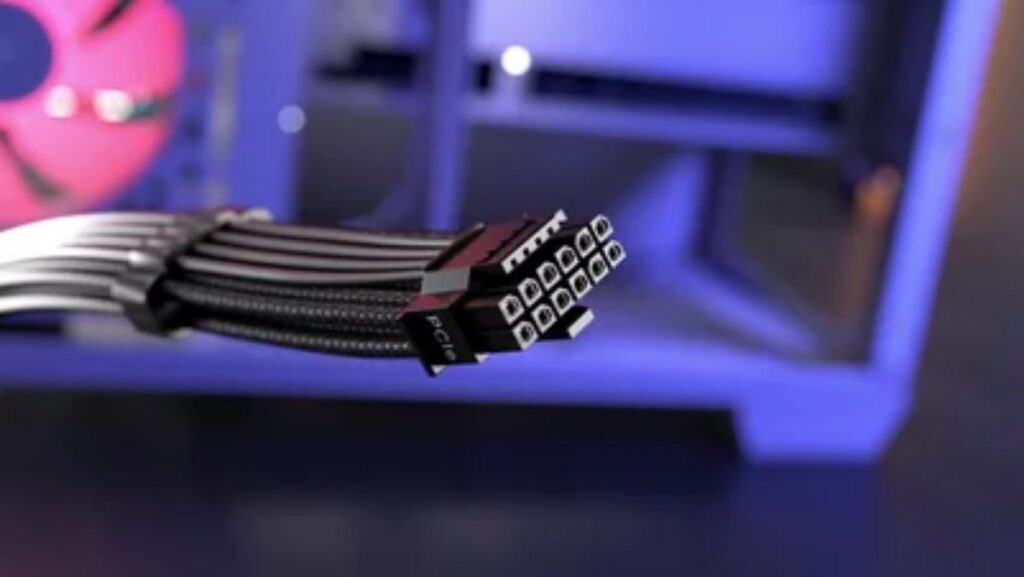
Some upgrades are boring. They are also the reason other upgrades finally work properly.
Cables, Power, and Signal Quality
Bad cables cause drops, flickers, and disconnects. Cheap power strips introduce noise. These issues rarely show up in benchmarks, but they show up in real use.
BIOS, Firmware, and Controllers
Outdated BIOS versions can limit memory compatibility, power behavior, and device stability. Firmware matters more after upgrades than before. Upgrades only work if your motherboard supports them, which is why our list of the best gaming motherboards for every budget is worth checking first.
Network cards, USB controllers, and storage controllers can all become bottlenecks when the rest of the system improves.
Upgrade Priority, What to Fix First
If your PC feels bad, do not start with the most expensive part. Start with the weakest support system. If you suspect you GPU or CPU Before upgrading anything, make sure you are fixing the right problem. This guide helps you identify whether your CPU or GPU is the real bottleneck: is your CPU or GPU the problem. If you are weighing up whether a mid-range GPU is actually worth the money, our RX 9060 XT 16GB review shows how one impressive spec can hide a few important trade-offs.
Low End PCs
- Storage before GPU
- Power stability before performance upgrades
- Wired networking before faster internet
Mid Range PCs
- PSU health before GPU upgrades
- Network consistency before router hype
- Storage capacity before faster storage
When Upgrades Make Things Worse
If your system became unstable after upgrading, testing matters. Especially when used parts are involved.
This guide helps isolate problems safely: How to Test a Used CPU.
Stop Buying, Start Diagnosing

The smartest gaming PC upgrade is not always a new part. It is understanding where the problem actually lives.
Networking, storage, and power are not exciting upgrades, but they decide whether your PC feels smooth or frustrating. Fix those foundations, and every future upgrade works better.
If you want a clear upgrade path instead of guesswork, use this guide as your baseline and branch out into the focused explainers linked above.