Updated on 30/05/2026: This Stop Wasting Money on GPUs guide is refreshed with current-gen and still-worth-it GPUs across budget, value, and high-end tiers, including Intel Arc B570, RX 9060 XT (8 GB and 16 GB), RX 9070, RX 9070 XT, RTX 4060, RTX 4070 Super, RTX 5070, RTX 5070 Ti, and RTX 5090.
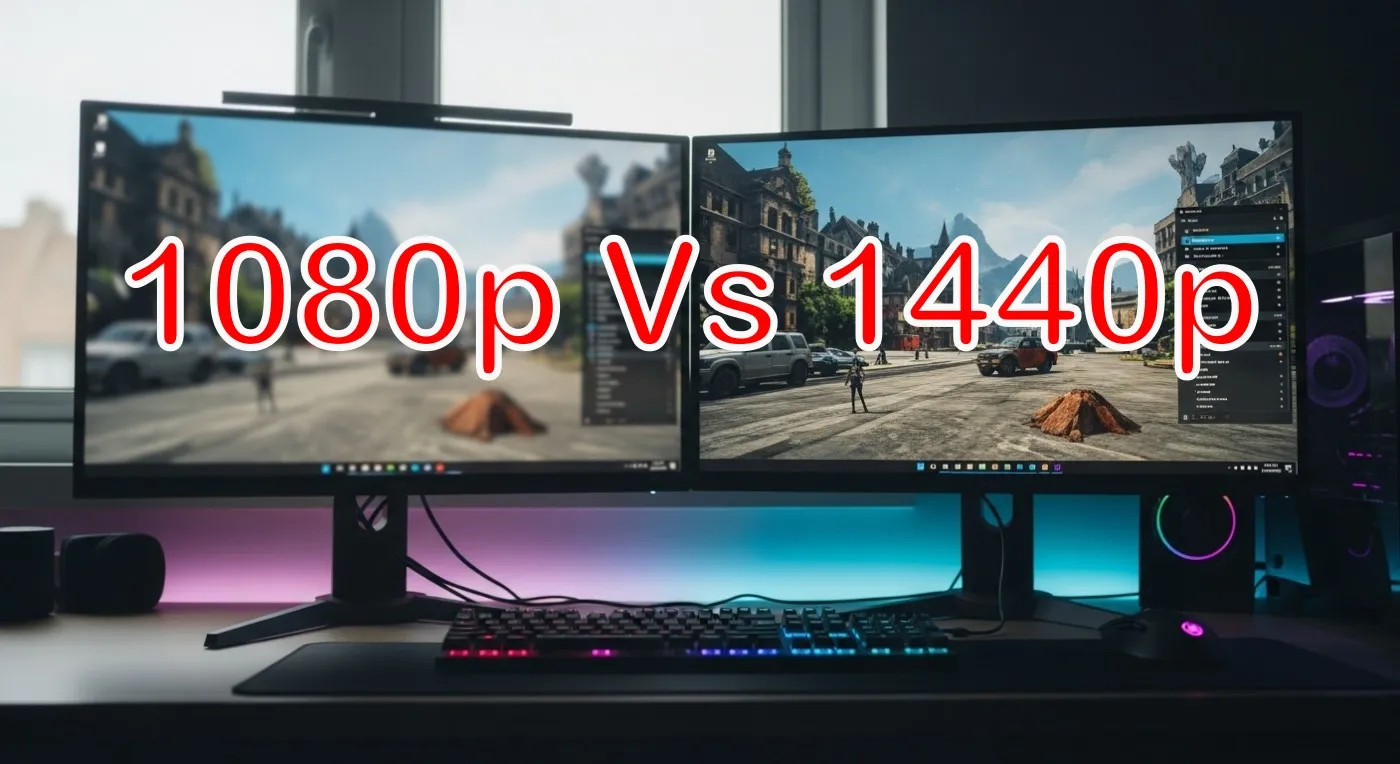
You do not need a spaceship GPU for a 1080p monitor, and you do not need to bankrupt yourself for clean 1440p. This guide maps real settings and frame rate targets to the right cards for each resolution, with blunt advice on VRAM, upscalers, power, and CPU pairing. Buy for your screen, not for marketing.
New to modding or optimizing after a hardware upgrade? Check our Game Mods 101 guide and performance testing checklist to get the most from your rig.
Quick Picks for 2026
If you want the short answer without the shopping-induced existential crisis, start here.
| Resolution target | Best budget pick | Best value pick | Best high-end pick |
|---|---|---|---|
| 1080p, 60–75 FPS (High) | Intel Arc B570 | Radeon RX 9060 XT 16 GB | GeForce RTX 5070 |
| 1080p, 120–144 Hz (High to Ultra) | RTX 4060 (8 GB) (only if priced right) | GeForce RTX 4070 Super | GeForce RTX 5070 Ti |
| 1440p, 60–100 FPS (High) | RX 9060 XT 16 GB (tuned settings) | Radeon RX 9070 | Radeon RX 9070 XT |
| 1440p, 100–144 Hz+ (High to Ultra) | Skip true “budget” here | GeForce RTX 5070 Ti | GeForce RTX 5090 |
Important: These are tier picks, not brand-specific models. Always compare dimensions, cooler design, and connector requirements before buying.
1080p Gaming in 2026, What You Actually Need
At 1080p, your graphics card is often not the problem. Your CPU can be the thing holding you back, especially in esports and older engines. That is why two totally different GPUs can show nearly the same FPS in competitive titles. A lot of upgrade pain starts with bad starter systems, these cheap gaming PC mistakes show exactly where things go wrong.
VRAM still matters. Eight gigs is fine for lighter games, older titles, and many esports setups, but modern AAA plus high textures can push past 8 GB and cause hitching. For 1080p in 2026, 12 GB is the comfort floor and 16 GB is the “I want to stop thinking about it” option. If you want similar performance in a portable form, check out these best gaming laptops under $1000: full guide here.
Upscaling note: DLSS, FSR, and XeSS help more at 1440p than 1080p. At 1080p, aggressive modes can look soft. Try Quality first, then Balanced if you genuinely need it. Choosing the right GPU is only part of the equation, knowing how DLSS, FSR, and XeSS affect performance can make an even bigger difference.
Best Budget GPUs for 1080p (60–75 FPS)
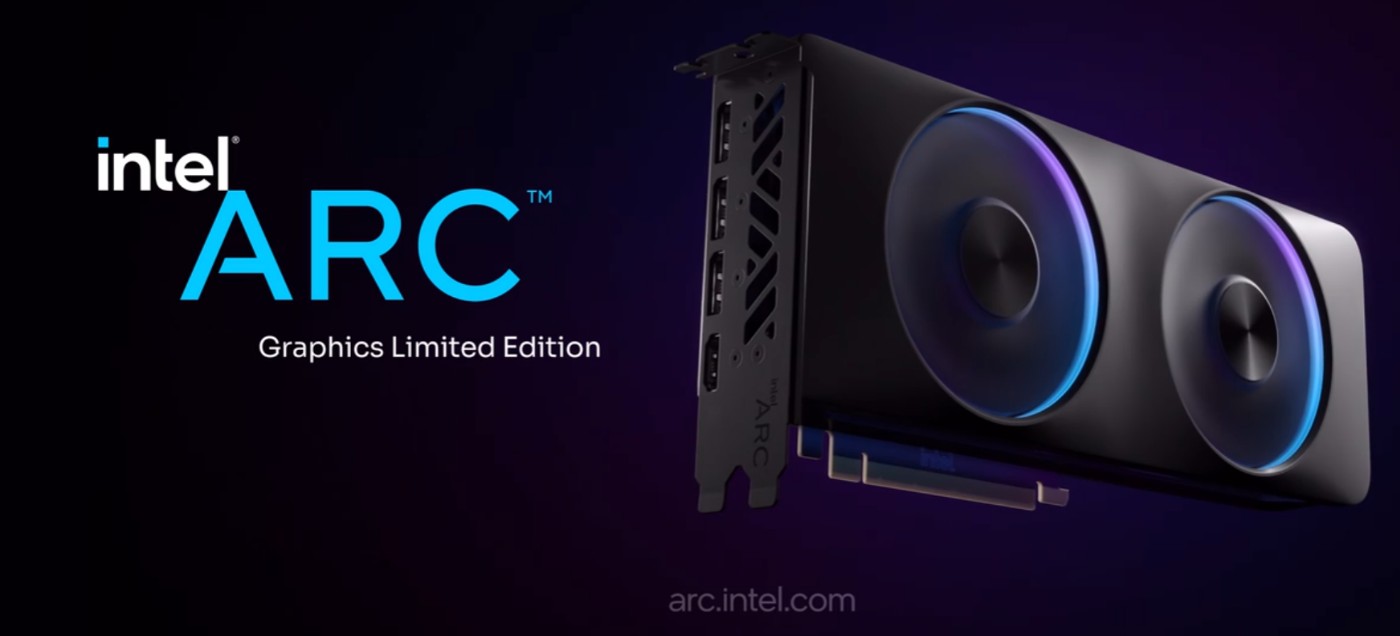
- Best budget pick: Intel Arc B570
- Smart long-term budget pick: Radeon RX 9060 XT 16 GB, also read the full review If the RX 9060 XT is on your shortlist, read our RX 9060 XT 16GB review before you assume that 16GB alone makes it the smart pick.
- Also consider: Radeon RX 9060 XT (8 GB), GeForce RTX 4060 (8 GB) (only if discounted)
- Great for: story and indie games, lighter online titles, high settings without trying to run Ultra textures like it is a personality trait
- Watch out for: Ultra textures in recent AAA can still push past 8 GB even at 1080p, drop texture quality first if you see stutter

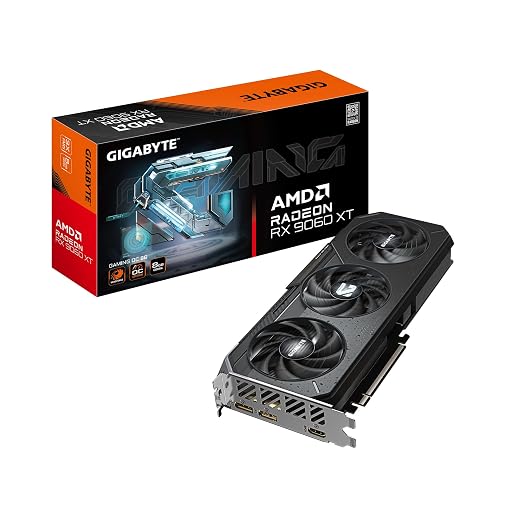

Buyer intent tip: If you play newer AAA games and keep textures high, the RX 9060 XT 16 GB is the safer buy than any 8 GB card. Yes, VRAM really does decide who gets hitching and who gets to play.
Best Midrange GPUs for 1080p (High to Ultra)
- Best value pick for high refresh 1080p: GeForce RTX 4070 Super
- Best “buy once” pick for 1080p: GeForce RTX 5070
- High-end 1080p overkill pick: GeForce RTX 5070 Ti (only if you also plan to move to 1440p soon)
- Older value option (price dependent): GeForce RTX 3060 Ti
Why these: More headroom, smoother frame times, and less “why does my FPS feel weird” during big fights. Pair with a capable 6–8 core gaming CPU from our Best Gaming CPUs guide to avoid bottlenecks.


Overkill at 1080p, Where to Stop
Dropping a Radeon RX 9070 XT or GeForce RTX 5090 into a 1080p rig is like putting racing tires on a grocery cart. It can work, it just does not make sense for the money. If you already own a high-end card, fine. If you are shopping new, save the cash, or move to 1440p where that power actually shows.
1440p Gaming in 2026, The Real Sweet Spot
1440p is where modern GPUs shine. Visuals improve a lot over 1080p, and the GPU becomes the performance driver again, so your CPU worries ease. For 1440p in 2026, 12 GB is the minimum we recommend and 16 GB is ideal for new titles and heavier texture packs.
Upscalers are more useful at 1440p because the internal resolution stays high enough to keep the image clean. Use Quality first, then Balanced if your target FPS is not landing.
Best Value GPUs for 1440p (60–100 FPS)
- Best value pick: Radeon RX 9070
- Best “safe choice” pick: GeForce RTX 4070 Super
- Borderline value pick with tuning: Radeon RX 9060 XT 16 GB (great for many games, just be honest with settings in the heaviest AAA)


Use case: Single player AAA with high settings, occasional ray tracing with upscaling, and smooth frame pacing without needing to sacrifice your entire weekend to tweaking.
Best High-End GPUs for 1440p (High to Ultra)
- Best high-end value: Radeon RX 9070 XT
- Best 1440p “I want max settings” pick: GeForce RTX 5070 Ti
- Top-end option: GeForce RTX 5090 (if you want absurd headroom and you know you are paying for it)
Ray tracing reality: Nvidia often holds the RT edge in many engines, AMD can offer strong raster value. Either way, use upscaling to keep high refresh stable when RT is enabled.


If you are chasing higher frame rates, it helps to understand why SSD speed does not increase FPS and which components actually do.
Cards That Struggle at 1440p
Budget and older midrange parts can run 1440p in lighter games, but modern AAA at high settings will dip and hitch, especially with limited VRAM. If 1440p is your goal, step up to the value tier and thank yourself later. When crashes hit multiple games, do not guess, use this GPU crashing guide to figure out if you are dealing with a driver problem or dying hardware.
If you are choosing a GPU with future open-world titles in mind, read our GTA VI PC performance expectations guide first. Modern GPUs also include dedicated hardware encoders, which makes GPU encoding for streaming far more efficient in a single PC streaming setup.
If you’re shopping for a new graphics card, don’t assume 16GB is automatically the answer. Read our guide on whether you should buy an 8GB, 12GB, or 16GB GPU in 2026 before making your decision.
VRAM, Upscaling, Frame Generation

VRAM is the buffer that stores textures and frame data. When it overflows, you get stutter and long hitching that no average FPS graph will warn you about. In 2026, here is the sane approach: Once you have picked your GPU tier, use my best gaming monitors by budget guide to choose a screen that actually fits it.
- 8 GB: Fine for esports, older titles, many indies, and tuned settings
- 12 GB: Practical minimum for modern AAA comfort
- 16 GB: The “stop thinking about VRAM” option for 1440p high textures and modding
For a deeper dive, see Is 8GB VRAM enough?
- DLSS vs FSR vs XeSS: All three help more at 1440p than 1080p. Start with Quality, only drop to Balanced if you need it.
- Frame generation: It can improve smoothness, but it does not reduce input latency. Use it for cinematic single player, turn it off for competitive shooters.
- Ray tracing: Use selective RT features instead of enabling everything at once, mix with upscaling for sanity.
How These GPUs Behave on Real PCs
This is the part most “best GPU” lists skip, because it is harder than reading a spec sheet.
- 1080p is CPU sensitive: If you are chasing high refresh, your CPU and memory setup can cap FPS before your GPU does. If your GPU usage bounces around, that is often the CPU side.
- VRAM limits show up as stutter, not lower averages: An 8 GB card can look fine in an FPS chart, then hitch the moment textures, shaders, or big scenes hit memory limits.
- Shader compilation and frametime spikes are common in modern games: You can have a “high FPS” number and still hate the experience.
If this sounds familiar, do not guess. Measure it. Use Test Gaming PC Performance, then dig into your likely culprit: why your PC still feels slow after an upgrade.
Power, Connectors, and Case Fit
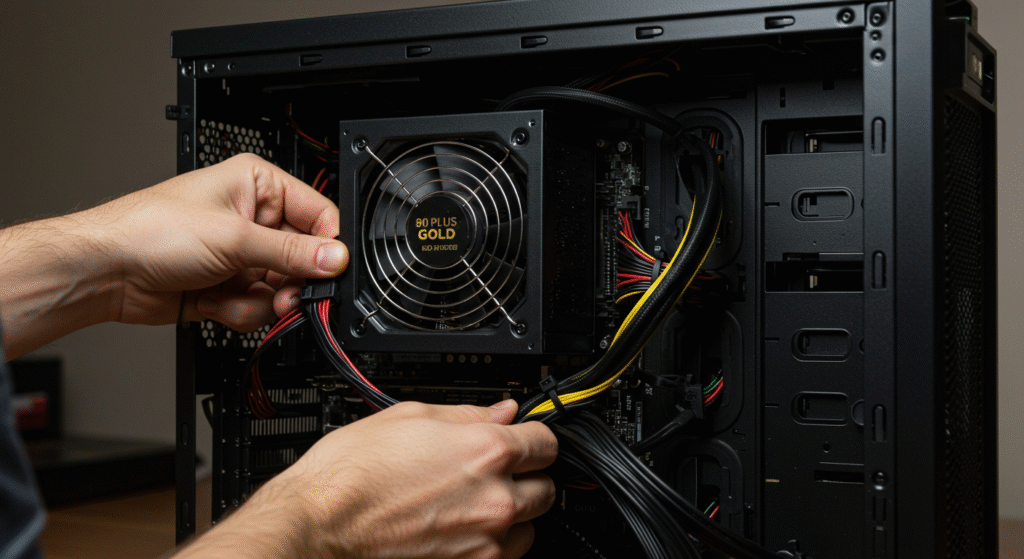
Most midrange cards are happy on quality 650–750 W PSUs, but always check the vendor’s spec. Newer GPUs may use the 12V-2×6 connector. If your PSU does not have a native cable, use the included adapter, connect all required plugs, and avoid tight bends.
- PSU tiers: 1080p builds often run well on quality 550–650 W, midrange 1440p typically lands at 650–750 W, high refresh 1440p or heavy CPU tuning may prefer 750–850 W for headroom.
- Case length: Measure twice, buy once. Many cards are 300–320 mm long, front radiators and HDD cages can block clearance.
- Thermals: Prioritize cases with direct GPU airflow. Open fronts, side intakes, and sane fan layouts matter.
Want a clean parts list that avoids compatibility traps? Use our Smart PC Upgrades for weak PCs as a reference template.
CPU Pairing and Bottlenecking
1080p is where a weak CPU shows. If your GPU usage is bouncing and one or two CPU cores are pegged, that is a bottleneck. At 1440p, the GPU takes over and the same CPU will look fine. Match your card to a solid 6–8 core gaming chip, then tune your Windows power plan and keep background junk under control.
If you’re running an Intel 13th or 14th Gen processor, it’s also worth checking that your motherboard is running the latest BIOS, as outdated firmware can contribute to crashes, instability, and inconsistent performance. Learn more in our guide on Intel BIOS updates and gaming stability.
Our Best Gaming CPUs guide has value picks that pair well with every tier above.
Quick Upgrade Paths by Budget
Use these as starting points, then check exact model dimensions, power, and pricing.
- Upgrading from GTX 1060 / RX 580 tier: Aim at Intel Arc B570 or RX 9060 XT, and do not expect miracles if your CPU is ancient.
- Upgrading from GTX 1660 / RTX 2060 / RX 5600 XT: RX 9060 XT 16 GB is a clean modern step, or jump to RTX 4070 Super if you want high refresh headroom.
- Upgrading from RTX 3060 / RX 6600 class: Skip minor jumps, target RX 9070 or RTX 5070 for a real difference at 1440p.
- Already on strong 1440p hardware: Only jump to RX 9070 XT, RTX 5070 Ti, or RTX 5090 if you want higher refresh, heavier RT, or more future headroom.
Make Your Upgrade Count
- Test before and after: Run a baseline using our Gaming PC Performance tests and verify gains, do not trust vibes.
- Drivers and firmware: Clean install drivers, update motherboard BIOS if your new GPU refuses to post, and remove old GPU utilities that fight each other.
- Cables and airflow: Seat connectors fully, avoid sharp bends on adapters, add a front intake if GPU temps spike.
Relevant Reads from BuiltToFrag
Game Mods 101, mod safely, avoid random zip packs, and understand what extra textures do to your VRAM.
Before jumping to a graphics card upgrade, check our guide to what your low-end PC can actually run so you know whether the GPU is really the problem.
Test Gaming PC Performance, quick, repeatable steps to validate your upgrade.
Best Gaming CPUs, pair properly so your GPU can stretch.
Do faster SSDs improve FPS? Spoiler, not really, but it will save you money.
FAQs
Is 8 GB VRAM enough for 1080p in 2026?
Yes for esports, older titles, and many indies. For newer AAA with high textures, you can hit stutter and hitching. Prefer 12 GB for comfort, 16 GB if you mod heavily. Read this for a deeper look: Is 8GB VRAM enough?
Will an Intel Arc B570 or RX 9060 XT run 1440p?
Yes in lighter games and with tuned settings. For modern AAA at high settings and stable frame pacing, step up to RX 9070, RTX 4070 Super, or better.
Do I need a new PSU for a midrange GPU?
Often no. A quality 650–750 W unit is fine for most midrange builds, but always check your specific GPU vendor recommendation and your CPU draw. If you are not sure, use our PSU buying guide.
Should I use frame generation at 1440p?
Use it for single player where smoothness matters more than strict input latency. Turn it off for competitive shooters to keep response crisp.
Specs and Reference Pages
Bottom Line
Pick the GPU for your monitor, not for a spec sheet. For 1080p, budget and smart-value cards like Intel Arc B570 and RX 9060 XT 16 GB make the most sense, and the RTX 4060 only makes sense when it is priced like a sensible human product. For 1440p, aim at RX 9070 or RTX 4070 Super for real value, then step up to RX 9070 XT, RTX 5070 Ti, or RTX 5090 if you want maximum headroom.
Pair with a capable CPU, give the card clean power and airflow, and verify results with real benchmarks. That is how you buy the best GPU for 1080p and 1440p in 2026 without wasting money.
Affiliate note: If you buy through links on this page, it may help support BuiltToFrag at no extra cost to you.