If your games freeze during explosions, hitch every time a new area loads, or slowly turn into a slideshow after 20 minutes, your PC is probably bottlenecked somewhere surprisingly cheap to fix. This article aims to find Cheap PC upgrades that actually fix stutter.
Most weak gaming PCs are not dying because they need some ridiculous $2000 upgrade. They are struggling because one part is holding everything else hostage. Usually it is an old hard drive, low RAM, overheating, or integrated graphics trying to survive modern games.
This guide focuses on cheap PC upgrades that actually improve real gameplay on weak systems. Not fake “10% benchmark gains.” Not RGB nonsense. Just practical upgrades that reduce stutter, improve responsiveness, and make games feel playable again.
We are also keeping this realistic. Some systems are simply too old for modern AAA games, especially DDR3-era office PCs with ancient CPUs. But even older hardware can often feel dramatically smoother with the right upgrade in the right place.
Quick Diagnosis: What Is Actually Causing the Stutter?
Before buying anything, identify the symptom first. Most weak-PC gaming problems follow predictable patterns. This quick breakdown helps you avoid wasting money on upgrades that do absolutely nothing for your real bottleneck.
| Problem | Most Likely Cause | Cheapest Upgrade That Helps |
|---|---|---|
| Games freeze while loading areas | Old hard drive | SATA SSD |
| Stutter during fights or multitasking | Low RAM | 16GB RAM upgrade |
| Low FPS on integrated graphics | Weak GPU | Budget used GPU |
| FPS slowly drops after playing | Thermal throttling | Better cooling |
If you are still unsure whether your PC is CPU-limited or GPU-limited, start with this guide first:
Low FPS or Weird Usage? Here’s How to Tell If Your CPU or GPU Is the Problem
Games Freeze While Loading? Your Hard Drive Is Probably the Problem

If your game hitches every time you move into a new area, loads textures late, or freezes briefly during combat, your hard drive is probably getting hammered.
This is incredibly common on older gaming PCs and office machines converted into gaming systems. Traditional HDDs struggle badly with modern asset streaming, especially in open-world games and newer multiplayer titles. If you’re also working with limited memory, our guide to games that run well on 8GB RAM PCs can help you find titles better suited to older hardware.
If you’re considering upgrading your storage, read our guide on which PC upgrade gives the biggest FPS boost to understand when an SSD will genuinely improve your gaming experience, and when your CPU, GPU or RAM is the real bottleneck.
The good news is that this is often the single most noticeable upgrade under $100. But A new GPU, CPU, RAM kit, or SSD will not help if it is not fixing the real bottleneck, which is why I recommend reading this breakdown on why PC upgrades sometimes fail to improve FPS.
An SSD will not magically double your FPS, but it can make your entire PC feel dramatically smoother. Windows responds faster, games load quicker, texture streaming improves, and those horrible “why did it freeze right there?” moments become far less common.
If you want a deeper explanation of how storage impacts gaming performance, read this: Do Faster SSDs Improve FPS or Just Load Times?
Recommended Budget SSD Upgrades
Kingston A400 480GB SATA SSD
- Massive improvement over any HDD
- Perfect for old gaming PCs and office desktops
- Enough space for Windows plus a few core games
- Cheap enough to fit almost any survival budget
This is the kind of upgrade that makes Windows stop fighting your games every time something loads in the background.
Crucial BX500 1TB SATA SSD
- Much better capacity for modern games
- Excellent for weak PCs with tiny drives
- Reduces texture pop-in and loading pauses
- Usually sits near the $100 line during sales
If your weak gaming PC still uses a mechanical hard drive, start with an SSD. Honestly, many old PCs do not feel terrible because the CPU is ancient. They feel terrible because the hard drive is constantly fighting everything Windows and your games are trying to do at the same time. In many cases, this is the upgrade that delivers the biggest improvement to everyday responsiveness.
Before moving on to more expensive components, it’s worth understanding the best order to upgrade the rest of your system. Our guide on how to upgrade a gaming PC in the right order explains when an SSD should come first and when your money would be better spent on RAM, a graphics card or a new processor instead.
Recommended SSD Deals:


Want more SSD guidance? These help:
Why Low RAM Causes Stutter Even When FPS Looks “Fine”

A weak PC can technically show “playable” FPS while still feeling horrible. That is because stutter can come from memory pressure or poor memory configuration, not just raw framerate. Even with enough RAM installed, single-channel RAM can restrict memory bandwidth and contribute to inconsistent frame delivery.
This usually happens when:
- Discord is open
- Chrome has 15 tabs active
- Windows background tasks kick in
- The game suddenly loads new assets
On 8GB systems, Windows starts juggling memory aggressively. That creates hitching, pauses, alt-tab freezes, and inconsistent frametimes that make games feel awful.
Going from 8GB to 16GB is one of the biggest “my PC suddenly feels normal again” upgrades you can make. If you still game on 4GB RAM, things get even rougher. Start here if that sounds familiar:
If you are still unsure whether upgrading RAM, storage, or your GPU matters most, this breakdown helps prioritize upgrades properly: What Should You Upgrade First on a Low-End PC?
Recommended RAM Upgrades
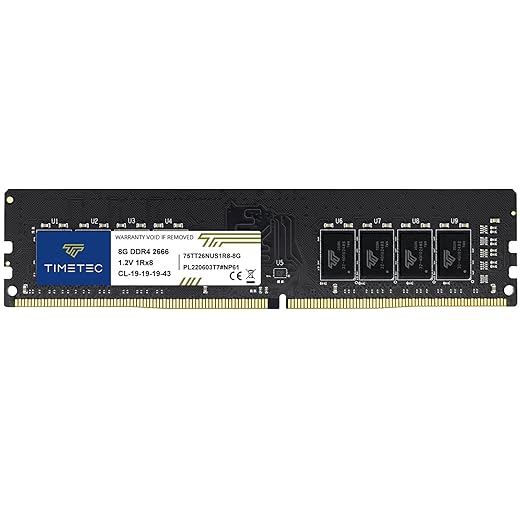
Timetec 16GB Kit (2x8GB DDR4)
- Huge improvement for multitasking
- Reduces hitching during gameplay
- Dual-channel memory helps integrated graphics too
- Excellent value for weak gaming systems
This is the kind of upgrade that stops your PC from collapsing the second Discord, Chrome, and a game are open together.
Timetec 8GB DDR4 Single Stick
- Good emergency upgrade for older systems
- Useful if you only have 4GB installed
- Simple low-cost improvement path
- Often compatible with cheap office PCs
Recommended RAM Deals:

If you’re not sure whether you actually need more memory, read our guide to how much RAM games actually need before spending anything.
If you’ve decided RAM is the right upgrade but want to compare capacities, DDR4 and DDR5 options, speeds and specific kits, use our complete RAM Buying Guide for Gaming PCs.
Integrated Graphics Can Only Go So Far
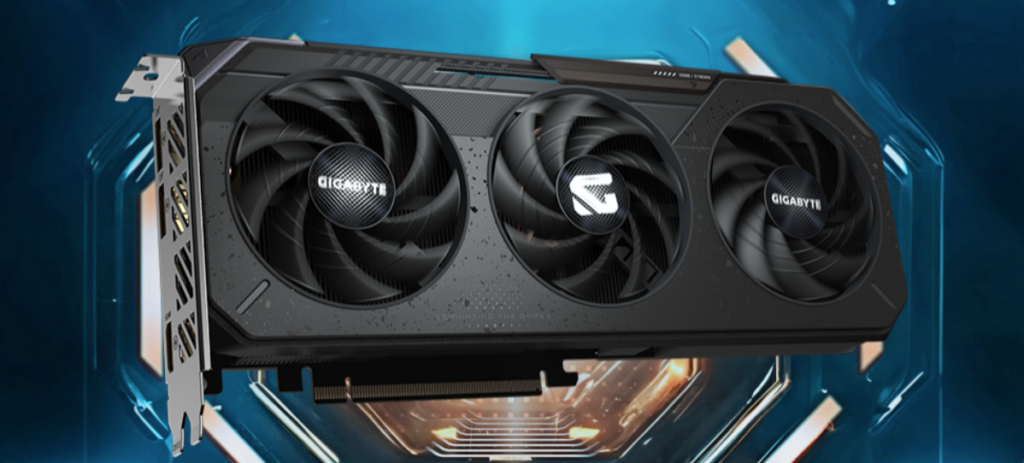
If you are gaming on Intel HD Graphics, UHD graphics, or some ancient office-PC GPU, eventually tweaking settings only gets you so far. At some point, the real problem is simply that integrated graphics cannot keep up consistently anymore.
This is where even a cheap dedicated GPU can make a surprisingly big difference. Not because you suddenly become some ultra-settings benchmark warrior, but because games finally start feeling stable enough to actually enjoy.
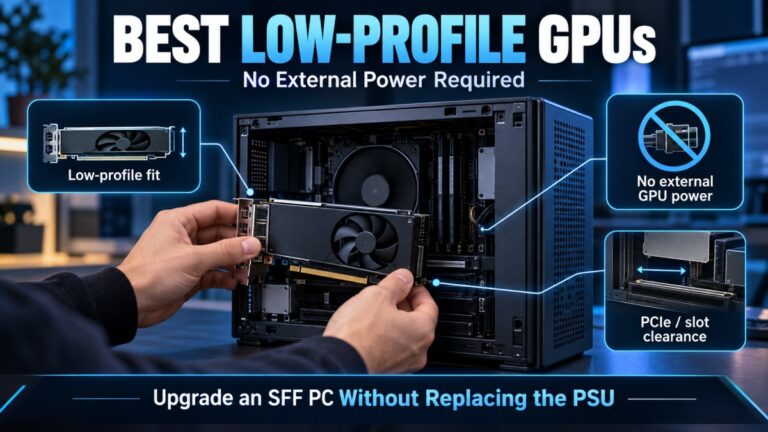
This is especially common on old Dell OptiPlex systems, school PCs, or office desktops converted into budget gaming rigs. The catch is that many of these machines have tiny power supplies, cramped cases, or no external GPU power connectors, which means choosing the wrong graphics card can quickly turn into an expensive mistake.
Weak integrated graphics often suffer from:
- Massive frametime spikes
- VRAM limitations
- Shared system memory bottlenecks
- Inconsistent frame pacing
Even older used GPUs can dramatically improve playability on weak systems. If you still use integrated graphics, this guide is essential:
Intel HD Graphics Gaming Guide: What Actually Runs
Recommended Budget GPU Options
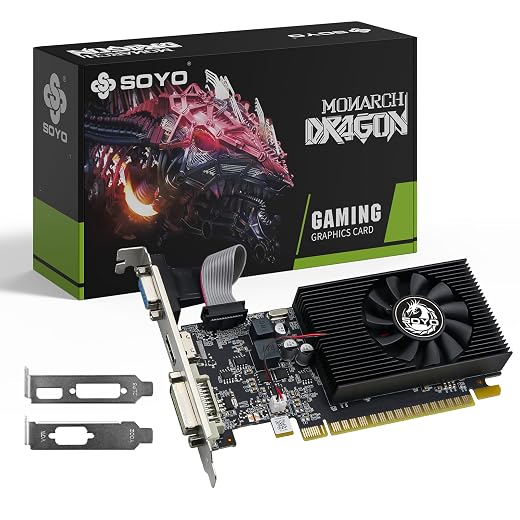
GT 1030 Low-Power GPU
- Very office-PC friendly
- Low power draw
- No massive PSU upgrade required
- Much smoother than older integrated graphics
The GT 1030 is not exciting, but for weak PCs it can be the difference between “barely playable” and “actually usable.” Just avoid the trap of expecting modern AAA miracles. Cards like the GT 1030 are survival upgrades, not ultra-settings machines. The goal here is smoother frametimes and fewer painful stutters, not benchmark flexing.
Used RX 580 or GTX 1650
- Excellent used-market value
- Far stronger than integrated graphics
- Great for older esports and multiplayer games
- Often available cheaply second-hand
This is honestly where smart weak-PC gaming lives right now: the used GPU market.
Recommended GPU Deals:

Useful related guides:
FPS Drops After 20 Minutes? You Might Be Thermal Throttling
One of the sneakiest weak-PC problems is thermal throttling. Your game starts fine. FPS looks normal. Then after 20 minutes everything slowly falls apart. That is usually heat.
Older systems often suffer from:
- Dried thermal paste
- Dust-clogged coolers
- Weak airflow
- Aging stock CPU coolers
Once temperatures spike, the CPU or GPU lowers clocks automatically to avoid damage. Performance quietly tanks while your fans scream for mercy. This is incredibly common on old office PCs converted into gaming machines.
If this sounds familiar, read: Your Temps Are Lying: The Hidden Throttles Killing FPS
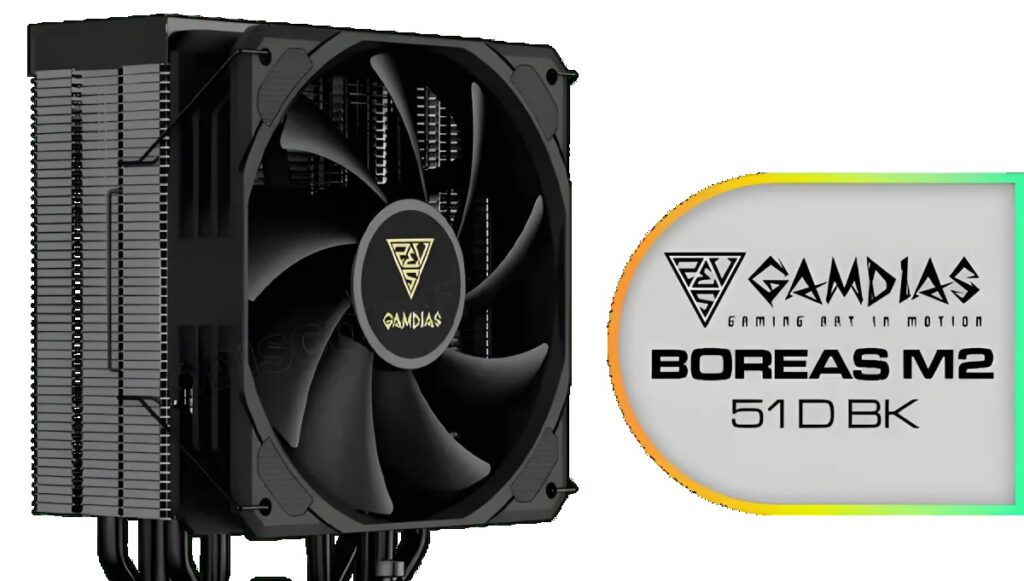
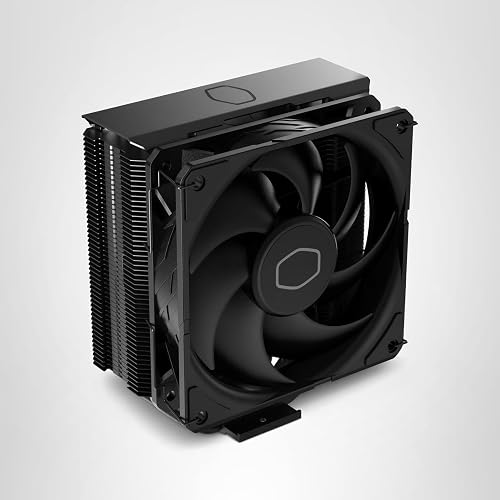
Recommended Cooling Upgrades
Cooler Master Hyper 212 Black Edition
- Massive upgrade over many stock coolers
- Much quieter under load
- Excellent value for weak-PC rebuilds
- Helps stabilize long gaming sessions
be quiet! Pure Rock Pro 3
- Excellent cooling performance
- Very quiet operation
- Great for older CPUs that overheat easily
- Helps prevent hidden thermal slowdown
Recommended Cooling Deals:

Helpful related guides:
What Actually Improves Weak PCs the Most?
Important: Many older DDR3-era PCs and office systems have upgrade limitations that modern gaming hardware may not support properly. Always check motherboard compatibility, PSU wattage, GPU clearance, and RAM support before buying anything, especially when upgrading older prebuilt systems.
This is where many people waste money. Not every weak gaming PC needs a GPU first. Not every system needs more RAM. Throwing random parts at a bottleneck usually ends badly.
Here is the realistic upgrade priority order for most weak gaming PCs:
- Still using an HDD? Upgrade to an SSD first.
- Only 4GB or 8GB RAM? Upgrade memory next.
- Using integrated graphics? Add a cheap dedicated GPU.
- Performance degrades over time? Fix cooling and temperatures.
This is also why many “gaming PC upgrade” videos online are misleading. They assume your system is balanced already. Weak PCs rarely are.
If your PC still feels terrible after upgrades, these guides explain the deeper causes:
- Why Your PC Stutters Even on Low Settings
- Why Your “Upgraded” PC Still Feels Slow
- Upgrade Your Old PC the Right Way
If You Only Upgrade One Thing
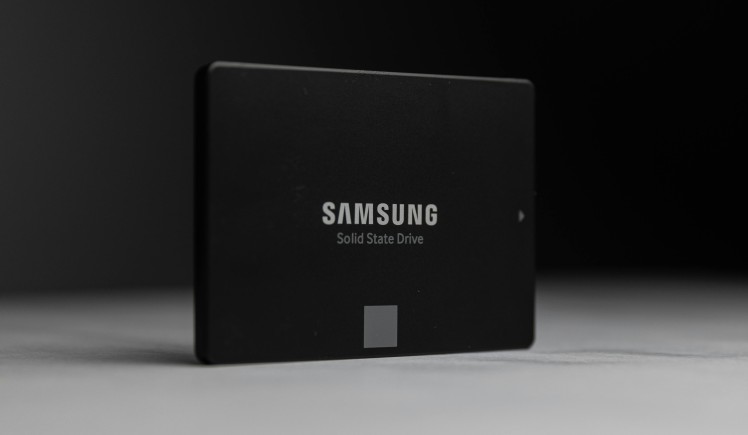
If your weak gaming PC still uses a mechanical hard drive, start with an SSD. Honestly, it is still the biggest “this PC suddenly feels alive again” upgrade for most struggling systems.
Not because your FPS magically doubles, but because everything stops fighting itself constantly.
Games load faster. Windows responds better. Texture streaming improves. Stutter becomes less aggressive. Even old office PCs suddenly feel less miserable. And that matters more than flashy benchmark numbers most of the time.
For a deeper technical explanation of SSD vs HDD performance behavior, Tom’s Hardware has an excellent breakdown here: SSD vs HDD Explained
You do not need a monster gaming rig to enjoy PC gaming again. You just need to stop upgrading the wrong thing first. Your frametimes will thank you. Probably.