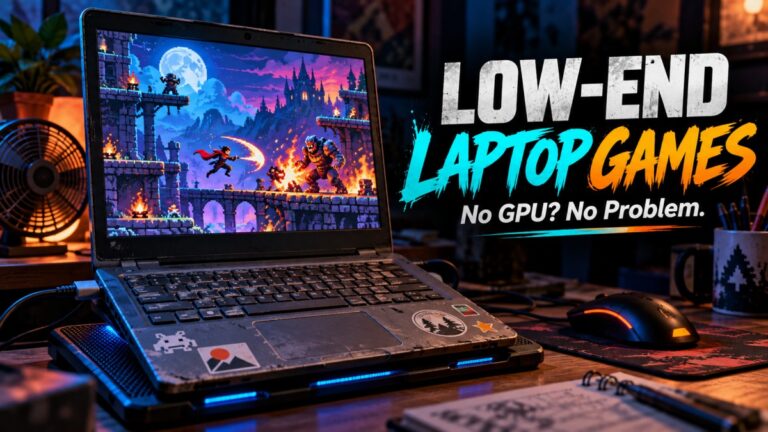
If you’re trying to game on Intel HD graphics, you’ve probably asked the same question a hundred times, what can this thing actually run? Not what YouTube claims, not what some random forum says, but what genuinely works without turning your screen into a slideshow.
This Intel HD Graphics Gaming Guide is your reality check. No false promises, no “runs great on low” nonsense. Just honest expectations from HD 3000 all the way to UHD 620.
If you want a broader list beyond Intel HD specifically, check out our full guide to games that actually run on low-end PCs.
What You Can Actually Play on Intel HD Graphics (Quick Answer)
If you don’t care about the details and just want the answer, here it is. Intel HD graphics can run games, but only within very clear limits depending on the generation you’re using.
| GPU | What You Can Actually Play | Expectation |
|---|---|---|
| HD 3000 | Very old games, indie titles | 720p low, unstable FPS |
| HD 4000 | Older AAA + esports | 720p–900p low |
| HD 4600 | Esports + some modern low-end titles | 900p–1080p low |
| UHD 620 | Light modern games + esports | 1080p low (with compromises) |
The short version is this, yes you can game, but you need to stay in your lane.
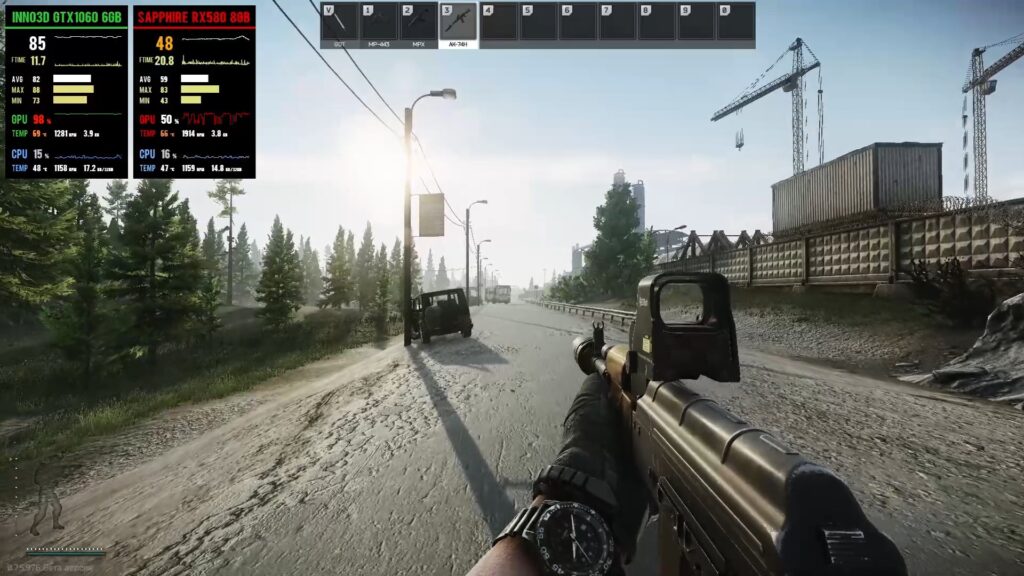
The “Garbage PC” Baseline (What We’re Testing Against)
Before we go further, we need to define what kind of system we’re talking about. Because “Intel HD graphics” means nothing without context.
This guide assumes you’re running something like this:
- Dual-core CPU (older i3 or Pentium)
- 4GB RAM
- HDD (not SSD)
- Intel HD / UHD integrated graphics
If your system is better than this, great, you’ll get slightly better results. If it’s worse, expect pain. Wondering if Fortnite is still playable on Intel HD or Intel UHD graphics? We break down the real-world experience in our guide to Fortnite on low-end PCs.
Intel HD / Integrated Graphics Explained (Simple)
Integrated graphics like Intel HD don’t have their own dedicated memory. Instead, they borrow RAM from your system, which is already limited.

This creates two problems. First, your available RAM drops even further. Second, performance depends heavily on your CPU. That’s why the same GPU can perform very differently on two systems. Memory configuration matters too, because single-channel RAM can restrict the bandwidth available to integrated graphics, while a properly configured dual-channel setup gives the system more memory bandwidth to work with.
If you want the official breakdown of how these chips work, you can check the official specs from Intel.
Intel HD 3000 Games That Actually Run
This is the bottom tier. If you’re on Intel HD 3000, you’re not really “gaming”, you’re surviving. This GPU is extremely limited by modern standards, so the goal here is not performance, it’s playability.
You’ll need to stick to older titles, lightweight indie games, and anything that was designed before modern graphics demands took over. Even then, expect lower resolutions, reduced settings, and occasional frame drops. If you are using Intel HD graphics and want multiplayer, our online games for low-end PCs guide is a better starting point than guessing through dead lobbies.
The upside is that many classic games are still genuinely fun and run far better than you might expect on this hardware.
Classic city builders are another strong fit for hardware this limited. Our guide to the best city-building games for low-end PCs starts with extremely lightweight options before moving into games that need stronger integrated graphics or an older dedicated GPU.
- Half-Life 2
- Portal
- GTA San Andreas
- Counter-Strike 1.6
- Terraria
| Game | Settings | FPS | Playable? |
|---|---|---|---|
| Half-Life 2 | Low | 40–60 FPS | Yes |
| Portal | Low | 30–60 FPS | Yes |
| GTA San Andreas | Low | 30–50 FPS | Yes |
| Counter-Strike 1.6 | Low | 60 FPS+ | Yes |
| Terraria | Low | 40–60 FPS | Yes |
Racing games require especially careful choices on hardware this old. Our guide to the best racing games for low-end PCs includes a separate section for very weak systems, with older titles that are far more realistic options for Intel HD 3000 than modern racing games.
The pattern here is simple. Older engines and lightweight games run well because they don’t rely on modern GPU features or large amounts of VRAM. Anything newer or more demanding will struggle immediately, even at the lowest settings.
If you’re experiencing stutter even in these games, the issue is often your system setup rather than the GPU alone. Reducing background processes and improving system performance can make a noticeable difference.
If you want more options that work on hardware like this, check out our games that don’t need a GPU guide for more playable titles on extremely weak systems.
Intel HD 4000 Games That Are Still Playable
This is where things start to open up slightly. Intel HD 4000 is still very much a low-end GPU, but it introduces just enough power to handle older AAA games and popular competitive titles without completely falling apart.
You’re still limited, especially in newer or poorly optimized games, but the experience becomes more consistent compared to HD 3000. With the right settings, many games can sit in the 25–60 FPS range, which is the difference between “barely working” and actually playable.
This is also where game optimization starts to matter a lot more. Titles that are well-optimized or designed for a wide range of hardware tend to run surprisingly well, while heavier games will still struggle even at low settings.
- Skyrim (low)
- GTA IV
- League of Legends
- Dota 2
- BioShock Infinite
- If you are using Intel HD Graphics and want something scary, see our picks for the best horror games for low-end PCs.
Intel HD 4000 handling older games at low settings.
| Game | Settings | FPS | Playable? |
|---|---|---|---|
| Skyrim | Low | 25–35 FPS | Playable |
| Dota 2 | Low | 40–60 FPS | Yes |
| League of Legends | Low | 50–70 FPS | Yes |
| GTA IV | Low | 25–30 FPS | Barely |
| BioShock Infinite | Low | 25–35 FPS | Playable |
The pattern here is clear. Competitive games and well-optimized engines run well, while heavier open-world games like GTA IV start to show limitations with lower frame rates and occasional stutter.
If you’re struggling with stutter here, the issue is often not just the GPU. Limited RAM, background processes, and thermal throttling can drag performance down significantly. You’ll want to fix stuttering issues before assuming your hardware is the problem.
If you’re looking for more games in this range, explore our low-end PC games that actually run list for more playable options. If you’ve upgraded to a newer Intel UHD system, be sure to read our guide to the best games for Intel UHD Graphics for realistic game recommendations and performance expectations.
Intel HD 4600 Gaming (The Sweet Spot for Old PCs)
This is where low-end gaming starts to feel somewhat normal. Intel HD 4600 is the first integrated GPU in this list that can handle a mix of esports titles and some older AAA games without constantly falling apart.
You’re still on integrated graphics, so don’t expect miracles, but the experience becomes far more consistent compared to HD 3000 and 4000. With the right settings, many games can sit in the 30–60 FPS range, which is the difference between “painful” and actually playable.
This is also the point where system configuration starts to matter more. If you’re running 8GB RAM instead of 4GB, and your system isn’t clogged with background apps, you’ll see noticeably smoother gameplay. If that describes your PC, our guide to what you can play with 8GB RAM covers games for integrated graphics as well as systems with older dedicated GPUs.
- GTA V (low)
- CS:GO
- Fortnite (performance mode)
- The Witcher 3 (low)
- Once you’ve optimized your Intel HD system, try these free open world games for low-end PCs that are suitable for integrated graphics.
| Game | Settings | FPS | Playable? |
|---|---|---|---|
| GTA V | Low | 30–40 FPS | Playable |
| CS:GO | Low | 50–70 FPS | Yes |
| Fortnite | Performance Mode | 40–60 FPS | Yes |
| The Witcher 3 | Low | 20–30 FPS | Borderline |
The pattern here is simple. Competitive games and well-optimized titles run well. Heavier, open-world games like The Witcher 3 are technically playable, but expect dips, stutter, and occasional frustration.
If you want more games that run well on hardware like this, check out our full list of low-end PC games that actually run.
Intel UHD 620 Gaming (Entry-Level Modern Gaming)
If you have UHD 620, you’re in a much better place compared to older Intel HD chips. This is where low-end gaming stops feeling like a compromise and starts feeling somewhat playable, as long as you keep your expectations realistic.
You’re still not running heavy AAA games on high settings, but modern esports titles and well-optimized games are absolutely within reach. The key difference here is stability. UHD 620 can hold playable frame rates more consistently, especially if your system has 8GB RAM instead of 4GB.
Another important factor is game optimization. Titles built to scale across low-end hardware tend to perform surprisingly well, while poorly optimized games will still struggle no matter what you do.
- Valorant, For competitive shooter fans, I also put together games like Valorant for weak PCs that are more realistic for older hardware.
- Rocket League
- Genshin Impact
- Minecraft
- Apex Legends (very low)
| Game | Settings | FPS | Playable? |
|---|---|---|---|
| Valorant | Low | 60+ FPS | Yes |
| Rocket League | Low | 50–60 FPS | Yes |
| Genshin Impact | Low | 35–50 FPS | Playable |
| Minecraft | Low–Medium | 40–60 FPS | Yes |
| Apex Legends | Very Low | 25–35 FPS | Borderline |
Notice the pattern here. Games that are competitive, scalable, or designed for a wide range of hardware tend to perform well. Heavier, more cinematic titles still struggle, even on this newer integrated GPU.
If you’re not getting performance close to this, the issue is often not just the GPU. Background apps, limited RAM, and thermal throttling can drag your system down hard. If that sounds familiar, you’ll want to fix stuttering issues and improve low FPS on your PC before assuming your hardware is the problem.
If you want more options that run well on systems like this, check out our low-end PC games that actually run guide.
What You Should NOT Try on Intel HD Graphics
This is where most people waste their time. Just because a game launches doesn’t mean you should play it.
- Cyberpunk 2077
- Starfield
- Warzone
- Alan Wake 2
These games rely heavily on dedicated VRAM and modern GPU features. Integrated graphics simply can’t keep up, no matter how low you drop the settings.
Real Performance Expectations (No BS)
Even when a game is “playable”, it often won’t feel smooth. That’s because Intel HD graphics struggles with consistency, not just raw FPS.
Common issues include:
- Stuttering during movement
- Sudden FPS drops
- Long loading times
- Thermal throttling

This is partly due to how Microsoft Windows handles background processes and system overhead.
If You Want Better Performance Without Buying a New PC
If you’re tired of fighting your hardware, you don’t necessarily need a new PC. The right upgrade can sometimes extend the useful life of an older system considerably.
- If you only have 4GB or 8GB and regularly run out of memory, use our RAM buying guide to choose a compatible upgrade without overspending.
- If you’re still running games from a hard drive, switching to an SSD can make the system feel considerably more responsive.
- If the CPU, motherboard and graphics hardware are simply too old, consider a budget upgrade path instead of continuing to spend money on the old platform.
Be careful with very old systems, though. They may use DDR3 memory and can have significant compatibility limitations, so check what your motherboard supports before buying anything.
The important thing is to upgrade the component that is actually limiting the PC. More RAM helps when you don’t have enough memory; an SSD helps when storage responsiveness is the problem; and neither will turn an extremely weak CPU or GPU into modern gaming hardware.
Bonus: If your system can barely survive modern games, these MMORPGs for Intel HD graphics PCs are far more manageable.
Final Thoughts
Intel HD graphics isn’t powerful, but it’s not useless either. If you understand its limits and play the right games, you can still have a solid experience.
The key is simple, stop trying to force modern AAA games to run, and start playing games that actually respect your hardware.
And if you want more ideas, fixes, or upgrade paths, explore the rest of BuiltToFrag. Your PC isn’t the problem, you just haven’t optimized it yet.