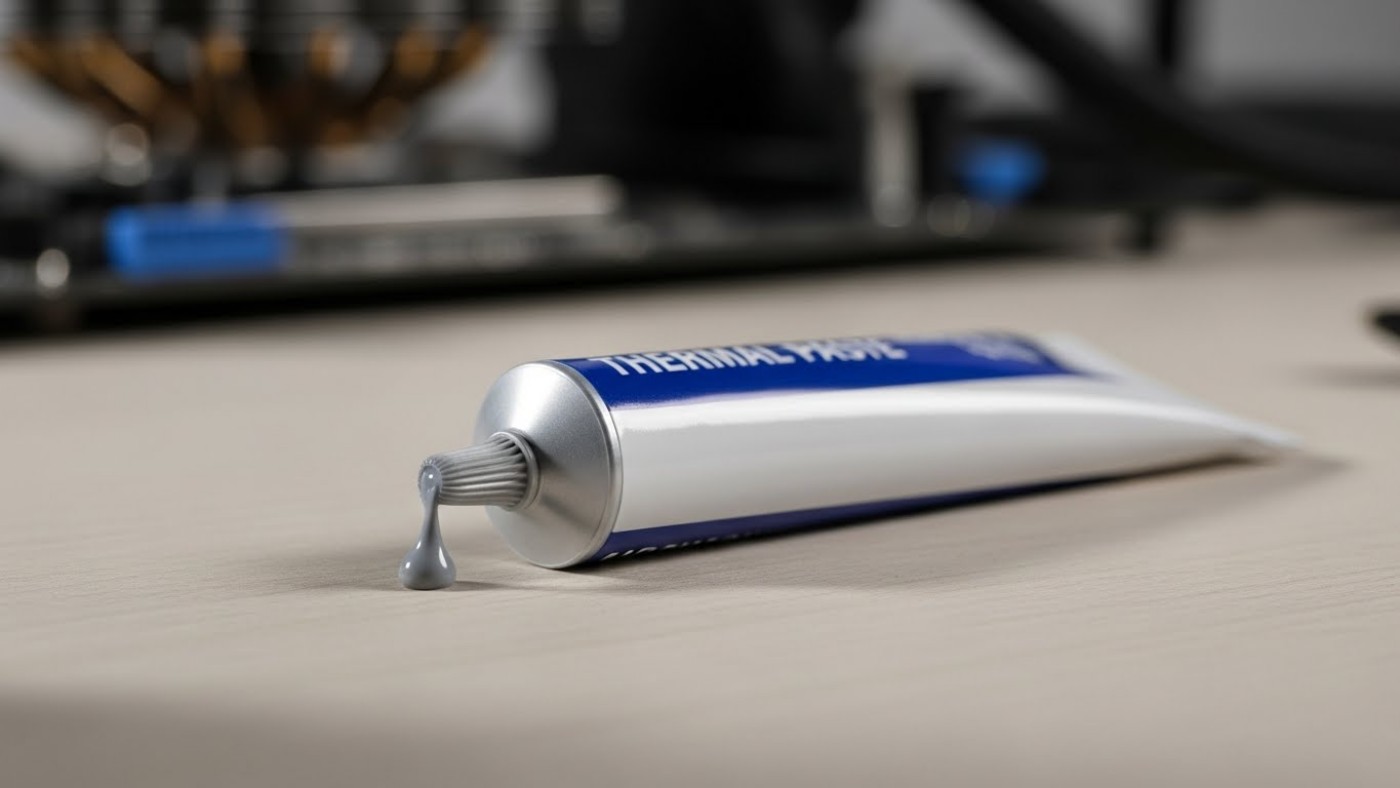
Applying thermal paste correctly is one of the simplest ways to ensure your CPU cooler performs as it should. While the internet is full of debates about dot, line, and spread methods, the reality is much simpler. In this guide, you’ll learn how to apply thermal paste correctly, how much to use, which application method works best, and the common mistakes that can lead to higher CPU temperatures.
This guide explains the best thermal paste techniques for lower CPU temps, why most methods perform the same in the real world, and the common mistakes that quietly ruin results.
How Thermal Paste Actually Works

Thermal paste is not a cooling solution on its own. Its only job is to fill microscopic gaps between the CPU heat spreader and the cooler cold plate. Metal surfaces look flat, but under magnification they are full of tiny imperfections that trap air, and air is a terrible conductor of heat.
Thermal paste replaces that trapped air with a material that transfers heat more efficiently. That is it. It does not pull heat away, it does not fix a weak cooler, and it does not compensate for poor mounting pressure.
Thermal paste spreads through mounting pressure, not pattern choice. Even coverage comes from correct installation.
How Much Thermal Paste You Actually Need
Using the correct amount of thermal paste matters far more than the pattern you choose. Too little can leave gaps, but too much is far more common and causes its own problems.
Here are my top 3 Thermal paste recomendations


The Correct Amount Explained
The old “grain of rice” advice is outdated. Modern CPUs have larger heat spreaders, and modern pastes spread very easily under pressure. A small pea-sized dot in the center of the CPU is a reliable baseline for most systems.
You are not trying to coat the CPU. You are trying to allow the cooler to spread the paste evenly under pressure.
Using too much thermal paste can trap heat. A small, controlled amount spreads best under pressure.
What Happens If You Use Too Much
- Paste becomes a thermal barrier instead of a filler
- Uneven pressure pushes excess paste to the edges
- Mess increases the risk of contamination during remounting
If paste squeezes out aggressively when mounting the cooler, you used too much.
Thermal Paste Application Techniques (What Works and Why)

Despite endless debates online, most thermal paste techniques perform nearly the same when mounting pressure is correct. The differences people argue about usually disappear outside of controlled lab testing. For a manufacturer’s visual demonstration of how thermal paste spreads under mounting pressure, see the ARCTIC thermal paste application guide.
Different thermal paste techniques achieve similar results when mounting pressure is applied correctly.
The Dot or Pea Method
This is the simplest and most reliable method. A small dot in the center allows pressure to spread the paste outward evenly.
Best for: Most CPUs, air coolers, AIOs, beginners.
The Line Method
A thin line across the center can help with very large heat spreaders by encouraging lateral spread. In practice, the difference compared to a dot is usually negligible.
Best for: Larger CPUs where users want peace of mind.
The Manual Spread Method
Manually spreading paste with a card or tool is rarely necessary. It increases the chance of uneven thickness and trapped air unless done carefully.
Best for: Experienced users who know what they are doing, or very thick pastes.
Does Thermal Paste Pattern Really Matter?
In real-world systems, pattern choice matters far less than people think. Cooler mounting pressure is what spreads the paste. If pressure is even, the paste will distribute itself regardless of whether you started with a dot, a line, or a cross.
Pattern debates persist because small differences show up in test benches. In daily gaming and productivity workloads, those differences are often within margin of error.
Matching Technique to Your CPU

Ryzen CPUs (AM4 and AM5)
Ryzen CPUs use chiplet designs under the heat spreader, but this does not require exotic paste patterns. A central dot still spreads effectively under normal mounting pressure.
Intel CPUs (LGA1700 and Similar)
Intel CPUs often have larger heat spreaders. A slightly larger dot or a short line can help coverage, but again, mounting pressure is the deciding factor.
Air Coolers vs AIOs, Does It Change Anything?
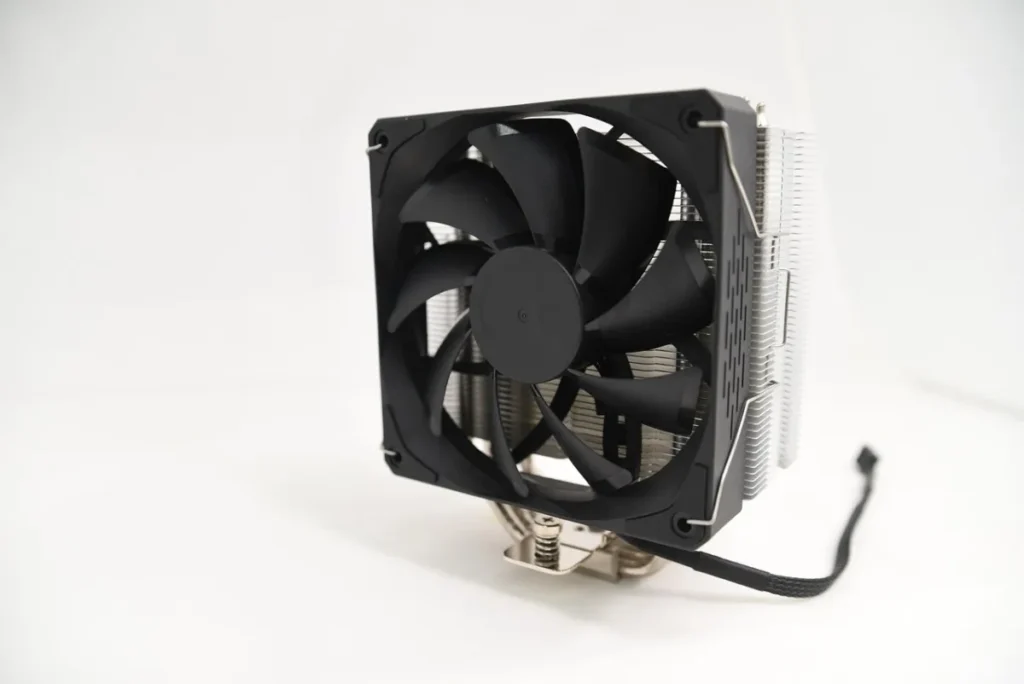
The application technique does not fundamentally change between air coolers and AIOs. Both rely on pressure to spread paste. What does change is mounting consistency.
AIOs often apply pressure more evenly by design, while air coolers can vary depending on mounting hardware. This is another reason technique matters less than proper installation.
Common Thermal Paste Mistakes That Kill Temps
- Not fully cleaning old thermal paste before reapplying
- Reusing dried or contaminated paste
- Uneven cooler mounting or loose screws
- Repasting repeatedly instead of diagnosing the real issue

Old thermal paste must be fully removed before reapplication. Leftover residue ruins contact.
When Thermal Paste Is Not Your Problem
If temperatures barely change after a correct repaste, the issue is usually elsewhere. Common culprits include poor airflow, aggressive boost behavior, or an underpowered cooler. If your PC restarts or shuts down while gaming, check the wider evidence before assuming thermal paste—or any single component—is responsible.
Before repasting again, it makes more sense to learn how to test gaming PC performance properly and identify what is actually causing the heat buildup.
In many systems, simple changes like capping your FPS or learning how to undervolt your GPU to lower temperatures have a far bigger impact than paste alone.
Thermal Throttling and Performance Symptoms
High temperatures do not always show up as obvious overheating. They often appear as inconsistent performance, stutters, or sudden drops in clock speed.
If a powerful system feels unstable under load, it is worth understanding why games stutter on high end PCs, as thermal throttling is a common hidden cause.
How Often Should You Replace Thermal Paste?

Thermal paste does not need constant replacement. In most systems, quality paste lasts several years without issue.
You should consider repasting if:
- You removed the cooler
- Temperatures slowly worsen over time
- You are maintaining or inspecting older hardware
If you are working with second-hand components, proper inspection matters. This is especially true when testing a used CPU before committing to long-term use.
Final Takeaway
The best thermal paste techniques for lower CPU temps are boring, repeatable, and effective. Use the right amount, mount the cooler evenly, and stop chasing patterns that make no real difference. If you are rebuilding a PC or repasting your CPU, decent thermal paste is one of those cheap upgrades that can genuinely help temps and long-term stability.
Thermal paste supports good cooling. It does not replace it. Get the fundamentals right, and the temperatures will follow.
For more practical hardware upkeep, this guide fits into the broader PC maintenance and optimization guide.