If You are wondering Why Your PC Stutters Even on Low Settings, you are not dealing with “bad graphics settings”, you are dealing with a bottleneck.

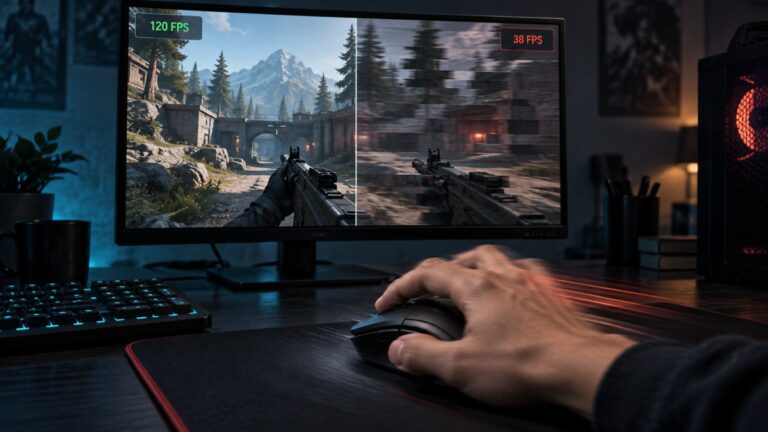
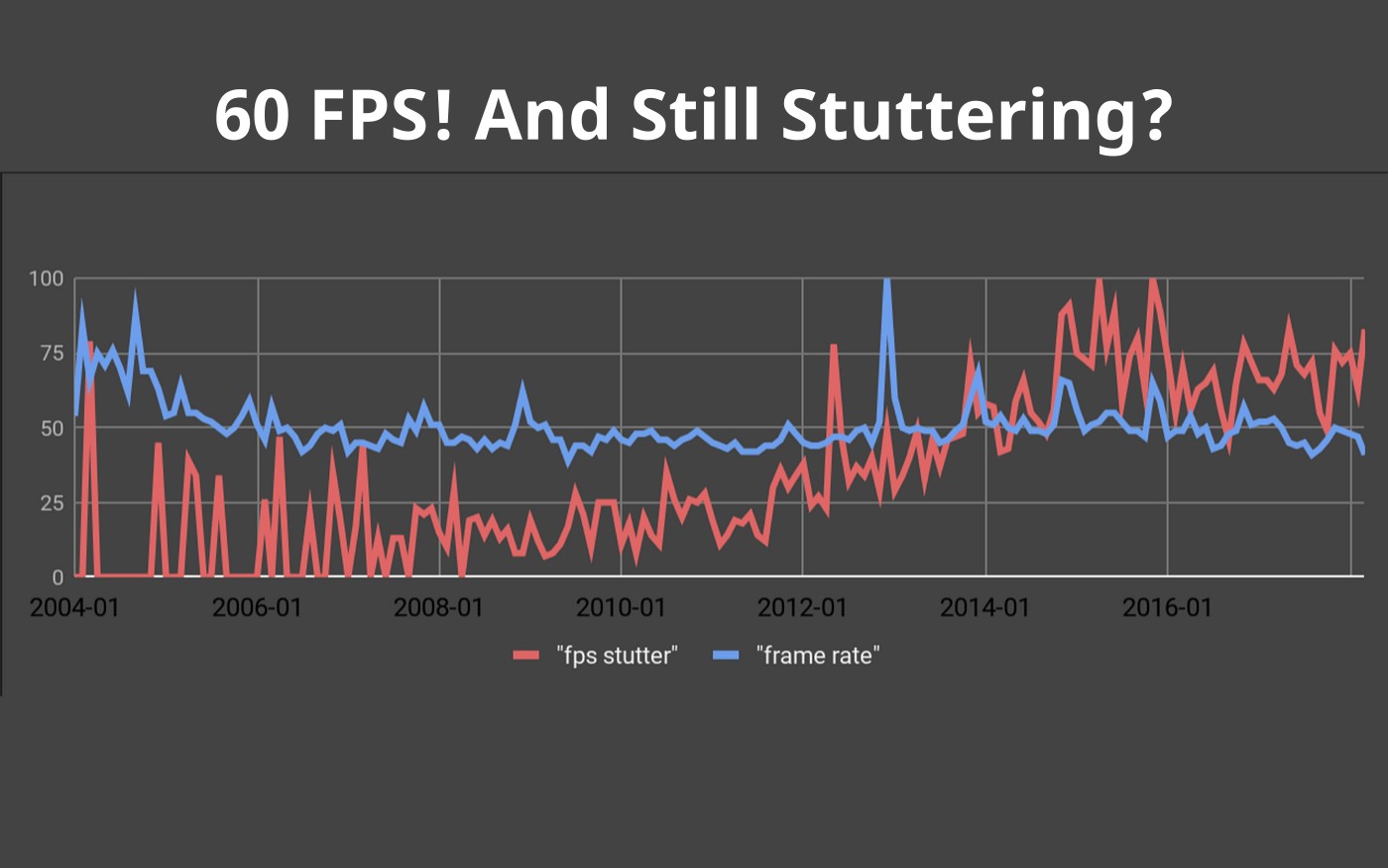
Stutter is not about FPS. You can be sitting at 60 FPS and still get freezing, hitching, or micro-pauses that make the game feel broken. Lowering settings does not fix it because the real problem is happening somewhere else in your system. If stuttering is ruining your horror games, start with our smoother picks in the best horror games for low-end PCs guide.
Here is the simple truth: almost every stutter issue comes down to one of four things, storage, RAM, CPU, or GPU limits. Even if you have enough memory, running your RAM in single channel can restrict memory bandwidth and contribute to poor frame pacing. If you identify which one is hitting your PC, you can fix the problem properly instead of guessing.
Use this quick check before doing anything else:
- If your game freezes when moving around or loading areas → it is likely storage
- If performance gets worse over time → it is usually RAM
- If stutter feels random or inconsistent → it is often CPU or Windows
- If everything is on Low and it still stutters → you are hitting GPU or VRAM limits
Start with the one that matches your problem. Then fix that specific cause below. Most people think stutter means low FPS. It does not.
Modern PC gaming problems are rarely caused by one thing alone. If you want to understand how FPS drops, frametime spikes, CPU bottlenecks and thermal throttling connect together, read: Why PC Games Run Badly, FPS Drops, Stutter & Bottlenecks Explained.
Why Your Game Feels Bad Even When FPS Looks Fine
One of the most confusing things about stutter is that your FPS can look completely fine.
You might see 60 FPS, or even higher, and still get freezing, hitching, or sudden pauses. That is because smooth gameplay is not just about how many frames you get, it is about how consistently those frames are delivered.
If you’re struggling to identify what’s causing the stutter, our Complete Gaming PC Health Check walks you through checking frame times, temperatures, CPU and GPU usage, RAM, storage, and Windows so you can pinpoint the real cause instead of guessing.
When your PC struggles to keep up, frames arrive unevenly. That is what creates that “jerky” feeling, even when the FPS counter looks stable. If you want a simple breakdown of why smooth gameplay is not the same as FPS, NVIDIA explains it well in their guide to frame rate and perceived smoothness.
This is why lowering settings does not always fix stutter. You are not just dealing with graphics load, you are dealing with a system bottleneck. If you need games that are easier on weaker systems, these free MMORPGs for low-end PCs are generally far less demanding than most modern online games.
If Your Game Freezes When Moving Around, It Is Your Storage
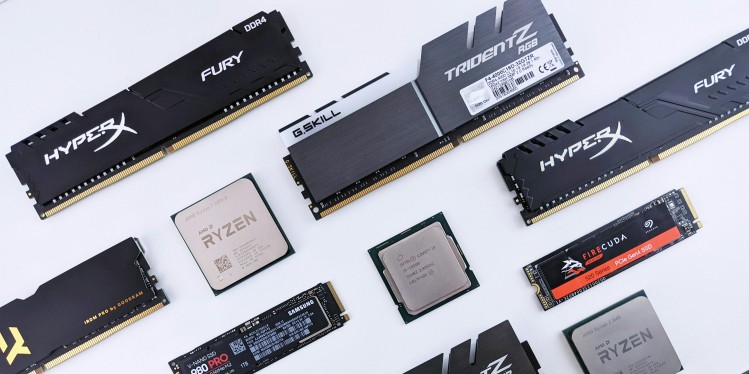
If your game stutters when you move through the world, enter new areas, or turn the camera, your storage is usually the problem.
However, if the game remains smooth until you physically move the mouse, even in a menu, the problem may involve the mouse rather than storage. Use this separate guide to diagnose FPS drops when you move the mouse before changing your graphics or replacing hardware.
Modern games constantly load textures, audio, and assets while you play. If your PC is using a traditional hard drive, it simply cannot keep up. The result is freezing, hitching, and those annoying pauses that make the game feel broken. Before blaming stutter entirely on software, check our Intel HD Graphics Gaming Guide to understand the real limits of your hardware.
Typical signs this is your issue:
- Freezes when entering new areas
- Stutter during fast movement or camera turns
- Pauses during loading transitions or menus
What to do:
- Move your game to an SSD if possible
- Avoid running games from external or slow drives
- Close background downloads or disk-heavy apps
If your games are still installed on a hard drive, this is often the single biggest cause of stutter on low-end PCs. If the stutter survived a full reinstall, the problem is probably deeper, so start with why your PC still feels slow after reinstalling Windows.
If Your Game Gets Worse the Longer You Play, It Is Your RAM
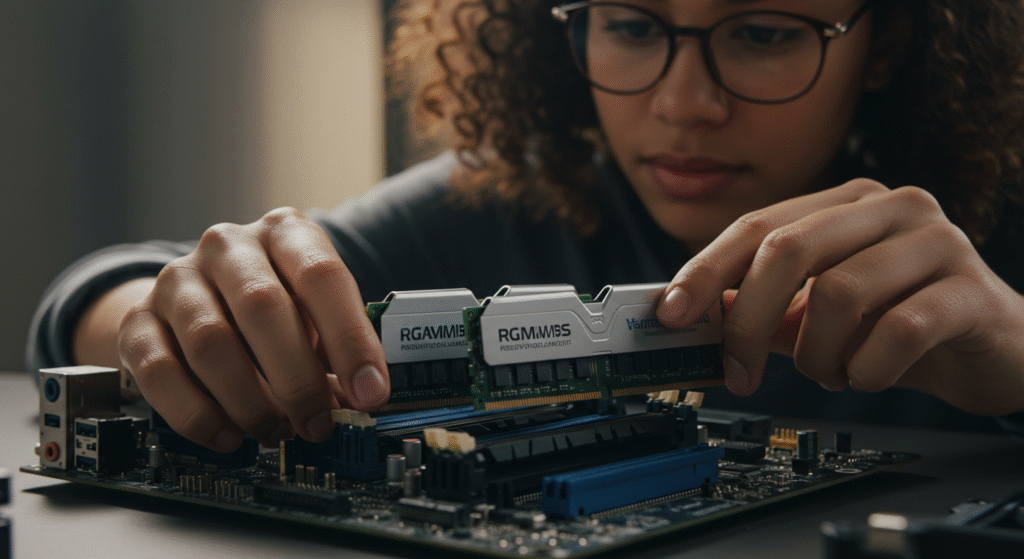
If your game starts fine and then slowly becomes worse, your RAM is the problem.
Low-end PCs often do not have enough memory to keep everything loaded. When your RAM fills up, Windows starts using your storage as backup memory. This is much slower, and it causes stutter, freezing, and sudden slowdowns. Games like Crimson Desert show exactly why modern open worlds can stutter even on decent hardware. Our Crimson Desert PC analysis explains the hardware pressure behind it.
Typical signs this is your issue:
- Stutter appears after 10 to 20 minutes of playing
- Performance gets worse over time
- Freezes when alt-tabbing
What to do:
- Close browsers, launchers, and background apps before gaming
- Disable unnecessary startup programs
- Upgrade to at least 8GB RAM if you are on 4GB
If stutter builds up during a session instead of happening instantly, RAM is almost always the cause.
If Your Stutter Feels Random or Inconsistent, It Is Your CPU or Windows
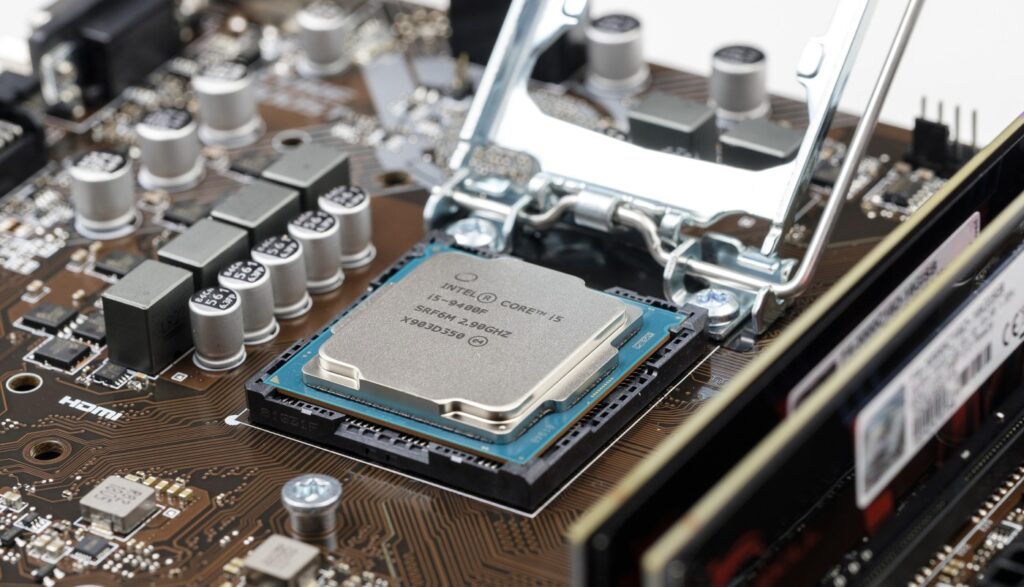
If your stutter feels random, like it comes and goes for no clear reason, your CPU or Windows setup is usually the cause.
On low-end PCs, the CPU is often already under pressure. Add background apps, Windows processes, or power-saving behavior, and the system starts interrupting your game at the wrong time. That is what creates inconsistent frame delivery.
Typical signs this is your issue:
- Stutter that comes and goes randomly
- Worse performance when multitasking
- Stutter even in older or simple games
What to do:
- Close unnecessary background apps before gaming
- Disable overlays (Discord, Steam, browser overlays)
- Set your power plan to High Performance
- Disable unused audio devices and startup programs
If your system feels inconsistent instead of consistently bad, this is usually where the problem sits. If your CPU usage is constantly high or spiking, start with fixing high CPU usage while gaming before changing anything else.
If Everything Is on Low and It Still Stutters, You Are Hitting Hardware Limits
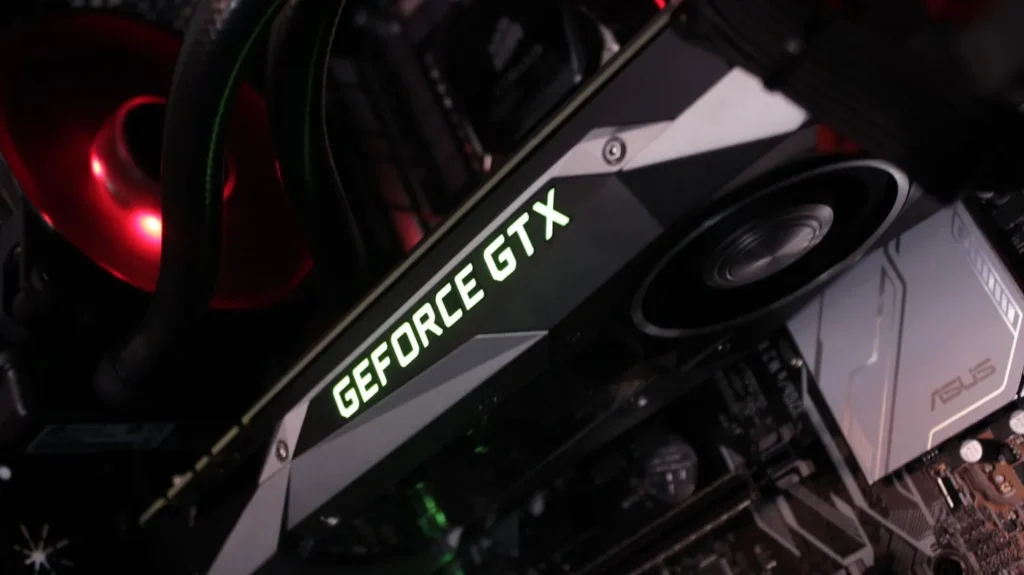
If your game still stutters even on Low settings, you are likely hitting the limits of your hardware.
Low-end GPUs have limited VRAM. When that memory fills up, the system constantly swaps data in and out. This creates stutter, hitching, and that “broken” feeling even when your FPS looks stable.
Typical signs this is your issue:
- Stutter even on the lowest settings
- Texture pop-in followed by pauses
- Stable FPS that still feels terrible
What to do:
- Lower texture quality first (this reduces VRAM usage)
- Avoid high-resolution textures or mods
- Close background apps that use GPU memory
Here’s the honest part: if your GPU or VRAM is the bottleneck, there is a limit to what tweaks can fix. At that point, you either need to upgrade the hardware or choose games that better match what your system can handle. If you are playing on an older or budget laptop, start with these games for low-end laptops that actually run well before spending money on an upgrade.
Which Fix Actually Matters for Your PC?
You do not need to try every fix. You only need to focus on the one that matches your problem.
Use this quick guide:
- If your game freezes when moving or loading → start with storage fixes
- If performance gets worse over time → focus on RAM and background apps
- If stutter feels random or inconsistent → fix CPU usage and Windows settings
- If everything is on Low and it still stutters → you are hitting hardware limits
Once you know your problem, go deeper using the right guide:
- Fix high CPU usage while gaming
- Windows settings to disable for gaming
- Game using too much RAM
- Best PC upgrades under $100
If your system still feels unstable after this, fix your foundation first using Windows update and driver issues.
You Do Not Need a New PC, You Need the Right Fix
Stuttering is not random, and it is not something you have to live with.
Every stutter problem comes from a bottleneck. Storage, RAM, CPU, or GPU. Once you identify which one is affecting your system, the fix becomes simple and targeted instead of frustrating and random.
The mistake most people make is trying everything at once. That wastes time and often makes things worse. Focus on the one issue that matches your system and fix that properly.