You launch a game, everything feels fine, and then 40 minutes later it starts acting like your PC aged 12 years during the loading screen. The stutter shows up, your frametimes go weird, alt-tabbing feels heavier, and suddenly the whole thing plays like it is dragging a shopping trolley uphill. This Game Using Too Much RAM Guide will help address that.
In a lot of cases, this comes down to one simple problem: the game is using too much RAM, or it is handling memory badly over time. Sometimes that is fixable on your side. Sometimes it is not. This guide is here to separate the two, so you stop wasting time on fake fixes and focus on what actually helps.
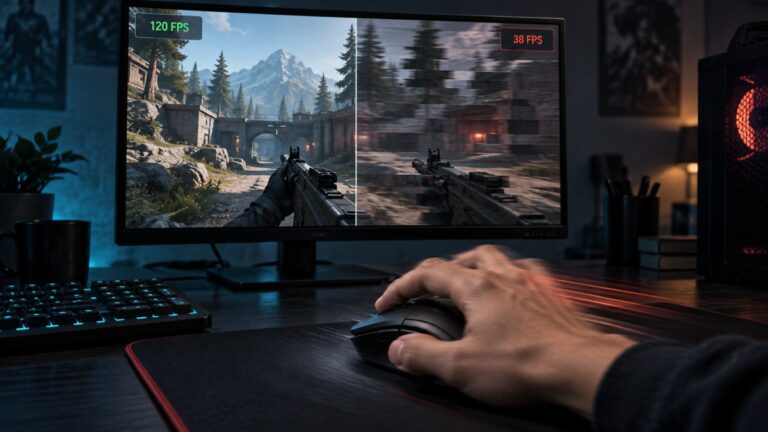
Quick answer: If your game gets worse the longer you play, it usually means memory usage is climbing, background apps are eating resources, or the game is not releasing RAM properly. The result is stutter, longer asset loading, frametime spikes, and FPS that slowly falls apart instead of dropping all at once.
Why Your Game Gets Worse Over Time, Quick Answer
When a game starts smooth and then slowly turns messy, the issue is usually not random. Something is building up. The most common culprit is memory pressure, which means your available RAM is getting tighter as the session goes on. That can happen because the game is loading more assets, because Windows is juggling more background activity than it should, or because the game has a real memory leak. If your games take forever to start as well, this guide on why games take forever to load on a weak PC explains how RAM and storage bottlenecks work together.
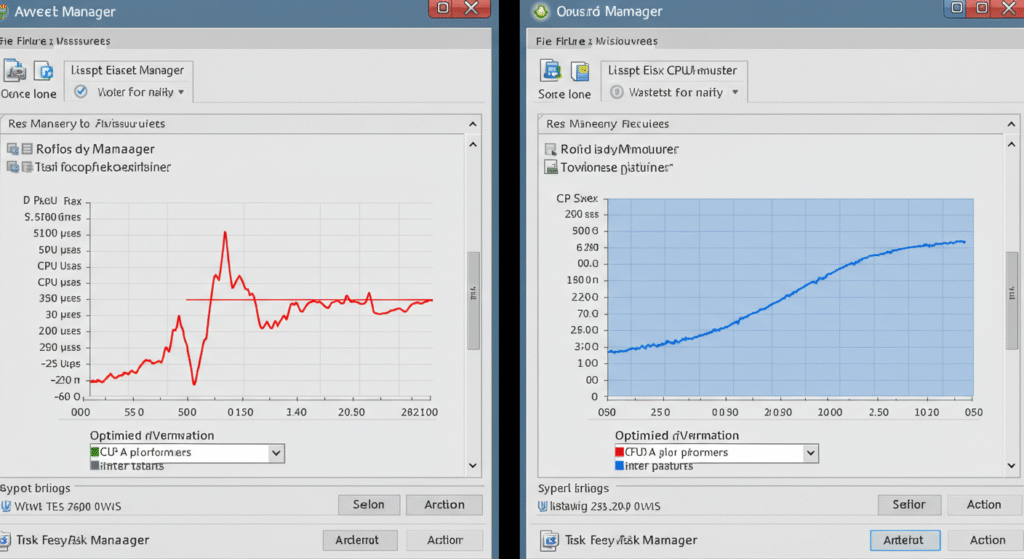
That last one matters. A memory leak means the game keeps reserving memory and does a bad job giving it back. If that is the actual cause, you are not really fixing the leak itself. You are managing the damage around it. That distinction matters, because it saves you from blaming your entire PC for a problem the developer caused.
Signs Your Game Has a RAM or Memory Problem
Before you start changing settings, it helps to identify the pattern. RAM-related issues do not always look like a dramatic crash. More often, they show up as slow decay. The game just gets uglier to play the longer the session lasts.
Here are the signs that point to a memory problem instead of a simple one-off performance dip:
- The game runs well at first, then feels noticeably worse after 20 to 60 minutes.
- Stutter gets more frequent over time instead of appearing only in one specific area.
- Alt-tabbing becomes slower and more annoying.
- Asset streaming starts hitching, especially in open-world games.
- Your FPS does not just drop once, it keeps degrading during the session.
- RAM usage in Task Manager or a monitoring tool keeps climbing.
- Restarting the game temporarily fixes the issue.
If that last point sounds familiar, pay attention. A clean restart helping for a while is one of the biggest clues that memory handling is part of the problem. If you want to track that behavior properly, read how to monitor temps, clocks and usage properly and track your GPU and RAM usage in real time so you are not just guessing.
What’s Actually Happening Inside Your PC
Games use RAM to hold data they need quickly, textures, world data, shaders, background systems, and all the stuff you never think about until the game starts misbehaving. Some high RAM usage is normal. In fact, modern games are supposed to use a decent amount of memory. Empty RAM is not a trophy.
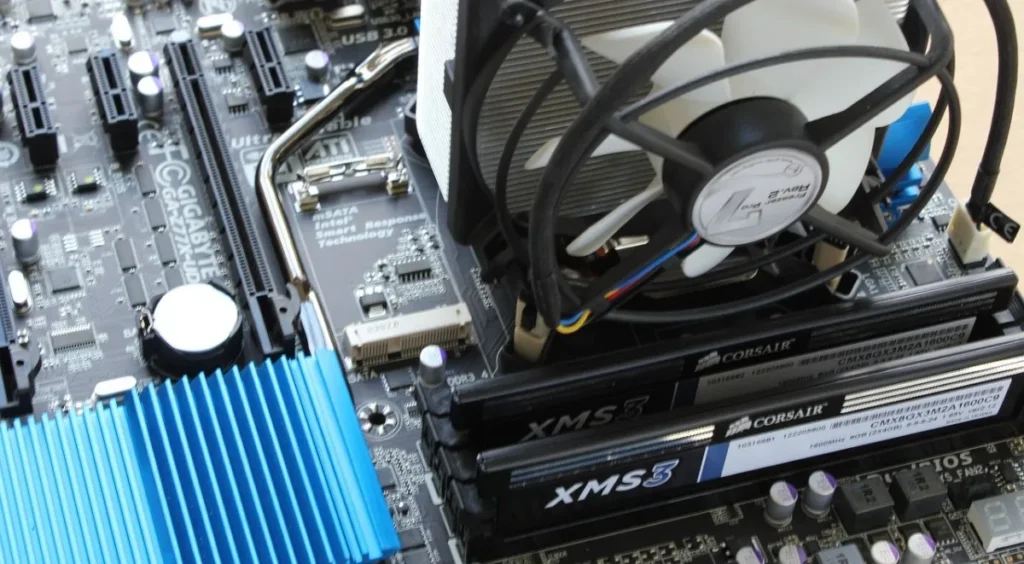
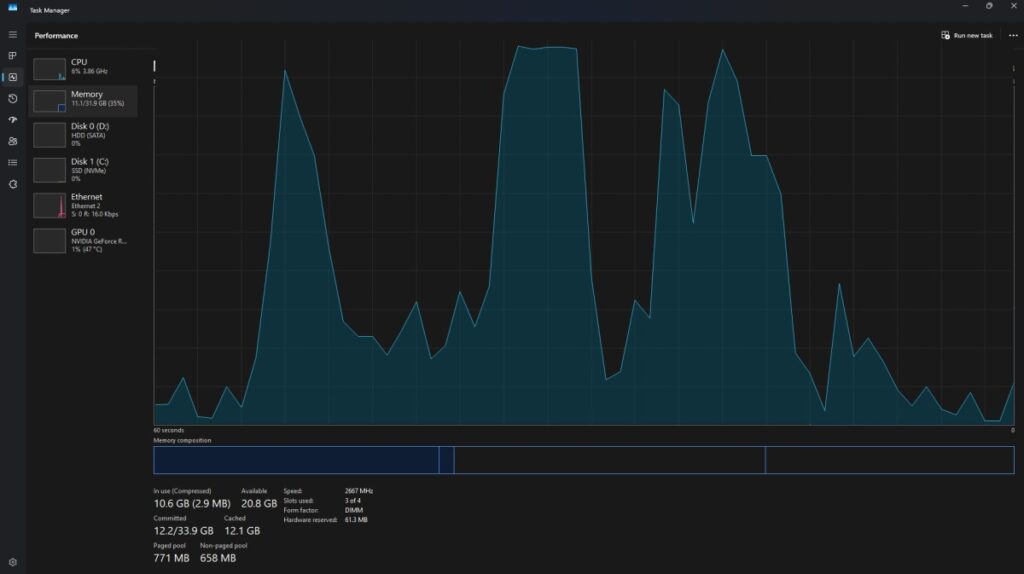
The problem starts when memory use keeps growing without the game cleaning up after itself properly. That can happen because of poor optimization, because you are running too many things in the background, because mods are badly behaved, or because the game has a genuine memory leak. In normal conditions, memory use rises and stabilizes. In bad conditions, it rises and keeps rising until performance gets punched in the throat.
Windows will try to help by shifting pressure around with virtual memory, but that is not magic. If the system starts leaning too hard on the page file, you can get worse responsiveness, more hitching, and longer pauses while the game and operating system fight over resources. Microsoft explains the basics of virtual memory and paging here: Windows page file overview.
There is also a difference between high RAM usage and a memory leak. High RAM usage can be normal if the game is caching aggressively and performance stays stable. A memory leak is when usage keeps climbing and performance keeps getting worse. One is heavy. The other is broken.
How This Actually Affects Real Gaming Performance
A lot of players describe this issue as low FPS, but that is not always the best way to think about it. What you often feel first is unstable frame delivery. That means the game may still show a decent average FPS number while feeling horrible in motion. This is why staring at one benchmark number can completely miss the real problem.

RAM pressure often shows up as frametime spikes, inconsistent traversal, delayed texture loads, and sudden hitches when the game has to pull in more data than the system is handling cleanly. This is especially common in large open-world games, strategy games that get heavier later in a match, and modded games that quietly snowball into chaos. If you have ever wondered why games stutter on low-end PCs, the answer is often not just weak hardware, it is weak hardware plus resource pressure stacking over time.
And no, high-end rigs are not immune either. A badly optimized game can still choke if it handles memory badly. If that sounds like your situation, read why games stutter even on high-end PCs. Expensive hardware does not automatically cancel out sloppy software.
Before spending money on another upgrade, it helps to understand what actually causes poor gaming performance on modern PCs. This guide explains the real reasons games stutter, lag and drop FPS: Why PC Games Run Badly, FPS Drops, Stutter & Bottlenecks Explained.
Fixes That Actually Help, And Aren’t a Waste of Time
This is the part people actually came for, so let’s keep it practical. None of these fixes are magic bullets on their own, but together they solve a lot of real-world cases where a game is using too much RAM or gradually getting worse over time.
1) Restart the game before performance fully collapses
Yes, this sounds insultingly obvious, but it works because it clears the current session state and gives the game a fresh memory start. If performance always resets after a relaunch, that is useful information. It tells you the issue is probably not your GPU dying dramatically in the corner.
Sometimes performance degradation isn’t caused by memory leaks alone. Large strategy games can slow down naturally as the simulation grows. See Why Strategy Games Lag in the Late Game for a deeper explanation.
2) Shut down background junk
Browsers, launchers, overlays, chat apps, RGB tools, capture utilities, and random background nonsense all compete for memory. On 8GB systems, this matters a lot. On 16GB, it still matters more than people like to admit. If Windows is already cluttered, start by fixing Windows 11 running slow issues and removing extra baggage with unnecessary background apps in Windows.
3) Disable overlays you do not need
Steam overlay, Discord overlay, GeForce Experience overlay, third-party monitoring popups, and capture tools can all add overhead. One overlay is usually fine. Four overlays stacked on top of a game that already has attitude problems is a stupid way to spend your RAM budget.
4) Update the game and your GPU driver
Sometimes the problem is already known and already patched. Look at recent patch notes, community reports, and driver notes. NVIDIA’s official driver page is here if you need it: NVIDIA driver downloads. If you are on AMD, use the official AMD support driver page instead.
5) Check your mods
Mods can absolutely wreck memory behavior, especially if they add textures, scripts, reshades, extra assets, or load-order conflicts. If the game only degrades over time when modded, test a clean profile. Do not assume every mod on your list is innocent just because it has a cool thumbnail and comments from 2023 saying “works fine.”
6) Lower texture quality first
If you are tight on RAM or VRAM, texture settings are one of the easiest ways to reduce pressure. A lot of people lower shadows first because it feels dramatic. In memory-heavy games, textures are often the smarter first cut.
7) Increase virtual memory if your system is cramped
This will not fix a true leak, but it can reduce crashes and soften some of the worst behavior when your RAM ceiling is too low. Think of it as a cushion, not a cure. If your machine is already struggling system-wide, you should also check common Windows problems affecting gaming performance.
8) Watch for CPU-side pressure too
Not every “memory problem” is pure RAM. Some games degrade because CPU load spikes later in a session, especially in simulation-heavy or late-game strategy scenarios. If you are not sure where the bottleneck is, read fix high CPU usage while gaming so you stop blaming the wrong component.
When It’s Not Your Fault, And You Can’t Fix It
This is the part a lot of generic fix articles avoid because it ruins the fantasy that every problem has a neat little checkbox solution. Sometimes the game is the problem. Full stop.

If a game is leaking memory, you are not fixing it. You are managing it. That means restarting the game periodically, avoiding problem settings, trimming mods, and waiting for a patch. Annoying, yes. But better than wasting three hours reinstalling Windows because one badly optimized release decided to behave like a collapsing shopping mall.
Games can also ship with memory-related bugs that affect both low-end and powerful systems. If the community is widely reporting long-session stutter, rising RAM use, or progressively worse traversal hitches after a patch, that is not your fault. That is the developer’s homework, and they handed it in late.
This is also where honesty matters. If your game only runs well for a while and then falls apart every single time, even after background cleanup and settings tweaks, you may be dealing with an engine limitation or a bug that only the developer can truly resolve.
But if the picture stops completely while audio continues, use our guide to checking a game freeze with sound still playing before assuming RAM is the cause. If the entire PC restarts or shuts down while gaming, that requires a different, broader diagnosis.
If You’re Still on 8GB RAM, Here’s the Reality
I’ll be blunt here because the article would be less useful if I pretended otherwise. In modern PC gaming, 8GB of RAM is survivable in some cases, but comfortable is not the word I’d use. Once you add Windows, a launcher, Discord, a browser tab you forgot about, and a modern game that thinks it owns the building, you are running on fumes.

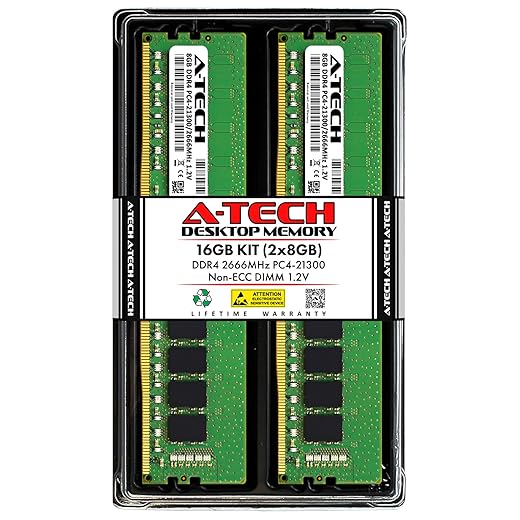
At some point, no tweak fixes this. You are just out of room. That is why it helps to understand how much RAM games actually need in the real world, not just what minimum spec sheets pretend is fine. If your system is still on 8GB and you are seeing regular long-session slowdown, a move to 16GB is often the most practical upgrade you can make.
If you do plan to upgrade, don’t panic-buy whatever RAM kit happens to be on sale. Use our RAM buying guide for gaming PCs to choose a compatible 16GB kit and avoid paying for capacity or speed your system doesn’t need.
If you’re considering other hardware as well, check our guide to upgrades that actually improve gaming performance so the money goes where it will make the biggest difference.
If You’re Upgrading, Start Here (Reliable RAM Picks)


Legacy hardware warning: if you are still on a much older DDR3-era platform, do not assume every modern RAM or upgrade path will be compatible. Some older systems are better served by careful second-hand parts rather than forcing modern hardware into a setup that was already old when people still argued about mechanical hard drives like it was a religion.
Quick Checklist to Stop Games From Slowing Down
If you want the fast version, this is the checklist. Run through these before you go full conspiracy mode and decide your PC is cursed.
- Restart the game and see if performance resets.
- Monitor RAM usage during a long session.
- Close browsers, launchers, RGB apps, and background tools.
- Disable unnecessary overlays.
- Update the game and GPU driver.
- Test without mods.
- Lower texture settings first.
- Check virtual memory settings if your RAM is limited.
- Compare behavior after 10 minutes versus after 60 minutes.
- Accept that some games need a patch, not another ritual sacrifice.
FAQ
These are the questions people usually ask once they realize the issue is more about memory behavior than some random “my game is bad today” nonsense.
Is high RAM usage normal in games?
Yes, sometimes. A game using a lot of RAM is not automatically broken. The real issue is whether performance stays stable. High usage that levels off can be normal. Usage that keeps climbing while performance keeps getting worse is where trouble starts.
Does restarting a game fix a memory leak?
It can temporarily clear the symptoms, but it does not fix the underlying leak. It is management, not a real cure. If restarting always helps for a while, though, that is a strong clue that memory handling is part of the problem.
How much RAM should a modern game use?
That depends on the game, resolution, background apps, and whether the title streams a large open world. The better question is whether your total system memory has enough headroom. On modern systems, 16GB is the comfortable baseline for a lot of PC gamers.
Can an SSD fix RAM-related slowdown?
Not directly. An SSD can make paging and loading behavior less painful than an old hard drive, but it does not replace real RAM. If the game is running out of memory, storage speed only softens the landing.
Why does my FPS drop after playing for a while?
Usually because resource pressure builds over time. That can be RAM usage, CPU-side simulation load, background app creep, or poor optimization. The key clue is that the problem gets worse with session length instead of appearing instantly.
If your game starts out fine and gets uglier the longer you play, you are probably not imagining it, and you are probably not dealing with one simple setting toggle either. Sometimes the fix is cleaning up Windows and trimming background junk. Sometimes it is monitoring properly and catching the real bottleneck. Sometimes it is admitting the game is badly optimized and treating it like a moody guest instead of a reliable application.
Either way, the goal is the same: stop guessing, identify the pattern, fix what is actually yours to fix, and do not waste a whole weekend trying to solve a developer problem with wishful thinking.