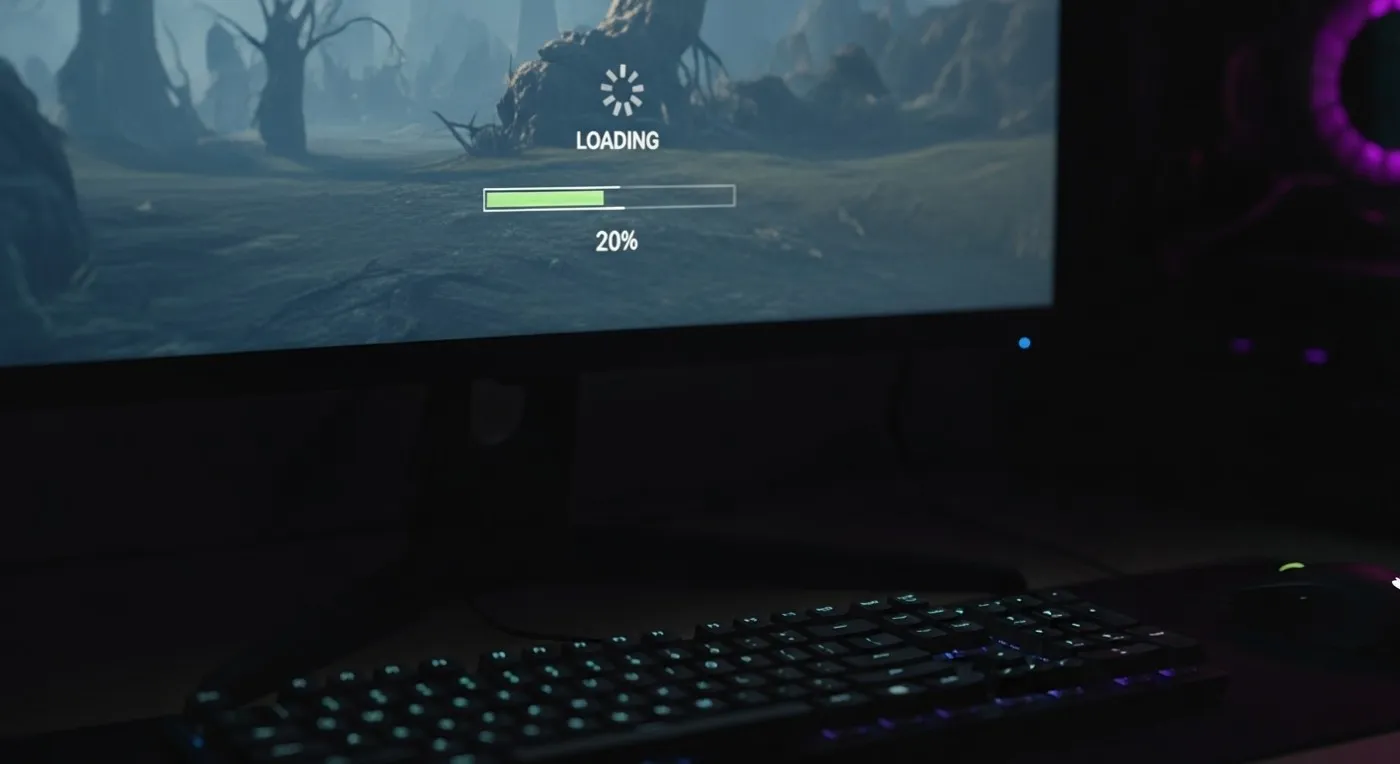
If your games take forever to load on a weak PC, you are not imagining it. You click play, stare at a loading screen that feels longer than the actual match, and start wondering whether your PC is dying, your game is broken, or the universe just hates budget hardware. Our Why Games Take Forever to Load on Weak PCs guide helps to solve this
The good news is that slow loading times usually come from a handful of specific causes. The bad news is that a lot of advice online treats every loading problem the same, which is how people end up wasting money on upgrades that do not solve the real issue. In this guide, I am going to break down what actually causes slow game loading, what matters most on weaker systems, and which fixes are worth your time.
If your system feels slow beyond just loading times, you should also check why your PC still feels slow after an upgrade. Long loading screens are usually a symptom of a deeper performance issue, not just a slow game.
Quick Answer: If your games load slowly on a weak PC, the most common causes are an old HDD, limited RAM, CPU-heavy shader compilation, bloated background processes, or poor game optimization. The biggest single upgrade for loading times is usually moving from an HDD to an SSD, but not every slow-loading game can be fixed with storage alone.
Why games load slowly in the first place
Before you can fix loading times, you need to know what loading actually is. When a game starts up or moves into a new area, your PC has to pull data from storage, unpack files, load textures, build shaders, reserve memory, and prepare the CPU and GPU for whatever nonsense the game is about to throw at them.
If you’re not sure which part of your system is slowing things down, our Complete Gaming PC Health Check walks you through checking storage health, RAM usage, CPU and GPU performance, and Windows to identify the real cause of slow loading before you start replacing hardware.
On a strong system, most of that happens fast enough that you barely think about it. On a weak PC, every one of those steps takes longer, especially if one part of the system is dragging the rest down. That is why loading times are not just about “slow PC equals slow game.” They are usually about a specific bottleneck, and weak systems tend to have more than one. Some older online games are much lighter on storage and loading demands, including these free MMORPGs for weak PCs.
- Old hard drives take longer to read game files
- Low RAM forces the PC to lean on slower storage
- Weak CPUs struggle with shader compilation and asset preparation
- Badly optimized games can punish even decent hardware
- Background apps quietly steal CPU, RAM, and disk activity
What counts as a weak PC here?
This guide is aimed at people using older desktops, office PCs, budget builds, or laptops that were not designed to handle modern games gracefully. In other words, the exact kind of machines that still exist in the wild in ridiculous numbers.
If you’re not sure what condition your system is actually in, start with our Complete Gaming PC Health Check. It walks you through checking temperatures, CPU and GPU usage, RAM, storage, and Windows health so you know exactly where your PC’s limitations are before trying to squeeze more performance out of it.
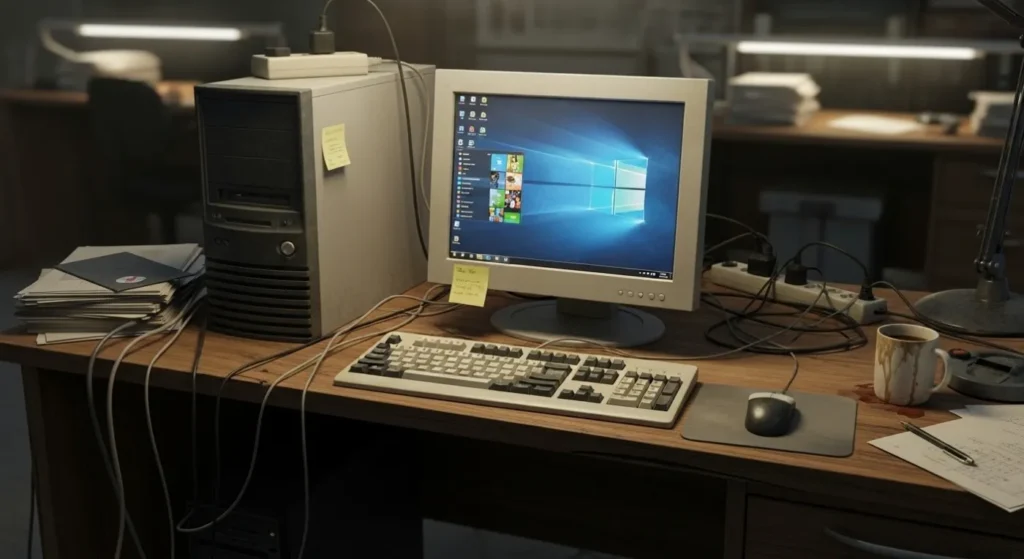
A weak PC in this context usually means something like 4GB to 8GB of RAM, an older quad-core or dual-core CPU, integrated graphics or an aging entry-level GPU, and, very often, a traditional hard drive instead of an SSD. You do not need to be on a complete fossil of a machine for loading times to be bad, either. Even a reasonably decent old CPU paired with an HDD can make modern games feel far worse than they should.
If you are dealing with an older or budget laptop, sometimes the better solution is choosing games that actually suit the hardware rather than endlessly trying to optimize games that are too demanding. Our guide to games for low-end laptops focuses specifically on titles that make sense for weaker laptop hardware.
For a broader breakdown of system issues, see this full PC maintenance and optimization guide.
The No 1 reason your games take forever to load: you are still using an HDD
If your PC still runs games from a traditional hard drive, this is the first thing I would look at. Hard drives are much slower than SSDs when it comes to reading lots of game files quickly, especially in modern titles with large textures, open worlds, and constant asset streaming.
An HDD has moving parts. That is the core problem. It physically has to work harder to fetch the data your game needs. An SSD does not. That means the SSD can access files far faster and more consistently, which cuts down loading times in a way that feels immediately obvious. This is one of the few upgrades where even non-technical people usually notice the difference within minutes.
The effect can show up in several ways:
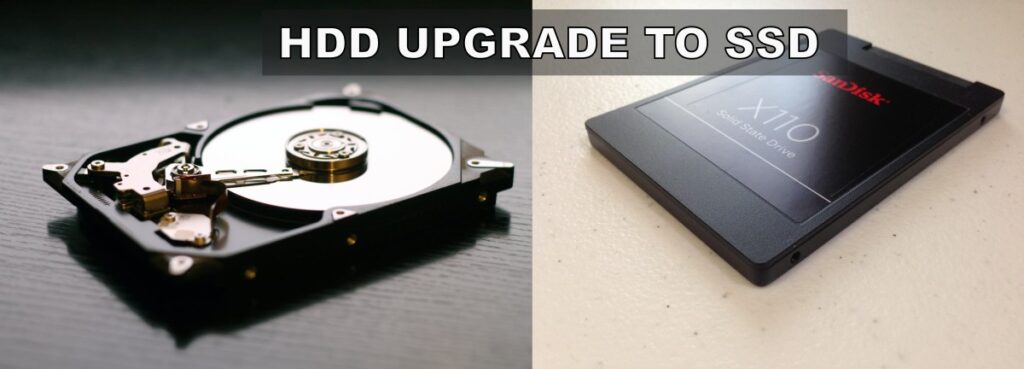
- Long startup times before the game even reaches the menu
- Slow level loading
- Texture pop-in after loading
- Pauses when entering new areas
- Extra stutter in open-world games
If you are still unsure how much of a difference storage actually makes, here is a real-world breakdown of SSD performance for gaming. If you are considering upgrading, these are the best NVMe SSDs for gaming right now.
Now, here is the important part. An SSD will improve loading times dramatically if storage is your bottleneck. It will not magically fix every loading issue in existence. If your CPU is ancient, your RAM is maxed out, or the game itself is badly built, storage alone will not save you.
Your CPU may be slowing down loading more than you think
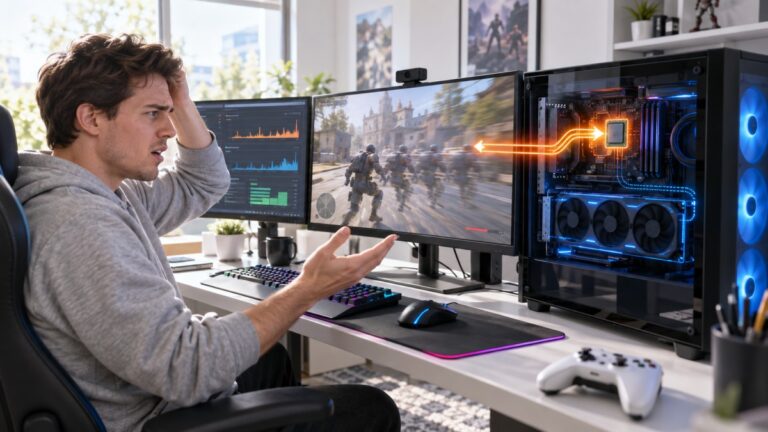
A lot of people hear “slow loading” and immediately think storage. Fair enough. But modern games also hit the CPU hard during startup and level transitions, especially when compiling shaders, preparing assets, and handling decompression. That is why some games still take forever to load even when they are already installed on an SSD.
This has become more obvious in newer games that rely heavily on shader compilation. If your CPU is weak, older, or already under pressure from background tasks, the game can spend ages preparing everything before it lets you in. You sit there glaring at the loading screen, and the SSD gets blamed for a crime it did not commit.
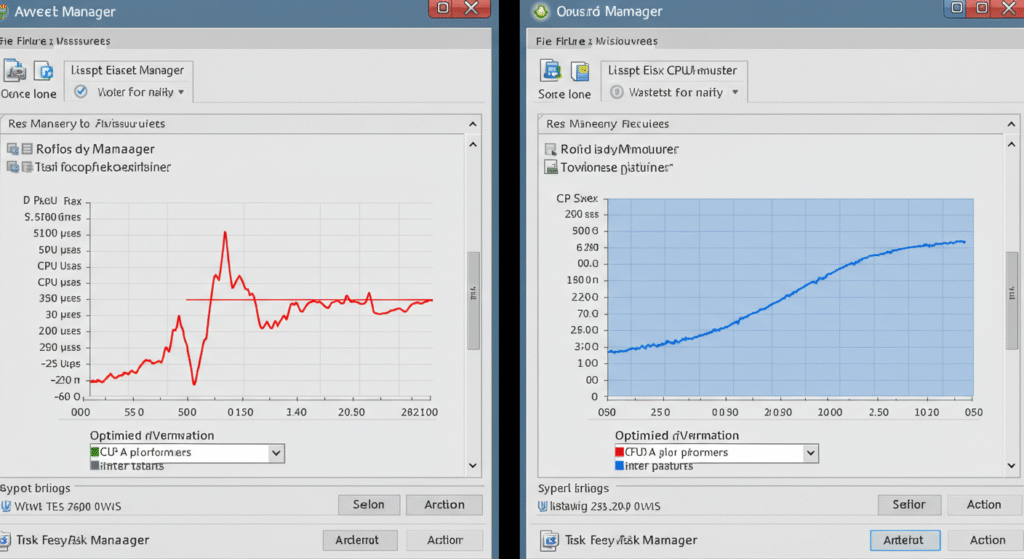
If you are not sure whether your CPU is the issue, this guide will help you identify a CPU or GPU bottleneck. High CPU usage during loading or gameplay is another warning sign, here is how to fix high CPU usage while gaming.
This is also where expectations matter. Some games are slow on first launch because they are compiling shaders for the first time. Later launches may improve. So if one specific game loads horribly once and then behaves a bit better after that, your CPU may have been doing heavy setup work in the background.
Something else to look at is that some games spend extra time compiling shaders before they load. If it happens every launch, our guide explains why and how to stop it: Game Compiling Shaders Every Launch? Here’s What Causes It and How to Stop It.
Not enough RAM forces your PC to slow down
RAM does not get enough blame for slow loading times, but it absolutely should. When you do not have enough memory, Windows starts pushing extra data onto your storage drive as virtual memory. That process is much slower than keeping things in RAM, and if your system drive is an HDD, it gets ugly fast.
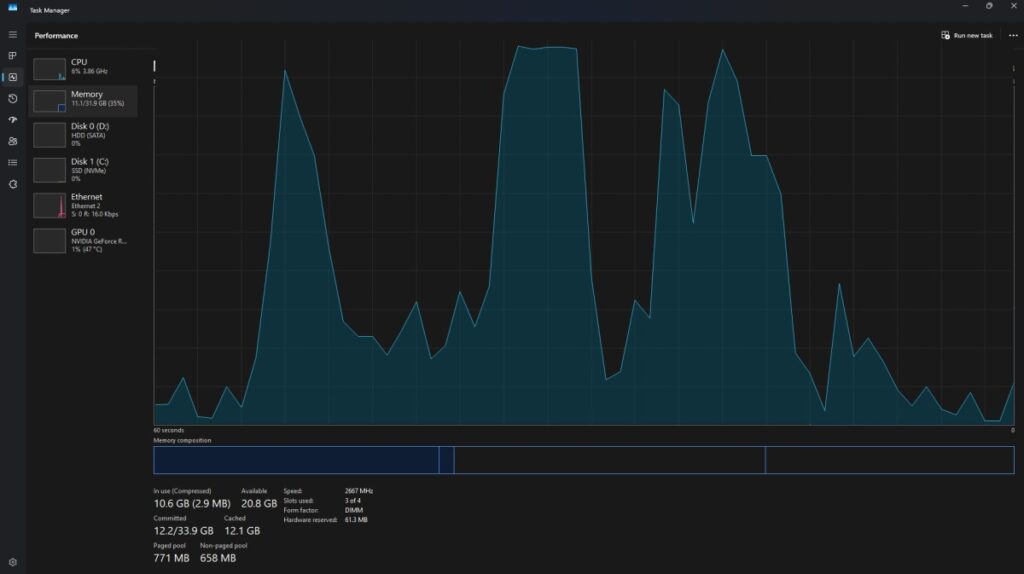
This is why weak PCs with 4GB or even 8GB of RAM can feel painfully slow in newer games. The game loads assets, Windows tries to juggle memory, your storage gets hammered, and everything drags. Even if the game technically launches, it can take forever to get in and then continue hitching afterwards.
If your system is constantly running out of memory, this guide explains exactly how much RAM games actually need. You may also be dealing with memory spikes, especially if your game is using too much RAM.
When RAM runs out, your PC uses the disk instead, which dramatically slows down loading times. This process, known as virtual memory, is explained in more detail by Microsoft’s official documentation, and it is one of the biggest reasons weak PCs slow down during loading.
This is also why SSD upgrades and RAM upgrades can work together. If you are short on memory, adding RAM can reduce the amount of disk swapping. If you cannot add RAM because of your laptop or your motherboard’s limits, moving from HDD to SSD still helps because the fallback becomes less painfully slow.
Some games are just badly optimized, and you need to hear that
Here is the part a lot of articles skip because it is less fun than yelling “buy this SSD right now.” Some games are simply badly optimized. Some engines load slowly. Some titles compile shaders awkwardly. Some games stream assets like they were designed by chaos itself. In those cases, your PC might only be part of the problem.
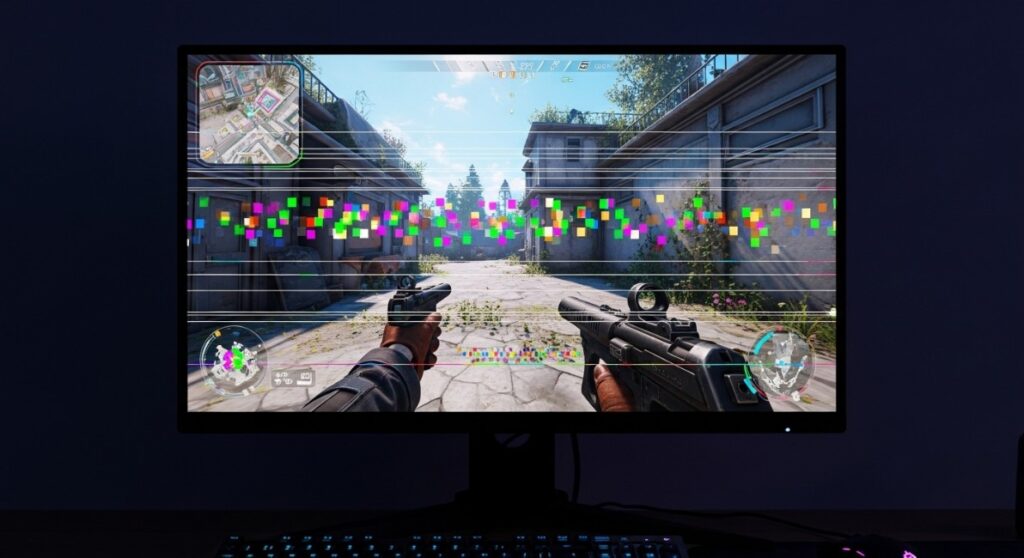
That matters because it changes your expectations. If a certain game loads slowly on lots of systems, your weak PC will feel that pain more sharply, but that does not mean every upgrade will solve it. This is especially true with certain open-world games, large Unreal Engine releases, and badly optimized ports.
This is especially noticeable on weaker hardware, which is why games stutter on low-end PCs even after loading.
In these cases, upgrading storage may help, but it will not fully solve the issue. You are still limited by how the game is built, how the engine behaves, and how much work the CPU must do during startup. That is not the answer people want, but it is the honest one.
Background apps and Windows junk can make loading even worse
Weak PCs do not have much breathing room. That means background apps, startup junk, update services, browser tabs, launchers, and assorted Windows clutter can hit loading times harder than people expect. When your system is already struggling, even a few extra tasks can be enough to slow disk activity, chew up RAM, or pin the CPU when the game is trying to load. And if reinstalling Windows didn’t fix those awful load times, your PC may still feel slow for reasons that have nothing to do with the install itself.
This is one of those boring fixes that actually matters. You do not need twenty miracle tweaks. You just need to stop your PC from doing dumb extra work while the game is trying to start.
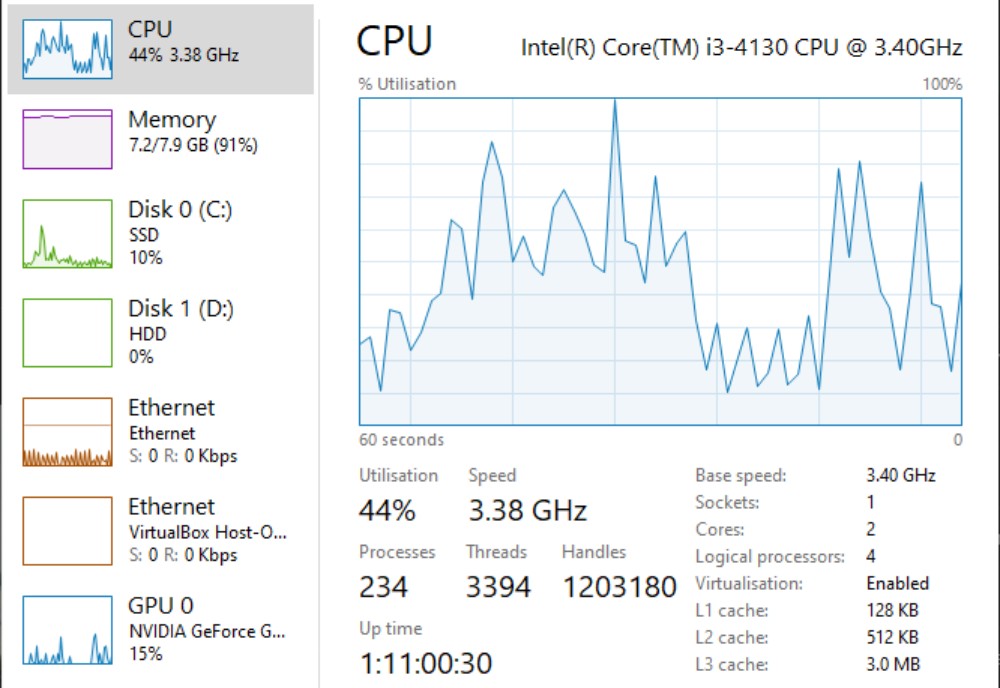
Background processes and unnecessary services can slow everything down, so it helps to disable bloatware on Windows. If your system feels generally sluggish, check these common Windows problems and fixes.
Background apps and unnecessary services can slow down both loading times and overall performance. If you want the short version, close what you are not using, keep startup programs under control, and do not leave your browser open with fifty tabs while asking why the game is behaving like a dying office printer.
Loading times are not the same thing as gameplay performance
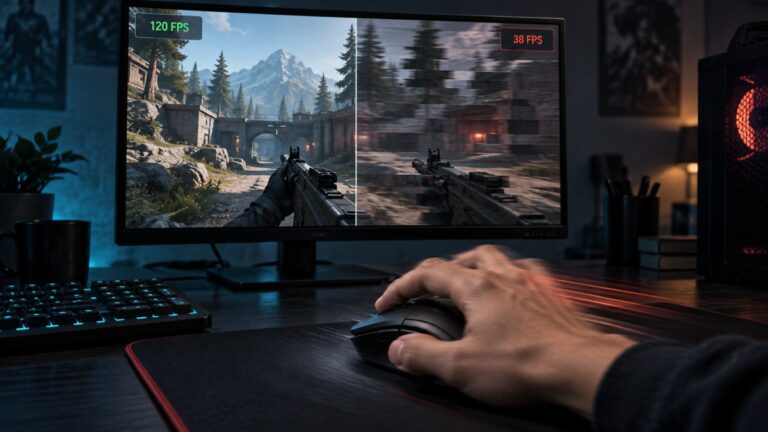
This is important, because a lot of people mix these problems together. Faster loading does not automatically mean better FPS. You can absolutely install an SSD, cut your load screens down, and still end up with bad frame pacing, stutter, or weak performance once the match begins.
That said, slow storage and low memory can still affect gameplay indirectly. If your game streams textures and world data while you are moving around, weak storage can contribute to hitching, delayed assets, and ugly little pauses. So while loading times and FPS are not the same thing, they are not completely unrelated either.
Loading times are just one part of performance, here is why games stutter on low-end PCs even after they finally load.
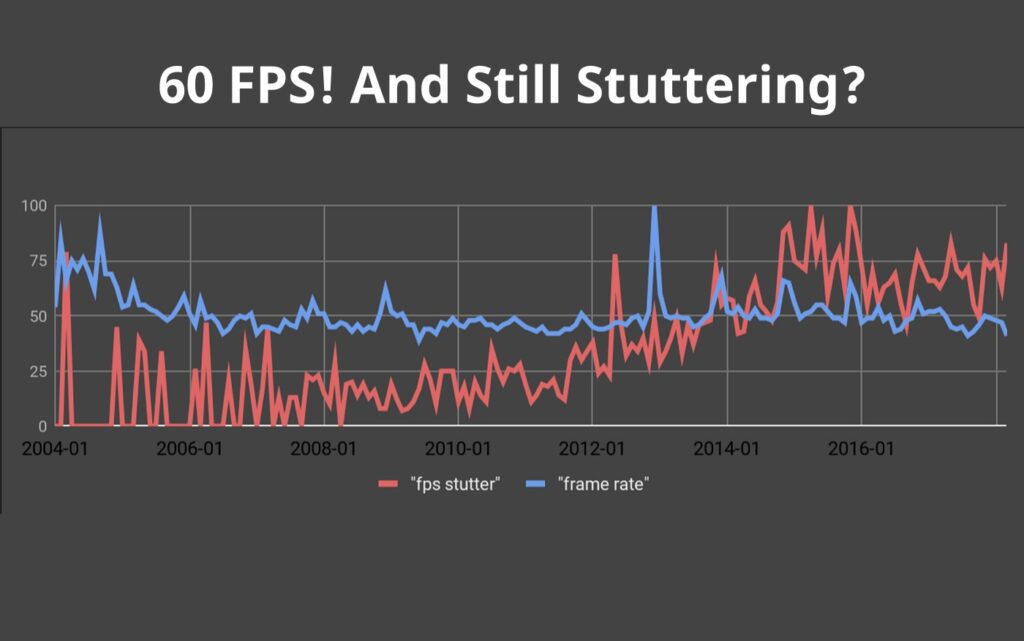
If your goal is a better overall experience, think of loading times as one piece of the puzzle. Fix them, yes, but do not confuse them with total game performance.
If you only upgrade one thing, make it this
If your weak PC still uses a hard drive for gaming, upgrading to an SSD is the single most effective change you can make for loading times. Not the flashiest change, not the most exciting, not the one your inner hardware goblin wants to brag about, but the one that usually makes the clearest real-world difference.
Here are 2 good choices that will improve loading times drastically

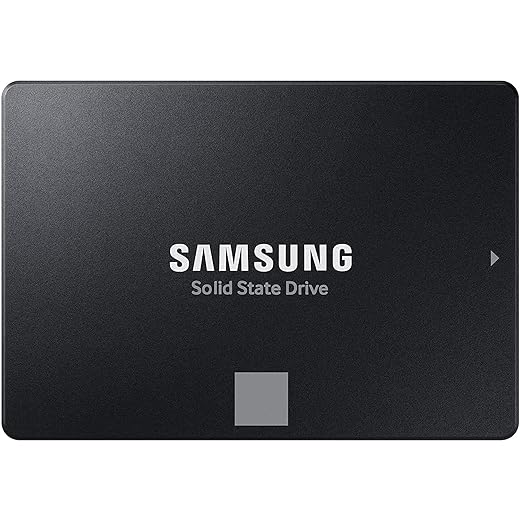
That recommendation gets even stronger if your system has limited RAM, because SSDs reduce the pain when Windows spills over into virtual memory. They also help older systems feel snappier in everyday use, which is a nice bonus when your PC currently takes half a lifetime to do basic tasks.
If you are planning an upgrade, start here with gaming PC upgrades that actually matter instead of wasting money.
On a tight budget, these are the best PC upgrades under $100 that still make a difference.
One warning, though: if your system is a very old DDR3-era machine, a locked-down laptop, or a PC with limited upgrade paths, make sure the upgrade is actually compatible before buying anything. Some older systems support SATA SSDs just fine but not NVMe drives, and some budget laptops make upgrades more annoying than they have any right to be.
Quick takeaways
- The most common cause of slow game loading on weak PCs is still using an HDD
- CPU-heavy shader compilation can make games load slowly even on an SSD
- Low RAM can force Windows to use storage as virtual memory, which hurts loading times badly
- Some games are just badly optimized and will always load slower than they should
- Background apps and Windows clutter can make weak systems feel even worse
- If you only upgrade one thing for loading times, make it an SSD, assuming your PC supports it
Frequently asked questions
Does an SSD really improve game loading times?
Yes. If your game is currently installed on an HDD, moving it to an SSD is usually the biggest single improvement you can make for loading speed.
Will more RAM fix slow loading times?
Only if your system is running out of memory and relying heavily on virtual memory. If RAM is not your bottleneck, the difference may be small.
These Ram Kits are needed to improve FPS and Load Times


Why do some games still load slowly on an SSD?
Because storage is not the only factor. CPU-heavy shader compilation, poor optimization, and engine-level problems can all slow down loading even on fast drives.
Should I upgrade RAM or storage first?
If you are still gaming from an HDD, storage is usually the better first move for loading times. If you already have an SSD but only 4GB to 8GB of RAM, memory may be the more urgent issue.
Can background apps really affect loading times that much?
On a strong PC, sometimes not by much. On a weak PC, yes, absolutely. Limited hardware has less room to absorb extra tasks, so clutter hits harder.
At the end of the day, slow loading times are usually not random. Your PC is telling you where the bottleneck is. The trick is listening properly instead of throwing money at the first upgrade that sounds good. Diagnose first, fix the real issue second, and your games will stop taking forever to load like they are trying to punish you personally.