Strategy games have a nasty habit of tricking you. The first few hours feel smooth, clean, and under control, so you assume your PC is handling everything just fine. Then the save gets bigger, the city gets uglier, the population explodes, and suddenly the whole thing starts moving like your processor is being punished for past sins.
If you have ever wondered why strategy games lag late game, the answer usually is not your graphics card. In most cases, the real problem is CPU simulation load. The more systems the game has to calculate at once, the harder your processor has to work, and once that simulation load stacks high enough, performance starts falling apart.
Quick Answer
Strategy games usually lag in the late game because the CPU has to process far more simulation work than it did early on. More citizens, more AI decisions, more pathfinding, more economy checks, more map activity, and more background calculations all pile up over time. Your GPU may still be fine, but your processor becomes the bottleneck as the game world grows.
Why Strategy Games Run Fine Early
Early-game performance in strategy titles is usually deceptive because the simulation is still relatively small. Fewer units are moving, fewer citizens exist, fewer buildings need updating, and fewer background systems are firing every second. The game world may already look busy, but under the hood it is still fairly lightweight.
This is why people often assume the game is well optimized across the board. In reality, the early game is just easier to calculate. A city builder with one district, a few roads, and limited population is a completely different workload from that same game 20 hours later when the map is packed with infrastructure, traffic, production chains, and AI systems all trying to update at once.
The Riftbreaker is another great example of this, where enormous late-game bases can become far more CPU-intensive than the opening hours despite years of optimization improvements.
That difference matters. Performance in strategy games is not only about what appears on screen. It is also about what the game is thinking about behind the scenes, and early on, there is simply much less thinking to do.
What Changes in the Late Game
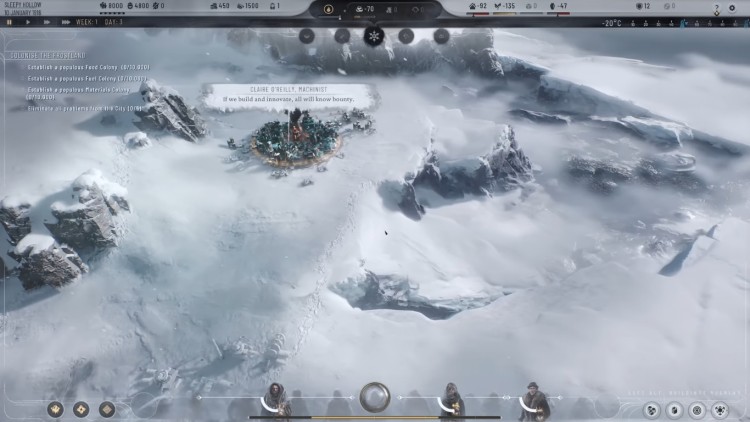
Late-game slowdown happens because the game world stops being simple. What started as a manageable simulation turns into a giant pile of interconnected systems, and every extra system adds more work for the CPU.
The problem is not usually one dramatic spike. It is hundreds or thousands of small calculations piling on top of each other. If you’re running an older quad-core, our guide to whether 4-core CPUs are still enough for gaming explains when limited CPU headroom actually becomes a reason to upgrade.
In many strategy and simulation-heavy games, the late game introduces all the things that hurt performance most: bigger populations, more active units, more economic interactions, denser maps, longer travel routes, more active AI factions, and more event checking. At that point, the game is no longer asking, “Can your PC render this?” It is asking, “Can your CPU keep simulating all of this fast enough?”
- Population scaling: More citizens, workers, armies, vehicles, or agents means more calculations per tick.
- Pathfinding complexity: More roads, units, and route options increase CPU load fast.
- AI decision-making: Opponents, factions, and management systems all need regular updates.
- Economic simulation: Supply chains, resources, needs, and production loops become heavier over time.
- Map saturation: Dense late-game worlds force more collision checks, status updates, and logic checks.
This is why so many players say the same thing: “The game was fine for hours, then it suddenly became a slideshow.” It did not suddenly become broken. It just crossed the point where the simulation outgrew the available CPU headroom.
The CPU Bottleneck Nobody Explains
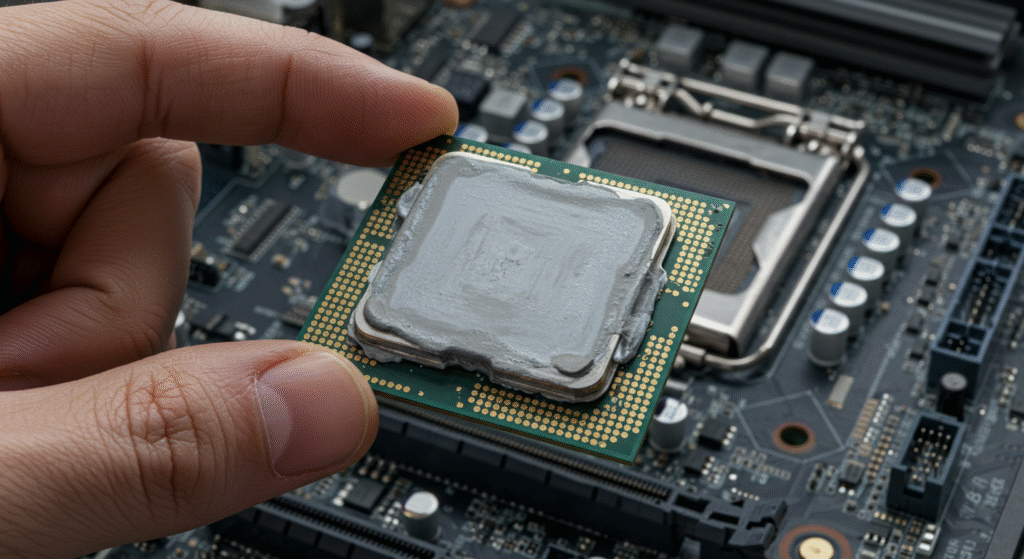
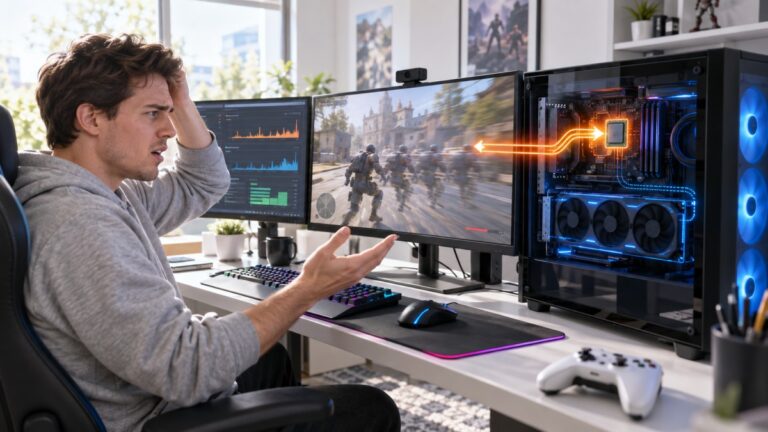
When people hear “bottleneck,” they often think of a general performance problem without really knowing what part of the PC is responsible. In late-game strategy titles, the bottleneck is very often the processor. The CPU is responsible for the simulation logic, and that is the part of these games that gets nastier as the save grows.
The GPU draws the world. The CPU makes the world function. If the game needs to evaluate thousands of simulation rules every second, your processor becomes the one sweating. That is why strategy titles can feel terrible even when your graphics card is barely being pushed.
Here is the version nobody explains properly: in a lot of strategy games, the performance drop is caused less by graphics settings and more by simulation density per frame. In plain English, the game is trying to do too much thinking before it can move on to the next frame. Once that happens, frame times get messy, game speed slows down, and the whole thing starts feeling sticky even if the FPS number does not look catastrophic.
If you are trying to work out whether your problem is actually processor-related, this is exactly where our guide on CPU or GPU bottlenecks during gaming becomes useful. A lot of players blame the wrong component and waste money upgrading the flashy part instead of the correct one.
Why Your GPU Upgrade Didn’t Fix It
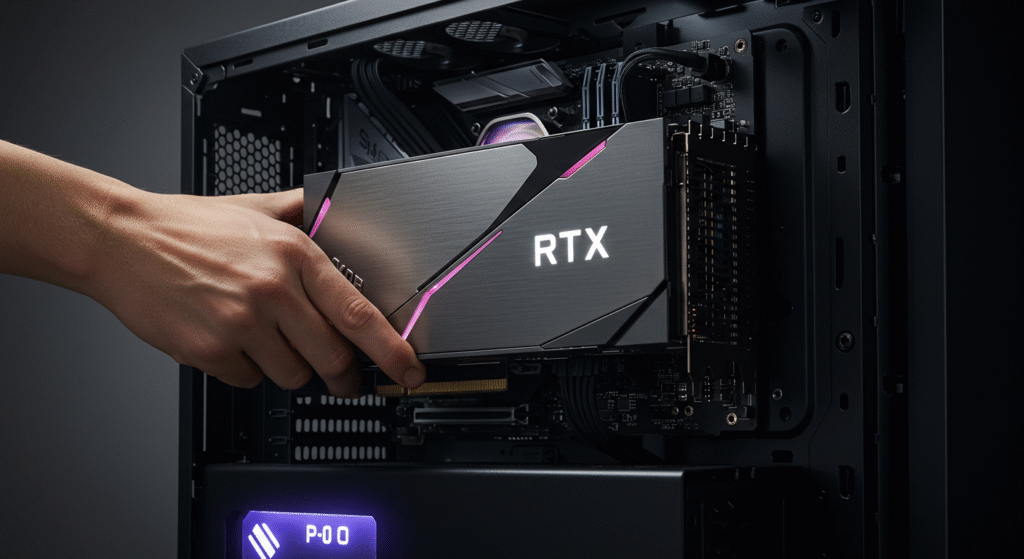
This is where plenty of people get robbed by their own assumptions. They see lag, think “graphics problem,” buy a faster GPU, launch the same save, and then sit there staring at basically the same late-game slowdown. Not a great feeling, especially after spending actual money to learn a cruel lesson.
The reason is simple. A stronger graphics card helps when the game is limited by rendering. It does not magically solve a simulation-heavy workload that is choking the CPU. If your strategy game is struggling because the processor is buried under AI and pathfinding calculations, then a GPU upgrade may do very little beyond giving you prettier disappointment.
This is also why lowering graphics settings sometimes produces only tiny gains in these games. Reducing shadows, effects, and texture load can help when the GPU is under pressure, but if the real issue is simulation logic, the improvement will be small or nonexistent. You may drop settings and still get late-game hitching because the processor remains the real problem.
That is also why articles like why your PC still feels slow after an upgrade keep mattering. Performance is not just about buying newer parts. It is about understanding what kind of workload your games actually create.
Games That Commonly Suffer From This
This pattern shows up across a lot of strategy and simulation-heavy games. Some titles hide it better than others, and some engines handle scaling more gracefully, but the basic problem is common: the more systems the game tracks, the harder the late game hits the CPU.
Games that often show this behavior include city builders, grand strategy titles, management sims, and large-scale tactics games. Different genres use different mechanics, but the technical pain is usually similar.
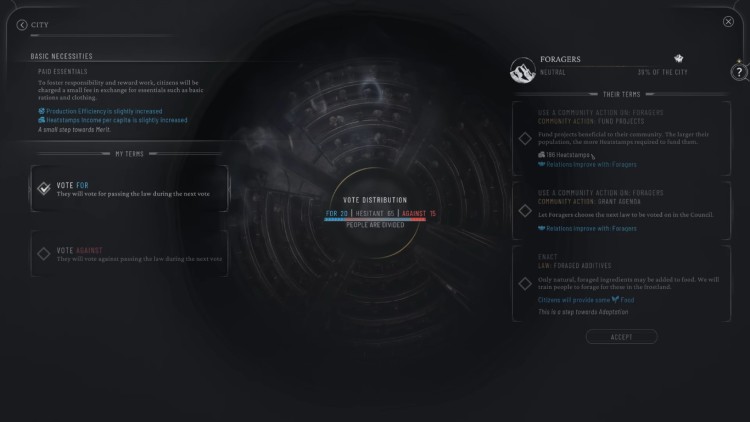
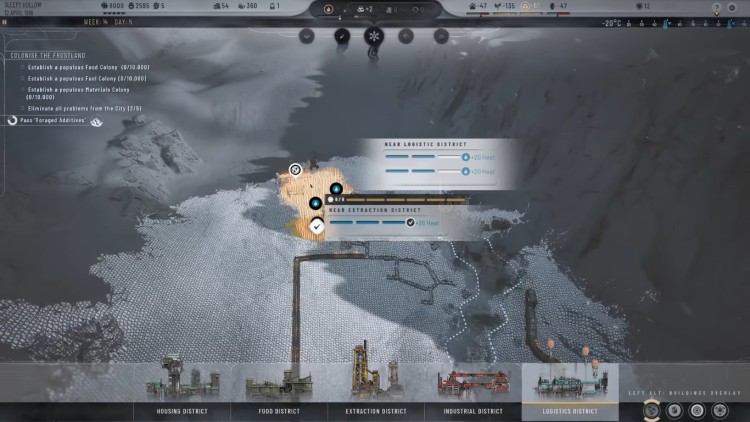
- City builders: Games like Frostpunk, Cities: Skylines, and Anno can become CPU-heavy as citizens, roads, services, and supply chains multiply.
- Grand strategy games: Large maps, diplomacy systems, faction updates, war calculations, and background AI all add up.
- Turn-based empire games: Civilization-style games can crawl later on because every faction, unit, tile, and system keeps expanding.
- Automation and factory sims: Games like Factorio can run well for a long time, then punish weak CPUs once production systems become absurdly complex.
- Large-scale tactics games: Total War style battles and campaign maps can strain the CPU through unit AI, pathfinding, and campaign simulation.
The exact cause varies by game, but the broad rule stays the same. Late-game lag usually means the game world has become too expensive for the processor to simulate at full speed.
How This Actually Behaves on Real PCs
On real systems, late-game strategy lag often feels different from the usual GPU-heavy kind of performance problem. Instead of obvious low-FPS misery from the start, you get a game that feels increasingly unstable as the save matures. Menus may remain fine, camera movement may feel okay in some moments, but simulation speed, frame consistency, and responsiveness start degrading over time.
You may notice one or more of these symptoms:
- Frame times getting worse even when average FPS does not completely collapse
- Game speed slowing down during busy moments
- Hitching when lots of systems update at once
- Worse performance after your city, empire, or factory reaches a certain size
- CPU usage spiking while GPU usage stays lower than expected
This is why monitoring matters. If you have never checked what your hardware is doing during these moments, go read how to monitor temps, clocks, and usage. It is one of the fastest ways to stop guessing and actually see whether your CPU is getting hammered while the GPU sits there waiting for work.
It is also worth saying that players on older quad-core chips, office PCs, and DDR3-era systems usually hit this wall earlier. That does not mean newer hardware is immune, just that weaker systems run out of breathing room much faster.
What Players Usually Misdiagnose
Late-game lag gets misdiagnosed constantly because the symptoms are annoying but not always obvious. A lot of players assume the wrong component is failing, or they throw random fixes at the problem and hope one of them sticks. That usually ends in a mess of half-solutions and confused forum posts.
One common mistake is blaming the GPU for every performance issue. Another is assuming storage is the reason the game slows down. SSDs absolutely improve loading times and general responsiveness, but they do not magically fix a CPU bottleneck in a simulation-heavy game. That is why faster SSDs do not usually improve FPS in the way people hope.

RAM also gets misunderstood. Memory can matter, especially in bigger saves or modded scenarios, but RAM is often a supporting factor rather than the main villain. If you do not have enough memory, the experience can get uglier faster, but that still does not automatically mean RAM is the root cause. Our guide on how much RAM games actually need helps put that into perspective.
Then there is the classic move: ignoring background junk. Browser tabs, overlays, launchers, and Windows nonsense can all make a CPU-limited game feel worse. If your system is already near its limit, extra clutter only makes the slowdown hit harder. That is why related pages like fix high CPU usage while gaming and why games stutter on high-end PCs matter as supporting reads.
Why This Problem Keeps Getting Worse
Modern strategy games are not getting simpler. They are becoming denser, more systemic, and more ambitious. Developers want bigger populations, more believable AI, more reactive economies, deeper political systems, more moving parts, and more simulation detail. That is great for game design, but it is brutal for CPUs once the save reaches full size.
In other words, the late game is getting heavier because the games themselves are getting greedier. Even when visuals are not cutting-edge, the simulation underneath is often far more demanding than people expect. That is why a strategy title can look modest compared to a huge AAA action game and still run worse once the systems pile up.
This also explains why smarter upgrade choices matter more than blind spending. If you play a lot of simulation-heavy games, it is worth understanding which PC parts actually move the needle. Articles like best gaming CPUs value guide and gaming PC upgrades that actually matter are more useful here than just chasing a bigger GPU because the box looked impressive.
There is also a fair counterpoint here: not every late-game slowdown is purely the CPU’s fault. Bad optimization, thermal throttling, limited RAM, background processes, and even weird engine behavior can all make the problem worse. But in strategy games specifically, the CPU bottleneck is still one of the most common explanations, and it is the one people ignore way too often.
Final Thoughts
If you came here wondering why strategy games lag late game, the answer is usually not mysterious once you strip away the nonsense. These games slow down because the simulation grows faster than your CPU can comfortably handle. More AI, more systems, more population logic, more pathfinding, and more background calculations eventually turn a smooth early game into a processor-heavy slog.
The important part is understanding what kind of performance problem you are dealing with. If your GPU is not the main issue, then a graphics upgrade may do almost nothing. If the game is CPU-bound, you need better diagnosis, smarter expectations, and sometimes a different upgrade path entirely.
And if your current rig still feels wrong even after changes, read why games stutter on low-end PCs and why your PC still feels slow after an upgrade. Because in PC gaming, the worst performance problems are usually the ones people explain badly, and strategy games are absolutely guilty of that nonsense.
City builders are especially prone to this kind of slowdown. Games like Frostpunk, developed by 11 bit studios, rely on simulation systems that continually update population needs, infrastructure and resource chains as the city grows. If your processor has limited headroom, our guide to the best city-building games for low-end PCs arranges its recommendations from the safest options to the most demanding.