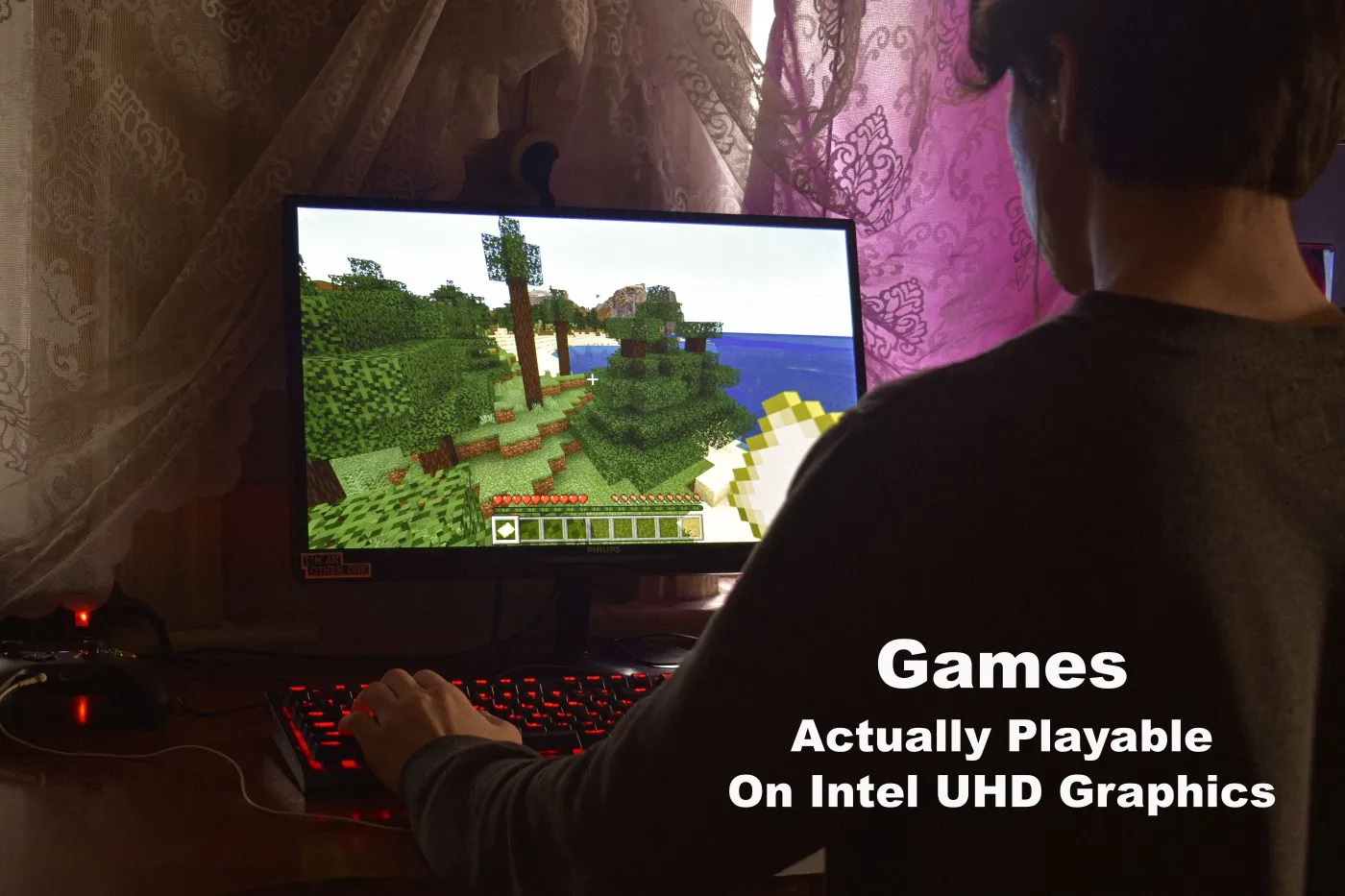
Intel UHD Graphics is not a gaming GPU, but that does not mean you are stuck watching other people play games on YouTube.
If you have a laptop, office PC, budget desktop or older family computer with Intel UHD Graphics, there are still plenty of games you can play smoothly in 2026. If your Intel UHD system is an older laptop, use my dedicated guide to games for low-end laptops as well. Laptop cooling, shared memory, battery power modes and weaker mobile CPUs can make the same Intel UHD chip feel different from a desktop office PC.
The trick is choosing the Best Games for Intel UHD Graphics that are genuinely playable, not just games that technically launch. This guide is built around one simple question:
What games can I realistically play on Intel UHD Graphics?
That means no fake benchmark claims, no pretending Intel UHD can handle demanding AAA games, and no recommending games that run like a slideshow after five minutes. The goal is to help you find games that remain fun on weak and budget hardware.
Quick Answer
Yes, Intel UHD Graphics can still play plenty of excellent PC games in 2026, as long as you choose the right ones. If you’re using Intel UHD 620, UHD 630, UHD 730 or UHD 770, these are some of the safest recommendations:
- Valorant
- League of Legends
- Rocket League
- Torchlight II
- Stardew Valley
- Grand Theft Auto V (720p Low)
- Sleeping Dogs
- Age of Empires II: Definitive Edition
- Civilization VI
- Brawlhalla
Most of these games run well at 720p or 900p Low settings, while lighter esports and indie games can often reach 1080p Low on newer Intel UHD Graphics. This guide explains which Intel UHD generations perform best, what settings to use, and which games are genuinely worth your time.
If you are still unsure what integrated graphics you have, check the GPU name in Windows Task Manager or Device Manager.
Intel users can start with our Intel HD and Intel UHD Graphics gaming guide.
If your system instead shows AMD Radeon, Radeon Vega or a Ryzen iGPU, use our guide to the best games for AMD Radeon integrated graphics.
What Games Can Intel UHD Graphics Actually Play?
Intel UHD Graphics can handle lightweight competitive games, older PC classics, many indie games, 2D games, strategy games, some RPGs and a small number of older open world games.

It struggles with modern AAA games, heavy open world titles, demanding shooters, ray tracing, large texture packs and games that expect a dedicated graphics card. If you prefer smaller games that still deliver excellent gameplay, take a look at our 10 Best PC Games Under 5GB That Actually Run on Low-End PCs.
The safest expectation is this:
| Game Type | Intel UHD Expectation | Best Settings Target |
|---|---|---|
| Esports and competitive games | Usually playable | 720p to 1080p Low |
| 2D indie games | Very playable | 1080p Low to High |
| Older RPGs | Often playable | 720p or 900p Low |
| Older open world games | Playable with compromises | 720p Low |
| Modern AAA games | Usually not recommended | Not worth forcing |
The biggest mistake is expecting Intel UHD Graphics to behave like a low-end gaming GPU. It does not have its own dedicated video memory, so it shares your system RAM. That means RAM amount, RAM speed and dual-channel memory can make a real difference.
If your PC only has 4GB of RAM, your choices become more limited. You may want to use our guide to the best games for 4GB RAM PCs alongside this list. Or try these free open world games for low-end PCs that are suitable for integrated graphics.
Intel UHD Graphics Generations Explained
Not all Intel UHD Graphics chips are equal. A game that feels okay on Intel UHD 770 may feel rough on Intel UHD 620, especially if the older laptop also has slow RAM or a weak dual-core CPU. And if your system has 8GB of memory, our guide to games for 8GB RAM PCs shows what you can realistically play across different levels of graphics hardware.
| Intel UHD Graphics | Common Hardware | Realistic Gaming Target |
|---|---|---|
| Intel UHD 620 | Older laptops | 720p Low in lightweight games |
| Intel UHD 630 | Older desktops and office PCs | 720p to 900p Low |
| Intel UHD 730 | Newer budget desktops | 900p Low, sometimes 1080p Low |
| Intel UHD 770 | Newer Intel desktop CPUs | 1080p Low in lighter games |
Intel UHD 620
Intel UHD 620 is common in older laptops. It can still play many excellent games, but you need to be realistic. Think 720p Low, older titles, indie games, strategy games and esports titles with reduced settings.
This is not the chip you want for demanding open world games or modern shooters.
Intel UHD 630
Intel UHD 630 is often found in older desktop office PCs. It is not massively stronger than UHD 620, but desktop CPUs and better cooling can help the overall experience.
If paired with enough RAM, UHD 630 can be a decent option for lightweight competitive games, older RPGs and older open world games.
Intel UHD 730
Intel UHD 730 is a better starting point for budget desktop gaming. It still has limits, but it gives you more breathing room than UHD 620 and UHD 630.
Many lighter games become comfortable at 900p Low, and some esports or indie titles can be played at 1080p Low.
Intel UHD 770
Intel UHD 770 is the strongest option in this group. It is still integrated graphics, not a true gaming GPU, but it handles lightweight games much better than older UHD chips.
If you have UHD 770, 1080p Low becomes realistic in more games, especially competitive titles and well-optimised indie games.
Before You Download Anything
Before installing a huge game and hoping for the best, check three things: your RAM, your CPU and your expectations.

Intel UHD Graphics shares system memory. If your PC has 4GB of RAM, Windows and background apps can already use a large part of it before the game even starts. With 8GB of RAM, the experience is usually much better. With dual-channel RAM, Intel UHD Graphics often performs more consistently.
If you are unsure how much RAM games actually need, read our guide on how much RAM games need.
Use These Settings First
- Start at 720p Low on Intel UHD 620 and UHD 630.
- Try 900p Low on Intel UHD 730.
- Try 1080p Low only on lighter games or Intel UHD 770.
- Turn shadows down first.
- Lower anti-aliasing before lowering textures.
- Disable motion blur, depth of field and heavy post-processing.
- Use fullscreen mode where possible.
- Close browsers, launchers and background apps before playing.
If games stutter even when the average frame rate seems fine, the problem may not be the graphics chip alone. Our guide on why games stutter on low-end PCs explains the difference between low FPS, bad frame pacing, RAM pressure and CPU bottlenecks.
Best Competitive Games for Intel UHD Graphics
Competitive games are usually the safest place to start with Intel UHD Graphics. Many of them are designed to run on a wide range of PCs, including older laptops and budget desktops.
| Game | Best For | Recommended Intel UHD Settings |
|---|---|---|
| Valorant | Tactical FPS players | 720p to 1080p Low |
| League of Legends | MOBA players | 1080p Low to Medium |
| Dota 2 | Deeper strategy MOBA players | 720p or 900p Low |
| Brawlhalla | Casual competitive fighting | 1080p High |
| Rocket League | Fast arcade competition | 720p Performance settings |
Valorant
Valorant is one of the best competitive shooters for Intel UHD Graphics because it was built to run on modest hardware.
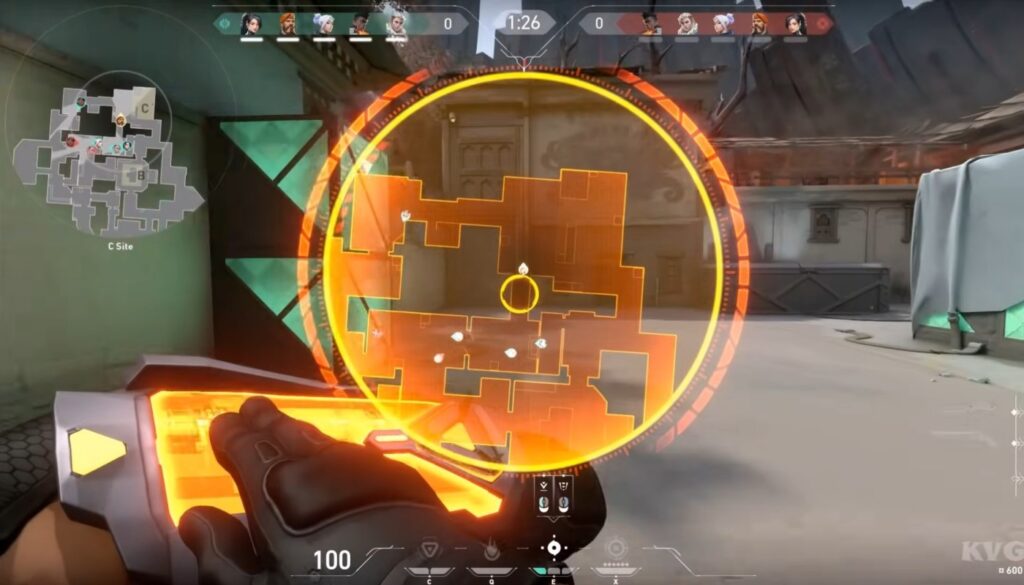
On weaker Intel UHD systems, start at 720p Low. On UHD 730 or UHD 770, 1080p Low may be realistic depending on your CPU and RAM setup.
The main reason Valorant works well is that it does not rely on heavy visual effects to feel good. You can lower settings without ruining the competitive experience.
League of Legends
League of Legends remains one of the easiest games to recommend for Intel UHD Graphics.
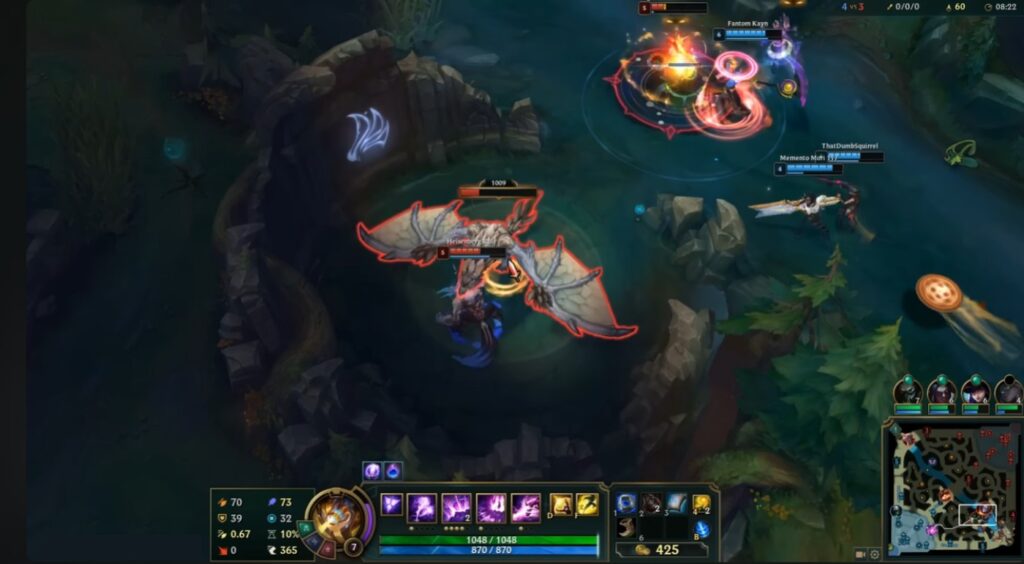
It runs well on older systems, scales nicely with lower settings and does not need a dedicated graphics card to be enjoyable. Even Intel UHD 620 can handle it if the laptop has enough RAM and is not overloaded with background apps.
Dota 2
Dota 2 is heavier than League of Legends, but it is still playable on Intel UHD Graphics with the right settings.

Lower shadows, effects and render quality first. If large team fights cause drops, reduce the resolution to 720p.
Brawlhalla
Brawlhalla is perfect for Intel UHD Graphics. It is lightweight, fast, free and still fun with friends.

This is the kind of game that proves low-end gaming does not have to feel like a compromise.
Rocket League
Rocket League can run on Intel UHD Graphics, but it needs more compromise than Brawlhalla or League of Legends.
Use performance-focused settings and start at 720p. UHD 730 and UHD 770 systems will have a much better time than older UHD 620 laptops.
If you prefer relaxing on the couch with a gamepad, Rocket League is also one of the standout titles in our guide to the best free controller games for PC, thanks to its excellent native controller support.
If you enjoy Rocket League’s fast car control but want traditional racing rather than car football, explore our guide to the best racing games for low-end PCs.
Best Free Games for Intel UHD Graphics
Free games are ideal for Intel UHD users because you can test performance without wasting money. That matters when your PC is already close to the minimum hardware line.
| Game | Genre | Why It Works on Intel UHD |
|---|---|---|
| Unturned | Survival | Simple visuals and flexible settings |
| Old School RuneScape | MMORPG | Very low hardware requirements |
| Albion Online | MMORPG | Runs well on modest systems with reduced settings |
| Teamfight Tactics | Auto battler | Lightweight compared to full 3D strategy games |
| Trackmania | Racing | Playable on lower settings if expectations are realistic |
If you want more no-cost options, BuiltToFrag already has dedicated guides for free PC games that don’t need a GPU and free games for garbage PCs.
Unturned
Unturned is a great survival option for Intel UHD Graphics because it uses simple visuals and gives you enough settings control to make the game playable on weak hardware.
It is not the prettiest survival game, but it still offers crafting, looting, base building and multiplayer chaos without demanding a gaming PC.
Old School RuneScape
Old School RuneScape is one of the safest MMORPG recommendations for Intel UHD Graphics.
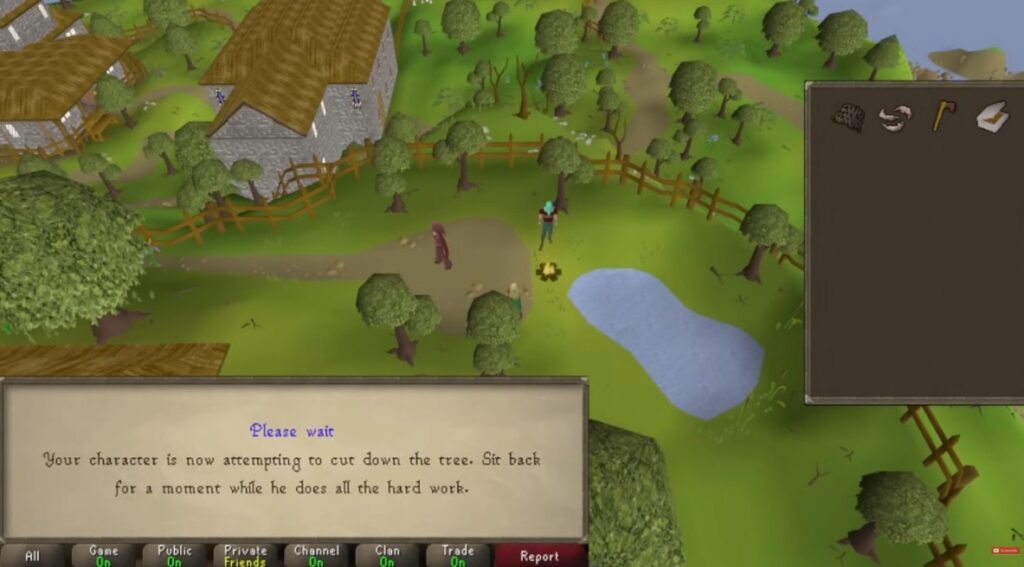
It runs on extremely modest hardware and remains popular because of its progression, quests, economy and long-term goals rather than flashy graphics.
Albion Online
Albion Online is more demanding than Old School RuneScape, but it can still work well on Intel UHD Graphics if you reduce settings and avoid expecting perfect performance in crowded areas.
It is a good option if you want a free online RPG with gathering, crafting, PvP and player-driven economy systems.
Teamfight Tactics
Teamfight Tactics is a strong choice for Intel UHD users who want strategy without the pressure of fast mechanical gameplay.
Because it is less demanding than many full 3D strategy games, it works well on a wide range of low-end PCs.
Best RPG Games for Intel UHD Graphics
Role-playing games are one of the strongest genres for Intel UHD Graphics because many excellent RPGs focus on storytelling, exploration and progression instead of pushing modern graphics technology to its limits.
You may not be playing the latest blockbuster RPG at Ultra settings, but there are still dozens of adventures capable of keeping you busy for hundreds of hours.
| Game | Recommended Settings | Why It Works |
|---|---|---|
| The Elder Scrolls V: Skyrim Special Edition | 720p Low | Still scales surprisingly well on weaker hardware. |
| Torchlight II | 1080p Medium | Lightweight action RPG with excellent optimisation. |
| Grim Dawn | 900p Low | Great loot system without extreme hardware demands. |
| Stardew Valley | 1080p High | Relaxing RPG and farming experience with tiny hardware requirements. |
| Undertale | 1080p High | Fantastic story-driven RPG that runs almost anywhere. |
Skyrim Special Edition
Despite its age, Skyrim remains one of the easiest open-world RPGs to recommend for Intel UHD Graphics. At 720p Low settings it remains surprisingly enjoyable, particularly on UHD 730 and UHD 770 systems.
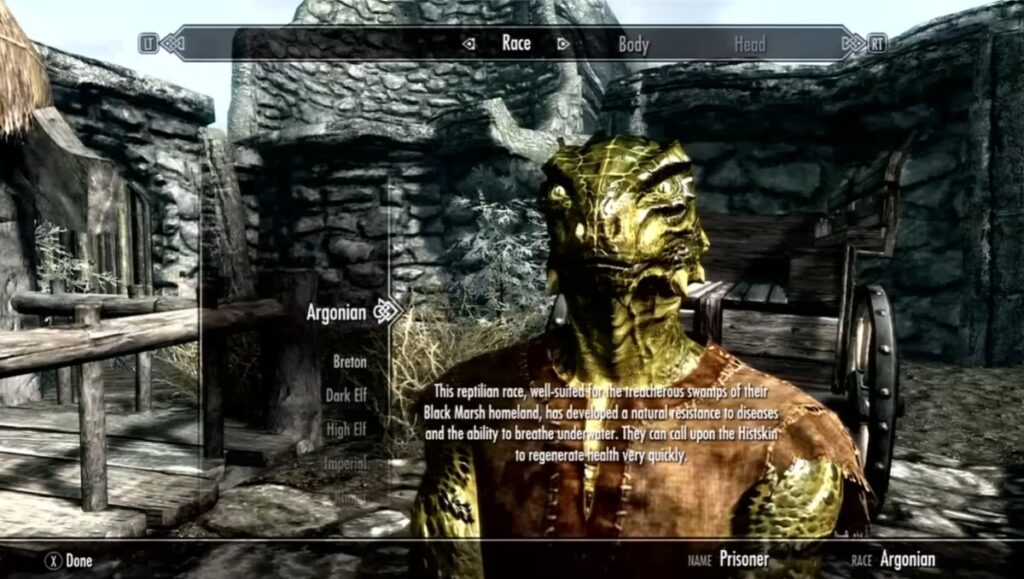
Avoid installing large texture packs or heavy visual mods, as these quickly overwhelm integrated graphics.
Torchlight II
If you enjoy Diablo-style action RPGs but your PC struggles with newer releases, Torchlight II is an excellent alternative.
Its colourful art style has aged well and it performs comfortably on almost every Intel UHD generation.
Grim Dawn
Grim Dawn is slightly heavier than Torchlight II but rewards players with a deeper character system and huge replay value.
Lowering shadows and lighting effects produces a noticeable improvement on older Intel UHD chips.
Stardew Valley
Not every RPG needs dragons and giant boss fights.
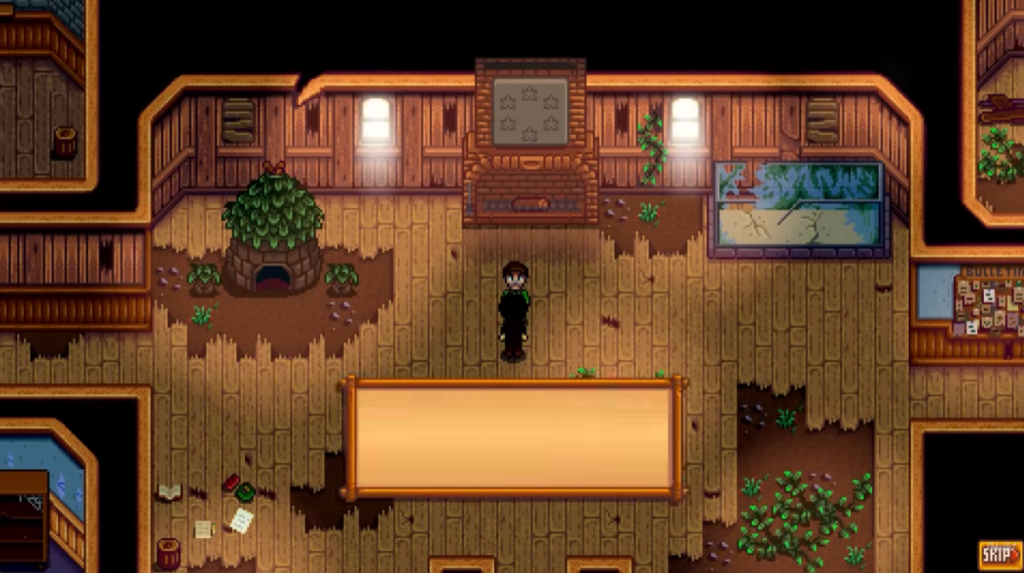
Stardew Valley combines farming, exploration, crafting, relationships and light combat into one of the most addictive low-end PC games ever released.
If you enjoy Stardew Valley’s freedom to explore, gather resources and create your own goals, there are other sandbox games worth investigating. Our guide to the best sandbox games for low-end PCs compares eight options, including Terraria, Starbound and RimWorld, while explaining their system requirements and which games may suit older integrated graphics.
Best Open World Games for Intel UHD Graphics
Open world games are often the first genre people ask about, but they’re also where realistic expectations matter most.
Modern open world games demand a lot from both the CPU and GPU. Fortunately, several older and well-optimised titles still provide huge worlds without requiring dedicated graphics.
| Game | Recommended Settings | Playable? |
|---|---|---|
| Grand Theft Auto V | 720p Normal/Low | Yes, with sensible expectations. |
| Saints Row The Third Remastered | 720p Low | Borderline on older UHD, better on UHD 770. |
| Sleeping Dogs Definitive Edition | 720p Low | Very playable. |
| Fallout: New Vegas | 1080p Medium | Excellent. |
| The Elder Scrolls IV: Oblivion | 1080p Medium | Runs comfortably. |
Grand Theft Auto V
Yes, GTA V still deserves its reputation for running well across a huge range of hardware.
On Intel UHD Graphics, however, you need realistic expectations. 720p with mostly Normal or Low settings provides the most consistent experience.
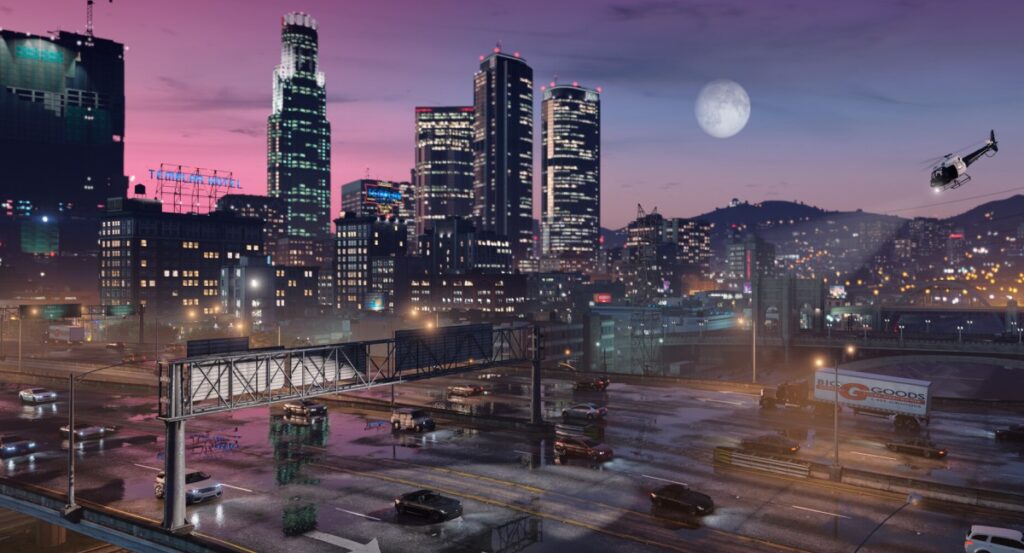
Trying to force higher settings usually creates stuttering instead of improving visual quality.
If you’re looking for even more lightweight alternatives, our guide to low-end PC games that actually run includes several excellent open-world recommendations.
Sleeping Dogs Definitive Edition
Sleeping Dogs remains one of the best overlooked open world games available today.
Its combat, driving and story still hold up remarkably well, while its hardware requirements are far friendlier than modern open-world releases.
Fallout: New Vegas
If exploration and storytelling matter more than graphics, Fallout: New Vegas remains an outstanding choice.

Even older Intel UHD Graphics systems can handle it comfortably, making it one of the safest recommendations in this category.
Best Strategy Games for Intel UHD Graphics
Strategy games tend to reward CPU performance more than raw graphics power, making them an excellent fit for integrated graphics.
| Game | Recommended Settings | Genre |
|---|---|---|
| Civilization VI | 720p Low | Turn-Based Strategy |
| Age of Empires II: Definitive Edition | 1080p Low | Real-Time Strategy |
| Into the Breach | 1080p High | Tactical Strategy |
| FTL: Faster Than Light | 1080p High | Roguelike Strategy |
| RimWorld | 1080p Medium | Colony Simulation |
If you enjoy thoughtful gameplay rather than chasing high frame rates, strategy games are some of the best value you can get from Intel UHD Graphics.
How to Get Better Performance on Intel UHD Graphics
You cannot magically turn Intel UHD Graphics into an RTX graphics card, but you can often make games feel noticeably smoother with a few sensible adjustments.
1. Upgrade to 8GB or 16GB of RAM
Because Intel UHD Graphics shares system memory, RAM upgrades often improve gaming more than people expect.
If your PC only has 4GB of RAM, upgrading should usually be your first priority.
2. Use Dual-Channel Memory
Adding a second matching RAM stick increases available memory bandwidth, which benefits integrated graphics significantly.

Many Intel UHD systems gain smoother gameplay simply by moving from single-channel to dual-channel memory.
3. Lower the Right Settings
Don’t immediately reduce textures. Instead, lower:
- Shadows
- Ambient Occlusion
- Volumetric Effects
- Motion Blur
- Depth of Field
- Post Processing
These options usually cost more performance than texture quality on integrated graphics.
4. Install Intel Graphics Drivers
Many laptops ship with outdated graphics drivers. Installing the latest Intel graphics package can improve compatibility and occasionally resolve stuttering or visual glitches in newer games.
5. Accept the Right Resolution
720p Low is not a failure. A smooth 720p experience is far more enjoyable than an unstable 1080p slideshow. Prioritise consistency over visual quality.
Should You Upgrade Instead?
If you mainly play esports games, indie titles, strategy games or older RPGs, Intel UHD Graphics may already be enough.
However, if you want to enjoy modern AAA releases at higher settings, an upgrade will eventually become necessary.
Before spending money, read our guides on:
- What to Upgrade First on a Low-End PC
- Cheap Gaming Upgrades That Actually Boost FPS
- How to Future-Proof a Weak Gaming PC Without Wasting Money
Many people assume they need an entirely new PC when a simple RAM upgrade, SSD or entry-level graphics card would dramatically improve the experience.
If your processor is also showing its age, you may also find our guide to games that still run well on dual-core CPUs useful when choosing your next game.
Frequently Asked Questions
Can Intel UHD Graphics run modern games?
Yes, but only within reason. Intel UHD Graphics is capable of running many esports titles, indie games, strategy games and older AAA releases. Most modern AAA games released in recent years expect a dedicated graphics card and simply won’t deliver an enjoyable experience on Intel UHD Graphics.
If your goal is smooth gameplay rather than maximum graphics settings, there are still hundreds of excellent games worth playing.
Which Intel UHD Graphics generation is best for gaming?
Intel UHD 770 is currently the strongest Intel UHD Graphics solution and offers the best gaming experience of the four major generations covered in this guide.
That said, the difference between systems is not only about the graphics chip. RAM configuration, processor performance, cooling and storage all play a role in overall gaming performance.
Is Intel UHD Graphics better than Intel HD Graphics?
Generally, yes.
Intel UHD Graphics is newer and more capable than most Intel HD Graphics generations. However, the exact performance depends on the specific processor your PC uses.
If you’re comparing generations, our Intel HD Graphics gaming guide explains the differences in more detail.
How much RAM do I need for Intel UHD Graphics gaming?
For most games, 8GB of RAM should be considered the practical minimum.
With only 4GB of RAM, Windows and background applications can consume a large portion of the available memory before your game even launches. If possible, aim for 16GB and dual-channel memory for the best experience.
Does dual-channel RAM really make a difference?
Yes.
Unlike dedicated graphics cards, Intel UHD Graphics shares your system memory. Dual-channel RAM increases memory bandwidth, which often results in smoother gameplay and fewer performance drops in supported games.
Can Intel UHD Graphics run GTA V?
Yes.
Grand Theft Auto V remains one of the better-optimised open-world games for integrated graphics. On Intel UHD 620 or UHD 630, expect to use 720p with Low or Normal settings. UHD 730 and UHD 770 users may have room to increase settings slightly depending on the rest of the system.
Should I lower the resolution or graphics settings first?
Start by lowering demanding graphics settings such as shadows, reflections and post-processing effects before reducing resolution.
If performance is still inconsistent, dropping to 720p usually provides a much bigger improvement than disabling every graphical feature while staying at 1080p.
Can Intel UHD Graphics run games without a dedicated GPU?
Absolutely.
That is exactly what Intel UHD Graphics was designed to do. While it cannot replace a dedicated gaming graphics card, it can comfortably run hundreds of enjoyable PC games if you choose titles that match its capabilities.
For even more recommendations, take a look at our guide to free PC games that don’t need a GPU.
Our Recommendations
If you’re looking for a quick starting point, these are the games we’d recommend first for most Intel UHD users:
| Looking For… | Recommended Game |
|---|---|
| Best Competitive Game | Valorant |
| Best RPG | Torchlight II |
| Best Open World Game | Grand Theft Auto V |
| Best Strategy Game | Age of Empires II: Definitive Edition |
| Best Free Game | Brawlhalla |
| Best Relaxing Game | Stardew Valley |
Final Thoughts
Intel UHD Graphics isn’t designed to compete with dedicated gaming GPUs, but that doesn’t mean it can’t deliver an enjoyable gaming experience.
The key is choosing games that match your hardware instead of chasing unrealistic expectations. A smooth game at 720p is almost always more enjoyable than a modern blockbuster struggling to maintain a playable frame rate.
Whether you’re using an older Intel UHD 620 laptop for studying, a family desktop with UHD 630, or a newer system with UHD 730 or UHD 770, there are still hundreds of worthwhile games available without spending money on expensive hardware.
BuiltToFrag exists to help gamers get the most from older, weaker and budget PCs without wasting time on misleading recommendations or impossible performance promises.
If you’re planning your next upgrade, don’t assume you need an entirely new computer. A RAM upgrade, an SSD or an entry-level graphics card often delivers a much bigger improvement than people expect. Until then, there are plenty of excellent games waiting to be played on the hardware you already own.