Updated on 02/03/2026. New picks added, dead games removed, still zero mercy for bad hardware.
Not everyone is rocking a modern RTX monster with liquid cooling and RGB that can be seen from space. Some of us are just trying to squeeze playable frames out of a glorified relic. That’s fine. This Free Games for Garbage PCs article exists for that exact reason.
Quick Takeaways:
- Best FPS: Ironsight, smooth and low-spec friendly
- Best offline game: OpenTTD, runs on almost anything
- Lowest-end option: ZombsRoyale.io, runs in your browser
- No GPU? Stick to 2D games and browser titles
If your PC wheezes when Steam opens or threatens to combust when Chrome loads, this list is for you. These are free games for garbage PCs that actually run, respect weak hardware, and do not secretly punish you for existing. If you want even more performance with zero cost, this guide on how to disable bloatware on Windows can free up resources instantly.
How this list works: And How I tested these games
- Everything here runs on low RAM, weak CPUs, and integrated graphics
- No GPU required unless clearly stated
- Each section includes a “start here” pick so you do not overthink it
The PC I used was an old office machine I bought from a Secondhand PC shop.
- CPU: Intel Core i5-3470 (4 cores, 4 threads)
- Motherboard: Dell OptiPlex 7010 motherboard
- GPU: Intel HD 2500 (integrated graphics on CPU)
- RAM: 4GB DDR3 (came with 8GB, but removed 4GB in order to test)
- Storage: 500GB HDD (not SSD)
- OS: Windows 10
- Power Supply: 500w No Name Psu
What Counts as a “Garbage PC” in 2026?
If you are running under 8GB of RAM, relying on integrated graphics, or using a CPU old enough to remember Windows 7 fondly, congratulations. You qualify. If your machine is hanging on by a thread, this complete breakdown of what games actually run on low-end PCs will help you set realistic expectations. If your system has officially entered garbage PC territory, read what to upgrade first on a low-end PC before buying parts your machine cannot use.
This list is built for:
- Old laptops and office PCs
- No-GPU systems
- Budget builds that just need something playable
If your PC turns on, connects to Wi-Fi, and does not bluescreen when you sneeze, you are good to go. But If your trash-tier machine also lives on unstable internet, these offline games for low-end PCs are a much safer bet.
If your setup is even worse than expected, this guide on games for dual core CPU shows what still runs when your PC is really struggling.
Free Games for Garbage PCs
Start here if: you want shooting, movement, and action without destroying your frame rate.
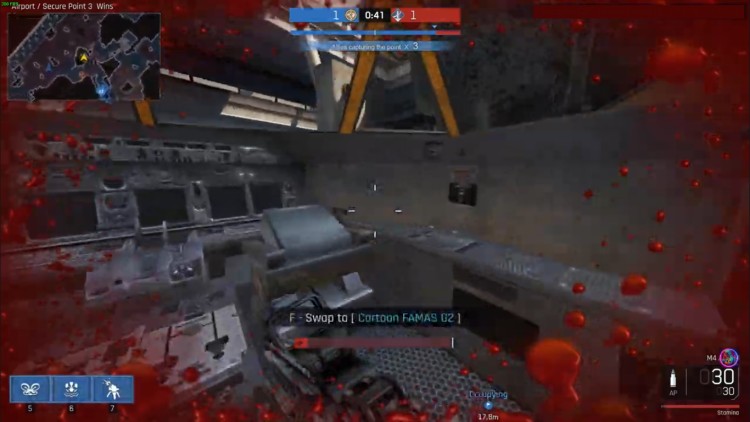
- Ironsight – Tactical, smooth, and extremely forgiving on integrated graphics.
Best pick if you want something familiar that just works. - Warface – Still alive, still playable, and still friendly to weak hardware. PvE, PvP, and co-op without massive installs.
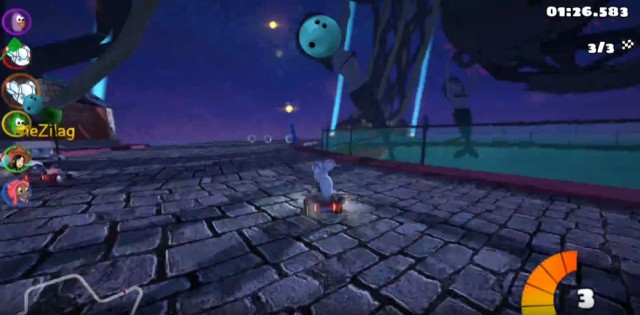
- Polygon – Battlefield energy with Roblox visuals. Janky, chaotic, and surprisingly fun.
If you are running without a graphics card at all, these FPS games without a GPU are safer picks. Need something more social than single-player games? These free MMORPGs for weak PCs are still active online.
How These Games Actually Run on Garbage PCs
Let’s be honest, these games are not just “low spec friendly” by accident. Most of them are either CPU-light, GPU-optional, or built on older engines that do not punish weak hardware. Just because a game runs doesn’t mean it feels good. What Smooth Gameplay Actually Feels Like on a Low-End PC helps you spot hidden stutter and uneven performance.
On real systems, you will notice a few patterns. Integrated graphics handle most of these fine, but RAM becomes the real bottleneck. If you are sitting on 4GB or less, expect occasional stutter when loading assets or switching scenes. If your system is really struggling, start with these games that actually run on 4GB RAM.
CPU-wise, even older dual-core chips can survive here, but background apps will absolutely wreck your experience. If your game feels inconsistent, it is usually not the game, it is everything else running in the background.
If you are still getting stutter or random frame drops, read this guide on why games stutter on low-end PCs to understand what is actually happening.
Battle Royale Games That Don’t Melt Laptops
Start here if: you want short matches and zero patience for loading screens.
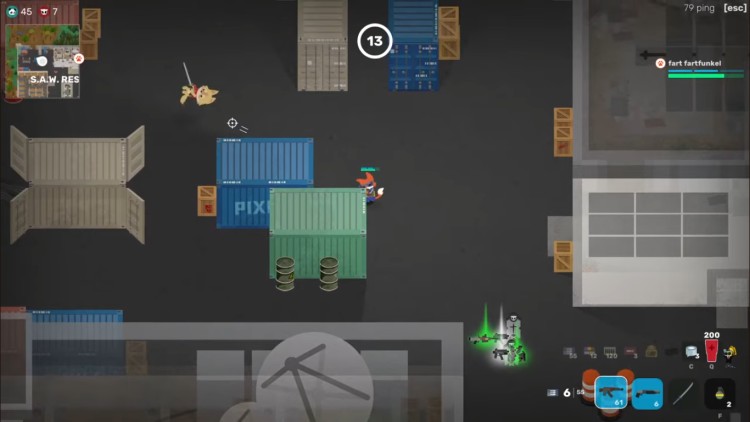
- Super Animal Royale – Top-down chaos, fast rounds, and absurdly low requirements.
Best pick if your laptop thermal throttles just by existing. - ZombsRoyale.io – Browser-based, zero install, runs in anything that opens a tab.
- Surviv.io (Legacy) – Minimalist, fast, and still playable despite being officially dead.
Free Offline Games for Low-End PCs
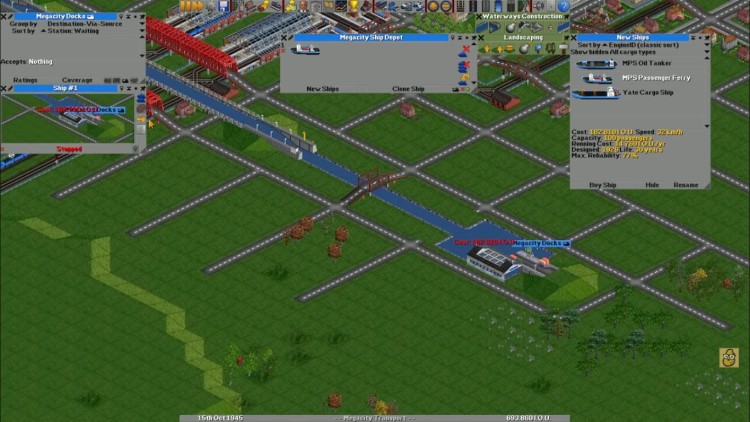
Start here if: your internet is unreliable or you just want something stable.
- Cave Story – A genuine indie classic with tight design and tiny system demands.
- One Finger Death Punch – Two buttons, ridiculous action.
Best pick if your PC is ancient but your reflexes are not. - OpenTTD – Transport Tycoon reborn. Deep systems, low requirements, infinite hours.
Indie Games That Look Bad (But Play Shockingly Well)
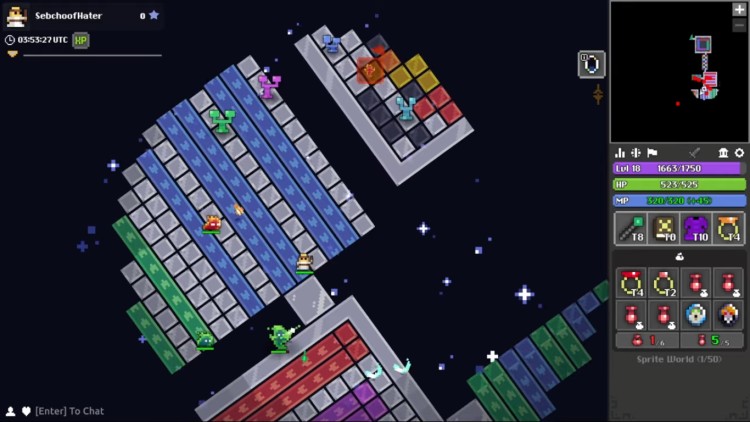
Start here if: gameplay matters more than visuals.
- Realm of the Mad God – Bullet-hell MMO chaos with permadeath and laughably low requirements.
- Rogue Survivor – ASCII zombie survival with real depth.
Best pick if you enjoy strategy over spectacle. - Unturned – Minecraft-meets-DayZ survival with co-op, mods, and flexible settings.
Make Any Game Run Better on Trash Hardware
Even the most lightweight games can feel rough if your system is fighting itself. Before you give up, there are a few simple tweaks that can make a noticeable difference on low-end hardware.
These are not magic fixes, but they remove the most common bottlenecks that cause stutter, input delay, and inconsistent performance.
- Lower resolution first. 720p or below beats ultra presets every time.
- Kill background apps. RAM matters more than GPU power on low-end systems.
- Watch LowSpecGamer. He turns “unplayable” into “acceptable”.
If performance issues persist, this guide on why games stutter on low-end PCs explains what is actually happening. If your system still feels slow after tweaking settings, you are likely dealing with deeper issues. This guide on why your PC still feels slow after an upgrade explains what most people miss.
If Your PC Is Struggling, These Cheap Upgrades Help
If you have tried everything and your games still feel rough, you are probably hitting a hardware wall. The good news is you do not need a full rebuild to fix it. Important: If your PC is running older DDR3 memory and does not have a PCI Express slot, most modern upgrades will not work with your system.
This means no modern GPUs, no NVMe SSDs, and limited RAM upgrade options. At that point, your upgrade path is restricted to older, compatible parts that are no longer widely sold new. If your PC includes Intel UHD Graphics, don’t miss our collection of the best games for Intel UHD Graphics for even more playable options.
If you are in this situation, your best option is to check second-hand PC shops or refurbished hardware sellers for compatible components. Just make sure you match the exact type of RAM and storage your system supports before buying anything.
But If Your System Does Comply, Here are some Great Upgrades you can Consider
Upgrading from 4GB to 8GB RAM alone can eliminate stutter in most of these games. A basic SSD will also reduce load times and make your system feel less like it is fighting you every step of the way.
- 1 or 2TB NVMe SSDs: faster loads for long RPG sessions, ideal for PC gamers, so you spend more time playing and less time staring at loading screens.

- 1 or 2TB SATA SSDs: big responsiveness upgrade for older PCs, ideal for budget builds, so your entire system feels snappier in games and menus.

- 16 or 32BG Ram: smoother multitasking and fewer stutters, ideal for heavy-tab gamers, so Discord, Chrome, and your game stop fighting each other.

- A Good Graphics Card: efficient 1080p and light 1440p performance, ideal for upgrade-focused players, so you get stable frames without turning your PC into a space heater.

If you are not sure where to start, this guide on best PC upgrades under $100 breaks down the highest impact changes without wasting money.
When This List Might Not Be Enough
As much as we would like to pretend every PC can be saved, there is a limit. If you are running on extremely old hardware with 2GB RAM or less, even these games can struggle. If your PC is struggling this much, our Intel HD Graphics Gaming Guide will give you a clearer idea of what actually runs without pain, if onboard graphics is all you have currently.
At that point, the issue is not game choice, it is system limitations. You may experience long load times, input delay, or games refusing to launch entirely.
If that sounds familiar, your best move is to either focus on browser-based games or consider minimal upgrades. Even small changes can make a massive difference on ultra-low-end systems. You can also explore our 10 Best PC Games Under 5GB That Actually Run on Low-End PCs for lightweight titles that perform well without demanding powerful hardware or lots of storage.
Want multiplayer instead of solo games? Start with our guide to online games for low-end PCs that still have active communities. Not every “free” game is friendly to weak hardware. Before installing Fortnite, check our guide on whether an old PC can still run Fortnite.
Your PC May Be Trash, But Your Games Don’t Have to Be
You do not need ray tracing, RGB, or a NASA budget to enjoy gaming in 2026. You just need games that respect your hardware.
- 15 Best Free Games for Low-End PCs
- 10 Free FPS Games for Low-End PCs
- Free strategy games that run on low-end PCs
If you’re tired of tiny lightweight games and want something with more freedom, these games like GTA V for low-end PCs are surprisingly playable on weak hardware.
Steam’s Free-to-Play section and itch.io’s free games remain excellent hunting grounds. If your PC can handle paid titles, start with these low end FPS games you can buy without wasting money.
FAQ: Because Slow PCs Still Deserve Answers
Q: What are the best free games for low-end laptops?
A: OpenTTD, Cave Story, One Finger Death Punch, and browser games like ZombsRoyale.io.
Q: Any free games that do not need a graphics card?
A: Yes. Most 2D indies, browser games, and older engines run fine on integrated graphics.
Q: Are there free games with low storage requirements?
A: Many picks here are under 500MB. Browser games do not even install.
Q: Games like CS for weak PCs?
A: Ironsight and Warface are your safest bets.
Got a garbage PC and a hidden gem? Drop it in the comments. Bonus points if it looks like MS Paint but still slaps.