If your PC has only 4GB of RAM, choosing a game by its RAM requirement alone is risky. Some lightweight games will run comfortably, while others may still struggle because your processor or integrated graphics are too weak.
The safest places to start are Undertale, Stardew Valley and Terraria. If your PC has a reasonably capable Intel HD or UHD graphics chip, you can also consider Portal 2, Left 4 Dead 2, Hollow Knight and Don’t Starve. Modern games such as Counter-Strike 2 should be avoided on 4GB systems, even if you find videos showing that they can launch.
This guide separates the genuinely lightweight choices from games that require stronger integrated graphics. It also explains the limitations before you spend money or download a game your PC cannot handle.
Quick Answer: The Best Games for 4GB RAM PCs
Use this table to find the right starting point. The compatibility rating considers more than RAM, but no game can be guaranteed to work without knowing your exact processor and graphics chip.
| Game | Best for | 4GB PC verdict | Where to start |
|---|---|---|---|
| Undertale | Story-driven RPG fans | Safest choice | Default settings |
| Stardew Valley | Relaxed farming and exploration | Safest choice | Default settings; close heavy background apps |
| Terraria | Crafting, exploration and boss fights | Safe on many older PCs | Fullscreen with backgrounds reduced if needed |
| Portal 2 | Single-player and co-op puzzles | Good with a capable older iGPU | 720p with shadows lowered |
| Left 4 Dead 2 | Co-op zombie shooting | Good with a capable older iGPU | 720p with effects and shadows on Low |
| Hollow Knight | Challenging action and exploration | Hardware-dependent | 720p or reduced resolution |
| Don’t Starve | Offline survival and crafting | Generally suitable | Default settings; reduce resolution if needed |
Important: Having 4GB of RAM does not guarantee that a game will run. Your processor, graphics chip, Windows version and available storage also matter. Intel HD graphics in particular cover many generations with very different capabilities.
What a 4GB RAM PC Can Realistically Handle
Four gigabytes of RAM is no longer enough for most modern PC games. Windows and your normal background processes already use part of that memory, leaving considerably less than 4GB available to the game itself.
If the 4GB system is an old laptop, be even stricter with your choices. Laptop cooling, shared integrated graphics memory and limited upgrade options can make the same game feel worse than it would on a desktop. I have a separate guide to games for low-end laptops if you are choosing specifically for an older notebook or office laptop.
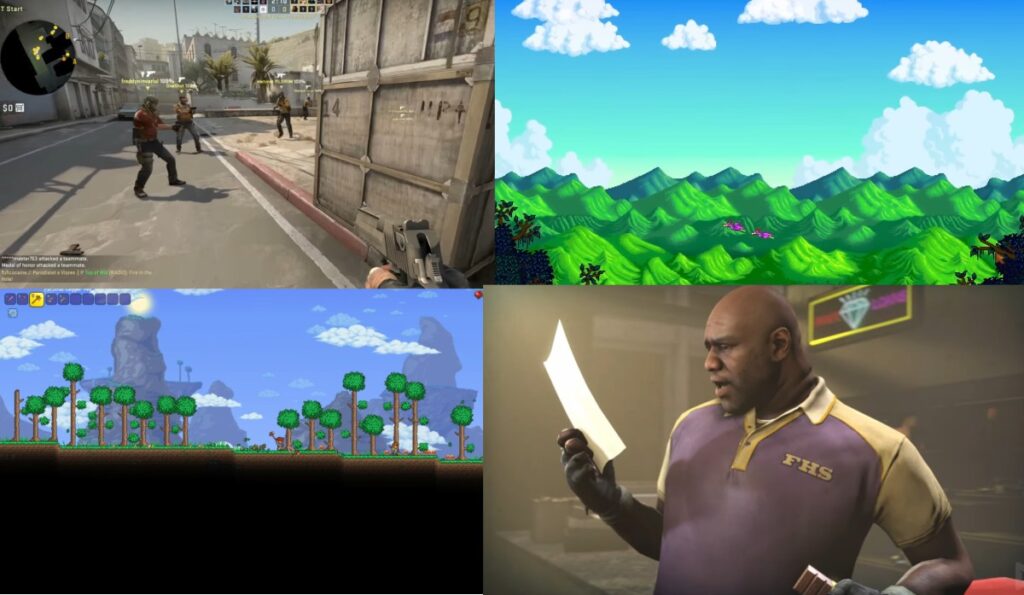
Older games, lightweight indie releases and well-optimized 2D titles remain realistic options. Recent AAA games and demanding competitive shooters usually are not. A game launching is also not the same as it being enjoyable: persistent stutter, freezing during combat and severe input delay all count as poor performance.
For slower games in this guide, “runs well” means that ordinary play should feel stable without constant freezing or disruptive stutter. Faster action games need more consistent performance, so they receive a more cautious recommendation.
These recommendations are based on official requirements, the demands of each game and realistic limitations of older hardware. They are not presented as benchmark results from one universal “4GB PC,” because no such standard machine exists. If you want help judging whether your performance is stable, read what smooth gameplay actually feels like on a low-end PC.

If a lightweight game still stutters, do not immediately assume that RAM is the only problem. Your CPU or integrated graphics may be the real limitation. Our guides explain why games stutter on low-end PCs and what to upgrade first on a low-end PC.
Before You Choose: Not All Intel HD Graphics Are Equal
A label such as “Intel HD Graphics” is not specific enough to predict gaming performance. It can refer to anything from a very weak early integrated GPU to a much more capable later model. Two computers with the same 4GB of RAM can therefore produce completely different results in the same game.
To check yours in Windows, press Ctrl + Shift + Esc, open the Performance tab in Task Manager and select GPU. You should see a name such as Intel HD 4000, Intel HD 520, Intel UHD 620 or AMD Radeon Vega.
If you have a very old or unidentified graphics chip, begin with the three safest games below. Portal 2, Left 4 Dead 2 and Hollow Knight require more graphics performance and should be treated as conditional choices rather than guaranteed recommendations.
For more specific guidance, use our Intel HD Graphics gaming guide. If your graphics name includes AMD Radeon or Radeon Vega, our guide to the best games for AMD Radeon integrated graphics will give you more relevant expectations.
The Safest Games for Very Weak 4GB PCs
Start here if your PC has an old dual-core processor, early Intel HD graphics or no dedicated graphics card. These games have modest demands, but you should still check the official requirements before buying because operating-system and hardware support can change.
Terraria: Best for Crafting and Long-Term Exploration
Choose Terraria if: You want a game that can keep you busy for hundreds of hours with exploration, base building, crafting and increasingly difficult boss fights. It is also one of the stronger choices in our guide to the best co-op games for low-end PCs if you want to explore and build with friends.
Terraria is a strong match for many 4GB PCs because its 2D presentation is less demanding than a modern 3D game. That does not mean every moment is equally light: large worlds, busy boss fights, heavy particle effects and extensive mods can place more strain on an old processor.

Start with: Fullscreen mode and the default resolution. If the game slows down during busy scenes, reduce or disable backgrounds, lower lighting quality and enable frame skip. Avoid large mod packs until you know how the unmodified game performs.
Main limitation: Terraria is a safe recommendation for many weak PCs, but “2D” does not mean performance can never drop. Large modded worlds and effect-heavy fights can expose a weak CPU.
Stardew Valley: Best for Relaxed, Long-Session Gaming
Choose Stardew Valley if: You prefer farming, exploration, relationships and gradual progression over fast combat. It is also a good choice when unstable frame rates make action games frustrating.
Stardew Valley’s modest graphics and system requirements make it one of the more sensible games to try on a 4GB PC. The unmodified game is the safest starting point. Large mod collections, visual overhauls and expansion mods can consume more memory and may change that experience.
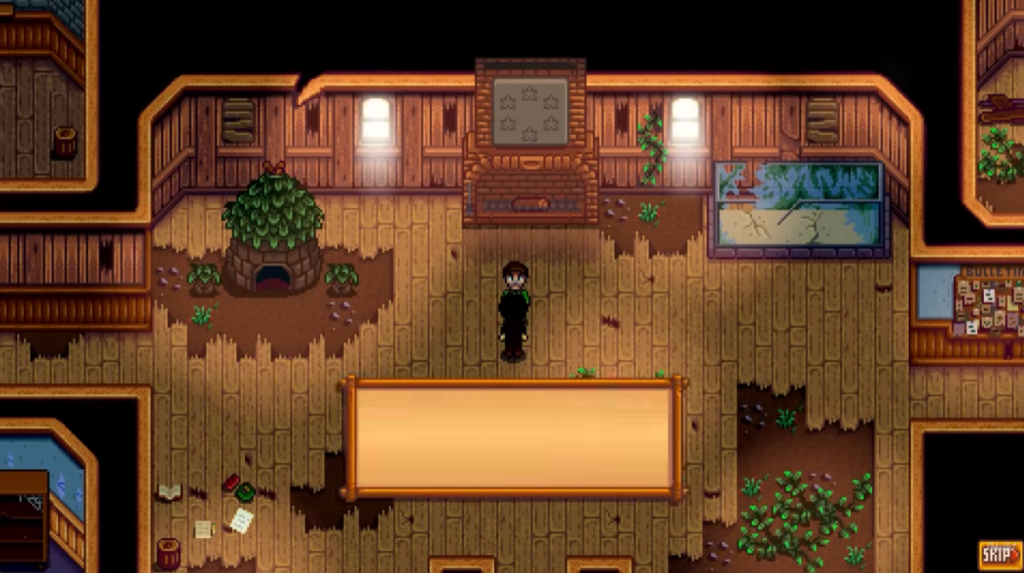
Start with: The standard game without mods. Close memory-heavy applications such as a browser with many open tabs if Windows is already using most of your RAM.
Main limitation: Stardew Valley itself is lightweight, but heavily modded installations can use considerably more memory and may take longer to load on an old hard drive.
If you enjoy Stardew Valley’s gradual management but would rather control an entire settlement, our guide to the best city-building games for low-end PCs begins with lightweight classics suitable for very weak hardware before moving into options that need a stronger 8GB system.
Undertale: The Safest Choice for Extremely Weak Hardware
Choose Undertale if: You want a short, story-driven RPG where choices, characters and unusual combat matter more than visual spectacle.
Of the games in this guide, Undertale places the least emphasis on advanced graphics. Its deliberately simple visual style makes it the first game to consider when newer 2D titles or older 3D games still struggle on your PC.
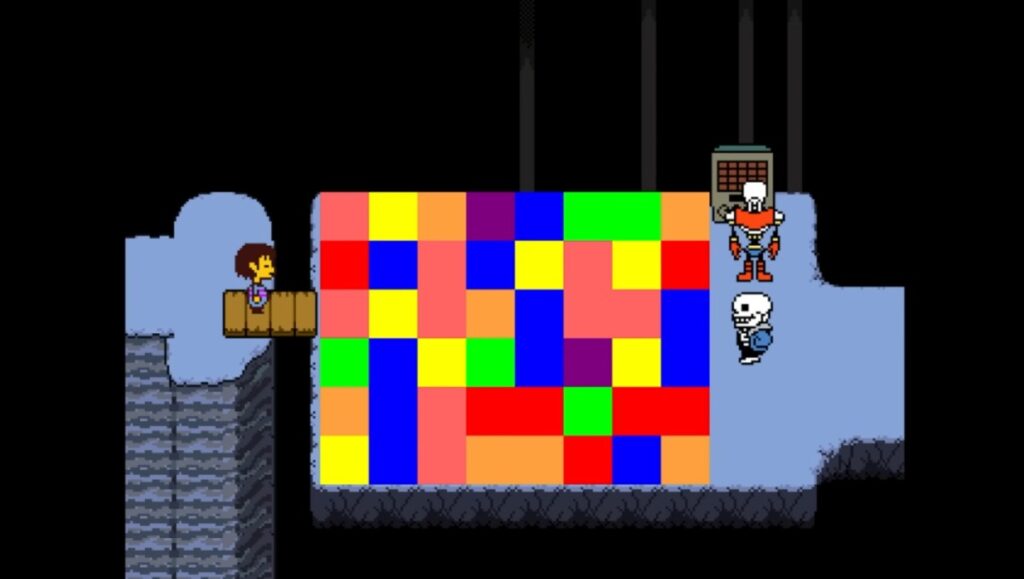
Start with: The default settings. You should not need to reduce visual quality, although closing unnecessary applications may help if Windows has very little free memory.
Main limitation: Undertale is an unusual, narrative-focused RPG rather than a conventional action game. Watch a short spoiler-free gameplay clip before buying if you are unsure whether its style suits you.
Games That Need Stronger Integrated Graphics
The following games can work on a 4GB PC, but they are not as universally safe as Undertale, Stardew Valley or Terraria. They are better suited to later Intel HD or UHD graphics, AMD integrated graphics, or an older dedicated GPU
The same warning applies to racing games, where newer releases can overwhelm integrated graphics even when 4GB of RAM is technically enough. Our guide to the best racing games for low-end PCs separates recommendations by hardware level so you can avoid choosing something your graphics chip cannot handle..
If you do not know which graphics chip you have, check it before buying. Begin at 1280 × 720 resolution with the lowest or recommended settings, then raise individual options only after the game is stable.
Left 4 Dead 2: Best for Co-op Shooting
Choose Left 4 Dead 2 if: You want a fast co-op shooter with short campaigns, large zombie hordes and an active style of play that remains enjoyable years after release.
Left 4 Dead 2 uses Valve’s older Source engine and has much lighter requirements than most current multiplayer shooters. That makes it a realistic option for some 4GB PCs, but the graphics chip still matters. Large hordes, fire, smoke and explosions are the moments most likely to expose a weak CPU or integrated GPU.

Start with: 1280 × 720 resolution, low shadow and effect settings, and multicore rendering enabled if your processor supports it. Play a campaign before increasing the settings.
Main limitation: Stable performance matters more in a shooter than in a farming or turn-based game. If combat regularly freezes or the controls feel delayed, reduce the settings further rather than accepting that as normal.
You can compare your hardware with the official Left 4 Dead 2 system requirements on Steam before buying.
Portal 2: Best for Puzzles and a Strong Campaign
Choose Portal 2 if: You want a clever single-player story or a separate two-player co-op campaign rather than constant combat.
Portal 2 also runs on Valve’s Source engine, but its larger environments, lighting and physics make it more demanding than the simplest games in this guide. Many older PCs can handle it at reduced settings, although very early Intel HD graphics may still struggle or lack suitable support.
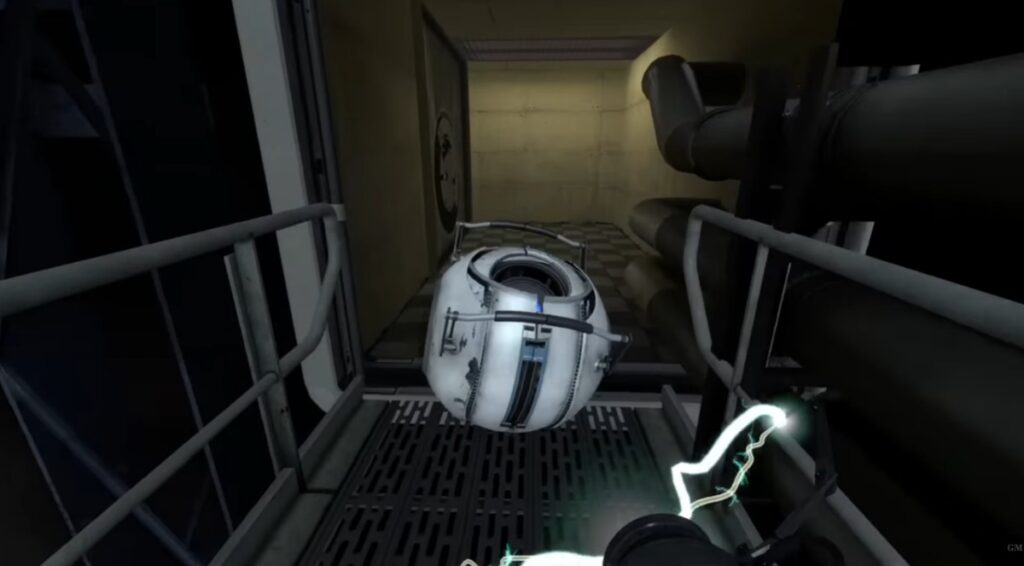
Start with: 1280 × 720 resolution, low or medium texture detail, low shadows and motion blur disabled. If movement remains smooth, increase texture detail before raising shadows.
Main limitation: Do not assume that every computer labelled “Intel HD” can run Portal 2 equally well. Your graphics generation and driver support may decide whether it launches and performs properly.
Hollow Knight: Best for Challenging Action
Choose Hollow Knight if: You enjoy difficult combat, exploration, boss fights and gradually unlocking new routes through a large connected world.
Hollow Knight is a 2D game, but its animation, lighting and visual effects make it more demanding than Undertale or Stardew Valley. Four gigabytes of RAM may be sufficient, but an extremely weak or unsupported graphics chip can still prevent a good experience.

Start with: 1280 × 720 resolution. Lower the resolution further if combat produces distracting frame drops. Test the game before assuming that disabling V-Sync will help, because removing it can introduce visible screen tearing.
Main limitation: Brief performance drops matter in Hollow Knight because dodging and attack timing are important. If your PC cannot keep combat responsive, choose one of the safer games above.
Don’t Starve: Best for Offline Survival
Choose Don’t Starve if: You want a survival game built around gathering, crafting, exploration and learning from repeated mistakes.
The original Don’t Starve is the relevant recommendation here, not Don’t Starve Together. The multiplayer version has different demands and should not be treated as though it will perform identically on a weak PC.
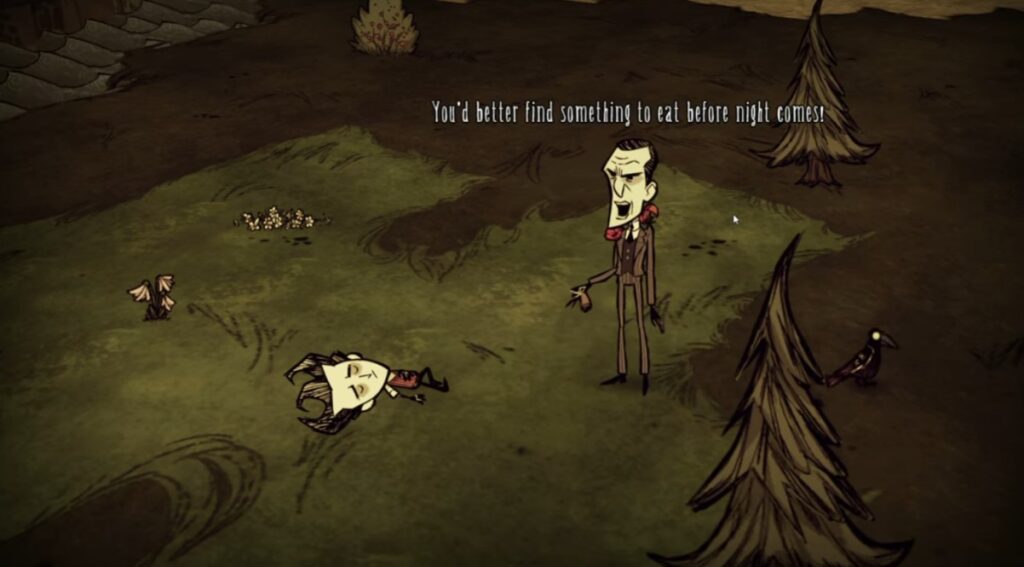
Start with: The standard game without demanding mods. If performance drops as your world becomes more developed, reduce the resolution and close memory-heavy background applications before loading it again.
Main limitation: Don’t Starve becomes more complex as you explore and build. Performance that feels stable during the opening minutes does not guarantee identical results in a long-running world.
If online play is essential, use our separate guide to online games for low-end PCs. Multiplayer games can add CPU, memory and network demands that do not affect an offline game in the same way.
Counter-Strike 2: A Popular Game to Avoid on 4GB RAM
Counter-Strike 2 is frequently included in low-end gaming lists because videos exist of it launching on hardware below its official requirements. That does not make it a sensible recommendation for a 4GB PC.
Valve lists 8GB of RAM, a processor with at least four hardware threads and a DirectX 11-compatible graphics card with at least 1GB of video memory as the Windows minimum. A 4GB PC with integrated graphics has even less memory available to the game because the GPU shares system RAM.
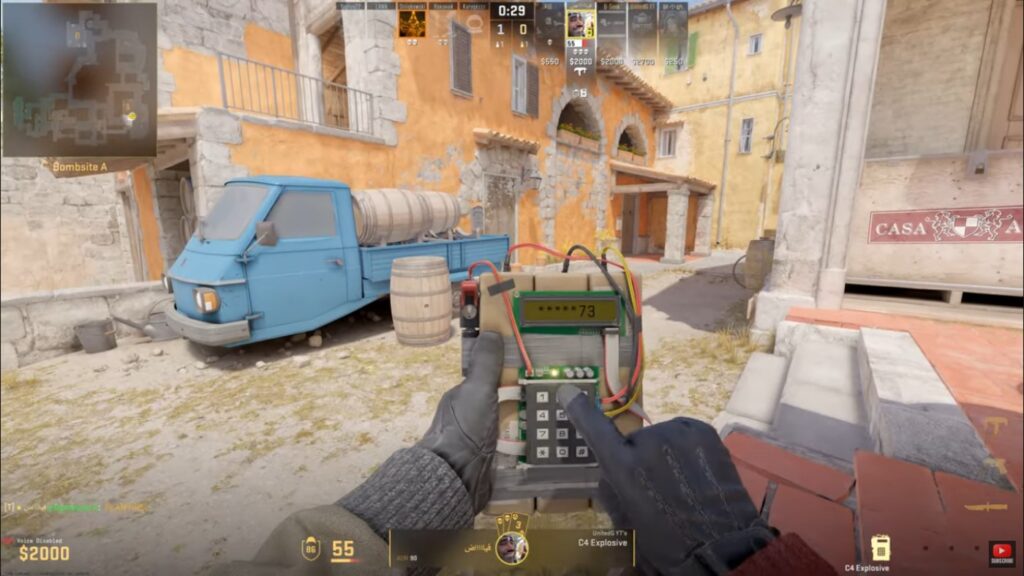
Lowering the resolution may reduce graphics load, but it cannot create the missing RAM or CPU capacity. Stuttering during gunfights, smoke effects and crowded matches makes a competitive shooter difficult to enjoy and can directly affect how well you play.
Verdict: Do not download Counter-Strike 2 expecting smooth competitive performance on a 4GB PC. Check the official Counter-Strike 2 system requirements on Steam and consider upgrading to at least 8GB before treating it as a realistic option.
How to Improve Gaming Performance With 4GB RAM
When you have only 4GB of RAM, a browser, game launcher, voice-chat program and Windows background services can leave very little memory for the game. Closing unnecessary applications may reduce stutter, but it cannot compensate for an unsupported graphics chip or an inadequate processor.
- Restart the PC before playing: This clears applications and background processes that may have accumulated during the day.
- Close browsers and unnecessary launchers: Multiple browser tabs can consume a meaningful portion of the memory available on a 4GB system.
- Begin at 1280 × 720: Lower resolution reduces GPU load, although it will not solve a RAM or CPU bottleneck.
- Lower shadows and effects first: These settings often cost more performance than textures in older 3D games.
- Avoid large mod collections: Mods can substantially increase memory use, loading times and CPU demand.
- Keep free storage available: A nearly full system drive can make an already slow PC feel worse, especially when Windows needs temporary space.
Should You Upgrade From 4GB to 8GB RAM?
If your computer supports it, moving from 4GB to 8GB gives Windows and your games more breathing room. It can reduce memory-related stuttering and make it easier to keep ordinary applications open, but it will not transform a very weak CPU or integrated GPU into modern gaming hardware.
Do not buy RAM based on capacity alone. First confirm whether your computer uses DDR3, DDR4 or DDR5 memory, whether it accepts desktop or laptop modules, how many slots are available and whether any memory is soldered to the motherboard.
Very old desktops and laptops may not support the DDR4 kits shown below. If you are unsure, identify your exact computer or motherboard model before ordering anything.
Recommended only for compatible systems: An 8GB DDR4 kit can be an affordable upgrade for a computer that supports DDR4 memory.


For a very old or non-upgradable computer, compatible second-hand memory may make more sense than forcing a modern kit into an incompatible system. In some cases, saving toward a low-budget rebuild is the better long-term decision.
More Games for Weak and Older PCs
If none of the seven games above suits you, choose a more specific list based on the type of game you want:
- Free PC games that don’t need a dedicated GPU
- Offline games for low-end PCs
- Free FPS games for low-end PCs
- Free RPGs for low-end PCs
- Free survival games for low-end PCs
- Browse the complete free-games hub for older PCs
Final Verdict: Which Game Should You Play First?
If your PC is extremely weak or you do not know which Intel graphics chip it has, begin with Undertale. It is the least graphically demanding choice in this guide.
Choose Stardew Valley for relaxed progression, Terraria for crafting and exploration, or the original Don’t Starve for offline survival. These are the most sensible places to start when 4GB of RAM is a hard limit.
If your PC has a later Intel HD or UHD chip, AMD integrated graphics or an older dedicated GPU, try Portal 2 or Left 4 Dead 2 at 720p. Choose Hollow Knight only if the game remains responsive during combat.
Avoid Counter-Strike 2 on 4GB RAM. It officially requires 8GB, and lowering the graphics settings cannot solve the lack of available memory.
The best game for a 4GB PC is not the newest title you can force to launch. It is the one that remains stable enough for you to stop fighting the hardware and enjoy playing.