
Updated 28/01/2026:
Does your rig wheeze when you open Chrome? Cool. You can still play FPS shooters. Below are 10 free FPS games for low-end PCs that refuse to die and still run on older rigs, the kind of creaky dual-cores and integrated-graphics laptops we pretend are “temporary.”
These titles don’t care if you’re rocking outdated drivers, a half-broken keyboard, or a laptop fan that sounds like a jet engine. They’re lightweight, battle-tested, and kept alive by communities who know not everyone can drop cash on a shiny new GPU. In other words, no excuses, you can still frag.
Quick Picks (If You Don’t Want to Scroll Forever)
| Game | Best for | Low-end friendliness | Where to play | Pick |
|---|---|---|---|---|
| VALORANT | Competitive tactical FPS | High | Riot client | Top Pick |
| Team Fortress 2 | Chaotic casual FPS | High | Steam | Still Active |
| Xonotic | Arena movement shooter | High | Official download | Arena Rush |
| AssaultCube | Ultra-low-end PCs | Very High | Official download | Dinosaur Proof |
| Krunker | No-install FPS | Very High | Browser / client | Browser Beast |
| OpenSpades | Sandbox firefights | High | Official download | Blocky Chaos |
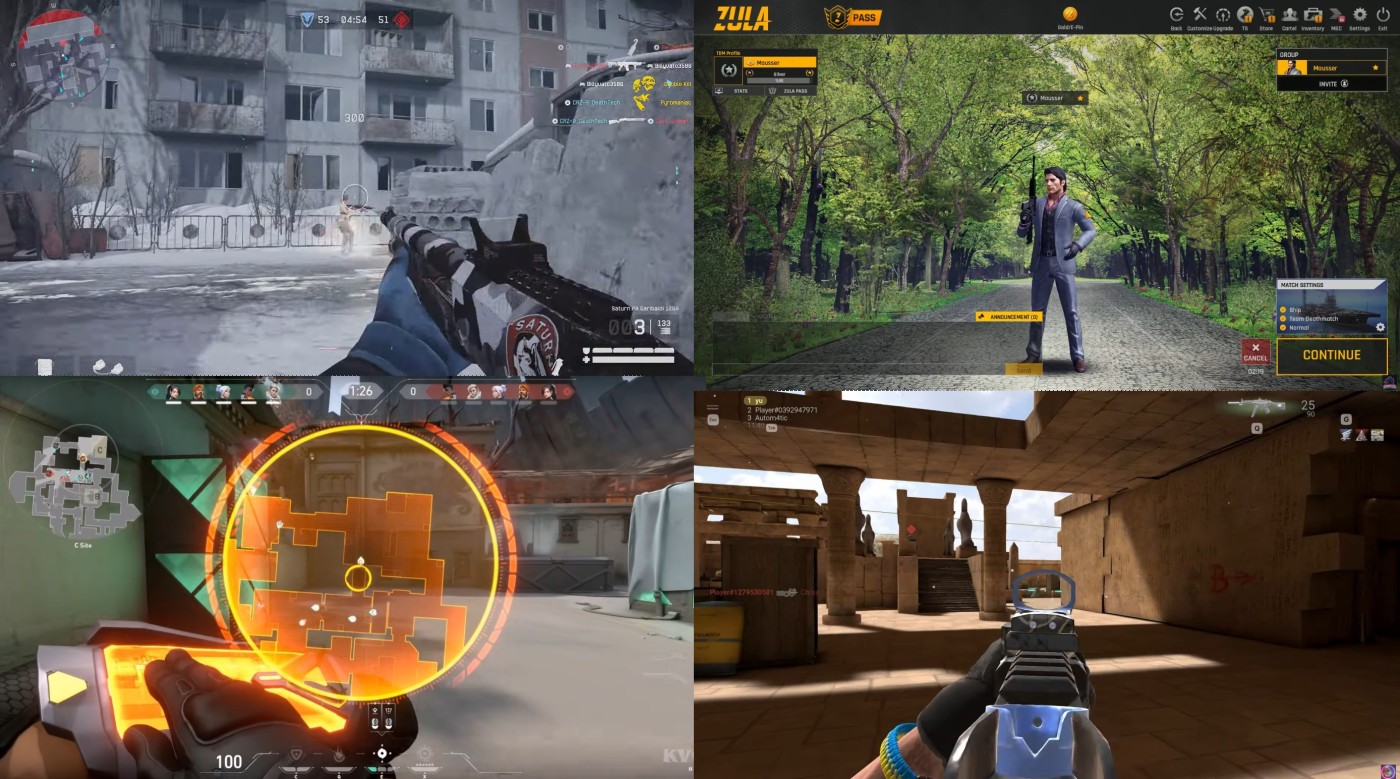
| Zula Global | Casual lobbies | Medium-High | Steam | Casual Lobbies |
| Sven Co-op | Co-op campaigns | High | Steam | Co-op Classic |
| Combat Master | Fast COD-style matches | Medium-High | Steam | Fast Matches |
| Warface | PvE + PvP variety | Medium | Steam / official | PvE Ready |
If your PC is held together by hope and one functioning USB port, start here:
- Best competitive low-end FPS: VALORANT
- Best “my PC is a fossil” pick: AssaultCube
- Best no-install option: Krunker
- Best co-op time sink: Sven Co-op
- Best arena chaos: Xonotic
Performance Intent (Read This First)
So what problem are we solving? You want free FPS games that actually launch and stay playable on low-end PCs, not “technically runs” at 14 FPS. This prevents the regret of wasting time downloading shooters that choke your CPU, spike frametimes, or turn your iGPU into a slideshow.
The Regret Map (Why Most “Low-End FPS” Lists Suck)
Most people think low-end gaming is about chasing the lowest minimum specs. The real problem is frametime spikes, iGPU memory pressure, and bad default settings. This list favors FPS games that stay lightweight, still have players, and can be tuned into something stable. If your CPU is holding you back, this games for dual core CPU guide shows what still runs at the absolute bottom tier.
VALORANT: Riot’s Competitive Shooter That Runs on Older Systems
Top Pick:
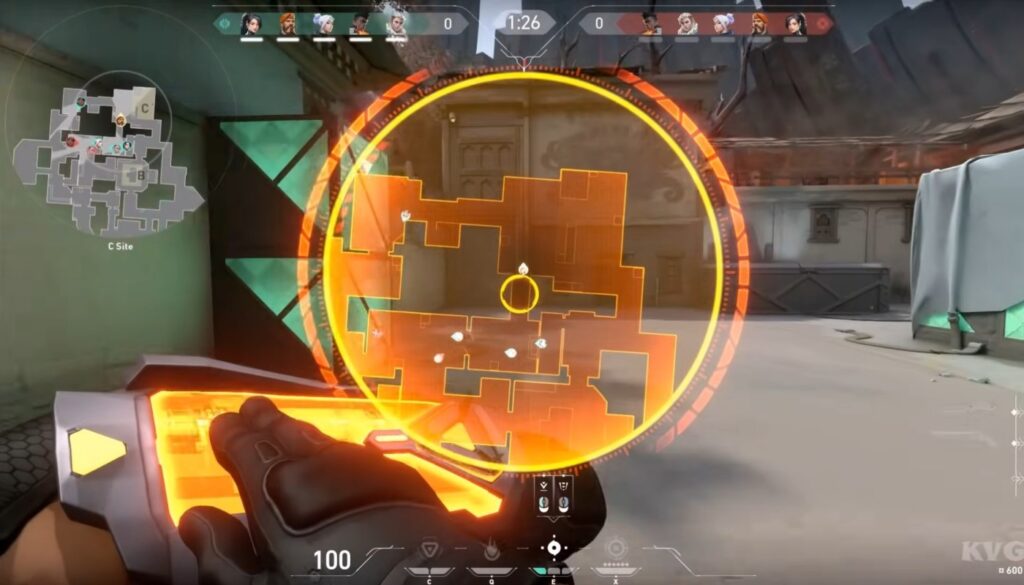
VALORANT keeps the skill ceiling high while the system requirements stay kind. Riot’s anti-bloat approach means even an office box can queue without crying.
- Minimum highlights: Windows 10/11 64-bit, 4 GB RAM, Intel HD 4000-class graphics.
It’s one of the only modern tactical shooters that doesn’t demand a new GPU just to reach the main menu. Riot keeps patching with new agents, but the performance footprint stays reasonable. You’ll find matches fast, and the game still feels responsive on weaker machines if you keep settings sensible. If your PC is ancient, kill shadows first and keep textures low.
Want more ultra-safe low-end picks? See our list: 15 Best Free Games for Low-End PCs.
Team Fortress 2: The Eternal Meme Machine
Pick: Still Active
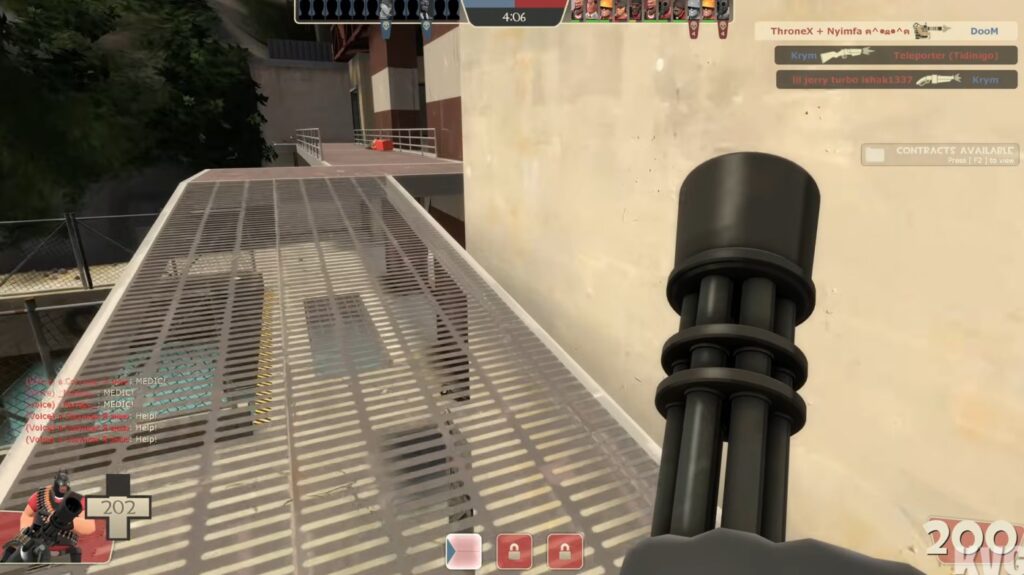
TF2 outlived several graphic design trends and probably your last three PCs. It scales down hard, so your relic PC can still bonk, backstab, and cap points.
- Minimum highlights: Old dual-core CPU, 512 MB RAM listed, tiny DirectX requirements.
Released in 2007 and still alive because Valve refuses to fully unplug it. The community keeps it weird in the best way, with endless maps, mods, and servers that range from sweaty to complete nonsense. If you want a shooter that runs on almost anything and still has life in it, this is the safe bet.
Xonotic: Quake Energy, Open-Source Heart
Pick: Arena Rush
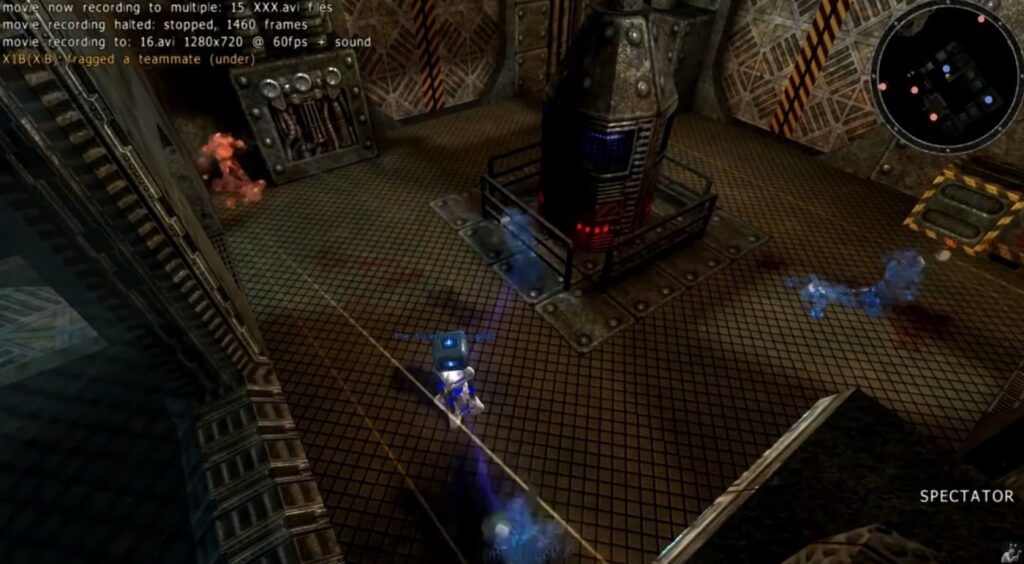
Fast, floaty, and free forever. Xonotic’s community keeps it lean and mean with classic arena pacing and low GPU demands.
- Minimum highlights: Hardware-accelerated OpenGL 2.1, around 4 GB RAM.
A true spiritual successor to late ’90s arena shooters. Constant movement, quick weapons, and zero corporate bloat. It runs well on older hardware, and it also scales nicely if you ever move beyond potato life. If you want to keep your sessions stable, learn to watch temps and usage properly: How to monitor temps, clocks, and usage like a pro.
Official download and requirements
AssaultCube: Counter-Strike Lite for Fossil PCs
Pick: Dinosaur Proof
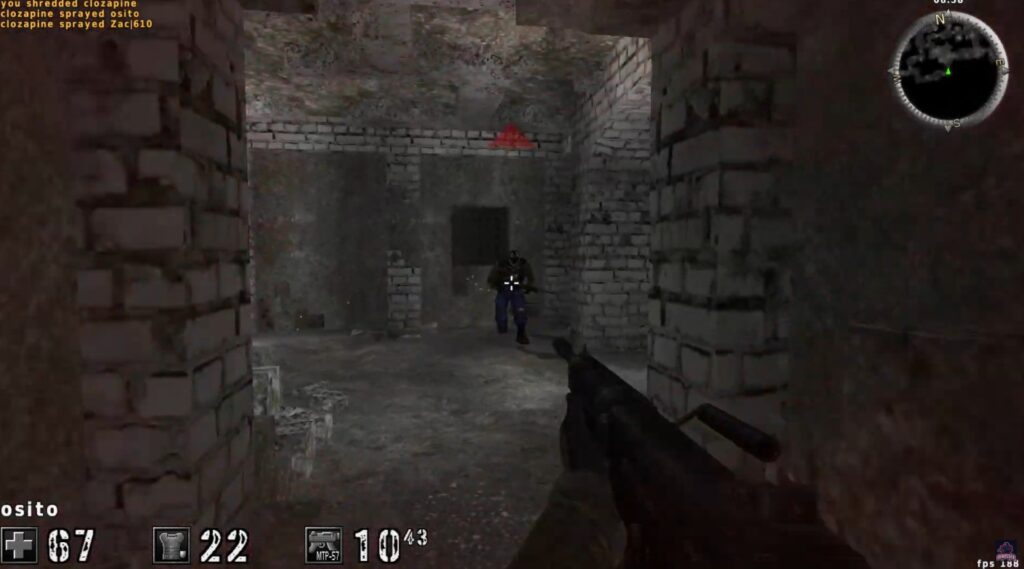
A community-loved throwback that runs on machines old enough to vote twice. Simple maps, quick rounds, zero fluff.
- Minimum highlights: Pentium III-era CPU, 128–192 MB RAM-tier GPUs from the stone age.
It’s tiny, it’s fast, and it doesn’t pretend to be anything more than a clean low-spec shooter. LAN support is great, bots are available when servers are quiet, and it stays playable even on laptops that struggle with basic modern games.
Official “Get Started” and specs
Krunker: The Browser FPS That Just Keeps Going
Pick: Browser Beast
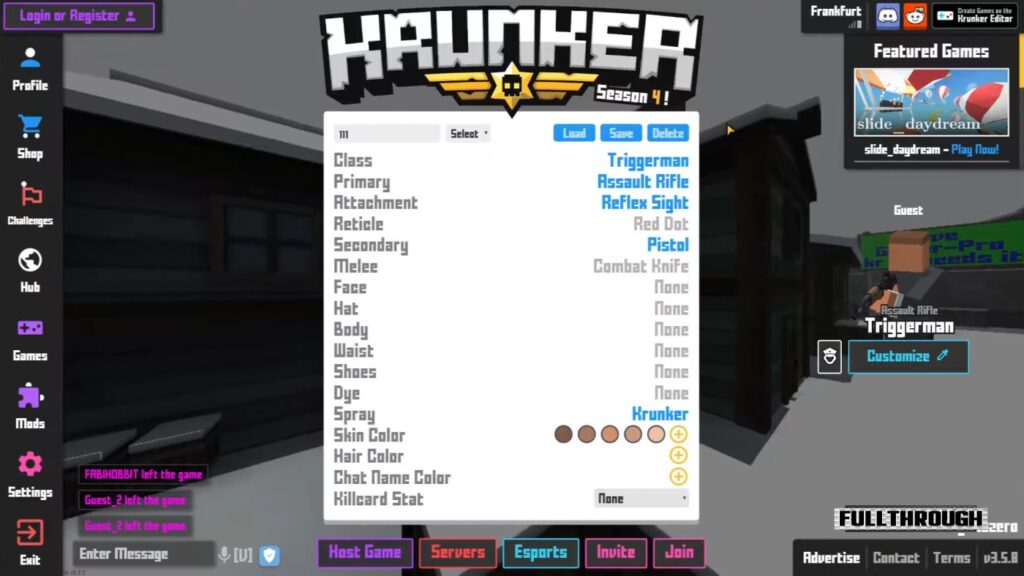
Loads in a tab, or grab the lightweight client. Perfect for integrated-graphics laptops and PCs that cry at shadows.
- Minimum highlights: Runs in modern browsers, tiny install for the client.
It launches fast, runs smooth on iGPUs, and still has enough movement tech to keep it interesting. Custom servers add variety, and the “just one more match” loop is real. If you’re trying to avoid stutter, a stable FPS cap helps more than people think: Capping your FPS.
OpenSpades: Voxels Meet Old-School Gunplay
Pick: Blocky Chaos
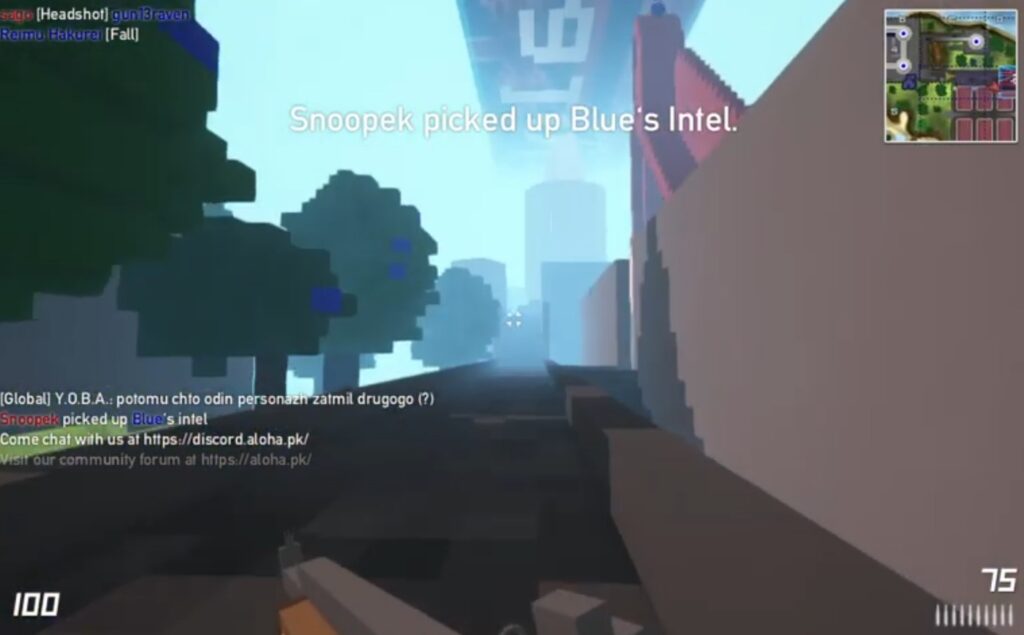
A community continuation of the Ace of Spades idea: blocky maps, tunneling, frantic firefights, and it stays absurdly light.
- Minimum highlights: Dual-core around 1 GHz, Intel HD 3000-class iGPU, 1 GB RAM.
Think Minecraft energy with FPS gunplay. Bullets chew up the map, so you can tunnel, fortify, and improvise. It runs full matches on hardware that would fall over trying to render most modern games. If you want to verify what your tweaks are actually doing, benchmark properly: How to test gaming PC performance.
Official site and requirements
Zula Global: Niche Free Shooter With Featherweight Specs
Pick: Casual Lobbies
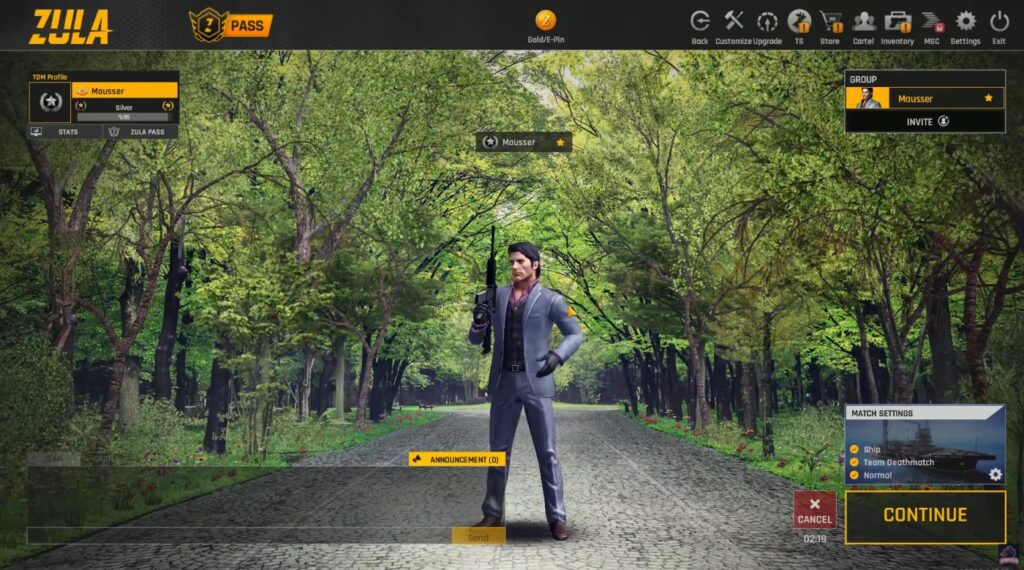
Not the loudest game on Steam, but very forgiving on aging laptops. Good for casual lobbies when you just want to click heads.
- Minimum highlights: Intel HD 4000-class graphics, 2 GB RAM.
It’s not trying to be the next esports king, it’s just a lightweight shooter with a surprisingly active player base. If you’re stuck on an internet café type rig, this is the kind of game that gets you into matches without drama.
Sven Co-op: Half-Life, But Bring Friends (and a Museum-Piece Laptop)
Pick: Co-op Classic
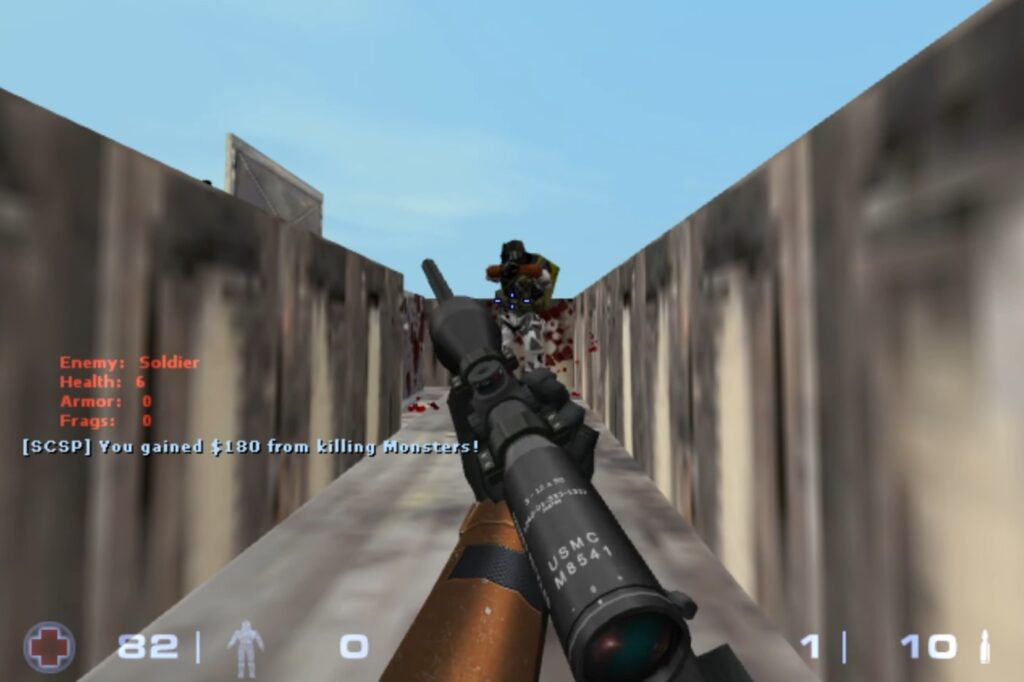
The GoldSrc magic refuses to die. Thousands of co-op maps and a very chill ceiling for specs.
- Minimum highlights: Around a 2 GHz dual-core, 2 GB RAM listed, scales well on older hardware.
Every Half-Life map becomes co-op, and the custom map list is basically endless. It’s one of the easiest ways to get “real FPS fun” on weak machines, because the engine is so light. If your PC stutters even in older games, Windows can still be the culprit: Windows 10 and 11 problems and fixes.
Combat Master: COD-Lite Without the Bloat
Pick: Fast Matches
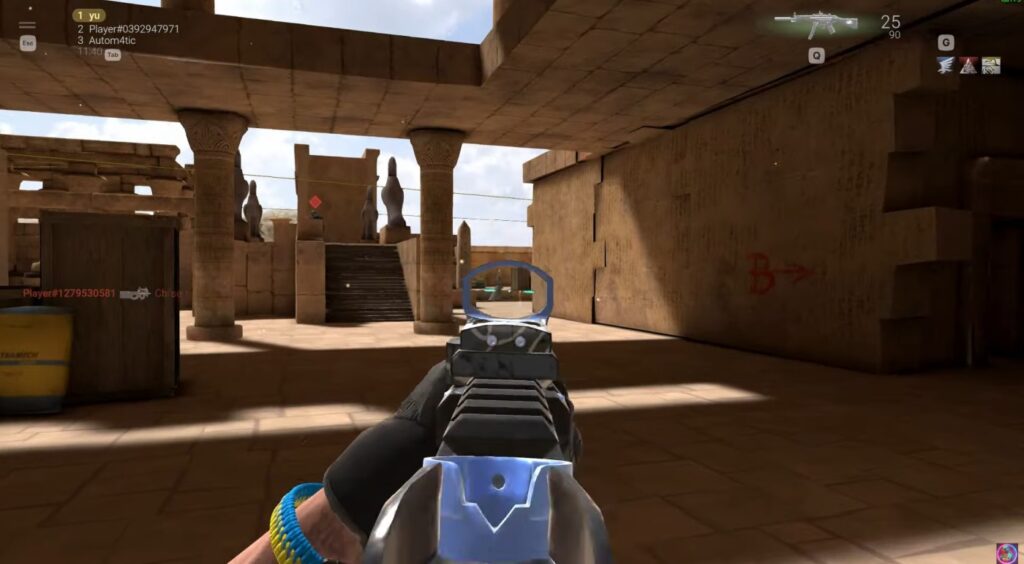
Lean downloads and snappy matches. The base game stays friendly to older Windows rigs, just note newer, separate modes may need stronger hardware.
- Minimum highlights: Runs on Windows 7-era hardware with 4 GB RAM in the main client.
A clear homage to Call of Duty, but stripped down and fast. You’ll be shooting within minutes, the maps are compact, and it generally behaves better on low-end PCs than most modern “big” shooters. If you want deeper performance troubleshooting for stutter and hitching, start here: Why does my game stutter on a high-end PC? (the same basics apply to low-end rigs too).
Steam page (base client) | Newer mode with higher requirements
Warface: Old F2P, Surprisingly Flexible
Pick: PvE Ready
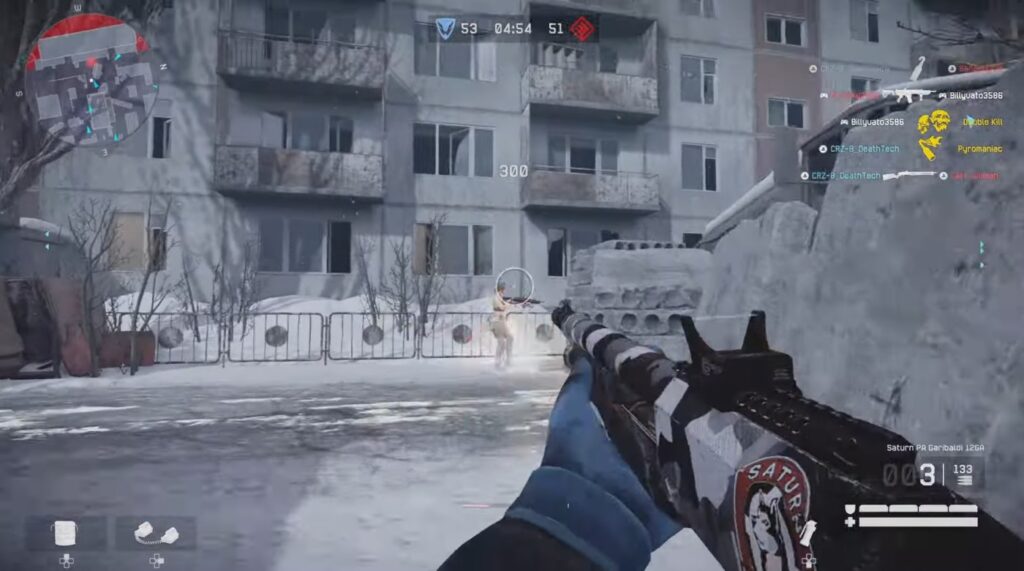
Still updated, still scales across a wide range of hardware, with PvE and PvP options for quick sessions on a budget box.
- Minimum highlights: Supports older dual-core tier, modern builds listed for smoother 1080p.
It’s been around forever, and that’s exactly why it works here. The engine and settings are flexible, the PvE missions are great when you don’t want sweaty matches, and you can strip visuals down hard for stability. If you’re considering a future upgrade, avoid wasting money on the wrong GPU tier: GPU upgrade mistakes to avoid.
Steam page | Official requirements
Still unsure what to play next? Try our hub: The Free Games Hub for Older PCs.
How to Make These FPS Classics Run Smoother on a Low-End Rig
What Actually Changes on Your PC When You Use These Tweaks
These tweaks mostly improve stability, not miracles. Lowering resolution and heavy effects reduces GPU load on iGPUs, fullscreen can reduce weird compositing stutter, and an FPS cap often stabilizes frametimes. None of this upgrades your CPU, it just stops your PC from wasting frames on nonsense.
- Drop resolution to 900p or 720p. If necessary, try 75% render scale.
- Turn off motion blur, film grain, ambient occlusion, and depth of field.
- Use fullscreen, not borderless, on older GPUs.
- Limit background apps. Kill overlays, updaters, and launchers you don’t need.
- Cap FPS to a stable number to reduce micro-stutter: capping your FPS.
- Update iGPU drivers, even small updates can help.
- Want deeper visibility while you play? Monitor temps and usage like a pro.
- If Windows is the bottleneck, start here: Windows 10 and 11 problems and fixes.
- After tweaking, benchmark properly: how to test gaming PC performance.
Thinking of upgrading once your hand-me-down desktop finally gives up? If you’re ready to build, we’ve got you covered with a budget gaming PC guide, an ultra-budget build for the cheapest possible setup, a mid-range build for balanced performance, and a future-proof parts list if you want a rig that lasts.
When This Is NOT Worth Doing
- If your laptop is overheating and throttling, you’ll stutter no matter what you install.
- If you’re on 4 GB RAM with modern Windows bloat, browser shooters or ultra-light titles will be the only consistently stable picks.
- If your iGPU shares system memory and you’re running single-channel RAM, expect dips and frametime spikes, even in “low spec” games.
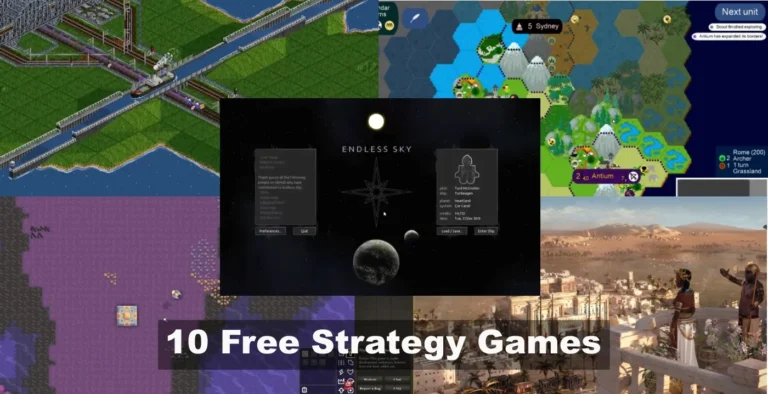
Want paid options that are still low-risk? See these low-end FPS games you can buy that actually run well. If you need a break from shooters, these free strategy games for low-end PCs trade fast reflexes for planning and tactics.
10 Free FPS Games for Low-End PCs FAQs
What’s the best free FPS for a 4 GB RAM laptop?
AssaultCube, Krunker, and OpenSpades are your safest picks. They stay playable without murdering RAM.
What’s the best free FPS with no install?
Krunker. It runs in-browser, and it’s one of the fastest ways to get into a match on a low-end PC.
Which of these has bots or offline play?
AssaultCube includes bots, and community shooters like Xonotic often have modes you can run without relying on matchmaking.
Can VALORANT run on integrated graphics?
Yes. It’s designed to be lightweight and supports Intel HD 4000-class iGPUs. Check the official spec page linked above.
Do I need Steam for all of these?
No. Some run on Steam (TF2, Warface, Sven Co-op), while others like Krunker, AssaultCube, OpenSpades, and Xonotic can be downloaded or played directly.
Will these work on Linux or older Windows versions?
Many of them do. Xonotic, AssaultCube, and OpenSpades have Linux builds, and older shooters like Sven Co-op can run on older Windows versions too.
What’s the smallest download size here?
AssaultCube is under 50 MB, making it the easiest to stash on a USB stick and run anywhere. Krunker technically beats it since it’s browser-based.
Bottom Line, Free FPS Games for Low-End PCs
These shooters are still alive, still free, and still running circles around your weak laptop. If you came here searching for “free fps games low end pc,” you’ve got options, ten of them, each proven to fire up on relic PCs and hand-me-down desktops.
So stop doom-scrolling Reddit for miracle drivers and just download one. Tweak your settings, squeeze every frame out of your toaster, and join the lobbies. When you’re ready to climb out of potato life, check our budget build guide or future-proof parts list. If you want more games for older PCs, hit Free Games For Garbage PCs, and if you want picks that don’t need a graphics card at all, see Free PC Games That Don’t Need a GPU.
Your move: pick one, fire it up, and prove that even a fossil PC can still rack up kills. Want free shooters you can play with a squad instead of solo pain? Start here: Best Co-Op Shooters On Pc, that still have active players in 2026
Where to go next
If you want to go deeper or fix related problems, these hubs will point you to the right guides and tools:
* Hardware Buying Guides
* Low-End PC Gaming
* PC Game Guides & Tutorials
* PC Game Reviews
Pick the path that matches what you are trying to improve, upgrade, or play next.