If your PC doesn’t have a graphics card, you are not out of the game. You are just stuck sifting through a lot of dishonest “low-end” lists that quietly assume you own a GTX 1050. This article exists for people with no dedicated GPU at all, just integrated graphics, old laptops, office PCs, and machines that still get the job done but were never built for gaming.
This list sticks to one rule, no graphics card means no graphics card. No tricks, no hidden requirements, and no wasted installs.
If you want the bigger picture, this feeds into our Free Games Hub for Older PCs, where everything is built around realistic hardware.
Let’s clear this up early, because this is where most lists start lying.
If your PC can browse the web, run office apps, and not completely fall apart during Windows updates, it probably qualifies.
Two realism notes that matter:
These are the safest bets. Old laptops, dusty desktops, and machines powered mostly by hope should still cope.

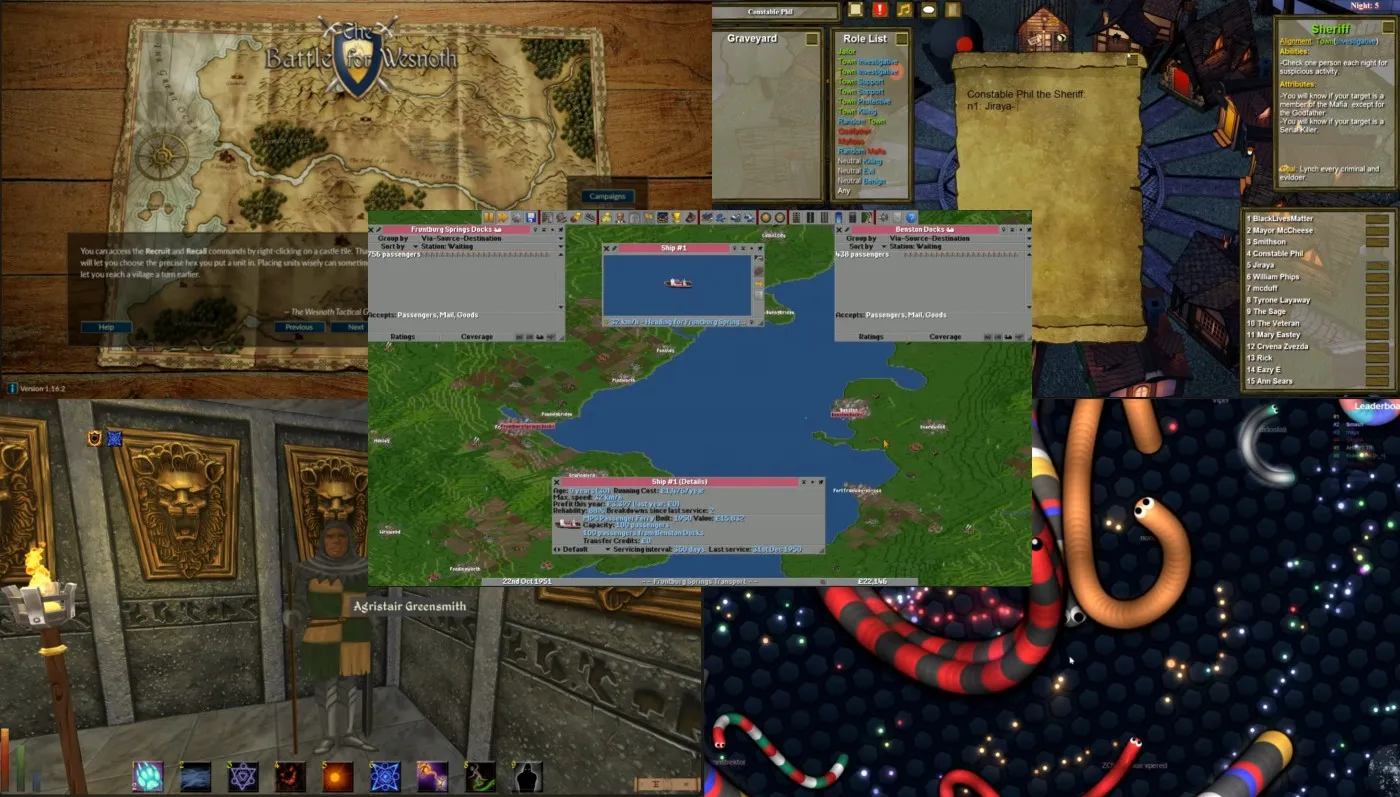
OpenTTD is a free, open-source transport management game inspired by classic PC strategy titles. You build roads, railways, airports, and shipping routes, then watch cities grow based on how well your network performs. It runs without a GPU because it uses a lightweight 2D engine with static visuals and almost zero real-time effects, meaning the CPU does most of the work. Despite its simple look, the systems underneath are deep enough to keep you busy for dozens of hours. This is ideal if you enjoy long-term planning, optimization, and strategy over flashy visuals.

Battle for Wesnoth is a turn-based fantasy strategy game focused on positioning, resource management, and careful decision-making. Every action happens in turns, which removes the need for real-time rendering and keeps hardware requirements extremely low. The visuals are simple but readable, and the game scales well even on very old integrated graphics. What makes it stand out is the sheer amount of content, including campaigns, factions, and community-made scenarios. It is a great fit for slower systems and players who prefer thinking through moves instead of reacting quickly.

Daggerfall Unity is a modern engine rebuild of a classic open-world RPG that was originally designed to run on much older hardware. The Unity version focuses on stability, flexibility, and performance rather than visual upgrades, which keeps GPU demands extremely low. It runs well on weak PCs because the world logic, quests, and systems are CPU-driven, with minimal reliance on modern shader effects. The game world is enormous, offering deep role-playing systems, factions, and procedural content. This is best suited for RPG fans who care more about freedom and scale than polished graphics.
If this tier still feels ambitious for your system, our Free Games for Garbage PCs guide goes even lower.
If you are running Intel HD 4000 or newer, or any Ryzen system with built-in graphics, this is where things open up.
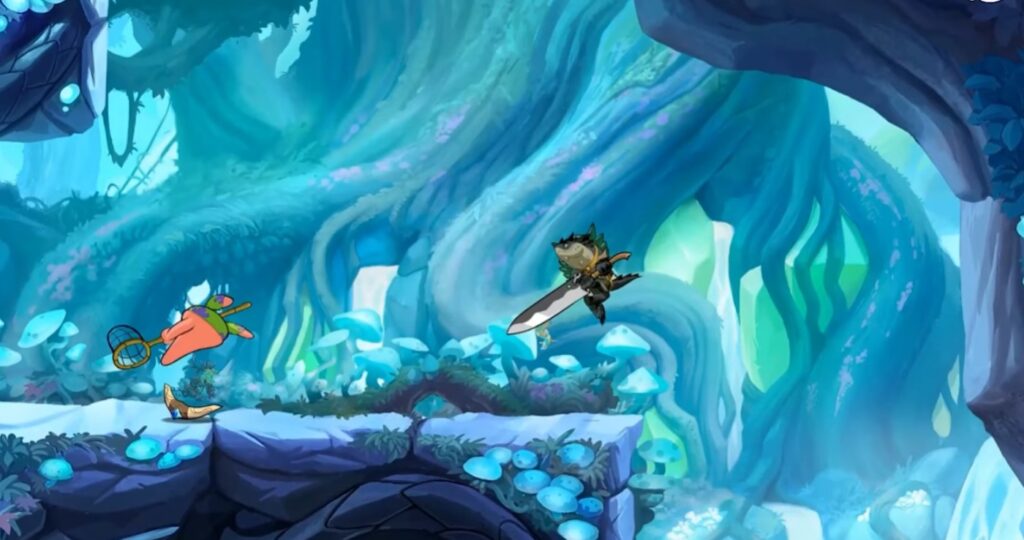
Brawlhalla is a fast-paced platform fighter that focuses on timing, positioning, and mechanical skill rather than flashy visuals. Its clean, cartoon-style art keeps GPU usage extremely low, while animations are simple and readable even at lower resolutions. The game runs well on integrated graphics because it avoids complex lighting, post-processing effects, and heavy shaders. Despite that, it offers a deep competitive scene, frequent updates, and full cross-play support. This is a great pick if you want something skill-based and replayable without stressing weak hardware.
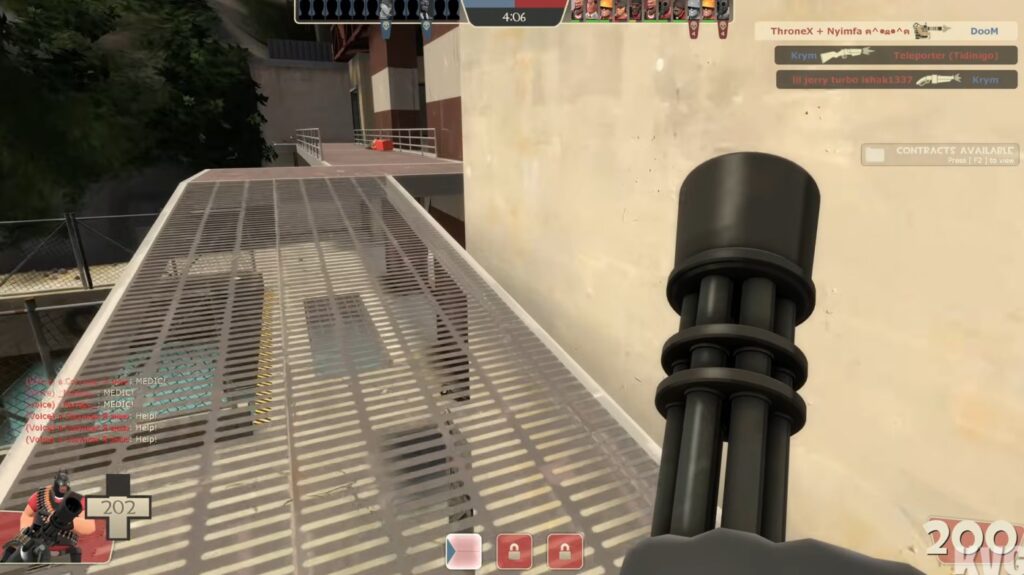
Team Fortress 2 is a class-based multiplayer shooter built on Valve’s highly scalable Source engine. It runs on integrated graphics because the engine was designed to function across a wide range of hardware and allows aggressive graphics scaling without breaking gameplay. With the right settings, it remains playable even on older Intel HD graphics. The art style also helps, using bold colors and exaggerated characters instead of realism. This is ideal for players who want a proper FPS experience on a PC that was never meant for gaming.
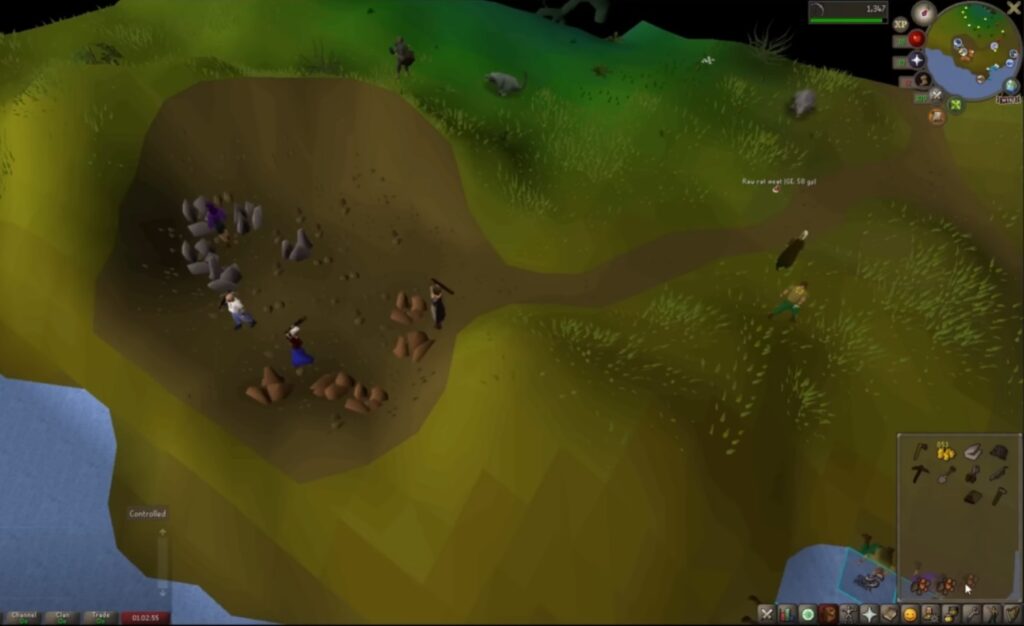
Old School RuneScape is a massively multiplayer RPG built around simplicity, progression, and long-term play. The game’s visuals are intentionally basic, which keeps system requirements extremely low and makes it one of the most reliable options for no-GPU PCs. It runs smoothly on integrated graphics because it avoids modern rendering techniques and prioritizes game logic over visual effects. What you get in return is an enormous world, hundreds of hours of content, and an active community. This is perfect if you want depth and longevity without worrying about performance.
For more options like these, see our Best Free Games for Low-End PCs breakdown, plus the genre lists below:
When installs are risky or storage is tight, browser and ultra-light clients keep things playable.
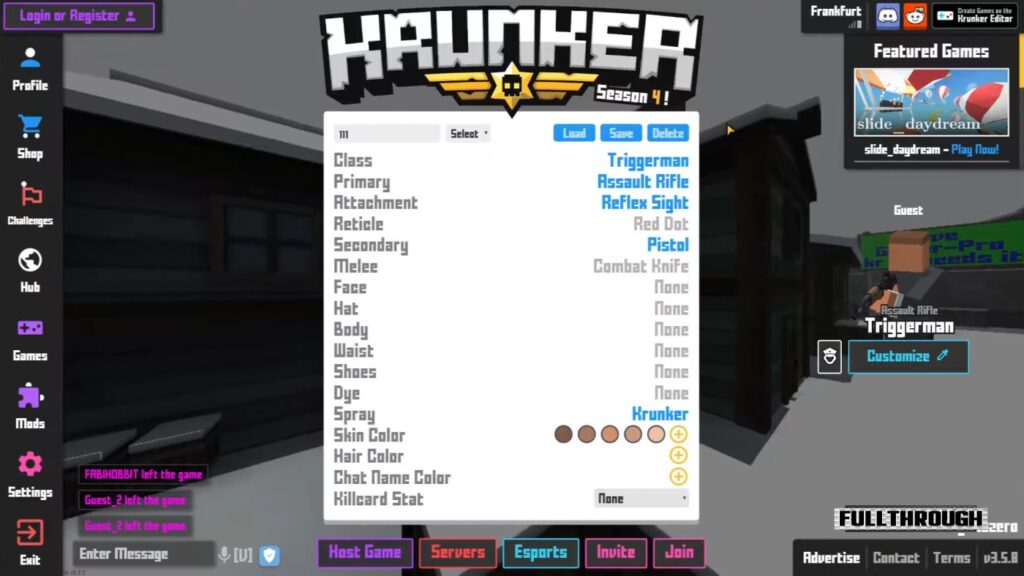
Krunker is a browser-based first-person shooter built around speed, reflexes, and instant matches rather than visual fidelity. The game uses extremely simple geometry, low-resolution textures, and minimal effects, which keeps GPU usage close to zero and makes it playable on integrated graphics. Because the visuals are intentionally stripped back, it runs well even on weak laptops and office PCs. This is a solid option if you want quick FPS action without committing storage space or stressing your hardware.

Town of Salem is a social deduction game where gameplay revolves entirely around logic, discussion, and player interaction. Visually, it is extremely lightweight, using simple 2D artwork and static interfaces that place almost no load on the GPU. It runs comfortably on integrated graphics because there is no real-time rendering or animation-heavy gameplay involved. This is best suited for players who enjoy mind games and multiplayer interaction rather than fast reflex gameplay.

Slither.io is a browser-based multiplayer game built on a very simple visual and mechanical foundation. It runs without a dedicated GPU because the graphics are minimal, animations are basic, and the overall rendering load is extremely low. Most systems can handle it easily as long as the browser itself runs smoothly. This is a good fallback option for ultra-low-end PCs where even lightweight installed games may struggle.
Browser caveat: browser games trade install freedom for internet dependency, and they can chew RAM if you leave 27 tabs open like a raccoon hoarding shiny objects.
This is the part most lists skip, and it is why people think their PC is “broken” when it is actually just out of budget for modern rendering.
If you want to diagnose instead of guessing, these guides cover the real patterns and fixes in detail:
This is why the picks above behave better than modern “free” games that secretly want a dedicated GPU.
If you want deeper technical explanations for specific engines, PCGamingWiki is an excellent reference.
This is the honest boundary line, because trust is more useful than false hope.
In those cases, your smartest move is not “find a magical free game,” it is a small upgrade path that removes the worst bottleneck first.

If you tried the tiers above and your PC still feels cursed, do not panic. Use this simple decision ladder.
If you want the bigger upgrade picture without wasting money, start here: Gaming PC Upgrades That Actually Matter.
This is the only place in this article where buying makes sense, because this is the actual decision moment. If you want the biggest real-world improvement on no-GPU systems, these are the upgrades that punch above their weight.
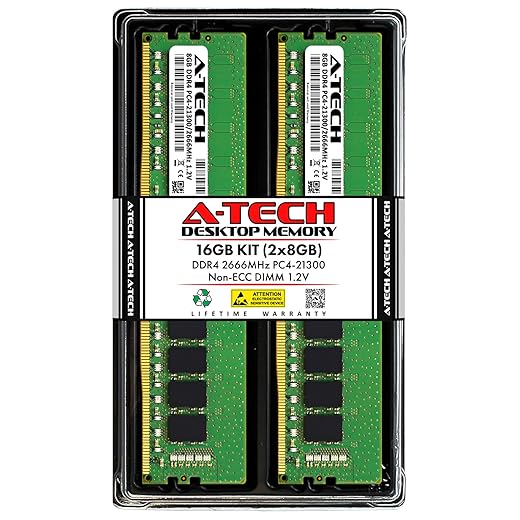
Integrated graphics shares system memory. More RAM reduces paging and gives your iGPU breathing room. If you do one upgrade, this is usually it.
Top 2 Choices

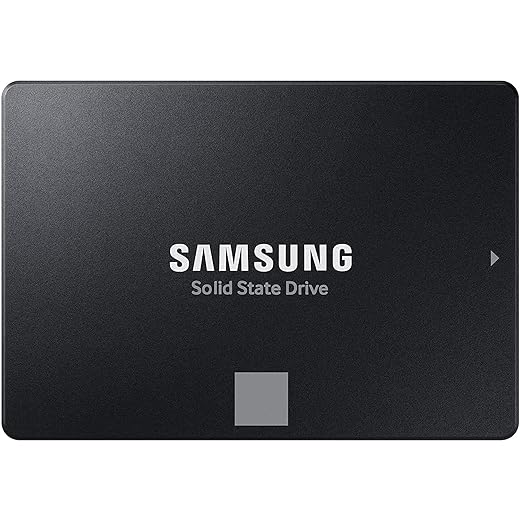
If you are still on an HDD, this is the upgrade that makes your whole machine feel newer. Games load faster, Windows stops choking, and hitching from paging drops hard.
2 Top Picks

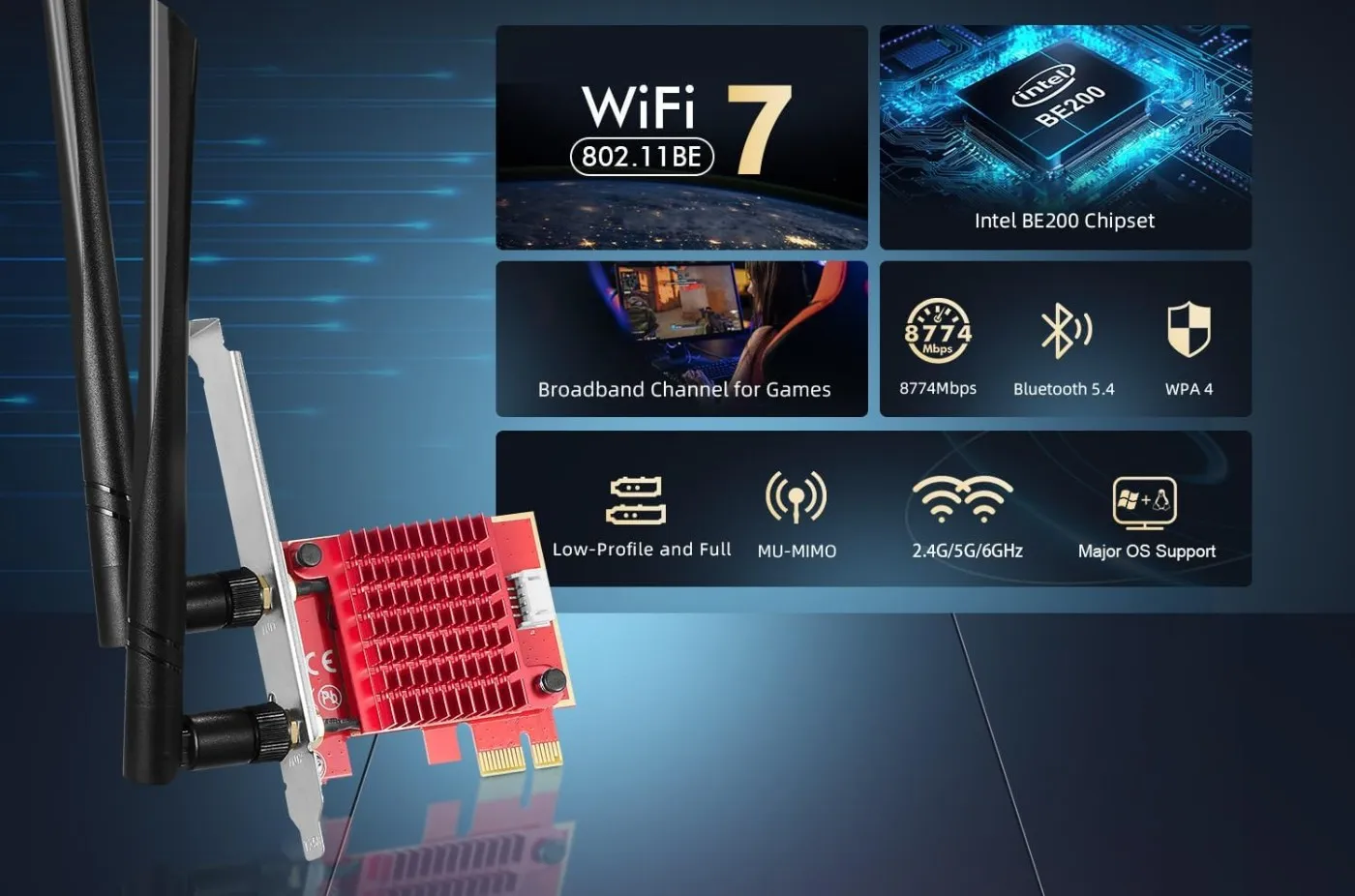
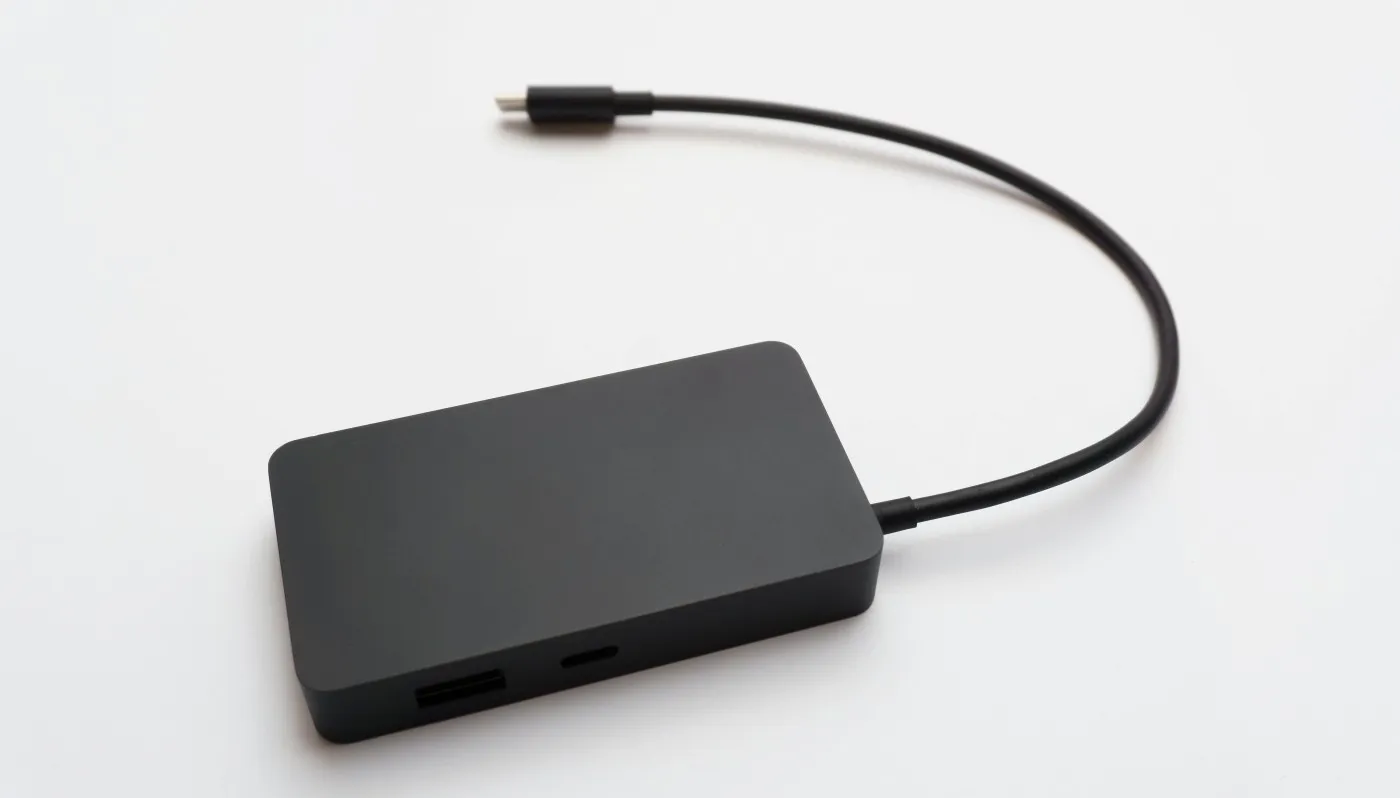
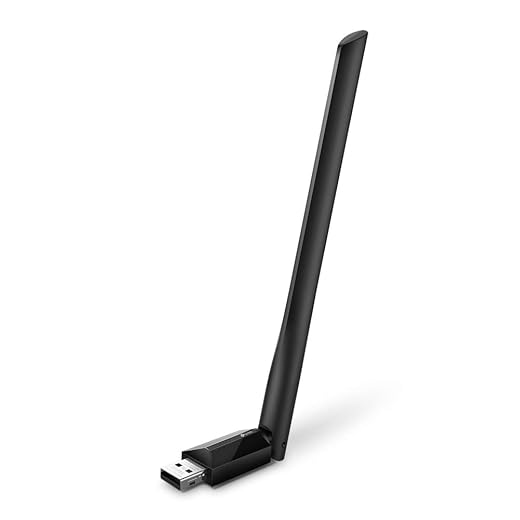
Old built-in Wi-Fi can be unreliable, especially on office desktops and cheap laptops. A good USB adapter can mean fewer failed installs and fewer disconnects.
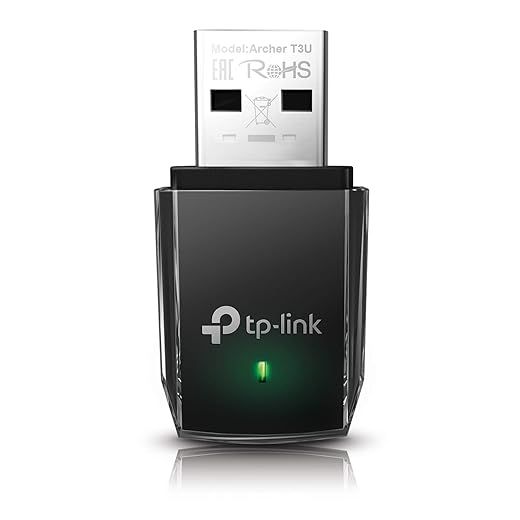
If you are on a laptop that runs hot, stability often improves just by reducing throttling. This is optional, not mandatory.
A quick warning, because this saves frustration.
If a game mentions dedicated VRAM, it is not a no-GPU game. Simple as that.

You cannot brute-force performance without a graphics card, but you can avoid unnecessary losses.
For deeper fixes and troubleshooting, use these dedicated guides instead of turning this article into a wall of settings:
Technically yes, but only if policies allow it. Performance-wise, most office PCs can handle Tier 1 and some Tier 2 games. The bigger risk is IT policy, not the frame rate.
Sometimes, but it is the pain zone. Windows plus a browser plus a launcher can eat most of it. If you can upgrade, 8GB is survivable, 16GB is comfortable.
Not automatically, but older hardware benefits from keeping startup apps under control and avoiding heavy background utilities.
Yes. Integrated graphics drivers still affect stability and performance. Outdated iGPU drivers are one of the easiest ways to turn “playable” into “why is this stuttering.”
Because stutter is often storage or CPU scheduling, not graphics. HDD paging, background tasks, and inconsistent frametimes can ruin smoothness even in lightweight games.
Gaming without a graphics card is not a fantasy, it just requires honest expectations. If your PC runs Windows reliably, there is something here you can play. BuiltToFrag exists to cut through the nonsense and point you toward what actually works.
No GPU does not mean no games. It just means smarter choices.



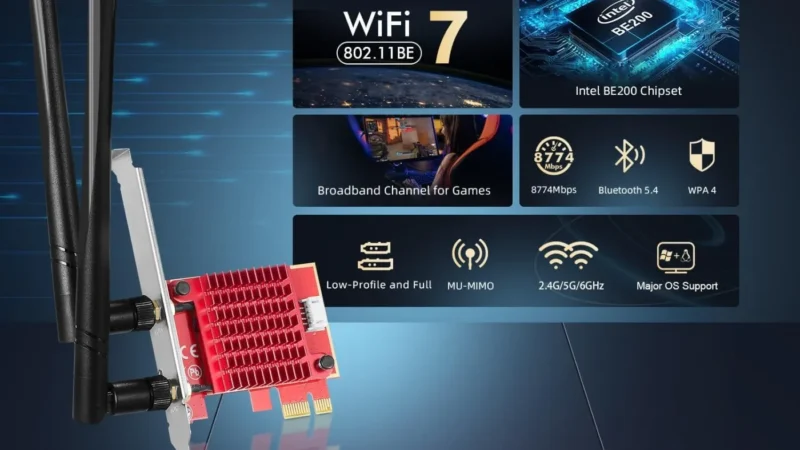
Looking for the best WiFi adapters for gaming PCs? We rank USB and PCIe options by latency, stability, and real…
A practical buyer guide to the best external SSDs for gaming on PS5, Xbox, and PC, focused on real speeds,…

A practical GTA VI PC performance readiness guide with hardware predictions, stress points, and upgrade priorities based on Rockstar’s PC…

This guide explains how game mods actually work behind the scenes, how games load them, and where mod files install…