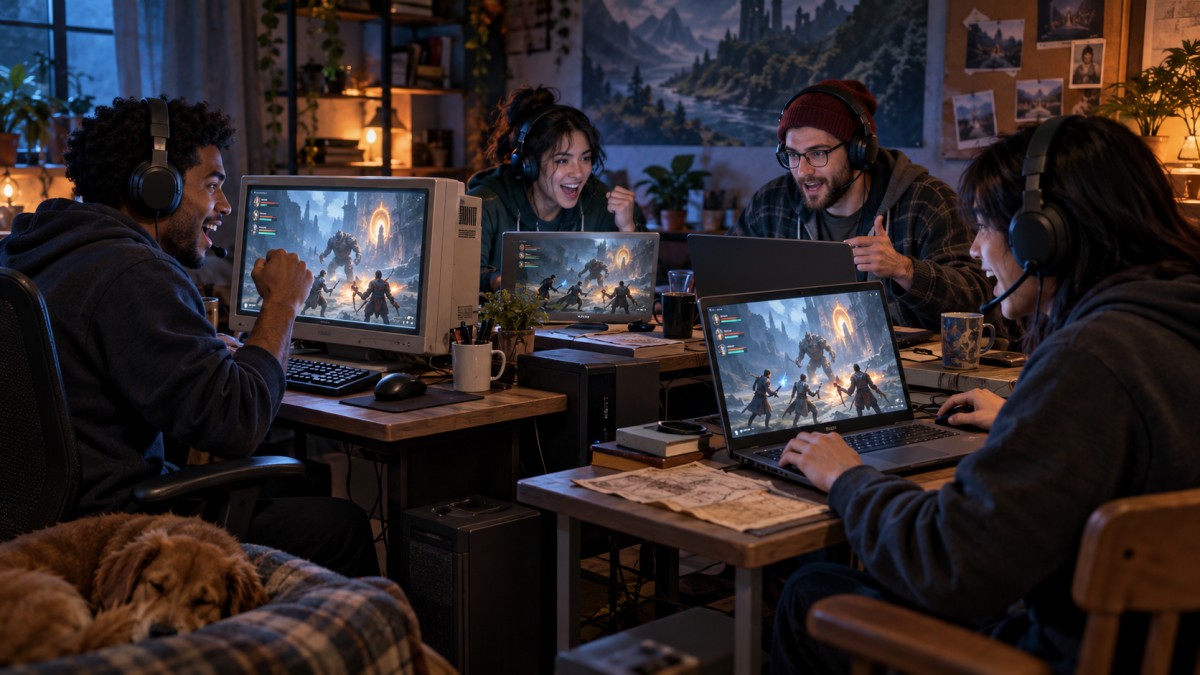
If you want to play co-op games on a low-end PC, start with Portal 2, Stardew Valley, Terraria, Sven Co-op or Lovers in a Dangerous Spacetime. These are among the safest starting points for weak hardware, but the right choice depends on whether you need online, LAN or local co-op.
That distinction matters when choosing the best co-op games for low-end PCs. Online co-op normally means every player uses a separate PC, while local or split-screen co-op lets several people play on one machine. A game can support one without supporting the other, so check the co-op type before anyone buys or downloads anything.
This guide separates extremely low-end 4GB systems from more usable 8GB PCs. We prioritised games with current PC availability, genuine cooperative gameplay, clearly documented multiplayer modes and hardware requirements that remain plausible for older integrated graphics. We also rejected popular games whose current requirements no longer fit that promise. These are evidence-based candidates rather than uniform BuiltToFrag benchmarks, so treat the suggested settings as sensible starting points rather than guaranteed performance results.
Best Low-End Co-Op Games at a Glance
If you want the short answer, use this table to find the game that suits your group. Check both the hardware tier and co-op type before choosing.
| Game | Best For | Co-Op Type | Players | Purchase Setup | Suggested Starting Tier | Main Limitation |
|---|---|---|---|---|---|---|
| Portal 2 | Best overall two-player campaign | Online or split-screen | 2 | Paid; one copy per online player or one for split-screen | 4GB + Intel HD 4000-class | Physics and CPU load |
| Stardew Valley | Relaxed long-term progression | Online, LAN or split-screen | Up to 8 on PC | Paid; one copy per online or LAN PC, or one for split-screen | 4GB candidate | Developed farms can add load |
| Terraria | Crafting, exploration and bosses | Online or LAN | Varies by host or server | Paid; one copy per player’s PC | 4GB; stronger PC should host | Busy worlds and hosting |
| Sven Co-op | Free cooperative shooting | Online or LAN | Varies by server | Free; each player downloads their own copy | 4GB; OpenGL 2.1 required | OpenGL support |
| Torchlight II | Co-op action RPG progression | Online | Up to 6 | Paid; one copy and Runic account per player | 4GB; GPU compatibility varies | Legacy Runic account system |
| Lovers in a Dangerous Spacetime | Local teamwork | Shared-screen | 1–4 | Paid; one copy for local play | 4GB candidate | Gamepads recommended |
| Left 4 Dead 2 | Four-player zombie action | Online | Up to 4 in campaign co-op | Paid; one copy per player | 8GB preferred | Hordes strain weak CPUs |
| Don’t Starve Together | Survival and base building | Online or LAN | Varies by server | Paid; one copy per player’s PC | 8GB + compatible iGPU | GPU and host workload |
| BattleBlock Theater | Co-op platforming | Online or shared-screen | 2 in story mode | Paid; one copy per online player or one for shared-screen | 8GB + DirectX 10 graphics | DirectX 10 requirement |
| Broforce | Chaotic co-op action | Online or shared-screen | Up to 4 | Paid; one copy per online player or one for shared-screen | 8GB + OpenGL 3.0 graphics | OpenGL 3.0 required |
| Factorio | Deep factory building | Online or LAN | Server-dependent | Paid; one copy per player’s PC | UHD 730-class system only | UHD 730-class graphics |
These are starting tiers, not RAM-only guarantees. Your exact CPU and graphics model still matter, especially for the 8GB recommendations.
What Counts as a Low-End PC Here?
“Low-end PC” is too vague on its own. An old laptop with 4GB RAM and Intel HD 4000 is nowhere near an 8GB desktop with Intel UHD 730, even though neither has a dedicated graphics card.
| Tier | Typical Hardware | Realistic Target |
|---|---|---|
| Extremely low-end | 4GB RAM, older dual-core CPU, Intel HD 4000-class graphics | Older and lightweight games at 720p Low |
| Standard low-end | 8GB RAM, older quad-core CPU, Intel UHD 620/630 or similar | Wider co-op selection at 720p Low |
| Stronger integrated graphics | 8GB RAM, suitable quad-core CPU, Intel UHD 730 or better | Selected newer or more simulation-heavy games |
Four gigabytes is the absolute floor in this guide, not a comfortable modern target. Windows, Steam and background services consume memory before the game starts. Integrated graphics also share system memory, leaving the game with less than the full advertised amount.
These tiers are selection baselines, not guarantees. If you need a broader explanation of what different weak systems can realistically handle, read our guide to low-end PC games that actually run.
Online, LAN and Local Co-Op Explained
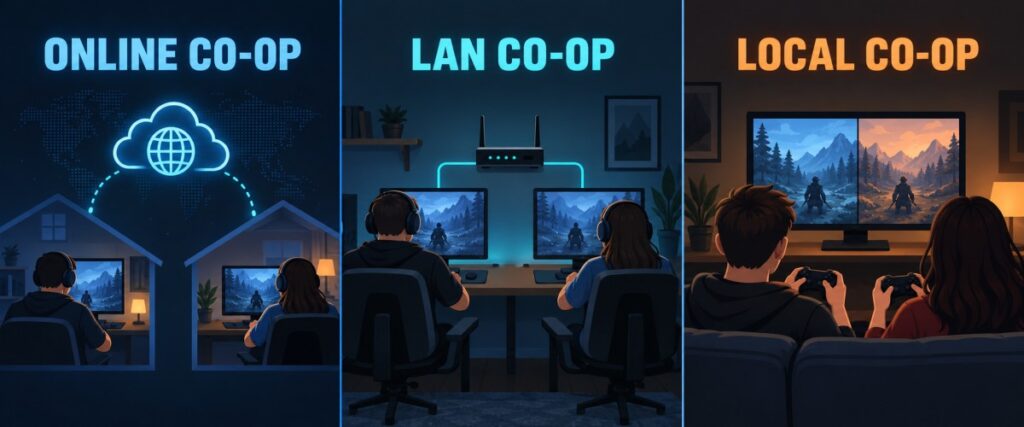
Before choosing a game, make sure it supports the way your group intends to play. Steam tags and casual recommendations often mix several different multiplayer systems together.
| Co-Op Type | How It Works | What You Need |
|---|---|---|
| Online co-op | Players connect over the internet from separate PCs | Usually one copy and account per player |
| LAN co-op | Separate PCs connect over the same local network | A copy on each PC unless the game says otherwise |
| Shared-screen | Several players share one view on one PC | Usually extra controllers |
| Split-screen | One display is divided between players | A controller for the additional player is often required |
| Remote Play Together | The host streams a supported local game to remote players | One host copy may be sufficient, but good network conditions matter |
Online players generally need separate copies, while local players can normally share one. Remote Play Together can reduce the number of purchases required, but it places streaming and connection duties on the host PC. That may not be ideal when the host already owns the weakest machine.
Best Co-Op Games for 4GB RAM PCs
These are the safest candidates for the weakest hardware tier, but 4GB remains restrictive. Close browsers and other avoidable applications before playing, and let a stronger computer host whenever the game allows it.
If cooperative play is optional and you simply need more lightweight choices, our best games for 4GB RAM PCs guide covers a much wider selection.
1. Portal 2 — Best Overall Two-Player Co-Op Game
Portal 2 is the strongest overall recommendation if you and one friend want a proper cooperative campaign rather than a single-player game with another character added.
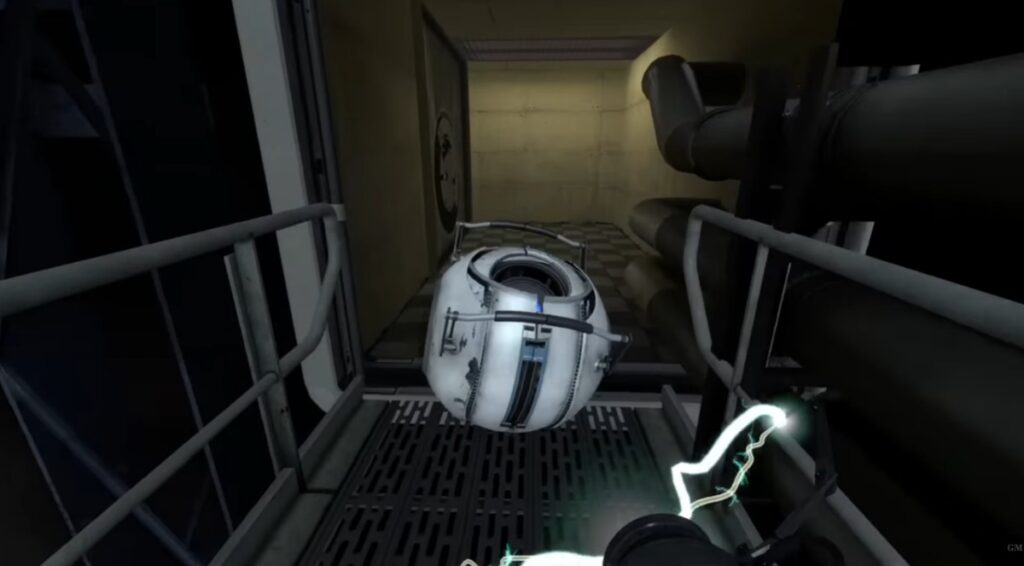
The two-player campaign has its own characters, puzzles and progression. Both players must coordinate portal placement, timing and movement, so cooperation is built into every chamber.
- Co-op: Two-player online or split-screen
- Official minimum: 2GB RAM, dual-core 2GHz or better, Intel HD Graphics 2000 or better
- Start with: 720p, low settings and reduced anti-aliasing
- Watch for: Drops during physics-heavy scenes on very old CPUs
Intel HD 4000 is a more responsible target than the official HD 2000 floor. The requirements establish compatibility, but they do not guarantee identical performance on every old laptop.
Check Portal 2’s current features and requirements on Steam.
2. Stardew Valley — Best Relaxing Co-Op Game
Stardew Valley is a better choice when your group wants to build something together without the pressure of fast combat. Players can farm, fish, mine, complete community goals and divide daily jobs between them.
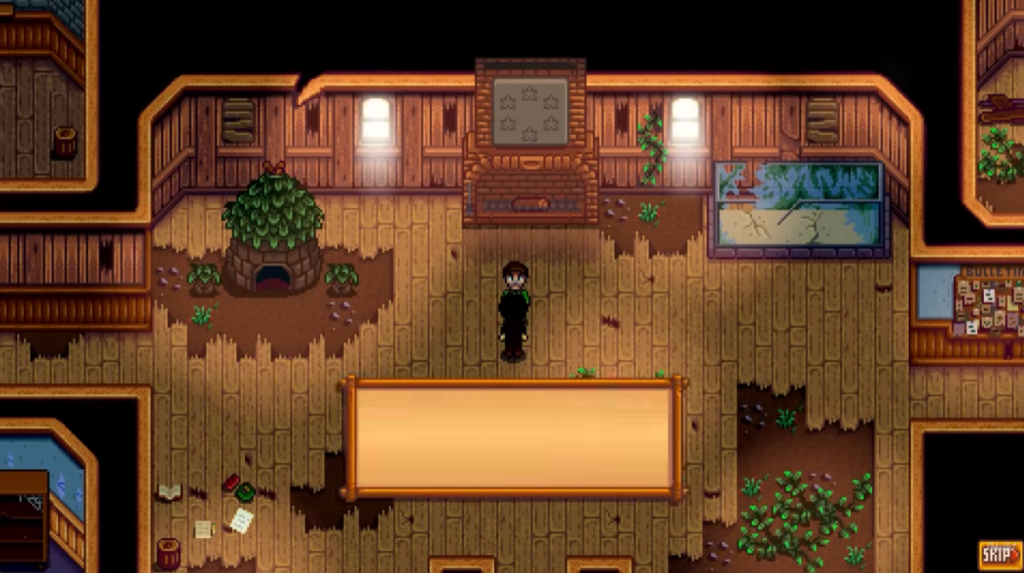
The PC version supports online, LAN and split-screen multiplayer, with up to eight players able to join the same world. You cannot assume every platform supports the same player limit, so this recommendation applies specifically to PC.
- Co-op: Online, LAN or split-screen
- Official minimum: 2GB RAM, 2GHz CPU, 256MB graphics with Shader Model 3.0+
- Start with: Default resolution or 720p if the integrated GPU struggles
- Watch for: Additional load on a heavily developed farm or during split-screen play
Check Stardew Valley’s current requirements on Steam.
3. Terraria — Best for Crafting, Exploration and Boss Fights
Terraria gives a low-end group an enormous amount to do. You can explore, build bases, gather equipment and fight bosses together without needing modern 3D graphics.

Its current Windows requirement is 2.5GB RAM, with 4GB recommended. That places it inside this tier, but only just. A new world with two players is a much easier workload than a developed world filled with construction, enemies and several connected players.
- Co-op: Online or LAN through Host & Play or a dedicated server
- Official minimum: 2.5GB RAM, 2GHz CPU, 128MB Shader Model 2.0 graphics
- Start with: Reduced resolution, frame skip enabled and simple lighting
- Watch for: Boss fights, large worlds and hosting on a weak dual-core CPU
Let the strongest PC host. Meeting Terraria’s minimum requirements does not mean a 4GB machine will remain perfectly consistent in every multiplayer situation.
Check Terraria’s current requirements on Steam.
4. Sven Co-Op — Best Free Co-Op Shooter
Sven Co-op turns the original Half-Life style of shooting and puzzle solving into cooperative missions. Players fight computer-controlled enemies, complete objectives and work through maps together.
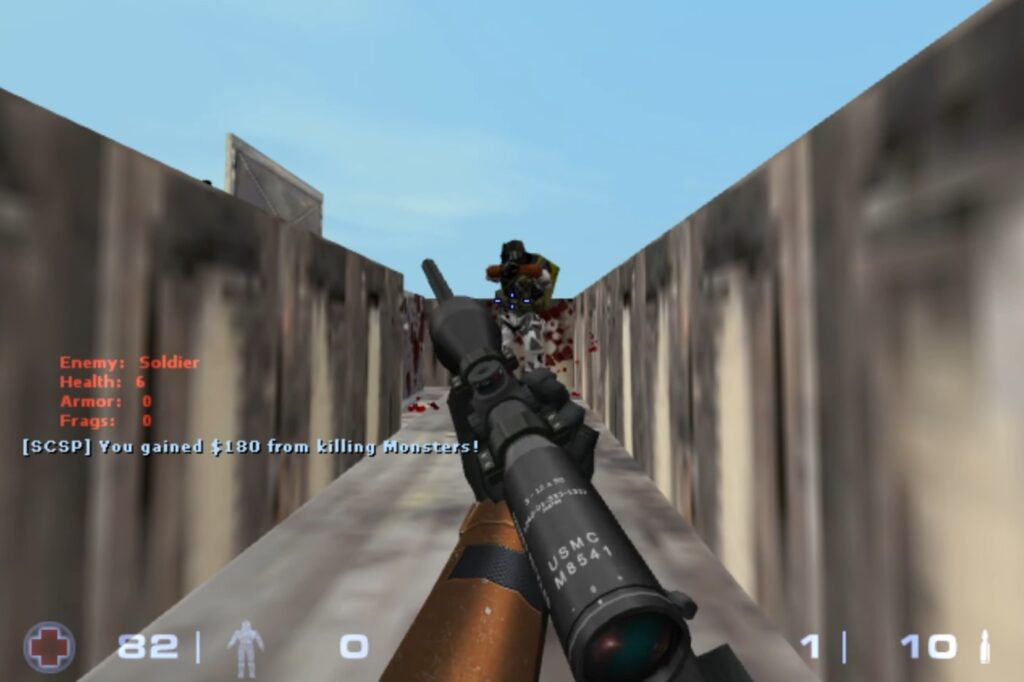
Its game-level requirements are exceptionally low, making it one of the most credible free recommendations for weak PCs. The important limitation is graphics compatibility: the system still needs proper OpenGL 2.1 support.
- Co-op: Online or LAN
- Official minimum: 512MB RAM, 1GHz single-core processor, 64MB OpenGL 2.1 graphics
- Cost: Free
- Watch for: Demanding third-party maps and Steam’s background overhead
Check Sven Co-op’s current requirements on Steam.
5. Torchlight II — Best Low-End Co-Op Action RPG
Torchlight II is the best fit for players who want character classes, loot, dungeons and long-term progression. Up to six players can adventure together online, provided everyone has access to the game and a Runic account.
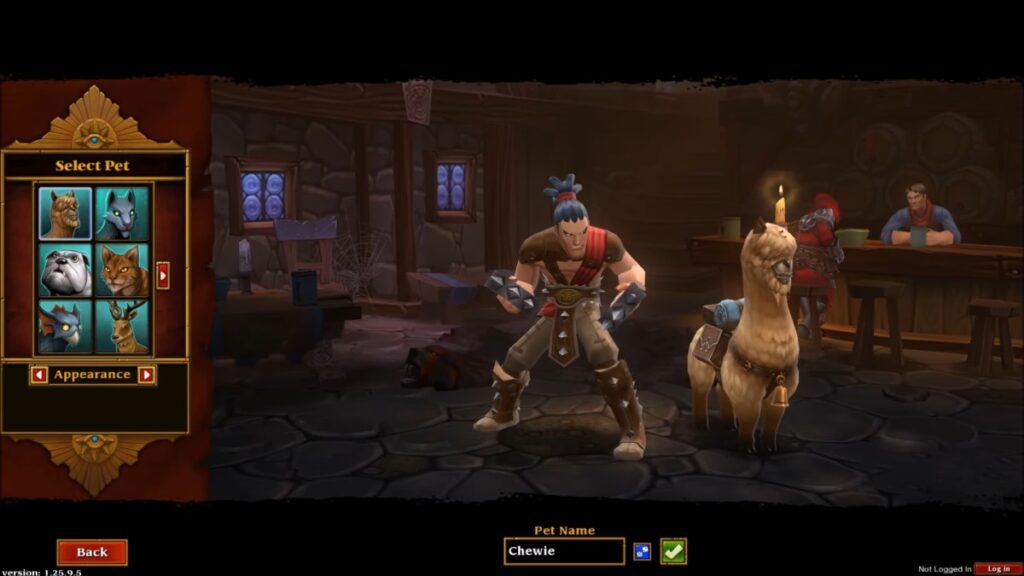
- Co-op: Online
- Official minimum: 1GB RAM, 1.4GHz processor, DirectX-compatible 3D graphics with 256MB addressable memory
- Account requirement: Free Runic account for online multiplayer
- Watch for: Integrated-GPU compatibility and account-recovery limitations
Runic Games has closed, and online multiplayer still depends on the legacy Runic account system. Arc’s published support instructions explain how to create an account, but the documentation is old and password recovery for legacy accounts may be unreliable. Confirm that every player can create or access an account before the group buys the game.
Check Torchlight II’s current requirements on Steam.
6. Lovers in a Dangerous Spacetime — Best Couch Co-Op Game
Lovers in a Dangerous Spacetime is one of the most genuinely cooperative local games here. Up to four players share one spacecraft, moving between the weapons, engines, shields and other stations as the situation changes.
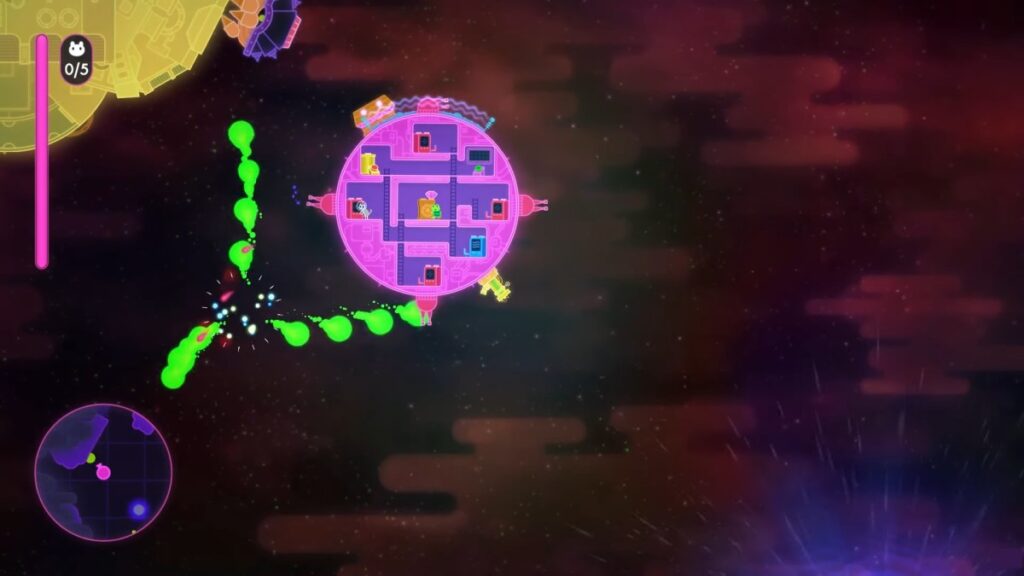
That structure forces players to communicate instead of simply occupying the same level. It is local shared-screen co-op, however, so it is designed for people playing around one PC rather than friends connecting through ordinary native online multiplayer.
- Co-op: Local shared-screen
- Players: 1–4
- Official minimum: 2GB RAM, 1.7GHz Core 2 Duo, 256MB graphics memory
- Input: Gamepads recommended
Check its current requirements and features on Steam.
Best Co-Op Games for 8GB RAM PCs
Eight gigabytes gives Windows, Steam and the game far more breathing room. It also makes hosting and busy co-op scenes more realistic. But RAM is not the only requirement: the CPU and integrated graphics still decide which additional games become possible.
7. Left 4 Dead 2 — Best Four-Player Co-Op Shooter
Left 4 Dead 2 remains one of the clearest examples of a game designed around cooperation. Four survivors fight through full campaigns while reviving one another, sharing supplies and responding to special infected that punish players who wander away from the group.

The official game requirement is only 2GB RAM, but 8GB is a more responsible modern target. Large infected hordes can expose weak dual-core processors even when the graphics settings are low.
- Co-op: Online campaign co-op
- Players: Up to 4 in campaign co-op
- Official minimum: 2GB RAM, Pentium 4 3GHz, 128MB Shader Model 2.0 graphics
- Start with: 720p Low, reduced effects and low shader detail
- Watch for: CPU-related drops during large attacks
If you enjoy fighting zombie hordes with friends, our guide to the 10 best zombie games for low-end PCs explores more undead action, including lightweight shooters and free cooperative survival games. Each recommendation explains the published RAM requirements and graphics limitations to help you choose something suitable for older hardware.
For a broader selection of multiplayer shooters beyond zombie games, our dedicated guide to the best co-op shooters on PC covers additional options across stronger hardware tiers.
Check Left 4 Dead 2’s current requirements on Steam.
8. Don’t Starve Together — Best Co-Op Survival Game
Don’t Starve Together gives friends a hostile world in which to gather food, build a base, explore and survive. It supports online and LAN play, including private games for an existing friend group.

The game lists only 1GB RAM, but its graphics requirement is more important than that number suggests. The official minimum references Radeon HD 5450-class graphics with at least 256MB video memory, and Klei does not support old Intel GMA graphics.
- Co-op: Online or LAN
- Official minimum: 1GB RAM, 1.7GHz CPU and Radeon HD 5450-class graphics
- Start with: Low textures, bloom disabled and a small initial group
- Watch for: Host workload, developed worlds and unsupported Intel GMA chips
Check Don’t Starve Together’s current requirements on Steam.
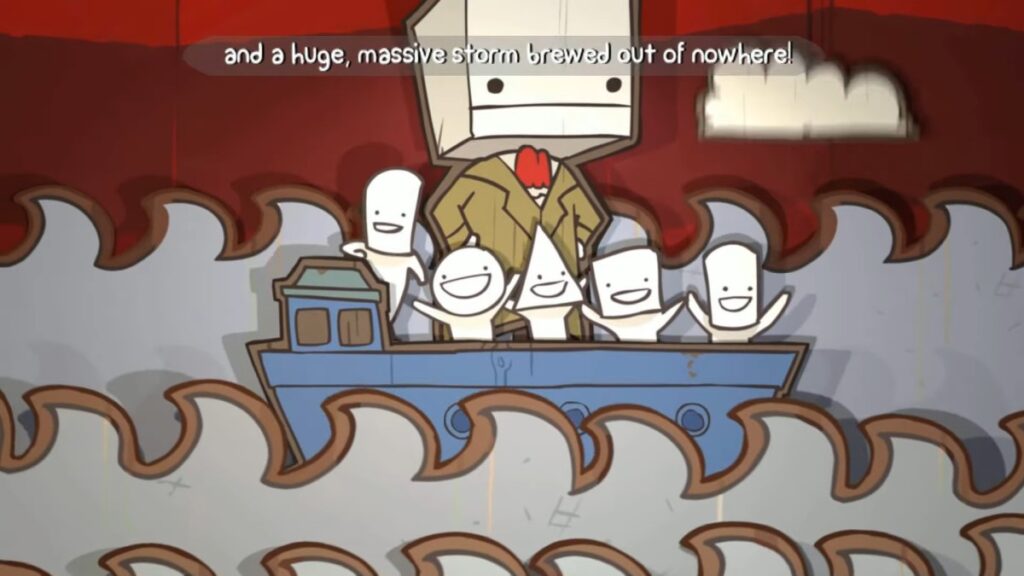
9. BattleBlock Theater — Best Co-Op Platformer
BattleBlock Theater combines platforming, puzzles and deliberately unhelpful friendship. Its story mode supports two-player online or couch co-op, with stages built around players helping—or accidentally launching—one another through obstacles.
- Co-op: Online or shared-screen
- Players: 2 in story mode
- Official minimum: 1GB RAM, 2.8GHz Core 2 Duo, 512MB graphics and DirectX 10
- Watch for: Graphics compatibility on very old integrated chips
Check BattleBlock Theater’s current requirements on Steam.
10. Broforce — Best Chaotic Co-Op Action Game
Broforce gives up to four players destructible levels, exaggerated action heroes and enough explosions to make careful planning feel optional. It supports both online and shared-screen co-op.
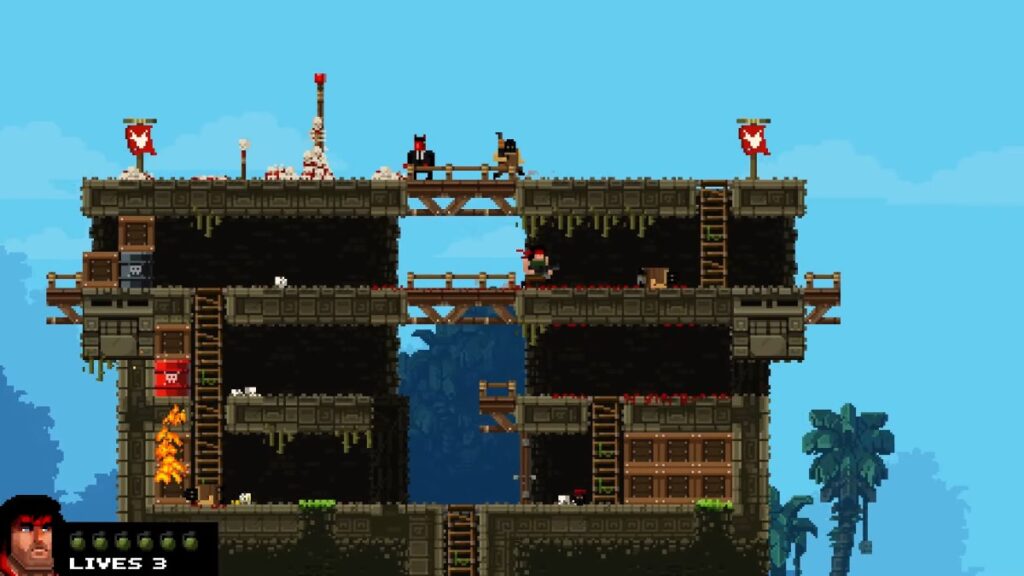
Older recommendations often describe Broforce as an extremely lightweight game, but its current Windows minimum now lists 4GB RAM, a 64-bit operating system and OpenGL 3.0-compatible graphics. That makes 8GB the safer tier despite the simple pixel-art appearance.
- Co-op: Online or shared-screen
- Players: Up to 4
- Official minimum: 4GB RAM, Intel Core Duo or faster and OpenGL 3.0-compatible graphics
- Input: Gamepad highly recommended
Check Broforce’s current requirements on Steam.
11. Factorio — Best for Newer Integrated Graphics
Factorio is the most hardware-sensitive recommendation in this article. It allows friends to build, automate and defend an increasingly complicated factory together, but its current minimum requirements place it well above the other games.
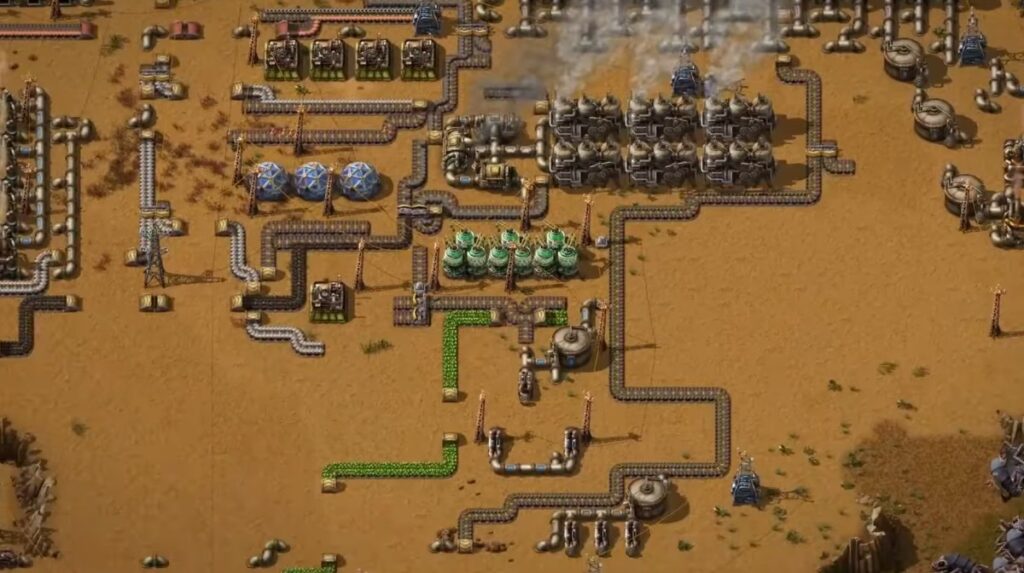
Eight gigabytes of RAM is only part of the requirement. The current minimum also specifies a quad-core 3GHz processor and Intel UHD 730, GTX 750 Ti or Radeon R7 360-class graphics. Do not assume it will run properly on Intel HD 4000 or UHD 620 merely because the PC has 8GB RAM.
- Co-op: Online or LAN multiplayer
- Official minimum: 8GB RAM, quad-core 3GHz CPU and Intel UHD 730-class graphics
- Start with: Normal sprite resolution and low-quality compression
- Watch for: CPU pressure as the factory becomes larger and more complicated
Check Factorio’s current requirements on Steam.
Popular Co-Op Games We Left Out
Some games look lightweight or appear in older low-end lists but no longer fit this article’s hardware promise.
- Project Zomboid: Its current Windows requirements specify 8GB RAM, a quad-core CPU and a dedicated graphics card with 4GB VRAM.
- Human: Fall Flat: Its minimum GPU requirement names a GeForce GT 740 or Radeon HD 5770-class card.
- Overcooked! 2: Its official minimum specifies GTX 630 or Radeon HD 6570-class graphics rather than ordinary old integrated graphics.
- Castle Crashers: Its current Windows listing requires 8GB RAM and 2GB graphics memory.
- Unturned: Its current minimum has increased to 8GB RAM and a 3GHz processor, while suitability for the intended integrated-graphics tiers is not established.
This does not mean those games are bad. It means their present requirements do not support recommending them to the same weak systems as Portal 2, Stardew Valley or Sven Co-op.
Which Co-Op Game Should You Play?
| If You Want… | Choose… | Check First |
|---|---|---|
| A full two-player campaign | Portal 2 | Your Intel HD generation |
| Relaxed long-term progression | Stardew Valley | Online or split-screen setup |
| Crafting and boss fights | Terraria | Which PC will host and whether you are using online or LAN play |
| A free cooperative shooter | Sven Co-op | OpenGL 2.1 support |
| Four-player zombie action | Left 4 Dead 2 | CPU performance during hordes |
| Local teamwork on one PC | Lovers in a Dangerous Spacetime | Available controllers |
| Co-op action RPG progression | Torchlight II | Runic account access |
| Survival and base building | Don’t Starve Together | GPU generation and host strength |
| Cooperative platforming | BattleBlock Theater | DirectX 10 support |
| Chaotic four-player action | Broforce | OpenGL 3.0 support and available controllers |
| Factory building | Factorio | UHD 730-class graphics and quad-core CPU |
Check These Things Before Your Group Buys
- Check the weakest PC first. A game that works on three systems but fails on the fourth is not a useful group recommendation.
- Find the exact CPU and graphics model. “Intel graphics” is not specific enough.
- Confirm the co-op type. Online, LAN and local co-op are not interchangeable.
- Check the player limit for the intended mode. Story, arena and server modes may support different group sizes.
- Count the required copies. Online play generally requires each player to own the game.
- Check controller requirements. Local multiplayer often requires gamepads for additional players.
- Let the strongest PC host. Hosting can add CPU and memory pressure.
- Begin at 720p Low. Increase settings only after the game remains stable during real play.
- Test a busy section. Menus and empty starting areas do not represent boss fights, hordes or developed worlds.
- Check the refund conditions before buying. Do not assume every storefront, key seller or region provides the same protection.
- Check the operating system as well as the hardware. Some older store listings still show Windows XP or Windows 7-era game requirements, but the launcher or storefront may require a newer version of Windows.
If you are unsure whether the result is genuinely acceptable, use our guide to checking smooth gameplay on a low-end PC. It explains why consistent response and frame delivery matter more than one flattering FPS number.
If the game meets its requirements but still hitches, read why games stutter even on low settings before assuming the graphics chip is the only problem.
The Best Starting Point for Your PC
Portal 2 is the safest overall choice for two players who want a complete cooperative campaign. Stardew Valley is better for relaxed long-term play, Sven Co-op is the strongest free shooter option, and Lovers in a Dangerous Spacetime is the clearest choice for local teamwork on one PC.
If your system has 8GB RAM, Left 4 Dead 2, Don’t Starve Together, BattleBlock Theater and Broforce become more comfortable candidates. Factorio belongs higher up the ladder because it also requires newer integrated graphics and a suitable quad-core processor.
Whatever you choose, base the decision on the weakest computer in the group. A slightly older co-op game that everyone can run is far more useful than a modern recommendation that leaves one friend staring at a loading screen.