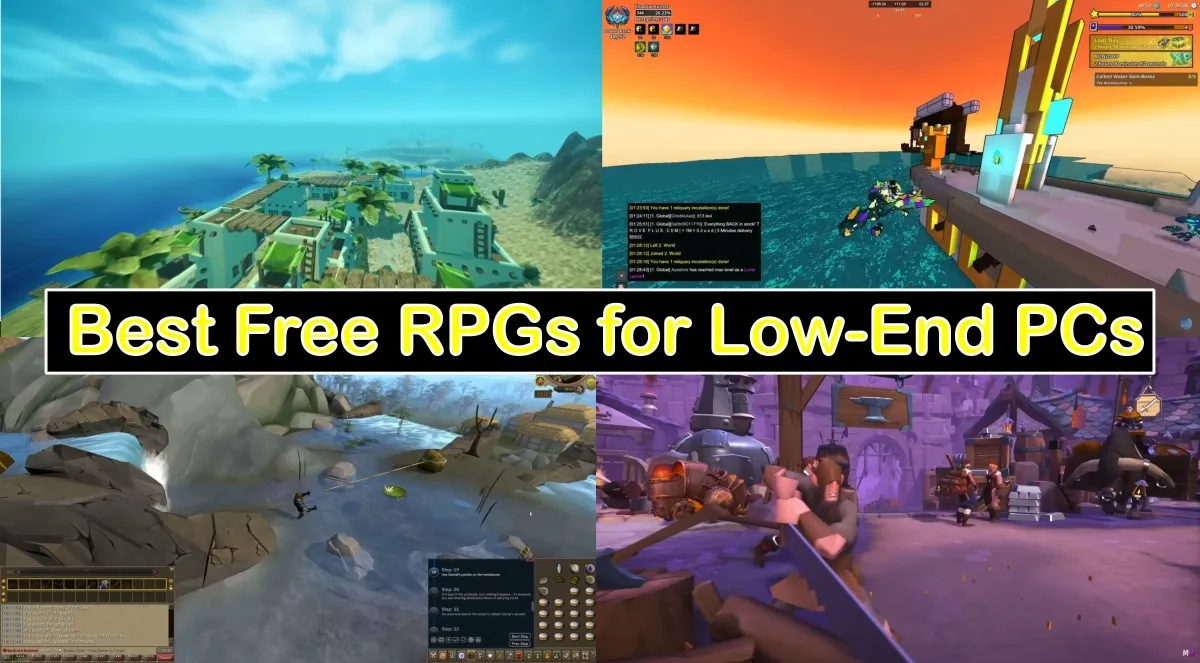
Updated: 18/02/2026: Yes, your dinosaur PC can still play real RPGs. If you’re searching for best free rpgs for low end pc picks that actually run on weak hardware, you’re in the right place. Every game below is free on PC, active, and friendly to low-end setups like 4 to 8 GB of RAM and integrated graphics. You’ll also get a quick “prep” checklist and sane starter settings, so you spend more time questing and less time listening to your laptop fan audition for a jet engine.
Before You Install, The 5 Minute Prep
- Close background junk. Quit Discord overlays, Xbox Game Bar, GeForce Experience recording, and any updater apps.
- Use borderless windowed or windowed fullscreen. It reduces alt-tab weirdness on older laptops.
- Cap your frame rate. Start at 30 or 45 and raise later if the game stays smooth.
- Drop resolution scale first. Keep textures readable, then lower shadows and post effects.
- Keep free space. Leave at least 10 GB for saves, shader cache, and updates.
- Optional sanity check: run a quick test with our How to Test Gaming PC Performance guide to confirm nothing silly is dragging you down.
If you’re unsure where to start, use our pillar post: The Free Games Hub for Older PCs (Your Official Rescue Center). More into shooting than questing? These free shooters for low-end PCs are perfect for fast action without heavy hardware demands.
If a game refuses to launch
Don’t panic, don’t reinstall Windows. Do these quick checks first:
- Storage: If you’re under 10 GB free, stuff breaks. Clean space and try again.
- Runtimes: Many older and indie games need Visual C++ runtimes or DirectX components. If you get weird “missing DLL” errors, it’s usually this.
- Drivers: Integrated graphics drivers matter more than people admit. If you have random crashes, update your iGPU driver.
- Background load: If your CPU is pinned at 100% in menus, you’re fighting the OS, not the game. See Fix High CPU Usage While Gaming.
If your performance is “good on paper” but stutters anyway, jump to our fix list: Why Does My Game Stutter on a High-End PC (11 Real Fixes). The fixes apply to weak PCs too, sometimes even more.
Offline Classics That Still Rule
These are the true fossils that still hold up. No online accounts, no launchers, no nonsense, just single-player RPGs that run on hardware older than your Steam account. Each one proves a good game does not need a modern GPU to pull you in.
The Elder Scrolls: Arena
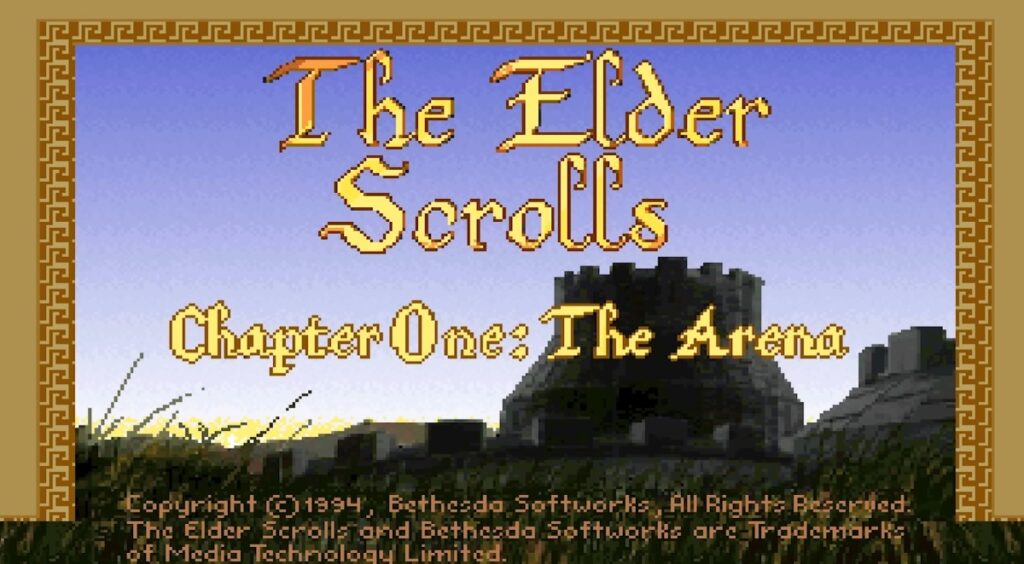
Pure 90s chaos in a box. It runs through DOSBox, the install is tiny, and it will not stress your old hardware. Expect old-school dungeon crawling, weird difficulty spikes, and endless charm. Arena was Bethesda’s first open-world experiment, a maze of towns, dungeons, and random encounters stitched together by pure ambition. It’s clunky, it’s ancient, and it’s still weirdly absorbing.
The Elder Scrolls II: Daggerfall (Classic or Unity Fan Build)

One of the biggest RPG worlds ever, and the classic edition is free. The Unity version smooths controls and fixes quirks while staying light on resources compared to modern 3D games. Its map is so massive it makes Skyrim look like a side quest, filled with random dungeons, guilds, and factions that actually react to your reputation.
Flare RPG
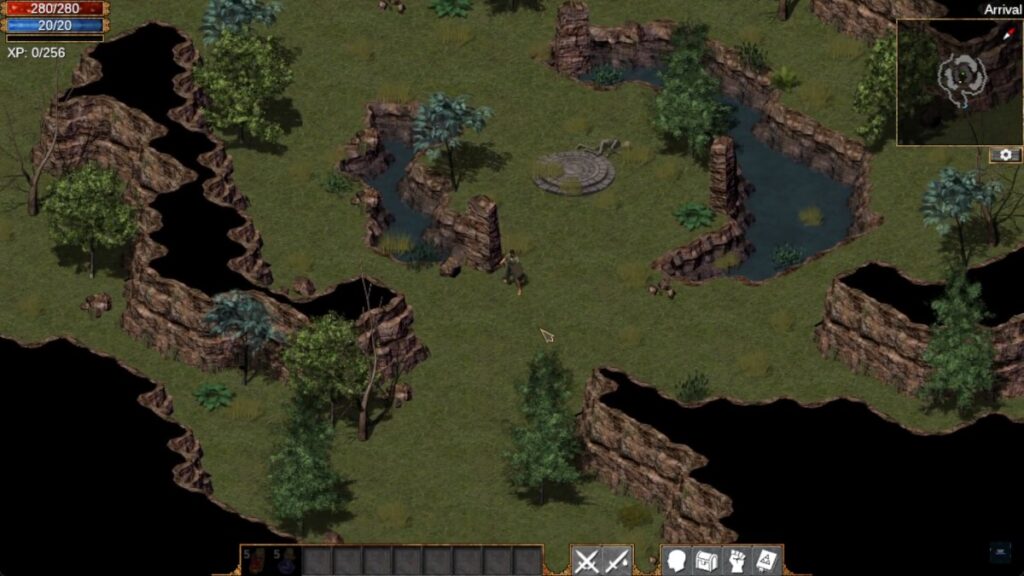
Open-source Diablo-style action RPG. No account, no launcher, just download and play. Perfect when you want mouse-clicking loot without the gigabytes. Built as both a game and a moddable engine, Flare is a top-down hack-and-slash that feels like a forgotten classic rediscovered.
Side Note: For more RPGs that balance strong stories with realistic hardware needs, read our games like Clair Obscur guide next.
Cataclysm: Dark Days Ahead
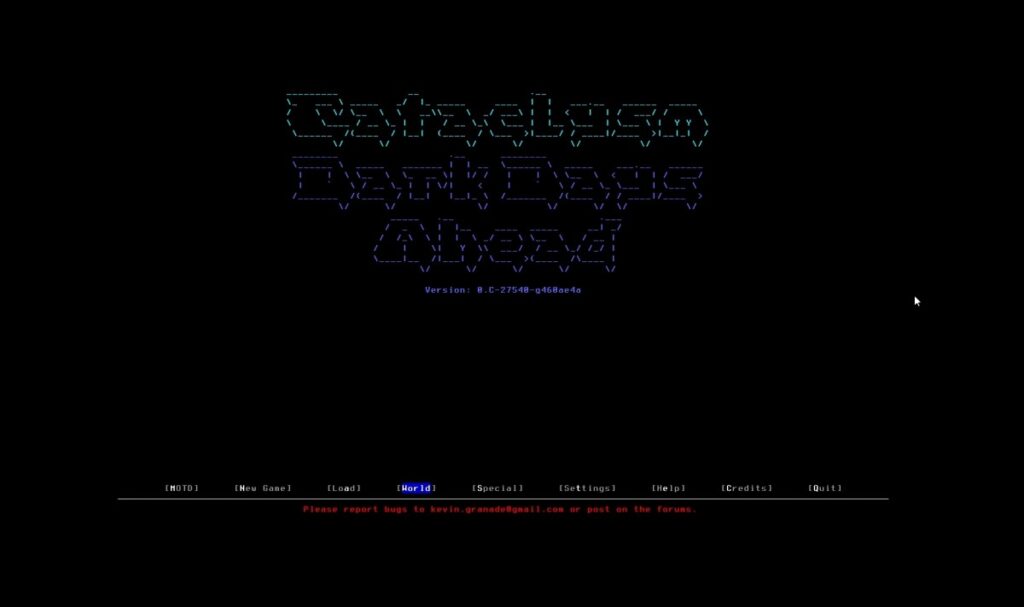
ASCII apocalypse RPG that can swallow weekends. It looks simple, but the crafting and survival systems go deep. Runs on almost anything and saves are tiny. You scavenge, craft, and survive in a persistent world full of zombies, mutants, and weather that actually matters. There’s no story rail, just pure emergent survival.
Free to Play RPGs That Don’t Melt Laptops
Old School RuneScape
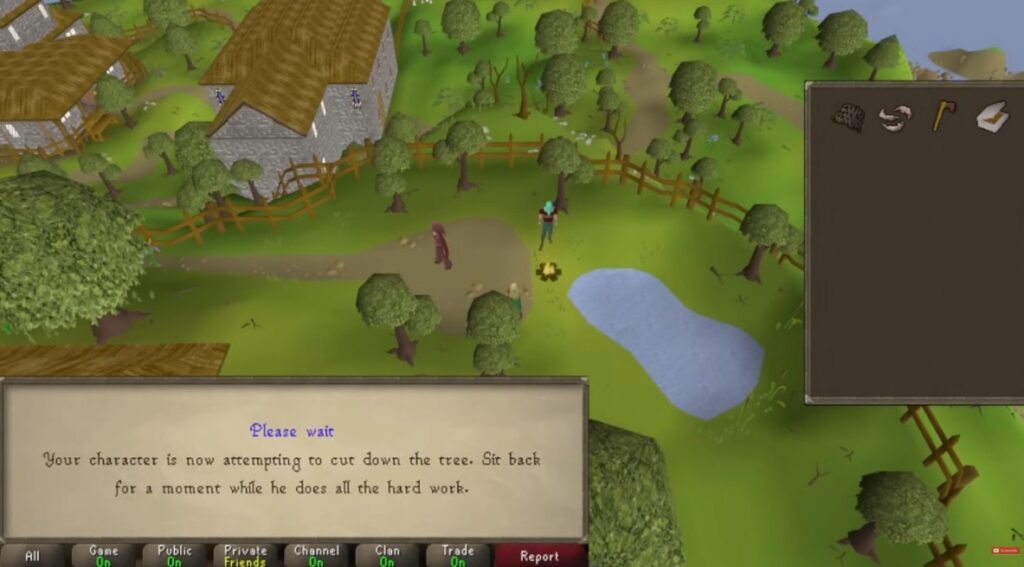
Lightweight client, timeless grind, and a massive community. Ideal for low-spec laptops and short sessions. If your machine can browse the web, it can probably play OSRS. Fish, mine, craft, or boss raid entirely solo, and the soundtrack somehow makes the grind feel cozy.
Play OSRS on Steam | Official Site
RuneScape (Modern Client)
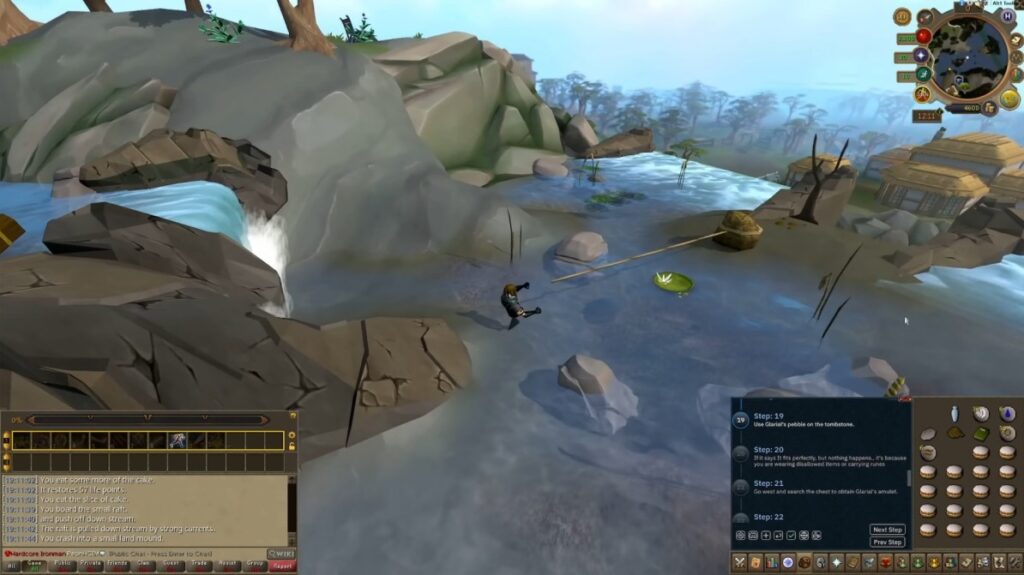
More modern visuals, more quests, still friendly to integrated graphics if you keep settings sensible. The live version trades some old-school grind for smoother controls, voice acting, and seasonal events. If you want story content without paying money, this is an easy win.
Play RuneScape on Steam | Official Site
Albion Online
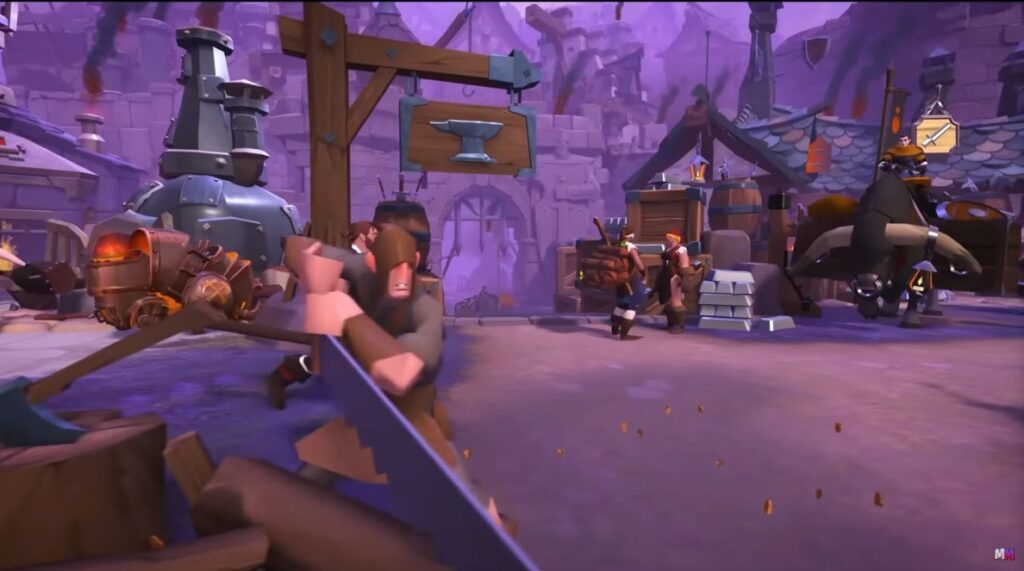
Crafting, gathering, and full-loot PvP if you want it. The client is small, load times are reasonable, and low settings keep it smooth on weak GPUs. An SSD helps, but an HDD still works. It’s a sandbox MMO where every item is player-made and deaths actually cost you gear, so choices matter.
Tibia
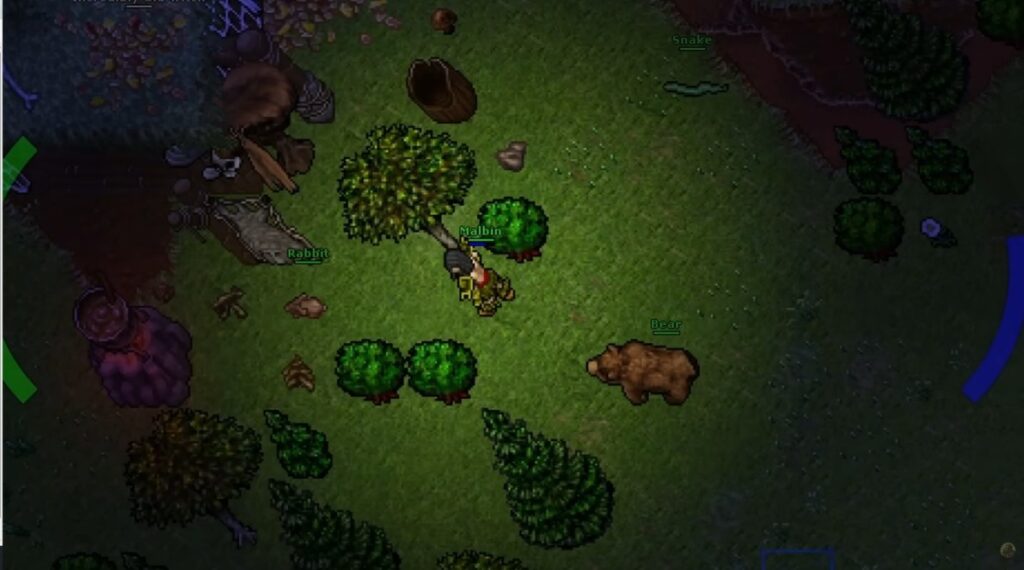
Retro MMO that refuses to die. Tiny download, mouse-driven gameplay, and a community that knows every quest by heart. Released in 1997 and still updated today, Tibia feels like time travel in the best way. The visuals are ancient, but the depth is real.
AdventureQuest 3D

Simple, friendly, and runs on toasters. Good for casual dungeon runs with friends and light crafting without punishing your laptop. Combat is light and snappy, updates are frequent, and you can jump in solo or group up fast.
Trove
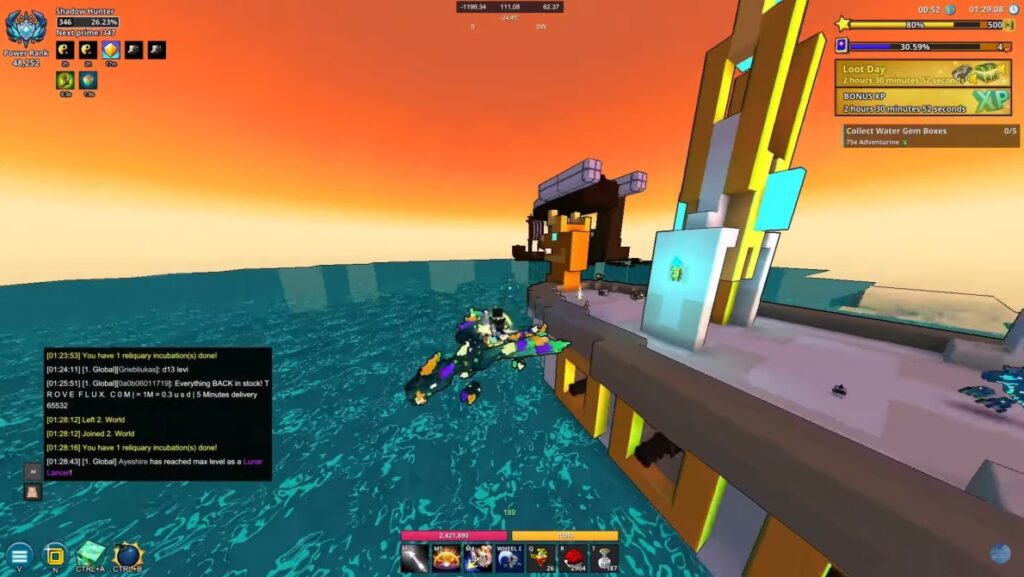
Voxel MMO with RPG progression and lots of building. It scales down well on Intel HD graphics when you cap FPS and cut fancy effects. Think Minecraft meets Diablo, explore colorful biomes, loot dungeons, and build ridiculous bases with friends.
Low-End Upgrade Kit (Optional, but it helps)
If these games almost run fine, this is the cheapest “make it stable” kit. You do not need a full new PC, you need fewer bottlenecks.
Quick Upgrade Kit: Fix It Without Rebuilding Your PC


Browser and Text Adventures
Kingdom of Loathing
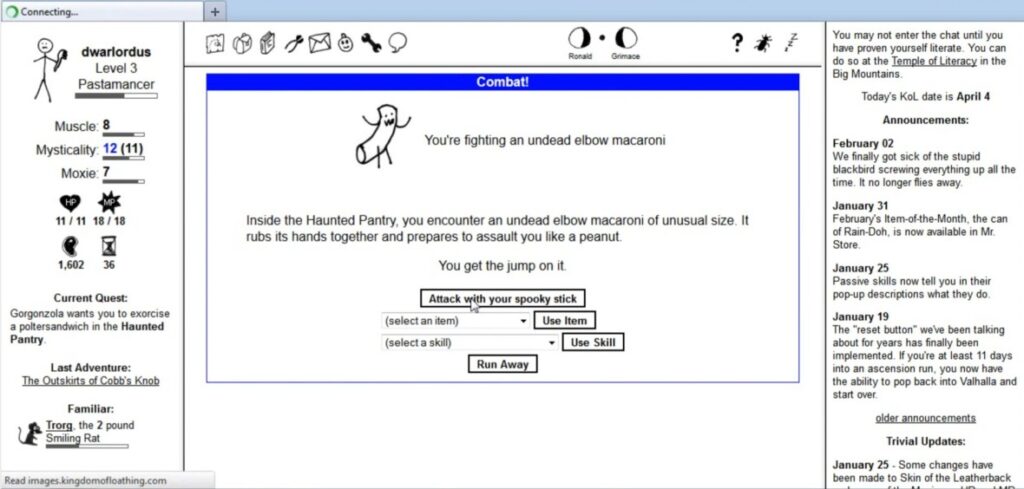
Text-based humor, silly items, and smart mechanics. It runs in a tab, saves instantly, and it’s perfect for quick play. It’s genuinely funny, shockingly deep, and still one of the best browser RPGs ever made.
Fallen London
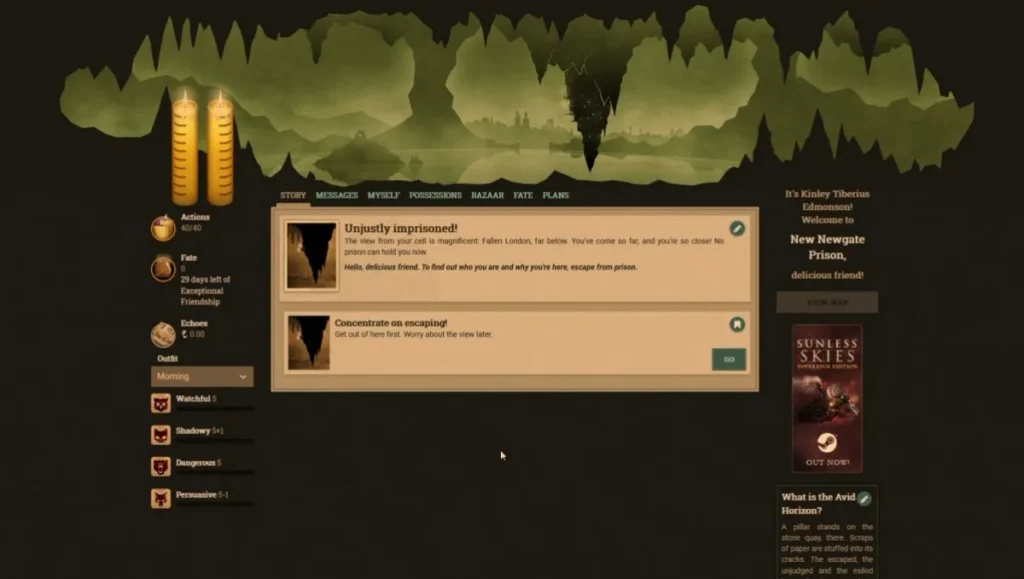
Gothic story choices with rich writing and a steady loop. No download, no noise, just choices and consequences. It’s all about narrative choices and long-term progress, ideal for slow-burn storytelling fans on weak hardware.
Hordes.io
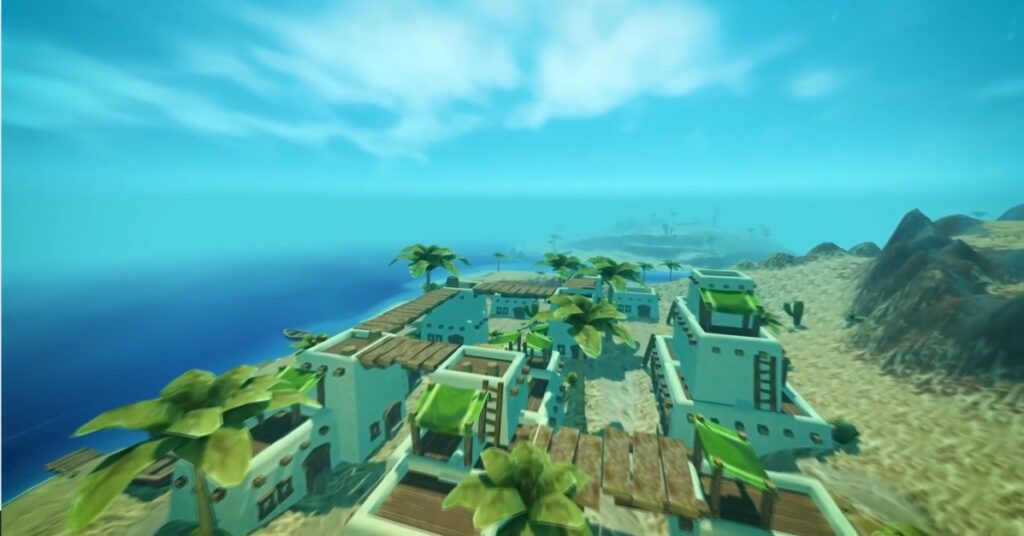
Light 3D in a browser with chunky, readable visuals. Grab friends and whack mobs without wrecking your CPU. Simple classes, fast leveling, and instant combat make it great for sessions that do not demand a download or beefy specs.
Lightweight Space and Indie RPGs
Endless Sky
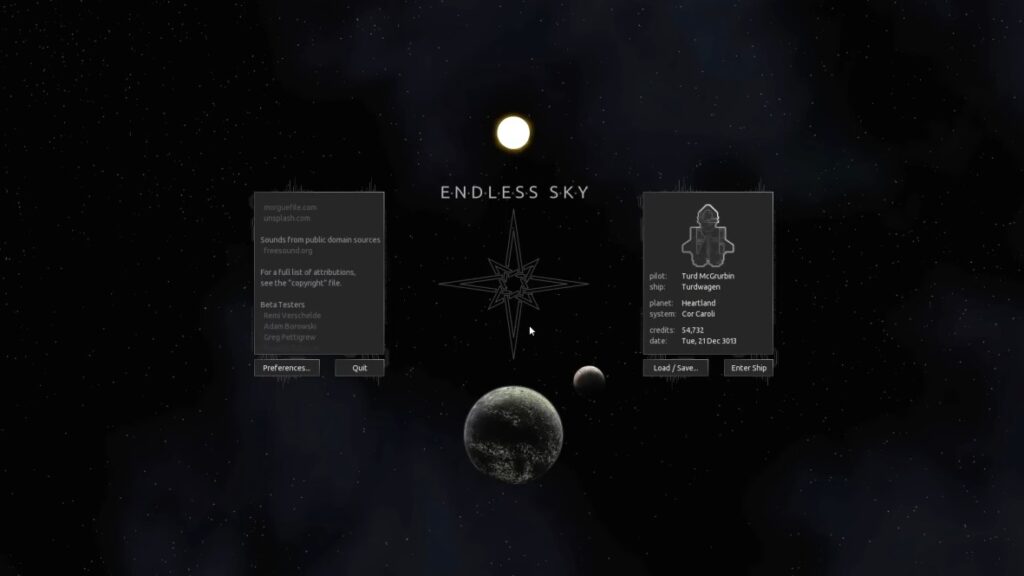
Open-source space RPG where you trade, fight, and upgrade your ship. It runs on older machines with OpenGL 3.0 and barely sips RAM. It’s a spiritual successor to Escape Velocity, start small, upgrade slowly, and build your story across hundreds of systems.
Get Endless Sky on Steam | Project Page
Tales of Maj’Eyal
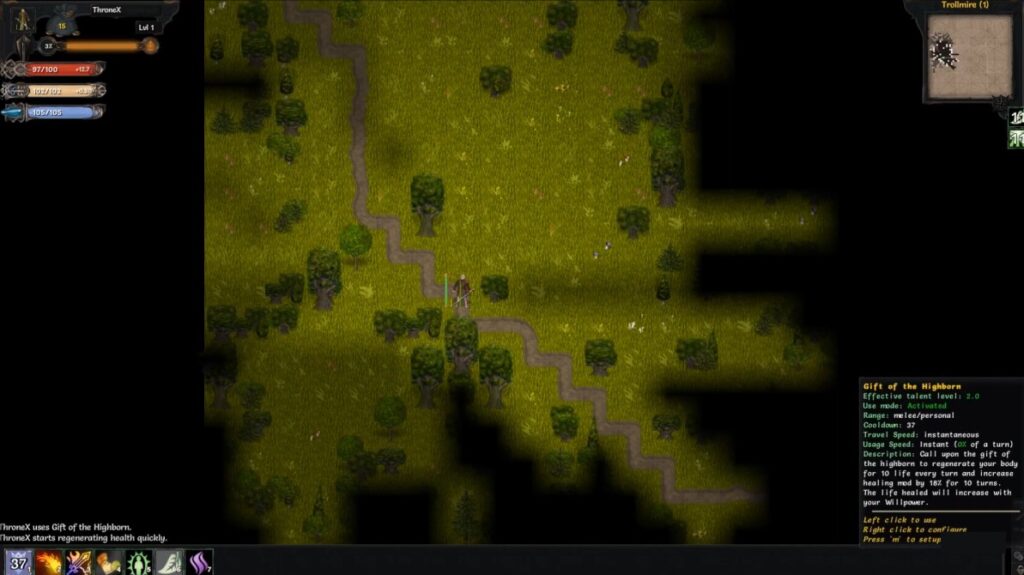
Deep roguelike with tons of classes and builds. Free on the developer site, with optional support packs if you love it. It’s turn-based, tactical, and brutally replayable thanks to random worlds, unlocks, and layered systems that reward experimentation.
How These Free RPGs Behave on Real Low-End PCs
This is BuiltToFrag, so we’re not pretending performance does not matter. Here’s what you should expect on real low-end machines, especially older laptops with integrated graphics. If you want more than just RPG picks, this full guide to low end pc games that actually run covers what to expect across multiple low end hardware categories.
- Most of these are CPU-limited, not GPU-limited: Older RPGs and MMOs often hit the CPU first, especially in towns, markets, and busy hubs.
- RAM is the silent killer: With 4 GB RAM, your system will page to disk. That means hitching when you load zones, open inventories, or alt-tab.
- Stutter usually comes from streaming and background load: Not “bad FPS,” but uneven frame times. That’s why an SSD and basic cleanup can feel like a cheat code.
- Browser RPGs are only “light” if your browser is not a dumpster fire: Close tabs, disable heavy extensions, and do not run 4 video streams in the background.
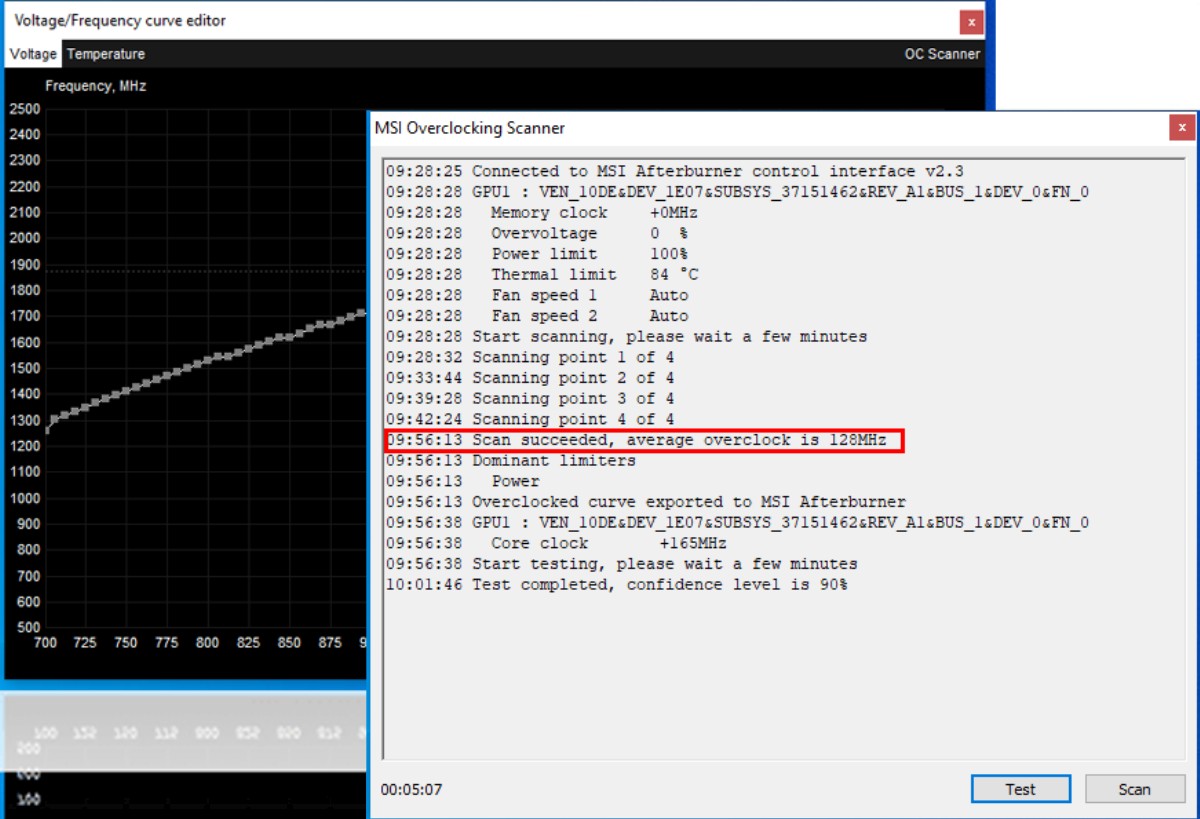
If you want to confirm what is actually limiting you, start here: How to Test Gaming PC Performance. If your game feels “smooth, then suddenly awful,” it’s usually stutter and frame pacing, use: our stutter fix guide. If your CPU is always pegged, use: Fix High CPU Usage While Gaming.
Smooth Settings to Start With
| Spec | Resolution | FPS Cap | Quick Tweaks |
|---|---|---|---|
| 4 GB RAM + Intel HD/UHD | 1280 x 720 | 30 | Resolution scale 75%, shadows low or off, post-processing off |
| 6 to 8 GB RAM + very old GPU | 1600 x 900 | 45 | Textures medium, effects low, ambient occlusion off |
| Laptop APU mode | 1280 x 720 | 30 | Borderless windowed, V-Sync on, anti-aliasing off |
Stable beats pretty. Start safe, then raise one setting at a time. If a game stutters after an update, revisit the cap and shadows first, then scale the resolution.
If you like RPGs that reward more active decision-making, Treat your settings like a test bench: tweak, launch, test, repeat. Once you hit a smooth 30 to 45 FPS, lock it in and enjoy your newfound stability.
For a bigger list, see: 15 Best Free Games for Low-End PCs (No Lies, Just Playable Picks). Want survival instead? Try 10 Free Survival Games for Low-End PCs.
If your PC struggles with these games, Try these 4GB RAM-friendly titles are a safer bet.
When You Should Upgrade Instead of Forcing Low-End Gaming
Real talk: sometimes the correct answer is not “find lighter games,” it’s “remove the bottleneck.” If any of these are true, upgrading will save you more time than endless tweaking:
- You have 4 GB RAM and Windows is constantly paging to disk.
- You are on a hard drive (HDD) and every load screen feels like a punishment.
- Your CPU hits 100% just standing in an MMO town.
- You get random crashes across multiple games, not just one.
Start here if you want smart upgrades that actually matter: Gaming PC Upgrades That Actually Matter. If your system is unstable in general, bookmark: PC Maintenance and Optimization Guide.
PC Still Struggling?
If your PC is really struggling with these games and you’ve already tried the cheap upgrades, it’s time to consider buying a new PC. Sometimes the headaches are just too big to justify the effort. Take a look at our Best Ultra Budget Gaming PC Build: Real 1080p Under $600, or step up to the The $1000 Budget Beast, A Gaming PC Build That Hits Hard
Best Free RPGs for Low-End PCs FAQs
Are all of these actually free?
Yes. Everything listed has a free PC version with no time limit. A few have optional support packs or memberships, but the core loop is playable for free.
Many of these games also support controllers, so if you’d rather play from the couch or with a gamepad in hand, check out our guide to the best free controller games for PC.
Also if you are looking for something darker than fantasy adventures? Check out our roundup of the best horror games for low-end PCs.
Can I play completely offline?
Yes for the classics and open-source picks like Arena, Daggerfall, Flare, and Cataclysm. MMOs and browser games require a connection.
What works best with 4 GB of RAM?
Start with Flare, Arena, Cataclysm, Tibia, and Old School RuneScape. Keep browser tabs closed and cap your FPS. Prefer online RPGs with active communities? These free MMORPGs for weak PCs are still packed with players and are 4gb Ram compatible.
Can I use a controller?
Some games support controllers through Steam Input or native settings. OSRS and Tibia are mouse-first. Browser RPGs are usually keyboard and mouse.
Why isn’t Undertale or Ara Fell listed?
They are great on weak PCs, but they are not free. This list sticks to zero-cost RPGs only.
If you prefer shooters over RPGs, see: low end FPS games you can buy without guessing. If you want something more tactical than RPG combat, check out these free strategy games for low-end PCs that run smoothly on older machines.
Related Reads on BuiltToFrag
- Free Games for Garbage PCs (Yes, Yours Too) for the absolute lightest options.
- Free PC Games That Don’t Need a GPU if you are on integrated graphics only.
- 10 Free FPS Games for Low-End PCs if you want fast action that still runs.
- How to Test Gaming PC Performance to confirm what is limiting you.
- Is Cyberpunk 2077 is worth playing in 2026 on PC.
Safest Places To Grab These Games
Get these games without junk installers: Daggerfall, Arena, Flare RPG, Cataclysm: DDA, OSRS, RuneScape, Albion Online, Tibia, AQ3D, Trove, KoL, Fallen London, Hordes.io, Endless Sky, ToME.
If you try a pick and it still stutters, circle back to the prep section and cap your FPS tighter, then check our ultra-light free games list for even easier wins.
Quick recap: This list of best free rpgs for low end pc picks is built for weak hardware, not wishful thinking. Start with stable settings, cap FPS, and if your PC is choking, fix the bottleneck instead of suffering.