If you are stuck on an old laptop, a school PC, or a “this was free from the office” desktop, strategy games are one of the few genres that can still treat you like a real person. You do not need a monster GPU to enjoy smart gameplay, but you do need picks that will not choke the moment the map gets busy.
This “Free Strategy Games for Low End PCs” list focuses on free strategy games for low end pc setups, especially machines using integrated graphics like Intel HD, UHD, or older Vega iGPUs. You will also get a quick comparison block first, so you can grab a download and move on with your life.
Quick Comparison: The Best Free Strategy Games for Weak PCs
If you just want the “tell me what to install” answer, start here. These are the best bets for low-end machines, with a simple “Intel HD friendly” sanity check and the broad style of strategy game you are getting.
| Game | Style | Intel HD / iGPU Friendly? | Best For |
|---|---|---|---|
| Battle for Wesnoth | Turn-based tactics | Yes | Slow, thoughtful battles |
| OpenTTD | Management / sim | Yes | Building money machines |
| OpenRA | RTS | Usually | Classic RTS vibes |
| Mindustry | Automation + defense | Yes | Factory brains, tower defense |
| Freeciv | 4X | Yes | Civilization-style long runs |
| Unciv | 4X (lightweight) | Yes | Ultra low-end laptops |
If you want more low-end picks beyond strategy, also check the main hub: Free Games Hub for Older PCs.
If you play on weak hardware and want a wider list explaining what your hardware can actually handle, see our guide to games that work on low-end PCs.
If you have a decent pc and enjoy strategy games with base building and survival mechanics, our guide on whether The Riftbreaker is worth playing in 2026 is well worth a read.
The “Garbage PC Test” Baseline (What This List Is Built For)
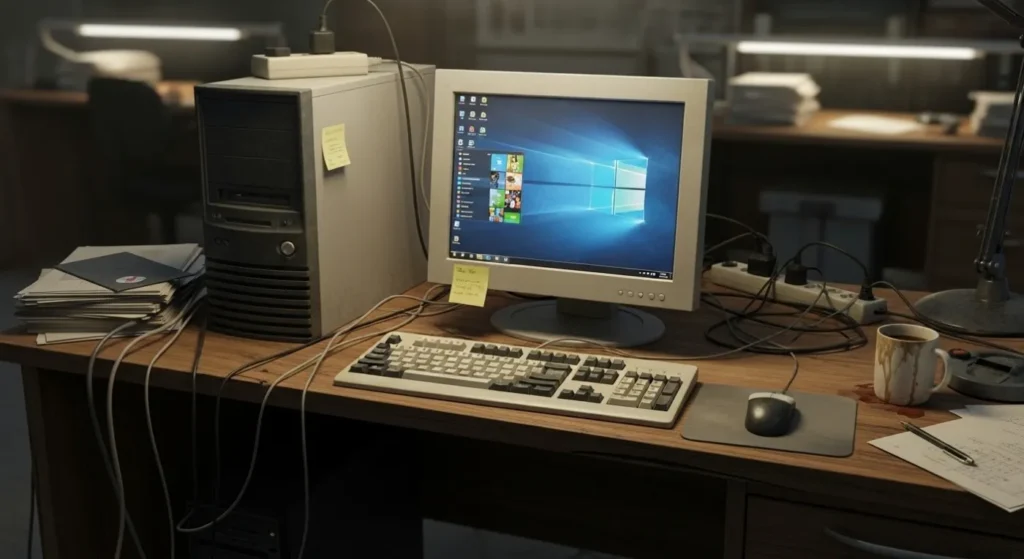
To keep this honest, I am judging these games against a baseline that matches what most low-end players are actually using. If your PC is stronger, great, you will have an easier time. If it is weaker, you will still find a few safe bets here. Strategy games can get heavy fast, so here’s what actually runs on 4GB RAM.
- CPU: dual-core (older i3, Pentium, Athlon, or similar)
- RAM: 4 GB (8 GB is nicer, but not required for every pick)
- Graphics: integrated (Intel HD / UHD, older Vega iGPU)
- Storage: 10 to 20 GB free space
Strategy Games That Run on Intel HD and Integrated Graphics
Integrated graphics is not a deal-breaker for strategy games, but it changes what “smooth” looks like. You want lighter visuals, simpler effects, and games that are not trying to render 500 units with fancy shaders. If your office PC can barely breathe and you need games that do not depend on WiFi, this guide to offline games for low-end PCs fits perfectly.
If you are building a whole list of “no GPU needed” games, this companion page is made for you: Free PC Games That Don’t Need a GPU.
Many classic strategy games run surprisingly well on weak PCs and integrated graphics.
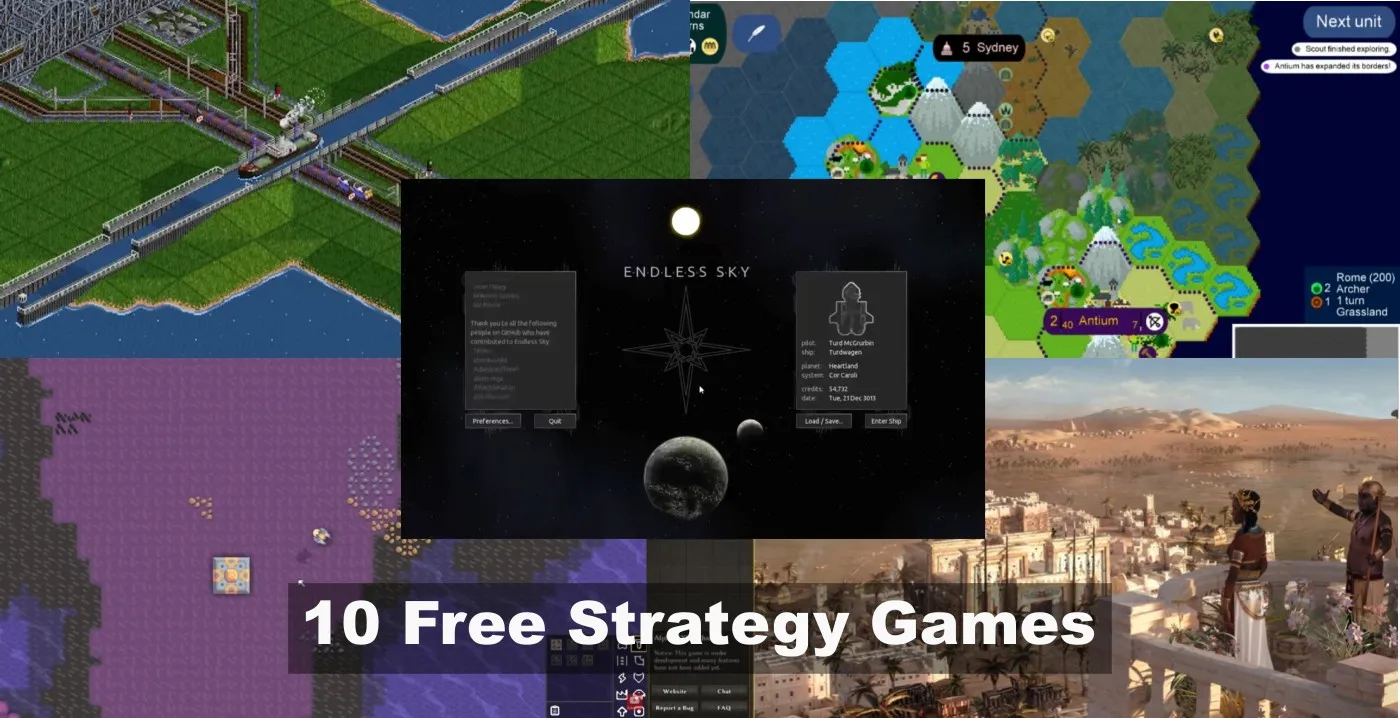
The 10 Best Free Strategy Games That Actually Run on Low-End PCs
This is the main list, and it is built for real low-end conditions. Each pick includes a simple mini spec table so you can quickly tell if it is worth your time, plus a short explanation of what makes it a good fit for weaker hardware.
1) OpenRA
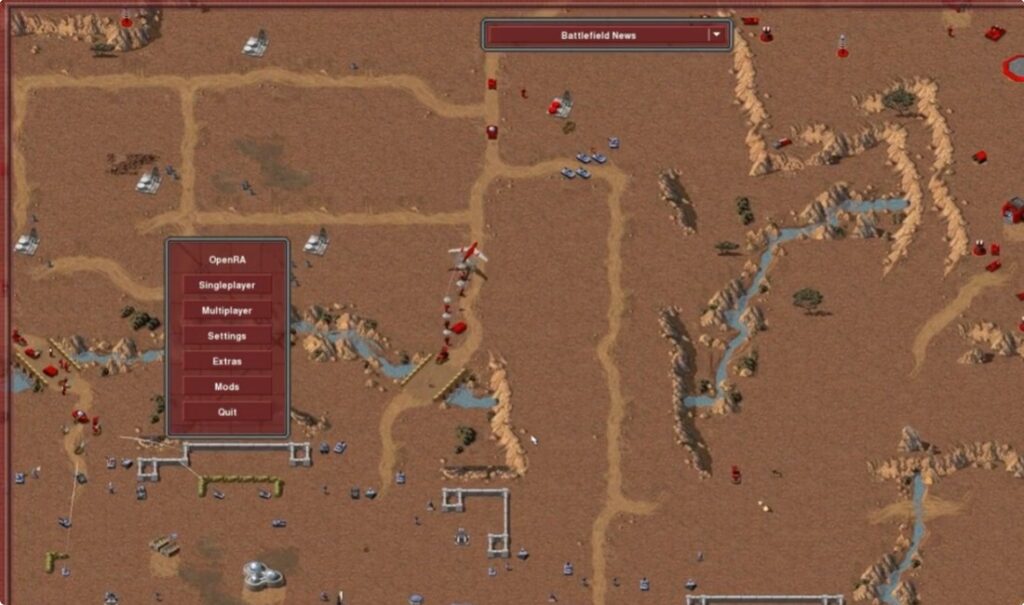
OpenRA is a modern engine rebuild for classic RTS gameplay, which means you get that old-school feel without the “this runs like a slideshow” pain. It is a strong pick if you want base-building RTS with lightweight demands and fast matches.
| CPU | RAM | GPU |
|---|---|---|
| Dual-core recommended | 4 GB | Integrated graphics usually fine |
Official site: OpenRA
2) The Battle for Wesnoth
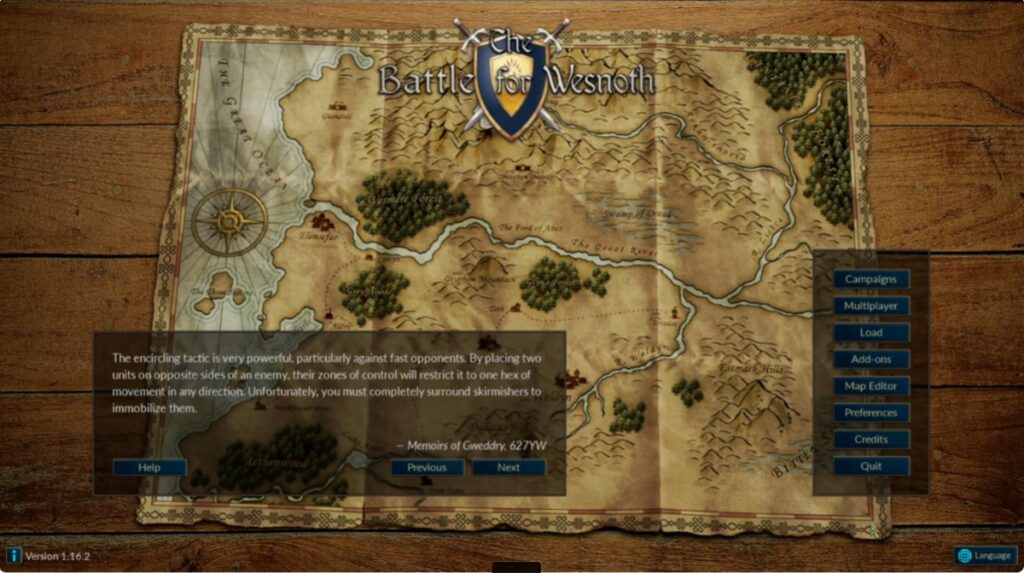
If you want strategy that is more “think” than “click,” Wesnoth is one of the safest low-end recommendations on the internet. It is turn-based, it runs on almost anything, and it has a ridiculous amount of content for a free game.
| CPU | RAM | GPU |
|---|---|---|
| Any dual-core | 2 to 4 GB | Intel HD / iGPU friendly |
Official site: Battle for Wesnoth
3) Zero-K
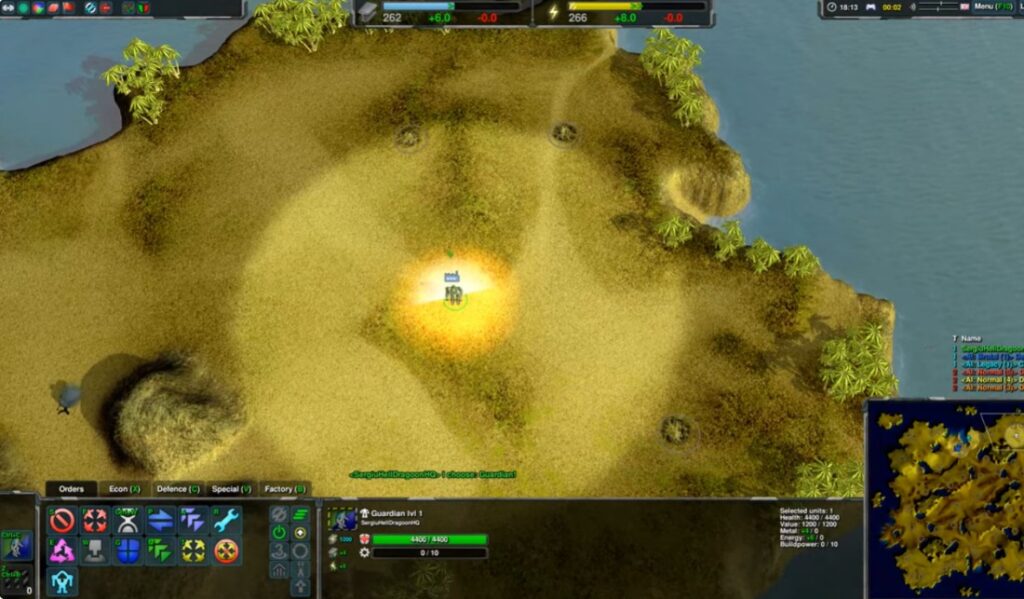
Zero-K is an RTS with big battles and smart automation, but it is surprisingly flexible for low-end machines if you keep the settings sensible. It shines when you like long matches, varied units, and tactical positioning rather than twitch reactions.
| CPU | RAM | GPU |
|---|---|---|
| Dual-core minimum, stronger helps | 4 to 8 GB | Integrated can work on low settings |
If you are unsure whether your game limit is CPU or GPU, this guide helps you diagnose it: CPU or GPU Problem During Gaming.
4) Warzone 2100
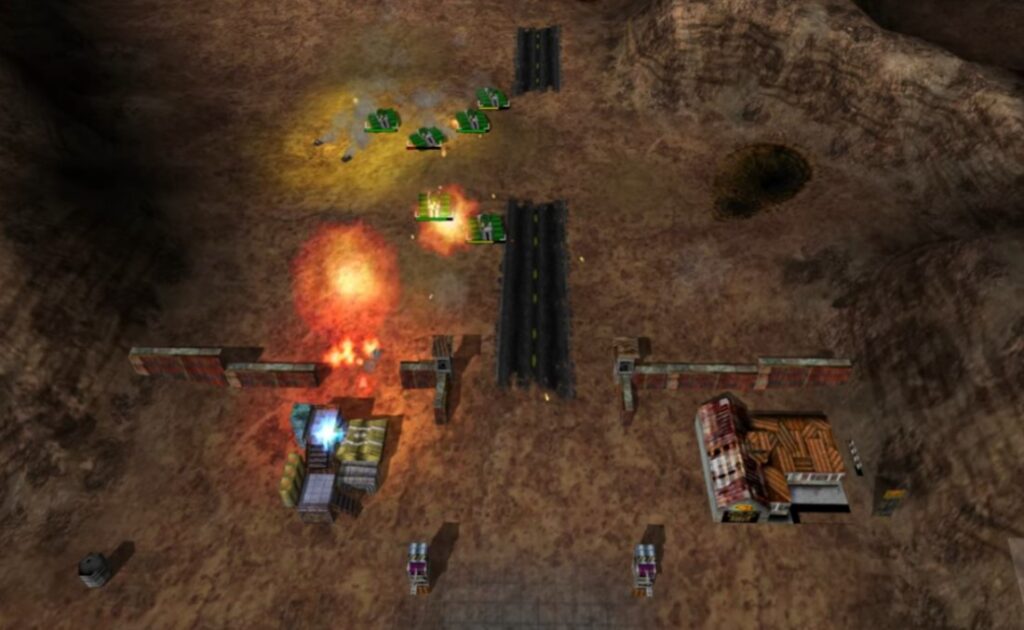
Warzone 2100 is a classic RTS with a focus on unit design and progression, and it is a great example of “older visuals, still fun.” Low-end PCs tend to like older engines, and your integrated graphics will thank you for not demanding modern lighting tricks.
| CPU | RAM | GPU |
|---|---|---|
| Dual-core | 4 GB | Integrated graphics friendly |
Official site: Warzone 2100
5) Freeciv
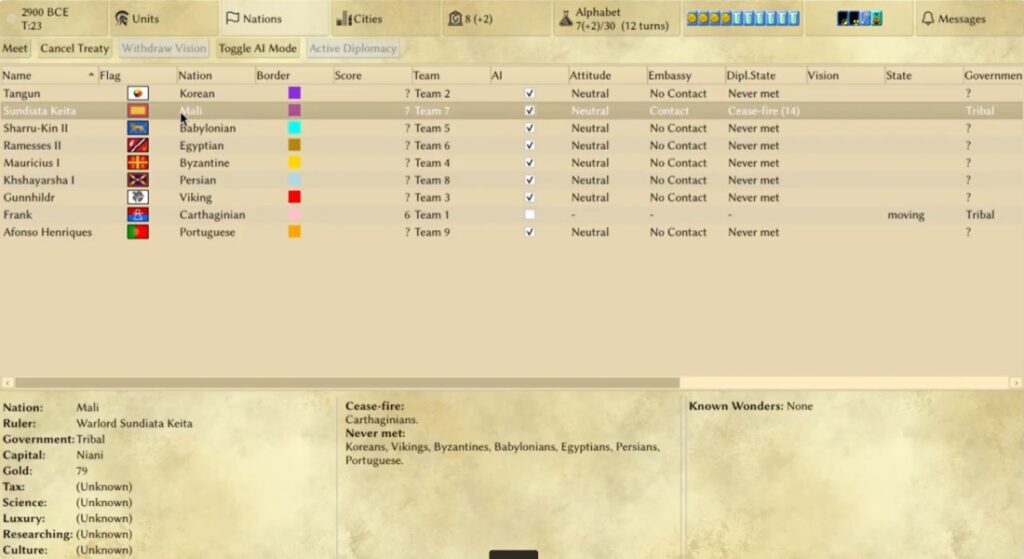
Freeciv scratches the “just one more turn” itch without the cost, and it can run on extremely modest hardware. The real performance hit in games like this is often CPU simulation and late-game AI, not graphics.
| CPU | RAM | GPU |
|---|---|---|
| Dual-core | 2 to 4 GB | Any iGPU |
If you want a broader list of “actually runs” picks across genres, start here: Best Free Games for Low-End PCs.
6) Mindustry
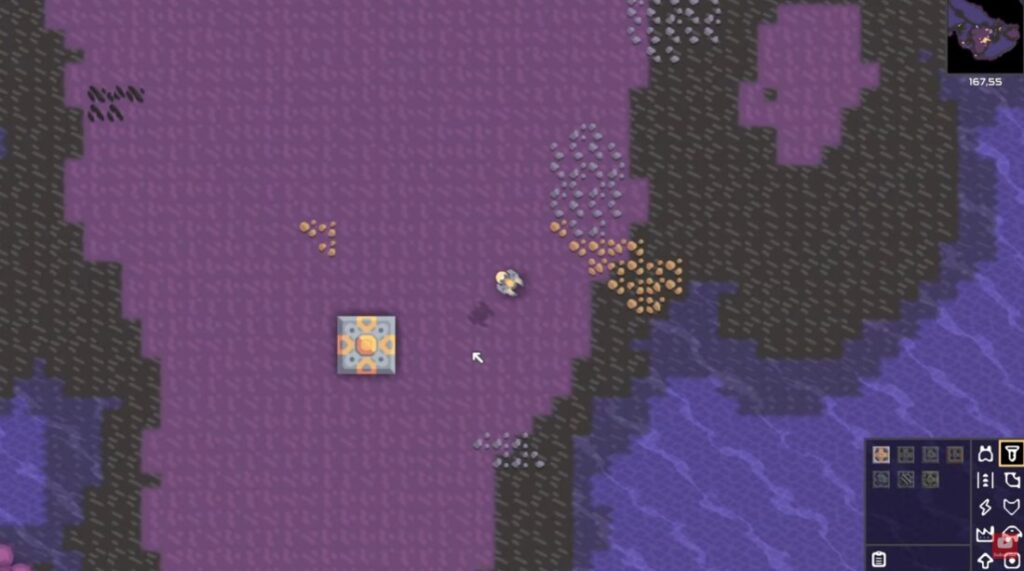
Mindustry is strategy by way of automation, resource flow, and base defense. It runs well on weaker PCs because the visuals are simple, but it still gives you that satisfying strategic loop of building systems that do not collapse (until they do).
| CPU | RAM | GPU |
|---|---|---|
| Dual-core | 4 GB | Intel HD / iGPU friendly |
7) Unciv
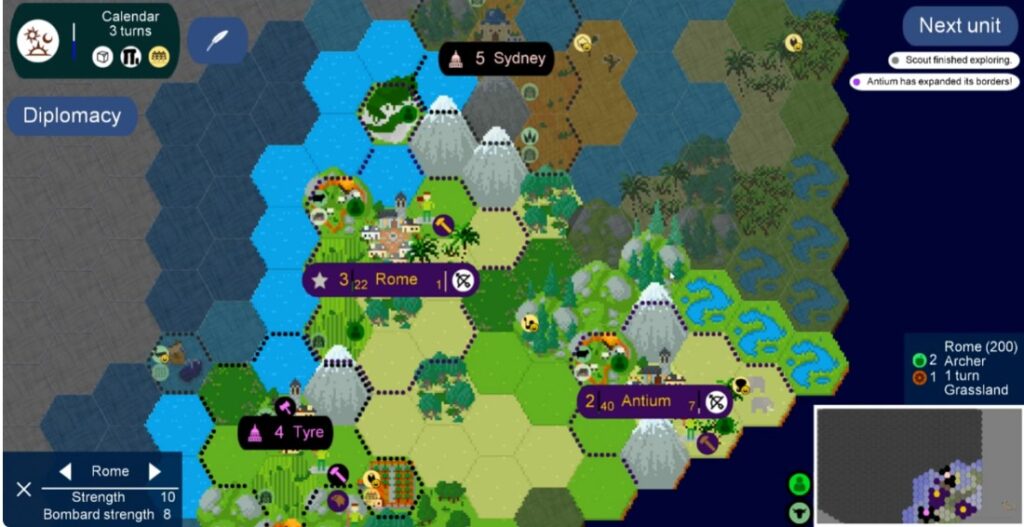
Unciv is a lightweight 4X option that is especially good for ultra-low-end machines. If your laptop wheezes when you open too many browser tabs, this is the kind of “strategy game for survival hardware” pick that still makes sense.
| CPU | RAM | GPU |
|---|---|---|
| Any dual-core | 2 to 4 GB | Any iGPU |
For more “potato PC” game ideas, you will like this: Free Games for Garbage PCs.
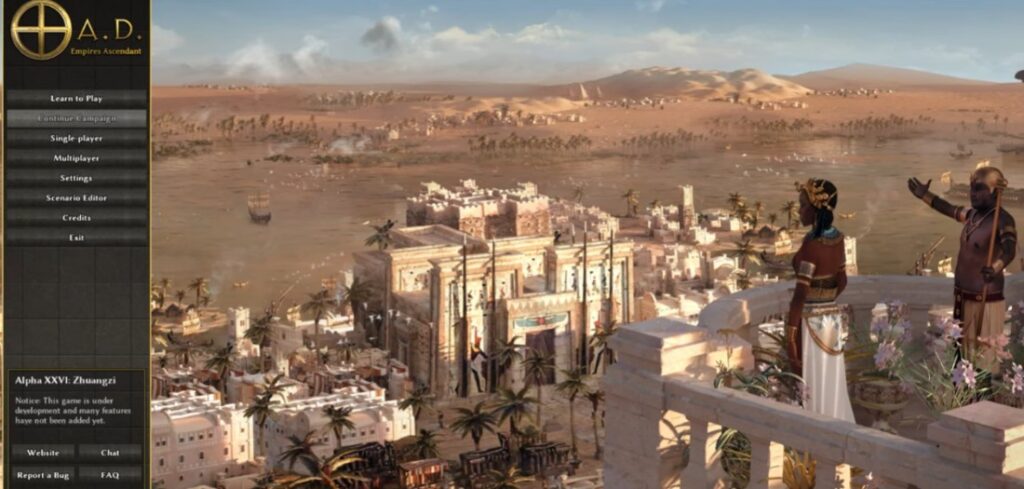
8) 0 A.D.
0 A.D. is one of the heavier picks on this list visually, but it can still be playable on older systems if you manage expectations and settings. Think of it as the “I want something prettier, but I still live on integrated graphics” option.
| CPU | RAM | GPU |
|---|---|---|
| Stronger dual-core or better | 4 to 8 GB | Integrated possible, low settings recommended |
If your PC is dual-core and you want more game lists tuned for that reality, start here: Games for Dual-Core CPU.
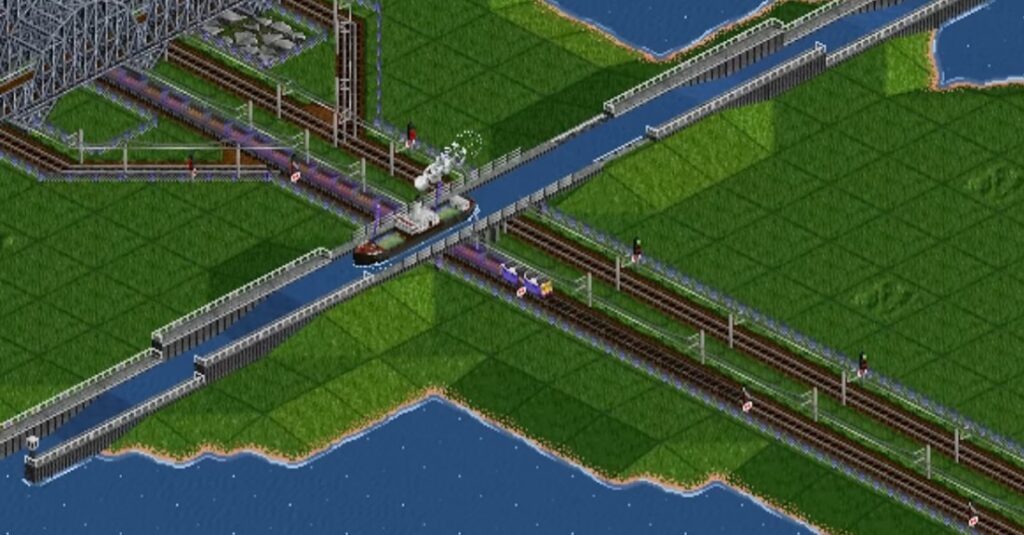
9) OpenTTD
OpenTTD is management strategy at its best, and it is famously low-end friendly. The only way you “break” performance here is by building an absurd mega-network and then acting surprised when your CPU has to simulate it all. Totally not something I have done before.
If you enjoy managing transport networks but would rather control an entire settlement, our guide to the best city-building games for low-end PCs covers everything from extremely lightweight classics to modern 3D city builders. Those recommendations are not restricted to free games, but they are arranged by hardware demand.
| CPU | RAM | GPU |
|---|---|---|
| Any dual-core | 2 to 4 GB | Any iGPU |
Official site: OpenTTD
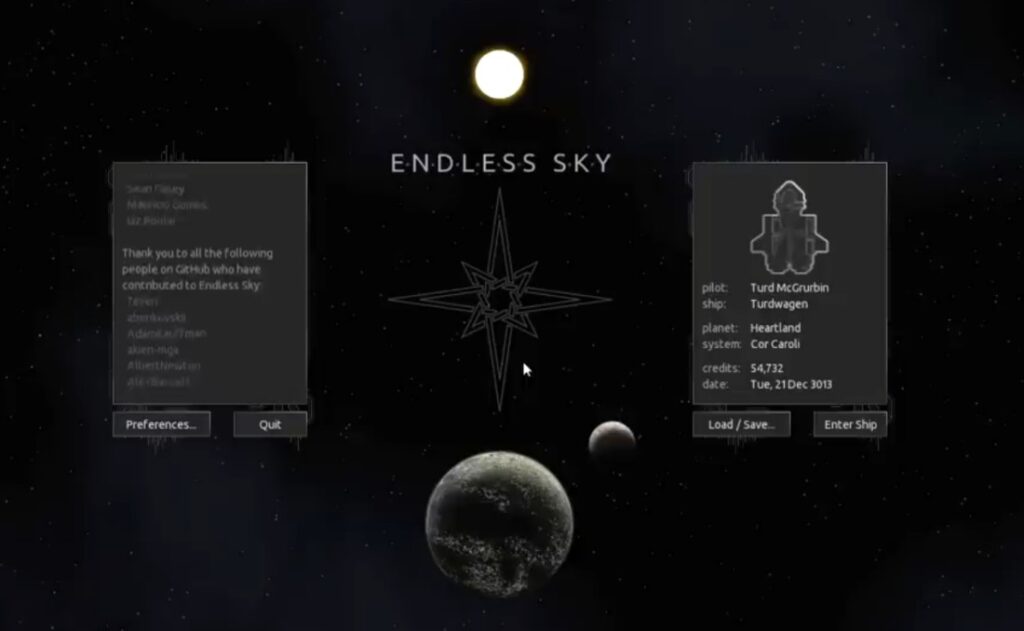
10) Endless Sky (Strategy-Adjacent, Still Low-End Friendly)
Endless Sky is not pure strategy in the classic RTS sense, but it scratches the “planning, managing, optimizing” itch in a way low-end PCs can handle. It is a smart bonus pick if you like slower progression, trade routes, and building a plan over time.
| CPU | RAM | GPU |
|---|---|---|
| Dual-core | 4 GB | Integrated friendly |
If you want more low-end discovery lists, these are good companions:
- 10 Free FPS Games for Low-End PCs
- 10 Free Survival Games for Low-End PCs
- Best Free RPGs for Low-End PCs
Older desktops and laptops can still run many strategy games thanks to their lower hardware demands.
How These Games Actually Behave on Real PCs
On low-end hardware, strategy games usually do not fail because your GPU is weak. They fail because the game is simulating a lot of things at once, like AI turns, pathfinding, big unit counts, and late-game economies that have grown out of control.
Here is the simple pattern most players run into:
- RTS games: can become CPU-heavy when lots of units are moving and fighting at once.
- Turn-based games: often run smoothly, but AI turns can slow down late-game on weak CPUs.
- 4 GB RAM systems: are more likely to stutter or hitch when Windows is already busy in the background.
If your games are stuttering even when the graphics look “low,” use these guides instead of randomly flipping settings for three hours:
Also, RAM matters more than people think for older machines. If you want a clean explanation, start here: How Much RAM Do Games Actually Need and then go deeper with RAM Buying Guide for Gaming PCs.
When Strategy Games Still Run Poorly (Even If They Are “Low Spec”)
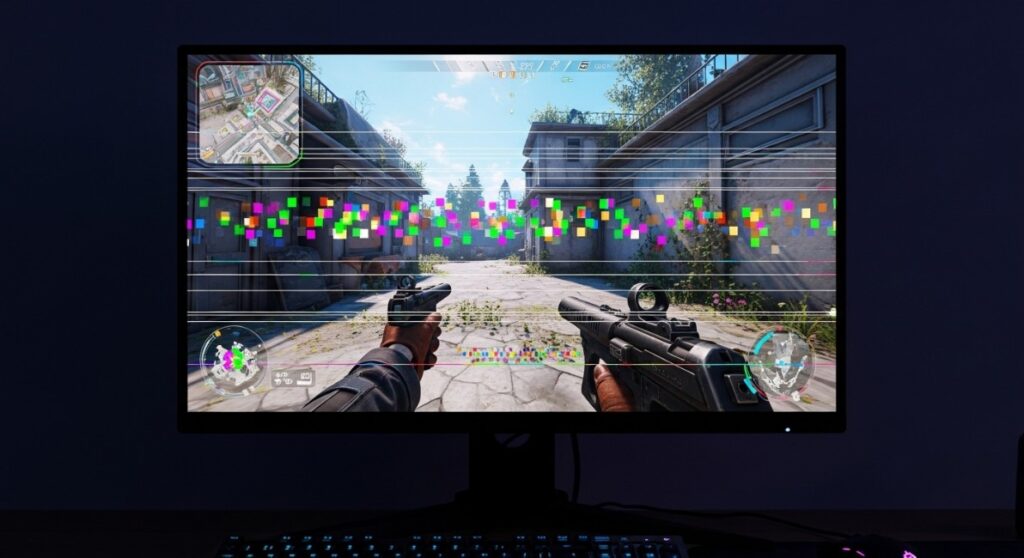
screen artifacts appearing while running a game on low end pcThis is the part most lists skip, and it is why people get annoyed. Even low-spec strategy games can slow down when you push them into worst-case scenarios, especially on dual-core CPUs and 4 GB RAM systems.
- Late-game slowdown: huge maps, lots of AI factions, and complex economies can turn smooth play into waiting.
- Mass-unit battles: RTS games get messy when hundreds of units fight at once, especially on weak CPUs.
- Background Windows load: updates, browser tabs, and startup junk can be the difference between playable and painful.
If you are thinking about small upgrades, keep it practical and avoid throwing money at the wrong part. These pages help you make the “worth it” call:
- Cheap Gaming Upgrades That Boost FPS
- Best PC Upgrades Under $100
- Gaming PC Upgrades That Actually Matter
- Why Your PC Still Feels Slow After an Upgrade
Legacy hardware warning: If your PC is very old (DDR3-era boards, weird OEM office systems, or limited power supplies), modern upgrades may not be compatible. Sometimes the best move is a cheap second-hand part that actually fits your platform, not the newest shiny thing.
Quick Takeaways
If you want the short version, here it is. These picks cover the safest low-end installs, and the common performance traps you should avoid so you do not blame the game for Windows doing Windows things.
- Smoothest on weak PCs: Battle for Wesnoth, OpenTTD, Unciv, Freeciv
- Best RTS feel without heavy demands: OpenRA, Warzone 2100
- Heavier picks: 0 A.D. and Zero-K may need lower settings on iGPUs
- Most common low-end bottleneck: CPU simulation and RAM, not GPU
Want more “no GPU required” picks? Start here: Free PC Games That Don’t Need a GPU.
FAQ
These are the questions low-end players ask constantly, and they matter because they set realistic expectations. Strategy games are forgiving, but not magic, and your laptop is not a portal to infinite performance.
Can strategy games run on 4GB RAM?
Yes, many can, especially older-style RTS, turn-based tactics, and lightweight 4X games. The bigger issue is what else is running on your PC, so cleaning background junk and keeping browsers under control matters more than people want to admit.
What strategy games run well on Intel HD graphics?
Battle for Wesnoth, OpenTTD, Unciv, and Freeciv are strong “Intel HD safe” picks. OpenRA and Warzone 2100 are also usually fine, as long as you are not trying to max settings for no reason.
Are RTS games harder to run than turn-based strategy?
Often, yes. RTS games can become CPU-heavy in big battles because the game is simulating movement and combat in real time. Turn-based games usually stay smooth, but late-game AI turns can still slow down on weak CPUs.
If you want more low-end game lists to bookmark, these are the best next clicks: