Built To Frag editors select and review products independently. If you buy through our affiliate links, we may earn commissions, which help support our Testing and keep the site up.

Categories

Advertisement

latest Posts

Advertisement

reviews

Advertisement

Cheap Gaming Upgrades That Actually Boost FPS (Ranked by Impact)

Cheap Gaming Upgrades That Boost FPS - Cover Image

Cheap gaming upgrades that boost FPS do exist, but most gamers buy the wrong ones first. More RGB, a slightly faster drive, or a tiny clock bump often changes nothing. Meanwhile a basic RAM upgrade or a cooling fix can produce measurable gains and smoother frame delivery.

This guide ranks low cost upgrades by real world FPS and frametime impact. You will see what actually helps, what only helps sometimes, and what is mostly placebo. If you want the full hardware buying logic, start with our Gaming PC Hardware Guide.

Not All Cheap Upgrades Improve FPS

Raw FPS and smooth gameplay are not always the same thing. Many cheap upgrades improve frametime consistency and reduce stutter rather than raising your max FPS number. That still counts, because unstable frametimes feel terrible even when the average FPS looks fine.

Advertisement

Before spending anything, you should measure:

  • CPU and GPU usage
  • Temperatures and clock behavior
  • RAM usage while gaming
  • Frametime spikes

Use proper monitoring, not guesses. Start with how to monitor temps, clocks and usage and the HWiNFO64 bottleneck and sanity checks guide before buying parts.

Upgrade #1: RAM Capacity, The Most Common Cheap FPS Win

Image of a Stick Of Ram
Correct Ram choices are the difference between smooth gameplay or stutter

If you are still on 8 GB of RAM, this is the highest impact cheap gaming upgrade in many modern titles. Moving to 16 GB often reduces stutter and lifts minimum FPS. Some newer games also benefit from 32 GB, especially open world and simulation heavy titles.

When RAM increases FPS

  • RAM usage is hitting 90 to 100 percent while gaming
  • You see heavy stutter during asset streaming
  • Background apps push you into swap usage

When RAM mostly improves smoothness

  • Average FPS stays similar
  • 1 percent lows improve
  • Frametime spikes shrink

Dual channel also matters. Two sticks beat one stick in most gaming systems. Deep dive here: How much RAM do games actually need.

2 budget Ram options to consider
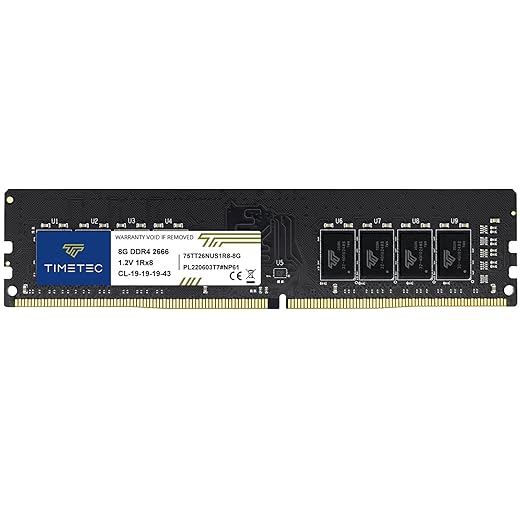
Timetec 8GB DDR4 2666MHz PC4
Budget Choice
Timetec 8GB DDR4 2666MHz PC4
4.0
Amazon.com
Timetec Premium 16GB KIT(2x8GB) DDR4 2400MHz
Our Choice
Timetec Premium 16GB KIT(2x8GB) DDR4 2400MHz
5.0
Amazon.com

Upgrade #2: SSD or NVMe, Not for FPS, But for Stability

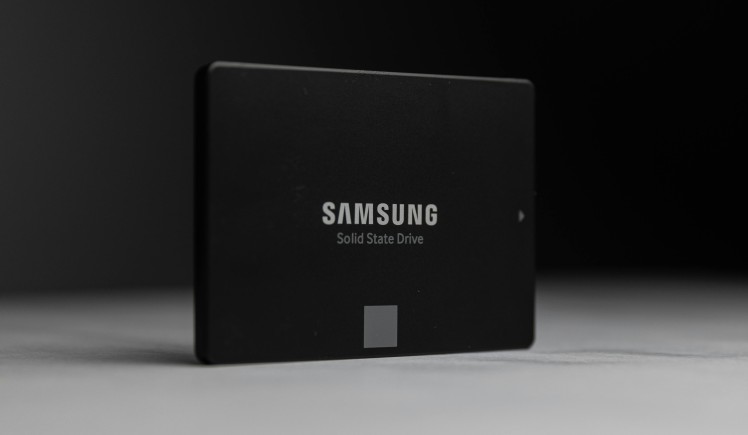
SATA SSD lying flat on a dark background
Even older SATA SSDs like this Samsung model can drastically improve your game load times.

An SSD upgrade rarely raises raw FPS. What it does improve is asset streaming, level loading, and hitching in large maps. That translates into fewer micro freezes and more stable frametimes.

Where SSD helps gaming performance

  • Open world streaming
  • Shader and texture loading
  • Games installed on old HDDs

Where SSD does not help

  • GPU bound scenarios
  • CPU bottlenecks
  • Already fast NVMe to slightly faster NVMe swaps

If you are still gaming on a mechanical drive, this is an easy quality upgrade. Consider these 2 small upgrades below.

Kingston 480GB A400 SATA 3 2.5" Internal SSD
Budget Pick
Kingston 480GB A400 SATA 3 2.5" Internal SSD
4.5
Amazon.com
Crucial BX500 1TB 3D NAND SATA 2.5-Inch Internal SSD
More Space
Crucial BX500 1TB 3D NAND SATA 2.5-Inch Internal SSD
Amazon.com

Upgrade #3: Cooling, The Hidden FPS Multiplier

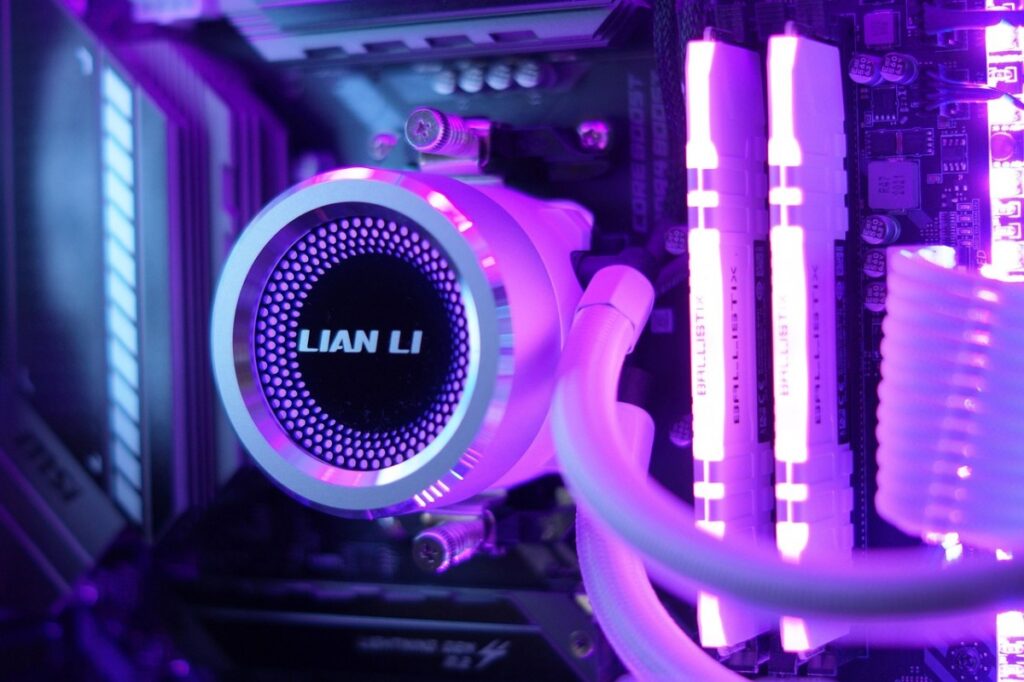
CPU liquid cooling, - Fancy But not Needed
Liquid Cooling is a good Option But can also lead to overkill on your budget

Thermal throttling silently kills boost clocks. When your CPU or GPU runs hot, it downclocks. Lower clocks mean lower FPS. A cheap tower cooler or better case airflow can restore lost performance.

Signs cooling is your real bottleneck

  • High temps and dropping clocks
  • Performance gets worse over long sessions
  • Fans are loud but clocks are still low

Read: The hidden throttles killing FPS.

If your Cooling trully sucks see these 2 great coolers below and help your system cope.
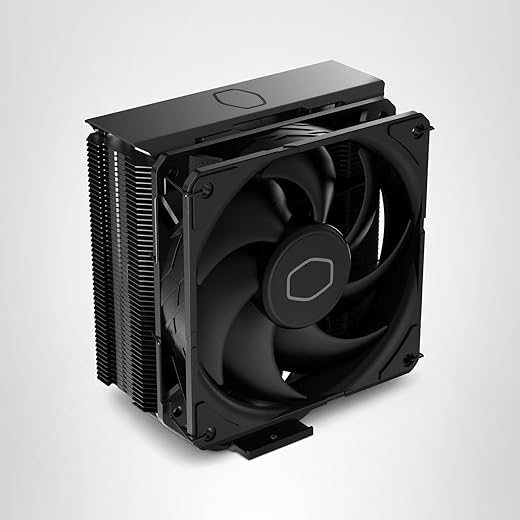
Cooler Master Hyper 212 Black CPU Cooler
Value Budget
Cooler Master Hyper 212 Black CPU Cooler
Amazon.com
be quiet! Pure Rock Pro 3 Black CPU Air Cooler
Top Pick
be quiet! Pure Rock Pro 3 Black CPU Air Cooler
Amazon.com

Upgrade #4: Cheap CPU and GPU Tweaks Instead of Replacement

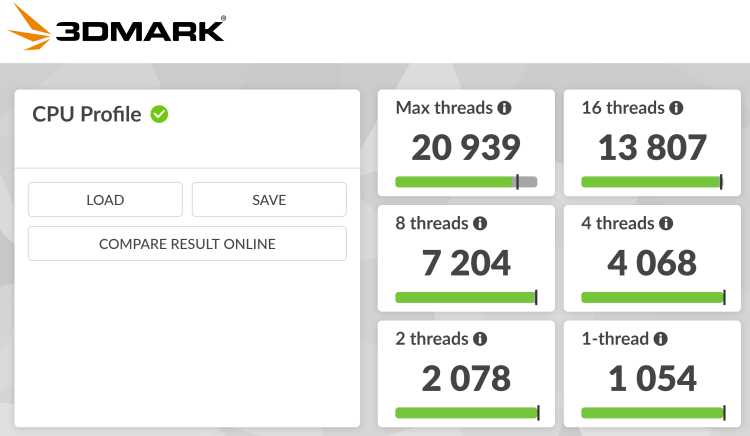
Cheap Gaming Upgrades That Boost FPS - 3DMark benchmark results showing gaming PC performance
Synthetic benchmarks like 3DMark help test raw power.

Some of the best FPS gains cost nothing but time.

GPU undervolting

Undervolting can reduce heat and sustain higher boost clocks. That often improves real world performance consistency. Guide here: How to undervolt your GPU and lower temps.

Background load cleanup

Too many startup apps and background services eat CPU time and memory. Clean them properly with this guide: Disable bloatware on Windows.

Low end system tuning

If you are on older hardware, also read why games stutter on low end PCs for the four fixes that actually matter.
Cheap Upgrades That Usually Do Not Boost FPS

How Much RAM Do Games Need - Rame Sticks Featured Image
  • More RGB and cosmetic parts
  • Tiny RAM speed bumps with same capacity
  • Upgrading from fast NVMe to faster NVMe for gaming only
  • Random driver “boost” tools

If the bottleneck is not addressed, the FPS does not move. Simple as that.
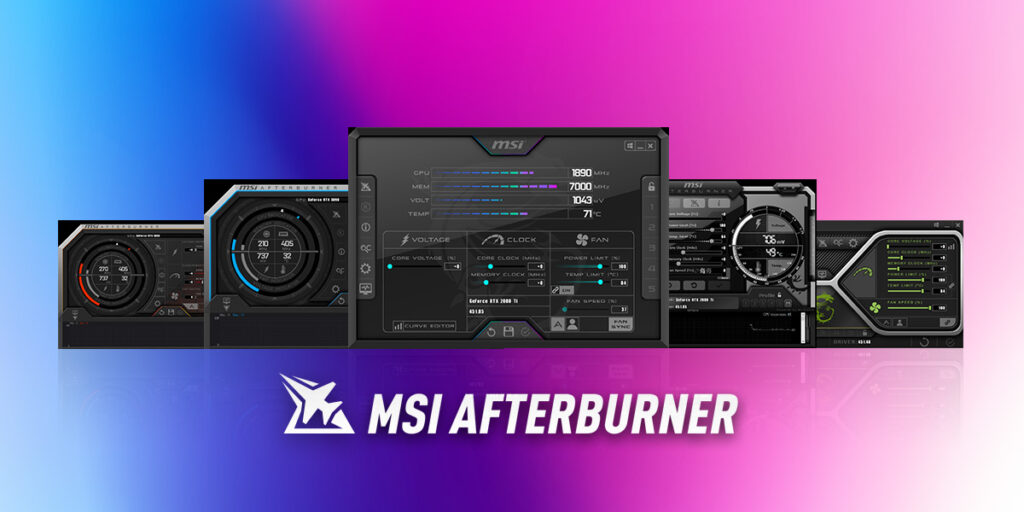
How to Verify Your Upgrade Actually Boosted FPS

Cheap Gaming Upgrades That Boost FPS - MSI Afterburner performance monitoring software with GPU and FPS stats on screen
Because watching your frame time spike in real-time is the new horror genre.

Always test before and after.

  • Use the same game scene
  • Same graphics settings
  • Same resolution
  • Log FPS and frametimes

Follow a safe method here: How to test gaming PC performance. Monitoring tools and logging matter more than opinions. For a baseline testing method, see Microsoft’s official Windows performance monitoring guidance: Windows Performance Counters documentation.

Cheap Gaming Upgrade Priority Cheat Sheet

  • Still on 8 GB RAM, upgrade to 16 GB first
  • Gaming on HDD, move games to SSD
  • High temps, fix cooling and airflow
  • Hot GPU, undervolt and tune
  • Bloated Windows install, clean background load

Do these in order and measure each step.

FAQs

Does more RAM always increase FPS?

No. It increases FPS only when you are memory limited. Otherwise it mainly improves smoothness and minimums.

Does an SSD increase FPS?

Usually no for averages, but yes for loading and streaming stability.

What is the cheapest real FPS boost?

In many systems, moving from 8 GB to 16 GB RAM or fixing thermal throttling.

Should I upgrade CPU or GPU first?

Upgrade the part that is actually the bottleneck. Measure usage and clocks first, then decide.

Cheap gaming upgrades that boost FPS are about bottleneck removal, not random spending. Measure, upgrade with purpose, then measure again.

Advertisement

If You Liked This Article? Please Share

Instagram

Got something to say?

More From Built To Frag

Cheap Gaming Upgrades That Actually Boost FPS (Ranked by Impact)

Cheap Gaming Upgrades That Actually Boost FPS (Ranked by Impact)

Not every cheap PC upgrade improves gaming performance. This guide ranks low cost upgrades by real FPS impact and shows…

Stop Guessing: Low End FPS Games You Can Buy Without Wasting Money

Stop Guessing: Low End FPS Games You Can Buy Without Wasting Money

Buying FPS games for a low-end PC feels like gambling. This guide shows you exactly which paid shooters actually run…

The ‘Gaming PC’ Scam: What Cheap Prebuilts Get Wrong Every Time

The ‘Gaming PC’ Scam: What Cheap Prebuilts Get Wrong Every Time

Cheap gaming PCs often hide costly compromises. Here are the most common prebuilt mistakes and how to spot them before…

Best PC upgrades under $100 that make old FPS games playable

Best PC upgrades under $100 that make old FPS games playable

Struggling to run older FPS games smoothly? These under-$100 PC upgrades focus on real performance fixes like stutter, load times,…