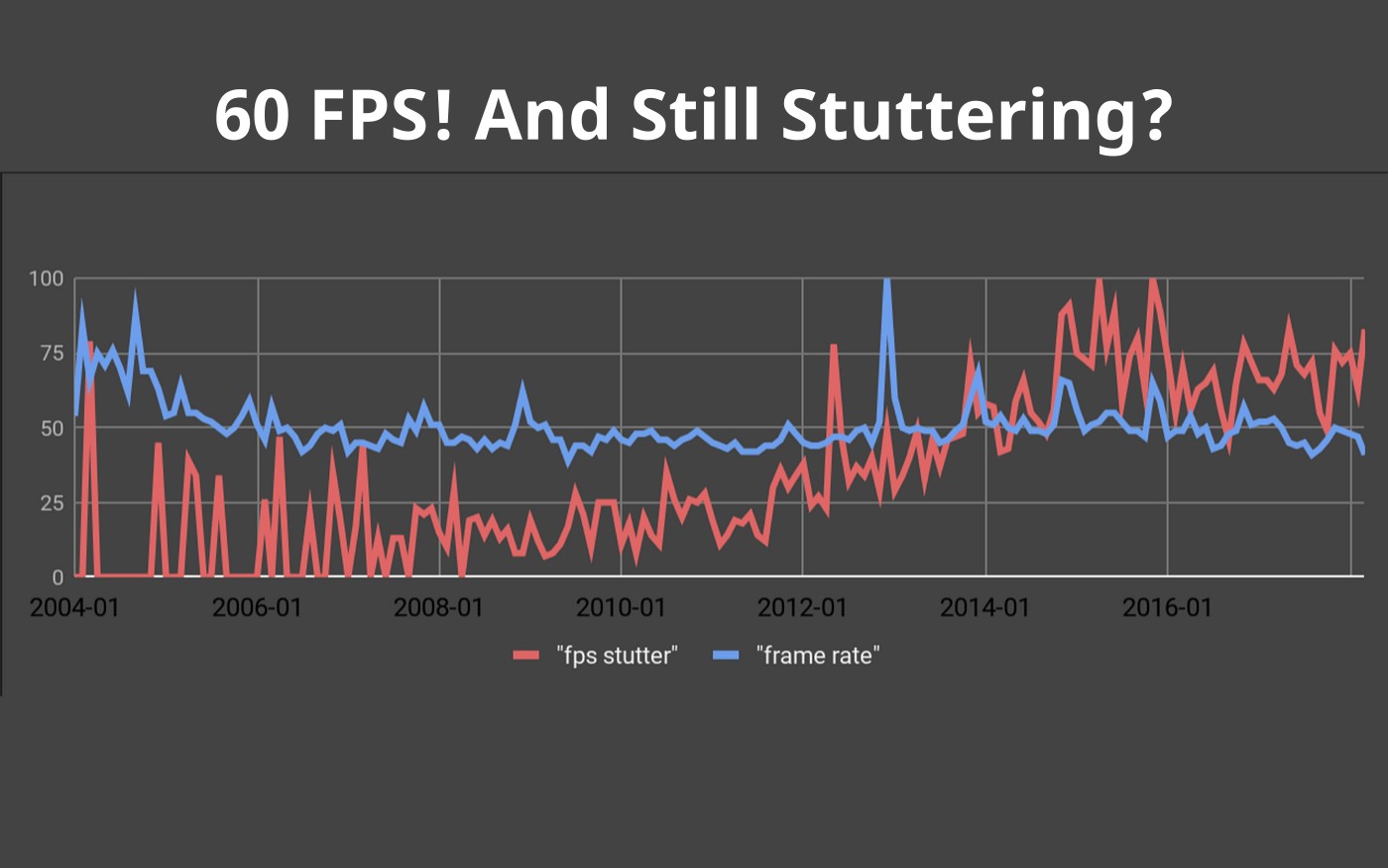
If you are playing free or “lightweight” games and still wondering why games stutter on low end PCs, you are not imagining it. By stutter, we mean hitching, micro-freezes, sudden pauses, or moments where a game feels broken even though the FPS counter looks fine.
This happens constantly on low-end PCs, and it is not because you picked the wrong settings or missed a magic tweak. It happens for predictable reasons. Once you understand which one applies to your system, the fix becomes obvious. If you keep running into performance weirdness outside of games too, use our main troubleshooting hub, Windows 10 and 11 problems and how to fix them, so you can fix the root cause, not just the symptoms.
This guide explains why games stutter on low-end PCs, then walks through the four fixes that actually matter. No random tweak lists, no upgrade panic. Stutter problems make more sense after reading why your PC still feels slow after an upgrade, which breaks down the real causes behind poor smoothness.

Most people think stutter means low FPS. It does not.
Stutter is about frame timing, not average frame rate. A game can report 60 FPS and still feel awful if frames are delivered unevenly. You feel this as hitching, micro-pauses, or sudden freezes when something new loads. If you want the official explainer of why smoothness is not the same thing as FPS, NVIDIA’s breakdown of frame rate and perceived smoothness is a good baseline.
Low-end PCs suffer more because they have very little spare headroom. When one component falls behind, everything waits. Trying to make old FPS games playable without a rebuild? Use this under-$100 upgrade checklist: Best PC Upgrades Under $100 That Make Old FPS Games Playable.
On a low-end system, every part is working closer to its limit. There is less memory available, slower storage, fewer CPU threads, and smaller GPU buffers.
That means one weak link can stall the entire pipeline. Free games are not magically immune to this. Many still stream assets, compile shaders, and juggle background processes.
In practice, stutter almost always comes down to one of four bottlenecks.
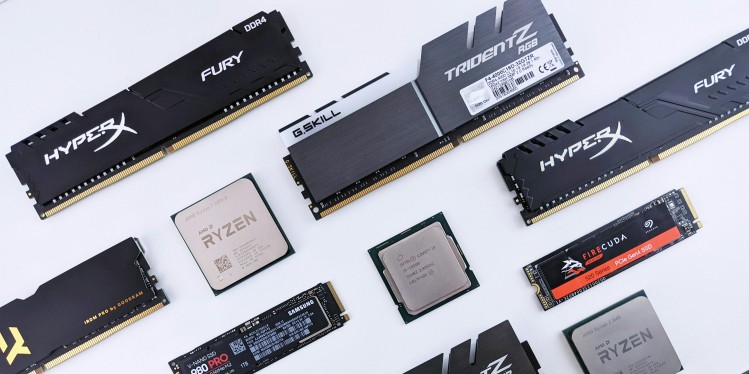
Older hard drives are the most common cause of stutter on low-end PCs.
Modern games, including free ones, constantly stream data while you play. Textures, audio, shaders, and level assets are pulled in on demand. Hard drives cannot keep up with this workload.
Typical symptoms:
If your games are installed on an HDD, this is often the single biggest reason they stutter. Moving games to an SSD usually eliminates these pauses entirely.
If this sounds familiar, start here by moving games to an SSD before changing anything else.
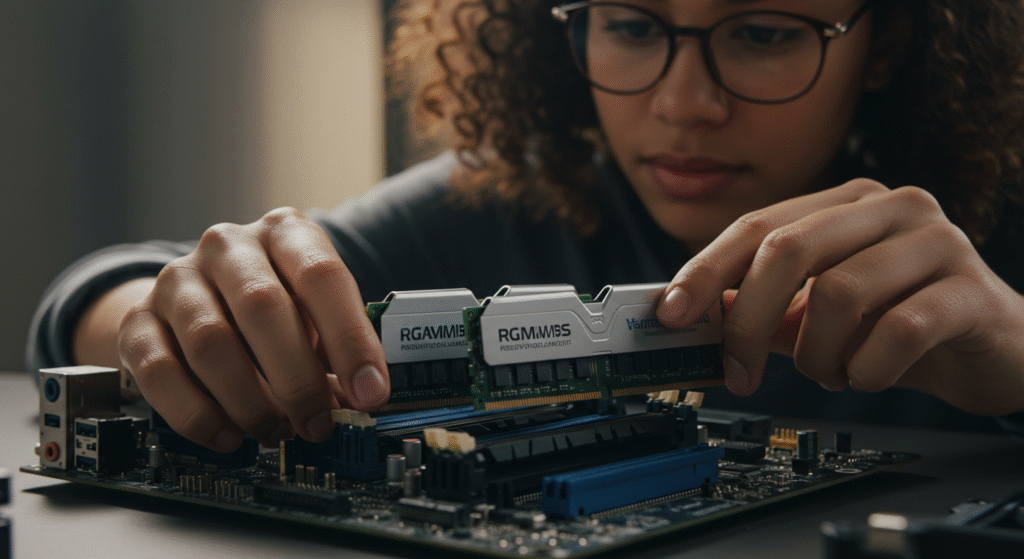
Low system memory causes stutter even when FPS looks fine.
When RAM fills up, Windows starts swapping data to storage. On low-end PCs, this creates instant hitching. The game pauses while the system catches up. Microsoft’s overview of improving PC performance in Windows touches on the usual suspects that cause slowdowns when your system runs out of breathing room.
Typical symptoms:
Background apps make this worse. Browsers, launchers, overlays, and RGB software quietly consume memory in the background. If your pc is stuffed full of bloatware read this to get rid of it and maybe the stuttering to : How to Disable Bloatware
If stutter builds over time, adding more system RAM is often the correct fix.
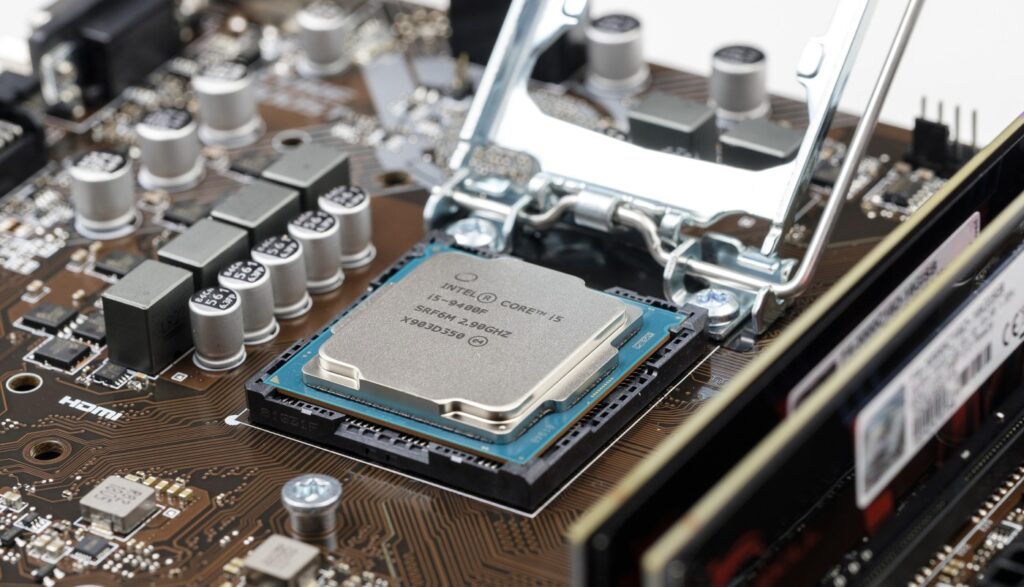
On low-end CPUs, Windows itself can become the bottleneck. If your whole PC feels sluggish, not just games, start with Windows 11 running slow before you go hunting for in-game fixes.
Background services, power-saving behavior, overlays, and even unused audio devices can interrupt the game at the wrong moment. The result is inconsistent frame delivery. If Task Manager shows your CPU pinned or spiking, go fix that first with fix high CPU usage while gaming.
Typical symptoms:
This category is where most free fixes live. The same frametime problems that hit low-end systems also explain why CS2 can feel bad on strong PCs, as we show here: Counter-Strike 2 Performance: Why Your GPU Upgrade Didn’t Help. Cleaning up background processes and ensuring your system is not aggressively power-throttling can stabilize frame timing dramatically. If you want a safe, targeted cleanup list, use Windows settings to disable for gaming and stick to the stuff that actually impacts performance.
If stutter feels random, this is usually where the problem sits.
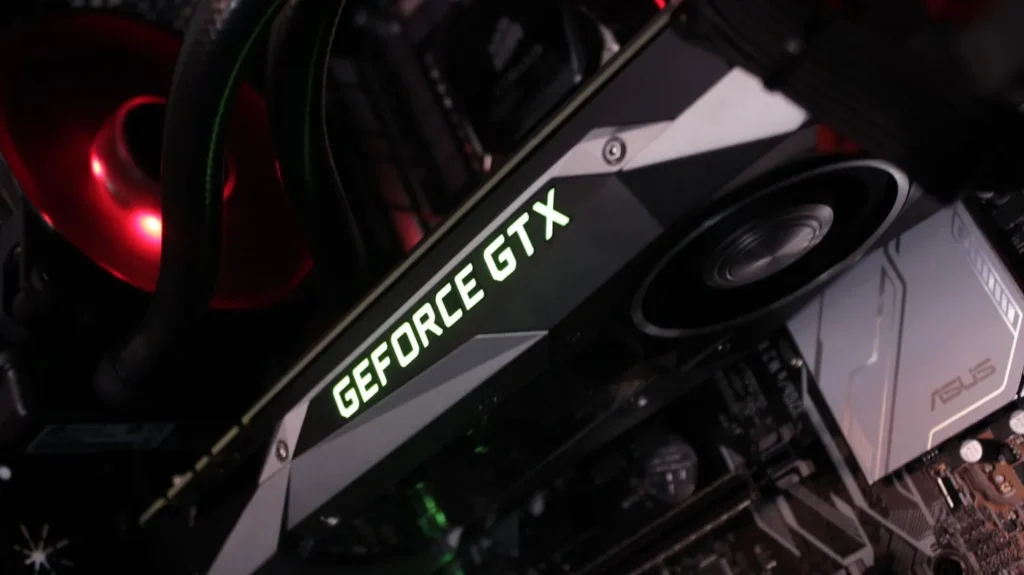
Some stutter cannot be fixed with settings.
Low-end GPUs have limited VRAM. When that memory fills up, the GPU constantly swaps data. This causes hitching even at low graphics settings.
Typical symptoms:
At this point, optimization only goes so far. If VRAM is the wall you are hitting, the real fix is hardware, either via an ultra-budget PC upgrade or a carefully chosen used GPU.
This is the last resort, not the first step.
You do not need to try everything. If you want the “no visual downgrade” route first, start with how to reduce lag without sacrificing graphics and work from there.
If you are stuck in a loop of driver failures, broken updates, or installs that will not behave, fix that first because it can sabotage all four causes above. Use fix Windows update loop and driver failures to get the foundation stable again.
Once you identify the cause, the fix becomes straightforward. After fixing stutter causes, your next step is choosing the best cheap upgrades that actually boost FPS.
Most fix lists fail because they assume stutter has one cause and one magic solution. It doesn’t. “Stutter” is just a symptom, not a diagnosis. It can come from completely different systems inside your PC, all fighting for time at the wrong moment.
One player’s stutter is GPU driver shader compilation.
Another’s is CPU scheduling.
Another’s is Windows power management parking cores.
Another’s is a background app waking up every few seconds.
Another’s is asset streaming hitting a slow or overloaded drive.
They all look the same on screen: a hitch, a freeze, a frame spike. But they are totally different problems.
So when a generic guide says:
…you are basically throwing darts blindfolded. Diagnosis always comes before upgrades.
Stuttering on a low-end PC is not a mystery and it is not your fault. It happens because one part of the system cannot keep up. Once you identify which one, you can fix the problem properly instead of chasing random tweaks.
Start with the bottleneck that applies to your PC, and ignore everything else.




A practical GTA VI PC performance readiness guide with hardware predictions, stress points, and upgrade priorities based on Rockstar’s PC…

This guide explains how game mods actually work behind the scenes, how games load them, and where mod files install…

A practical buyer guide to the best gaming monitors by budget, with smart picks per price tier and performance-focused recommendations.
Not every cheap PC upgrade improves gaming performance. This guide ranks low cost upgrades by real FPS impact and shows…