
If you are searching for games for dual core cpu, you are not here because you want the “best graphics.” You are here because your PC is fighting for its life.
Maybe it is an old laptop, maybe it is an office machine, or maybe it is a hand-me-down that refuses to die. Either way, this is not a “top 10 games” list. This is survival mode gaming.
Here is what actually runs, what barely works, and what you should stop trying before you waste another evening watching a loading screen.
The Reality of Dual-Core CPUs in 2026
Modern games expect at least four cores. Some expect six or more. Your dual-core CPU is not just “old”, it is outnumbered.
On a dual-core system, the CPU becomes the traffic cop for everything, game logic, physics, audio, Windows background junk, and even your browser tab you forgot was open. That is why older, well-optimized games can feel fine, while newer titles can feel broken even at low settings.
What this means in real life:
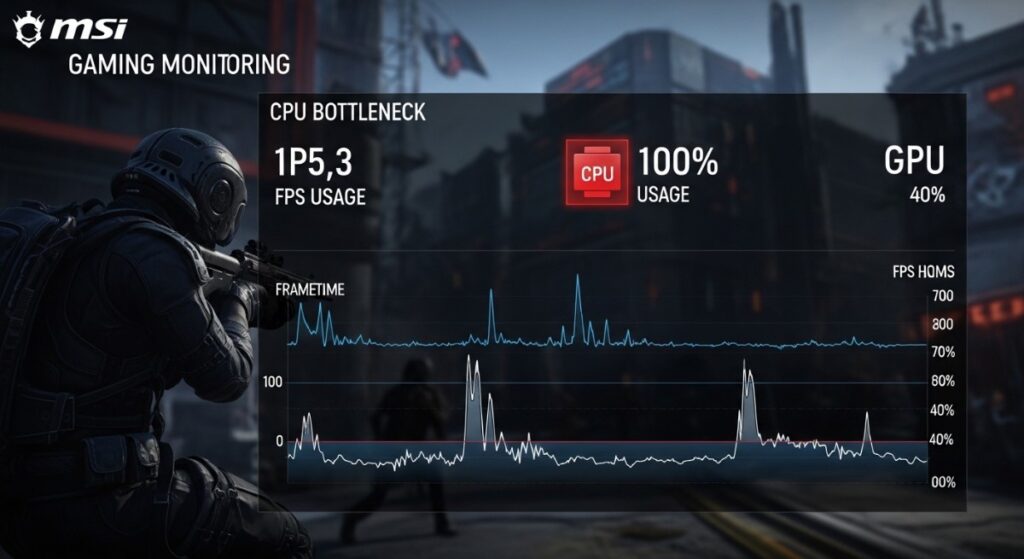
- Constant 100% CPU usage
- Stutter when anything happens on screen
- Background apps killing performance
- Inconsistent frametimes (feels worse than low FPS)
One important detail, low FPS is not always the main problem. The real killer is frametime spikes, those little freezes that happen when the CPU cannot keep up with new enemies spawning, explosions, or a busy area loading in. Most modern PC games list at least a quad-core processor as the minimum requirement. You can see this clearly on platforms like Steam, where newer titles consistently demand more than two cores.
What Still Runs on a Dual-Core CPU
This section is the “be honest with yourself” filter. These are games that are either older, lighter, or optimized enough that two cores can still keep the gameplay loop moving without turning every fight into a slideshow.
The categories matter. “Actually playable” means you can sit down and enjoy it. “Barely playable” means it technically works, but you will feel the CPU struggling in busy moments. “Don’t even try” is where you waste hours tweaking settings for nothing.
Actually Playable
These games are mostly older classics and lightweight titles where the CPU load stays predictable. If your dual-core PC has enough RAM and you are not running 12 background apps, these can still feel good.
- Half-Life 2 – Story-driven shooter with excellent optimization that runs smoothly on old CPUs.
View Half-Life 2 - Portal 1 & 2 – Puzzle-based gameplay with light requirements and consistently smooth performance overall.
View Portal | View Portal 2 - Terraria – 2D sandbox adventure with low CPU demand and excellent replay value.
View Terraria - Stardew Valley – Relaxing farming sim that runs effortlessly on even very weak systems.
View Stardew Valley - Undertale – Lightweight RPG with unique combat system and minimal hardware requirements.
View Undertale - Counter-Strike: Source – Classic competitive shooter that performs well on low-end CPUs and GPUs.
View Counter-Strike: Source
Barely Playable
This is where it gets messy. These can run, but they often spike hard when the game streams new areas, loads AI, or gets chaotic. You might need to cap FPS, lower crowd density, or accept stutter during action scenes.
- GTA V – Open-world game that struggles on dual-core CPUs with frequent stuttering issues.
View GTA V - Skyrim (Special Edition) – Runs only on low settings without mods, expect dips in cities.
View Skyrim - Left 4 Dead 2 – Playable most of the time, but large hordes cause noticeable frame drops.
View Left 4 Dead 2 - Team Fortress 2 – Online matches spike CPU usage heavily, causing stutter in chaotic fights.
View Team Fortress 2
Don’t Even Try
These are modern CPU-hungry games that assume you have more cores. Even if you drop graphics to Low, the CPU still has to simulate the world and feed frames to the GPU. You will hit hard stutter, input delay, and constant 100% usage. So No Links Here, Sorry!
- Cyberpunk 2077
- Warzone and modern battle royale games
- Most new AAA releases

Free Games That Still Work
If you do not want to spend money, start here. Free games are often lighter and better optimized because they need to run on as many random PCs as possible.
Just keep expectations realistic. Some free games are “lightweight” only until the match gets crowded or the server loads you into a busy area. But these are still some of the safest bets on a dual-core setup.
- Brawlhalla – Fast-paced platform fighter with simple controls and low system requirements.
Play Brawlhalla - Old School RuneScape – Classic MMO that runs on almost anything and still feels alive.
Play Old School RuneScape - Krunker (browser FPS) – Lightweight browser shooter with surprisingly smooth performance on weak PCs.
Play Krunker - Unturned – Blocky zombie survival game that runs well even on old hardware.
Play Unturned
For more options, check out our free shooters for low-end PCs and FPS games without a graphics card.
Offline & Lightweight Games (Under 1GB)
If your internet is slow, your storage is tiny, or you just want games that load fast and behave, this is the best category for dual-core gaming. Smaller games tend to have simpler systems, fewer background services, and less “always streaming” nonsense.
These are also great for older laptops because they do not hammer your CPU just for existing. You click play, it launches, and you are actually in the game.
- FTL: Faster Than Light – Strategy roguelike with minimal requirements and smooth performance on weak systems.
View FTL: Faster Than Light - Hotline Miami – Fast-paced top-down action game that runs effortlessly on almost any hardware.
View Hotline Miami - Papers, Please – Unique indie simulation with extremely low requirements and consistent performance stability.
View Papers, Please - Limbo – Atmospheric puzzle platformer that is lightweight and runs smoothly on old PCs.
View Limbo

How Dual-Core Gaming Actually Feels
This is the part most guides skip. Even when games “run”, they do not always feel good. Dual-core systems tend to feel fine until something changes, a new area loads, enemies spawn, or Windows decides now is a great time to do something in the background.
If you want a quick mental test, if your game feels smooth in an empty room but stutters in fights, you are CPU-limited. If it looks ugly but still stutters, you are still CPU-limited. Graphics settings cannot fix a CPU that is out of breath.
- CPU hits 100% constantly
- Frametime spikes cause stutter
- Alt-tabbing destroys performance
- Background apps make everything worse
If you are dealing with this, read our guides on CPU vs GPU bottlenecks and disabling bloatware on Windows.

If You’re Done Suffering, Read This
At some point, tweaking settings is not enough. Even a small upgrade can make a massive difference, especially on older systems where one change removes a bottleneck that has been strangling everything.
The goal is not to build a dream rig. The goal is to stop the “my PC is dying” feeling. A cheap SSD, a RAM bump, or a smarter CPU upgrade can turn your setup from painful to usable.
But before I recommend upgrades, here’s the reality. If you’re on very old hardware, like DDR3 RAM or boards with limited PCIe support, most new components simply won’t fit. At that point, second-hand parts are your only realistic option.
- SSD: Faster load times and a smoother experience (This a good upgrade because even older boards come with SATA Ports)
- RAM: Reduces stutter and improves multitasking (if you hvae DDR3 Ram and only 2 slots? Dont Bother)
- Used CPU: Biggest performance jump for cheap (if your platform supports it)
Start here if you are atleast on DDR4 and have PCI Express available on your motherboard: best PC upgrades under $100, or learn how to safely buy used parts in our used CPU guide.

When This Is a Waste of Time
Not every dual-core PC is worth rescuing. If your CPU is a very old dual-core with weak per-core performance, and your system is stuck on slow RAM or a dying hard drive, you can hit a point where every “fix” is just you negotiating with reality.
The main warning sign is this, if even older games stutter during basic movement or menu navigation, your system is not just underpowered, it is unstable or overloaded. At that point, you either upgrade core parts or stop trying to force modern gaming onto hardware that cannot do it.
If you are trying to run new releases, no amount of tweaking will save you. At that point, upgrading is not optional, it is necessary.
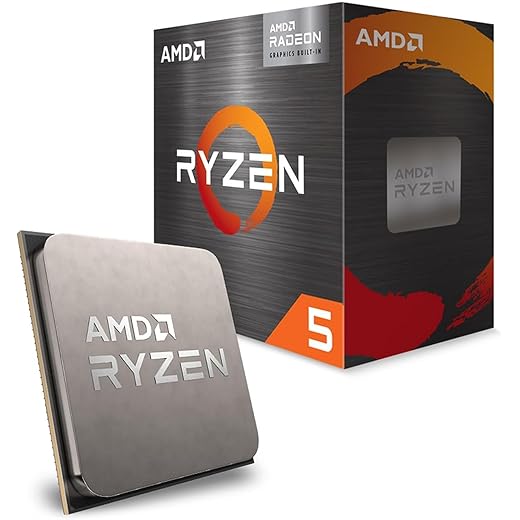
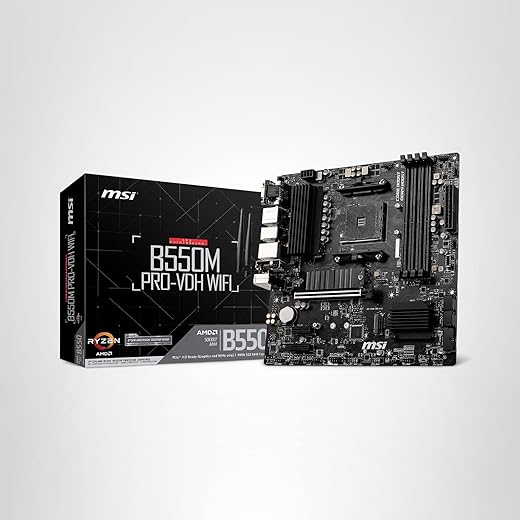
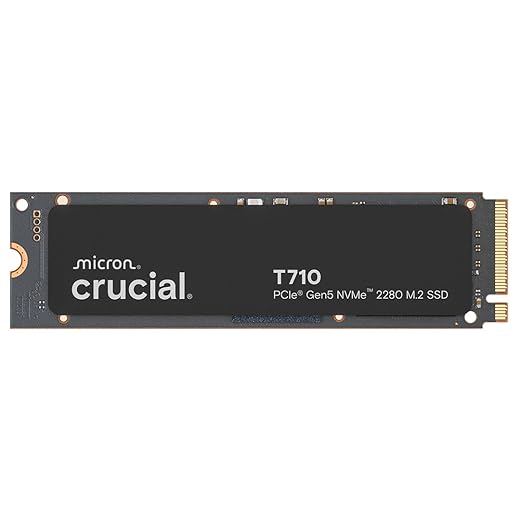
Below is an Ultra Budget Pc, This is a magor upgrade! And all this is under $1000




FAQ
Can a dual-core CPU run modern games?
Technically yes, realistically no. Most modern games require more cores for stable performance, and dual-core systems tend to stutter even when FPS looks “okay.”
Is 2 cores enough for gaming in 2026?
Only for older or lightweight games. If you want modern titles to feel smooth, you need more cores and better per-core performance.
What games run without a GPU?
Mostly indie, older, and optimized titles. Integrated graphics can handle more than people think, but only if the game is designed for it.
Final Thoughts
If you are still gaming on a dual-core CPU, you are not alone. You just need to pick your battles carefully.
Start with games that respect your hardware, and when you are ready, make small upgrades that actually matter.