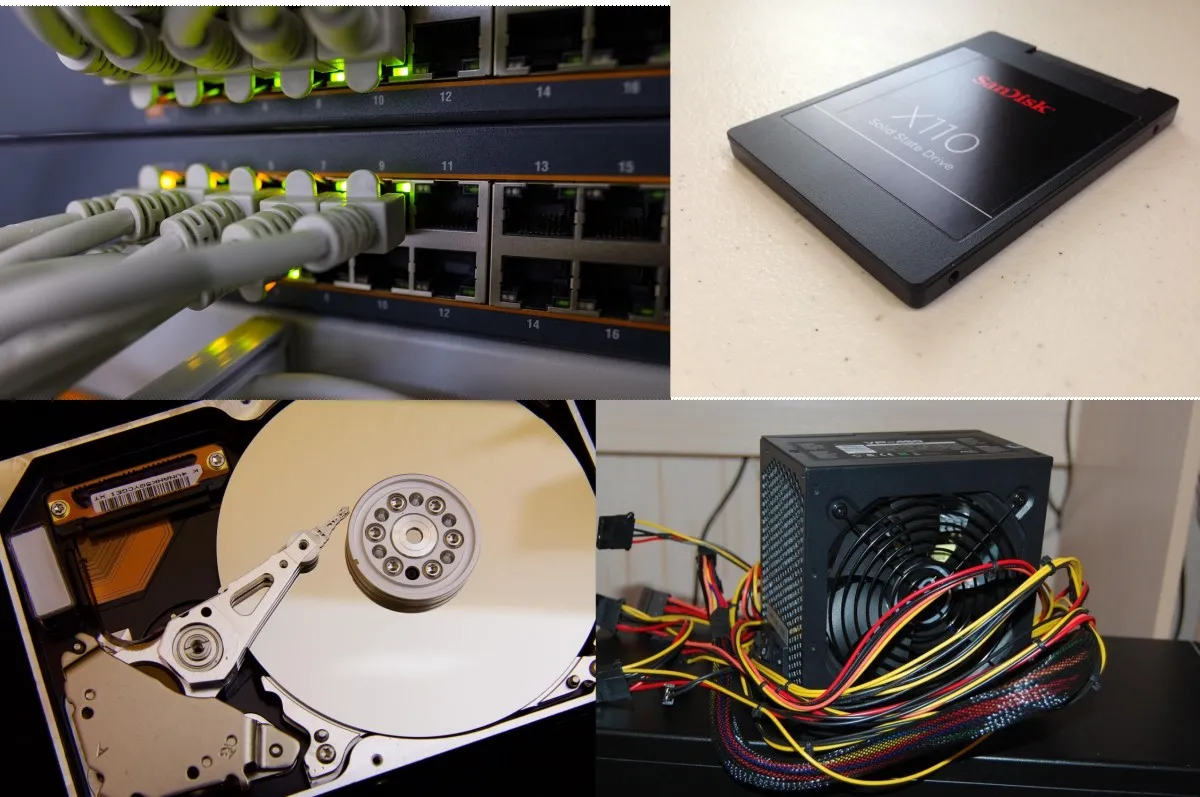
Most gamers upgrade the wrong things first. Not because they are clueless, but because the internet has trained everyone to chase FPS numbers and shiny parts instead of fixing the systems that actually decide how games feel.
This guide explains which gaming PC upgrades actually matter, networking, storage, power delivery, and supporting tech, and which upgrades rarely move the needle. No shopping lists. No brand hype. Just clear thinking.
If your FPS counter looks fine but the game still feels bad, you are not imagining it. Gaming performance is not just about how fast frames are rendered, it is about how consistently everything arrives on time.
Frame pacing, asset delivery, latency, and system stability all sit outside the FPS number you stare at. When any of those fail, the experience degrades even if your GPU is technically doing its job.
This is why upgrading the most expensive part does not always fix stutter, hitching, rubber banding, or sudden freezes. The bottleneck is often somewhere quieter. Many upgrades feel important but do nothing for frame rate, which is why it helps to understand what faster SSDs really improve in games and what they do not.

Many gamers blame their ISP the moment an online game feels rough. Sometimes that is fair. Very often, it is not.
Bandwidth is not latency. A fast speed test does not guarantee a stable connection to a game server. What matters for gaming is consistency, low jitter, and minimal packet loss.
Even Microsoft makes the distinction clear, latency and packet consistency matter more for real time applications than raw throughput. This is why gaming problems can exist on very fast connections.
Microsoft explains how latency affects real time network applications .
Ethernet remains the gold standard for gaming because it is predictable. Wi Fi has improved massively, but it still introduces variables you do not control, interference, distance, and device congestion.
If you rely on Wi Fi, modern routers and standards matter far more than raw internet speed. A well configured wireless setup can outperform a bad wired one.
We break down how newer Wi Fi hardware actually affects gaming here: Hidden Tech: Wi Fi 7 Gaming Router.
Upgrading from 100 Mbps to 1 Gbps rarely improves gaming latency. Upgrading from unstable to stable does.
Higher bandwidth helps downloads, streaming, and multiple users. It does not magically reduce the time it takes packets to travel across the internet.
If you are curious what ultra fast internet actually changes for gamers, this explains the reality clearly: 10G Internet for Gaming, Real Benefits Explained.
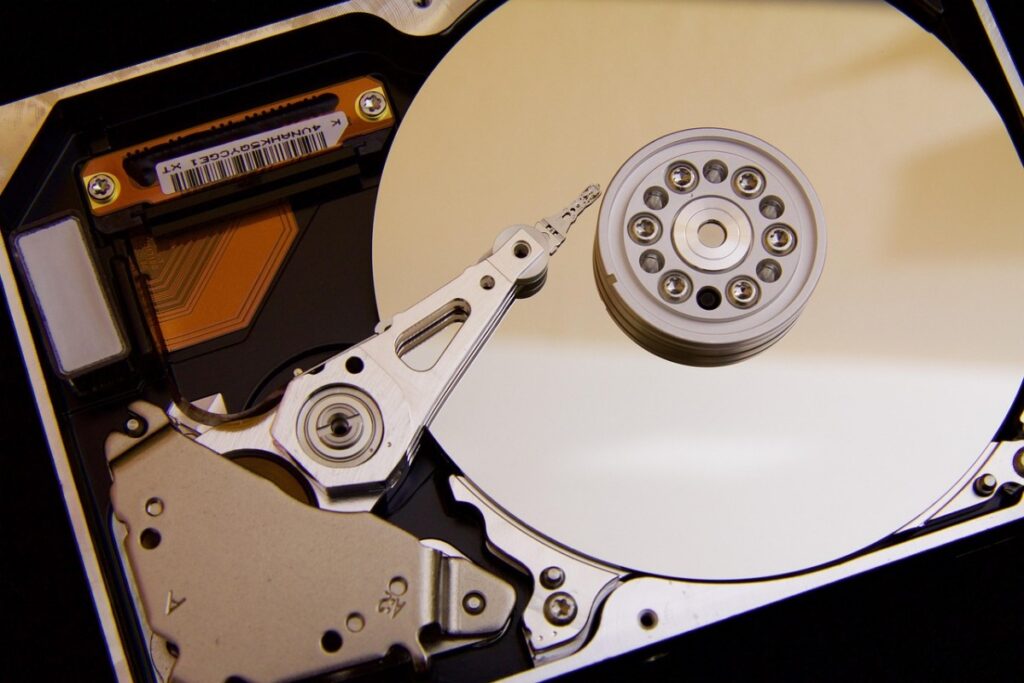
Storage is one of the most misunderstood gaming upgrades. It almost never increases FPS, but it can dramatically change how smooth a game feels.
Storage performance is about access latency and consistency, not frame rendering. Intel documents how solid state storage dramatically reduces access delays compared to mechanical drives, which directly affects modern game asset streaming.
Intel explains the real performance differences between SSDs and HDDs .
Hard drives struggle with modern games that stream assets constantly. This is where stutter, pop in, and hitching appear, especially in open world titles.
SATA SSDs eliminate most of this. NVMe drives improve loading and asset delivery further, but with diminishing returns once you are already on an SSD.
The key takeaway is simple. Storage upgrades fix waiting and streaming problems, not rendering speed.
If you want real data instead of myths, this breaks it down honestly: Real World SSD Performance for Gaming. RAM upgrades are often overlooked, but choosing the right capacity and platform matters, this guide explains which RAM upgrade actually makes sense for gaming PCs.
If your game stutters while moving through the world, during combat transitions, or when entering new areas, storage is often involved. Especially on older systems.
This is why upgrading storage can feel more impactful than upgrading a GPU on low end or aging PCs.

The power supply does not make games faster. It makes them stable. And stability is performance, whether people like it or not.
A weak or poor quality PSU can cause crashes, shutdowns, throttling, and strange behavior that looks like GPU or CPU problems. This is why PSU issues are so often misdiagnosed. And before you throw money at a new GPU, read Power Supplies Explained: Wattage & Efficiency so you don’t underpower your upgrade and blame “bad drivers” for everything.
More wattage does not automatically mean better power. Quality, voltage regulation, and transient handling matter far more.
A cheap high wattage unit can perform worse than a lower rated quality PSU under real gaming loads.
Modern GPUs spike power suddenly. If your PSU cannot handle those spikes cleanly, the system reacts by throttling or shutting down.
This is why upgrading a GPU without considering the power supply often leads to instability instead of improvement.
If you are choosing or replacing a PSU, use a proper guide, not guesswork: Best PC Power Supply Buying Guide.
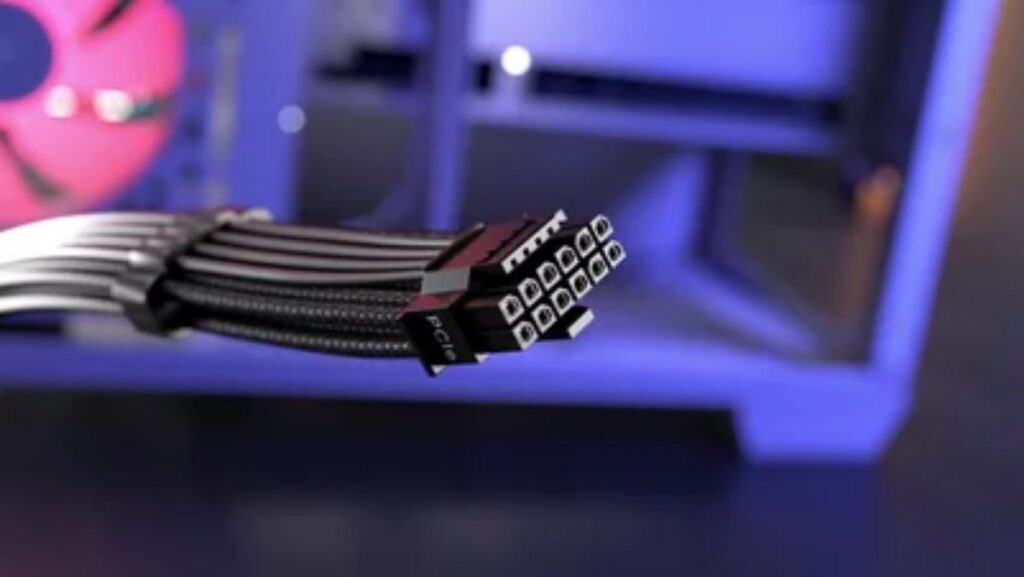
Some upgrades are boring. They are also the reason other upgrades finally work properly.
Bad cables cause drops, flickers, and disconnects. Cheap power strips introduce noise. These issues rarely show up in benchmarks, but they show up in real use.
Outdated BIOS versions can limit memory compatibility, power behavior, and device stability. Firmware matters more after upgrades than before.
Network cards, USB controllers, and storage controllers can all become bottlenecks when the rest of the system improves.
If your PC feels bad, do not start with the most expensive part. Start with the weakest support system.
If your system became unstable after upgrading, testing matters. Especially when used parts are involved.
This guide helps isolate problems safely: How to Test a Used CPU.

The smartest gaming PC upgrade is not always a new part. It is understanding where the problem actually lives.
Networking, storage, and power are not exciting upgrades, but they decide whether your PC feels smooth or frustrating. Fix those foundations, and every future upgrade works better.
If you want a clear upgrade path instead of guesswork, use this guide as your baseline and branch out into the focused explainers linked above.




A practical GTA VI PC performance readiness guide with hardware predictions, stress points, and upgrade priorities based on Rockstar’s PC…

This guide explains how game mods actually work behind the scenes, how games load them, and where mod files install…

A practical buyer guide to the best gaming monitors by budget, with smart picks per price tier and performance-focused recommendations.
Not every cheap PC upgrade improves gaming performance. This guide ranks low cost upgrades by real FPS impact and shows…