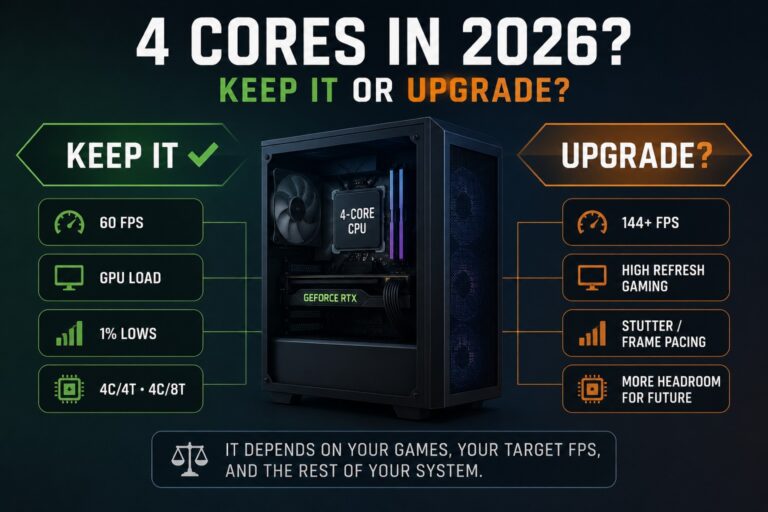
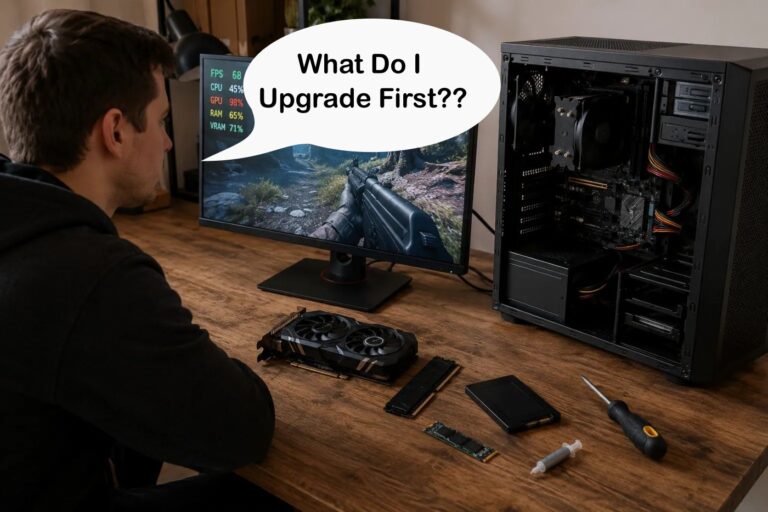
If your PC has started feeling slow, you’ve probably asked yourself the same question almost every gamer faces eventually:
So Should You Upgrade Your Old PC or Buy a New One?
It’s an expensive decision, and it’s one that too many people get wrong. Some older PCs only need a simple SSD or RAM upgrade to feel fast again. Others have reached the end of the road, where every new part is just throwing good money after bad.
This guide isn’t here to convince you to buy more hardware. It’s here to help you decide whether your current PC is still worth investing in or whether you’re better off putting that money toward a newer system.
Once you’ve made that decision, we’ll show you which upgrades actually make sense, which ones usually don’t, and how to avoid wasting money on a platform that’s already past its prime.
Because not every old rig deserves saving.
Quick Answer: Should You Upgrade or Replace Your Old PC?
If your old PC is slow, do not start by buying parts. Start by deciding whether the machine is still worth saving.

Upgrade it if one or two affordable parts can fix the main problem, such as adding an SSD, moving from 8GB to 16GB RAM, or replacing a clearly weak GPU on a still-usable platform.
Replace it if the motherboard, CPU, RAM generation, and power supply are all holding you back. Once you need several expensive upgrades at the same time, you are not really upgrading anymore, you are slowly building a new PC the expensive way.
Unsure? Use the checks below before spending anything. If your PC still has a decent platform, a clear bottleneck, and a realistic upgrade path, it may be worth saving. If not, your money is probably better saved for a newer build.
If you already upgraded something and your FPS barely changed, read this before buying another part: Why Your PC Upgrade Didn’t Improve FPS.
Why Most Old PCs Feel Slow (And Why Upgrades Fail)
Before you upgrade anything, you need to understand what’s actually holding your system back. Otherwise, you’re just guessing, and guessing gets expensive fast.
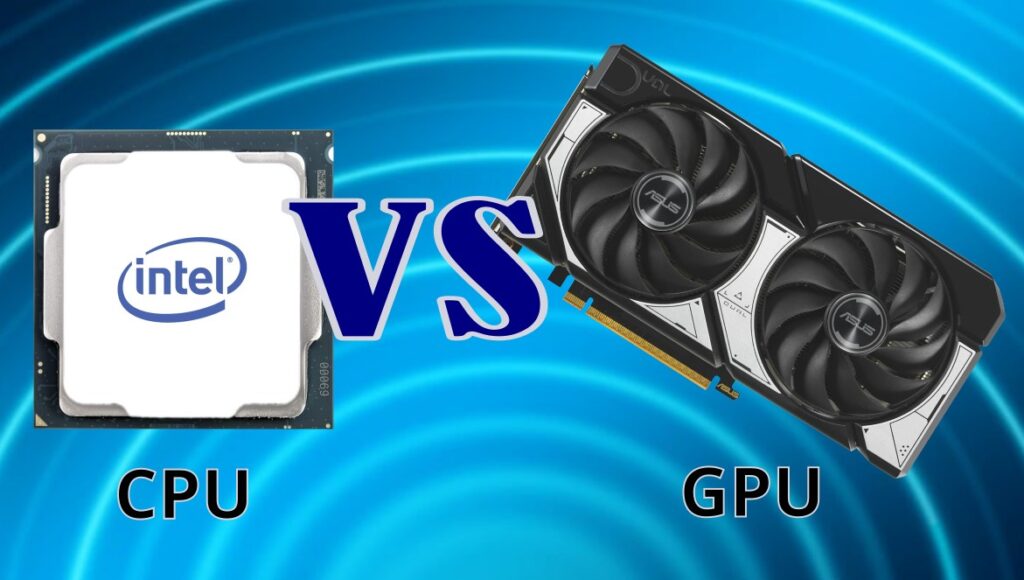
Most slow PCs suffer from one or more of these:
- CPU bottlenecks: Your processor can’t keep up with modern games
- Slow storage: HDDs choke loading times and system responsiveness
- Not enough RAM: 8GB just doesn’t cut it anymore in many games
- Platform limits: Old motherboards block meaningful upgrades
If you’re not sure what’s limiting your system, start here: Gaming PC Upgrades That Actually Matter
That article helps you identify what’s worth focusing on before spending anything.
Is Your Old PC Actually Worth Saving?
This is the question that almost every upgrade guide skips, and it is the most important one you can ask before spending a single cent.
Most gamers immediately start comparing graphics cards, RAM kits or SSDs when their PC slows down. The problem is that upgrading parts only makes sense if the platform underneath them still has life left in it.
Before investing in new hardware, it’s worth understanding the smartest upgrade path for your system. Our guide on how to upgrade a gaming PC in the right order explains how to evaluate your existing platform, identify the real bottleneck, and decide whether upgrading or saving for a new build is the better long-term investment.
A good upgrade should solve a problem, not delay an inevitable replacement. It’s also worth checking whether your operating system is approaching the end of support. If your PC can’t meet the requirements for newer versions of Windows, investing heavily in old hardware may not make long-term financial sense. You can check Microsoft’s current support lifecycle on the official Windows Release Health page.
Signs Your PC Is Still Worth Upgrading
- Your motherboard still supports worthwhile CPU upgrades.
- You’re already using DDR4 or DDR5 memory.
- Your power supply is reliable and still suitable for modern hardware.
- Your biggest problem comes from one obvious bottleneck, not five different ones.
- You can noticeably improve performance with one or two affordable upgrades.
If that sounds like your system, there is a good chance your money will deliver worthwhile improvements instead of simply delaying the inevitable.
Signs It’s Time to Stop Upgrading
- Your platform is still running DDR3 or an equally outdated standard.
- Your motherboard has reached the end of its upgrade path.
- You would need a new CPU, motherboard, RAM and power supply just to support your next graphics card.
- Several major components are failing or showing their age at the same time.
- The cost of upgrades is approaching the price of a modern replacement build.
This is where many gamers accidentally waste the most money. They buy one expensive part after another, hoping each purchase will finally make the PC feel modern again. Before long, they’ve spent almost as much as a completely new system while still carrying the limitations of an ageing platform.
If you’re unsure where your hardware sits today, start with our Complete Gaming PC Hardware Guide. It explains how every major component works together and makes it much easier to judge whether your current platform is still worth investing in.
The BuiltToFrag Upgrade Check
Before buying any new hardware, work through this checklist. It takes less than two minutes and can save you from wasting hundreds on upgrades that were never going to solve the real problem.

Don’t think of this as a test. Think of it as the same thought process an experienced PC builder follows before recommending an upgrade.
1. Can One Upgrade Solve Your Biggest Problem?
If your biggest frustration is long loading times, an SSD may completely transform your experience. If you’re simply running out of memory while gaming, upgrading from 8GB to 16GB RAM could be all you need.
If one sensible upgrade fixes your biggest complaint, your PC is probably still worth investing in.
2. Does Your Platform Still Have Somewhere to Go?
A PC with a healthy upgrade path is usually worth keeping alive. A platform with no meaningful CPU upgrades left often isn’t.
Ask yourself:
- Can I still install a significantly faster processor?
- Does my motherboard support newer hardware?
- Will today’s upgrade still make sense two years from now?
3. Are You Solving One Problem or Five?
This is where many upgrades stop making financial sense.
If fixing your graphics card also means replacing the motherboard, CPU, RAM, cooler and power supply, you’re no longer performing an upgrade—you are slowly building a completely new PC.
4. Are You Upgrading Because You Need To, Or Because You’ve Already Spent Money?
This is one of the biggest traps in PC building.
Many gamers keep buying parts simply because they’ve already invested so much into their current system. Unfortunately, previous spending doesn’t make the next purchase a good investment.
Every upgrade should stand on its own. If you wouldn’t buy that part for the PC as it exists today, don’t buy it just because you’ve already spent money on older hardware.
5. What Happens After This Upgrade?
Always think one step ahead.
A good upgrade creates more opportunities. A bad upgrade creates more expenses.
- Will this upgrade extend the life of my PC?
- Will it delay a complete rebuild by another year or two?
- Or will I immediately need several more expensive upgrades afterwards?
Your Result
If you answered “yes” to most of these questions, your PC is probably worth upgrading.
If you answered “no” to several of them, stop buying parts for now. You’re likely better off saving that money towards a newer platform that gives you a genuine long-term upgrade path.
Once you’ve decided your PC is worth saving, your next question becomes what should you upgrade first? We answer that step-by-step in our guide What Should You Upgrade First on a Low-End PC?, where we walk through the best upgrade order for CPUs, GPUs, RAM and storage.
When Should You Stop Upgrading and Just Build a New PC?
This is the question most guides avoid, and the one that matters most. It’s easy to recommend upgrades because that’s what everyone wants to hear. Add more RAM, swap the GPU, maybe squeeze in a faster CPU and call it a day.
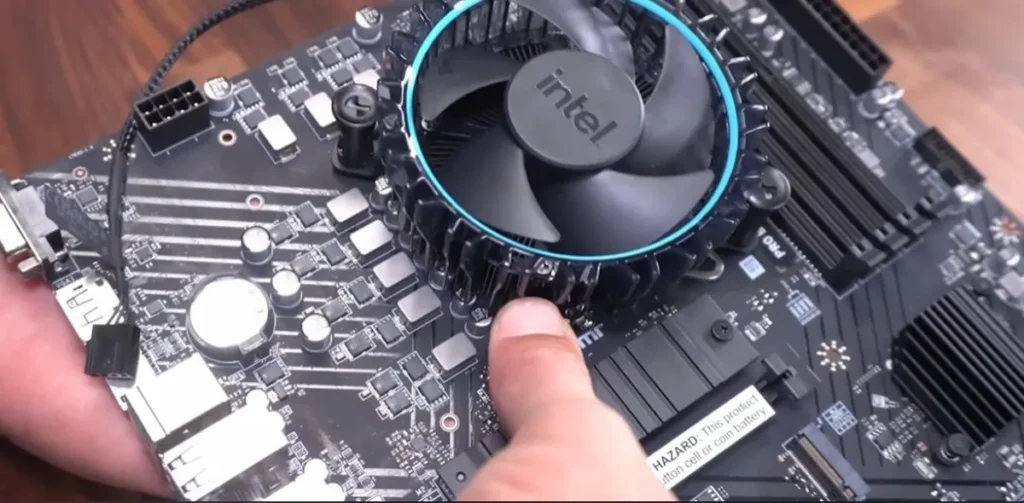
But the uncomfortable truth is that not every PC is worth saving. Some systems are already at their limit, and every upgrade after that point gives you less performance for more money. That’s how people end up spending hundreds on a machine that still feels outdated.
This section exists to stop that from happening. Instead of blindly upgrading, you’re going to look at your system like a budget decision, where every rand or dollar needs to justify itself. And sometimes, the smartest move isn’t another upgrade, it’s knowing when to walk away and start fresh.
You should seriously consider a new build if:
- You’re on a DDR3 system or older
- Your CPU has no meaningful upgrade path
- Upgrades cost more than half a new build
- Your system struggles in modern games even after upgrades
This is where many people waste the most money, trying to save a system that’s already past its limit. If you’re at this point, stop patching and start planning.
Start here: 15 Crucial Questions Before Building a PC
Then explore your desktop options: Best Ultra Budget Gaming PC Build or Gaming PC Budget Guide.
If you’d rather replace the old desktop with something portable, a gaming laptop is another route. Our Best RTX 5060 Gaming Laptops comparison ranks the models we’d consider for strong modern gaming performance without moving into flagship laptop prices.
Your PC Is Worth Saving. Where Should You Start?
Once your PC passes the upgrade check, the next question is simple: which upgrade gives you the biggest real-world improvement without dragging you into a full rebuild?
Do not treat this as a shopping list. Treat it as a priority order. Start with the part that fixes your actual bottleneck, then stop when the PC does what you need it to do.
Start with Storage (If You’re Still Using a Hard Drive)
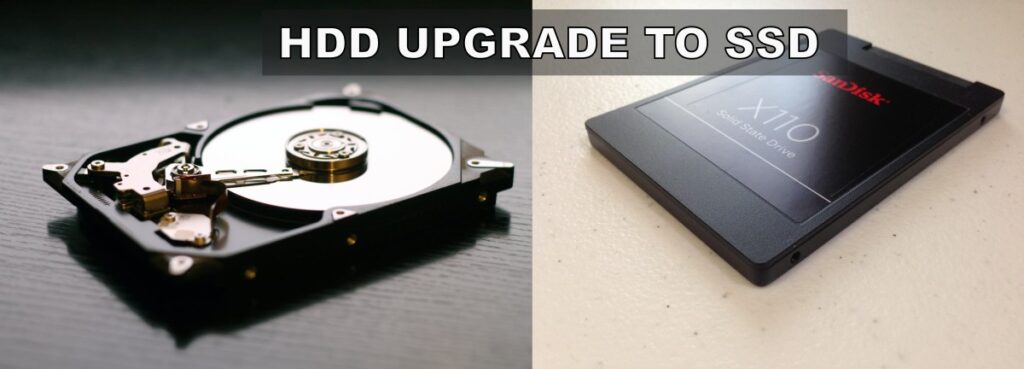
If your old PC still runs from a hard drive, an SSD is usually the safest upgrade you can make. It will not magically turn a weak gaming PC into a powerhouse, but it can make Windows, boot times, loading screens and general responsiveness feel dramatically better.
This upgrade makes the most sense when the rest of the PC is still usable but the whole system feels slow and unresponsive.
For the full breakdown, read Do Faster SSDs Improve FPS?. If you are ready to buy, see Best NVMe SSDs for Gaming.
Upgrade Memory Only If It’s Actually Holding You Back
If your PC has 8GB of RAM, moving to 16GB can still be a smart upgrade, especially for gaming, multitasking and reducing stutter. But RAM is not magic. If your CPU and GPU are already too weak, more memory will not fix the whole system.
This upgrade makes sense when games are stuttering, browser tabs are killing performance, or your system regularly runs out of memory. It makes less sense if you already have 16GB and only use the PC for gaming.
If you’re not sure whether your current memory capacity is actually the problem, start with How Much RAM Do Games Need?.
If you’ve confirmed that you need an upgrade, use our RAM Buying Guide for Gaming PCs to choose the right capacity, DDR generation and memory kit for your system.
Only Upgrade Your Graphics Card If Your CPU Can Keep Up
A graphics card upgrade can deliver the biggest gaming improvement, but only when the rest of the PC can support it. If your CPU is already maxed out, a stronger GPU may leave you disappointed.
This upgrade makes sense when your GPU is clearly the weak point and your CPU still has enough headroom. It does not make sense if the new graphics card forces you to replace the power supply, case, motherboard and CPU at the same time.
Before spending money, read GPU Upgrade Mistakes Gamers Keep Making. Once you’ve confirmed that a graphics card upgrade actually makes sense, use our 8GB vs 12GB vs 16GB VRAM buying guide to decide how much graphics memory you should pay for based on your games, resolution and budget.
Upgrade Your CPU Only When Your Platform Still Has Life Left
A CPU upgrade can extend the life of an old PC, but only if your motherboard supports a meaningful jump. Moving from one weak old CPU to a slightly less weak old CPU is rarely worth the money.
This upgrade makes sense when your current platform still supports a strong second-hand or budget CPU that noticeably improves performance. If upgrading the CPU also means buying a new motherboard and RAM, you are no longer upgrading the old PC. You are starting a new build.
If you are considering second-hand processors, read Buying a Used CPU for Gaming first.
Upgrades That Almost Never Pay Off
Some upgrades look tempting but are just bad investments.
- Upgrading CPUs on dead platforms
- Buying high-end GPUs for low-end CPUs
- Spending heavily on outdated motherboards
- Chasing small performance gains with expensive parts
If the upgrade doesn’t meaningfully change your experience, skip it.
Don’t Throw Everything Away
The good news is you don’t always start from zero. Some parts can carry over and save you money. This is one of the easiest ways to save money on a new PC is by reusing the components that still have plenty of life left in them.

- Storage: SSDs and HDDs are almost always reusable
- GPU: Still usable if it’s not outdated
- Case: As long as it supports your new components
- Power supply: Only if it’s reliable and modern
Reusing parts is how you stretch your budget without compromising performance.
FAQ: Upgrading an Old PC in 2026
If you still feel stuck between upgrading and rebuilding, these are the questions that usually matter most. This section helps catch the practical edge cases that don’t always fit neatly into the main guide.
Is it worth upgrading an old PC in 2026?
Yes, sometimes. If your PC only needs a basic SSD upgrade, more RAM, or a modest GPU improvement, it can still be worth it. If you are stuck on a very old platform with no real CPU upgrade path, it usually makes more sense to save toward a new build instead.
What should I upgrade first on an old PC?
For most people, storage is the first upgrade that makes a noticeable difference. Moving from a hard drive to an SSD improves boot times, load times, and general responsiveness far more than most people expect.
How do I know if my motherboard is too old to upgrade?
If your board only supports very old CPUs, DDR3 memory, or outdated chipsets with no worthwhile upgrade path, you are probably near the end of that platform. At that point, further spending usually gives poor value.
Can I reuse old PC parts in a new build?
Yes, sometimes. Storage drives, cases, and even GPUs can often be reused if they still meet your needs. Power supplies can also carry over, but only if they are reliable, modern, and strong enough for the new system.
Should I upgrade my CPU or GPU first?
That depends on your bottleneck. If your CPU is already maxed out and holding back your graphics card, a GPU upgrade will disappoint you. If your GPU is clearly the weak point and your CPU still has headroom, then a graphics upgrade makes more sense.
If you’ve decided your current PC isn’t worth upgrading, don’t rush into buying parts anyway. Take a little time to plan your next system properly with our 15 Crucial Questions to Ask Before Building a PC. It could save you from making the same expensive mistakes twice.
Final Thoughts: Spend Smarter, Not Just More
Upgrading an old PC isn’t about replacing as many parts as possible. It’s about making smart decisions with the hardware you already own.
Sometimes a simple SSD or RAM upgrade can make a tired system feel surprisingly capable again. Other times, the smartest upgrade is knowing when to stop investing in an ageing platform and start planning your next build.
If there’s one lesson to take away from this guide, it’s this:
Don’t upgrade because your PC is old. Upgrade because the investment still makes sense.
Every rand or dollar you spend should solve a real problem, extend the life of your system, or move you closer to the gaming experience you actually want. If it doesn’t, save that money for a platform with a future instead.