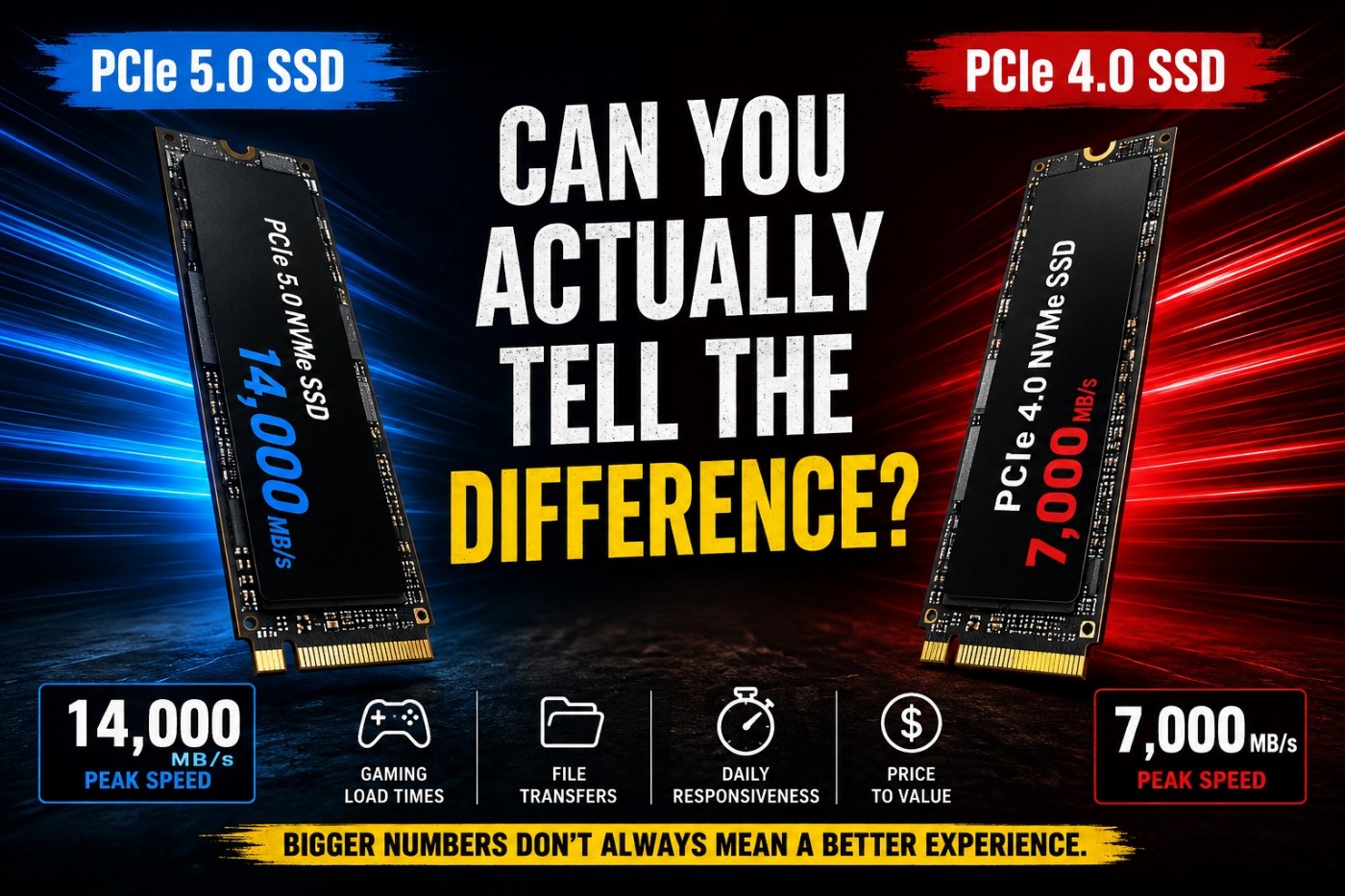
Stop Buying SSDs Based on Speed Alone. SSD manufacturers love printing huge benchmark numbers on the box, but most gamers will never notice the difference between many high-end drives in real-world use.
If your PC still feels slow in 2026, storage can absolutely be part of the problem. An SSD upgrade can improve boot times, game loading, asset streaming, and overall responsiveness. The catch is that not every expensive SSD delivers a noticeably better experience.
PCIe 3.0, Gen4, Gen5, DRAM, HMB, heatsinks, PS5 compatibility, and marketing claims that make every drive sound revolutionary. SSD shopping has become confusing, and many people end up paying for speeds they will never use.
This guide cuts through the hype and explains which SSD upgrades actually matter, which drives offer the best real-world value, and who should skip the expensive flagship models altogether., especially in a single PC streaming setup.
This guide cuts through that.
Below, you will find carefully grouped SSD picks by use case, not marketing tiers. Whether you want bleeding-edge Gen5 performance, massive game storage, or a reliable daily workhorse, each section explains who these drives are actually for, and who should skip them. Not convinced SSD speed matters? This explainer breaks down Real-world SSD gaming performance differences.
Who should buy a PCIe 5.0 SSD?
PCIe 5.0 SSDs are the fastest consumer drives available right now. On paper, they are ridiculous. In real life, they are only worth it if your workload can actually use that speed. Before choosing a drive based on speed alone, read our guide on whether faster SSDs improve FPS or mainly affect load times.
These drives make sense if you:
- Edit large 4K or 8K video files
- Work with AI datasets or heavy simulations
- Build a no-compromise flagship PC
- Want the fastest possible OS and game drive, regardless of value
For pure gaming, Gen5 does not magically increase FPS. Before upgrading, make sure you understand why games take forever to load on a weak PC so you choose the right solution.
What a SSD or NVME Drive does improve is:
- Load times in asset-heavy games
- Large file transfers
- System responsiveness under heavy multitasking
If you are building on a modern AM5 or Intel Z790/Z890 platform and money is not the limiter, these are the best Gen5 options available right now. If your new SSD did not fix stutter, read why your PC still feels slow after an upgrade to find the real bottleneck before upgrading again.
Top Picks: 3 x PCIe 5.0 Ultra-High-Performance NVMe SSDs (Next-Gen Speeds)
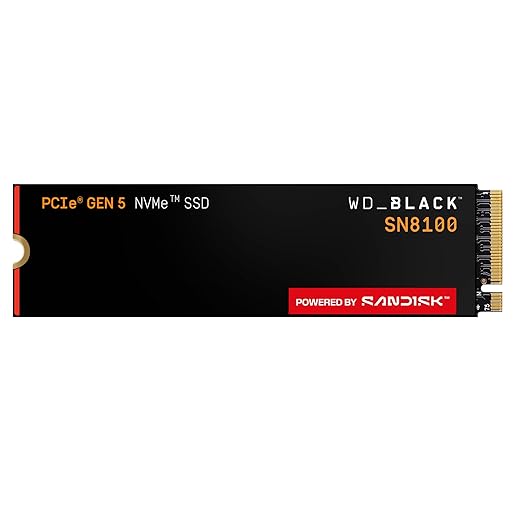
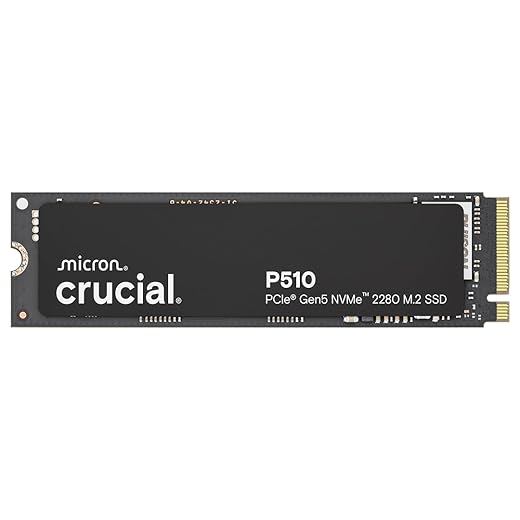
Reality check:
If you are not pushing extreme workloads, PCIe 4.0 still delivers 90 percent of the real-world experience for far less money. That is why the next category is where most gamers and creators should be shopping. Also fast storage is critical for large streaming worlds, which we explain in our GTA VI PC performance readiness guide.
Why Gen4 still dominates gaming and consoles
PCIe Gen4 SSDs hit the sweet spot. They are fast enough to fully saturate game engines, DirectStorage workloads, and PS5 expansion requirements, without the heat and cost penalties of Gen5.
These drives are ideal if you:
- Maintain a large PC or console game library
- Want fast installs and near-instant loads
- Use your system for gaming plus creative work
- Need proven firmware and long-term reliability
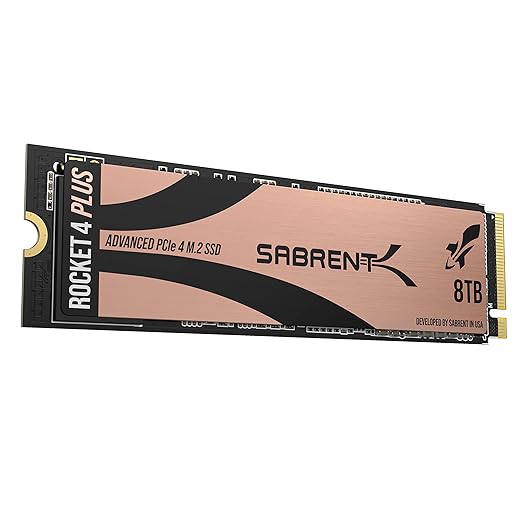
High-capacity Gen4 SSDs are especially valuable if you are tired of uninstalling games just to try something new. Modern titles regularly exceed 100 GB, and live-service games only get bigger.
3 x High-Capacity PCIe Gen4 Performance Drives (Gaming, Workstations, PS5)


If you want performance you can rely on every day, without chasing headline speeds, the next group is where smart money tends to land.
The best balance of speed, endurance, and value
These SSDs are not chasing records. They are built to be fast, consistent, and boring in the best possible way.

This category is perfect if you:
- Game daily
- Stream, edit, or multitask regularly
- Want strong sustained performance, not just burst speed
- Care about endurance and firmware maturity
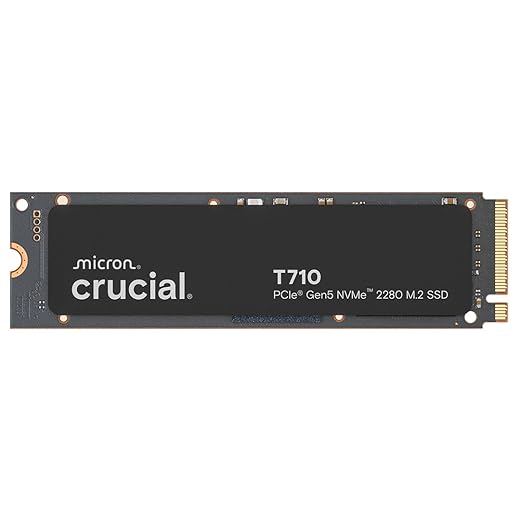
For most users, a high-quality Gen4 drive in the 2TB to 4TB range is the most sensible upgrade you can make. These drives eliminate load-time bottlenecks, reduce stutter caused by asset streaming, and age gracefully as games grow larger.
3 x Gen4 Premium Workhorse SSDs (Reliable, Fast, Creator-Friendly)


Best NVMe SSDs for Gaming and How to choose the right SSD from this list
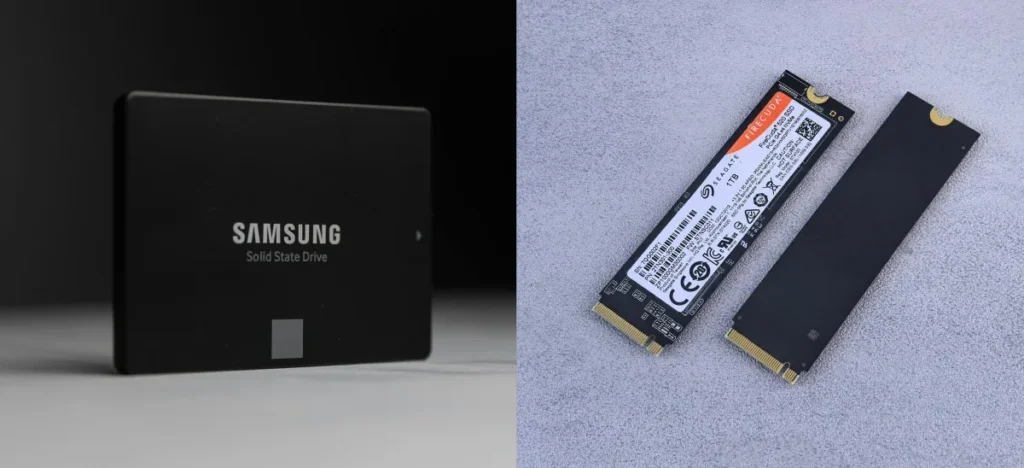
Gen5 vs Gen4 NVMe SSD Quick Comparison
| Category | PCIe Gen5 NVMe | PCIe Gen4 NVMe |
|---|---|---|
| Typical Speed | 10,000–14,000 MB/s | 5,000–7,500 MB/s |
| Best For | Flagship builds, heavy creator workloads | Gaming, PS5, daily high-performance use |
| Gaming Load Times | Slightly faster in edge cases | Already near-instant in most games |
| Heat Output | High, needs strong cooling | Moderate, easier to manage |
| Price per TB | High | Better value |
| Smart Buy for Most Gamers | No | Yes |
Quick SSD Buying Rules
If you want a quick rule of thumb:
- Best no-compromise flagship build: PCIe 5.0 2TB
- Best long-term gaming library: 4TB to 8TB PCIe 4.0
- Best overall value for gamers: 2TB to 4TB PCIe 4.0 workhorse
- PS5 expansion: Stick to high-end Gen4 with a heatsink
- Mid-range PC upgrade: 2TB Gen4, skip Gen5 entirely
Also keep this in mind:
- Peak speeds look impressive, sustained performance matters more
- Capacity reduces stutter more than raw speed in modern games
- Firmware stability beats chasing the newest controller every time
Storage should never be the reason your PC feels slow.
Whether you go Gen5 for bragging rights or Gen4 for smart value, every SSD in this guide is fast enough to transform how your system feels day to day. After choosing the right SSD, don’t ignore your connection. If your PC uses wireless, here are the best Wi-Fi adapters for gaming PCs for stable gameplay.
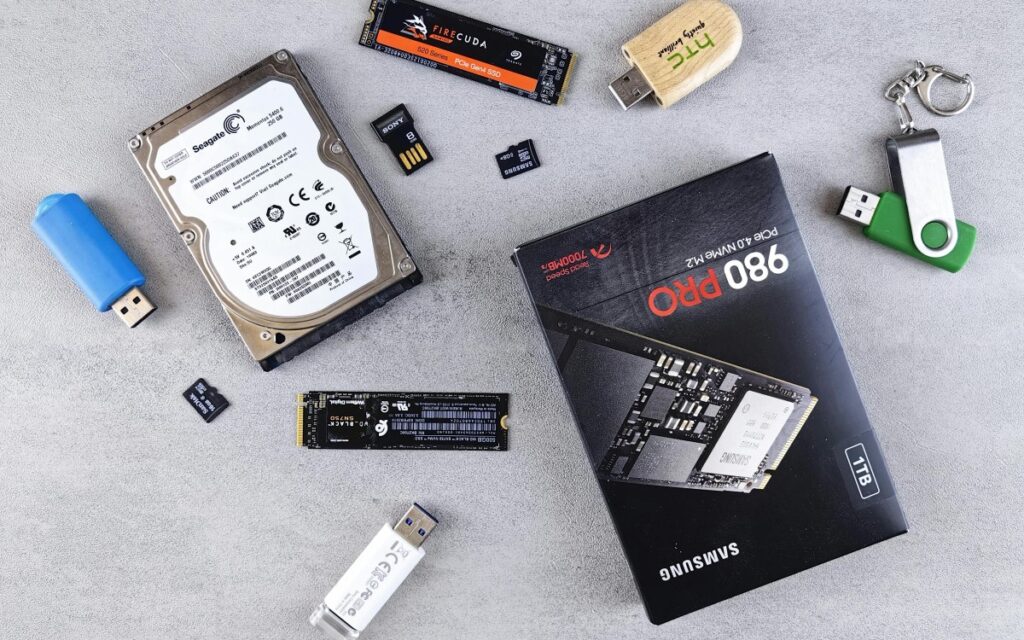
If you are stuck choosing between SSD, RAM, GPU, or cooling, this guide tells you what to upgrade first: Best PC Upgrades Under $100 That Make Old FPS Games Playable.
If your games hitch while loading, your installs take forever, or your desktop feels sluggish under pressure, this is often the upgrade that fixes it first, with no BIOS tweaks required.
Before replacing the drive, though, complete our Complete Gaming PC Health Check. It shows you how to inspect drive health, available storage space, disk activity, RAM usage, and CPU performance so you can confirm that storage is really causing the slowdown.
More Gear That Actually Deserves Your Money
- Build out your full desk lineup around this keyboard with the Best Gaming Mice, Keyboards and Peripherals Guide hub.
- Chase better aim and comfort with mice that actually perform in our Top 8 Gaming Mice roundup.
- If you fly more than you frag, see how a proper HOTAS changes everything in the VKB Gladiator NXT Evo F-14 Combat Edition review.
- Need a screen that keeps up? Start with the Best Gaming Monitors Guide hub.
- Or zoom out and plan your whole rig inside the Gaming PC Hardware Guide super hub.
Further reading: How modern games use fast storage , Microsoft DirectStorage Overview
Some links may be affiliate links that help support BuiltToFrag at no extra cost to you.