Finding online games for low end PCs is easy. Finding ones that still have active players, decent matchmaking, and performance that does not punch your old laptop in the face is the hard part.
This guide is for weak PCs, old office desktops, school laptops, Intel HD graphics, 4GB RAM machines, and budget systems that still want real multiplayer without downloading a dead lobby simulator.
To keep this honest, we are looking at two things: can the game still run on weak hardware, and can you still actually find people to play with?
Quick Answer: Best Online Games for Low-End PCs
Here is the fast version before we get into the details. These games are not all equally light, and some need settings turned way down, but they are still realistic options for weak PCs.
| Game | Genre | Runs on Intel HD? | Still Active? | Beginner Friendly? |
|---|---|---|---|---|
| Team Fortress 2 | Online FPS | Yes, older Intel HD | Yes | Medium |
| League of Legends | MOBA | Yes | Yes | Medium |
| Dota 2 | MOBA | Maybe, low settings | Very active | No |
| Old School RuneScape | MMORPG | Yes | Yes | Yes |
| Roblox | Social / multiplayer | Yes | Very active | Yes |
| Brawlhalla | Platform fighter | Yes | Yes | Yes |
| Left 4 Dead 2 | Co-op shooter | Yes | Yes | Yes |
| Terraria | Co-op sandbox | Yes | Yes | Yes |
| Unturned | Survival | Yes | Yes | Medium |
| Don’t Starve Together | Co-op survival | Yes | Yes | Medium |
What Counts as a Low-End PC in 2026?
For this guide, a low-end PC means something like a dual-core CPU, 4GB to 8GB of RAM, integrated graphics such as Intel HD, Intel UHD, or AMD Vega, and possibly an old hard drive. Basically, the kind of machine that opens Chrome and immediately starts negotiating its retirement.
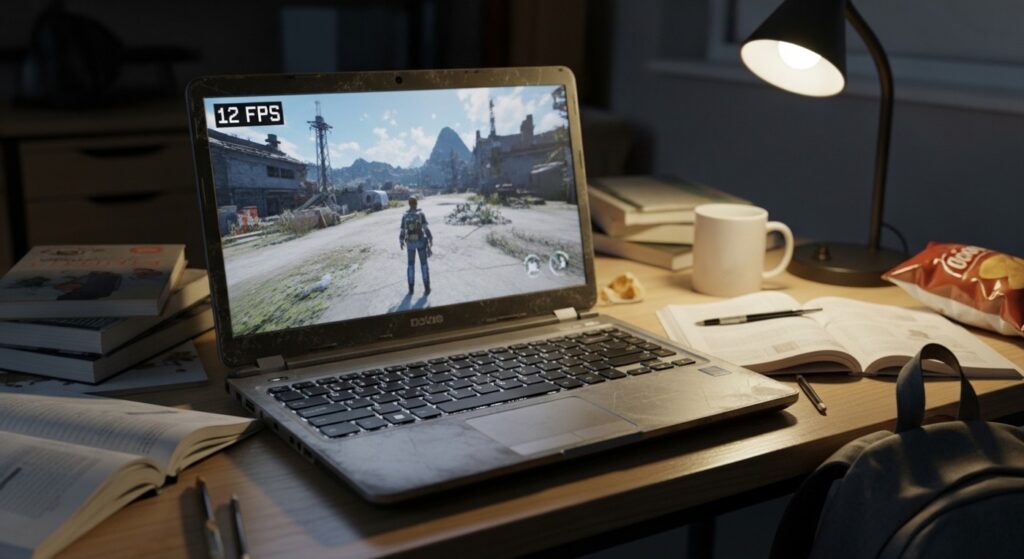
This is not a benchmark lab article. The goal is not ultra settings, 144 FPS, or pretending an office laptop is secretly a gaming beast. The goal is playable multiplayer with settings turned down and expectations kept sane.
If your system is extremely weak, start with our Low-End PC Gaming Guide, then check the Intel HD Graphics Gaming Guide if you are stuck on integrated graphics.
Competitive Online Games for Low-End PCs
Competitive games are tricky on weak PCs because they need stable frame pacing, fast input, and decent network performance. A game can technically launch, but if every fight turns into a slideshow, that does not count as playable. For online RPG worlds that still feel populated on weak hardware, explore these free MMORPGs for low-end PCs.
Team Fortress 2
Team Fortress 2 is still one of the best online games for low-end PCs because it has old hardware roots, a massive legacy community, and a gameplay style that does not require modern graphics hardware to be fun.
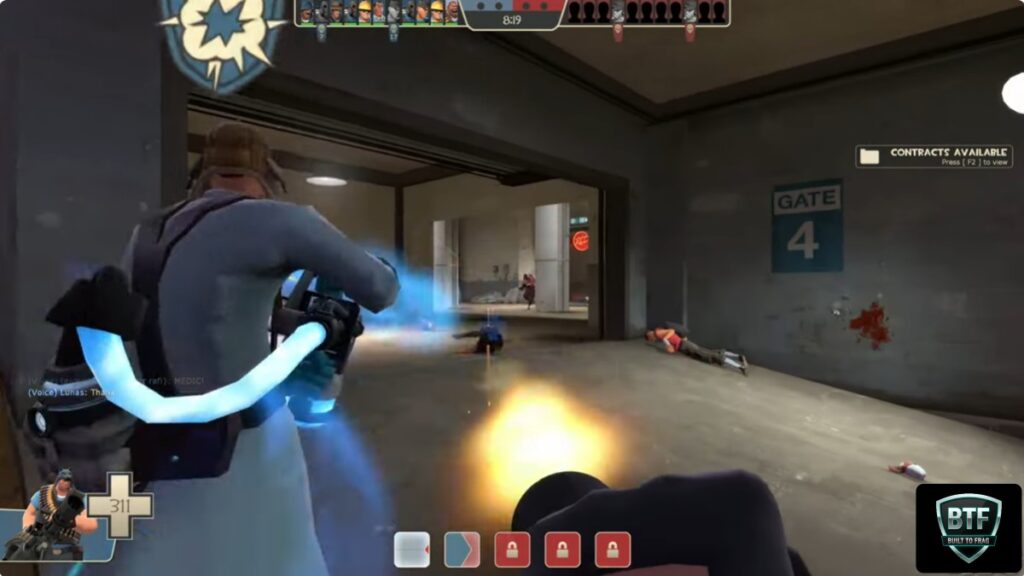
The reason people still play it is simple: it is chaotic, funny, moddable, and familiar. Steam Charts still shows tens of thousands of active players, which is ridiculous longevity for a game this old. For players who want tactical shooter alternatives, I also covered the best games like Valorant for weak PCs.
On weak PCs, TF2 can run well if you lower settings, reduce resolution, and avoid overloaded community servers. The warning label is that some servers can be messy, mod-heavy, or full of performance-killing nonsense. Stick to cleaner servers if your PC is already wheezing.
League of Legends
League of Legends remains one of the safest multiplayer picks for weak PCs. It was built to scale across a huge range of systems, and that makes it much friendlier to old laptops than most modern competitive games.
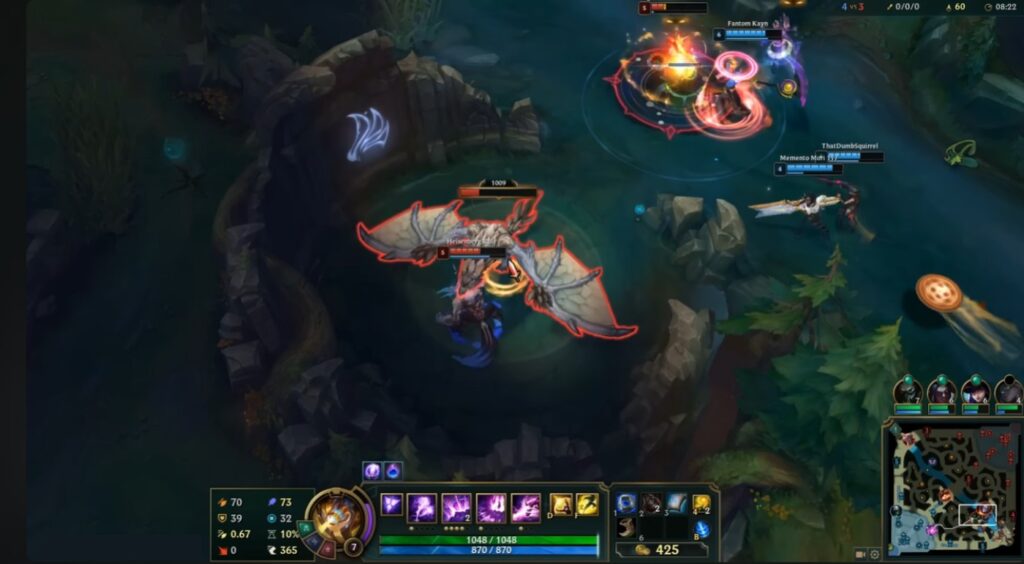
It still has a massive player base, fast queues in many regions, and a constant stream of updates. The downside is the learning curve. The game runs better than your emotions will after your first ranked match.
For low-end PCs, League is usually more forgiving than many shooters because it does not demand ultra-fast first-person aiming or heavy 3D environments. Still, team fights can create FPS drops on very weak CPUs or integrated graphics.
Dota 2
Dota 2 is still extremely active, with Steam Charts showing hundreds of thousands of average players in recent months. That means the playerbase is not the problem. Your sanity might be, but that is a separate guide.

On weak PCs, Dota 2 is more demanding than League. It can run on older hardware, but it is more sensitive to CPU limitations, RAM pressure, and big team fights. If your PC has 4GB RAM and an old hard drive, expect compromises.
The warning label is simple: Dota 2 is active, deep, and brutal for beginners. If you want a long-term competitive game and your PC can handle it, great. If you want relaxing online gaming, run away while you still have hope.
Brawlhalla
Brawlhalla is one of the easiest competitive online games to recommend for weak PCs. It is lightweight, fast, free-to-play, and still active enough to find matches without feeling like you are waiting for a fax machine to connect.
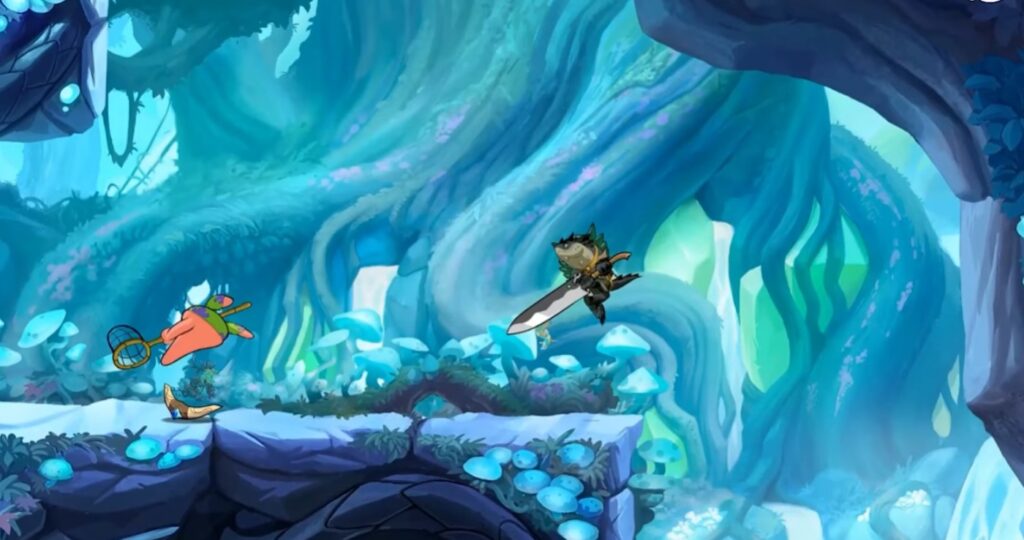
It runs well on integrated graphics and does not need much storage. The art style also helps because it avoids heavy 3D environments and massive texture loads.
The warning label is that fighting games can feel rough if your connection is unstable. If the game feels delayed, do not instantly blame your PC. Sometimes the issue is ping, Wi-Fi, or packet loss.
If you enjoy exploring massive multiplayer worlds, these free open world games for low-end PCs are well worth trying.
Casual and Social Online Games for Weak PCs
Not every online game needs ranked modes, rage queues, and someone screaming at you through a potato microphone. Casual and social games are often better for weak PCs because they are less dependent on perfect frame timing.
Roblox
Roblox is one of the biggest online platforms in the world, and it remains one of the most accessible options for low-end machines. It is also wildly inconsistent because Roblox is not one game. It is thousands of games wearing the same trench coat.
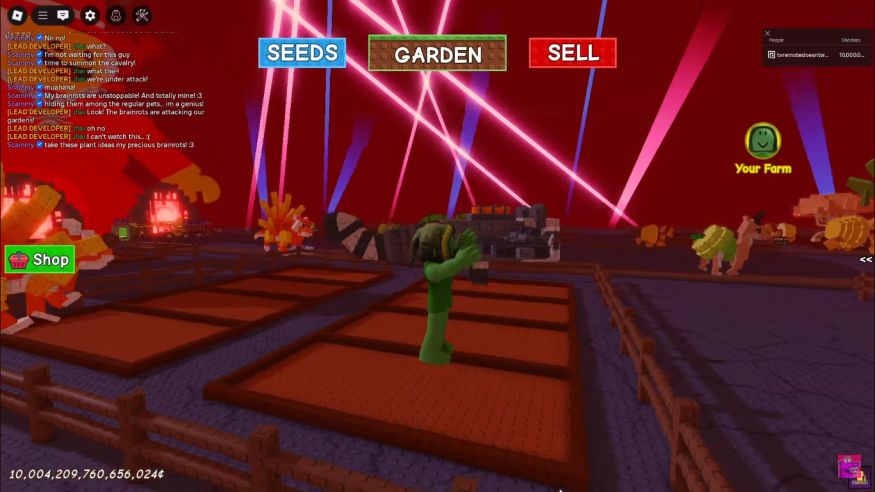
Some Roblox experiences run beautifully on weak hardware. Others are bloated, scripted, and weirdly demanding. The good news is that the playerbase is huge, so finding active games is rarely the issue.
The warning label is quality control. If one Roblox game runs badly, try another before blaming your whole PC. Some creators optimize properly. Some apparently optimize with a blindfold and a chair leg.
Minecraft
Minecraft can still be a great online game for low-end PCs, especially if you play older versions, lightweight servers, or carefully tuned settings. It also has one of the strongest multiplayer communities in PC gaming.
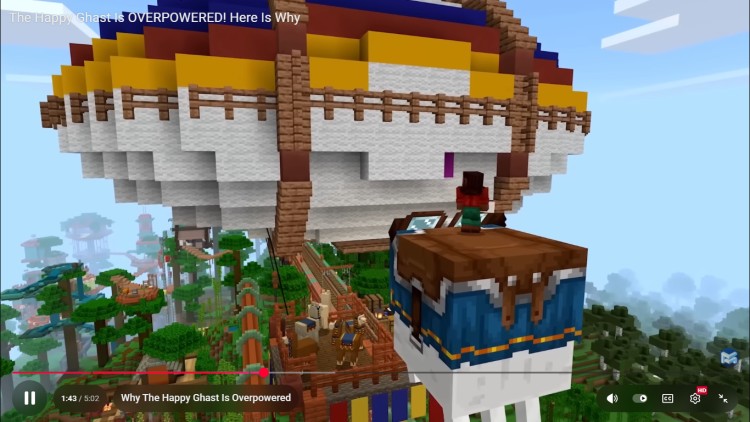
The problem is that modern Minecraft is not always as light as people remember. Java Edition can punish weak CPUs and low RAM, especially with busy servers, high view distances, or mods.
If your PC struggles, reduce render distance, avoid heavy modpacks, and stick to simple servers. If mods are part of your plan, use our Game Mods Guide before turning your install into a crash festival.
Terraria
Terraria is not a traditional matchmaking game, but it remains one of the best online co-op games for weak PCs. It is light, deep, cheap, and still has an active community around multiplayer, servers, and modded play.

It runs well on old systems because the 2D presentation keeps hardware demands low. Even very modest PCs can usually handle it unless the world becomes heavily modded or overloaded with effects. If working together is your priority, our guide to the best co-op games for low-end PCs includes more online, LAN and local options for modest hardware.
The warning label is that Terraria is best with friends or community servers. If you want instant matchmaking, this is not the same experience as a shooter or MOBA.
Co-Op and Survival Games That Still Have Players
Co-op games are great for low-end PCs because they can stay fun even if you are not chasing perfect competitive performance. The main thing to watch is server activity, loading times, and whether the game has become too bloated over time.
Left 4 Dead 2
Left 4 Dead 2 is ancient in gaming years, but it refuses to die. It still has active players, community servers, workshop content, and one of the best co-op loops ever made.

It runs very well on weak PCs because it was built on older Source engine technology. That makes it a strong option for Intel HD systems, old desktops, and low-spec laptops.
The warning label is that some community servers are heavily modified. If your FPS suddenly collapses, the server may be the problem, not the game itself.
Unturned
Unturned is a survival game that still works surprisingly well on weak PCs. It has simple visuals, multiplayer servers, and a long-running community that keeps it alive.

On low-end hardware, Unturned is playable, but performance can vary depending on the server, map, and number of players. Big servers can hit weak CPUs harder than expected.
The warning label is server quality. Some servers are smooth. Others are chaos wrapped in lag. Try a few before deciding the game does not work for your setup.
Don’t Starve Together
Don’t Starve Together is a strong pick for low-end co-op because it has a stylized 2D look, active players, and a gameplay loop that does not need twitch-shooter reflexes.

It runs well on older hardware, though late-game worlds can become heavier as more entities, structures, and effects build up. That is normal for survival games.
The warning label is the learning curve. The game looks cute, then it quietly ruins your evening. Performance is manageable, but survival is not guaranteed.
MMORPGs That Still Run on Weak PCs
MMORPGs are dangerous territory for weak PCs because modern ones often demand lots of RAM, storage, and CPU power. The safest picks are older or lighter MMOs that still have loyal communities.
Old School RuneScape
Old School RuneScape is one of the best online games for weak PCs because it is extremely light, still active, and built around gameplay rather than graphical flexing.
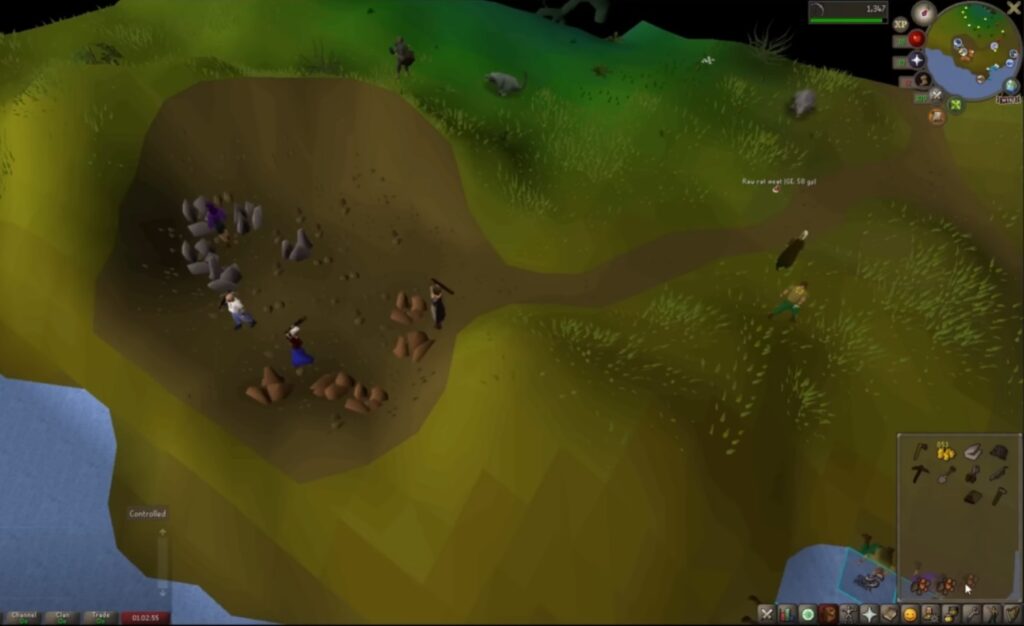
It runs on almost anything, which makes it ideal for old laptops, low storage machines, and integrated graphics users. The community is still strong, and the game keeps receiving updates.
The warning label is that it is slow by design. If you need instant action, this may feel like watching paint dry while mining copper. If you like long-term progression, it is excellent.
RuneScape
The newer RuneScape is more demanding than Old School RuneScape, but it can still work on modest PCs with settings reduced. It also has a long-running community and lots of content.
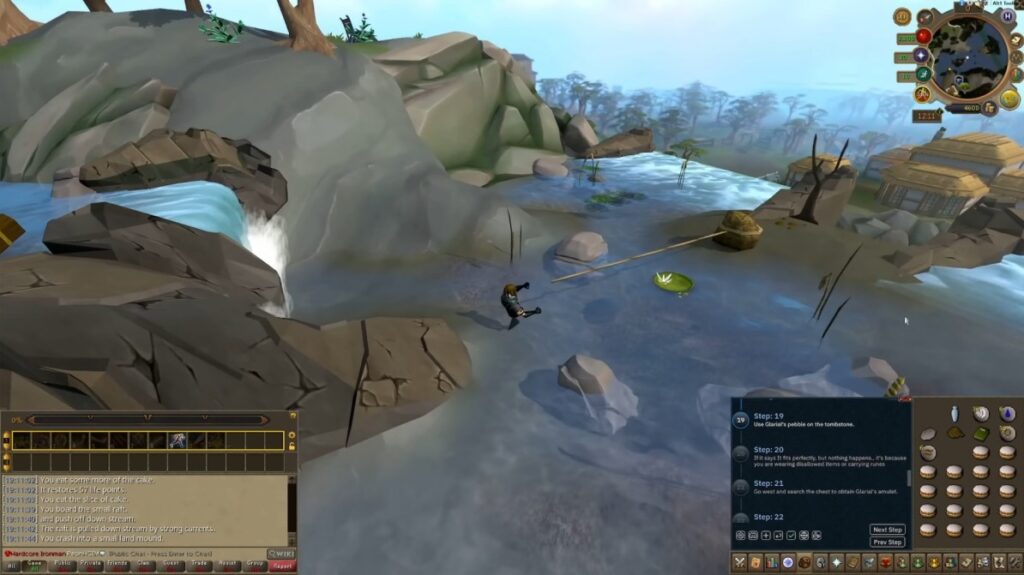
Weak PCs may struggle more in busy areas or during effects-heavy combat. If you are on 4GB RAM or an older HDD, Old School RuneScape is usually the safer pick.
The warning label is visual creep. Over time, even older games get heavier as interfaces, effects, and updates pile on.
Why Online Games Can Feel Worse on Weak PCs
Online games are not just about FPS. A weak PC can make multiplayer feel bad even when the frame counter looks acceptable. That is because online games stress your CPU, RAM, storage, and connection at the same time.
There are two different problems people often confuse: low FPS and network lag. Low FPS is your PC struggling to draw the game. Network lag is your connection struggling to talk to the server. Both feel awful, but they are not the same problem.

Common weak-PC problems include frametime spikes, CPU bottlenecks, HDD loading stutter, shader compilation, background Windows bloat, and RAM overflow. If your games stutter even on low settings, read Why Games Stutter on Low End PCs.
If the issue feels more like delayed movement, rubber-banding, or enemies teleporting around, check How To Reduce Lag Without Sacrificing Graphics. And if Windows itself is dragging everything down, start with Windows 10 & 11 Problems on Low-End PCs.
“Still Active” Depends on Where You Live
This part matters, especially if you are outside the biggest server regions. A game can be very active globally but still feel dead in your region at the wrong time of day. EU and NA servers usually have the healthiest queues. Smaller regions can be more unpredictable, especially for ranked modes, niche playlists, or older games.
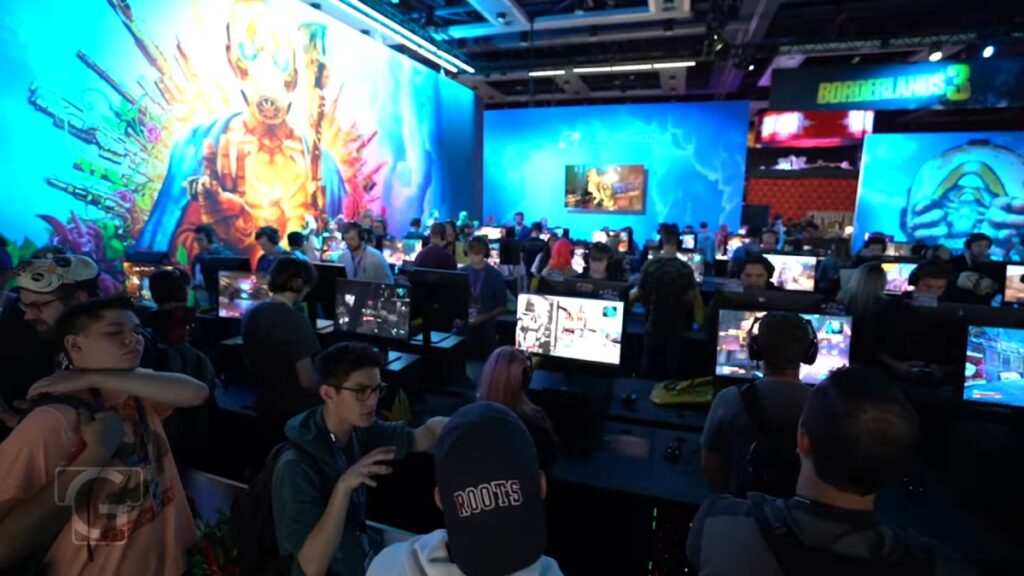
South African players often know this pain very well: the game is alive, but the nearest healthy server is somewhere your ping does not want to discuss. Before committing to a huge download, check community discussions, server browsers, Steam Charts, or official player activity where available.
Steam Charts and SteamDB are especially useful for Steam games, while official launchers and community Discords can help for non-Steam titles. Before committing to a huge download, check community discussions, server browsers, Steam Charts, or official player activity where available.
Some “Low-End Online Games” Aren’t Low-End Anymore
This is where a lot of guides lie to you. Some games used to be low-end friendly, but updates, anti-cheat systems, new engines, bigger maps, and bloated assets changed the story.
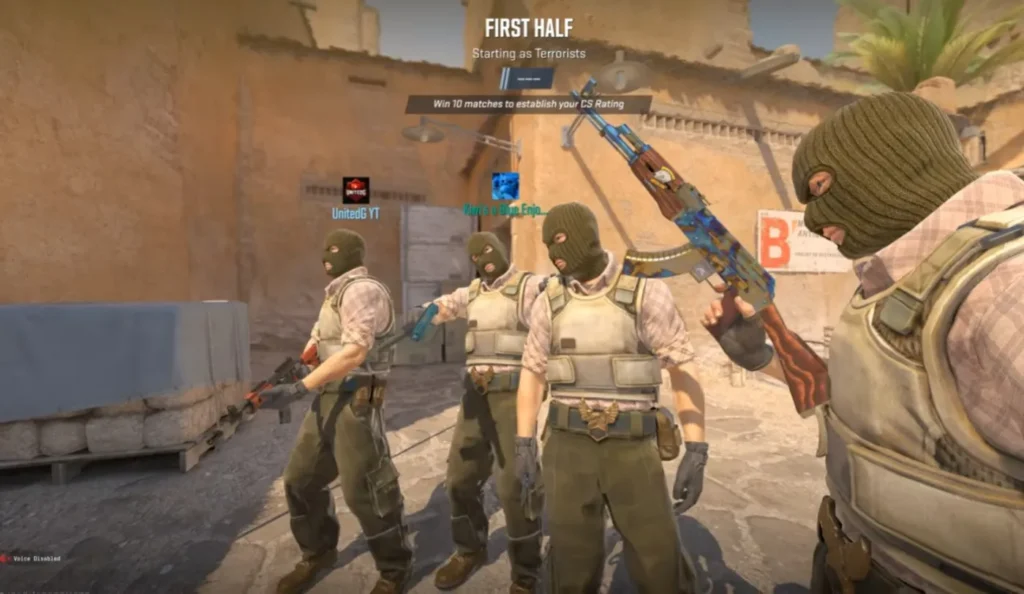
Counter-Strike 2 is the obvious example. It has a massive playerbase, but it is not the same low-end miracle that CS:GO used to be. On very weak PCs, especially old integrated graphics systems, it can be rough.
Fortnite is another mixed case. Performance Mode helps, but the install size, updates, shaders, and CPU demands make it less friendly than people claim. It can run on some weak systems, but I would not treat it as a safe “garbage PC” recommendation.
If your PC is already struggling, the smarter move is to start with lighter games first. If you later decide to upgrade, read What Should You Upgrade First on a Low-End PC? or check Best PC Upgrades Under $100.
Best Picks by Weak-PC Type
If you are still not sure where to start, use your hardware as the deciding factor. The weaker your system, the more ruthless you need to be with your choices.
Best for Intel HD Graphics
Start with Team Fortress 2, Old School RuneScape, Brawlhalla, Roblox, Terraria, and Left 4 Dead 2. These are realistic picks for integrated graphics users.
For more options, check FPS Games Without a Graphics Card and Free PC Games That Don’t Need a GPU.
Need more multiplayer recommendations? Our guide to the best games for Intel UHD Graphics covers some of the best online games that run smoothly on integrated graphics.
Best for 4GB RAM PCs
Old School RuneScape, Brawlhalla, Terraria, and Team Fortress 2 are safer than heavier modern shooters. Avoid anything with huge maps, massive launchers, and background anti-cheat overhead if your system is already memory-starved.
You can also use our Best Games for 4GB RAM PCs guide for more low-end options.
Best for Dual-Core CPUs
Old School RuneScape, Terraria, Brawlhalla, and lighter Roblox experiences are your safest starting points. Dota 2, Fortnite, and modern shooters can become CPU problems very quickly.
If you are still on a dual-core chip, read Still Using a Dual-Core CPU? before wasting time on games your processor clearly hates.
If you are into Fortnite which remains one of the biggest online games on the planet, but can older hardware still keep up? We tested the reality in our guide to running Fortnite on a low-end PC.
FAQ: Online Games for Low-End PCs
What are the best online games for low-end PCs?
The best online games for low-end PCs include Team Fortress 2, League of Legends, Old School RuneScape, Brawlhalla, Roblox, Terraria, Left 4 Dead 2, Unturned, and Don’t Starve Together.
Can Intel HD graphics run online games?
Yes, Intel HD graphics can run some online games, especially older or lighter titles. Team Fortress 2, Old School RuneScape, Brawlhalla, Roblox, Terraria, and Left 4 Dead 2 are good starting points.
Are online games harder to run than offline games?
Often, yes. Online games can stress your CPU, RAM, storage, and internet connection at the same time. That is why a game can look simple but still feel terrible on weak hardware.
Why do online games lag even when my FPS is fine?
That is usually network lag, not graphics lag. High ping, packet loss, unstable Wi-Fi, or bad routing can make online games feel delayed even when your PC is producing enough frames.
Should I avoid big modern multiplayer games on a weak PC?
Not always, but be careful. Games like Counter-Strike 2 and Fortnite may have huge playerbases, but that does not automatically make them good low-end PC choices anymore.
Final Thoughts
The best online games for low-end PCs are not always the newest, flashiest, or most hyped. They are the games that still run properly, still have active communities, and still respect hardware that should probably be enjoying retirement.
If your PC is weak, start with lighter games first. Test performance before committing to huge downloads. Avoid games that pretend to be low-spec while quietly demanding modern hardware.
Weak PCs can still play online. You just need to pick games that are actually alive, actually playable, and not secretly built to bully your old laptop.