Is Riftbreaker Running in Slow Motion even when your FPS counter looks fine? If a large base or an incoming enemy wave makes everything move unusually slowly, the game may be struggling to complete its gameplay calculations rather than simply struggling to draw frames. EXOR Studios has confirmed that the engine can deliberately slow the simulation when those calculations take too long.
Before lowering every graphics setting or shopping for a faster CPU, identify which kind of slowdown you have. The checks below focus on large bases, enemy waves and co-op, and show you how to test possible improvements without sacrificing your original save.
Is It Slow Motion or Low FPS?
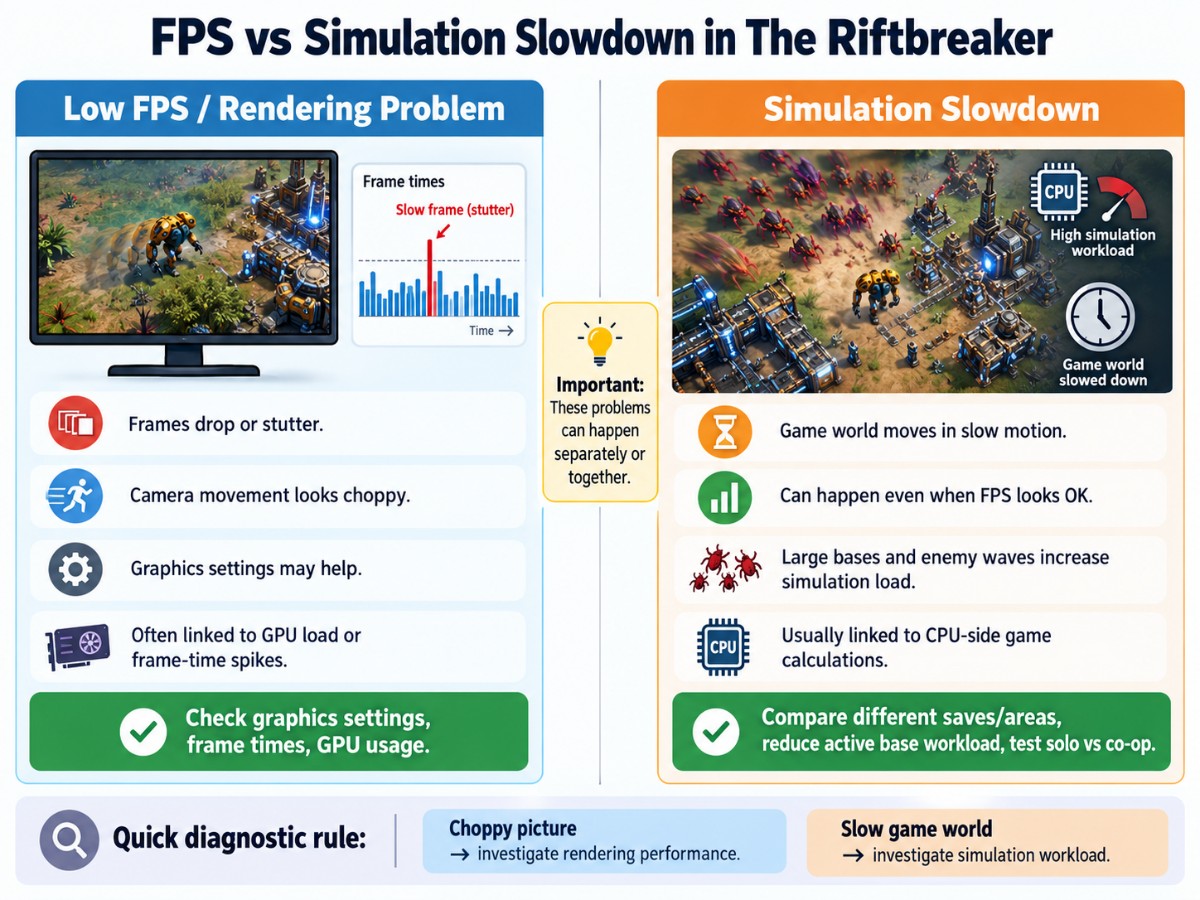
These problems can look similar at first, but they do not always have the same cause. Low FPS affects how smoothly your monitor displays new images. Simulation slowdown affects how quickly events progress inside the game: movement, attacks and other actions can feel as though someone turned down the speed.
Copy
| What you notice | Most useful first check | What it may indicate |
|---|---|---|
| The picture judders or your FPS counter falls sharply. | Compare FPS and frame times in a quiet area and during an attack. | Rendering or general system-performance trouble. |
| The world seems to move in slow motion, but FPS stays relatively steady. | Compare game speed in a simple area and at a developed base. | Possible simulation slowdown. |
| Enemies or another player jump between positions, especially online. | Compare solo play with the same group’s co-op experience. | Possible connection, synchronization or hosting trouble. |
These are clues, not definitive diagnoses. Low FPS and slow simulation can happen together. An FPS counter reports rendered frames; it does not measure how much simulated game time is advancing. If your main symptom is jerky or uneven frames rather than a slowed game world, our guide to game stuttering on low-end PCs covers the broader PC-side checks.
Why The Riftbreaker Slows Down
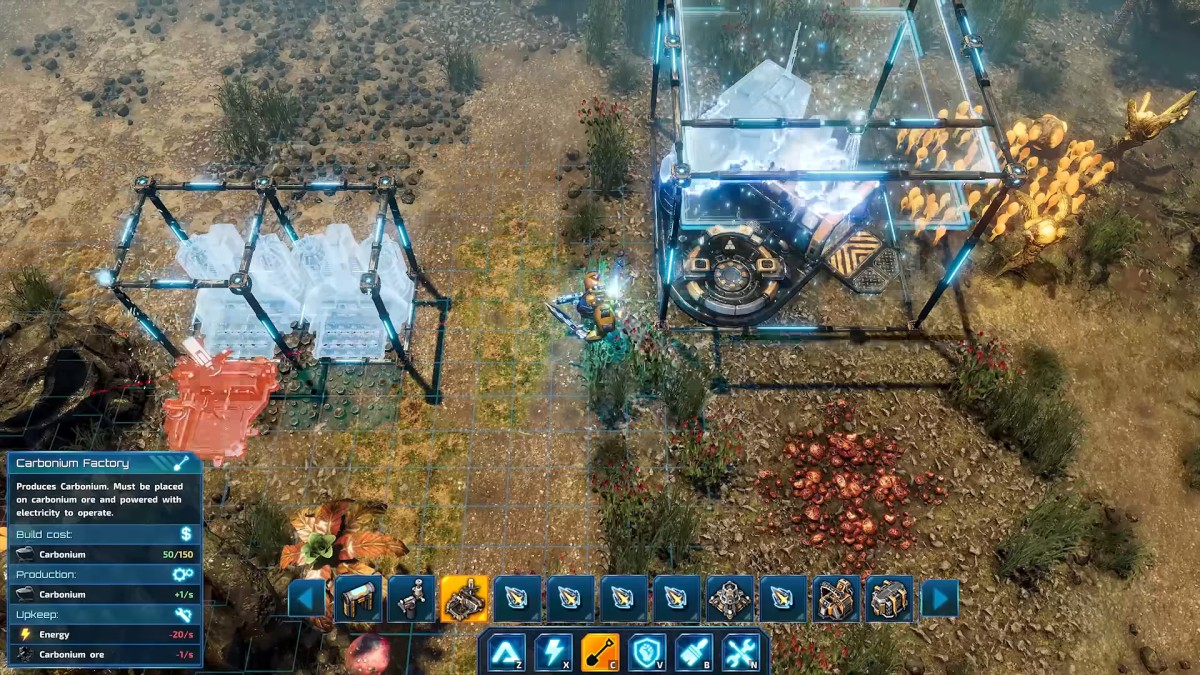
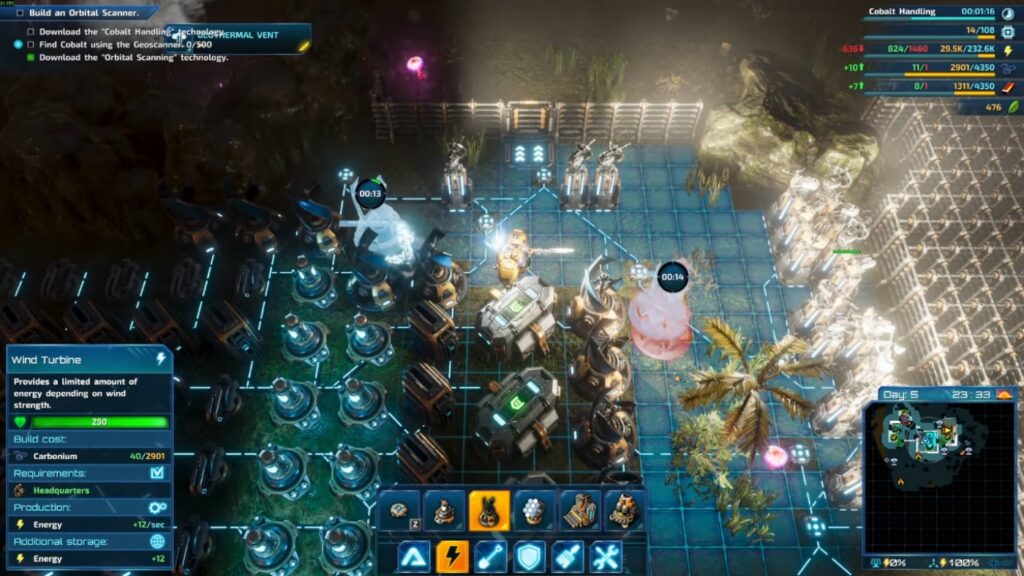
The Riftbreaker has to manage much more than what appears on screen. Enemy creatures must navigate around obstacles and respond when the environment changes. A developed base also has production chains, resource connections, power systems and other interacting structures that the game must update.
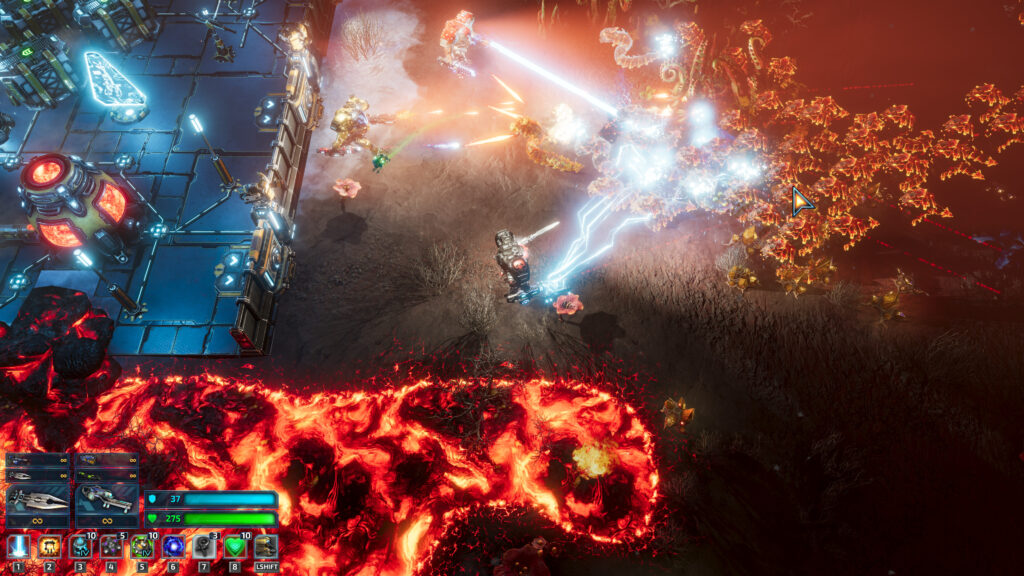
In its official explanation of Riftbreaker optimization, EXOR Studios says the simulation has a 33-millisecond budget for updating gameplay state. When economic-system calculations exceed that window, the developers describe an intentional trade-off: the game slows its pace so simulation work can catch up with rendering. This helps explain why the FPS number and the speed of the game world may tell different stories.
EXOR also explains that the engine avoids fully simulating every creature everywhere. Some inactive zones use a reduced form of processing, while active areas require more complete behaviour. That is why location, radar coverage, enemy activity and the size of an active base can matter. None of this means every slow session has the same bottleneck.
A graphics preset can reduce the work involved in drawing an attack. It does not necessarily reduce the calculations needed to move enemies around your defenses or update the base economy. That is why we should test the symptom before assuming a GPU setting will solve it.
Diagnose the Slowdown Before Changing Anything
Start with a repeatable baseline. You do not need specialist equipment, and you certainly do not need to dismantle half your base immediately.
- Protect your progress. Make a separate manual save if the game permits one and, before destructive experiments, preserve a backup of your save files. Keep the original untouched.
- Record the symptom. Note whether the world moves slowly, the image stutters, or both. Record whether an attack is underway and whether you are in solo or co-op.
- Watch FPS and frame times. Use a familiar overlay or monitoring tool. Our PC monitoring guide explains how to interpret usage, temperatures and clocks. Remember that low total CPU usage does not rule out a game-thread bottleneck.
- Compare locations. Visit a less-developed location and observe whether the game world returns to normal speed. Keep graphics settings unchanged so you are not changing two variables at once.
- Repeat under a similar workload. Compare quiet periods with busy attacks where practical. One smooth minute after a wave ends is not proof that the underlying problem has been solved.
If the game runs smoothly away from your largest base but slows again when its complex systems are active, that strengthens the case for a simulation-related workload problem. If frame times are poor everywhere, investigate broader PC performance before changing your base layout.
What to Try When Large Bases Cause Slow Motion
There is no verified, universal building-count threshold where The Riftbreaker starts slowing down. Instead of following a supposed magic number, test changes that could reduce active workload. Treat these as diagnostic experiments, not guaranteed fixes.
Test Unnecessary Active Systems on a Copy of Your Save
If your main base has accumulated redundant production, defenses or other constantly active infrastructure, identify one category that you can safely reduce in a duplicate save. Change only that category, then revisit the same location. Compare both the apparent game speed and the workload conditions.
For example, a small controlled reduction in redundant structures is more informative than destroying half the base at once. If the slowdown does not change, restore the original and test a different hypothesis. Avoid compromising power, resource supply or defenses in the save you intend to keep.
Consider Whether Production Belongs at an Outpost
EXOR Studios documents an important difference between active locations and outposts you have left behind: the game uses a simplified economic snapshot for remote outposts instead of continuously updating every part of their full economy. This supports the idea that spreading production may reduce some active-location work, depending on your setup. It does not establish a guaranteed performance gain from relocating buildings.
If your campaign allows it, compare a production-heavy active base with a less-developed location. Only consider a more substantial redesign if repeated comparisons suggest a genuine benefit and the logistical trade-offs make sense. Remote outpost production still has rules and limitations; the simplified simulation is not a licence to ignore resource planning.
Do Not Confuse a Graphics Improvement with a Simulation Fix
Try one lower graphics preset as a comparison if FPS or frame times are also poor. If rendering becomes smoother but movement and combat still progress in slow motion, you have learned something useful: graphical load was at least part of the presentation problem, but lowering it did not remove the underlying slowed gameplay.
Do not buy a replacement GPU or CPU on the strength of one symptom. A particularly complex save may remain demanding even on powerful hardware, and a hardware purchase deserves its own evidence-based diagnosis.
What if the Slowdown Happens in Co-op?
Co-op introduces a second question: whose machine is doing the simulation work? EXOR Studios explains that its player-hosted multiplayer model places the main gameplay-calculation workload on the host, and that this cost can rise in co-op. See the developer’s dedicated-server technical report for the architecture behind that decision.
If your group experiences slow motion, compare these observations before blaming the network:
- Everyone sees the whole world slow down: host-side simulation workload becomes a more plausible explanation, especially during heavy waves or at very large bases.
- Only one player sees jerky movement or delayed responses: investigate that player’s frame times and connection first.
- Solo play is fine but hosting the same kind of encounter is not: the additional host workload deserves investigation. Do not assume a different host is automatically the cure.
When practical, test with a simpler map or a smaller encounter, then compare with the problematic co-op save. Keep the player count and test conditions as similar as you can. If the group changes host, treat any improvement as evidence about that particular configuration, not as proof of a universal fix.
How to Check Whether a Change Worked
A useful fix should improve the symptom that brought you here, not just make a benchmark number look nicer. Revisit the same base, observe comparable levels of activity, and record both FPS behaviour and whether the game world advances at a normal pace.
| Result after a change | What to do next |
|---|---|
| Game speed improves under similar conditions. | Repeat the comparison before making the change permanent. |
| FPS improves but slow motion remains. | Keep rendering and simulation issues separate; continue investigating game workload. |
| No noticeable improvement. | Restore the original save or setting and test a different cause. |
| The symptom occurs across simple areas and different saves. | Check game updates, system stability and current developer support information. |
If none of the controlled checks changes the behaviour, you may be facing a demanding game-state limitation or a version-specific issue rather than a setting you can simply toggle away. Check the latest official patch notes and report the problem with your game version, PC specifications, affected save, whether it happens in solo or co-op, and the comparisons you performed. That is more useful than a vague report of “bad FPS.”
The bottom line: The Riftbreaker running in slow motion is not necessarily a graphics problem. Identify whether the game is dropping frames or slowing its simulation, preserve your save, and make one measurable change at a time. Sometimes the best result is a simpler active base; sometimes the evidence points elsewhere. Either way, you can avoid wasting hours on random tweaks—or money on an upgrade that was never proven necessary.