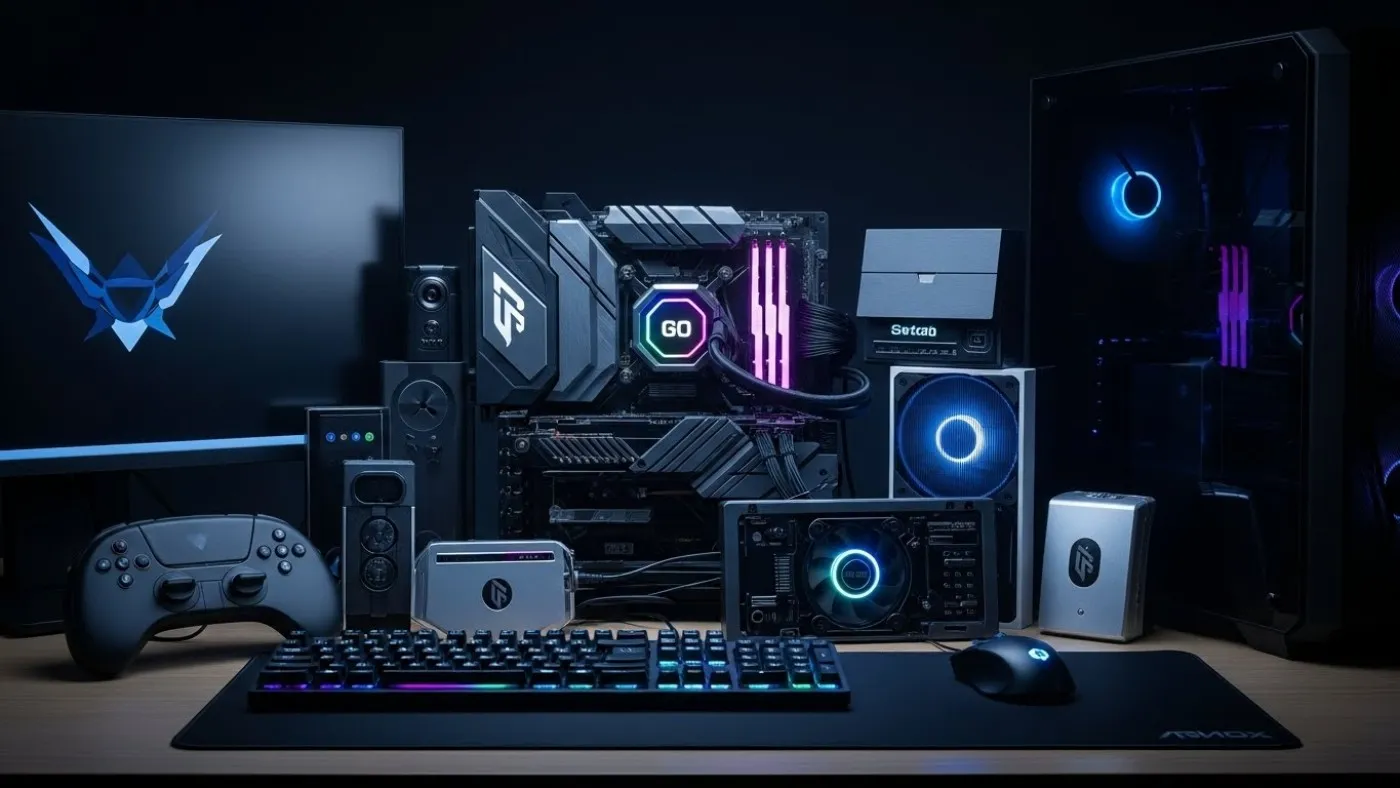

Updated for 2025 – 2026, built for clarity: This is your master jumping off point for a fully fledged Gaming PC Hardware Guide, that does its job without drama. Every section below is designed to guide you into smarter purchasing, faster upgrades and fewer nights wondering why your new mouse feels like a downgrade. Hardware should amplify your game, not complicate it. This hub takes you from displays and audio to peripherals and comfort gear, all mapped into clean subpillars so you always know what to read next. Think of this page as your control center for every future upgrade.
Your Hardware Navigation Center
This is your map, not just a list of blue links. If you are building a setup from scratch, upgrading one piece at a time or chasing down a specific bottleneck, this is where you start. Each subpillar groups together guides that go deep on one slice of your setup, whether that is monitors, audio and comfort or pure control gear like mice and keyboards. You do not have to read everything at once, you just need to follow the path that matches your current problem. If you’re starting from a bargain build, read this guide on cheap gaming PC mistakes so you know what corners sellers usually cut.
Begin by asking what hurts the most right now. Is your screen ghosting fast motion, your ears missing footsteps, or your wrists screaming after long sessions? The links below are built to fix those issues with clear explanations instead of marketing spam. When you are ready to go deeper on a category, jump into the subpillar and let it walk you through the options, trade offs and price brackets that actually make sense.
Use this navigation center as a living hub. As more reviews and guides go live, they plug into these subpillars so you always land in the right cluster of content instead of hunting through your browser history.
- Gaming Monitor Hub
- Headsets, Earbuds & Chairs Hub
- Mice, Keyboards & Peripherals Hub
- Ram Needs For Gaming
- Do SSDs improve FPS or just load times
- why your PC still feels slow after an upgrade and how bottlenecks control your experience.
- cheap gaming upgrades that actually boost FPS.
Buy Smart, Not Flashy
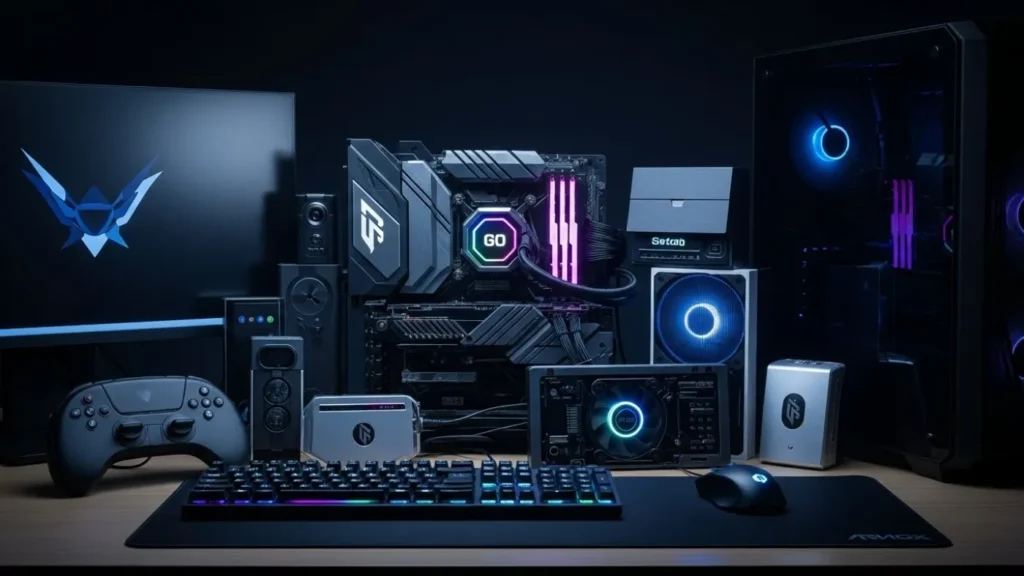
Anyone can buy hardware, but buying the right hardware is where most people trip and fall. Shiny specs and RGB strips are good at convincing you that something is “gamer grade” even when it barely moves the needle in actual matches. This hub is built to strip away that noise and focus on what genuinely changes your experience, like responsiveness, clarity, comfort and reliability. If a feature does not help you see better, hear better or control better, it goes straight into the “nice to have, not essential” pile.
Before you click into any subpillar, pause for a second and define your main goal. Are you trying to see enemies faster, survive longer sessions without back pain or stop missing inputs when things get sweaty? Once you know the problem, the right piece of gear suddenly becomes much easier to pick out. That is the mindset behind every link on this page, so you are always upgrading with intent rather than impulse.
Use this hub as a filter. It will nudge you away from overpriced toys and toward solid, balanced choices that give you more performance per rand and fewer regrets after checkout. Flashy is temporary, good hardware stays in your setup for years.
RAM is the quiet backbone of your entire system, and it is where many gaming PCs silently fall apart. When you do not have enough memory, games do not just lose FPS, they stutter, hitch and pause while your system desperately shuffles data around. This is especially brutal on low and mid-range builds, where RAM limits are often mistaken for GPU or CPU problems. Understanding how much RAM you actually need, how speed and dual-channel matter and when an upgrade will genuinely fix stutter saves you money and frustration. If performance feels inconsistent rather than slow, RAM is often the missing piece.
Monitors — Find the Right Display

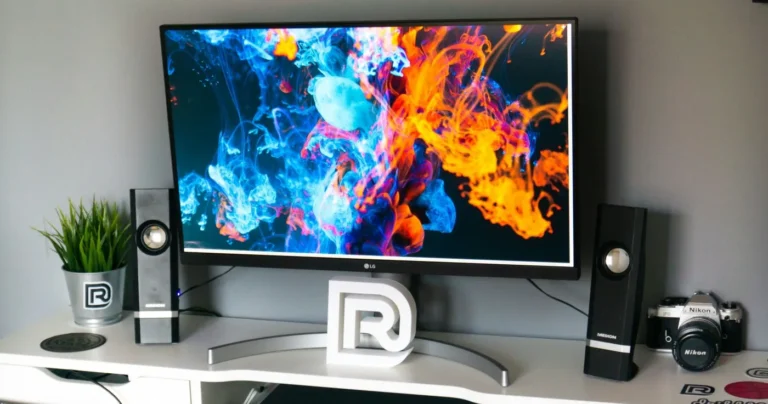
Your monitor is the part of your setup you look at more than anything else, so it has to pull its weight. A good gaming display is not just about resolution, it is about how smooth motion feels, how clearly you can track targets and how easy it is to sit in front of for hours. Refresh rate, response time, panel type and even basic things like stand adjustability all stack up to decide whether your games feel sharp or sluggish. If those terms feel confusing, the monitor guides below break them down without tech snobbery.
If your screen is stuck at 60 Hz while your GPU is trying to pump out triple digit frames, you are leaving a huge chunk of smoothness on the table. Moving up to 120 Hz or 144 Hz is often more noticeable than swapping GPUs in the same price tier. Better motion handling, less blur and tighter input feedback give your aim and reactions more room to shine. That is why monitors are often one of the best first upgrades for any gaming rig.
These articles will help you understand what makes a monitor “good for gaming” in 2025, from budget 1080p workhorses to high end QD OLED panels. Whether you want a simple upgrade or a full visual glow up, start here before you throw money at the nearest sale banner.
- What Makes a Good Gaming Monitor
- MSI QD-OLED Review
- Full Monitor Sub-Pillar Hub
- RAM buying guide for gaming PCs
Headsets, Earbuds & Chairs — Comfort = Performance
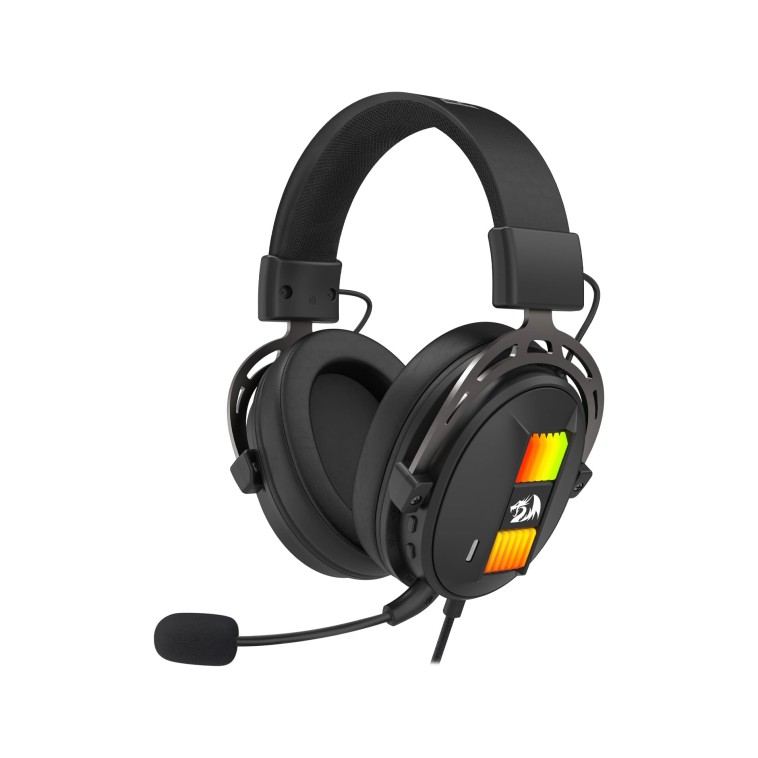


Comfort and audio are the two silent killers of performance that most people ignore until something starts hurting. A muddy headset makes footsteps blend into background noise, a bad mic gets you muted by your friends and a cheap chair slowly ruins your back over long sessions. None of that is “just cosmetic.” These things directly affect how long you can stay focused and how well you can react. If your setup physically fights you, no GPU on earth will save your rank.
Investing in a proper headset or a decent pair of gaming earbuds does more than just make explosions sound nicer. It sharpens positional audio, clears up voice chat and helps you pick out tiny sound cues that hint at flanks, reloads and ability usage. Pair that with a chair that actually supports your spine and suddenly your two hour sessions do not feel like a punishment.
The guides below walk you through audio and comfort gear with a focus on real world use, not influencer drama. Whether you share a house and need something low profile, or you want a full sized throne and closed back headset combo, this subpillar keeps you honest about what you really need.
- Gaming Earbuds Guide
- Best Gaming Chair Guide
- Best Gaming Headsets Roundup
- Full Audio & Comfort Sub-Pillar Hub
Mice, Keyboards & Peripherals — Control the Game
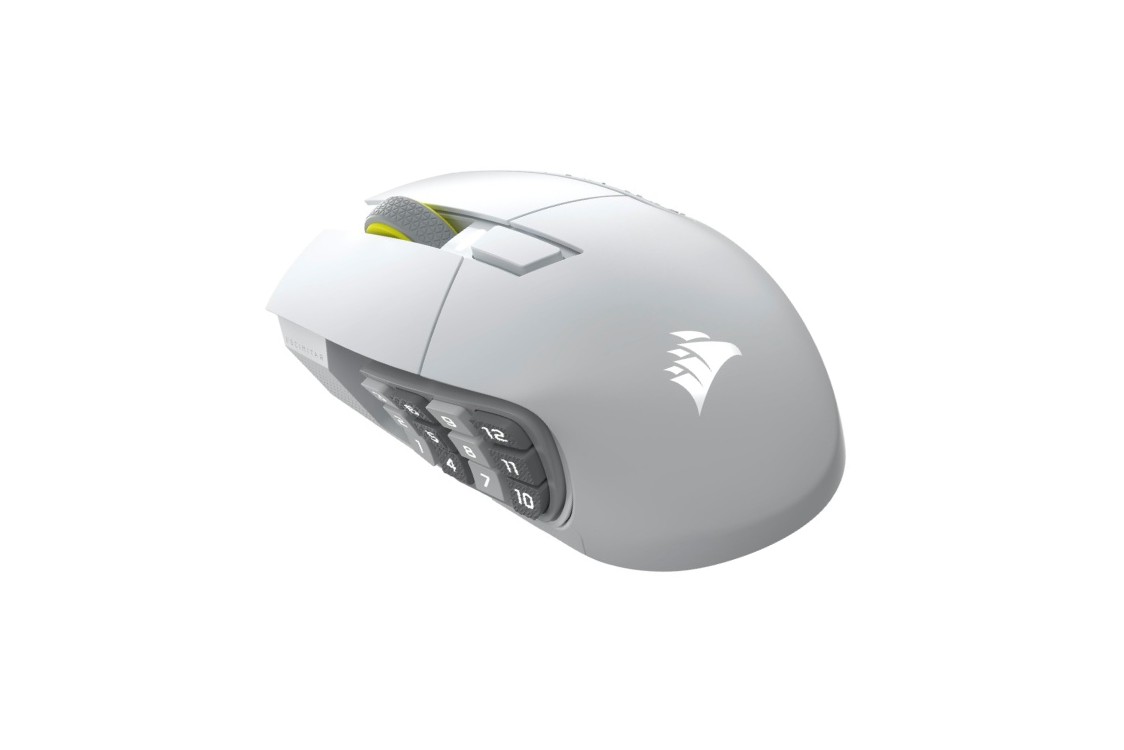
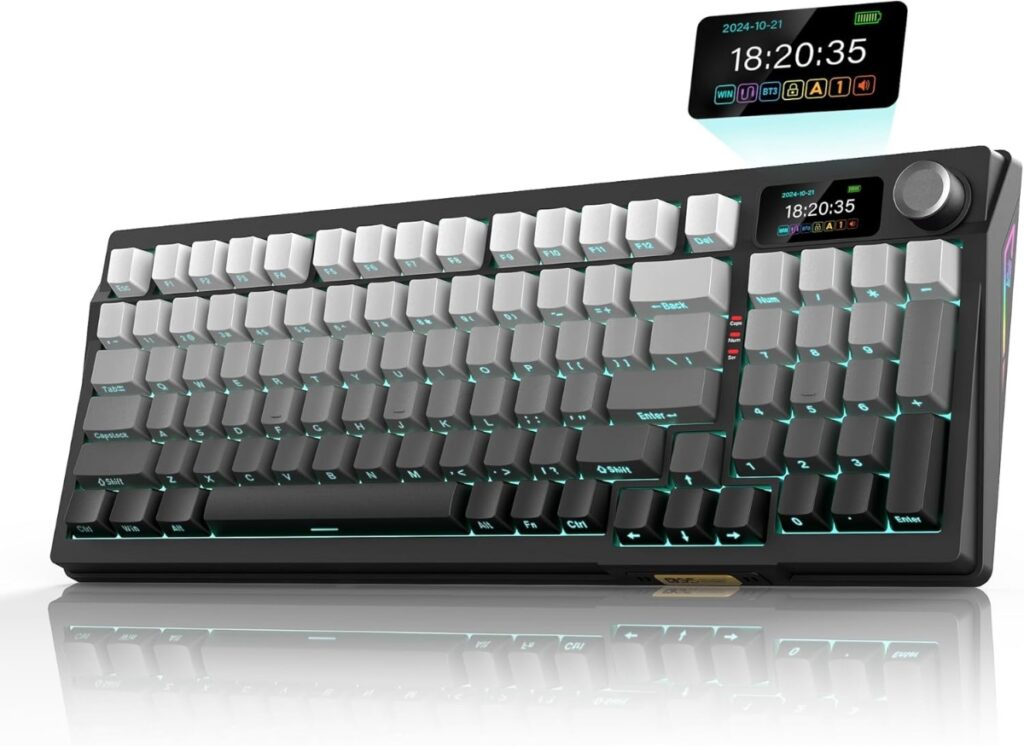
This is where your hands meet your games. Your mouse, keyboard and other peripherals translate every decision you make into actual in game actions. A poor quality sensor, unstable wireless connection or stiff, uncomfortable switches can make your aim and movement feel worse than they should. On the flip side, a good mouse that fits your grip and a keyboard that matches your preferences can make your play feel instantly tighter and more consistent.
Swap a heavy, office style mouse for a lighter gaming model and you will feel the difference in your flicks on day one. Move from a mushy membrane keyboard to a decent mechanical board and movement inputs become cleaner and more predictable. Add in the right joystick or flight stick for sims and suddenly entire genres open up in a new way. These changes are not just “feel nice” upgrades, they can change how confident you are when things get chaotic.
RAM — The Difference Between Smooth and Stutter

RAM is one of the most misunderstood parts of a gaming PC, yet it is responsible for a huge number of performance complaints. When you do not have enough memory, games do not just run slower, they run inconsistently. You get hitching, sudden pauses, delayed asset loading and those frustrating micro freezes that make everything feel broken even when the FPS counter looks fine.
This problem shows up most often on budget and mid range systems, where RAM capacity, speed or channel configuration quietly become the bottleneck. Adding more RAM or fixing a single channel setup can sometimes do more for smoothness than a much more expensive GPU upgrade. The key is knowing when RAM is actually the issue and when it is not.
The guides below break down how much RAM modern games really use, how speed and dual channel affect performance and how to choose the right kit without overspending. If your system feels uneven rather than outright slow, start here before blaming your graphics card.
Wrap Up!
The articles below dig into mice, keyboards and specialist peripherals with a focus on control, comfort and long term durability. If you want your hardware to disappear into the background so you can focus on the match, this is where you start tuning your setup.
- Top 8 Gaming Mice
- VKB Gladiator NXT F-14 Review
- Best Mechanical Keyboards Under $100
- Full Peripherals Sub-Pillar Hub
- Best PC Upgrades Under $100 That Make Old FPS Games Playable.
Every upgrade should make your gaming feel better, not just look better in a spec list. Use this hub as your starting point, dive into the subpillars that match your current pain points and build a setup that is balanced, comfortable and fun to use every single day. If you want deeper technical testing beyond our practical buying breakdowns, there are a few industry voices worth keeping close. GamersNexus offers some of the most detailed thermal and stability analysis in the industry, while NotebookCheck remains one of the best sources for real-world laptop and display performance data. Use both alongside this hub to make upgrades based on proof, not marketing spin.