DLSS vs FSR vs XeSS: Why FPS Gains Lie (And What Actually Matters)

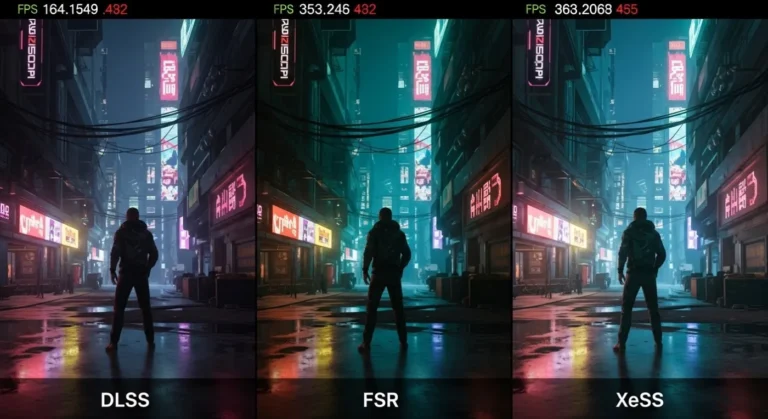
A real-world breakdown of DLSS vs FSR vs XeSS, what actually improves FPS, what looks worse, and what you should actually use on your PC.
PC Performance & Fixes is your central hub for solving the problems that actually ruin PC gaming: stutter, low FPS, high CPU usage, overheating, throttling, unstable frametimes, and broken Windows settings. This section focuses on practical, tested fixes and performance tuning steps that produce real, measurable improvements, not placebo tweaks.
You will find step-by-step troubleshooting guides, performance tuning walkthroughs, monitoring tool setups, temperature and throttling fixes, and Windows gaming optimizations. We explain what to change, why it matters, and when a tweak is worth it versus when it is just noise. When an upgrade is the smarter move, we point you to the right build and buying guides.
If you are deciding whether to fix, tune, or replace hardware, use these hubs alongside the performance guides:
Start here:
• PC Builds & Upgrades hub
• Hardware Buying Guides
• Low-End PC Gaming hub
• PC Game Guides & Tutorials
If your games feel rough, unstable, or slower than they should, start with the fixes and performance guides collected here before you spend money on new parts.

A real-world breakdown of DLSS vs FSR vs XeSS, what actually improves FPS, what looks worse, and what you should actually use on your PC.

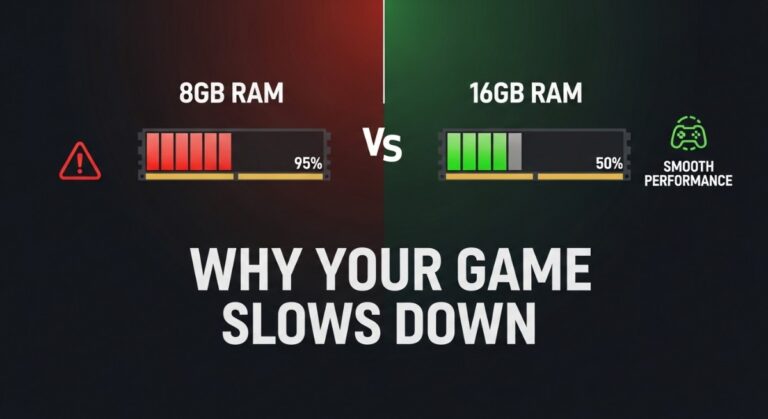
Game using too much RAM? If your game starts smooth then slows down, here’s why performance drops over time and what you can actually fix.

Streaming and gaming on one PC sounds simple until OBS starts killing your FPS. This guide explains the hardware and settings that make a single PC streaming setup actually work.

Audio crackling in games is usually caused by Windows settings, driver conflicts, USB issues, or performance spikes, not faulty hardware. Follow these 10 proven fixes to eliminate popping, crackling, and distorted sound on your Windows PC.

GPU crashes aren’t random. Learn how to diagnose driver issues, power problems, overheating, and hardware failure, then fix the real cause.

Low FPS or strange usage? Learn how to tell if your CPU or GPU Problem During Gaming is the problem, what normal usage looks like, and when your PC actually needs fixing.

A practical GTA VI PC performance readiness guide with hardware predictions, stress points, and upgrade priorities based on Rockstar’s PC history.

Not every gaming upgrade actually improves performance. Here are the PC upgrades weak-PC gamers often overspend on, and what matters more instead.

Counter-Strike 2 is not a GPU flex game. It is a CPU and frametime game. Here’s why upgrading your graphics card often changes nothing and what actually controls how CS2 feels to play.

Strip Windows down to what actually matters. This guide shows how to disable bloatware in one safe sweep, clean background junk, and make your PC feel fast again without reinstalling.