10 Brutal Windows Settings I Always Disable on a Fresh Gaming Rig (Trust Me)
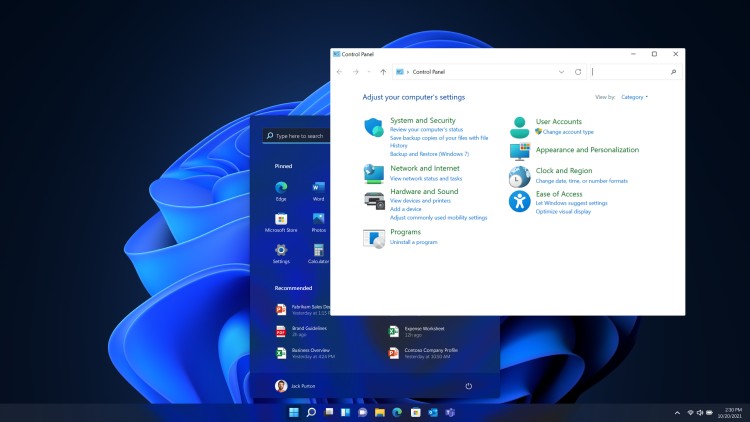
Fresh install? These 10 Windows settings need to go. I disable them every time I build a gaming PC — here’s why.

Built for performance. Built to break limits.
Built for performance. Built to break limits.
PC Performance & Fixes is your central hub for solving the problems that actually ruin PC gaming: stutter, low FPS, high CPU usage, overheating, throttling, unstable frametimes, and broken Windows settings. This section focuses on practical, tested fixes and performance tuning steps that produce real, measurable improvements, not placebo tweaks.
You will find step-by-step troubleshooting guides, performance tuning walkthroughs, monitoring tool setups, temperature and throttling fixes, and Windows gaming optimizations. We explain what to change, why it matters, and when a tweak is worth it versus when it is just noise. When an upgrade is the smarter move, we point you to the right build and buying guides.
If you are deciding whether to fix, tune, or replace hardware, use these hubs alongside the performance guides:
Start here:
• PC Builds & Upgrades hub
• Hardware Buying Guides
• Low-End PC Gaming hub
• PC Game Guides & Tutorials
If your games feel rough, unstable, or slower than they should, start with the fixes and performance guides collected here before you spend money on new parts.
Fresh install? These 10 Windows settings need to go. I disable them every time I build a gaming PC — here’s why.
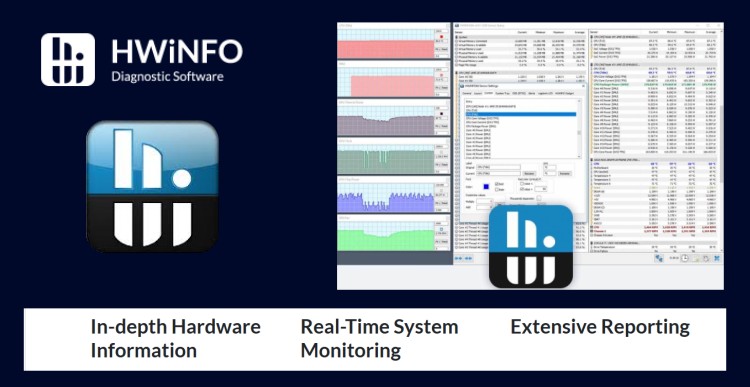
From CPU temps to GPU power limits — this HWiNFO64 guide shows you how to track what actually matters, and ignore the rest.

MSI Afterburner is powerful, but easy to misuse. This guide shows you how to safely overclock, undervolt, and monitor your GPU without crashes or guesswork.

Want to stop guessing and start knowing what your PC’s really doing? Here’s how to track temps, clocks, and usage like a total nerd (the good kind).
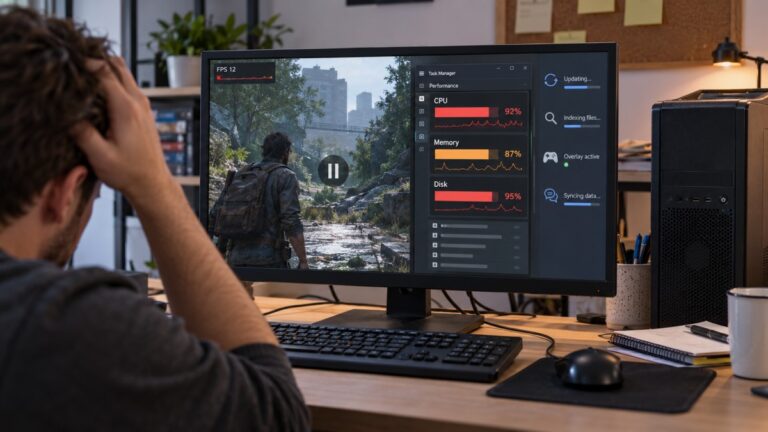
Low-end gaming PCs struggle when Windows uses too much CPU, RAM, disk, and background resources. This guide shows you how to reduce startup apps, updates, indexing, overlays, storage pressure, and other Windows problems that hurt gaming performance.

Seeing your CPU pinned at 100% while gaming? Here's why it happens, when to worry, and how to stop your processor from going full panic mode.

Find out what is making your Windows 11 PC slow by checking CPU, RAM, disk usage, startup apps, heat and recent changes before trying random fixes or buying unnecessary hardware.

This guide shows how to remove rootkit from Android and explains how phone malware can impact your PC, performance, and overall system security.

You’ve got the gear, the RGB, and the frame counter says you're golden — so why does your game still feel like it’s wading through molasses? We break down the real reasons behind stuttering in 2025 and what actually fixes it.

If you want to know whether your gaming PC is performing properly, do not judge it by one FPS number or a random benchmark screenshot online. Test it in a repeatable way, record the important numbers, and compare the results…