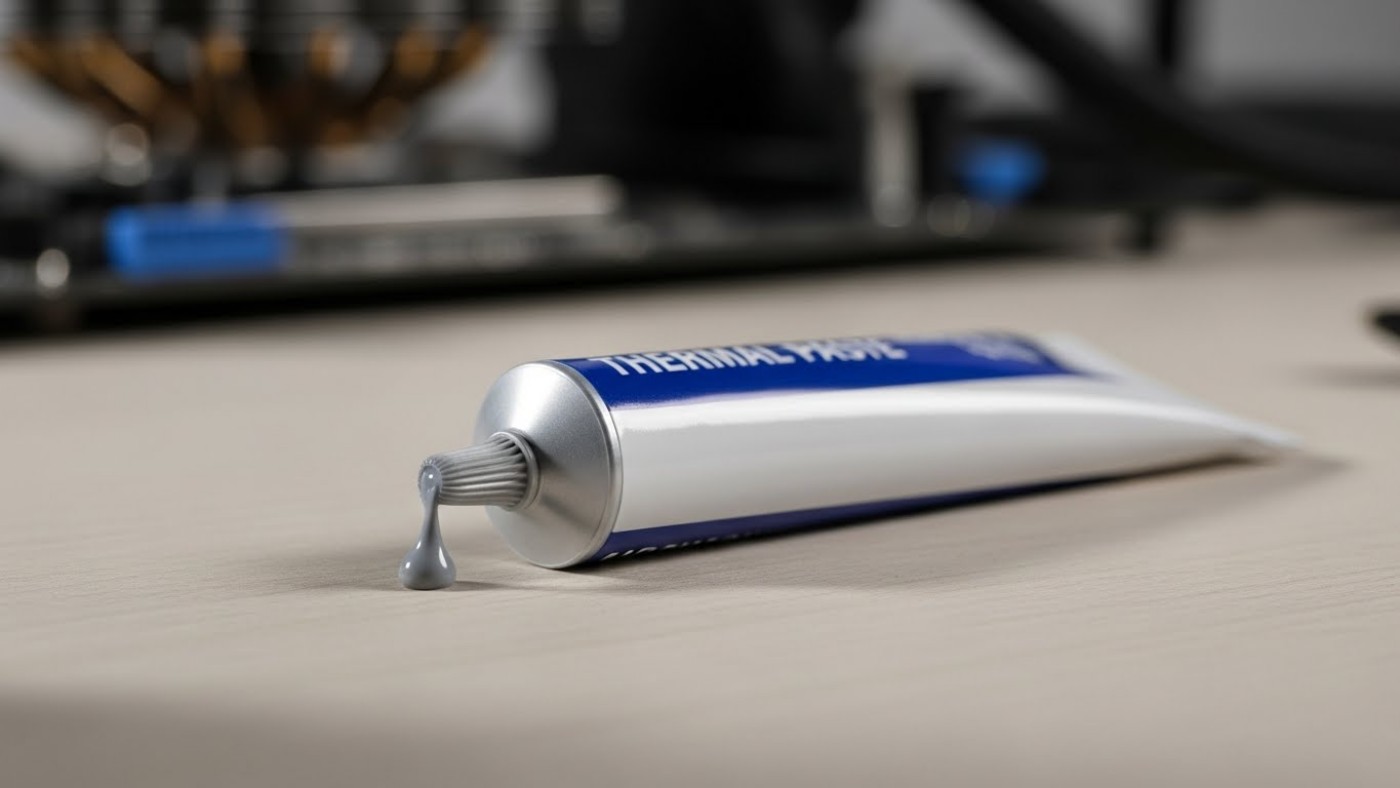
Thermal paste is one of the most misunderstood parts of PC cooling. People expect miracle temperature drops, argue endlessly about patterns, and then panic when their CPU still runs hot. The truth is less dramatic and far more useful. Correct thermal paste technique can lower temps slightly and improve consistency, but only when the fundamentals are right.
This guide explains the best thermal paste techniques for lower CPU temps, why most methods perform the same in the real world, and the common mistakes that quietly ruin results.

Thermal paste is not a cooling solution on its own. Its only job is to fill microscopic gaps between the CPU heat spreader and the cooler cold plate. Metal surfaces look flat, but under magnification they are full of tiny imperfections that trap air, and air is a terrible conductor of heat.
Thermal paste replaces that trapped air with a material that transfers heat more efficiently. That is it. It does not pull heat away, it does not fix a weak cooler, and it does not compensate for poor mounting pressure.
Thermal paste spreads through mounting pressure, not pattern choice. Even coverage comes from correct installation.
Using the correct amount of thermal paste matters far more than the pattern you choose. Too little can leave gaps, but too much is far more common and causes its own problems.
The old “grain of rice” advice is outdated. Modern CPUs have larger heat spreaders, and modern pastes spread very easily under pressure. A small pea-sized dot in the center of the CPU is a reliable baseline for most systems.
You are not trying to coat the CPU. You are trying to allow the cooler to spread the paste evenly under pressure.
Using too much thermal paste can trap heat. A small, controlled amount spreads best under pressure.
If paste squeezes out aggressively when mounting the cooler, you used too much.

Despite endless debates online, most thermal paste techniques perform nearly the same when mounting pressure is correct. The differences people argue about usually disappear outside of controlled lab testing.
Different thermal paste techniques achieve similar results when mounting pressure is applied correctly.
This is the simplest and most reliable method. A small dot in the center allows pressure to spread the paste outward evenly.
Best for: Most CPUs, air coolers, AIOs, beginners.
A thin line across the center can help with very large heat spreaders by encouraging lateral spread. In practice, the difference compared to a dot is usually negligible.
Best for: Larger CPUs where users want peace of mind.
Manually spreading paste with a card or tool is rarely necessary. It increases the chance of uneven thickness and trapped air unless done carefully.
Best for: Experienced users who know what they are doing, or very thick pastes.
In real-world systems, pattern choice matters far less than people think. Cooler mounting pressure is what spreads the paste. If pressure is even, the paste will distribute itself regardless of whether you started with a dot, a line, or a cross.
Pattern debates persist because small differences show up in test benches. In daily gaming and productivity workloads, those differences are often within margin of error.

Ryzen CPUs use chiplet designs under the heat spreader, but this does not require exotic paste patterns. A central dot still spreads effectively under normal mounting pressure.
Intel CPUs often have larger heat spreaders. A slightly larger dot or a short line can help coverage, but again, mounting pressure is the deciding factor.
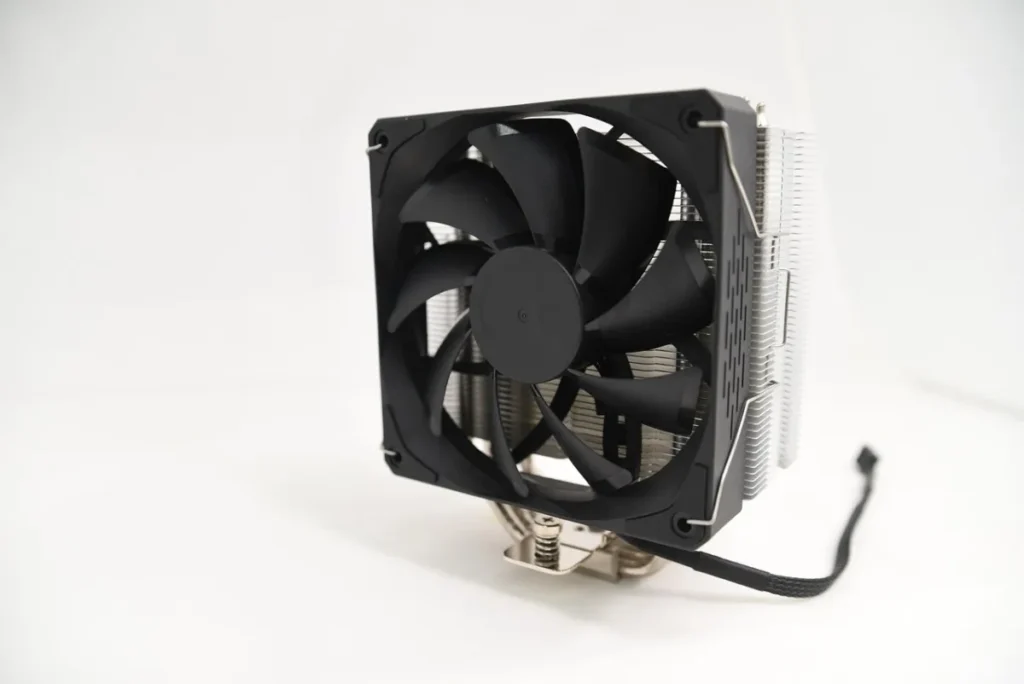
The application technique does not fundamentally change between air coolers and AIOs. Both rely on pressure to spread paste. What does change is mounting consistency.
AIOs often apply pressure more evenly by design, while air coolers can vary depending on mounting hardware. This is another reason technique matters less than proper installation.

Old thermal paste must be fully removed before reapplication. Leftover residue ruins contact.
If temperatures barely change after a correct repaste, the issue is usually elsewhere. Common culprits include poor airflow, aggressive boost behavior, or an underpowered cooler.
Before repasting again, it makes more sense to how to test gaming PC performance properly and identify what is actually causing heat buildup.
In many systems, simple changes like capping your FPS or learning how to undervolt your GPU to lower temperatures have a far bigger impact than paste alone.
High temperatures do not always show up as obvious overheating. They often appear as inconsistent performance, stutters, or sudden drops in clock speed.
If a powerful system feels unstable under load, it is worth understanding why games stutter on high end PCs, as thermal throttling is a common hidden cause.

Thermal paste does not need constant replacement. In most systems, quality paste lasts several years without issue.
You should consider repasting if:
If you are working with second-hand components, proper inspection matters. This is especially true when testing a used CPU before committing to long-term use.
The best thermal paste techniques for lower CPU temps are boring, repeatable, and effective. Use the right amount, mount the cooler evenly, and stop chasing patterns that make no real difference.
Thermal paste supports good cooling. It does not replace it. Get the fundamentals right, and the temperatures will follow.
For more practical hardware upkeep, this guide fits into the broader PC maintenance and optimization guide.



Most thermal paste guides obsess over patterns and brands. This one explains the techniques that actually lower CPU temps, and…

If you keep losing in EA FC, it’s probably not your reflexes or players. This guide explains the beginner mistakes…
Do faster SSDs actually improve FPS, or do they just shorten load times? This guide explains what SSD speed really…

A no-nonsense RAM buying guide for gamers. Learn which DDR4 and DDR5 RAM kits are worth buying, and which specs…