Building a gaming PC still feels like balancing on a knife’s edge. Overspend on the wrong part and you’ll regret it the first time your shiny build stutters. Underspend where it matters and your rig will age like milk. This gaming PC budget guide is here to cut through the nonsense, call out the dumb traps, and show you how to split your cash without getting fleeced.
Why Budget Allocation Matters More in Modern Times

We’ve finally entered a slightly calmer market. RTX 5000 cards are now established, AMD’s RX 9000 series has settled into realistic pricing tiers, and DDR5 is no longer exotic. GPUs are still expensive, but price-to-performance finally makes sense again if you know where to look. PCIe Gen5 SSDs still exist mostly for bragging rights, and Gen4 remains the real gaming sweet spot. Cases, PSUs, and cooling have crept up in price, so sloppy budgeting hurts more than ever.
To see how these shifts affect real-world builds, start with our Smart PC Upgrades for weak PCs. It’s the baseline we use to shape smarter allocations across every price tier.
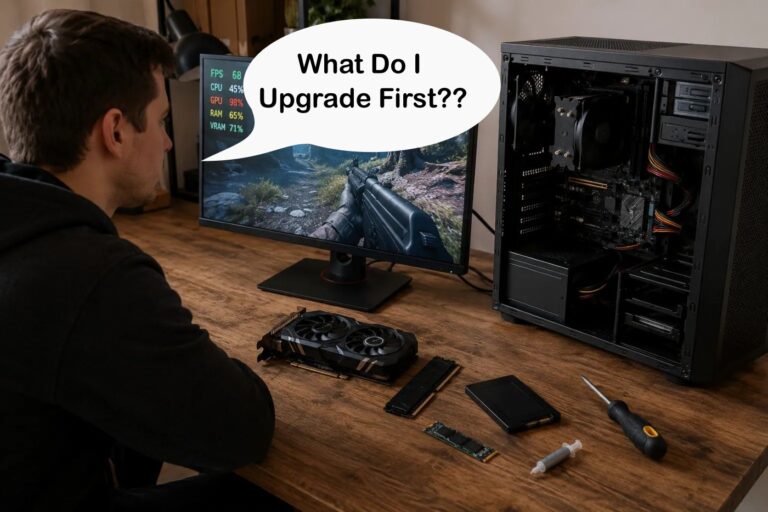
Not sure whether to upgrade or rebuild, this guide on how to upgrade your old PC the right way will save you money and regret.
If you already know your budget tier, jump straight to the real builds: Budget, Mid-Range, or 4K Beast.
The Golden Rule of Spending
Put your money where the frames are.
GPU: 35–40%
CPU: 20–25%
RAM: 10–15%
Storage: 8–12%
Motherboard: 10–15%
PSU: 5–8%
Case & Cooling: 5–7%
Your GPU is the lifeblood of your rig. Your CPU is the traffic controller. RAM and SSDs make everything smooth. The motherboard decides how long your build stays upgradeable. And your PSU decides whether your PC lives a long and peaceful life or explodes dramatically.
But don’t spend that GPU budget based on the biggest specification number you can afford. If you’re comparing graphics cards with different memory capacities, our 8GB vs 12GB vs 16GB VRAM buying guide explains how much VRAM actually makes sense for your resolution, games and budget.
If a dedicated GPU doesn’t fit your budget yet, don’t force one into the build by compromising everything else. A system built around capable integrated graphics can give you a usable gaming PC now while leaving room for a dedicated GPU later. See our No-GPU Gaming PC guide for the practical options.
A word about the GPU! if you cant afford a GPU Now, There are great alternatives, read this: The No-GPU Gaming PC: How to Build and Play Without a Graphics Card
If you want exact part recommendations that follow this allocation perfectly, use these guides instead of guessing:
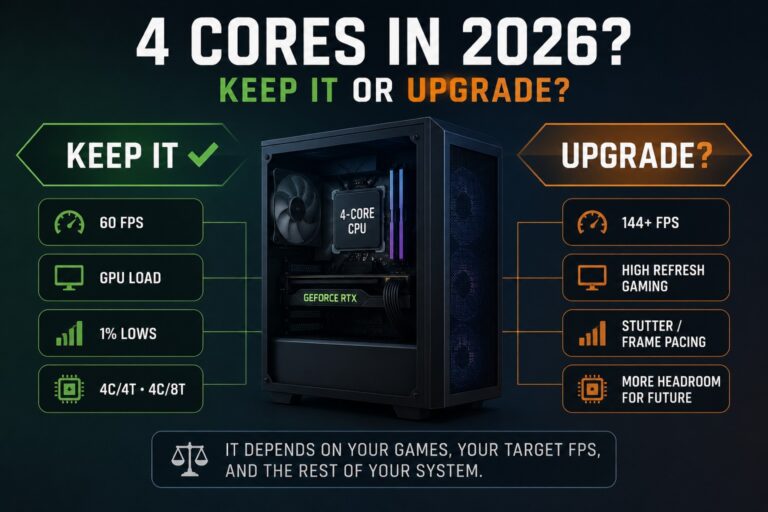
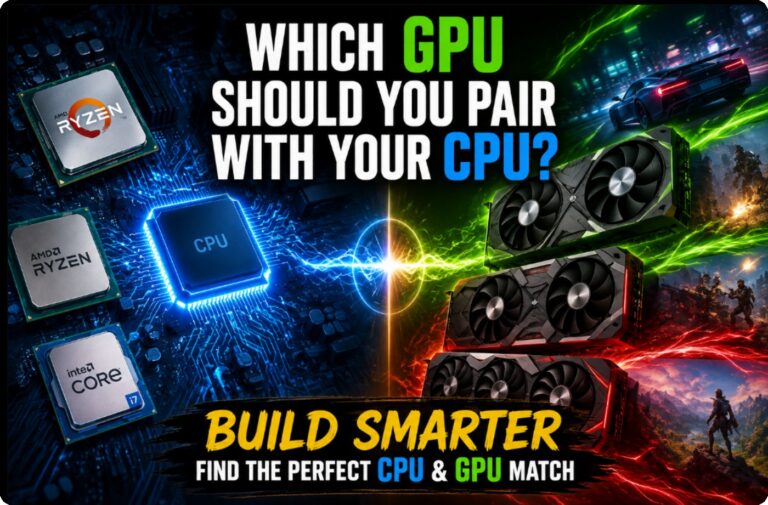
For CPU picking specifically, our Best Gaming CPUs by Value Guide keeps you from overpaying for cores you’ll never use.
Common Budget Fails (Don’t Be That Guy)

- Dropping $500 on custom water cooling for a mid-range GPU that barely breaks 70°C.
- Buying a Gen5 SSD because “it’s future-proof” instead of checking our real-world SSD performance guide.
- Spending $300 on a case while running a sketchy PSU that belongs in a toaster.
- Prioritizing RGB fans over airflow, then wondering why your rig cooks itself.
- Pairing a $900 GPU with a bargain-bin CPU instead of using our CPU value guide.
- Buying 64GB of RAM when your “heavy workload” is Chrome and Discord.
- Overspending on a motherboard full of features you’ll never touch.
Real Build Scenarios (With Cost Splits)
$800 Build: Entry-level competitive gaming. Roughly 50% GPU (RTX 4060-class or RX 7600-tier), 25% CPU (i5-13400F or Ryzen 5 7600), 15% RAM + SSD, 10% PSU and case. Not glamorous, but brutal at 1080p esports.
Start here: Best Ultra-Budget Gaming PC Build (2026 Edition)
$1500 Build: The sweet spot. About 40% GPU (RTX 4070 Super or RX 7800 XT-class), 25% CPU (Ryzen 7 7800X3D or Intel i7-tier), 15% RAM, 10% SSD, the rest into PSU and cooling. This is the build that makes 1440p feel effortless.
If this is your range, go straight here: Best Mid-Range Gaming PC Build
$3000 Build: Full send. 35% GPU (RTX 5090-class or RX 8900 XTX-tier), 25% CPU, 20% RAM, 10% SSD, 10% everything else. Built for 4K, VR, streaming, and mild flexing.
This tier is mapped in detail here: Best 4K Gaming PC Build
Stretching Your Budget Smarter
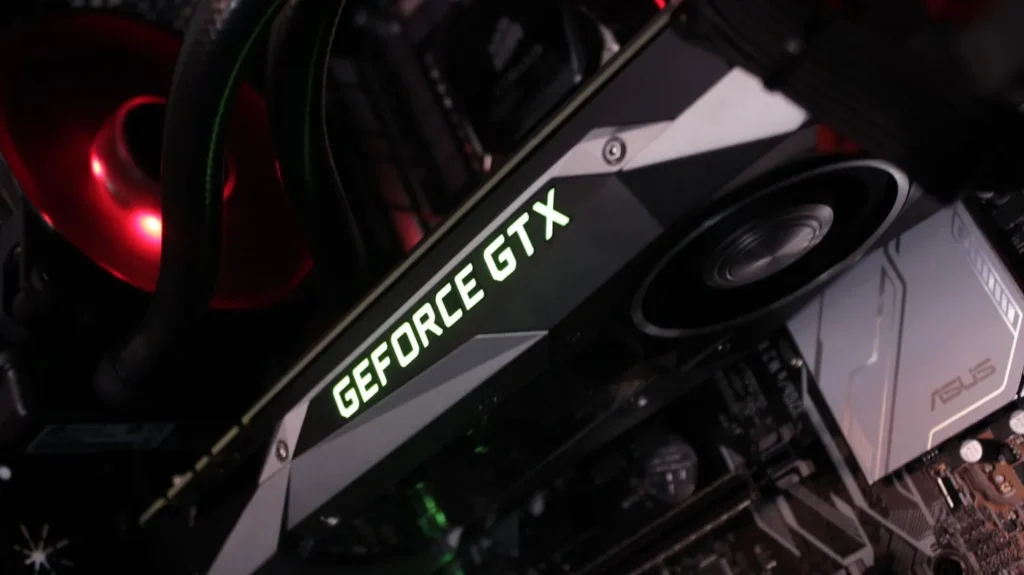
Last-gen GPUs still destroy “new” mid-range cards for value. Gen4 SSDs remain the real performance sweet spot. For compatibility checks, power estimates, and sanity validation, PCPartPicker remains mandatory.
Before buying anything, run your plan through our PC Compatibility Guide so you don’t waste money on mismatched components.
Games to Put Your New Rig Through Its Paces

Before chasing 4K fantasies, check the Steam Hardware Survey . It’s a reality check that reminds most gamers are still living in 1080p and 1440p.
If you want true 4K brutality, this is your endgame: Best 4K Gaming PC Build
The Bottom Line (Without Burning Your Wallet)
A balanced gaming PC budget in 2026 isn’t about throwing money at shiny nonsense. It’s about understanding where performance actually comes from and building around that reality.
If you only click one thing after reading this, make it your build tier:
Not everyone wants to build a desktop. If portability matters more than having a traditional upgrade path, our Best RTX 5060 Gaming Laptops comparison ranks the models we’d consider for strong modern gaming performance without paying flagship laptop prices.