Udated 01/08/2026
Building a great gaming PC doesn’t have to cost a fortune. This budget gaming PC build under $600 is designed for gamers who want smooth 1080p performance without overspending. Every component has been chosen for the best balance of price, gaming performance, reliability, and future upgrade potential, making this one of the smartest affordable gaming PC builds you can put together in 2026.
How We Chose This Budget Gaming PC Build
Building a budget gaming PC isn’t about buying the cheapest parts you can find. It’s about getting the best gaming experience for every dollar you spend. A well-balanced system will almost always outperform a poorly planned build that simply chases the lowest prices.
Every component in this build was selected using four simple criteria:
- Gaming performance first. We focus on real-world 1080p gaming performance rather than synthetic benchmark numbers.
- Value for money. Every part is chosen because it delivers excellent performance for its price, not because it’s the newest or most expensive option.
- Reliability and compatibility. These components work well together, are easy for first-time builders to assemble, and avoid many of the common mistakes that lead to upgrade headaches later.
- Upgrade potential. Your first gaming PC shouldn’t become obsolete the moment you want more performance. This build provides a solid foundation that allows future upgrades without replacing the entire system.
Hardware prices change constantly throughout the year, so we regularly review this guide to keep the recommendations relevant. Rather than chasing temporary discounts or flashy marketing claims, we focus on parts that consistently deliver the best long-term value for budget gamers.
Tip: If one of the recommended components is temporarily out of stock or overpriced, don’t panic. Choosing a comparable part with similar specifications is usually a better decision than paying a premium simply to match the exact parts list.
Which Gaming PC Budget Is Right for You?
Not every budget delivers the same gaming experience. While this guide focuses on building the best gaming PC for around $600, here’s how different budgets compare and what you can realistically expect from each.
| Budget | What to Expect | Best For |
|---|---|---|
| Under $500 | Usually requires a used GPU or CPU and a few compromises on performance or upgradeability. | Very tight budgets and first-time builders willing to shop used. |
| Around $600 | The sweet spot for smooth 1080p gaming with all-new parts and a solid upgrade path. | Most gamers looking for the best value. |
| $700–$800 | Higher graphics settings, stronger GPUs and CPUs, and better long-term performance. | Gamers wanting higher frame rates or entry-level 1440p gaming. |
| $900+ | Excellent 1440p performance with enough power for demanding modern games and content creation. | Enthusiasts planning to keep their PC for several years. |
For most gamers, spending around $600 delivers the best balance of gaming performance, reliability, and future upgrade potential. Spending less usually means relying on second-hand hardware, while spending more mainly improves graphics settings and long-term headroom rather than transforming the gaming experience.
Best Budget Gaming PC Parts Under $600
This baseline mirrors respected ultra-budget community builds, tuned for value, compatibility, and an easy first-time build experience. The goal is simple, get you into smooth 1080p gaming now, without locking you into dead-end parts later.
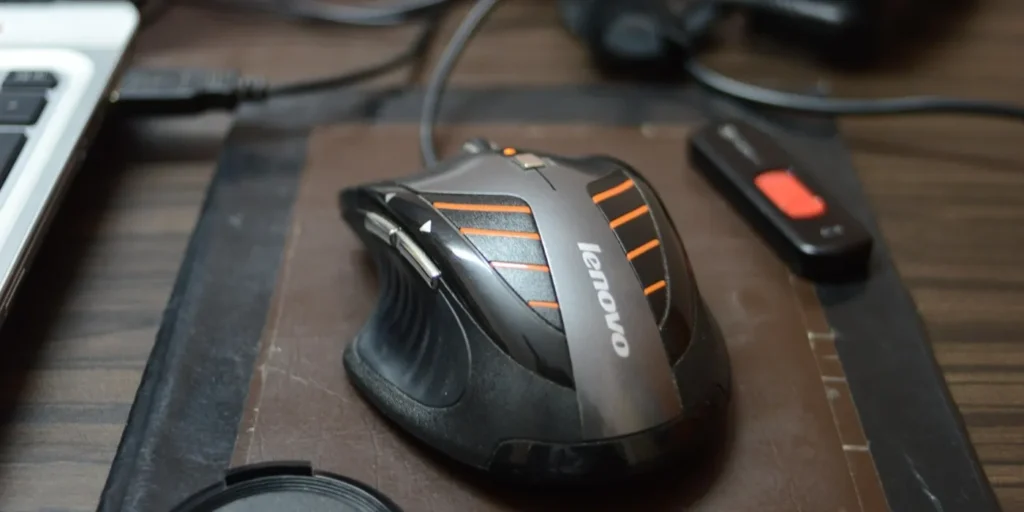
Target total: around $600 with all-new parts. You can still hit $500 if you catch strong sales or go used on the GPU, but $600 is the realistic “buy it now and stop stressing” number in 2026.
Use PCPartPicker to sanity check compatibility and watch for price dips. It saves first timers from silly mistakes, like mixing the wrong RAM or buying a case that turns your GPU install into a geometry problem. For the long-term strategy behind this parts philosophy, start with our Smart PC Upgrades for weak PCs pillar, and if you’re new to fit and clearance, skim our PC parts fit and perform guide.
The Parts That Make or Break This Build
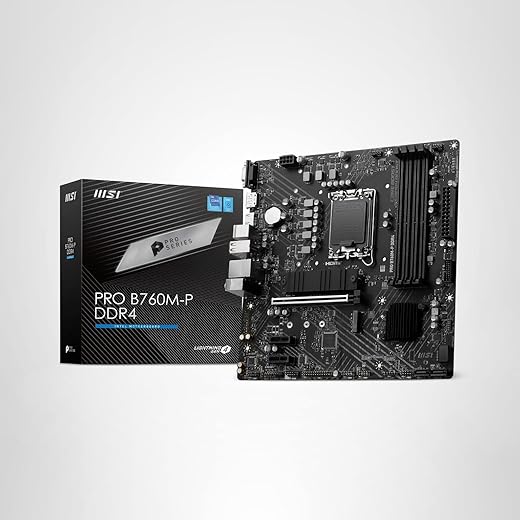
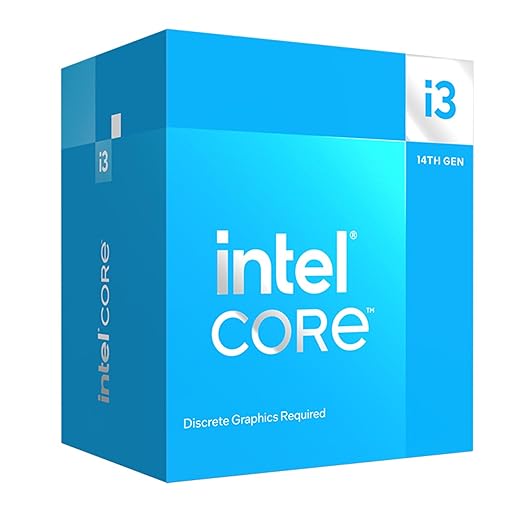


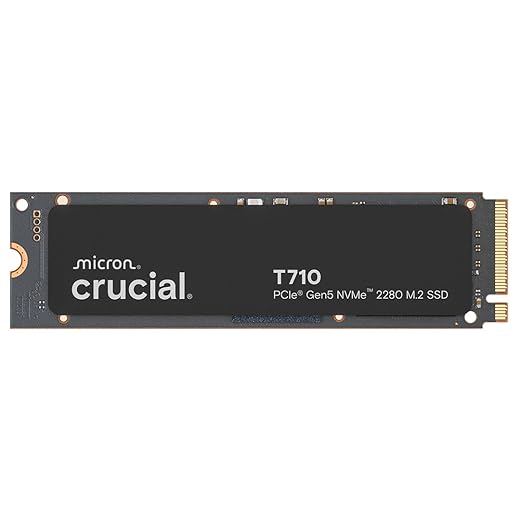


Optional GPU Upgrade: Intel Arc B580
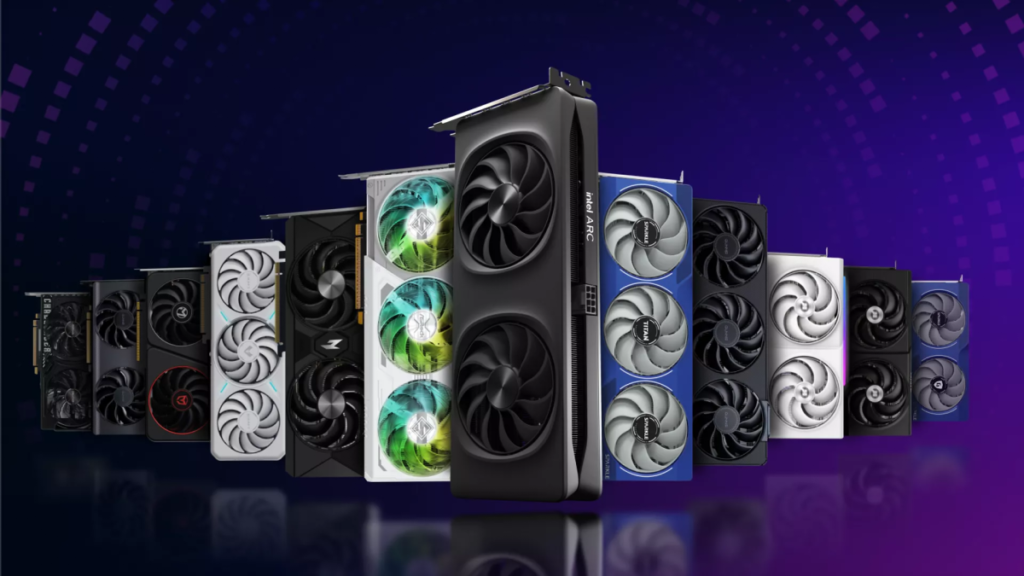
If you can stretch the budget a little, the Intel Arc B580 with 12 GB GDDR6 can deliver noticeably better 1080p results in texture-heavy games, and even some 1440p fun if you keep settings realistic. It is not a ray tracing hero, so stick to raster and enable Intel XeSS where supported. The appeal is simple, more VRAM breathing room than typical ultra-budget cards, which helps in newer titles.
Bottom line: RX 6500 XT is still the cheapest way in, Arc B580 is a meaningful step up if you find it at the right price. Before any swap, avoid the classic mistakes with our quick read on GPU upgrade mistakes gamers avoid.
Gaming Performance: What This $600 Budget PC Can Run

This build is designed primarily for 1080p gaming. It should handle competitive games comfortably, while newer and more demanding titles will require sensible graphics settings and occasional help from upscaling technologies such as AMD FSR or Intel XeSS.
| Type of Game | Recommended Settings | Realistic Performance Target |
|---|---|---|
| Competitive games Valorant, Rocket League, Overwatch 2 and similar titles | 1080p Low to Medium | High frame rates suitable for smooth competitive play |
| Popular multiplayer games Fortnite, Apex Legends and similar titles | 1080p Low to Medium with tuned settings | Generally smooth gameplay, although busy scenes may cause occasional dips |
| Older AAA games Well-optimized releases from previous hardware generations | 1080p Medium to High | A comfortable 60 FPS target is realistic in many games |
| Modern demanding games Cyberpunk 2077, Starfield and similarly heavy titles | 1080p Low to Medium with FSR or XeSS where available | Playable performance, usually with some visual compromises |
| Ray-traced games | Ray tracing disabled or kept at its lowest setting | Traditional rasterized graphics will provide a much smoother experience |
RX 6500 XT Performance Expectations
The RX 6500 XT is best treated as an entry-level 1080p graphics card. It performs most comfortably in competitive games and lighter titles, but its limited video memory means textures and demanding visual effects may need to be reduced in newer games.
For the best results, use Low or Medium settings, disable ray tracing, and enable FSR when the game supports it. This card also performs best on a system with PCIe 4.0 support, so motherboard and CPU compatibility should be checked before buying.
Intel Arc B580 Performance Expectations
The Intel Arc B580 provides considerably more performance headroom and video memory than the RX 6500 XT. It is better suited to modern 1080p gaming at higher settings and can also handle some 1440p gaming when the graphics preset is adjusted sensibly.
Intel Arc graphics cards work best in systems with Resizable BAR enabled. Before choosing the B580, confirm that your motherboard and processor support this feature and that it is enabled in the BIOS.
Our advice: Do not chase Ultra settings simply because they are available. Medium and High settings often look nearly identical during normal gameplay while delivering considerably smoother and more consistent frame rates.
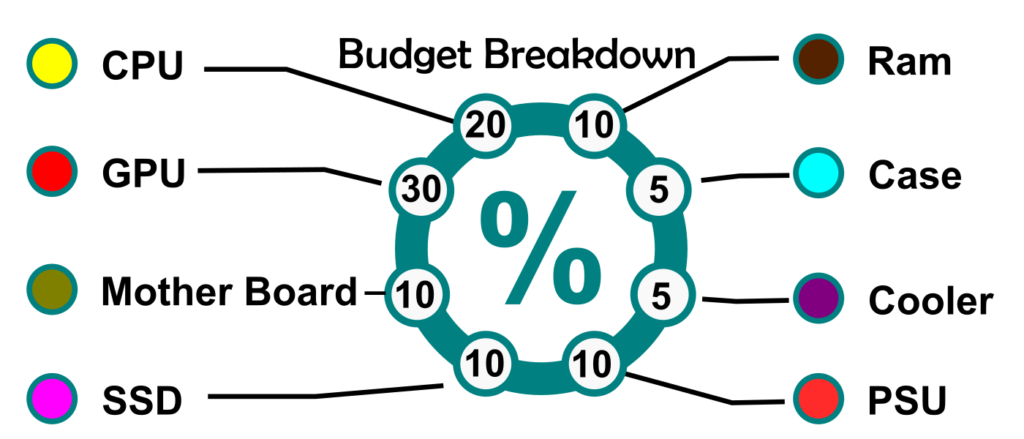
How to Keep Your Budget Gaming PC Under $600
GPU pricing still decides whether an ultra-budget build feels like a smart purchase or a compromise machine. The trick is to buy in the right order. Lock in a good deal on the GPU first, then build around it. RAM and SSD prices swing often, so they are perfect “sale targets” that can save you real money without hurting performance. If even this is over your budget consider The No-GPU Gaming PC
- Prioritize the GPU deal: It is the biggest performance lever, and the biggest price swing.
- Hunt SSD and RAM discounts: These dip constantly and are easy wins on budget.
- Consider open-box and reputable used GPUs: This is how $600 builds become $500 builds, without wrecking the rest of the parts list.
- Do not overspend on the case: Airflow matters more than brand badges at this price.
Where You Can Save—and Where You Shouldn’t
Saving money on a budget gaming PC does not mean choosing the cheapest version of every component. Some parts have very little effect on gaming performance, while cutting too deeply on others can create stability problems, limit future upgrades, or cost more to replace later.
Parts You Can Safely Spend Less On
- The case: You do not need tempered glass, RGB lighting, or a premium brand. Prioritise airflow, GPU clearance, and enough room to build comfortably.
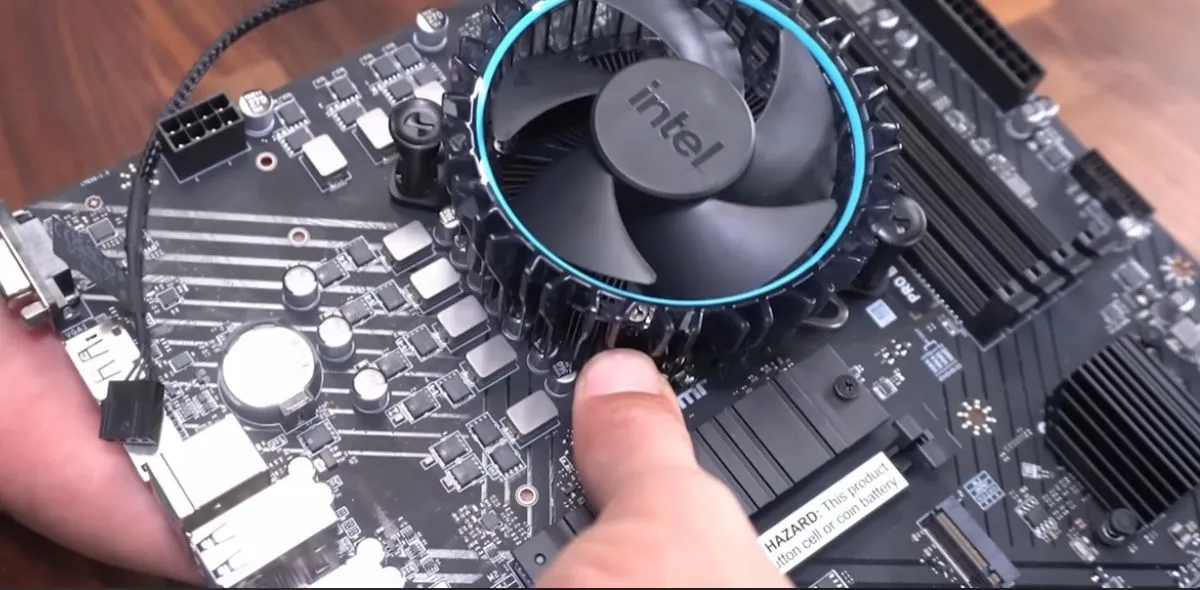
- CPU cooling: A stock cooler is usually adequate for a budget processor running at standard settings. An aftermarket cooler can be added later if temperatures or noise become a problem.
- Motherboard extras: Wi-Fi, premium audio, oversized heatsinks, and multiple high-speed expansion slots are useful only if you genuinely need them. A basic compatible board is often the smarter buy.
- SSD capacity: Starting with a smaller NVMe SSD can reduce the initial cost. Storage is one of the easiest components to expand later.
- Appearance: Matching components, cable extensions, RGB fans, and decorative accessories do not improve gaming performance. Add them later when the core system is already strong.
Parts You Should Not Cheap Out On
- The power supply: Avoid unknown brands and suspiciously cheap units. A poor-quality PSU can cause crashes, instability, or damage other components.
- The graphics card: The GPU has the largest effect on gaming performance. Saving a small amount here can lead to a much weaker system overall.
- Memory configuration: Use two matched RAM sticks whenever possible. Single-channel memory can reduce performance, especially in CPU-sensitive games.
- Case airflow: A cheap case is acceptable, but a sealed front panel with poor ventilation can cause unnecessary heat and noise.
- Compatibility: Never buy a cheaper component without checking whether it fits the case, works with the motherboard, and provides the connections your build requires.
Best rule: Save money on appearance and optional features, not on the components responsible for performance, stability, and safety.
Why Building Your Own Budget Gaming PC Beats Buying a Prebuilt
Prebuilts under $600 often hide weak links, single-stick RAM, no-name PSUs, tiny SSDs, and a spec sheet that reads better than it performs. A DIY list avoids that. You get dual-channel memory, a safer PSU, and an upgrade-friendly board. If a prebuilt tempts you, verify the exact GPU tier, PSU model, and whether the RAM is single channel.
If you’re doing a really tight budget build, a used CPU can be the smartest money saver, and Buying a Used CPU for Gaming shows how to vet the seller, the socket, and the chip before you pay.
Quick Takeaways
- This parts stack hits the entry-level 1080p sweet spot for the fewest bucks.
- RX 6500 XT gets you in, Arc B580 is a meaningful upgrade if you can nudge the budget.
- Use PCPartPicker to avoid compatibility mistakes and catch sales.
- Around $600 is the realistic target for a fully new ultra-budget build in 2026.
Suggested Upgrades Over Time
- GPU: Step up to Arc B580 or an RX 7600-class card when prices dip.
- RAM: Go 32 GB only if your games or creator apps demand it.
- PSU: Move to a quality 550–650 W 80+ Bronze or Gold unit when you upgrade the GPU.
- Cooling: Add two 120 mm intake fans for cooler temps and quieter sessions.
If you’re stuck on an older platform, read when to stop upgrading and build a new PC instead before buying more parts.
Build Steps at a Glance
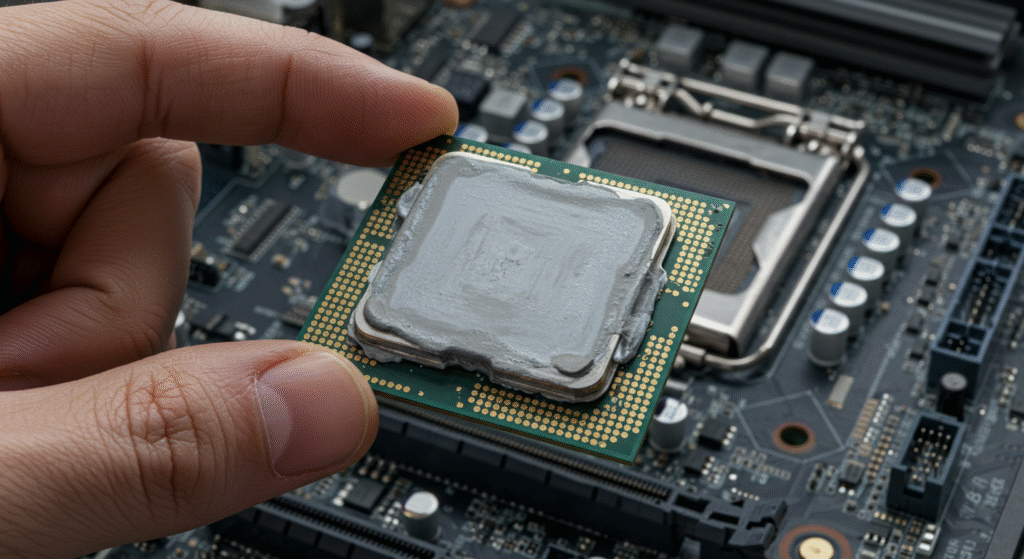
- Install CPU, stock cooler, and RAM on the motherboard outside the case.
- Insert the NVMe SSD in the M.2 slot, add the heatsink if your board includes one.
- Mount the motherboard in the case, connect front-panel cables and fans.
- Install the PSU, route the 24-pin, CPU EPS, and PCIe cables.
- Seat the GPU, connect PCIe power, and double-check all connections.
- Power on, update BIOS, enable XMP, then install Windows and drivers.
Helpful Resources
- How to Pick PC Parts That Fit and Perform
- Real-World SSD Performance in Gaming
- GPU Upgrade Mistakes Gamers Avoid
- Best Mid-Range Gaming PC Build
For those after a true 4K build, read: Best 4K Gaming PC Build.
Beginners can also skim PCMag’s beginner PC build guide for a friendly walkthrough.
Let us know how your build goes, drop a comment with your part list and temps.