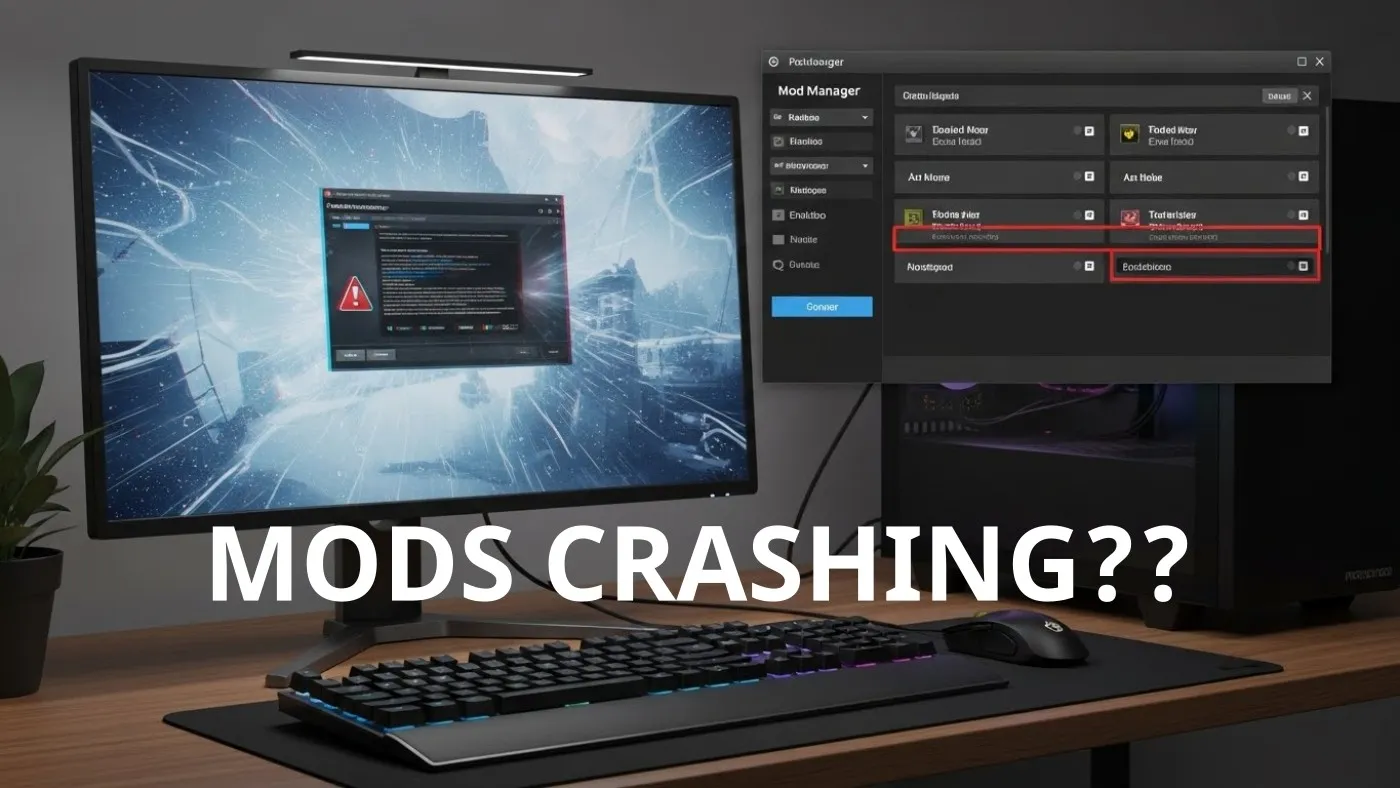
If your mods keep crashing your game, you are not cursed, unlucky, or “bad at modding”. Mod crashes follow patterns, and once you understand those patterns, fixing them becomes a process instead of a guessing game.
This guide walks you through a proven, repeatable system to figure out why mods keep crashing and how to fix it properly. No reinstalling Windows. No nuking your mod folder out of panic.
If you want a solid foundation before diving in, our complete game mods guide explains how modding actually works under the hood.
Mods almost never crash games randomly. Something breaks the rules the game engine expects, and it reacts by falling over.
This usually happens when a mod asks the game to load files, scripts, or features that do not exist, are outdated, or are being overwritten by another mod. Once that rule is broken, the engine has no graceful way to recover, so it crashes instead.
Work through the list below and see if any fit!
The important part is this, crashes are symptoms. Fix the cause and the crashes stop.
Before troubleshooting anything else, you need one clear answer. This single check saves hours of wasted effort later.
Does the game run without mods?
Disable every mod and launch the game in a completely clean state. No mod loaders, no plugins, no leftovers. If the game still crashes like this, the problem is not your mods at all. You are likely dealing with a base game issue, a driver problem, a recent update, or a system-level instability.
If the game launches and runs normally without mods, that is actually good news. It means the game itself is fine, your hardware is doing its job, and your issue is fully contained within your mod setup. You have just cut the problem space down from “everything” to something you can realistically fix.
Testing mods one by one is slow, frustrating, and usually unnecessary. There is a much faster way to isolate the problem without losing your sanity. If you are confused about loaders, folders, and load order, start with this guide on how game mods actually work and where they install.
Use the half-split method.
Start by disabling all mods. Then enable only half of your mod list and launch the game. If the game crashes, you know the broken mod is somewhere in that enabled half. If it runs fine, the problem lives in the other half.
From there, keep narrowing it down. Take the half that caused the crash and split it in half again, or do the same with the safe half. Each test cuts the number of suspects down dramatically, which is why this method works so well even with large mod lists.
This approach also holds up when more than one mod is misbehaving. One broken or incompatible mod is often enough to crash the entire setup, so isolating even a single culprit can restore stability fast.
Many crashes come from poorly sourced downloads, which is why sticking to the safest PC game mod sites matters more than people think.

Most mod crashes happen before hardware is even relevant.
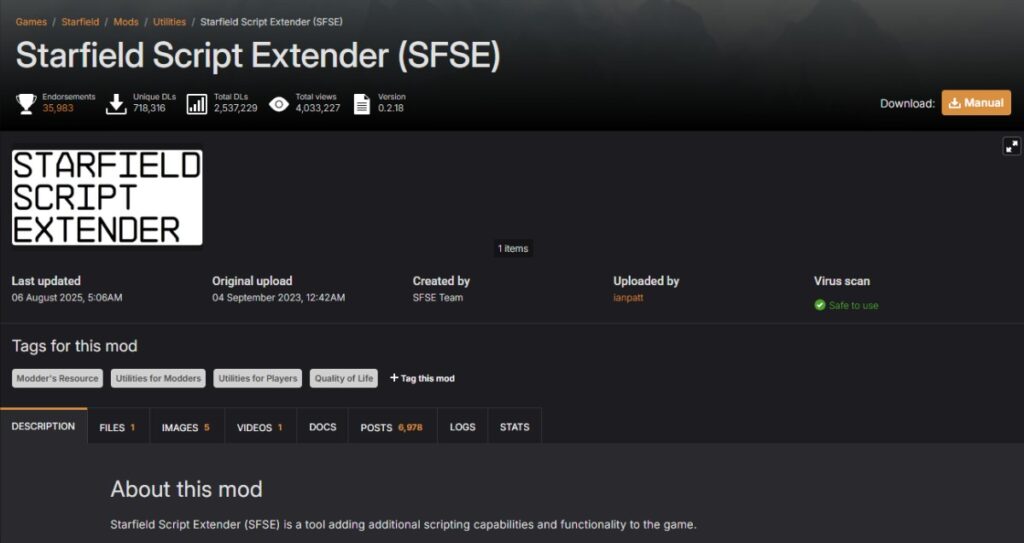
Games with large mod ecosystems like Starfield make this especially obvious. Complex setups such as those found in the best Starfield mods lists rely heavily on correct versions and dependencies.
Crash logs look intimidating, but you do not need to understand everything.
Focus on:
Most mod loaders point directly to the problem if you slow down and read the final lines.
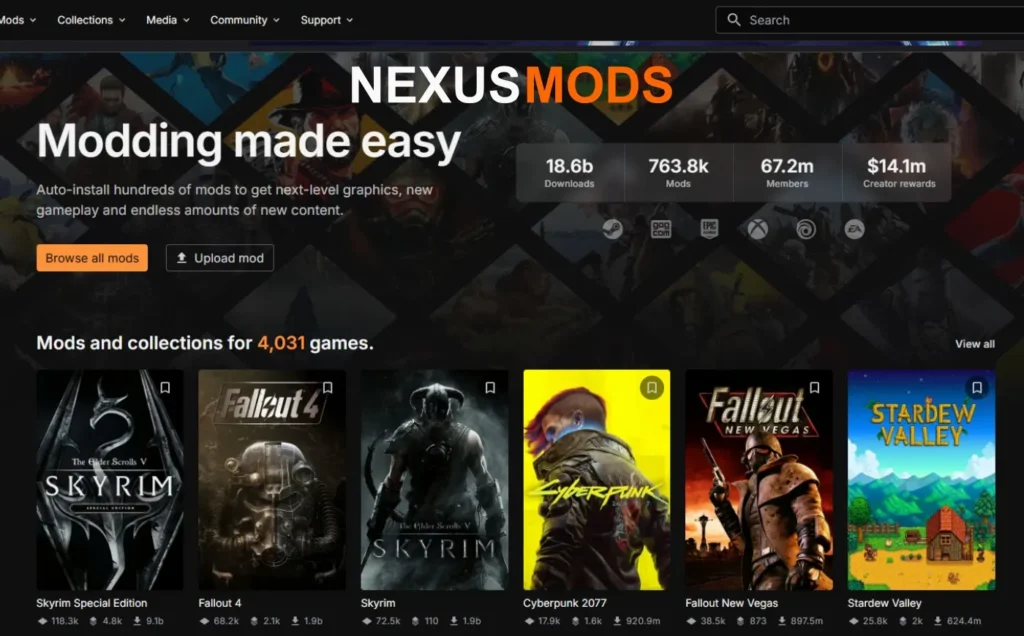
For deeper explanations, official resources like Nexus Mods documentation on mod dependencies and compatibility explain why these errors appear.
Crashes that happen after playing for a while are usually script or save related.
Live-service games and updated titles make this worse. The Starfield mods and updates hub is a good example of how updates can silently break stable mod setups.
Sometimes mods are innocent.
If crashes happen across multiple games, it is time to check system health. Our Windows 10 and 11 problems and fixes pillar covers the most common causes.
Older hard drives and limited memory can also hold back a modded setup. If you want smoother loading and fewer slowdowns, these upgrades can seriously improve your modding experience: RAM buying guide for gaming PCs and best NVMe SSDs for gaming.
Performance issues can also trigger instability, especially on newer systems. These guides on Windows 11 running slow and Windows settings to disable for gaming are worth checking.
Once your game is stable again, keep it that way.
Mods do not randomly crash games. They break rules, and once you know how to find the rule being broken, fixing the problem stops being frustrating.
You now have a system. Use it.




This guide explains how game mods actually work behind the scenes, how games load them, and where mod files install…

A practical buyer guide to the best gaming monitors by budget, with smart picks per price tier and performance-focused recommendations.

Not every cheap PC upgrade improves gaming performance. This guide ranks low cost upgrades by real FPS impact and shows…

Buying FPS games for a low-end PC feels like gambling. This guide shows you exactly which paid shooters actually run…