
Updated March 2026: refreshed for current CPU and GPU generations, realistic availability, and the spending traps that still catch gamers every year.
If you want a gaming PC that performs like you paid for it, this is the guide. Not a “buy the most expensive parts and pray” list, and not a nostalgia build from 2019 either. You are getting a practical Best Gaming PC Builds for Every Budget guide, plus the exact spots where people burn cash for basically zero real-world FPS.
Quick warning before we start: GPU supply can get tight and pricing can get weird, especially in the first half of a year. If a specific graphics card is overpriced in your region, swap within the same performance tier and keep the build balanced. That matters more than brand loyalty. (Yes, even if you have a favorite logo.)
Quick takeaways
If you only read one section, read this. These are the simple “don’t be dumb with your budget” rules that keep builds fast without turning your wallet into confetti.
- Budget builds win by picking a smart GPU and a sane CPU, not by buying a “premium” motherboard.
- Mid-range is where most gamers should land, because the value curve is still friendly.
- High-end is real, but diminishing returns are also real, and they are expensive.
- Most wasted money goes into motherboards, coolers, RGB cases, and “future-proof” parts you never actually use.
How to use this guide
This is written for people who want to buy parts with confidence and build once. Each build gives you a clean target, then tells you where to stop spending. If a part is out of stock or overpriced, you can swap inside the same tier as long as you do not break the CPU to GPU balance.
If you are unsure whether your games are CPU-limited or GPU-limited right now, start here first: CPU Or GPU Problem During Gaming.
Budget gaming PC build (entry level value)
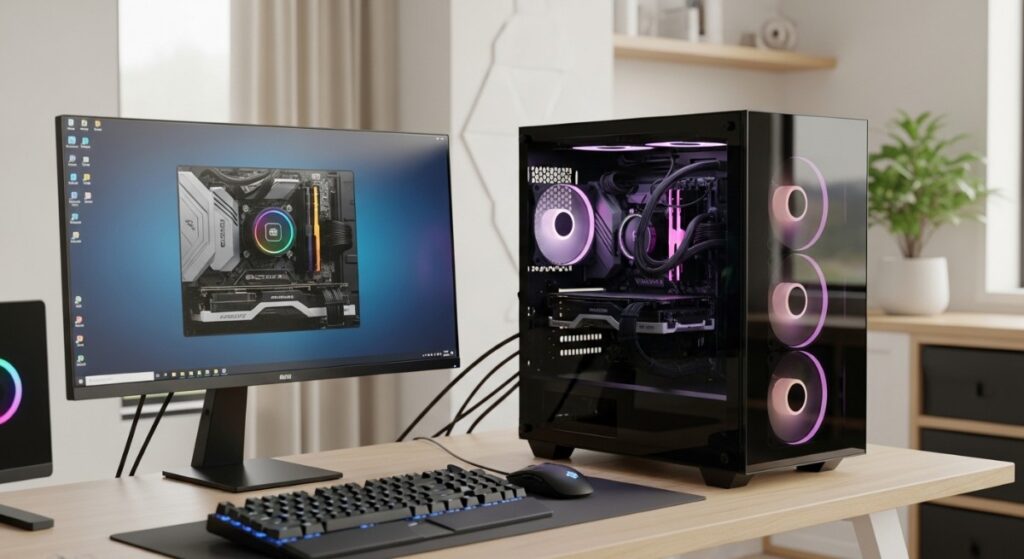
This build is for 1080p gaming with smart settings and strong value. The goal is smooth gameplay without paying for premium features you will not use. You are buying performance first, then stability, then comfort upgrades later.
Budget parts list (what to aim for)
These are the target classes of parts that make sense in 2026. You can choose AMD or Intel here, the real rule is to avoid overspending on motherboard and cooling at this tier.
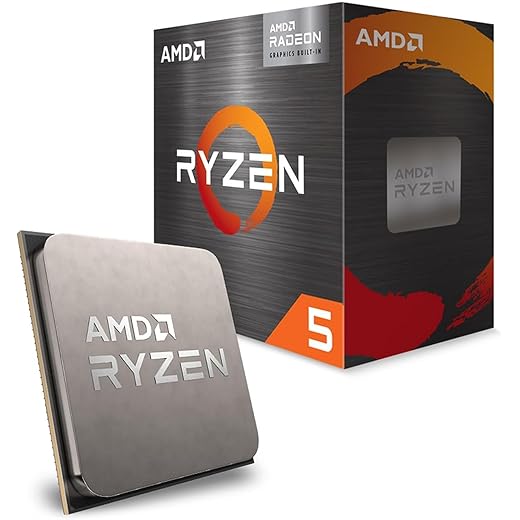
- CPU: Value 6-core gaming CPU (example tier: Ryzen 5 class or Core i5 class)
- GPU: Value 1080p card (This all depends on budget and what you are willing to spend)
- RAM: 16GB DDR4 (2×8) is acceptable, 32GB (2×16) is nicer if pricing is close
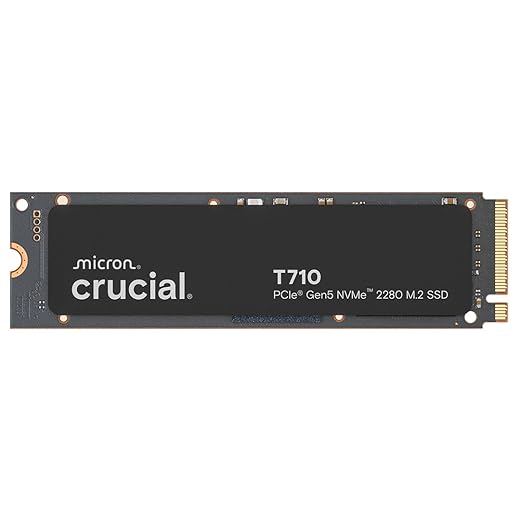
- Storage: 1TB NVMe SSD (PCIe 4.0 is plenty)
- PSU: Quality 550w -650W (do not buy mystery units)
- Cooling: Stock or a basic tower cooler if noise is annoying
Decision moment: If you are choosing between “slightly better CPU” and “better GPU” in a budget build, the GPU usually wins for gaming. If you want a quick sanity check, read: Cheap Upgrades That Boos FPS.
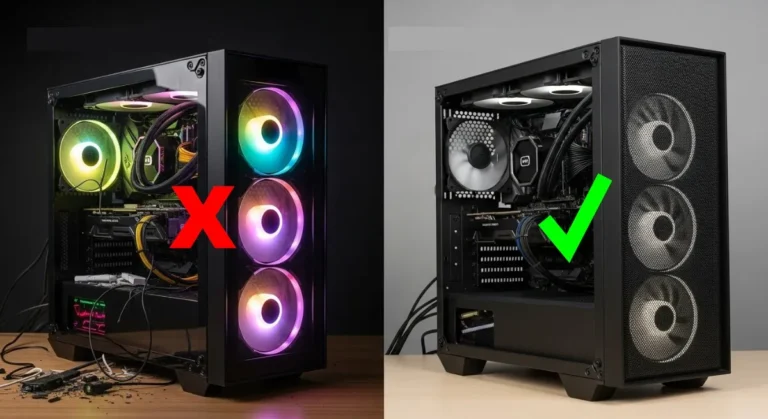
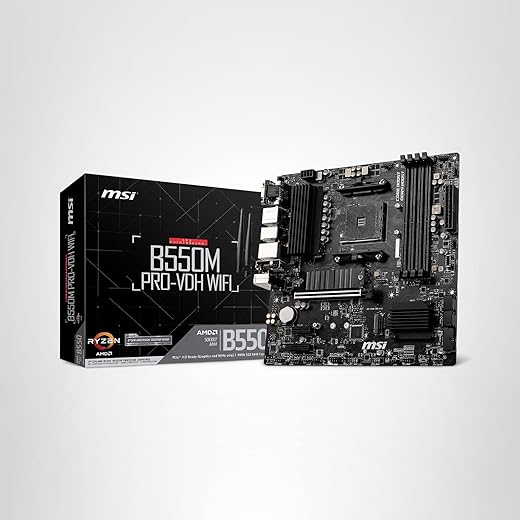
The Budget Build




Where you’re wasting money in the budget build
This is the part where most “budget builds” quietly become mid-range builds with the same FPS. If you stay disciplined here, you win.
- Motherboards: paying extra for features you will not use (extra M.2 slots, extreme VRM, premium audio)
- Coolers: a big AIO is not “value,” it is aesthetic spending
- Cases: airflow matters, but “premium” does not increase FPS
- SSD upgrades: do not pay extra expecting higher FPS, this is mostly load times and responsiveness
If you want the short truth on SSD speed and FPS, use this before you overspend: Do faster SSDs improve FPS.
If your current PC is old and you are trying to “save it” with cheap upgrades first, start here: Best PC upgrades under a $100.
Mid-range gaming PC build (the sweet spot)
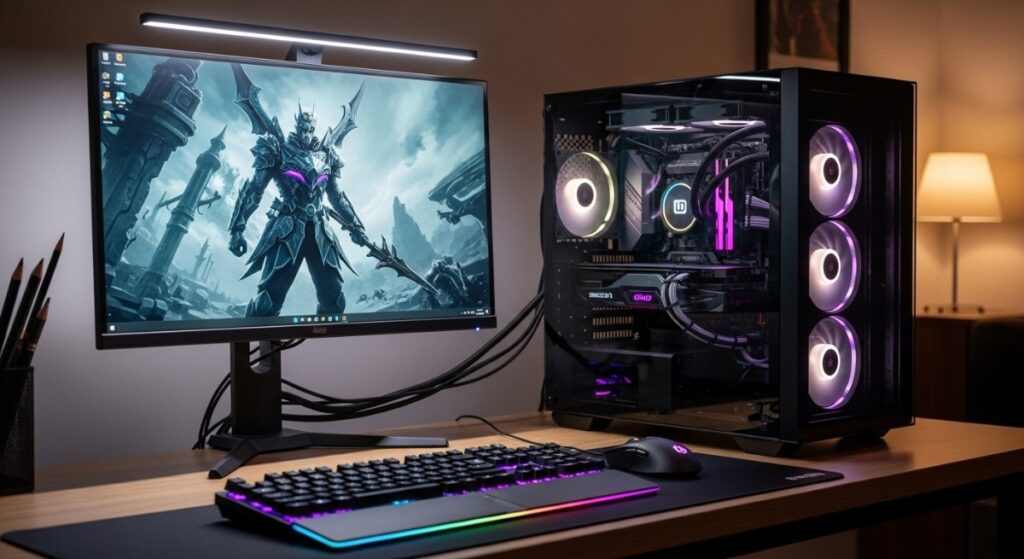
This is the build tier where most gamers should live. It has enough CPU headroom to avoid silly bottlenecks, enough GPU power for high refresh 1080p and strong 1440p, and enough RAM to keep modern games from turning your system into a stutter factory.
Mid-range parts list (what to aim for)
The mid-range build is where balance matters most. If you accidentally create a lopsided build, you can spend a lot and still get “meh” results. Keep the CPU and GPU in the same weight class.
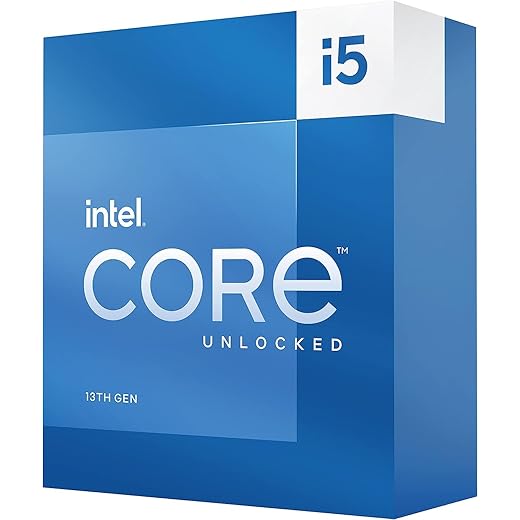
- CPU: Strong gaming 6 to 8 cores (example tier: Ryzen 5 – 7 class or Core Ultra i5 – i7 class)
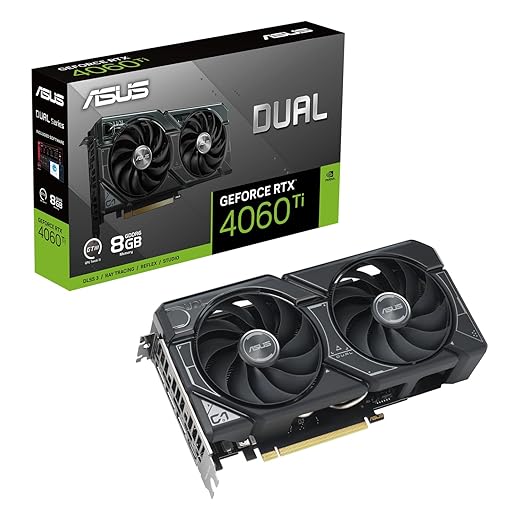
- GPU: 1440p value card (example tier: GeForce RTX 40-50 class or Radeon RX 9070 class)
- RAM: 32GB DDR5 (2×16) recommended
- Storage: 1TB to 2TB NVMe SSD (PCIe 4.0 is still fine for gaming)
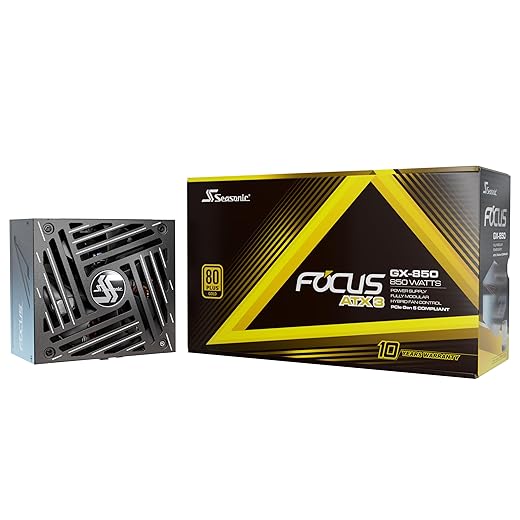
- PSU: Quality 750W
- Cooling: Good tower cooler or a sensible AIO if you care about noise and thermals
If you still see people arguing about 16GB vs 32GB like it is 2017, this will save you time: Ram Buying Guide.
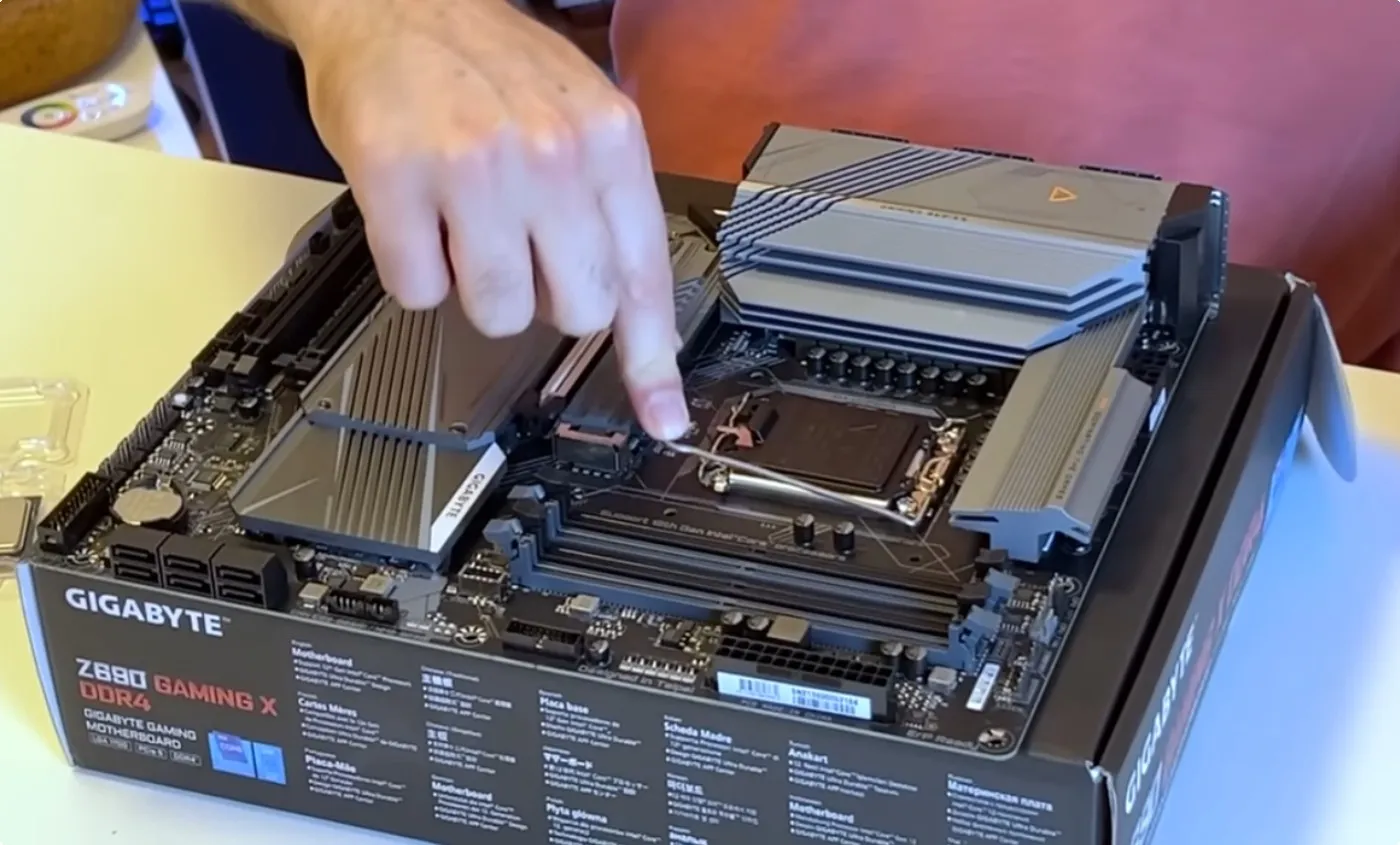
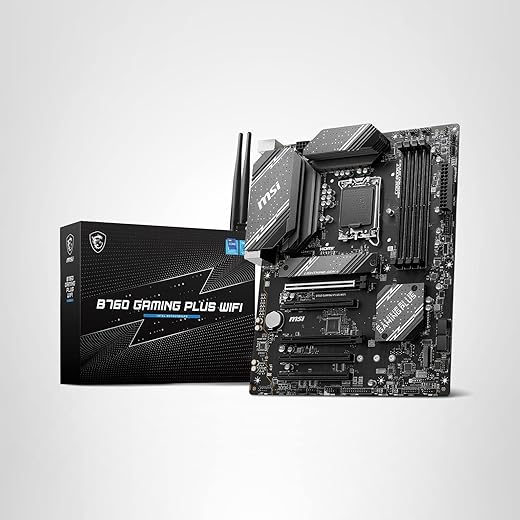
The Midrange Build


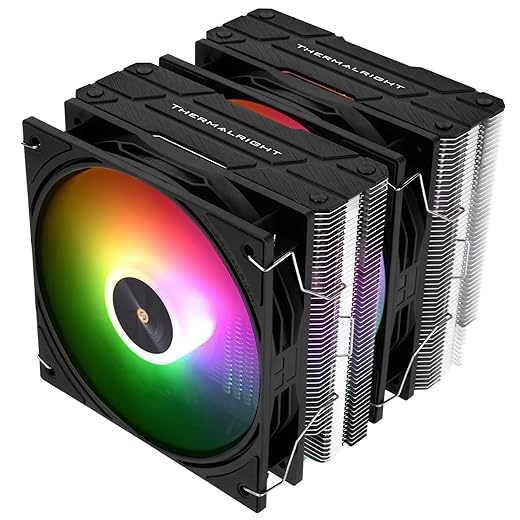

Where you’re wasting money in the mid-range build
Mid-range overspending usually happens because people chase “premium” parts in categories that do not move FPS. Spend on GPU first, then keep everything else competent and boring.
- Overkill CPU: buying a higher-tier CPU while keeping the same GPU is a classic value fail
- PCIe 5.0 hype: it is nice, but it is not a gaming performance requirement
- Expensive motherboards: pay for stability and features you use, not bragging rights
- Extreme RAM kits: huge premiums for tiny gains, especially in real game FPS
If your PC “still feels slow” after upgrades, the cause is usually not “buy faster parts,” it is balance and system overhead. Use this: Why your PC feels slow after an upgrade?.
High-end gaming PC build (performance, not stupidity)
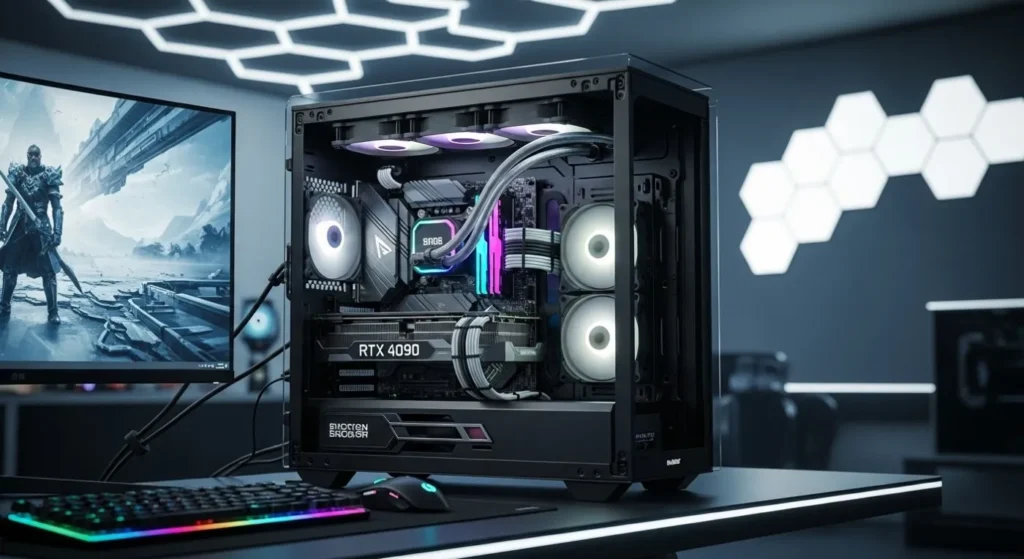
This tier is for people who want high refresh 1440p, serious 4K performance, better ray tracing, and more headroom for future games. The biggest risk here is not “choosing bad parts,” it is paying a lot for the last small percentage of performance.
High-end parts list (what to aim for)
At the high end, the GPU is the centerpiece. Newer generations also lean harder into AI features like frame generation, so you want a GPU tier that supports the modern stack you plan to use. NVIDIA positions its RTX 50 series around Blackwell and DLSS features, while AMD’s Radeon RX 9000 series is positioned around RDNA 4. Choose what fits your games and budget, then keep the rest balanced.
Official series references: NVIDIA GeForce RTX 50 Series and AMD Radeon RX 9000 Series.
- CPU: High-end gaming CPU with strong single-core and cache behavior (example tier: top Ryzen 7/9 class or Core Ultra 9 / i9 class)
- GPU: High-end card (example tier: GeForce RTX 50 class or Radeon RX 9080 class if available in your market)
- RAM: 32GB DDR5 minimum, 64GB only if you have a real use case
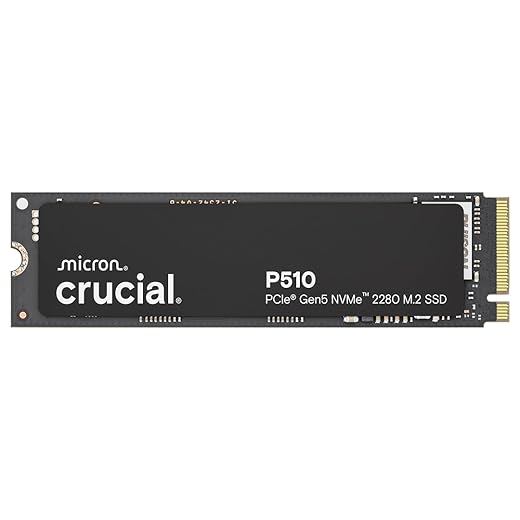
- Storage: 2TB NVMe SSD (you will fill 1TB fast in 2026)
- PSU: Quality 850W to 1000W depending on GPU power needs
- Cooling: Strong air or a quality AIO, focus on noise and sustained thermals
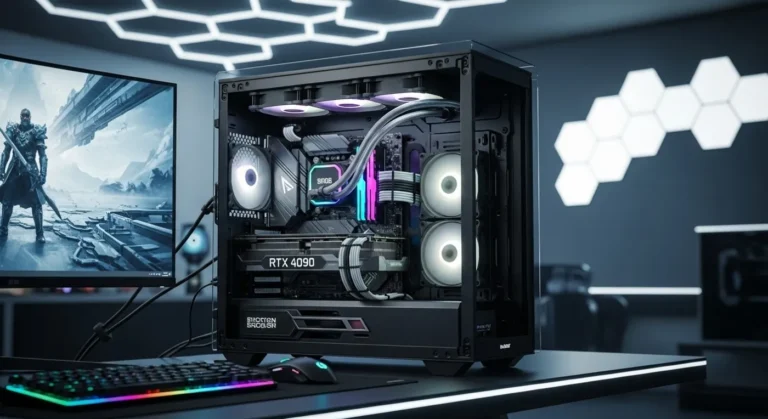
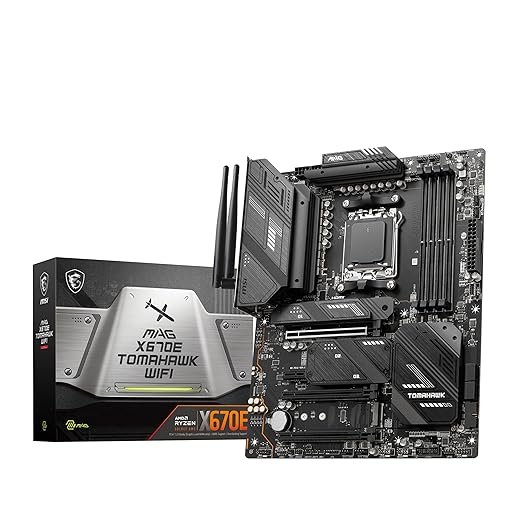
The High-End Monster:





Where you’re wasting money in the high-end build
This is where wallets go to die. You can build a genuinely elite PC and still waste hundreds by buying “because it is the top one.” Be the person who buys performance, not ego.
- Diminishing returns: paying huge premiums for small gains is normal at the top end, do it knowingly
- Overspec PSU: buying far beyond what your GPU needs is common, learn the range and stay sensible
- Luxury motherboards: if you are not overclocking heavily or using specific features, do not pay for them
- Overbuilt cooling: great cooling is nice, but the most expensive option is not automatically the smartest
If you want a clean explanation of PSU wattage and efficiency without getting dragged into forum wars, use this: Power supplies explained.
Where most gamers waste money across all builds
This is the “stop doing this” section. It applies to every budget, and it is the fastest way to keep your build sane. None of this is about being cheap. It is about not paying extra for things that do not improve the gaming experience.
- Motherboard “future-proofing”: most people never use the features they paid for
- Cooling as a flex: spend on cooling when you need thermals or noise improvement, not because it looks cool
- RGB first, performance second: spend on the GPU first, then make it pretty later
- SSD misconceptions: faster SSDs help load times and general system feel, not raw FPS in most games
- Ignoring Windows overhead: a bloated system can feel worse than “weaker parts”
If you want a clean performance win without buying anything, start here: Disable bloatware on windows.
If you want a checklist of the most common “budget build” mistakes, use this before you click buy: Cheap Gaming PC mistakes.
How these builds actually perform on real PCs

This section is not a benchmark spreadsheet. It is the practical truth about how games behave. The biggest performance killers are usually balance issues, frametime spikes, and settings choices, not a single part being “bad.”
CPU vs GPU reality
At 1080p, CPU limits show up more often, especially in competitive titles and heavy simulation games. At 1440p and 4K, the GPU usually becomes the main limiter. If you mismatch these, you will feel it as inconsistent performance, even if your “average FPS” looks fine.
If you want to diagnose it properly, use: Cpu, or GPU problems during gaming.
Frametime and stutter matter more than peak FPS
A build can “hit high FPS” and still feel bad if frametimes are unstable. Shader compilation, background tasks, memory pressure, and asset streaming can all cause spikes. That is why 32GB RAM is becoming a comfort baseline in 2026, especially for modern open-world games.
If you upgraded and things still feel off, start here: Why your PC feels slow after an Upgrade.
Match the build to your monitor
If your display is a basic 1080p 60Hz monitor, a high-end GPU will not feel as dramatic as you expect. If you are building for competitive play, refresh rate, motion clarity, and latency matter a lot. Your monitor choice should match your build tier, or you waste the benefits.
If you need smart monitor picks by budget, use: Best Gaming Monitors By Budget.
For quick GPU tier context and specs, use a neutral reference like GPU performance benchmarks.
Optional add-ons that are worth it
These are the upgrades that actually improve the experience without turning into a money pit. Treat them like add-ons, not required parts, unless they solve a real problem you have today.
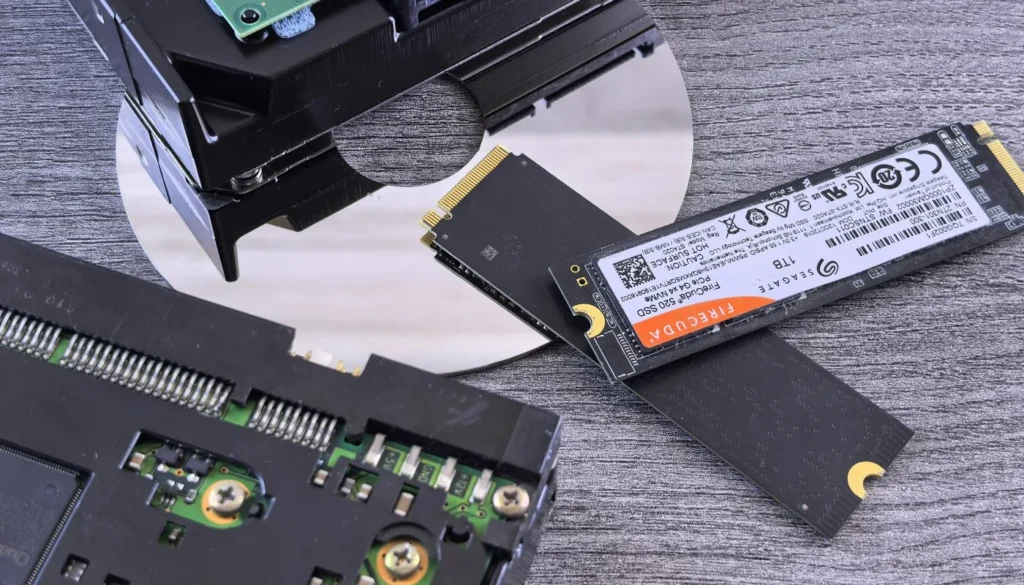
- Storage expansion: if you are constantly uninstalling games, add storage before you buy faster storage
- Better networking: if your Wi-Fi is unstable, fix that before blaming your PC for “lag”
- Controllers and comfort gear: input and comfort matter more than people admit
If you want external storage options for a growing library, use: Best external ssd’s for gaming.
If you need stable wireless for gaming, use: Best WiFi adapters for gaming.
When this advice breaks down
This is the counter-argument section, because blindly following build lists is how people waste money. There are real cases where you should ignore parts of this guide and do something else.
- The used market is better value: sometimes a used GPU or a full used PC beats new parts pricing, especially during supply crunches. NVIDIA has warned about tight GPU supply in recent quarters, which can push pricing upward. :contentReference[oaicite:0]{index=0}
- You already own key parts: if you already have a decent GPU or SSD, build around it and upgrade later.
- Regional pricing is weird: if one brand is overpriced where you live, pick the competing tier and keep balance.
- Legacy hardware compatibility warning: if you are on DDR3-era platforms or older sockets, many modern CPUs, DDR5 kits, and some newer platform features will not be compatible. In those cases, your best “upgrade” might be second-hand parts that fit your platform, or a full platform swap rather than forcing modern parts into an old system.
FAQ
These are the questions that decide what people actually buy, so yes, they matter for SEO and for conversion.
Which build tier should I choose?
Choose based on resolution and the types of games you play. Budget is for 1080p value, mid-range is the sweet spot for most gamers, and high-end is for 1440p high refresh or serious 4K. If you are unsure, pick mid-range and spend the savings on a better monitor or storage.
Will a faster SSD increase FPS?
Usually no. SSD speed helps load times, streaming behavior in some games, and overall responsiveness, but it is rarely a direct FPS upgrade. If you are tempted to overspend here, read: Do faster ssd’s improve FPS?.
Is 16GB RAM still enough in 2026?
It can be enough for many games, but 32GB is becoming the comfort baseline for modern titles, background apps, and smoother frametimes. If pricing is close, 32GB is usually the smarter “buy once” move.
Does Wi-Fi matter for gaming performance?
It does for stability and latency. A great PC cannot fix a bad connection. If you get ping spikes or unstable signal, start here: Best WiFi adapters for gaming.
Final thoughts
The best gaming PC build is not the one with the most expensive parts. It is the one that spends where performance actually changes, and refuses to spend where it does not. Pick the tier that matches your monitor and games, keep your CPU and GPU balanced, and stop donating money to the “premium motherboard and RGB” industry.
If you want one more practical checklist before you buy, start with the biggest spending traps here: Cheap Gaming PC mistakes.