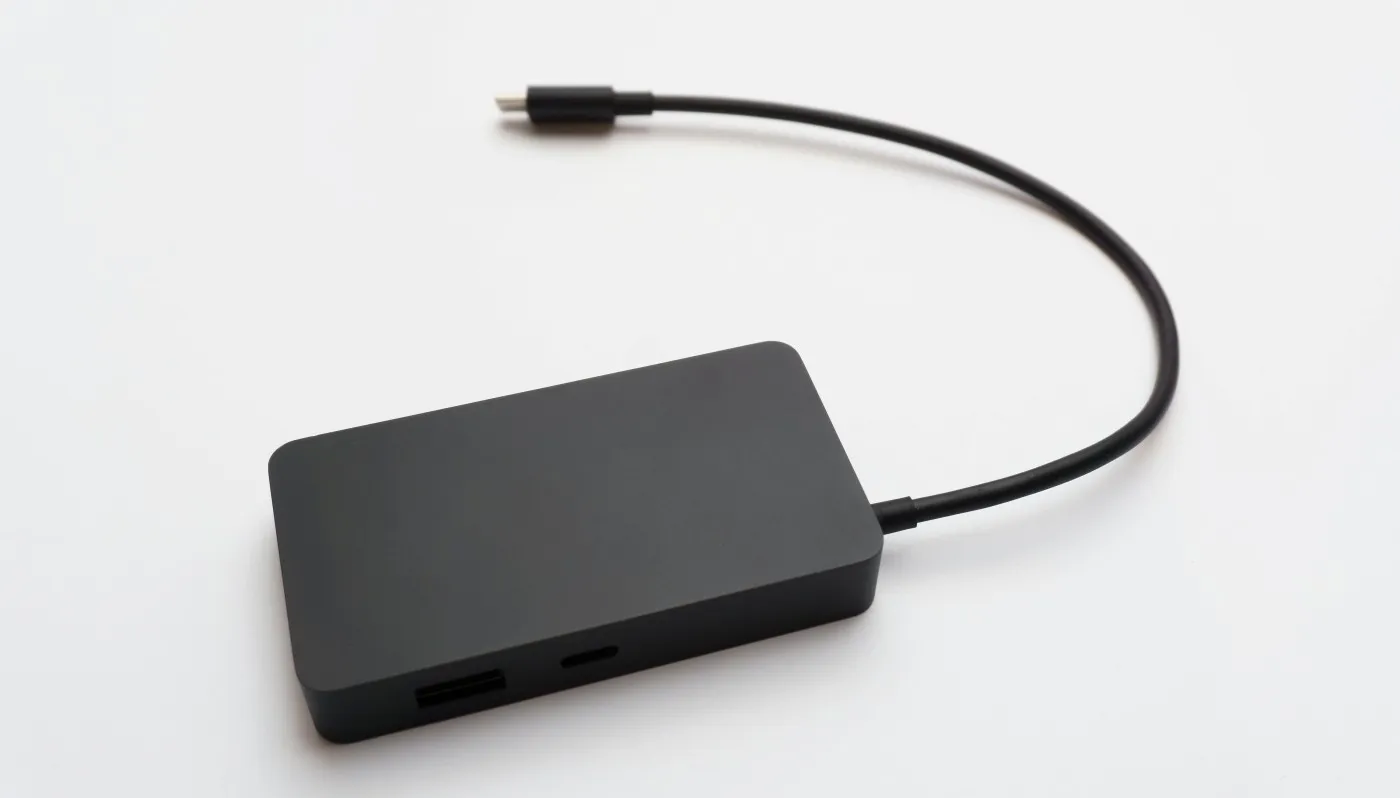
Modern games are huge, your internal drive is not, and re-downloading 120GB because you ran out of space is a hobby nobody asked for. This Best External SSDs for Gaming guide breaks down the best external SSD for gaming by real world speed, durability, and value, across PS5, Xbox, and PC.
Quick heads up before we get fancy, consoles have rules. On PS5, external USB storage is great for storing PS5 games, but you generally cannot play PS5 games directly from a USB drive, you must copy them back to console storage when you want to play. PS4 games can run from USB storage. On Xbox Series X|S, external USB storage is excellent for storing games, and you can play many older gen titles from it, but Optimised for Series X|S games typically need the internal SSD or an Expansion Card to run. We cover the details below.
Ignore the marketing confetti for a second. For gaming, an external SSD is only as good as its real sustained speed, its interface (USB or Thunderbolt), and whether it stays cool during long transfers. If a drive overheats and throttles, your “fast” SSD turns into an expensive mood swing.
Brands love quoting peak speeds. Gaming libraries love long writes. Installing a 120GB game or moving multiple titles at once is sustained throughput, not a tiny synthetic burst. A good gaming portable SSD should stay consistent, not fall off a cliff after the first few gigabytes.
| Interface Tier | Typical Real Read/Write | Move a 100GB Game | Who Actually Benefits |
|---|---|---|---|
| USB 3.2 Gen 2 (10Gbps) | 700–1,000 MB/s | About 2–3 minutes | Most gamers, console storage, general PC libraries |
| USB 3.2 Gen 2×2 (20Gbps) | 1,400–2,000 MB/s | About 1–2 minutes | PC users with confirmed 20Gbps ports |
| Thunderbolt 3 / 4 | 2,500–3,500 MB/s | Under 1 minute | High end PC setups, large file movers, creators |
Reality check: game load times usually improve most when moving from HDD to any SSD. Differences between fast SSD tiers are more noticeable when installing or moving large games, not always during gameplay loads.
Small metal enclosures can get hot, fast. Rugged models can be great for travel and console setups, but check reviews for thermal behavior and sustained performance. A “rugged” SSD that throttles under load is still ruggedly slow.

Portable drives get tossed in bags, knocked off desks, and plugged in a thousand times. Look for decent build quality and, if possible, a longer warranty. Endurance matters more if you install and uninstall games constantly, especially on PC.
For gaming, 1TB is the minimum that feels sane. 2TB is the sweet spot for most people. 4TB is for the “I keep everything installed” crowd, or for Xbox/PS5 archiving.
Here is the practical way to think about external SSD speeds for gaming.
Best for: storing lots of games, playing older titles, and faster loads than any HDD. These drives still feel like a huge upgrade over spinning storage.
Best for: fast installs, quick game moves, great PC load times, and “one drive for everything” setups.
Best for: PC gamers with the right ports who want the fastest possible external experience, and creators who also move large files.
Once your external SSD is “fast enough,” some games will not load dramatically faster because other factors become the limiter, CPU decompression, shader compilation, game engine behavior, and random read patterns. Speed still matters, but chasing the highest number on the box is not always the best value.


Reality check: PS5 games generally cannot be played directly from external USB storage. External SSDs are best for storing PS5 games and playing PS4 games from USB. If you want more playable PS5 storage, you are looking at an internal M.2 SSD upgrade, not a USB portable.

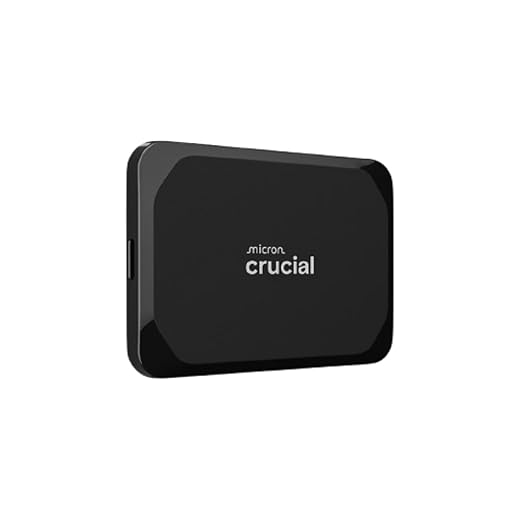
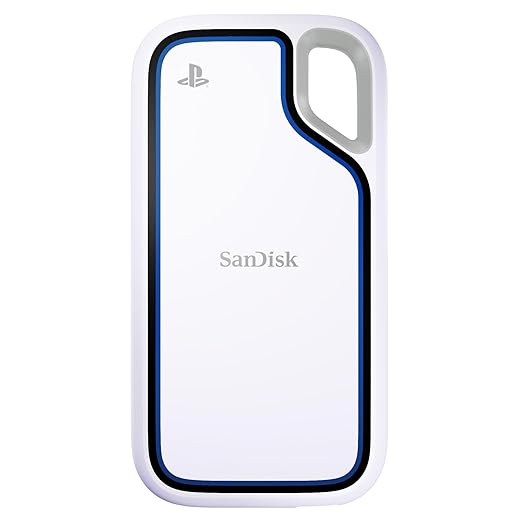
Official references: see Sony’s PS5 USB extended storage support page and their internal M.2 SSD install requirements page linked below.
Official reference: Xbox Storage Expansion Card documentation is linked below.
PC is the most flexible. You can run games directly from an external SSD, especially if it is on a fast USB-C or Thunderbolt port. For most modern titles, an external SSD feels similar to an internal SATA SSD, and the best ones can approach internal NVMe behavior for large transfers.
If you are chasing smoother gameplay, remember that storage is only one piece. If you have stutters, frametime spikes, or shader compilation hitching, check your BuiltToFrag performance guides instead of trying to brute force it with a new drive:

This is the part most “best SSD” lists skip. External SSDs can absolutely improve your day to day gaming experience, but the gains show up in specific places.
Load times depend on how a game streams assets, how it decompresses data, and your CPU behavior, not just raw storage speed. You will usually see a bigger improvement moving from HDD to SSD than moving from a mid tier SSD to a top tier model.
Install times and moving games benefit directly from sustained write and read speeds. If you constantly shuffle games between drives, faster sustained performance is worth paying for.
Open world games and modern engines stream data constantly. A decent SSD helps prevent “I entered a new area and everything is blurry for a second” moments, but stutter is often CPU, shader compilation, or background tasks. Storage helps, it is not magic.
External SSD speed is limited by your slowest link, your port, your cable, and sometimes your enclosure. If your drive supports USB 20Gbps but your PC only supports 10Gbps, you paid for speed you cannot use. Thunderbolt can reach higher bandwidth, but only on systems that actually support it.
If you want maximum performance per dollar on PC, a DIY setup can be great, buy a quality NVMe SSD and put it in a good enclosure. You can also reuse the SSD later inside a desktop. The downside is more compatibility variables, more heat risk, and more chances to buy the wrong port combination.
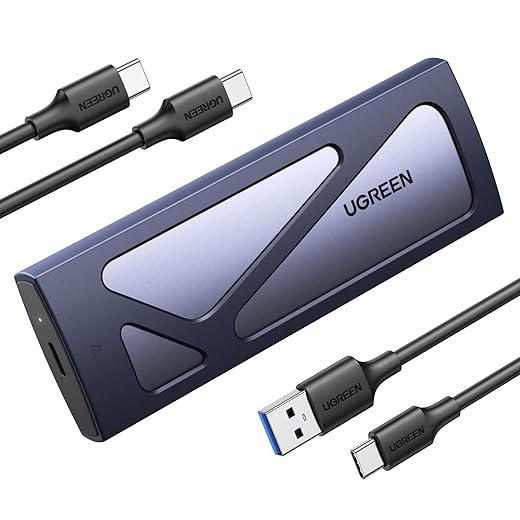
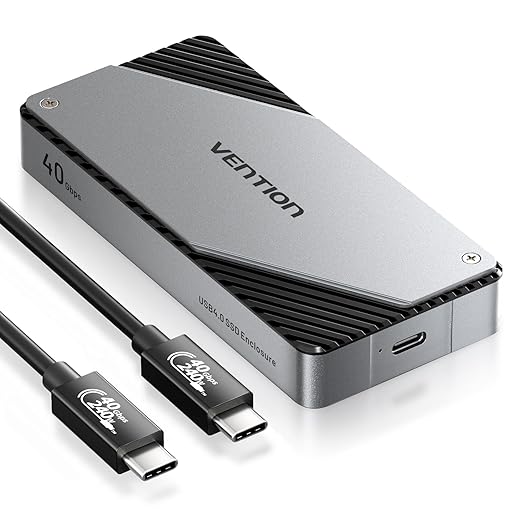

Portable SSDs are simpler. Plug in, game, done. For consoles and most people, simplicity wins.
External SSDs are great, but they are not always the smartest upgrade. In some setups, internal storage gives you better performance per dollar and fewer limitations.
If your goal is more playable PS5 storage, an internal M.2 NVMe upgrade is usually the better move. External USB SSDs are excellent for storing PS5 games and playing PS4 titles, but PS5 games normally must be copied back to internal storage to run. If you are constantly shuffling games, internal expansion saves time and friction.
On PC, an internal NVMe SSD is almost always faster and often cheaper per terabyte than a premium external drive. If you have a free M.2 slot and rarely need portability, internal storage is the performance-first choice. External SSDs make more sense for large portable libraries, laptops with limited upgrade options, or multi-system use.
For Xbox Series X|S, the official Storage Expansion Card gives you full-speed, fully playable storage for optimized titles. USB external SSDs are excellent as a storage and transfer drive, but optimized games typically need internal or expansion card storage to run. If you want zero copy delays, the expansion card is the cleaner, but more expensive, solution.
Bottom line: buy an external SSD for flexibility and fast storage. Choose internal upgrades when you want maximum playable speed and the least hassle.

If you want a broader “spend smarter” upgrade list, this pairs well with: Best PC upgrades under $100
Yes. For most PC games, running from an external SSD is fine, especially on a fast USB-C or Thunderbolt port. Expect the biggest improvement versus an HDD, and smaller differences between decent SSDs.
Generally, no. You can store PS5 games on USB extended storage, but you typically need to copy them back to console storage to play. PS4 games can be played directly from USB storage.
External SSDs are great for storage and playing many older gen titles. Optimised for Series X|S games typically need internal storage or an Expansion Card to run, with USB drives used for storage and moving.
1TB is the minimum that works. 2TB is the best balance for most gamers. If you play lots of huge titles and hate uninstalling, go 4TB.
Yes, especially USB 10Gbps and above. Just make sure your device, port, and cable match the speed tier you are paying for. For a quick, authoritative breakdown of USB versions and what the speed labels actually mean, see the USB Implementers Forum (USB-IF) official site.
If you are upgrading your storage for faster loads and smoother installs, these hubs will help you make smarter performance moves next, not random ones:
PC Performance & Fixes
Hardware Buying Guides
PC Builds & Upgrades
Start with PC Storage Guides if you are choosing between NVMe, SATA, and external drives. Jump to PC Performance & Fixes if your games still load slow or stutter after upgrading.



A practical buyer guide to the best external SSDs for gaming on PS5, Xbox, and PC, focused on real speeds,…

A practical GTA VI PC performance readiness guide with hardware predictions, stress points, and upgrade priorities based on Rockstar’s PC…

This guide explains how game mods actually work behind the scenes, how games load them, and where mod files install…

A practical buyer guide to the best gaming monitors by budget, with smart picks per price tier and performance-focused recommendations.