Do faster SSDs improve FPS? Almost always, no. They make your games feel faster by cutting load screens, speeding up fast travel, and helping some open-world streaming behave better, but they do not magically add frames per second. If you upgraded to a shiny NVMe drive expecting a FPS boost, congrats, you bought a faster loading screen.
This guide breaks down what SSD speed actually affects in gaming, when storage can contribute to stutter, and how to decide if an SSD upgrade is worth it. If you want the bigger hardware map this sits inside, start at the Gaming PC Hardware Guide.

FPS is the result of a real-time loop: the CPU prepares game logic and draw calls, the GPU renders frames, and your monitor shows them. Your SSD does not sit inside that frame-by-frame pipeline. Once the game is running and the assets it needs are in memory, the storage drive is mostly chilling in the background.
This is why a faster SSD almost never increases your average FPS. If your GPU is the bottleneck, you will get the same FPS on a SATA SSD, an NVMe Gen3 drive, or a ridiculous Gen5 rocket ship. Same story if you are CPU-limited.
If you are chasing more frames, start with GPU realities first. For practical picks that actually move the needle at common resolutions, see Best GPU Picks for 1080p and 1440p.
SSDs are fantastic for gaming. Just not for the reason TikTok told you. Technologies like Microsoft’s DirectStorage are designed to reduce loading overhead and improve asset streaming efficiency, not to increase raw FPS.
This is the obvious win. Faster drives shorten:
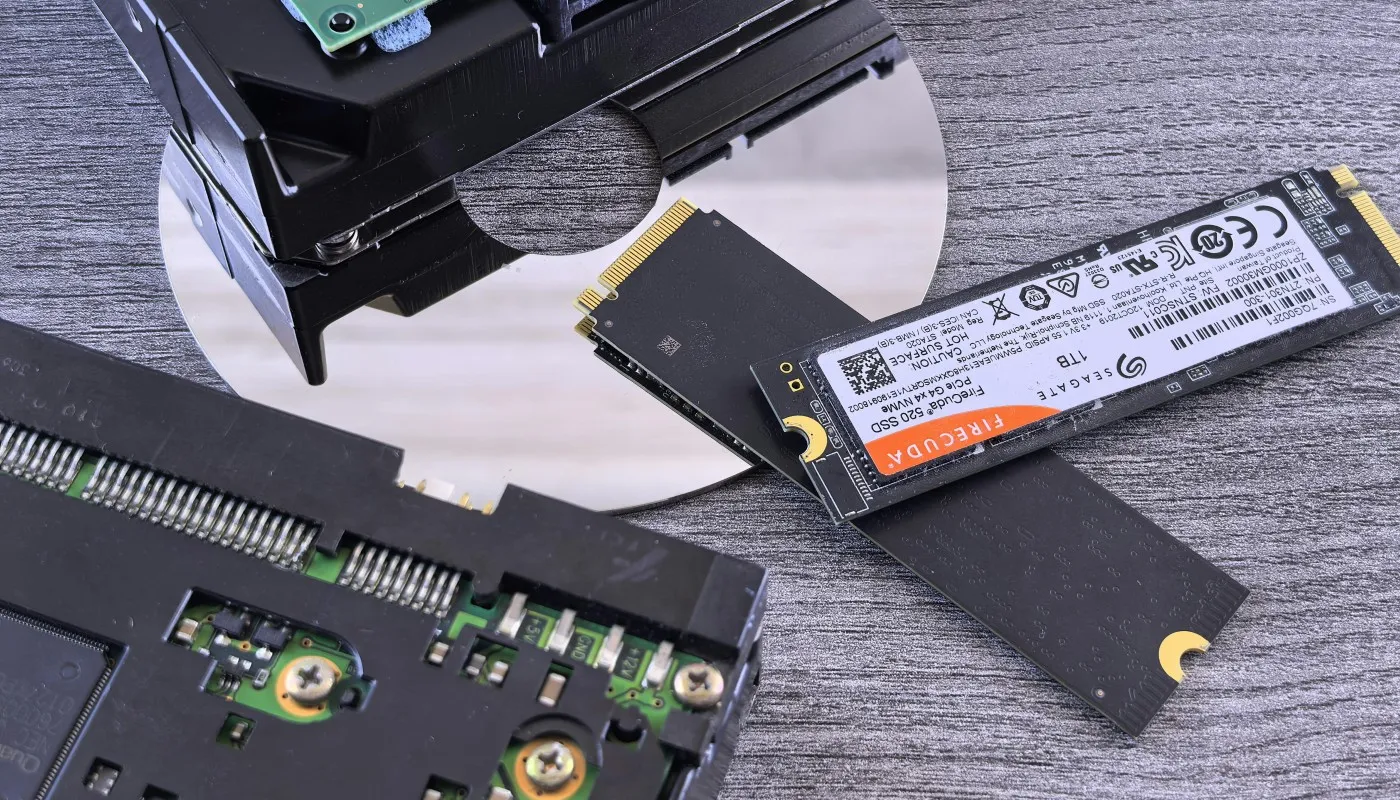
If you are coming from a hard drive, the jump to any SSD is massive. If you are already on a SATA SSD, the jump to NVMe can help, but it is often “nice” rather than “life changing.”
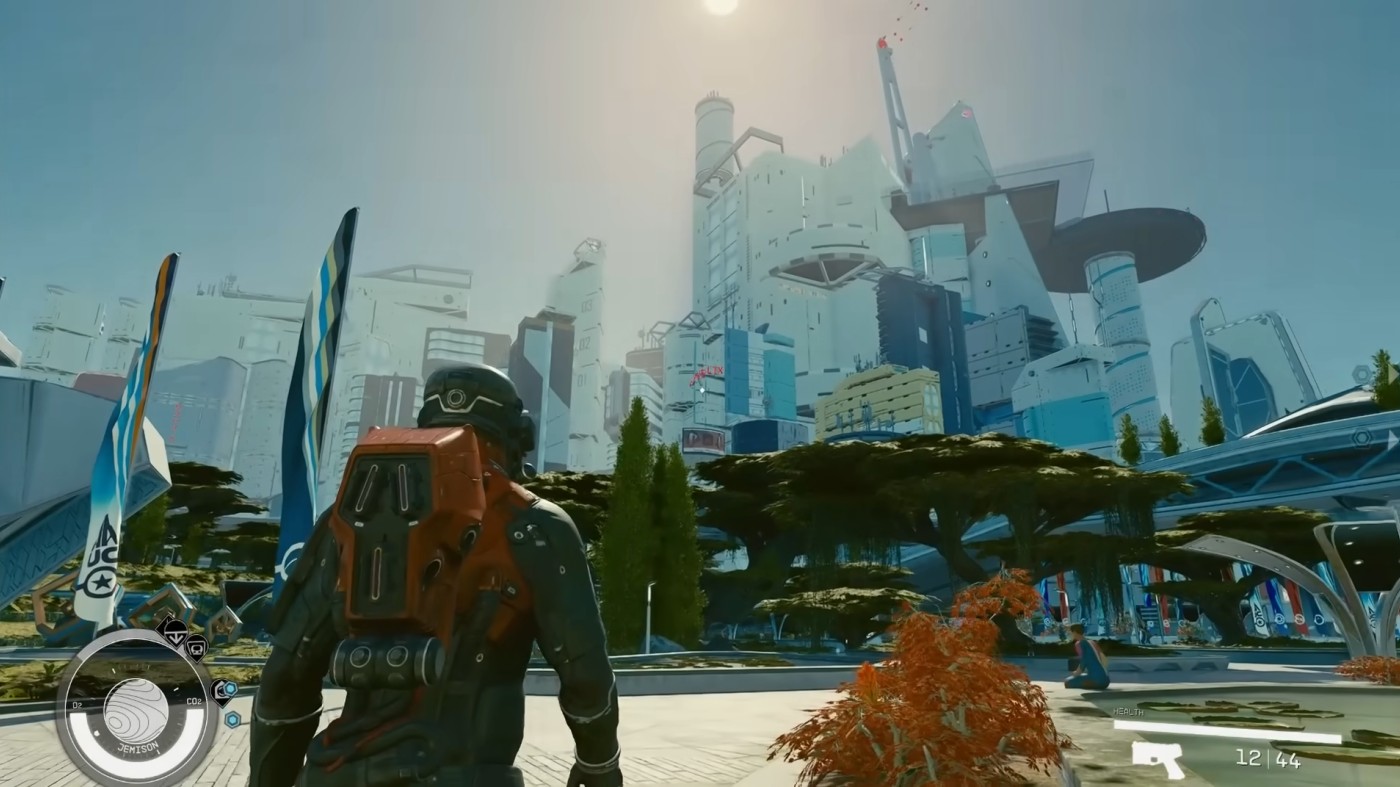
Modern games increasingly stream textures, geometry, and audio while you move through the world. When this goes well, everything looks smooth. When it goes badly, you get texture pop-in, delayed world detail, or occasional hitches as the game scrambles to fetch assets.
A faster SSD can help some streaming scenarios, especially if you were on a slow drive or your system is already stressed. This still is not an FPS upgrade. It is a “less jank” upgrade.
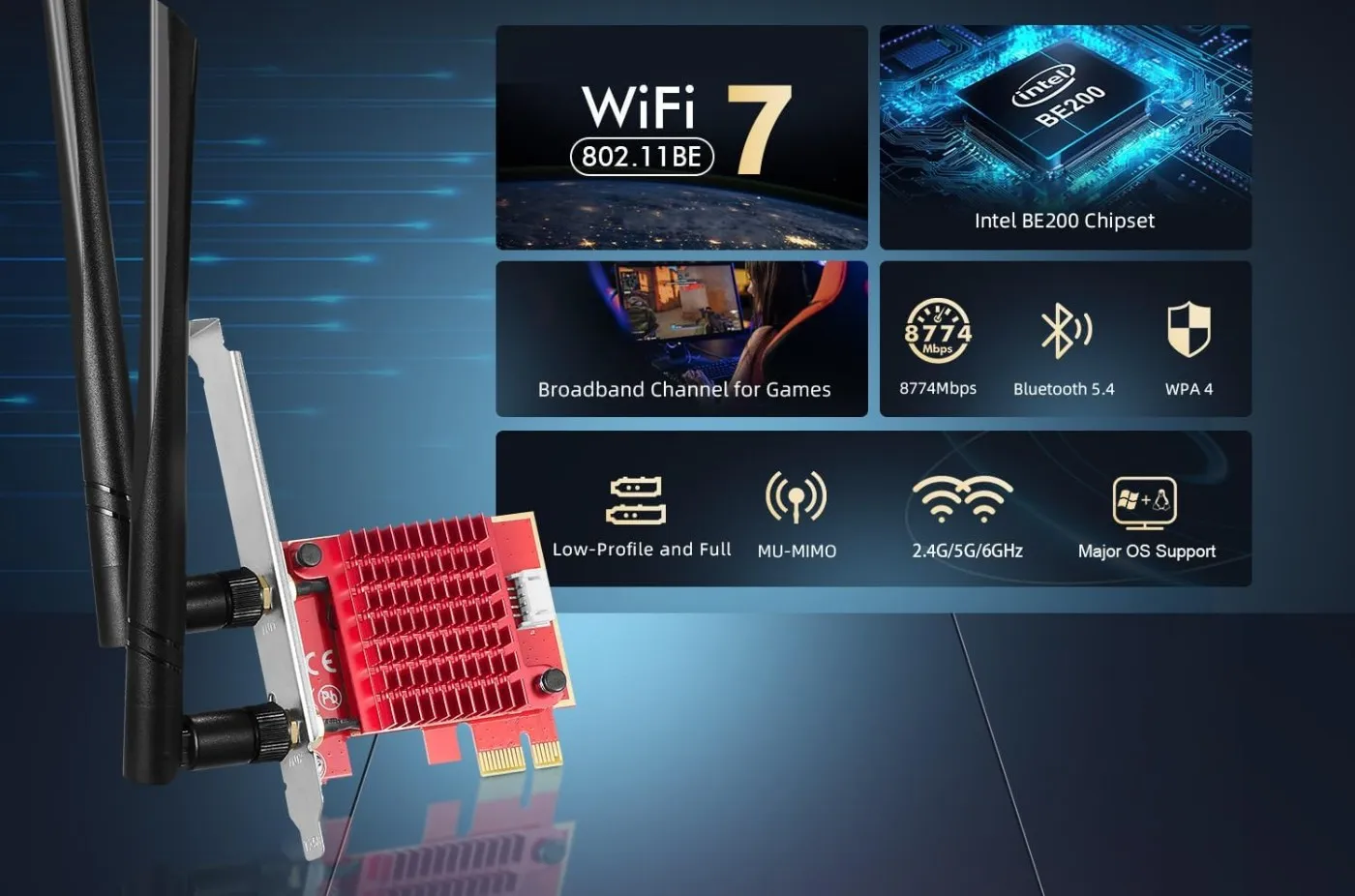
Here is the part where people get confused: stutter can feel like low FPS, but it is not the same problem. Low FPS is a constant lack of frame output. Stutter is uneven delivery, small freezes, and hiccups that ruin the rhythm even if your FPS counter looks “fine.” When online play is involved, connection stability matters just as much as storage performance. Our gaming Wi-Fi adapter guide shows how to pick adapters that hold a signal with lower ping, not just high Mbps.
Storage can contribute to hitching when any of these are true:
That last one matters a lot. If you do not have enough RAM, your PC starts using storage as emergency overflow. Even a fast SSD is a bad substitute for memory. If you suspect this is you, read How Much RAM Do Games Need? and compare it to what is actually installed in your system.
If you are seeing stutter specifically when entering new areas or moving quickly through the world, storage and streaming can be part of the story. If your FPS is low everywhere, storage is almost never the culprit.
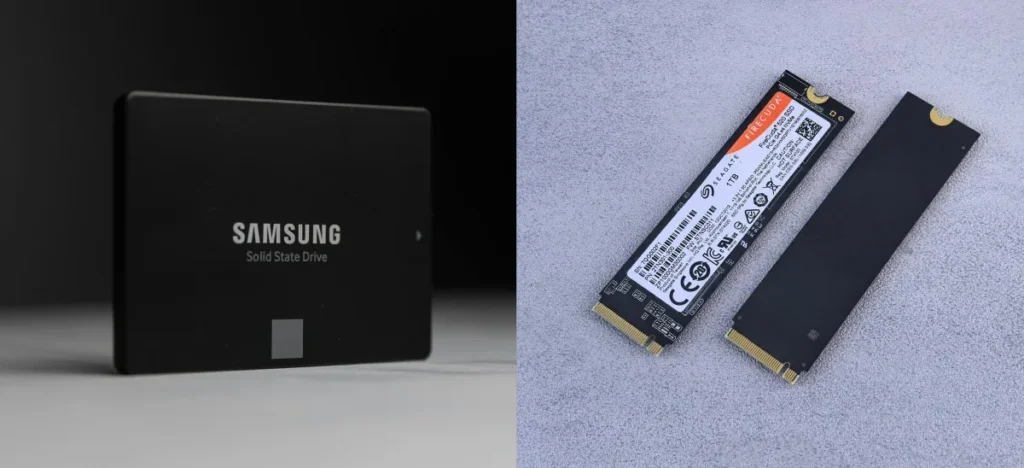
This is where marketing gets loud and gamers get bullied into spending money “for performance.” So let’s keep it simple.
This is the biggest real-world upgrade for gaming feel. Load times drop hard. Streaming improves. The whole PC feels less like it is thinking about its life choices.
This can improve load times, but the difference varies wildly by game. In many titles, it is a few seconds. In some, it is barely noticeable. In a handful of heavy streamers, it can reduce hitching if storage was a limiting factor.
For gaming, this is often “same vibe, slightly faster loads.” Not a FPS boost, not a night-and-day change. Gen4 is still a good buy if pricing is close, but do not expect miracles.
Gen5 is impressive on paper and fun in benchmarks. In gaming, most people will not feel a meaningful change unless a specific title is extremely storage-sensitive or you are doing non-gaming workloads too. If you are buying Gen5 strictly for FPS, you are shopping in the wrong aisle.
If you want the grounded version of this discussion, with real-world context instead of spec flexing, read Real-World SSD Performance for Gaming.
Here is the practical checklist. An SSD upgrade is worth it if:
If you are trying to decide where your money should go first, do not guess. Use your upgrade order playbook: Gaming PC Upgrades That Actually Matter.
Be honest about what you are trying to fix. An SSD upgrade will not improve FPS if:
If your goal is purely more FPS at 1080p or 1440p, put budget into the parts that actually create frames. Again, Best GPU Picks for 1080p and 1440p is the more relevant rabbit hole.
Most gamers do not need the fastest SSD on earth. They need the right kind of SSD at a sensible capacity, with enough free space to keep performance stable.
If you are ready to shop and want actual recommendations, keep it separate from this explainer and use the buyer page: Best NVMe SSDs for Gaming.
Do faster SSDs improve FPS? For most gamers, no. Faster SSDs improve load times, fast travel, installation workflows, and in some cases asset streaming smoothness. If your goal is higher FPS, you are looking at the wrong component. If your goal is less waiting and fewer streaming hiccups, SSD upgrades can absolutely be worth it.
If you want the full upgrade map so you stop throwing money at the wrong “fix,” go back to the Gaming PC Hardware Guide and build your upgrades like a plan, not a vibe.



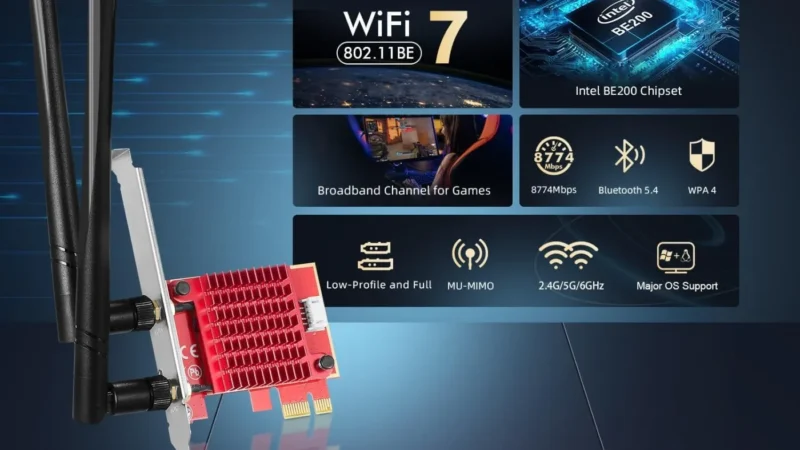
Looking for the best WiFi adapters for gaming PCs? We rank USB and PCIe options by latency, stability, and real…
A practical buyer guide to the best external SSDs for gaming on PS5, Xbox, and PC, focused on real speeds,…

A practical GTA VI PC performance readiness guide with hardware predictions, stress points, and upgrade priorities based on Rockstar’s PC…

This guide explains how game mods actually work behind the scenes, how games load them, and where mod files install…