Streaming and gaming on one PC sounds easy until you actually try it. The moment you hit “Start Streaming” in OBS, your smooth gameplay can turn into stutters, frame drops, and inconsistent performance. A lot of gamers assume their PC simply isn’t powerful enough, but the real issue is usually how streaming workloads interact with your hardware.
This guide explains how a single pc streaming setup actually works, why OBS sometimes tanks your FPS, and what hardware choices prevent it. If you want to game, record, and stream from the same machine without destroying performance, understanding the bottlenecks is the first step.
Why Streaming on One PC Kills Your Game Performance
When you stream gameplay, your PC is doing two demanding tasks at the same time. First, it renders the game itself. Second, it captures, compresses, and broadcasts the video feed. This encoding process is where performance problems usually begin.
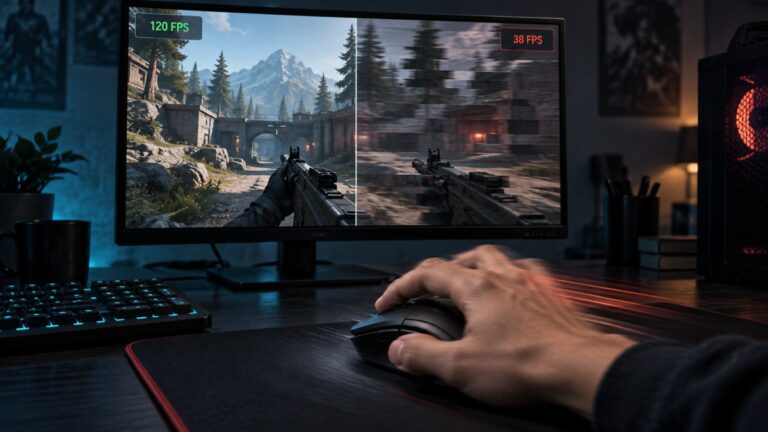
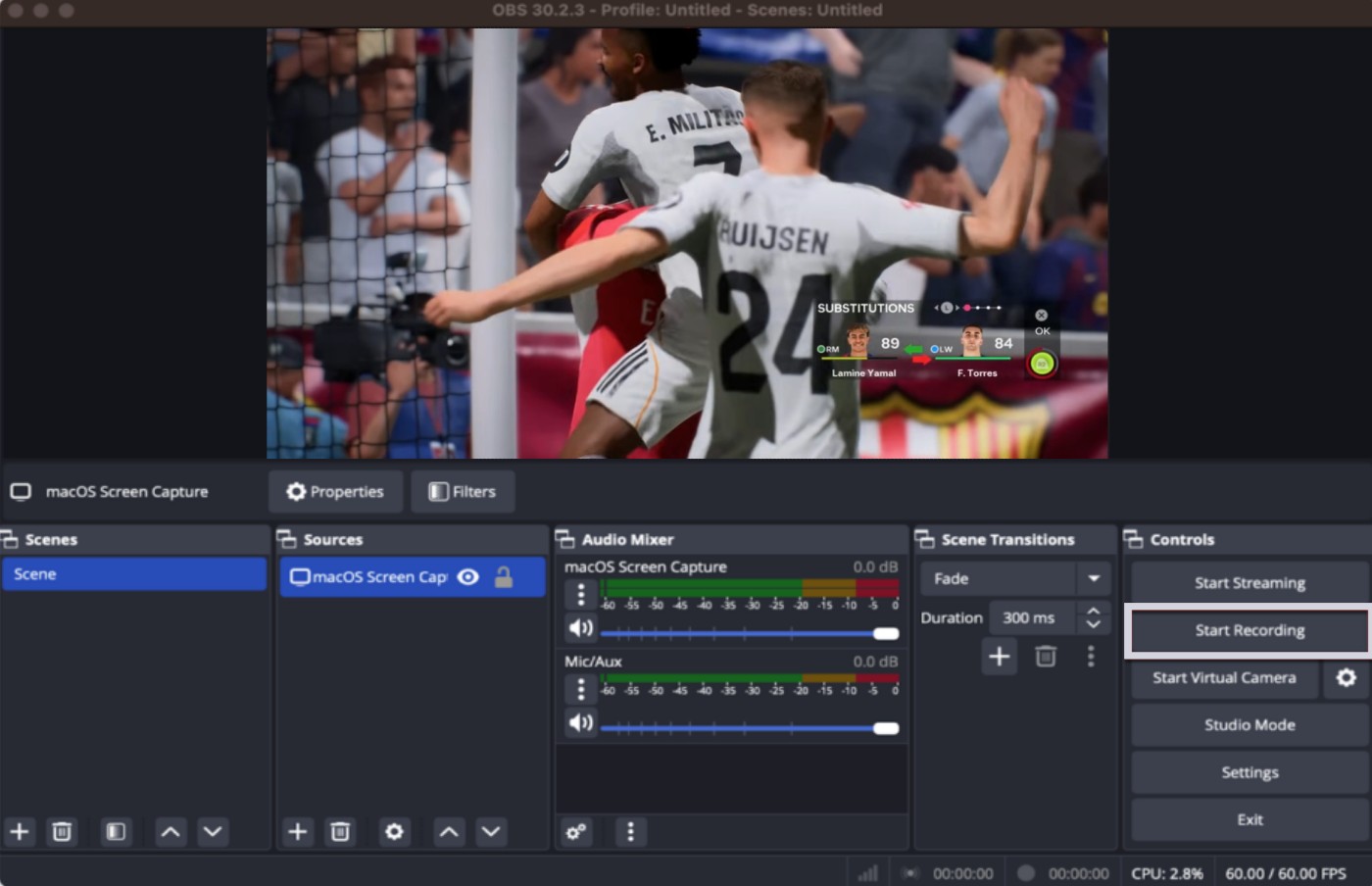
Streaming software like OBS Studio documentation explains that encoding requires either CPU or GPU resources. If those resources are already busy running the game, performance drops can occur. This is why players sometimes notice that their FPS collapses the moment streaming begins.
If you have ever wondered why games stutter even on powerful PCs, the answer often comes down to resource conflicts. Streaming simply adds another heavy workload on top of an already demanding game engine.
The 4 Biggest Bottlenecks in a Single PC Streaming Setup
Most streaming problems come from a handful of predictable hardware bottlenecks. Understanding these makes it easier to build or upgrade a system that can stream smoothly. Streaming performance gets messy fast, and this upscaling guide helps explain why extra FPS on paper can still look rough once the image starts falling apart.
CPU Encoding Overload
If you use x264 encoding in OBS, the CPU handles video compression. While this can produce excellent image quality, it is also extremely demanding. Games already use multiple threads, so adding encoding on top can overwhelm mid-range processors.
If you want to understand whether your processor is struggling, it helps to monitor CPU and GPU usage while gaming. Spikes in CPU utilization often reveal why your stream causes FPS drops.
GPU Rendering and Encoding Conflicts
Modern GPUs can encode streams using dedicated hardware encoders such as NVENC. This greatly reduces the CPU load. However, if the GPU is already operating near 100 percent utilization, encoding can still impact performance.
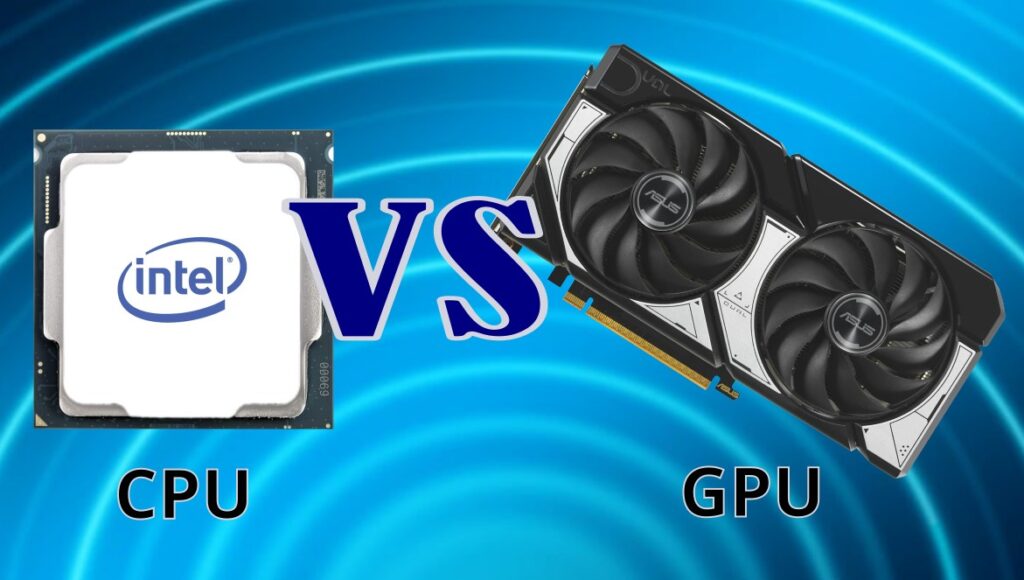
If you are unsure whether your processor or graphics card is causing the problem, you can learn how to identify whether your CPU or GPU is the bottleneck.
RAM Pressure While Streaming
Streaming setups often run several applications at once. OBS, the game itself, browser overlays, chat widgets, and music players all consume memory. Many gamers discover that 16GB of RAM becomes the minimum requirement rather quickly.
If you want a deeper explanation of modern memory requirements, this guide on how much RAM modern games actually need breaks down realistic expectations.
Storage Bandwidth During Recording
If you record gameplay locally while streaming, your storage device also becomes part of the performance equation. Mechanical hard drives can struggle to write large video files while the game is loading assets.
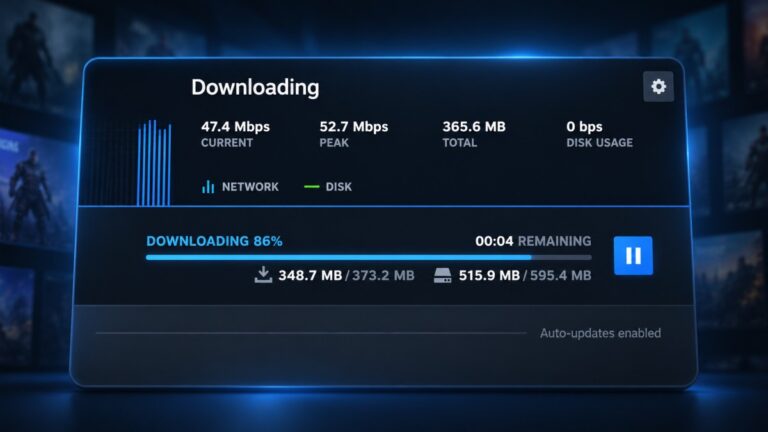
Storage-related stuttering isn’t always caused by a slow SSD. Excessive disk activity can also cause games to freeze, hitch, or become temporarily unresponsive, especially on older PCs. If your drive frequently reaches full utilization, our guide to fixing 100% disk usage while gaming explains how to identify the cause and troubleshoot the problem before considering a storage upgrade.
CPU vs GPU Encoding: The Setting That Decides Your FPS
The biggest decision in any single pc streaming setup is choosing between CPU and GPU encoding. Each option has advantages, but they impact performance very differently.
x264 CPU Encoding
x264 encoding uses the CPU to compress video. The quality is excellent and often preferred by professional streamers, but it can overwhelm mid-range gaming processors. If your game is already CPU-heavy, using x264 can reduce frame rates dramatically.
NVENC GPU Encoding
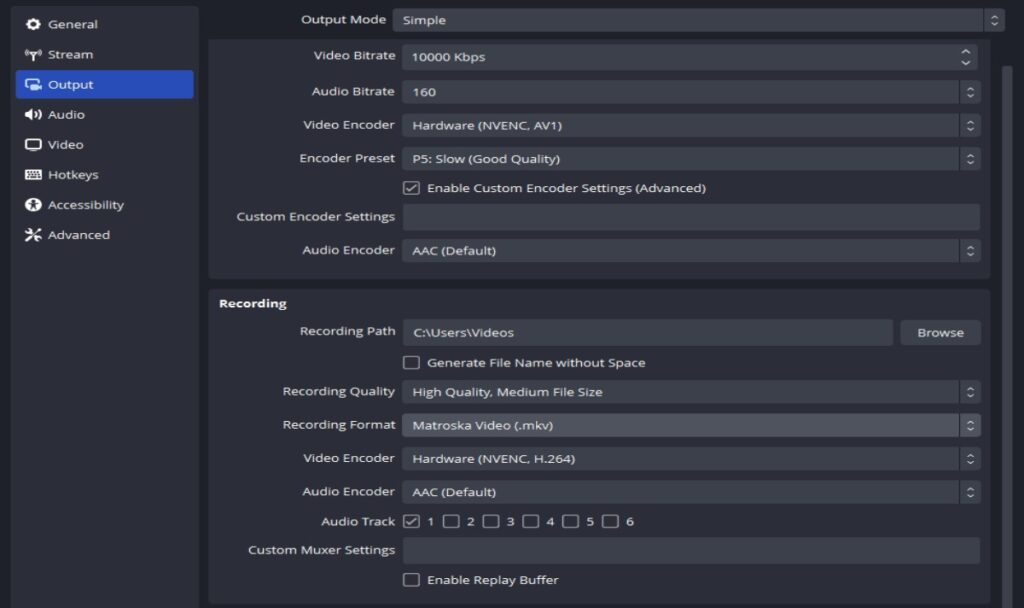
GPU encoding uses dedicated hardware inside the graphics card. NVIDIA’s NVENC encoder is especially popular because it can compress video with minimal performance loss. For most gamers, this is the easiest way to stream without destroying FPS.
If you are choosing a graphics card for this purpose, you can explore current recommendations in this guide to the best GPU picks for 1080p and 1440p gaming.
AV1 Streaming Encoders
Newer GPUs also support AV1 encoding, which offers improved compression efficiency. Platforms like YouTube already support AV1 streaming, and the technology will likely become the new standard over time.
Best Hardware for a Single PC Streaming Setup
Building a system that can game and stream simultaneously is mostly about balance. You need enough CPU threads, a capable GPU encoder, and sufficient RAM to prevent resource conflicts.
Best GPUs for Streaming
The GPU plays a major role in modern streaming setups because of hardware encoders. NVIDIA cards with NVENC are widely used for streaming because they offload encoding work from the CPU.
Here are 2 Great Choices


Best CPUs for Streaming
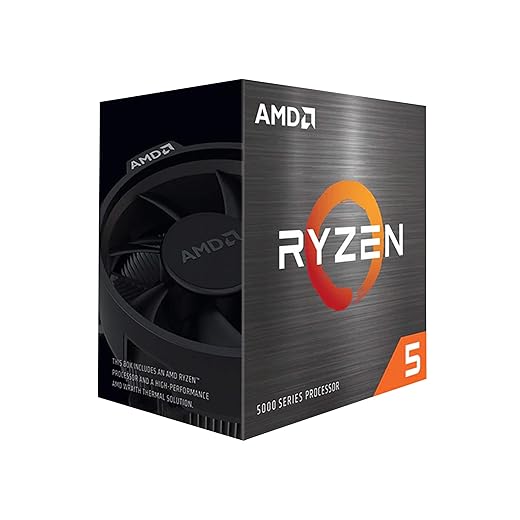
Streaming workloads benefit from CPUs with higher core counts. Processors with eight or more cores handle background tasks far better than entry-level chips. If you are planning an upgrade, this overview of the best gaming CPUs for balanced performance can help you choose wisely.
See The Budget and Top Tier Choices

RAM and Storage
At minimum, 16GB of RAM is recommended for gaming and streaming together. However, many streamers eventually upgrade to 32GB for additional headroom.
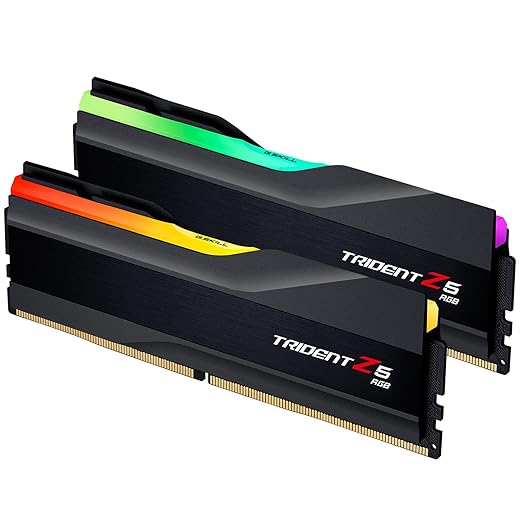
Fast SSD storage is also important if you plan to record gameplay while streaming.

Legacy hardware warning: Older systems using DDR3 memory or early-generation GPUs may struggle with modern streaming workloads. In some cases, upgrading to a second-hand GPU with a modern encoder can dramatically improve results.
How Streaming Actually Behaves on Real Gaming PCs
Real-world streaming performance rarely matches theoretical benchmarks. Game engines, overlays, scene transitions, and browser sources all influence how smooth a stream feels.
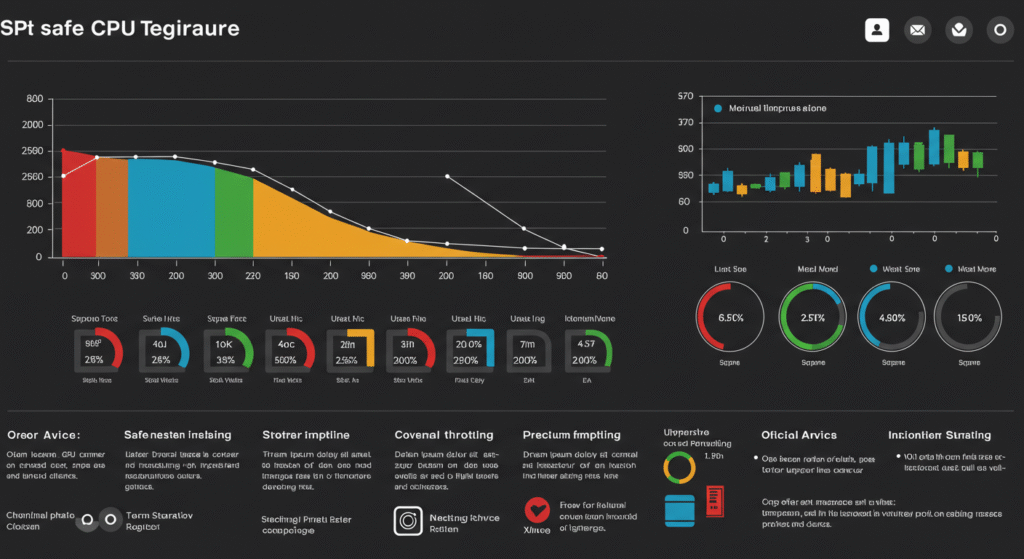
Most gamers encounter issues like frame pacing drops or CPU spikes during intense gameplay. If your system feels inconsistent while streaming, you may benefit from guides explaining hidden throttles that kill your FPS.
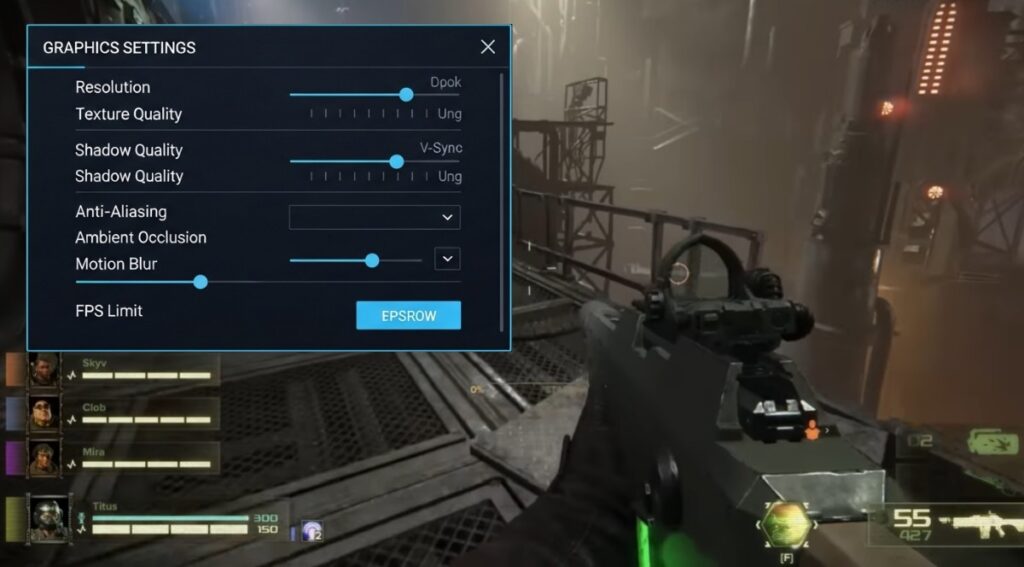
In some situations, simple optimizations can help. Techniques such as limiting frame rate or adjusting graphics settings can reduce lag without sacrificing graphics.
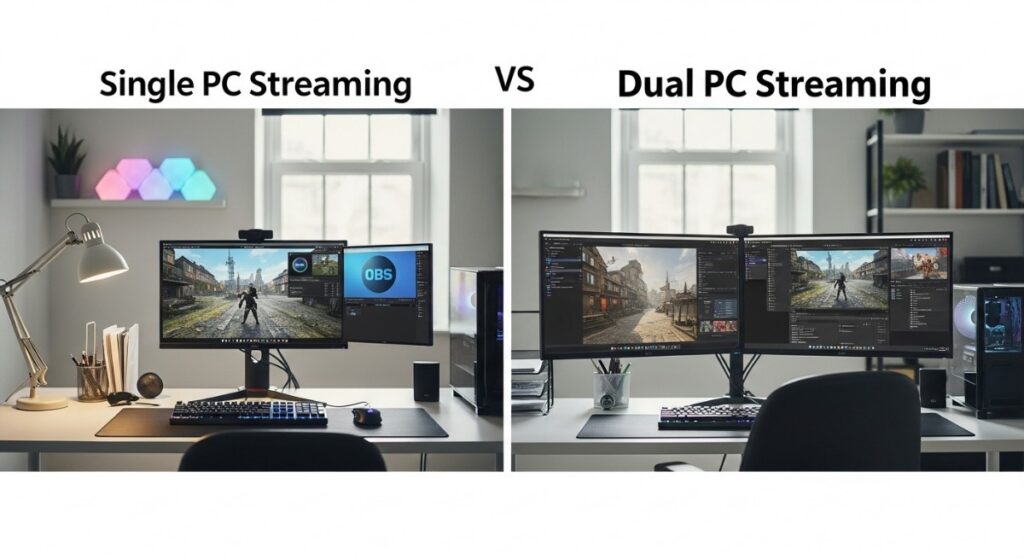
Single PC vs Dual PC Streaming
Many professional streamers eventually adopt a dual-PC setup. One machine runs the game while the second handles encoding and broadcasting. This eliminates performance conflicts entirely.
However, most gamers do not actually need two systems. With modern GPUs and efficient encoders, a well-balanced single PC streaming setup is more than capable of handling both tasks.
You Might Not Need a Streaming PC at All
Here is the uncomfortable truth many hardware guides skip: a lot of gamers already own a system capable of streaming. Modern GPUs include dedicated video encoders that dramatically reduce the performance impact of broadcasting gameplay.
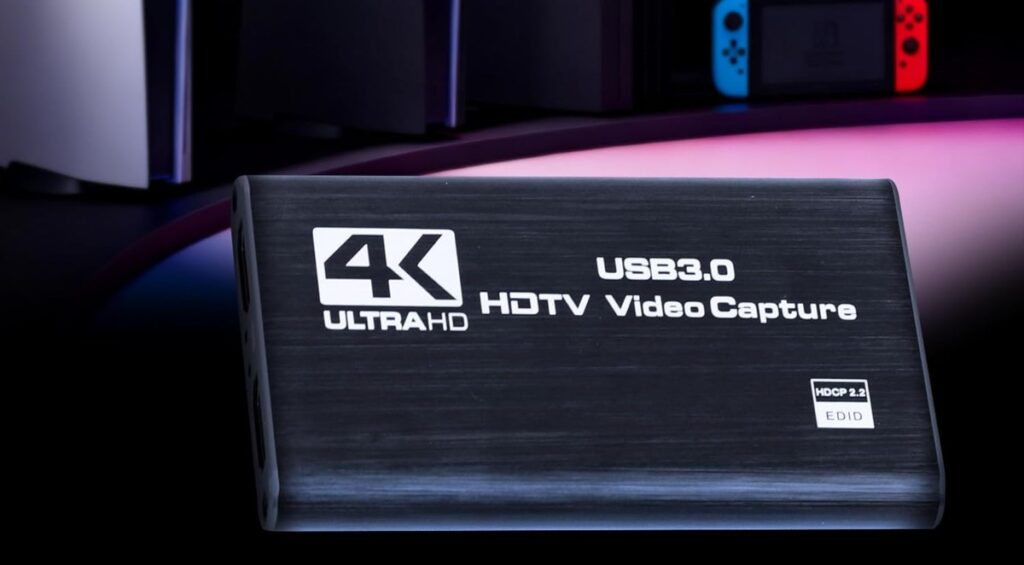
NVIDIA’s NVENC encoder and newer AV1 hardware encoders allow your graphics card to handle the heavy lifting instead of your CPU. When configured correctly, the FPS difference between gaming normally and streaming can be surprisingly small.
This means upgrading your entire PC is often unnecessary. In many cases the real solution is simply choosing the correct encoder and adjusting OBS settings. A balanced mid-range gaming system with a modern GPU can handle streaming workloads far better than older streaming guides suggest.
Before investing in expensive upgrades, it is worth testing GPU encoding first. You may discover that your current system is already capable of smooth gameplay and streaming.
Practical Tips to Stream Without Killing FPS
Even with the right hardware, small adjustments can make a noticeable difference.
- Use GPU encoding instead of CPU encoding whenever possible.
- Limit your in-game FPS to reduce GPU overload.
- Avoid overly complex OBS scenes with too many animated sources.
- Record gameplay to a dedicated SSD if possible.
- Monitor system usage to catch bottlenecks early.

If you notice unusually high CPU usage while streaming, you may also benefit from troubleshooting steps similar to those used to fix high CPU usage while gaming.
Frequently Asked Questions
Can one PC handle streaming and gaming?
Yes. A modern gaming PC with a capable GPU encoder can stream and run games simultaneously. Many streamers now rely on a single PC setup thanks to hardware encoders such as NVENC and AV1.
Does streaming lower FPS?
Streaming can reduce FPS if the encoding workload overwhelms the CPU or GPU. Using GPU encoding instead of CPU encoding usually minimizes this performance impact.
Is GPU encoding better than CPU encoding?
For most gamers, yes. GPU encoders offload the compression work to dedicated hardware, which helps maintain stable game performance during streaming.
How much RAM do you need for streaming?
Sixteen gigabytes is the realistic minimum for gaming and streaming together. Many streamers upgrade to 32GB to provide additional headroom for background applications and recording software.
Conclusion
A well-configured single pc streaming setup can easily handle gaming and streaming at the same time. The key is understanding where the bottlenecks appear and choosing hardware that minimizes resource conflicts.
Most performance problems come from encoding workloads, not the game itself. By using GPU encoders, balancing CPU and GPU resources, and optimizing your streaming software, you can maintain smooth gameplay while broadcasting to your audience.
Streaming technology continues to improve every year, which means that single-PC setups are becoming more capable than ever. With the right configuration, you no longer need a dedicated streaming machine to create high-quality gameplay broadcasts.