
Updated 18/02/2026: Refreshed with current upscaling tech (DLSS, FSR, XeSS), modern hardware realities, and real-world performance behavior.
If you are searching for how to reduce lag on PC without turning your game into a blurry mess, you are in the right place. Most guides tell you to drop everything to Low and call it a day. That works, but it is also lazy advice.
The truth is simple. You can get smoother gameplay without destroying visuals, if you understand what is actually causing the lag. Some lag problems appear only when streaming software is active, which is why optimizing your single PC streaming setup can dramatically improve performance.
Whether you are dealing with FPS drops, stutter, or input delay, this guide will show you what to tweak, what to ignore, and when your PC is quietly telling you it needs help.
Why Your PC Stutters (Even When FPS Looks Fine)
Here is the part most guides skip. Your FPS counter can say 60, but your game can still feel terrible. That is because smooth gameplay is not just about FPS, it is about frametime consistency.
- CPU bottlenecks: Your GPU is ready, your CPU is not.
- Shader compilation stutter: Common in newer games, especially first time loads.
- RAM or VRAM limits: When memory fills up, your system starts juggling data and stutters hard.
If you want to actually see this happening, use proper monitoring tools like How to Monitor Temps, Clocks & Usage Like a Pro or The HWiNFO Setup I Actually Use.
If you want deeper insight into bottlenecks, use this HWiNFO guide for bottlenecks and temps.
Simple rule: If your frametime graph looks unstable, that is your real problem.
If your system should be running games smoothly but still stutters, read why high-end PCs still stutter for the real causes.
Check What Is Really Lagging (It Might Not Be Your Graphics)
Before changing settings, figure out what kind of lag you are dealing with.
- FPS lag: Low or unstable frame rates.
- Input lag: Delayed response to your actions.
- Network lag: High ping or packet loss.
If your CPU is constantly maxing out, follow this guide to fix high CPU usage while gaming before touching graphics settings.
If it is network related, tools like PingPlotter can help identify the issue quickly.
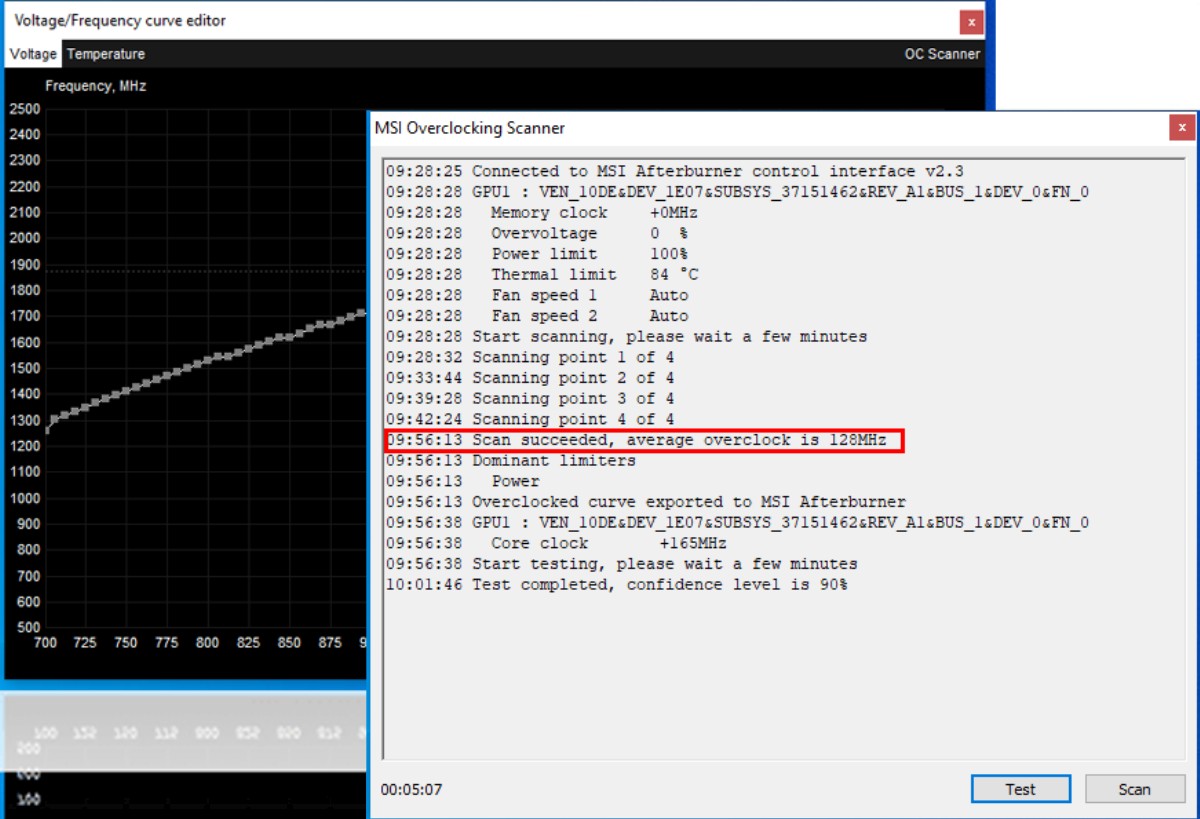
For real-time stats while gaming, set it up properly using this MSI Afterburner guide.
Do not guess. Measure first.
Once you tweak settings, verify the results using this proper PC performance testing method so you are not guessing.
How to Reduce Lag Without Killing Your Graphics
You do not need to drop everything to Low. These settings give the biggest performance gains with the smallest visual impact.
- Shadow Quality: One of the biggest FPS killers. Drop this first.
- Anti-Aliasing: Use TAA or FXAA. Avoid MSAA unless you have GPU headroom.
- Ambient Occlusion: Nice to have, expensive to run.
- Motion Blur: Turn it off. Always.
- Volumetric Lighting: Heavy on performance, minor visual gain.
If you are still struggling, check your system with this Windows troubleshooting guide.
Use Upscaling and Frame Generation (Free Performance)
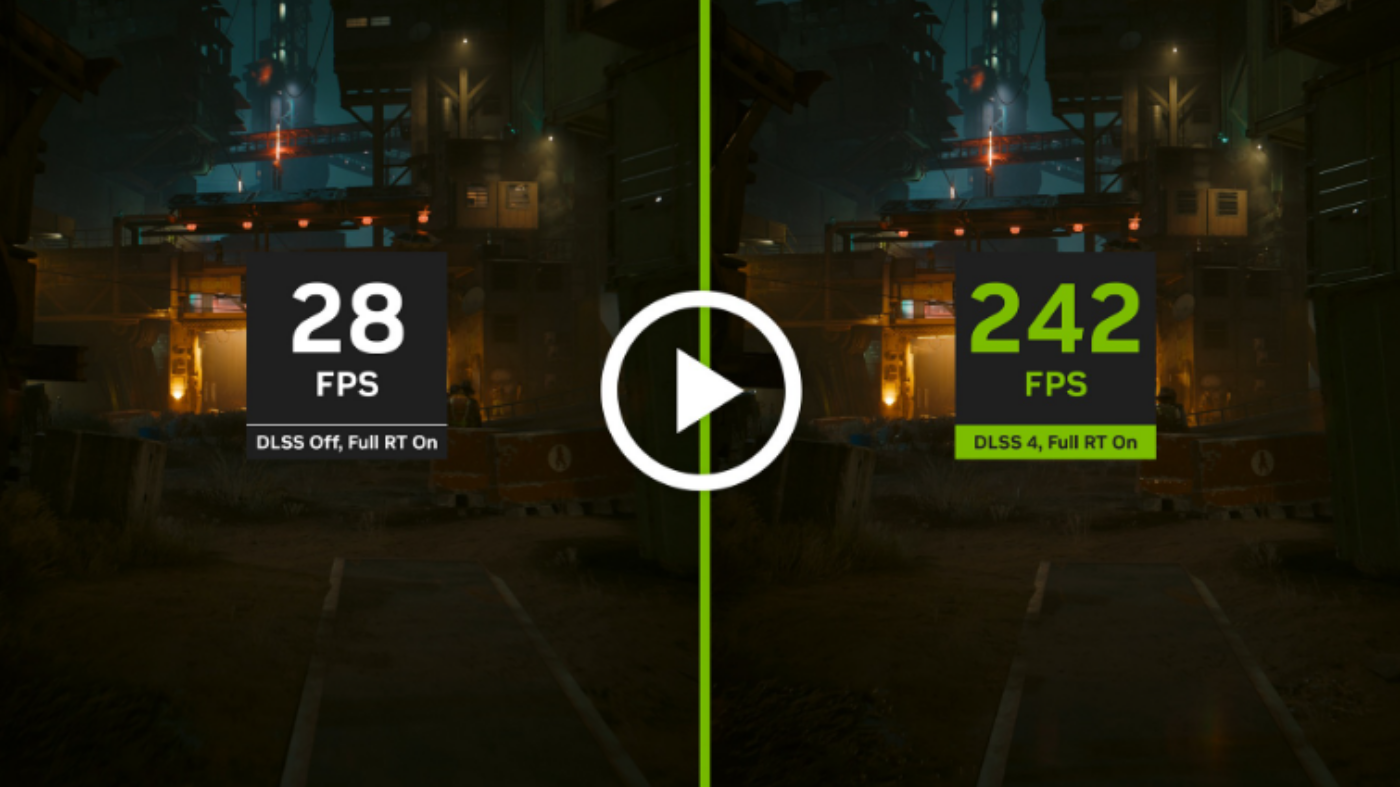
This is where modern gaming changed everything.
- DLSS: Best quality on NVIDIA GPUs.
- FSR: Works on almost everything.
- XeSS: Solid middle ground with growing support.
These technologies let you run lower internal resolution while keeping image quality high. In many cases, you gain massive FPS with minimal visual loss.
If your game supports it, use it. No debate.
Close Background Apps (Yes, Even That One)
Your game is not the only thing using your PC.
Browsers, Discord, RGB software, launchers, they all eat CPU and RAM.
Open Task Manager and clean house.
For deeper cleanup, use this Windows performance guide or remove junk with this bloatware guide.
Update Drivers and Game Settings
This is boring, but it works.
- Update GPU drivers regularly
- Install game patches
- Use auto-optimization as a starting point, not the final setup
Sometimes performance issues are fixed without you even noticing. Talking about drivers? Performance spikes can also affect audio stability. If you notice distorted or crackling sound during gameplay, see our guide on fixing audio crackling in games.
Optimize Windows for Gaming
A few small tweaks can make a noticeable difference.
- Use High Performance power plan
- Disable unnecessary startup apps
- Clean temporary files
Performance drops are often caused by hidden limits, this breakdown of what silently kills your FPS shows what most players miss. If your performance still feels off, it might not be your settings. This guide helps you figure out whether your CPU or GPU is holding you back: CPU or GPU problem during gaming.
Avoid risky registry tweaks. They break more systems than they fix.
When Tweaks Stop Working (And It Is Not Your Fault)
This is where most guides stop being honest.
- CPU constantly maxed out
- VRAM fully used
- Stutter even on low settings
- Slow loading and asset streaming issues
If you see these signs, your hardware is the bottleneck.
No amount of tweaking will fix that.
If your system still feels slow after upgrades, this guide explains why performance does not always scale the way you expect.
Upgrade Smart (If All Else Fails)
You do not need a full rebuild. You need the right upgrade.
RAM Upgrade
More memory reduces stutter and improves multitasking. 16 GB is the baseline, 32 GB if you push your system.
2 Top Choices To decrease Lag

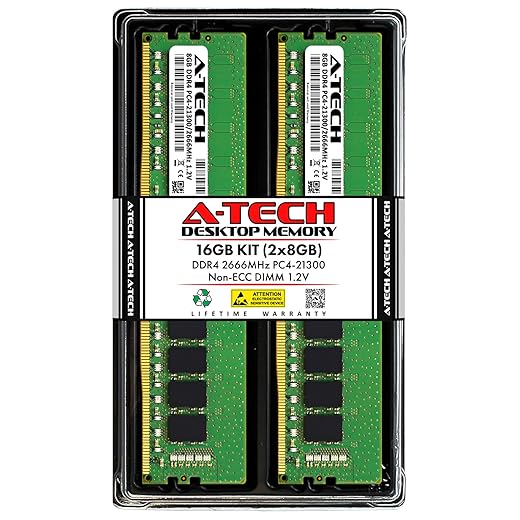
Not sure how much memory you actually need? Read how much RAM modern games really use before upgrading.
If you want to choose the right kit, use this RAM buying guide for gaming PCs to avoid wasting money.
SSD Upgrade
Moving from HDD to SSD removes loading stutter and improves overall system responsiveness.
2 Picks to Reduce Load Times

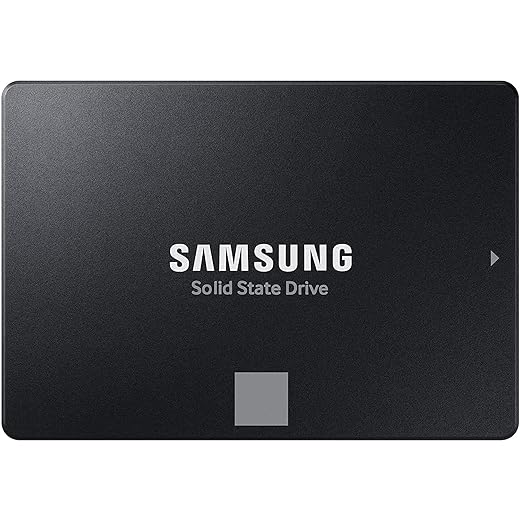
If you are wondering whether storage impacts performance, here is what faster SSDs actually do for gaming.
For real results, check how SSD speed affects real gameplay beyond marketing numbers.
GPU Upgrade
Upgrade only if your current GPU cannot keep up with your target settings.
2 Choices If Your Budget allows


For deeper guidance, read Gaming PC Upgrades That Actually Matter.
When Upgrading Is the Wrong Move
Not every problem needs new hardware.
- Poorly optimized games will still perform badly
- Driver or Windows issues can mimic hardware limits
- Overheating can throttle performance
Always fix software issues first before spending money.
Quick Lag Fix Checklist
- Identify the type of lag
- Lower high-impact settings
- Enable upscaling
- Close background apps
- Update drivers
- Optimize Windows
- Upgrade only if necessary
BTF Final Take
You do not need to choose between smooth gameplay and good visuals. Once your game runs smooth, these are the multiplayer picks worth booting up: best co-op shooters on PC with lobbies that aren’t dead.
Tweak the right settings, use modern tools, and know when your hardware is the real issue.
Fix the problem, do not fight your PC.