Updated 28 February 2026: Safe-buy FPS games that actually run on low-end PCs, no guessing, no refund roulette.
Buying shooters on a low-end PC often feels like gambling. You check the store page, skim system requirements, click buy, and hope for the best. Sometimes it works. Often it does not.
This Low End FPS Games You Can Buy guide exists to stop that cycle. These are safe-buy recommendations, games with proven engines, predictable performance, and realistic behavior on older PCs. Check current pricing and availability on Steam or your preferred PC store before purchasing.
If you cannot spend a dollar yet, start with our Free Games Hub for Older PCs.
If you want paid shooters that usually behave themselves on weak hardware, keep reading.
Where to Buy These Games Safely

Most of the FPS games listed here are widely available on major PC stores like Steam and other reputable storefronts. Always check current system requirements, recent user reports, and refund policies before you buy.
This guide focuses on performance safety first, not store preference. Verify compatibility and avoid buying blind just because a trailer looked good. If you also want free, offline, and non-shooter options, head to our main guide to low end pc games that actually run.
What “Low-End PC” Means in This Guide
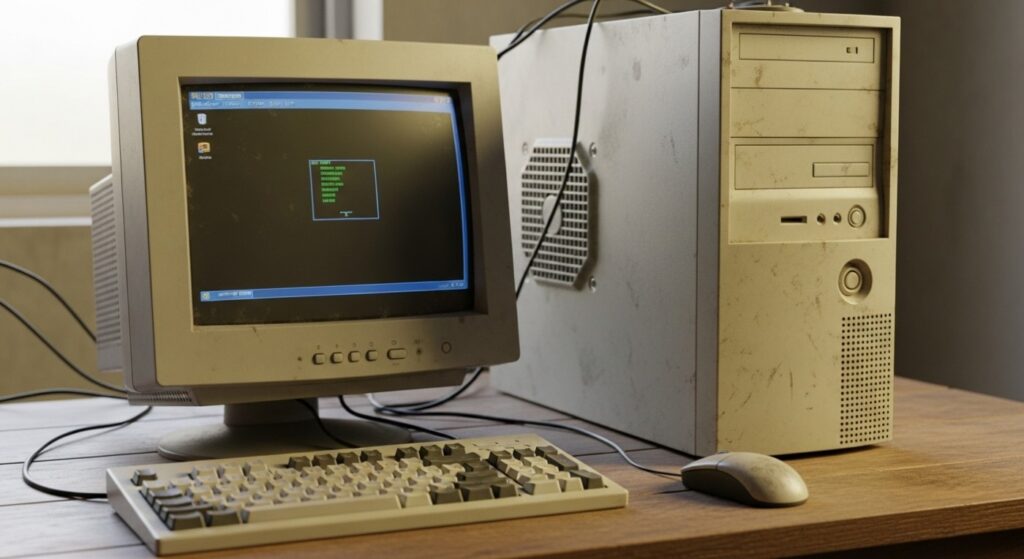
When I say low-end, I am not talking about broken hardware. I am talking about systems that still work, but are no longer considered modern by game developers.
- Older desktop GPUs that were mid-range years ago
- Integrated graphics, including older Intel HD, UHD, and AMD iGPUs
- 4GB to 8GB RAM systems
- Budget laptops and repurposed office PCs
Most games below are playable with realistic expectations, usually low settings and sometimes reduced resolution. If you want zero-cost options alongside these, see Best Free Games for Low-End PCs.
The Best Low End FPS Games You Can Buy
These are paid shooters known for stable engines, good scaling, or retro visuals that still feel good to play. None of them are magic, but they are far safer bets than modern hardware-hungry releases.
Half-Life 2

Risk level: Very low
A story-driven FPS classic that still feels tight and responsive today. Runs well on older hardware thanks to the efficient Source engine.
How it behaves on low-end PCs: Very friendly, scales down well and usually runs smoothly at low settings.
Left 4 Dead 2

Risk level: Very low
A fast-paced co-op shooter built around replayable zombie scenarios. Scales well on weaker PCs with conservative settings.
Performance notes: Big hordes can spike CPU usage, but stability is strong for older hardware.
Counter-Strike: Source
Risk level: Extremely low
A tactical multiplayer FPS built for precision and responsiveness. Extremely lightweight by modern standards.
F.E.A.R.

Risk level: Low
A horror FPS known for smart enemy AI and intense gunfights. Built for older PCs, though heavy effects can stress very weak GPUs.
Doom 3
Risk level: Low
A slower, darker FPS that leans on atmosphere and lighting. Drop resolution and effects if your GPU is ancient.
Quake / Quake II
Risk level: Extremely low
Pure, fast FPS design with no filler. One of the safest bets you can make for weak hardware.
DUSK
Risk level: Very low
A modern retro FPS inspired by classic 90s shooters. Retro visuals keep demands low.
Project Warlock
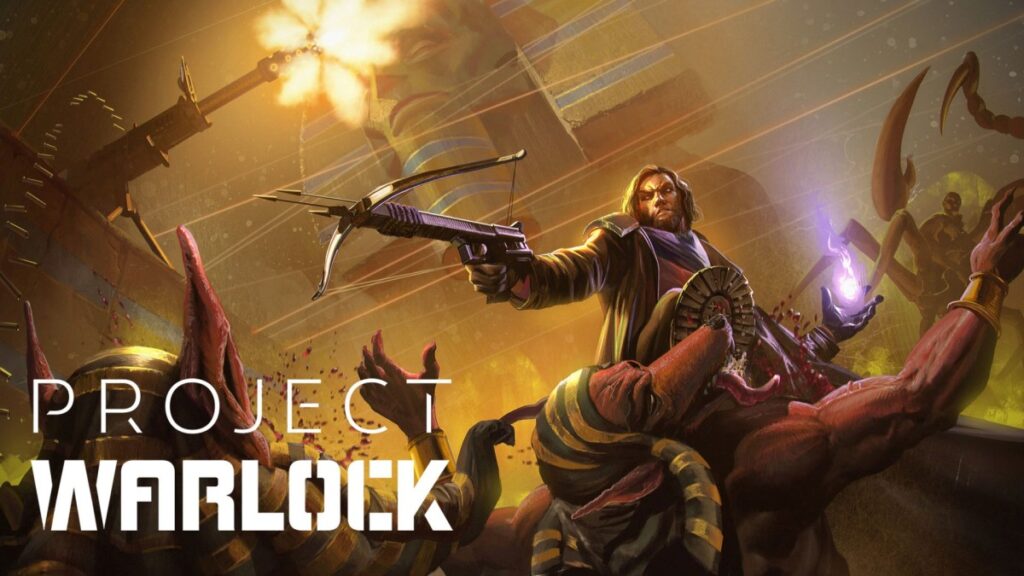
Risk level: Very low
A bite-sized retro shooter with pixel-art visuals. Very light on system resources.
Call of Juarez: Gunslinger

Risk level: Low
An arcade-style FPS with a strong storytelling hook. Runs well on older GPUs at lower settings.
Far Cry 2
Risk level: Medium
An open-area FPS with streaming and AI overhead. Settings management matters more here than on the older corridor shooters.
Ravenfield
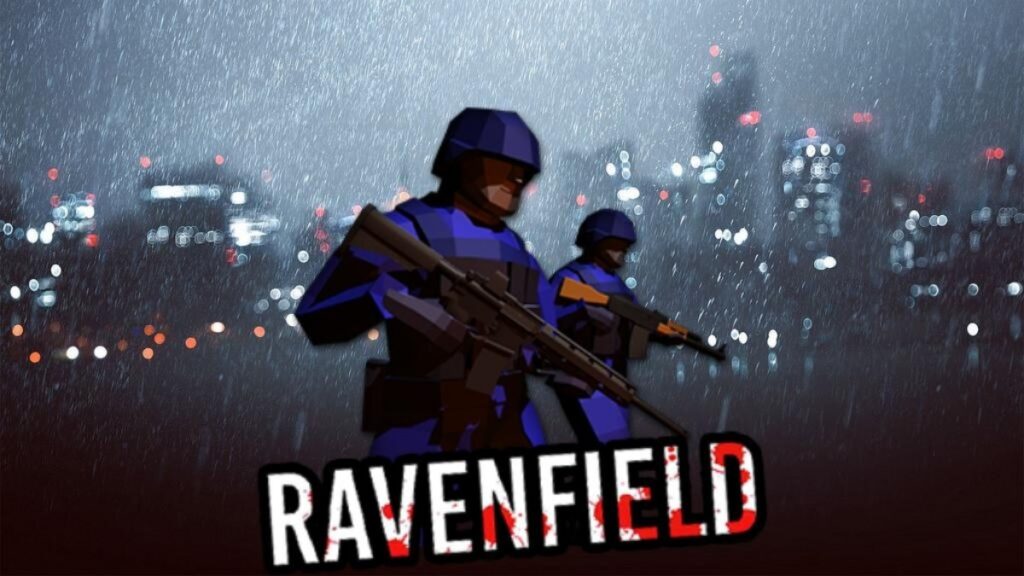
Risk level: Medium
A single-player FPS focused on large-scale bot battles. Performance depends heavily on bot count and map size.
FPS Games That Are Usually Cheap and Low-Risk

Prices change constantly, but these shooters are often discounted and tend to be safe choices for weak hardware:
- Half-Life 2
- Left 4 Dead 2
- F.E.A.R.
- Doom 3
- Quake / Quake II
- Call of Juarez: Gunslinger
If even these feel like a stretch, go free instead: 10 Free FPS Games for Low-End PCs and Free Shooters for Low-End PCs.
Low-End FPS Games That Still Feel Worth the Money
- DUSK
- Project Warlock
- Ravenfield
- Far Cry 2 (often discounted)
For other genres that play nicely on older hardware, explore Best Free RPGs for Low-End PCs and 10 Free Survival Games for Low-End PCs.
Why Paid FPS Games Often Run Better Than Free Ones
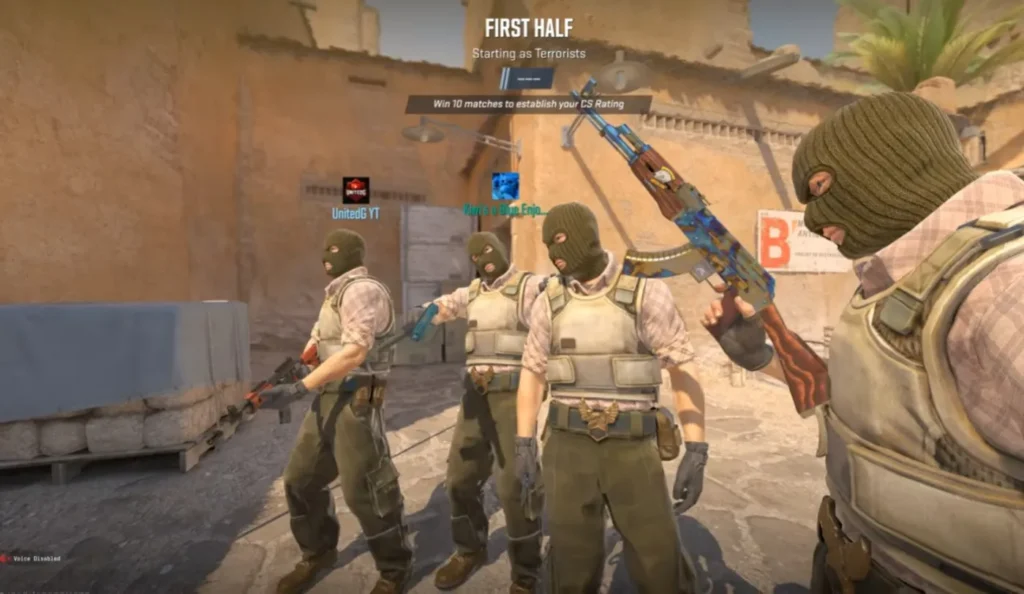
- Less background bloat: fewer launchers, overlays, and always-online services.
- Mature engines: older paid games have years of patches and community documentation.
- Offline stability: fewer external dependencies that cause stutter or crashes.
If you rely entirely on integrated graphics, also read FPS Games Without a Graphics Card. Or If shooters feel too limited and you want vehicles, missions, and open-world freedom, try these games like GTA V for low-end PCs instead.
How These Games Behave on Real Low-End PCs
- CPU limits matter: Large AI battles can choke older processors. If you are not sure what is actually holding you back, use CPU or GPU Problem During Gaming.
- Lighting is expensive: shadows and effects often cause more problems than textures.
- RAM is still critical: 4GB systems are sensitive to background apps.
- Stutter is usually frametime-related: not just low average FPS.
For deeper troubleshooting, use these guides instead of guessing:
For neutral reference data, see the Steam Hardware Survey and PCGamingWiki.
When You Should NOT Buy FPS Games
Here is the blunt truth. Sometimes the problem is not the game, it is your PC.
- If you only have 4GB RAM, do not spend money yet, you will be fighting Windows more than the game.
- If your CPU is ancient, AI-heavy games (bots, hordes, open areas) will hitch even if average FPS looks “fine.”
- If you mainly want multiplayer, you might get better value from well-optimized free shooters first.
- If your PC already struggles with free low-end shooters, buying paid ones will not magically fix that.
If you need backup options right now, start here: Free Games for Garbage PCs.
When the Game Is Not the Problem

If even these titles struggle, the issue is usually not the game itself. Low RAM, slow storage, or an aging GPU can bottleneck even well-optimized shooters.
Sometimes it is also your PC doing “helpful” things in the background, so check these before blaming the game: Disable Bloatware on Windows and Windows Settings to Disable for Gaming.
These guides focus on the cheapest fixes and upgrades that actually make a difference:
- How Much RAM Games Actually Need
- Real-World SSD Performance for Gaming
- Fix High CPU Usage While Gaming (especially if hordes, bots, or open-area games keep hitching)
- Best GPU Picks That Still Make Sense
Stop Wasting Money on Games That Won’t Run
You do not need a new PC to enjoy FPS games. You just need better information.
The titles above are safer bets for weak hardware, and understanding real performance behavior matters more than chasing specs.
Bookmark these for backup options: