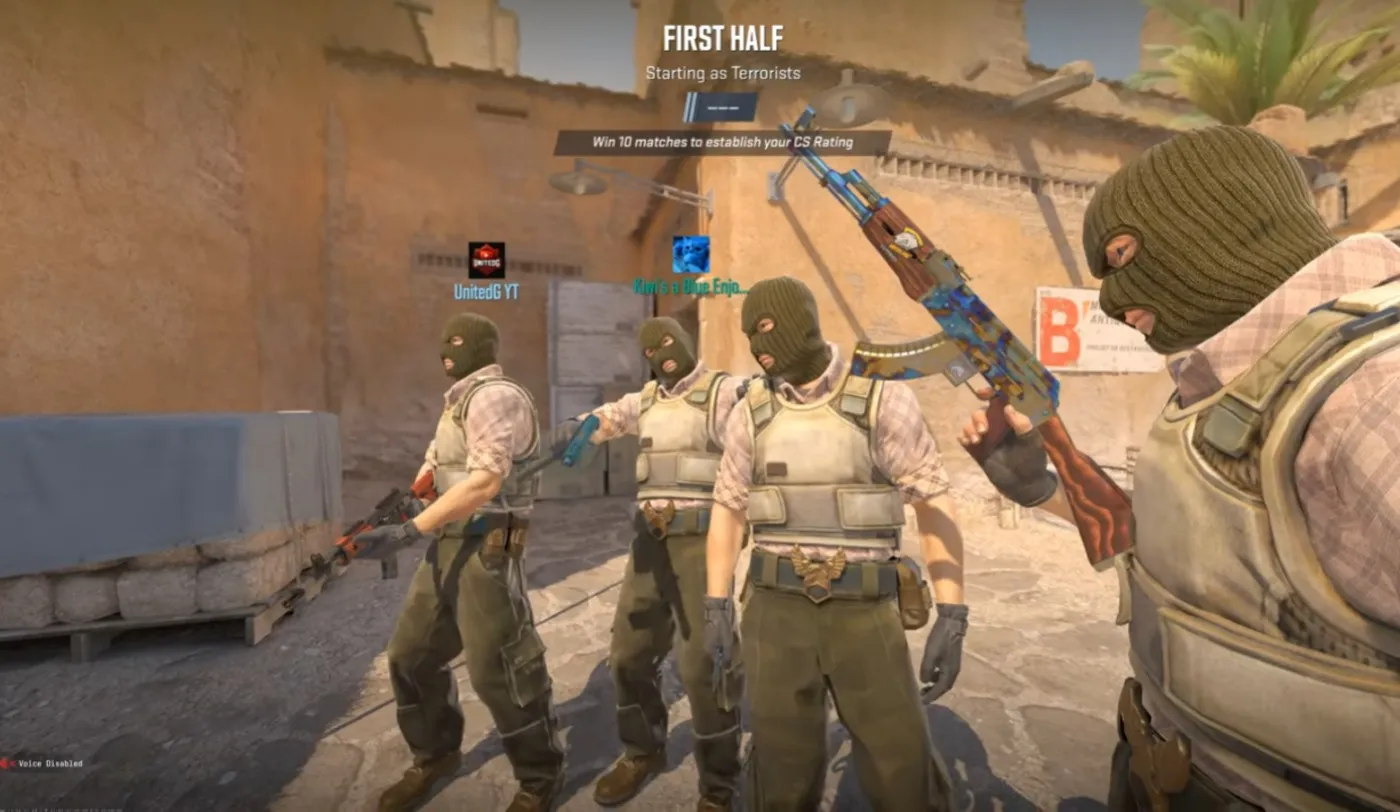
I love Counter-Strike because it’s brutally honest. No ultimates. No hero abilities. No “my character counters your character.” It’s you, your crosshair, your decisions, and a game that punishes bad habits faster than your teammates can type “nice try.”
That’s also why Counter Strike 2 Performance problems feel so personal. In most games, a little hitch is annoying. In Counter-Strike 2, one tiny frametime spike can turn a clean peek into a ghost shot, a missed spray, or a round you swear you had. That “my PC feels off” feeling is real, and it’s exactly why so many players upgrade their GPU… then stare at the same choppy aim and wonder what they just paid for.
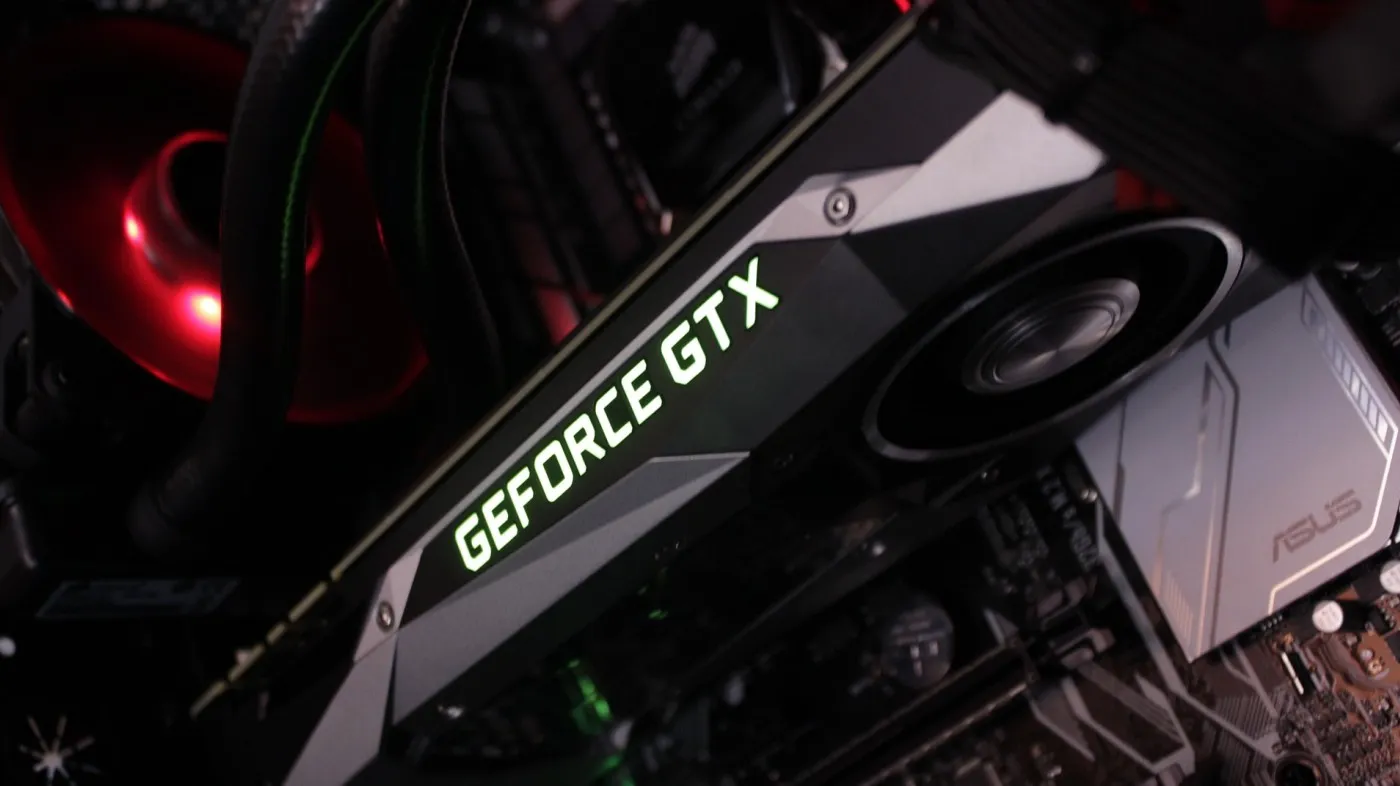
This article is the reality check: CS2 is usually not GPU bound. It’s a CPU and frametime game. So if you upgraded your graphics card and your performance barely moved, you didn’t get scammed. You just upgraded the wrong bottleneck.
Counter-Strike is one of the last mainstream shooters where the “noise” is low and the skill signal is high. You do not win because you found a broken loadout or popped a super move. You win because you:
It’s pure and it’s addictive. When it feels smooth, CS2 is one of the best competitive shooters on PC. When it feels unstable, it becomes a trust exercise, and your PC fails the test.
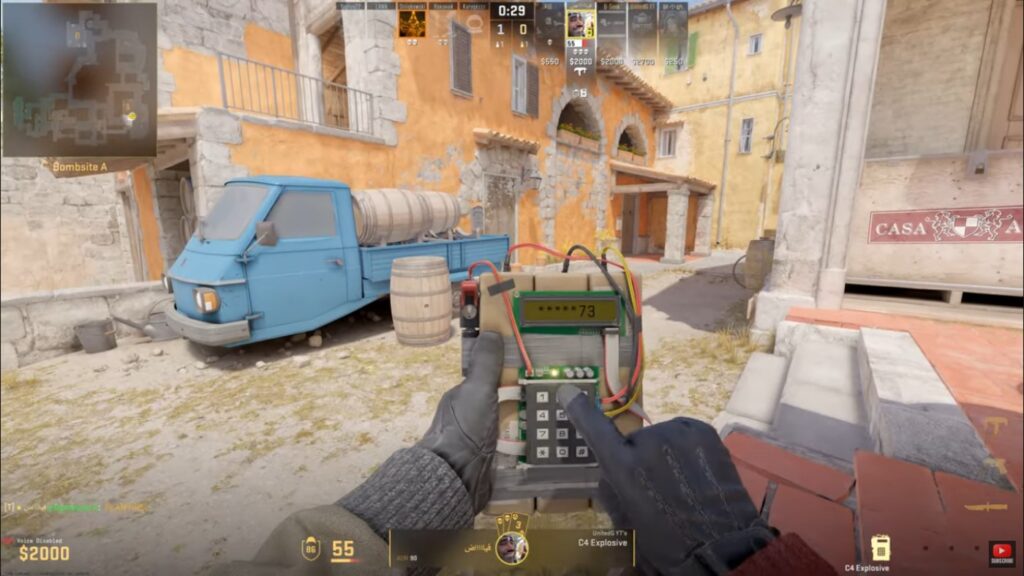
CS2 isn’t just about “getting high FPS.” It’s about consistency. You want the game to feel the same every round:
In a flashy single-player game, your brain can forgive a dip. In CS2, your brain notices everything. If your frame delivery is uneven, it feels like your aim got worse overnight. It didn’t. The game just stopped arriving in a smooth rhythm.
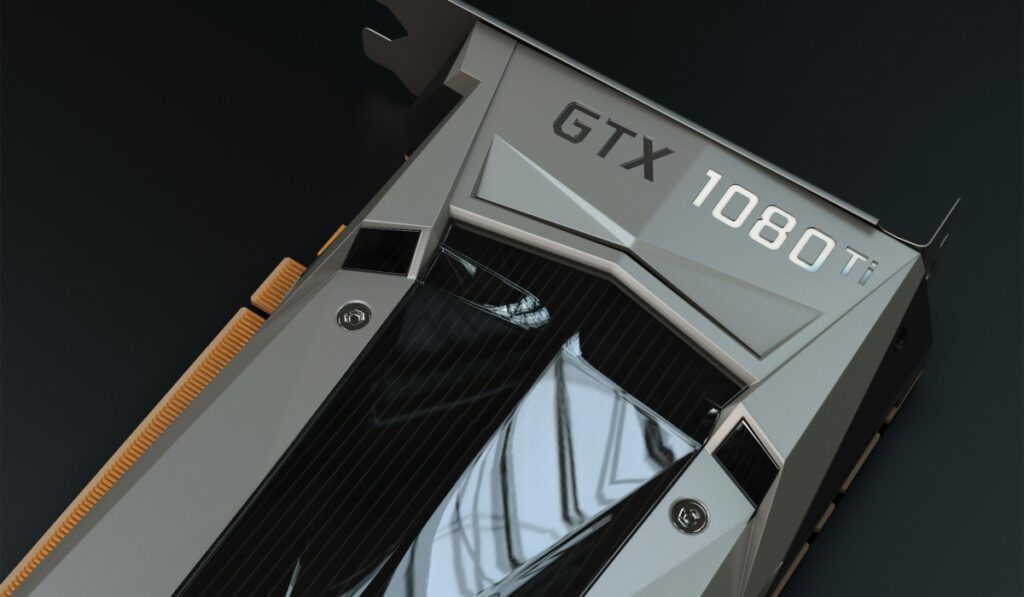
Here’s the myth most PC gamers grow up with:
“Low FPS? Buy a better GPU.”
That’s often true in big, cinematic games where the GPU is doing heavy lifting. CS2 is different. A lot of the time, your GPU is not struggling. It’s waiting.
In simple terms:
So you can upgrade to a monster GPU and still see:
That’s not because your GPU is bad. It’s because CS2 is often limited by the CPU pipeline and frame consistency. If you want to see what your PC is actually doing while you play, learning how to monitor temps, clocks, and usage properly is the first step.
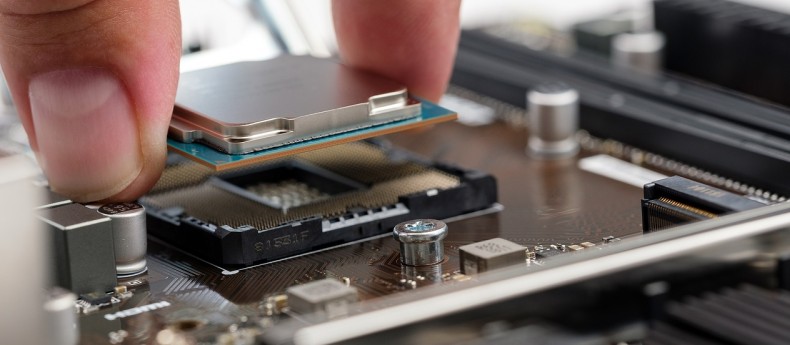
When people say “CPU bound,” they usually make it sound like a science lecture. It’s not. It’s this:
Your CPU decides how quickly the game can think. The CPU runs a lot of the work that matters in a competitive shooter:
CS2 can push your CPU harder than you expect, especially when you want very high FPS. Competitive players chase high refresh rates because the game feels better at 144Hz, 240Hz, and beyond. That “beyond” part is where CPUs start to tap out.
When the CPU is the limiting factor, your GPU can be sitting there with spare headroom. That’s the part that confuses people. They look at GPU usage, see it is not pegged at 99%, and assume something is broken.
Nope. The GPU is just waiting for the CPU to deliver frames fast enough. If your CPU is constantly pinned while gaming, that alone can explain stutter and inconsistent performance. Start by learning how to fix high CPU usage while gaming.
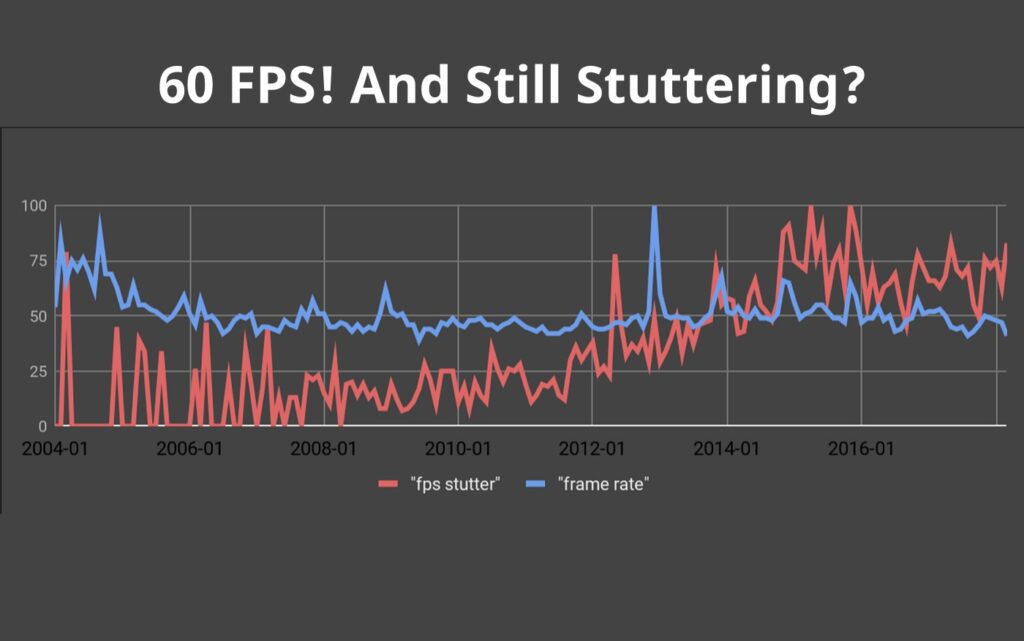
This is the part most people miss because FPS is an easy number to obsess over. FPS is like your average speed on a road trip. Frametime is like how smooth the road is.
You can have high average FPS and still feel awful if the delivery is inconsistent. That “choppy” feeling is usually frametime instability, not just low FPS.
Here’s the simple version:
And yes, a stable 200 FPS often feels better than a spiky 400 FPS. Not because 200 is higher quality, but because it’s consistent. CS2 rewards consistency. Your muscle memory relies on it. Stutter is often not about low FPS, but about uneven frame delivery. This is why games can stutter even on high-end PCs.
A lot of long-time players say some version of:
“CSGO felt smoother.”
Sometimes that’s nostalgia. Sometimes it’s real. CS2 has different performance behavior and can place different kinds of load on your system. You might have upgraded your GPU since the CSGO days, but kept an older CPU platform, slower RAM, or a setup that was “fine” before.
CSGO was famously lightweight. CS2 is still not a super heavy AAA monster, but it can be less forgiving about frametime stability and CPU limitations, especially in competitive settings where you want high FPS at all times.
So if you expected CS2 to run like CSGO but prettier, the reality can feel rough. Your PC did not suddenly get worse. The game’s demands changed, and competitive players notice those changes instantly.

If your GPU upgrade didn’t help, here are the parts of your PC that are more likely to matter for CS2 performance and feel.
CS2 loves strong CPU performance, especially when you’re aiming for high and stable FPS. This is why certain CPUs feel “magically smooth” in CS2 even when paired with a mid-range GPU.
You do not need to memorize specs. Just remember the principle: CS2 punishes weak CPU performance and rewards consistency.
Some CPUs perform unusually well in certain games because they have more cache available. Cache is like fast-access memory close to the CPU. You do not need to understand it deeply. The practical takeaway is this:
In some competitive games, more cache can help smooth out performance and improve consistency.
If you’ve heard people hype “X3D” chips, this is part of why.
If you want the official explanation from AMD: AMD 3D V-Cache.
For CS2, RAM is not just “how much you have.” It’s also about responsiveness and stability. Slow or poorly configured RAM can show up as inconsistent frametimes, especially when your CPU is already under pressure.
No, you don’t need to become a RAM tuning wizard. But if you’re chasing “why does it feel off,” RAM is part of the picture.
If your CPU runs hot and starts throttling, your performance can dip and your frametimes can get messy. This is one of the most boring performance problems, and also one of the most common.
Yes, cooling is not exciting. Neither is losing a clutch because your CPU decided it was summer.
How does CS2 behave on real systems? Here’s what you usually see in the wild, without going deep into tweaks.
If you want deeper fixes, keep them in dedicated guides. This article is the “why.” Your fix articles should be the “how.”
Recommended next reads on BuiltToFrag:

If you take one thing from this article, take this:
Stop upgrading blind.
CS2 performance problems trick people into spending money because the symptoms feel like “not enough GPU.” But in many cases, the real limitation is CPU performance and frametime stability.
Before you buy anything, ask yourself:
If your answers point toward CPU or consistency issues, a GPU upgrade alone is not going to save you. It might help a bit, but it won’t solve the “feel” problem. And CS2 is all about feel. Before spending money, clean up your system and remove background junk that competes with your games. One of the easiest wins is to disable bloatware on Windows.
This is the part where we flip the mood.
If CS2 performance was purely a GPU problem, the solution would always be “spend more.” That’s boring and expensive. The good news is that CS2 rewards balance and smart upgrades. Understanding what’s actually happening helps you spend money where it counts, or even spend nothing and fix a setup problem instead.
Counter-Strike has always been a game where knowledge matters. Not just map knowledge, and not just spray patterns. System knowledge too. Once you understand why your GPU upgrade didn’t help, you can make smarter calls and get the smooth, consistent CS2 experience you actually want. Because in a game this pure, your performance should not be the wildcard.
This Article fits into the bigger picture of our smart PC maintenance and optimization. Your foundation always starts with solid Windows 10 and 11 performance fixes. If you want the official game info, here’s Valve’s page: Counter-Strike 2 (Valve).




Not every cheap PC upgrade improves gaming performance. This guide ranks low cost upgrades by real FPS impact and shows…

Buying FPS games for a low-end PC feels like gambling. This guide shows you exactly which paid shooters actually run…

Cheap gaming PCs often hide costly compromises. Here are the most common prebuilt mistakes and how to spot them before…

Struggling to run older FPS games smoothly? These under-$100 PC upgrades focus on real performance fixes like stutter, load times,…