

Updated 24/04/2026: This is a real-world $1000 gaming PC build using parts you can actually buy. No fake pricing, no missing components, and no “just add another $300 later” nonsense.
If you want the best budget gaming pc build that delivers smooth 1080p performance, handles modern games properly, and doesn’t paint you into a corner for upgrades, this is it.
The Actual $1000 Build (No Guessing Required)
This is the part most guides mess up. No options. No confusion. If you just want to build a solid gaming PC, this is your answer.
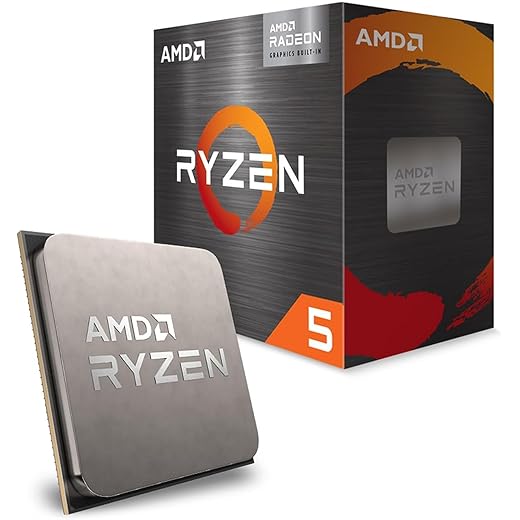
- CPU: AMD Ryzen 5 5600 GT
- GPU: Radeon RX 7600 (or RTX 4060 if pricing swings)
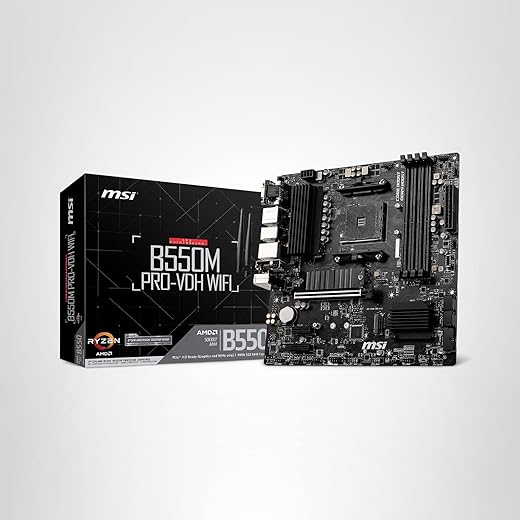
- Motherboard: B550 PRO chipset (MSI / ASUS / Gigabyte)
- RAM: 16GB DDR4 (2x8GB) 3200MHz+
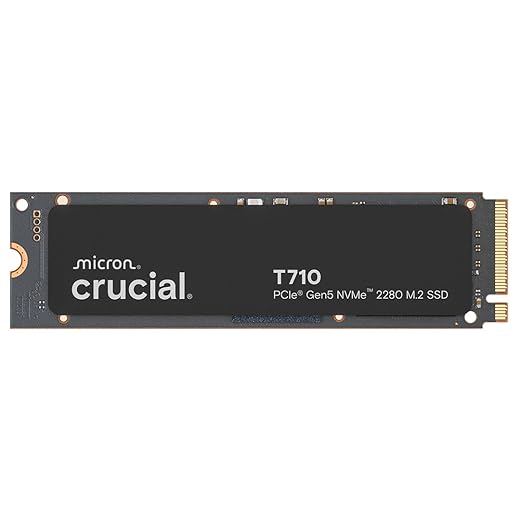
- Storage: 1TB NVMe SSD
- PSU: 650W 80+ Bronze or better
- Case: Airflow-focused mid tower (mesh front)
- Cooler: MONTECH NX600 Dual-Tower CPU Air Cooler
Estimated Total: ~$950–$1050 depending on deals
This build hits the sweet spot, strong GPU, reliable CPU, no wasted budget.
Where Your $1000 Actually Goes

If you understand this section, you will never overspend on a PC again.
- GPU: ~$400 (40%) → This is your FPS
- CPU: ~$150–200 (15–20%) → Keeps things stable
- Rest (RAM, SSD, PSU, Case): ~$400 → Everything else just supports performance
This is the BuiltToFrag rule in action: performance first, everything else supports it. If you want the full logic behind this, read our Smart PC Upgrades for weak PCs.
Why This Build Works (And Most Don’t)
Most “budget builds” fail because they:
- Overspend on motherboard and RGB
- Cheap out on GPU
- Pick mismatched components
This build avoids all of that.
You get:
- Strong GPU for actual FPS gains
- CPU that won’t bottleneck modern games
- Fast SSD for load times (not FPS, but still important)
If you want to understand storage properly, read real-world SSD performance for gaming.
The GPU Decision (Do Not Mess This Up)
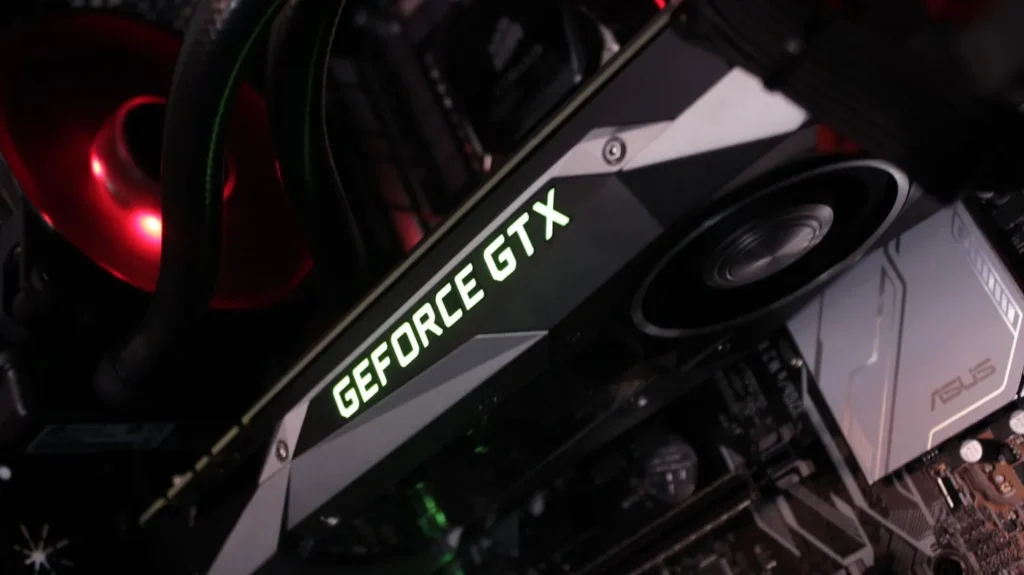
If you get one thing right in this build, make it the GPU.
Best pick: RX 7600
- Excellent 1080p performance
- Strong 1440p capability
- More VRAM than most competitors
Alternative: RTX 4060
- Better power efficiency
- DLSS support
- Slightly weaker raw performance
This is your decision moment. Everything else matters less. Budget builders looking at AMD should also read our RX 9060 XT 16GB review, especially if you are tempted by the 16GB label and think that tells the whole story.
Will These Parts Work Together? (Yes, They Will)
This is where most beginners panic.
Good news: This build is fully compatible.
- CPU + Motherboard → Same socket (AM4)
- RAM → Supported speeds
- PSU → Enough wattage headroom
- Case → Fits standard components
The Actual $1000 Build Parts (Buy These, Done)
This is the full build broken down into the exact parts that matter. If you don’t want to overthink it, pick from these and you’ll end up with a balanced, high-performance system.
The GPU That Carries Your FPS (Most Important Part)
This is where most of your budget should go. A weak GPU kills performance, a strong one carries the entire build.

The CPU That Keeps Everything Stable
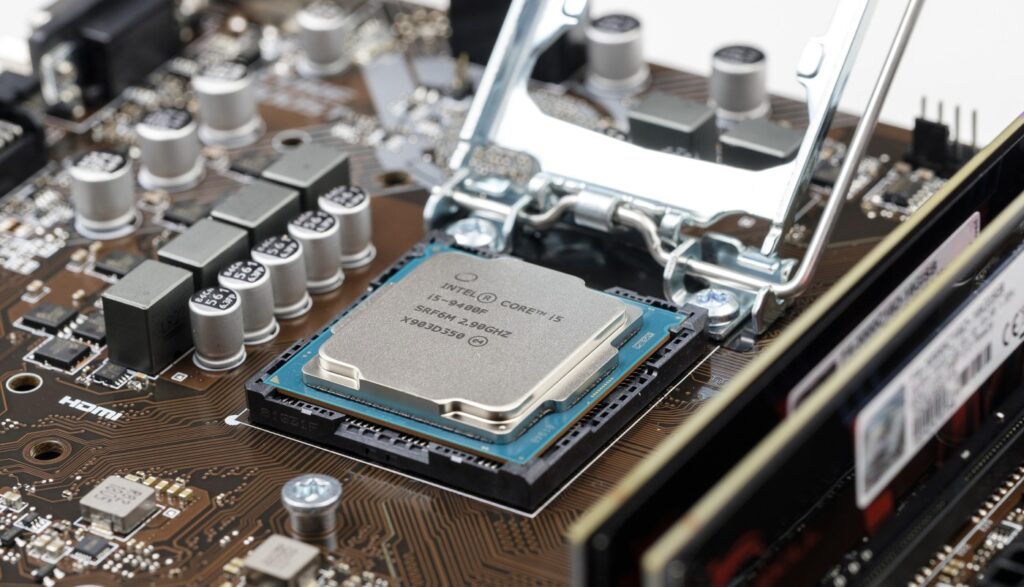
You don’t need overkill here. You need a CPU that feeds your GPU properly and doesn’t bottleneck modern games.
The Motherboard That Just Works (No Headaches)
This is not where you spend extra money. You want reliability, compatibility, and zero drama during setup.
16GB RAM That Prevents Stutter
This is your baseline for modern gaming. Less than this and you start seeing dips, stutter, and inconsistent performance.

SSD Storage That Keeps Load Times Fast
This won’t boost FPS, but it massively improves how your system feels. Slow storage makes everything worse.
Cooling That Stops Performance Drops
If your CPU overheats, your performance drops. Simple as that. You don’t need flashy cooling, just effective cooling.

A PSU That Won’t Kill Your Build
This is the part people cheap out on, and regret later. Stable power = stable system.

A Case With Actual Airflow (Not Just Looks)
Good airflow keeps temps down and performance consistent. Glass boxes with no airflow look nice and run hot.

If you want to double-check everything, use PCPartPicker.
And if you want to avoid rookie mistakes, read how to pick PC parts that actually fit.

How This Build Actually Performs in Games
This is not a benchmark fantasy. This is what you can realistically expect.
- 1080p: High–Ultra settings, smooth gameplay
- 1440p: Medium–High depending on the game
- Esports: Very high FPS (100+ easily)
How does it behave on real PCs?
- Mostly GPU-bound in modern games
- Stable frametimes with 16GB RAM
- Minimal stutter if settings are reasonable
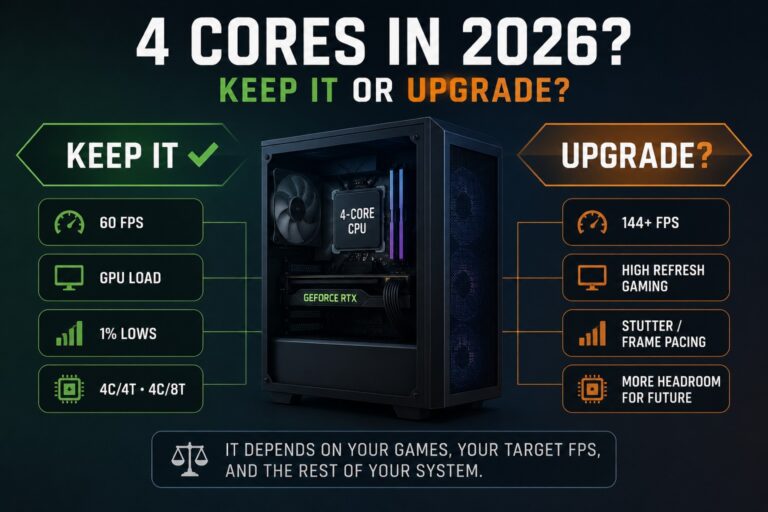
If your FPS feels off, don’t guess, use our CPU vs GPU bottleneck guide.
Should You Just Buy a Prebuilt Instead?
Fair question. Sometimes, yes.
Buy a prebuilt if:
- You don’t want to build
- You find a real discount
- You need warranty simplicity
Avoid prebuilts if:
- Specs look “too good for the price”
- They hide PSU or motherboard details
- Cooling looks like an afterthought
If you’re unsure, run it through this checklist: cheap gaming PC mistakes.
In most cases, this build gives you better performance per dollar.
Upgrade Path (Future-Proof Enough)
This build is not a dead end.
- Upgrade GPU later → biggest gain
- Add more RAM → easy improvement
- Swap CPU → possible within AM4 limits
If you want a higher-end system later, see our 4K gaming build guide.
On a tighter budget? Start here: ultra-budget gaming PC build.
FAQs
Is $1000 enough for a good gaming PC?
Yes. If you prioritize the GPU correctly, you can get excellent 1080p performance.
Should I go DDR5 instead?
Not at this budget. DDR4 gives better value right now.
Can this run modern AAA games?
Yes, at 1080p high settings comfortably.
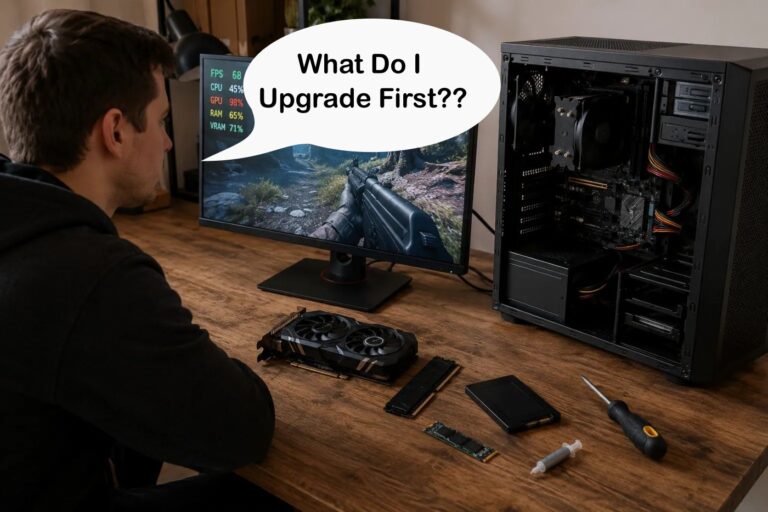
What should I upgrade first?
GPU, always.
If your FPS feels wrong, your PC isn’t broken, it’s just telling you something. The trick is knowing how to read it.
Came Back here, this is a good article, cant wait for the next in the series