






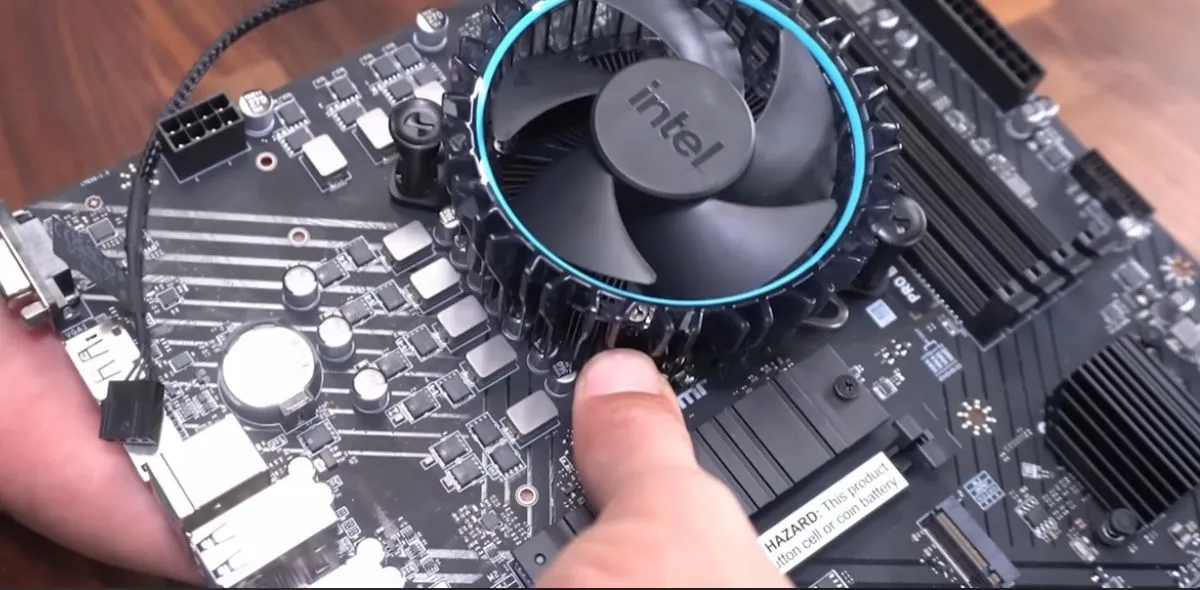
Yes, you can still game in 2025 without auctioning a kidney. Our Best Ultra-Budget Gaming PC Build 2025 is here and provides a parts list that actually fits under $500 in the U.S., and under R10k in South Africa with smart shopping. You get real 1080p performance today, with sensible upgrades for tomorrow.
Core Build Parts and Why They Work
This baseline mirrors respected $500 community builds from mid 2025, tuned for value, compatibility, and an easy first build.
- CPU: Intel Core i3-14100F. Four strong cores with high clocks, perfect for eSports and most modern titles at 1080p when paired with a reasonable GPU.
- Motherboard: Gigabyte B760M DS3H DDR4. Affordable board with DDR4 support, dual PCIe 4.0 M.2 slots, and 2.5 GbE. Plenty of upgrade runway without DDR5 pricing.
- GPU: AMD Radeon RX 6500 XT. Not flashy, still the best way to get into 1080p gaming on a shoestring. Perfect for competitive titles, passable for lighter AAA at medium settings. No GPU? No problem. Our No-GPU Gaming PC Guide shows how to game smart when your wallet’s on cooldown.
- RAM: 16 GB (2×8 GB) DDR4-3200. Dual channel, reliable speed, cheapest sweet spot for gaming.
- Storage: 1 TB NVMe SSD, like a Crucial P3 Plus. Enough space for Windows and a healthy stack of games, with fast load times.
- Case: Cooler Master MasterBox Q300L, or any airflow-focused mATX case with front mesh and room for two intake fans. Bonus: If you want this machine less noisy, see this guide for keeping the noise down.
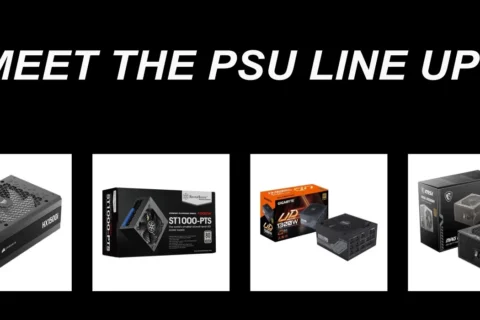
- PSU: 500 W 80+ unit from a known brand. Budget friendly now, still leaves headroom for a mid-tier GPU upgrade later.
Target total: under $500 in the U.S. with sale prices and careful picks. For South Africa, aim under R10 000 by leveraging local specials and bundle deals. We will show you how to bridge the USD to ZAR gap below.
Use PCPartPicker to sanity check compatibility and watch for price dips. It saves first timers from silly mistakes, like mixing the wrong RAM speed or buying a case that won’t fit your GPU. For the long-term strategy behind this parts philosophy, start with our Future-Proof PC Build pillar, and if you’re new to fit/clearance, skim our PC parts fit & perform guide.
Optional GPU Upgrade: Intel Arc B580
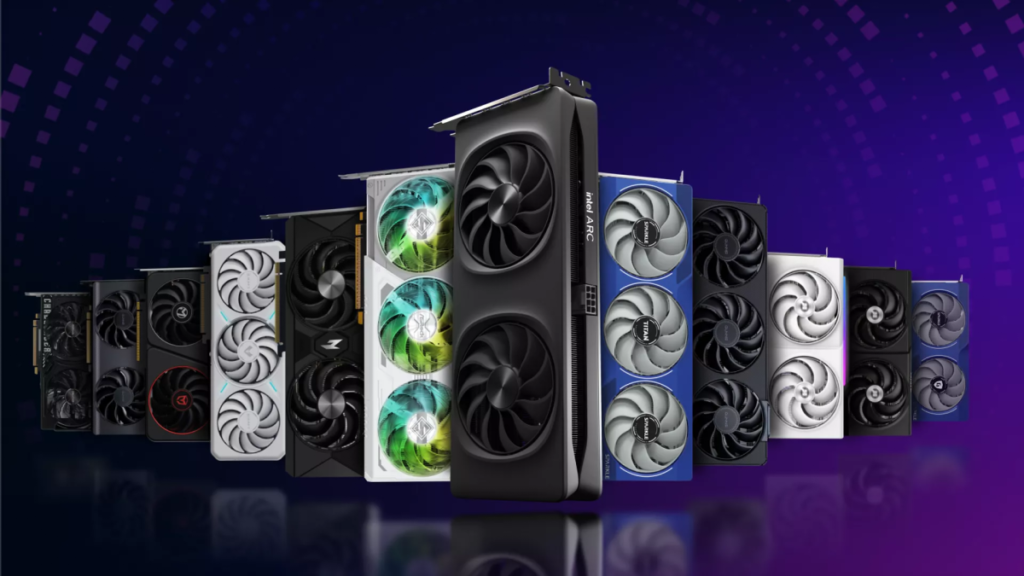
If you can stretch the budget a little, the Intel Arc B580 with 12 GB GDDR6 brings noticeably better 1080p results in texture-heavy games, and even some 1440p fun if you keep settings realistic. It lags in ray tracing, so stick to raster and enable Intel XeSS where supported. The street price has hovered in the budget bracket, which makes it a real wildcard for ultra-budget builds.
Bottom line: RX 6500 XT is the cheapest way in, Arc B580 is the best budget upgrade if you find a deal. Also, before any swap, avoid the most common pitfalls with our quick read on GPU upgrade mistakes gamers avoid.
How This Performs at 1080p

- eSports: CS2, Valorant, Fortnite, Rocket League, Overwatch 2. 60–144 fps on tuned low to medium settings with RX 6500 XT. Arc B580 lets you crank textures and effects more comfortably.
- AAA single player: Elden Ring, Cyberpunk 2077, Starfield. Expect ~40–60 fps on balanced presets at 1080p with FSR or XeSS where available. Turn down RT, favor raster.
Don’t chase Ultra at this budget. Pick Balanced or High, trim heavy post-processing, keep textures sensible, and enjoy smooth frames.
South African Pricing, Currency Reality, and How to Hit R10k

On 16 August 2025 the mid-market rate sat around R17.5–R17.8 per USD. That puts a $500 target near R8,800 before import costs and local markups. Expect to land closer to R9,500–R10,000 once you factor VAT and availability, which is why deal timing matters.
To source parts locally, watch reputable retailers for weekly promotions, e.g. Wootware. Lock in whatever’s on heavy special first (SSD, RAM, or GPU), then tune the remaining picks so the total still fits under budget.
Where and When To Save Even More
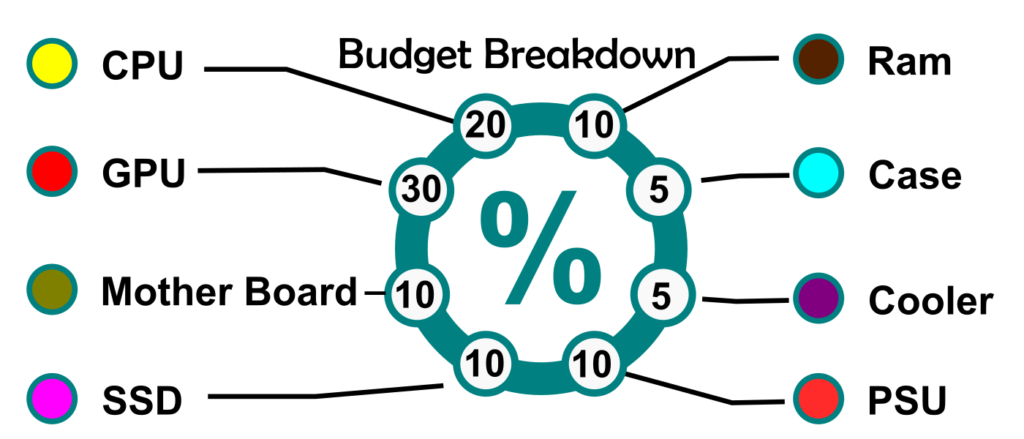
Biggest drops typically happen around mid-year deal events and right after new GPU launches, when retailers rush to clear shelves. Memory, SSDs, and motherboards are usually the first to tumble in price, which makes them the perfect targets for trimming your build budget. Keep an eye on price alerts, and don’t skip outlet or open-box sections, they often hide gems at a fraction of retail. Last-gen parts that still perform well are another smart way to stretch your money without losing much in real-world performance. Timing your purchases like this can easily save you a couple hundred bucks that you can throw at a better GPU or monitor.
DIY Beats Prebuilt at This Price
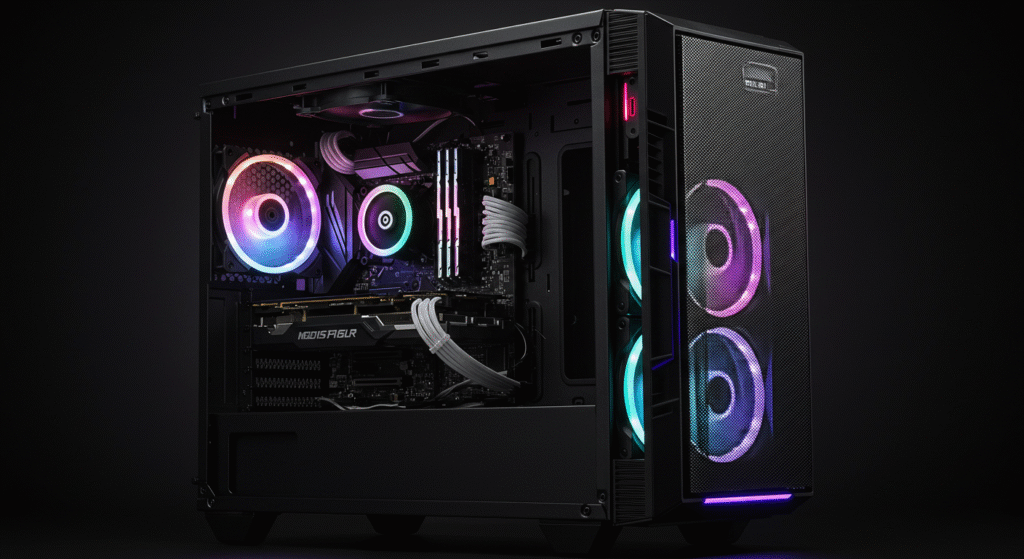
Prebuilts under $600 often hide weak links (two-pipe coolers, single-stick RAM, no-name PSUs, tiny SSDs). Your DIY list avoids that: dual-channel memory, a safer PSU, and an upgrade-friendly board. If a prebuilt tempts you, verify the exact GPU tier, PSU model, and whether the RAM is single channel.
Quick Takeaways
- This parts stack hits the entry-level 1080p sweet spot for the fewest bucks.
- RX 6500 XT gets you in; Arc B580 is the first meaningful upgrade if you can nudge the budget.
- Use PCPartPicker to avoid mistakes and catch sales.
- In South Africa, aim for R9.5k–R10k all-in with timed discounts.
Suggested Upgrades Over Time
- GPU: Step up to Arc B580 or an RX 7600-class card when prices dip.
- RAM: 32 GB only if your games or creator apps demand it.
- PSU: Move to a quality 550–650 W 80+ Bronze/Gold unit when you upgrade the GPU.
- Cooling: Add two 120 mm intake fans for cooler temps and quieter sessions.
Build Steps at a Glance
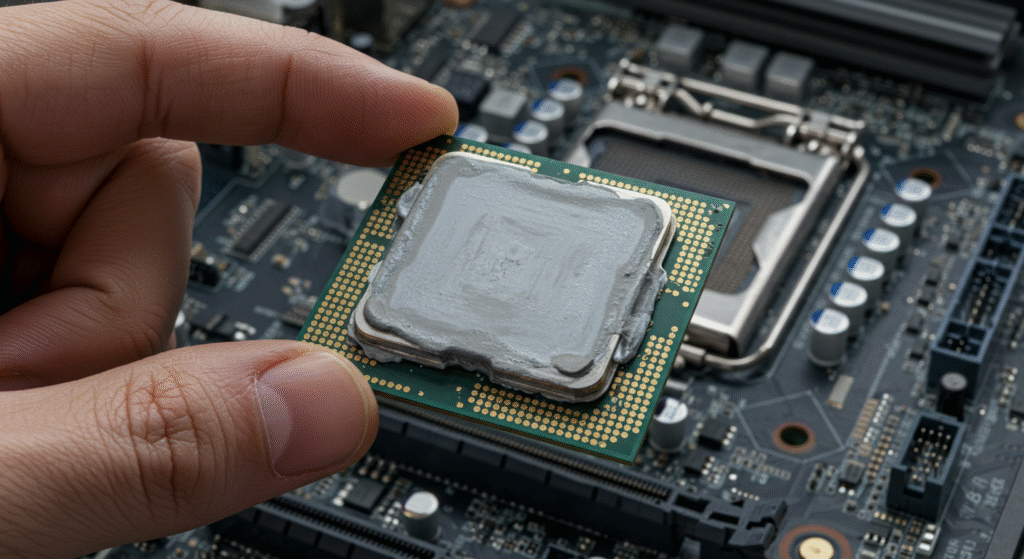
- Install CPU, stock cooler, and RAM on the motherboard outside the case.
- Insert NVMe SSD in the M.2 slot, add the heatsink if your board includes one.
- Mount the motherboard in the case, connect front-panel and fans.
- Install the PSU, route the 24-pin, CPU EPS, and PCIe cables.
- Seat the GPU, connect PCIe power, double-check all connections.
- Power on, update BIOS, enable XMP, install Windows and drivers.
Helpful Resources
- How to Pick PC Parts That Fit and Perform
- Real-World SSD Performance in Gaming
- GPU Upgrade Mistakes Gamers Avoid
- Best Mid-Range Gaming PC Build
Beginners can also skim PCMag’s beginner PC build guide for a friendly walkthrough.
Let us know how your build goes — drop a comment with your part list and temps!