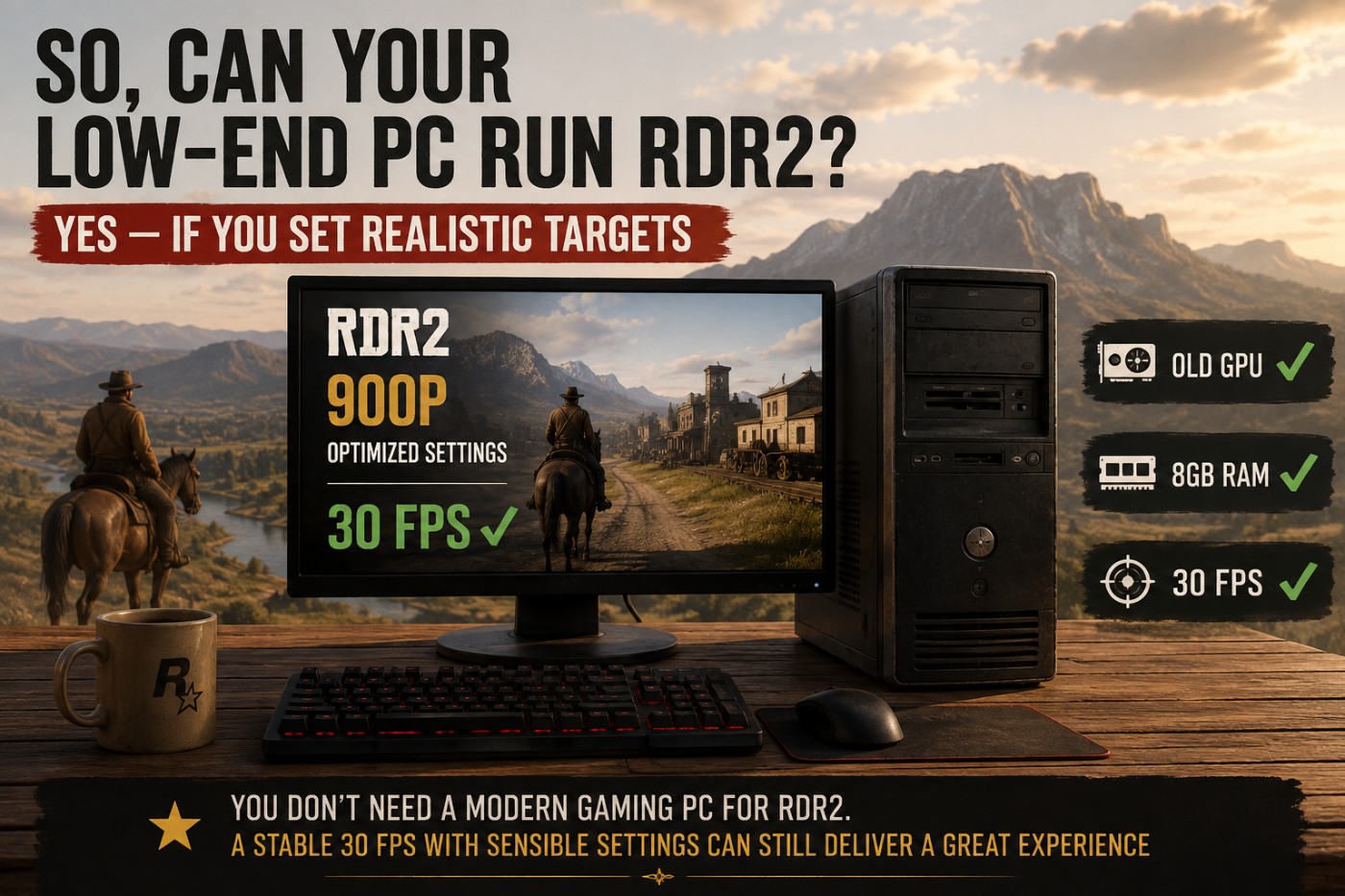
Red Dead Redemption 2 has a reputation for being brutal on PC hardware, but you do not need a modern gaming rig to play it. With realistic settings and expectations, some surprisingly old hardware can still deliver a playable experience.
The important word is playable. Your low-end PC may not deliver 1080p Ultra at 60 FPS, but a stable 30 FPS at 900p or 720p is a very different target. So instead of asking whether your PC can simply launch the game, let’s answer the more useful question: how weak can your PC actually be and still enjoy RDR2?
Can RDR2 Run on a Low-End PC? The Quick Answer
Yes, Red Dead Redemption 2 can run on a low-end PC, but what counts as playable depends heavily on your GPU and the resolution you are willing to use. Older dedicated graphics cards have a much easier time than very weak integrated graphics, while a stable 30 FPS is a far more realistic target than 60 FPS at the bottom end.
Historic low-spec testing has shown RDR2 running at around 30 FPS even on AMD Vega 11 integrated graphics when resolution and settings are cut aggressively. A GTX 1050-class GPU moves into much more practical territory, while GPUs around the GTX 1650, RX 570/RX 580 and GTX 1060 level have considerably more room to balance image quality with performance.
| Hardware Level | Realistic Target | What to Expect | Verdict |
|---|---|---|---|
| Very weak Intel integrated graphics | 720p or lower | May struggle even at minimum settings | Usually too weak |
| Stronger AMD Vega / capable modern iGPU | 720p, low settings | Around 30 FPS may be possible depending on the iGPU and memory setup | Borderline but playable |
| Old 2GB dedicated GPU | 720p–900p, low/optimized | 30 FPS can be possible on sufficiently capable cards | Playable with compromises |
| GTX 1050 / 1050 Ti class | 900p–1080p, optimized | 30 FPS territory with careful settings | Playable |
| GTX 1650 class | 1080p, optimized | Much more comfortable, although 60 FPS is not guaranteed | Good |
| RX 570 / RX 580 class | 1080p, optimized | Good balance of visual quality and performance | Good to very good |
| GTX 1060 6GB class | 1080p, optimized | 60 FPS becomes a realistic target with sensible settings | Very good |
There is an important catch here: the name of your graphics card alone does not tell us whether RDR2 will run well. VRAM, RAM configuration, CPU performance, resolution and even whether the game can maintain consistent frame times all matter.
A PC averaging 34 FPS with relatively stable frame delivery can provide a perfectly enjoyable RDR2 experience. Another machine might average 40 FPS but repeatedly drop into the low 20s when entering towns, riding through dense areas or turning the camera quickly. On paper the second PC is faster. In practice it may feel worse.
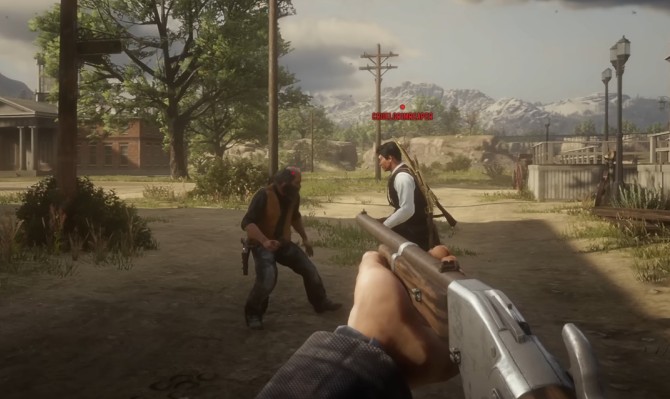
That is why this guide treats a reasonably stable 30 FPS as the practical minimum. RDR2 is a slow, cinematic open-world game rather than a competitive shooter, so chasing 60 FPS at the expense of severe resolution or visual-quality cuts is not always the smartest choice.
What Does Red Dead Redemption 2 Officially Require?
Rockstar’s official PC requirements for Red Dead Redemption 2 give us an interesting starting point because the minimum specification is genuinely old by modern gaming standards.
| Component | Minimum | Recommended |
|---|---|---|
| CPU | Intel Core i5-2500K / AMD FX-6300 | Intel Core i7-4770K / AMD Ryzen 5 1500X |
| RAM | 8GB | 12GB |
| GPU | GeForce GTX 770 2GB / Radeon R9 280 3GB | GeForce GTX 1060 6GB / Radeon RX 480 4GB |
| Storage | 150GB | 150GB |
| OS | Windows 10 64-bit | Windows 10 64-bit |
Those requirements are useful, but they do not answer the question most low-end PC owners actually have. Rockstar does not tell you whether a GTX 1050 Ti should target 1080p or 900p, whether 8GB RAM will cause stuttering, whether integrated graphics have any chance, or whether dropping to 30 FPS can rescue an otherwise weak system.
Minimum requirements tell us roughly where Rockstar draws the support line. They do not tell us where the real-world playable line sits.
And that playable line is where things get interesting, because RDR2 can scale below its official GPU requirements on the right hardware. The first component we need to look at is also the one most likely to decide whether your low-end PC has any chance at all: the graphics card.
How Weak Can Your GPU Be and Still Run RDR2?
For most low-end PCs, the GPU will decide how far you can push Red Dead Redemption 2. The good news is that the game scales surprisingly well. Old graphics cards are not automatically out of the fight, provided you are realistic about resolution, settings and FPS.
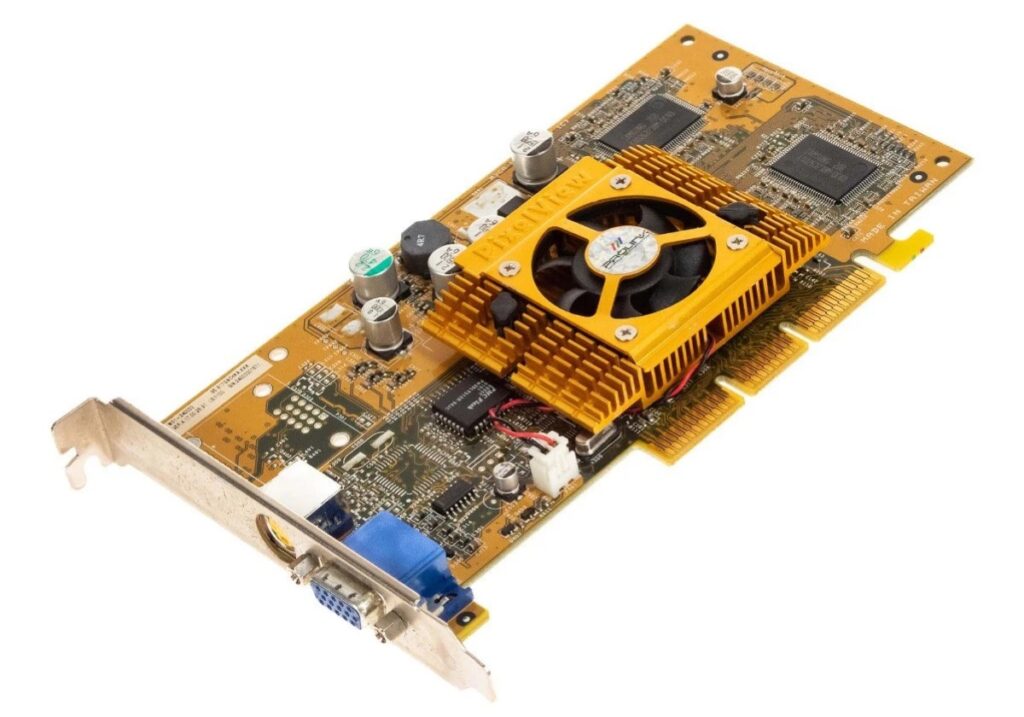
Instead of asking whether an old GPU can deliver 1080p Ultra at 60 FPS, the more useful question is whether it can maintain a reasonably stable 30 FPS at acceptable image quality. That dramatically lowers the hardware required.
Can RDR2 Run Without a Dedicated Graphics Card?
Sometimes, but the iGPU matters enormously. Very weak Intel HD and UHD graphics generally fall below what we would consider a worthwhile RDR2 experience. Stronger integrated graphics have a better chance, particularly at 720p with low settings and a 30 FPS target.
Integrated graphics also share system memory, making RAM bandwidth particularly important. Running a single RAM stick can restrict iGPU performance, so check our Single vs Dual Channel RAM for Gaming guide if your system uses integrated graphics.
Can RDR2 Run on a 2GB Graphics Card?
Yes, on the right 2GB GPU. Rockstar’s own minimum specification includes the GTX 770 2GB, but VRAM capacity alone does not determine performance. A weak laptop GPU with 2GB of memory is not equivalent to a much faster desktop card with the same capacity.
For genuinely low-end 2GB cards, 720p–900p and around 30 FPS is the sensible territory to investigate. VRAM-heavy settings will also need to be kept under control.
What About the GTX 1050 Ti, GTX 1650, RX 580 and GTX 1060?
Once you reach cards such as the GTX 1050 Ti, RDR2 becomes much less of an experiment. These older GPUs vary considerably in performance, but all are capable of providing a playable experience with appropriate settings.
| GPU Class | Sensible Starting Point | Verdict |
|---|---|---|
| GTX 1050 Ti | 900p–1080p, optimized, 30 FPS target | Playable |
| GTX 1650 | 1080p optimized | Good |
| RX 570 / RX 580 | 1080p optimized | Good to very good |
| GTX 1060 6GB | 1080p optimized, around 60 FPS target | Very good |
The important lesson is that old does not automatically mean too weak. A GTX 1060 6GB is still Rockstar’s recommended NVIDIA GPU, while cards below it can remain perfectly usable if you accept lower settings or a 30–45 FPS target.
If RDR2 runs badly, however, do not automatically blame the graphics card. Use our guide to finding what’s actually bottlenecking your gaming PC to check whether the GPU, CPU, RAM or another limitation is responsible before considering an upgrade.
The GPU is only one part of the equation. Rockstar officially lists 8GB of system RAM as the minimum, which raises another important low-end question: is 8GB actually enough to play RDR2 comfortably?
Can You Play RDR2 With 8GB of RAM?
Yes. Red Dead Redemption 2 can run with 8GB of RAM, and 8GB is still Rockstar’s official minimum requirement. That does not mean 8GB is ideal, especially on a PC that is also running Windows, a browser, Discord and other background software.
With limited memory, the bigger problem may be stuttering and inconsistent frame times rather than simply low average FPS. Once Windows starts relying more heavily on the page file, the game can feel rough even when the FPS counter looks acceptable.
If you have 8GB, close unnecessary background applications before assuming you need an upgrade. If memory usage is consistently near its limit while playing, moving to 16GB is a sensible upgrade. Our guide to how much RAM games actually need explains when additional memory helps and when it will do virtually nothing for your FPS.
Also remember that capacity and configuration are different things. An 8GB dual-channel setup and a single 8GB stick do not always perform identically, particularly if you are relying on integrated graphics.
Does RDR2 Need an SSD?
No, an SSD is not required to make RDR2 playable. The game can run from a hard drive, although its huge world and long loading sequences make an SSD a much nicer place to install it if you have the space.
What you should not expect is a huge average FPS increase simply from moving RDR2 from an HDD to an SSD. Storage primarily affects how quickly data can be loaded; it does not suddenly give your GPU more rendering power.
If you are considering an SSD specifically because RDR2 has low FPS, read our Do Faster SSDs Improve FPS or Just Load Times? guide before spending money. A GPU or RAM limitation will not disappear because the game is installed on faster storage.
Your CPU May Be Better Than You Think
RDR2 also needs a capable CPU, but low-end players should be careful not to blame the processor for every performance problem. Rockstar’s minimum CPUs are the old Core i5-2500K and FX-6300, while the recommended specification moves up to the Core i7-4770K or Ryzen 5 1500X.
CPU limitations tend to become more obvious in busy towns and other areas with more NPCs, physics and world simulation. A useful warning sign is high CPU usage combined with GPU usage dropping below what you would normally expect. Lowering the resolution may then produce surprisingly little improvement because the GPU was not the main limitation.
On the other hand, if your old GPU is already sitting near full utilization, replacing a perfectly adequate CPU may barely change your RDR2 performance. This is exactly why diagnosing the bottleneck before buying hardware matters.
720p vs 900p vs 1080p: Resolution Is Your Biggest Weapon
If your GPU is struggling, reducing resolution can make a much bigger difference than endlessly lowering minor graphics settings. Every step down means fewer pixels for the GPU to render every frame.
| Resolution | Pixels Per Frame | Compared With 1080p |
|---|---|---|
| 1280 × 720 | 0.92 million | About 56% fewer pixels |
| 1600 × 900 | 1.44 million | About 31% fewer pixels |
| 1920 × 1080 | 2.07 million | Baseline |
This is why 900p is particularly useful on older GPUs. It removes roughly a third of the pixel workload compared with 1080p without taking the visual hit all the way down to 720p.
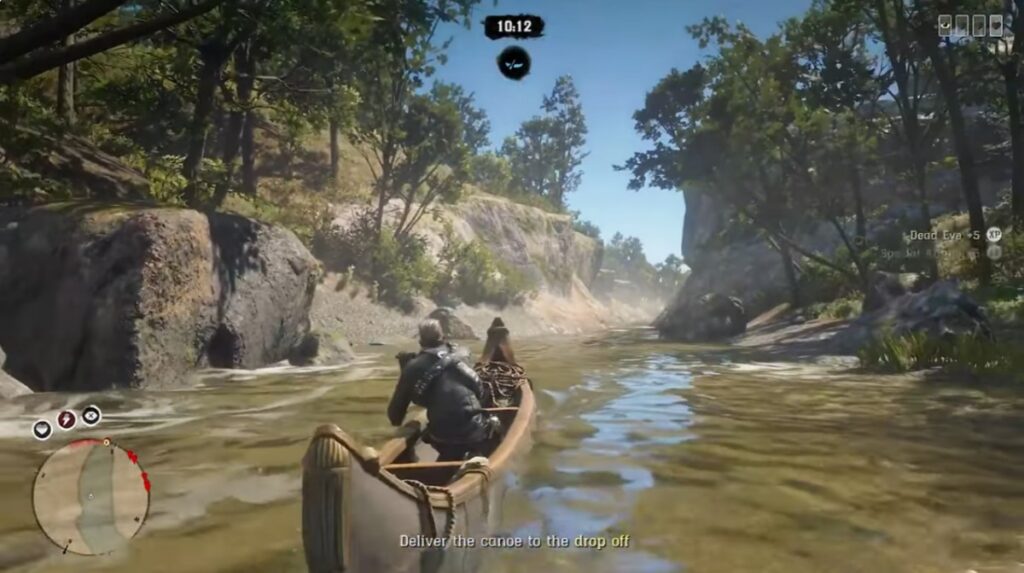
Do not be afraid of 720p either if the alternative is an unstable mess at 1080p. On genuinely weak hardware, a lower-resolution game running consistently can be far more enjoyable than a sharper image constantly dropping into the 20s.
30 FPS Is Not a Failure in Red Dead Redemption 2
Low-end PC gamers sometimes chase 60 FPS long after it stops making sense. RDR2 is not Counter-Strike 2 or Valorant. It is a slower, cinematic open-world game, and a stable 30 FPS can still provide a perfectly enjoyable experience.
Consistency matters more than a flattering average. A system bouncing between 25 and 50 FPS can feel worse than one holding close to 30 FPS because the uneven frame delivery is constantly noticeable.
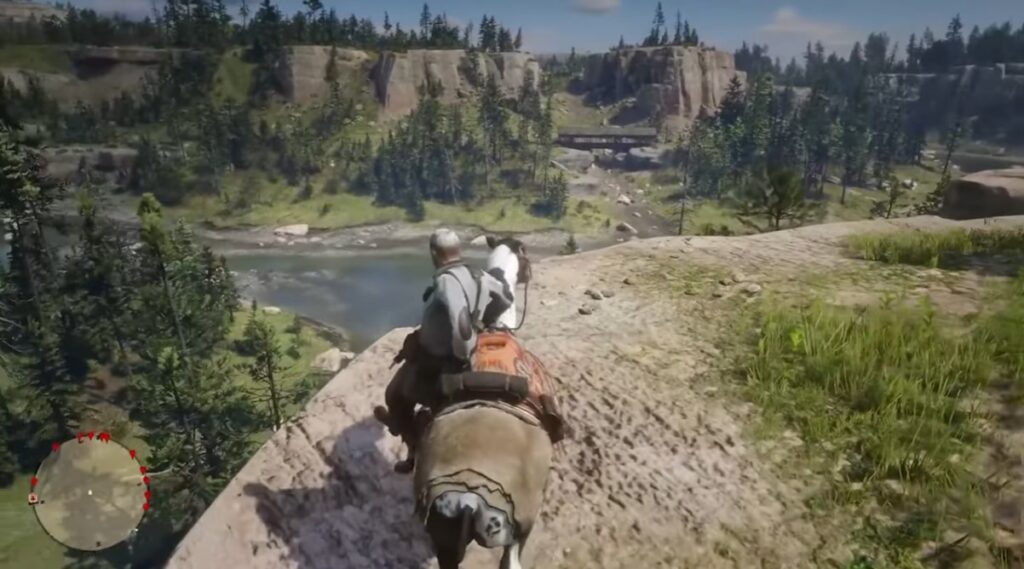
If your PC can produce 35–40 FPS but regularly swings much higher and lower, an FPS cap may actually make the experience feel smoother. Our guide to capping FPS explains why limiting frame rate can improve consistency even though the number on the FPS counter becomes lower.
For very weak RDR2 systems, the priority should therefore be simple: find a resolution and settings combination that can maintain a stable experience first. Once you have that baseline, you can decide how much visual quality your remaining performance headroom can afford.
Which RDR2 Settings Hurt Performance the Most?
RDR2 gives you an intimidating number of graphics settings, but a low-end PC does not need every option turned to Low. The smarter approach is to reduce the settings that cost the most performance while keeping the ones that noticeably improve image quality.
| Setting | Performance Cost | Low-End Approach |
|---|---|---|
| MSAA | Very high | Turn it off |
| Volumetrics | High | Lower these first |
| Water Physics | High in affected areas | Reduce |
| Shadows | Moderate to high | Use lower/medium settings |
| Reflections | Moderate to high | Reduce |
| Grass / LOD | Can become expensive | Avoid maximum settings |
| Textures | Mostly VRAM dependent | Keep as high as your VRAM comfortably allows |
MSAA is an easy setting to sacrifice on weak hardware. RDR2 already offers less expensive anti-aliasing options, while MSAA can consume a large amount of GPU performance for a visual improvement that is difficult to justify on a struggling system.
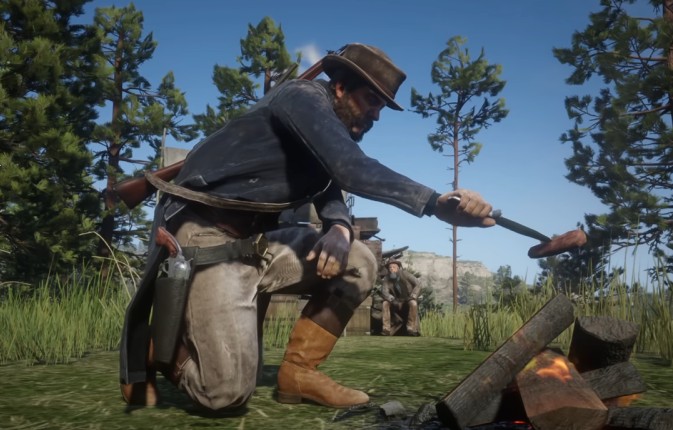
Textures are different. Lowering texture quality does not necessarily provide the dramatic FPS increase you might expect if the card still has enough VRAM available. This is why blindly setting everything to Low can make RDR2 look terrible without fixing the real bottleneck.
Start with the expensive effects, test again, and only lower resolution if the GPU still cannot maintain your target frame rate.
What Is Actually Making RDR2 Run Badly on Your PC?
If RDR2 still runs badly after sensible settings changes, stop lowering random options and find the actual limitation. Low FPS, stuttering and sudden performance drops can come from completely different parts of the PC.
| What You See | Likely Problem | What to Check |
|---|---|---|
| GPU stays near full usage | GPU bottleneck | Resolution and GPU-heavy settings |
| GPU usage drops while CPU usage is high | CPU limitation | CPU usage, clocks and busy areas |
| Hitching when VRAM is near its limit | VRAM pressure | Textures and other VRAM-heavy settings |
| RAM almost full with frequent stutters | Memory pressure | Background apps and page-file activity |
| Performance gets worse after playing for a while | Possible thermal throttling | Temperatures and clock speeds |
You do not need to diagnose this by feel. Our How to Test Gaming PC Performance guide shows you how to monitor FPS, temperatures and hardware usage while the game is actually running.
If performance starts well and deteriorates after a longer session, pay particular attention to temperatures and clock speeds. Our guide to monitoring temps, clocks and usage will help you check whether the CPU or GPU is throttling instead of assuming RDR2 simply needs lower settings.
When Is Your PC Simply Too Weak for RDR2?
There is a point where optimisation stops being optimisation and becomes an attempt to force hardware to do something it simply cannot handle. If you have already dropped to 720p, reduced the major GPU-heavy settings, closed unnecessary background applications and confirmed that temperatures are under control, yet RDR2 still spends significant time below roughly 30 FPS or stutters badly, your current hardware has probably reached its practical limit.
Do not waste hours chasing registry tweaks, “FPS boost packs” or configuration files promising miraculous performance. If the GPU does not have enough rendering power or the CPU cannot keep up with the game, software tweaks cannot manufacture the missing hardware performance.
What Should You Upgrade First for RDR2?
The answer depends on what the testing above revealed. Buying a GPU because RDR2 runs badly makes no sense if your actual problem is insufficient RAM, thermal throttling or a CPU bottleneck.
| Problem | What to Consider First |
|---|---|
| Very low FPS with GPU near full usage | GPU upgrade |
| VRAM consistently limiting settings | GPU with more usable VRAM |
| 8GB RAM is exhausted and system is paging heavily | Upgrade to 16GB RAM |
| CPU is limiting GPU utilization | CPU/platform upgrade |
| Very slow loading from an HDD | SSD |
| CPU or GPU is thermal throttling | Fix the cooling problem first |
If more than one component is showing its age, our What Should You Upgrade First on a Low-End PC? guide will help you decide where your money will make the biggest difference instead of replacing parts at random.
So, Can Your Low-End PC Run RDR2?
Probably on weaker hardware than you expected. Red Dead Redemption 2 is demanding, but its scalability means older GPUs, 8GB RAM systems and even some integrated graphics can still get into the game if you accept the right compromises.
The real dividing line is not whether your PC can produce 60 FPS at 1080p. For genuinely low-end hardware, a stable 30 FPS at 900p or even 720p can be a much better experience than pushing for image quality your GPU cannot consistently deliver.
Start with stable performance, choose a sensible resolution, reduce the settings that actually hurt FPS, and only then decide how much visual quality your remaining headroom can handle.
If the game still cannot hold a playable frame rate after that, you have your answer. Your PC does not need another magic tweak. It needs more hardware.
RDR2 Low-End PC FAQ
Can RDR2 run on a low-end PC?
Yes. RDR2 can run on surprisingly old hardware if you use sensible settings, lower the resolution when necessary and accept 30 FPS as a realistic target. Extremely weak integrated graphics may still fall below the playable threshold.
Can RDR2 run on 8GB RAM?
Yes. Rockstar lists 8GB as the minimum requirement. However, 16GB gives Windows and background applications more breathing room and can help when an 8GB system is running out of available memory.
Can RDR2 run with 2GB VRAM?
Yes, on a sufficiently powerful 2GB GPU. Rockstar’s minimum NVIDIA specification is the GTX 770 2GB. The GPU itself still needs enough processing power, so 2GB of VRAM alone does not guarantee playable performance.
Can RDR2 run without a graphics card?
RDR2 can run on some stronger integrated GPUs, but very weak Intel integrated graphics are generally not suitable. Expect to use low settings, a reduced resolution and approximately 30 FPS as the target on borderline hardware.
Is 30 FPS enough for RDR2?
Yes. 60 FPS is smoother, but a stable 30 FPS remains perfectly playable for a slower single-player game like RDR2. Consistent frame delivery matters more than occasionally reaching a higher FPS number and repeatedly dropping below it.
Does an SSD increase FPS in RDR2?
Do not expect a major average FPS increase simply from moving RDR2 from an HDD to an SSD. An SSD is primarily valuable for faster loading and general storage responsiveness rather than replacing missing CPU or GPU performance.
What resolution should I use for RDR2 on a low-end PC?
Start at 1080p if your GPU is reasonably capable. If performance is too low, try 900p before dropping all the way to 720p. On very weak hardware, 720p may be necessary to maintain a stable 30 FPS.
RDR2 Low-End PC Cheat Sheet
If you just want to get Red Dead Redemption 2 running without spending an evening changing settings, start here:
- Weak integrated graphics: Start at 720p Low and target 30 FPS. If that still struggles badly, the hardware is probably below the practical limit.
- Old 2GB GPU: Try 720p–900p, disable MSAA and reduce volumetrics, shadows and reflections.
- GTX 1050 Ti-class hardware: Start around 900p–1080p with optimized settings and aim for a stable 30 FPS or better.
- GTX 1650 / RX 570 / RX 580-class hardware: Start at 1080p and reduce the expensive settings before sacrificing resolution.
- GTX 1060 6GB-class hardware: 1080p with optimized settings is a sensible starting point, with roughly 60 FPS becoming a realistic target.
- Only 8GB RAM: Close unnecessary background applications and check memory usage before buying more RAM.
- Game runs well at first but gets worse: Check temperatures and clock speeds for thermal throttling.
- Still below 30 FPS at 720p Low: Stop hunting for miracle tweaks. You are probably looking at a hardware limitation.
If you are still unsure which component is holding you back, run through our Complete Gaming PC Health Check before spending money on an upgrade. It will help separate an actual hardware limitation from temperatures, memory pressure, background software and other problems that can make a capable PC perform worse than it should.