If your PC still feels slow in 2026, storage is usually the culprit. And choosing the Best NVMe SSDs for Gaming is of utmost importance!
An SSD upgrade delivers the biggest real-world speed boost you can get without touching your CPU or GPU. Faster boot times, near-instant game loads, smoother asset streaming, and fewer stutters in modern open-world titles.
But SSD shopping has become messy. PCIe 3, Gen4, Gen5, DRAM, HMB, heatsinks, PS5 compatibility, absurd peak speeds that look great on a box and mean very little in games.
This guide cuts through that.
Below, you will find carefully grouped SSD picks by use case, not marketing tiers. Whether you want bleeding-edge Gen5 performance, massive game storage, or a reliable daily workhorse, each section explains who these drives are actually for, and who should skip them. Not convinced SSD speed matters? This explainer breaks down Real-world SSD gaming performance differences.
PCIe 5.0 SSDs are the fastest consumer drives available right now. On paper, they are ridiculous. In real life, they are only worth it if your workload can actually use that speed. Before choosing a drive based on speed alone, read our guide on whether faster SSDs improve FPS or mainly affect load times.
These drives make sense if you:
For pure gaming, Gen5 does not magically increase FPS. What it does improve is:
If you are building on a modern AM5 or Intel Z790/Z890 platform and money is not the limiter, these are the best Gen5 options available right now. If your new SSD did not fix stutter, read why your PC still feels slow after an upgrade to find the real bottleneck before upgrading again.
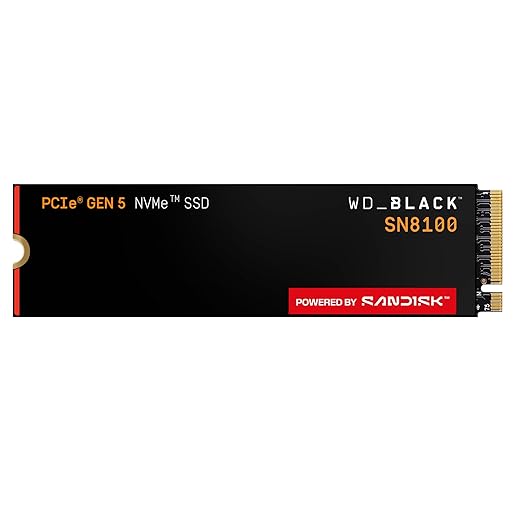
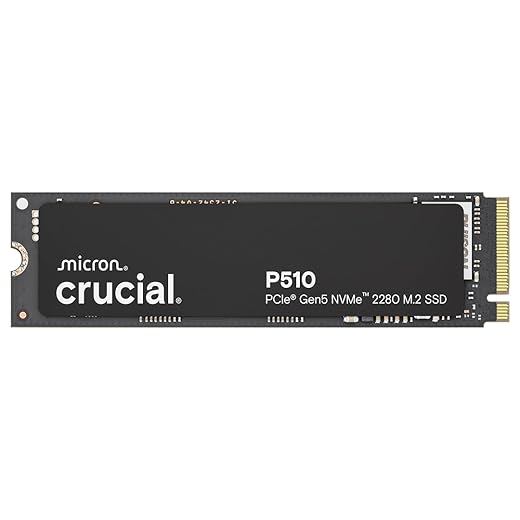
Reality check:
If you are not pushing extreme workloads, PCIe 4.0 still delivers 90 percent of the real-world experience for far less money. That is why the next category is where most gamers and creators should be shopping. Also fast storage is critical for large streaming worlds, which we explain in our GTA VI PC performance readiness guide.
PCIe Gen4 SSDs hit the sweet spot. They are fast enough to fully saturate game engines, DirectStorage workloads, and PS5 expansion requirements, without the heat and cost penalties of Gen5.
These drives are ideal if you:
High-capacity Gen4 SSDs are especially valuable if you are tired of uninstalling games just to try something new. Modern titles regularly exceed 100 GB, and live-service games only get bigger.

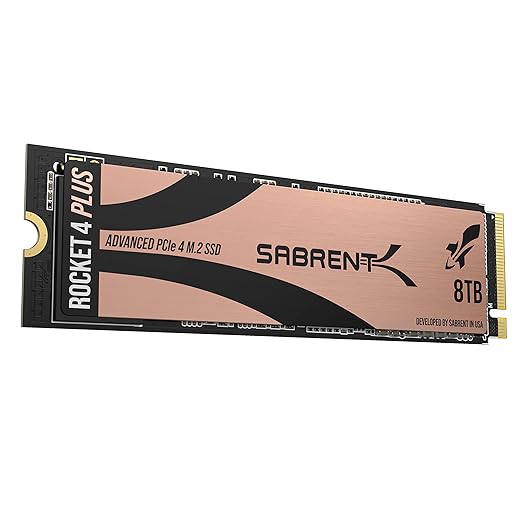

If you want performance you can rely on every day, without chasing headline speeds, the next group is where smart money tends to land.
These SSDs are not chasing records. They are built to be fast, consistent, and boring in the best possible way.
This category is perfect if you:
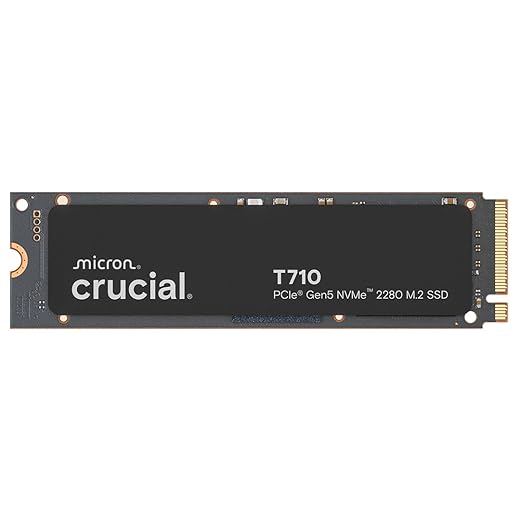
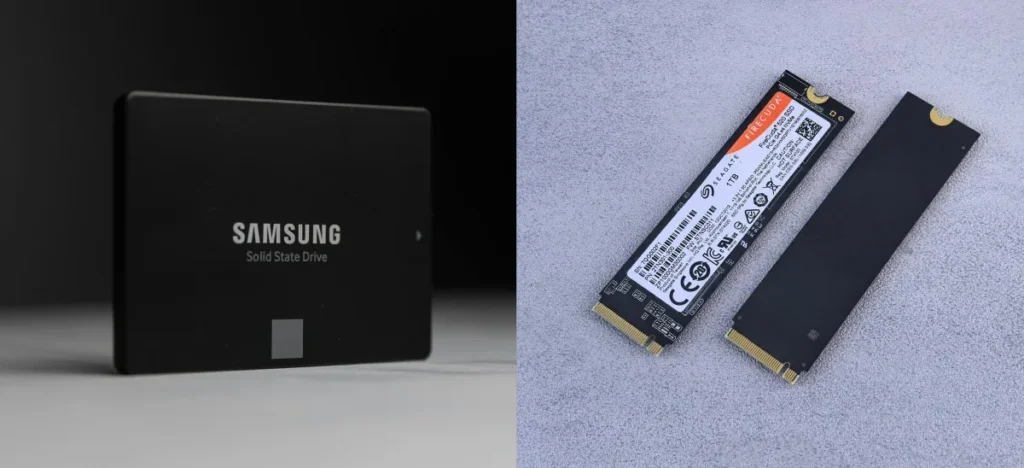
For most users, a high-quality Gen4 drive in the 2TB to 4TB range is the most sensible upgrade you can make. These drives eliminate load-time bottlenecks, reduce stutter caused by asset streaming, and age gracefully as games grow larger.


| Category | PCIe Gen5 NVMe | PCIe Gen4 NVMe |
|---|---|---|
| Typical Speed | 10,000–14,000 MB/s | 5,000–7,500 MB/s |
| Best For | Flagship builds, heavy creator workloads | Gaming, PS5, daily high-performance use |
| Gaming Load Times | Slightly faster in edge cases | Already near-instant in most games |
| Heat Output | High, needs strong cooling | Moderate, easier to manage |
| Price per TB | High | Better value |
| Smart Buy for Most Gamers | No | Yes |

If you want a quick rule of thumb:
Also keep this in mind:
Storage should never be the reason your PC feels slow.
Whether you go Gen5 for bragging rights or Gen4 for smart value, every SSD in this guide is fast enough to transform how your system feels day to day.
If you are stuck choosing between SSD, RAM, GPU, or cooling, this guide tells you what to upgrade first: Best PC Upgrades Under $100 That Make Old FPS Games Playable.
If your games hitch while loading, your installs take forever, or your desktop feels sluggish under pressure, this is the upgrade that fixes it first, no BIOS tweaks required.
Further reading: How modern games use fast storage , Microsoft DirectStorage Overview
Some links may be affiliate links that help support BuiltToFrag at no extra cost to you.




A practical GTA VI PC performance readiness guide with hardware predictions, stress points, and upgrade priorities based on Rockstar’s PC…

This guide explains how game mods actually work behind the scenes, how games load them, and where mod files install…

A practical buyer guide to the best gaming monitors by budget, with smart picks per price tier and performance-focused recommendations.

Not every cheap PC upgrade improves gaming performance. This guide ranks low cost upgrades by real FPS impact and shows…