







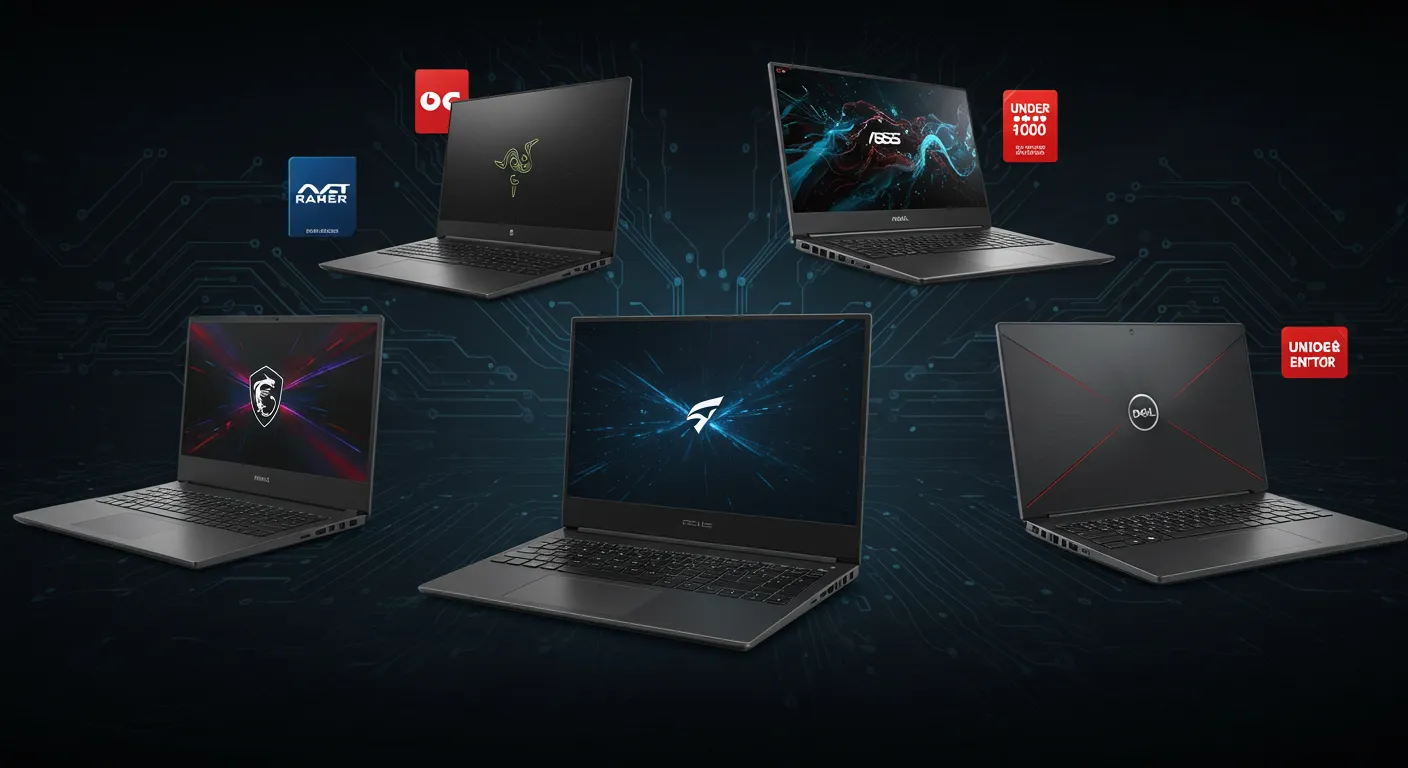
Looking for the best gaming laptops under $1000? Whether you’re a broke student, a first-time gamer, or just someone who refuses to spend desktop money on a laptop, you’re in the right place. We’ve rounded up five of the best laptops for gaming in 2025—some cheap, some premium—but all worth your time.
How to Choose a Gaming Laptop That Doesn’t Suck
Before dropping your cash, keep these specs in mind:
- GPU: RTX 4050 or better is a solid starting point. AMD Radeon RX 7600S also punches above its weight.
- CPU: Aim for at least a Ryzen 7 or Intel i7 for modern titles.
- Display: 120Hz+ refresh rate is a must. 165Hz+ is ideal.
- Battery & Cooling: Look for a big battery (80Wh+) and solid thermals. Portability matters if you’re not desk-bound.
Need help? Here’s a deeper dive into how to test gaming performance without frying your laptop.
Our Top Picks for 2025
Dell G16 7630 – Best Budget QHD Gaming Laptop
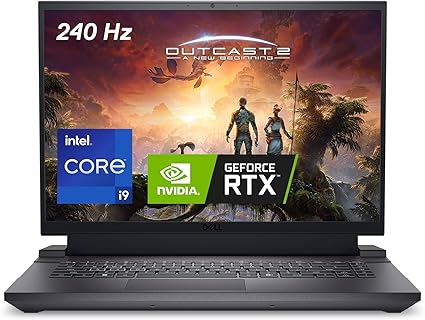
The Dell G16 packs an RTX 4060 and a buttery 165Hz QHD display, all while staying (mostly) under the $1,000 mark. Ideal for students or first-timers looking for affordable performance without sacrificing quality. Also For mobile vs desktop performance context and upgrade timing, see our Next-Gen GPU Performance Hub.
- CPU: Intel Core i7-13650HX
- GPU: NVIDIA GeForce RTX 4060
- Display: 16″ QHD+ (2560×1600), 165Hz
- RAM: 16GB
- Storage: 1TB SSD
ASUS TUF Gaming A16 – Best AMD-Powered Value Laptop
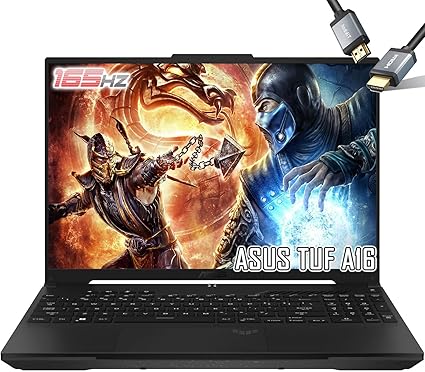
Featuring a Ryzen 7 7735HS and a Radeon RX 7600S, this model gives you 32GB RAM and 2TB SSD out of the box. It competes with RTX 4060 machines at a lower cost, making it one of the cheapest gaming laptops with good graphics.
- CPU: AMD Ryzen 7 7735HS
- GPU: AMD Radeon RX 7600S
- Display: 16″ WUXGA (1920×1200), 165Hz, 100% sRGB
- RAM: 32GB DDR5
- Storage: 2TB PCIe SSD
ASUS ROG Strix G16 – Smart Gamer’s Premium Pick
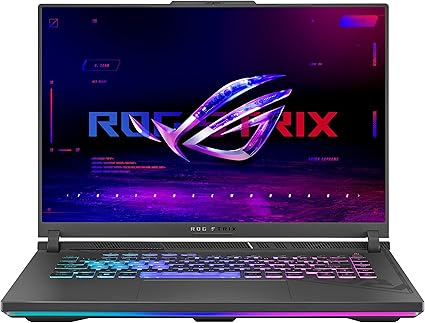
With an Intel i9‑14900HX and RTX 4080, this machine is a monster in a clean, RGB-backed frame. It’s got great cooling, a 240Hz QHD+ display, and upgradeable internals—perfect for gamers who don’t want to compromise.
- CPU: Intel Core i9-14900HX
- GPU: NVIDIA GeForce RTX 4080
- Display: 16″ QHD+ (2560×1600), 240Hz
- RAM: 32GB
- Storage: 1TB SSD
Razer Blade 18 – Luxury in a Laptop
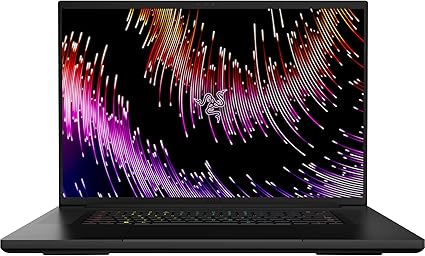
With an 18″ 4K+ display and RTX 4090, the Blade 18 is built for gamers and creators who need portable power. It’s not cheap, but it delivers a desktop-class experience with premium design and unbelievable specs.
- CPU: Intel Core i9 (HX Series)
- GPU: NVIDIA GeForce RTX 4090
- Display: 18″ 4K+ Mini LED, 200Hz
- RAM: 32GB
- Storage: 1TB SSD (upgradable)
MSI Titan 18 HX – The Overkill Option
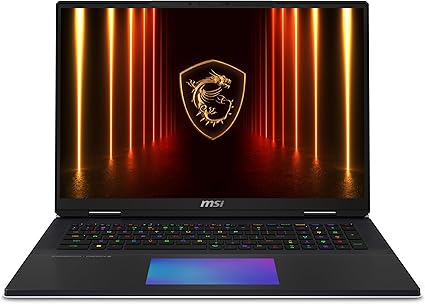
Powered by an RTX 5090 and Intel Ultra 9 chip, this laptop basically laughs at AAA games. It’s heavy, it’s overpowered, and yes, it has mechanical keys. The Titan 18 HX is not for everyone—but it’s the one you want if you want everything.
- CPU: Intel Core Ultra 9 285HX
- GPU: NVIDIA GeForce RTX 5090
- Display: 18″ 4K UHD, 120Hz Mini LED
- RAM: 64GB DDR5
- Storage: Up to 6TB SSD
Quick Gaming Laptop Setup Tips
- Use a laptop cooling pad to keep thermals in check.
- Pair it with a 144Hz+ external monitor for competitive play.
- Upgrade your RAM or SSD early if the model supports it.
Is a Gaming Laptop Good for Everyday Use?
Short answer: Yes. Today’s gaming laptops are portable, powerful, and even decent on battery life. Whether you’re gaming, studying, editing, or just indulging in YouTube videos, the right model can do it all without frying your lap.
Now you’ve seen the top rated gaming laptops under $800 and $1000, the only thing left to do is pick your poison—and maybe grab a deal while you’re at it.
More Gear That Actually Deserves Your Money
- Why I dumped bulky headsets for earbuds that actually game, read the full earbud guide.
- Discover the truth behind overpriced chairs and real comfort picks in our gaming chair guide
- Learn which monitor specs matter and which are marketing fluff in our 2025 monitor breakdown.
- Skip the hype and grab GPUs that actually perform: check our GPU performance picks.
- Mice that improve aim, comfort, and sanity, explore the top 8 list.
- Understand wattage, rails, and reliability before buying, read our PSU buying guide.
- Compare headsets for clarity, comfort, and price in our 2025 headset roundup.
- Find the right balance of click, comfort, and cost — read our guide to the best mechanical keyboards under $100.