A low-end PC can still run excellent games, but only when the game matches the hardware. A laptop with Intel HD 3000 is not in the same class as a Ryzen system with Vega 8 graphics, even though both may be described as low-end.
This guide separates 20 well-optimized PC games into four practical hardware tiers. It shows where to start, what compromises to expect and which games may still be too demanding. If you only want free options, use our dedicated list of the best free games for low-end PCs.
Important: BuiltToFrag has not benchmarked every game here on every possible PC. We checked current PC availability, official system requirements and the practical demands of each game. Treat these tiers as conservative starting points, not guaranteed frame rates. Your exact processor, graphics model, memory configuration and game version still matter.
Quick Answer: The Best-Optimized Games for Low-End PCs
If you want the safest place to begin, match your hardware to the closest row below. Start at 1280 × 720 and low settings for any 3D game, then increase settings only after performance is stable.
| Your hardware | Best starting choices | Realistic expectation |
|---|---|---|
| 4GB RAM, Intel HD 3000/4000, old dual-core CPU | Into the Breach, Papers, Please, Terraria, Stardew Valley, Undertale | Lightweight 2D games and simple 3D titles |
| 8GB RAM, Intel HD 520/620 or UHD 620/630 | Portal 2, Left 4 Dead 2, Don’t Starve, Age of Empires II: DE, Valorant | 720p and low settings in more demanding games |
| 8–16GB RAM, Vega 8, newer Radeon iGPU or Intel Iris Xe | Hades, Dead Cells, Dota 2, Warframe, Civilization VI | 720p–1080p depending on the game and memory setup |
| 8–16GB RAM, suitable quad-core CPU, GTX 750 Ti/1050-class GPU | Tomb Raider, BioShock Infinite, Metal Gear Solid V, Borderlands 2, The Witcher 3 | Older AAA games at low or medium settings |
These are starting categories, not rigid boundaries. Two PCs with 8GB of RAM can perform completely differently if one has Intel HD 4000 and the other has Vega 8 graphics. If your machine is weaker than the first tier, see our games for extremely low-end PCs.
Find Your Low-End PC Hardware Tier
Before choosing a game, identify your processor, installed RAM and graphics chip. A laptop’s brand or model family is not enough. Microsoft’s guide to the DirectX Diagnostic Tool confirms how to open DxDiag and check your system information.
- Press Windows + R.
- Type dxdiag and press Enter.
- Under System, record the processor and memory.
- Open the Display tab and record the full graphics name.
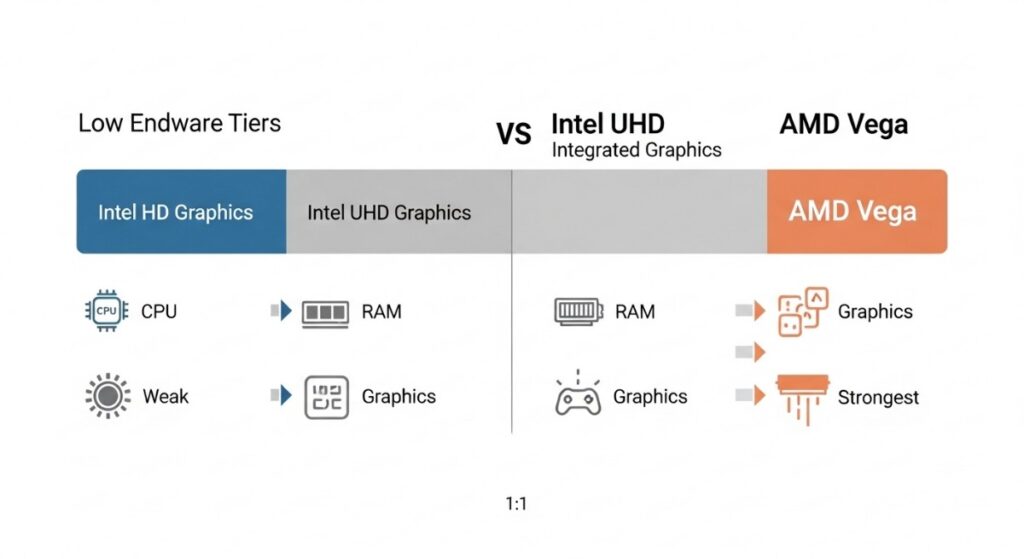
RAM capacity alone does not decide what will run. The GPU usually controls visual performance, while an old CPU can struggle with large worlds, crowds and simulation. If you cannot identify the limiting component, our CPU versus GPU bottleneck guide explains the common signs.
Tier 1: Games for Extremely Weak PCs
This tier is intended for approximately 4GB of RAM, an older dual-core processor and Intel HD 3000/4000-class graphics. These games avoid demanding 3D rendering, but the current Steam client requires Windows 10 or later. Very old hardware can therefore meet a game’s original requirements while still having driver or operating-system problems.
Into the Breach
Best for: Turn-based strategy | Starting point: Native resolution or 720p

Into the Breach is the safest recommendation in this guide because its official minimum requirements explicitly name Intel HD 3000 graphics, 1GB of RAM and OpenGL 2.1 support. Combat is turn-based, so an occasional performance dip is also less disruptive than it would be in a shooter.
Papers, Please
Best for: Story-driven puzzle gameplay | Starting point: 1280 × 720

Papers, Please uses simple 2D presentation but still offers meaningful choices and replay value. Its official minimum lists a 1.5GHz Core 2 Duo, 2GB of RAM and OpenGL 1.4. The current version requires a 64-bit processor and operating system, which matters on particularly old PCs.
Terraria
Best for: Sandbox exploration and co-op | Starting point: 720p with backgrounds reduced if needed

Terraria is a better recommendation than many disposable “potato PC” games because it can provide hundreds of hours of exploration, building and progression. Its minimum requirements are modest, although large worlds, busy boss fights and multiplayer sessions can be harder on an old CPU.
Stardew Valley
Best for: Relaxed long-term progression | Starting point: Native resolution
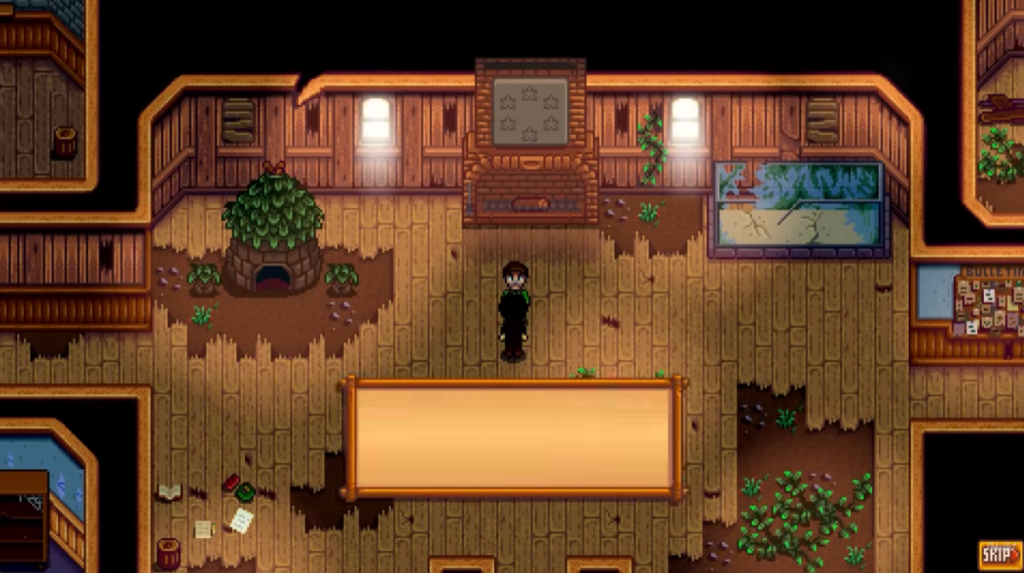
Stardew Valley combines low hardware demands with farming, exploration, relationships and optional co-op. It is a sensible choice for an old laptop, but large mod collections can use considerably more memory than the unmodified game.
Undertale
Best for: Story-focused RPG fans | Starting point: Native resolution
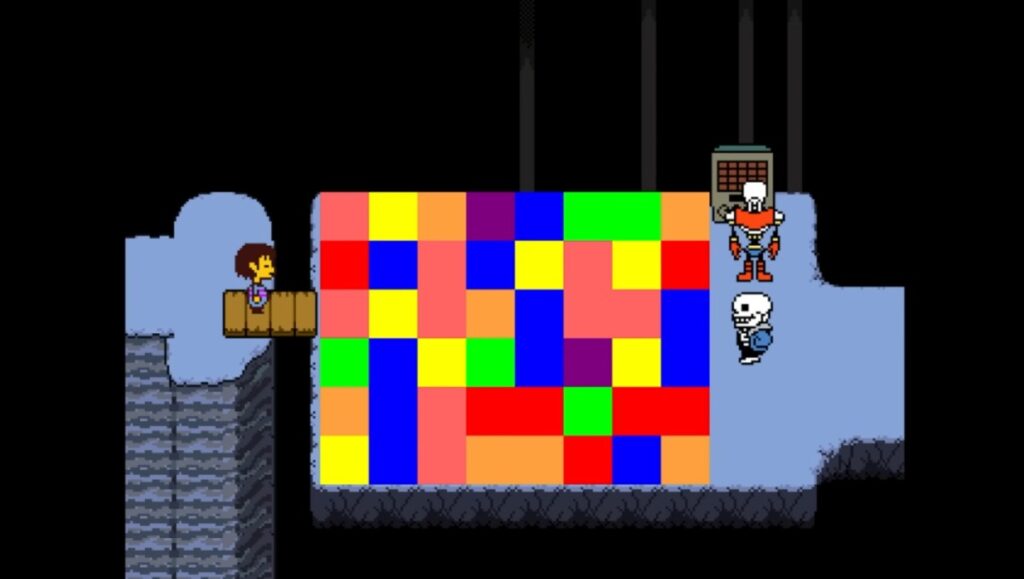
Undertale delivers a complete RPG without demanding modern graphics hardware. Its simple presentation makes it a sensible ultra-low-end choice, although meeting listed requirements never guarantees that every old driver and Windows installation will behave correctly.
Tier 2: Games for Older Intel HD and UHD Graphics
This tier assumes roughly 8GB of RAM and Intel HD 520/620 or UHD 620/630-class graphics. Begin demanding 3D games at 720p and low settings. For a larger hardware-specific selection, see our best games for Intel UHD Graphics.
Portal 2
Best for: Puzzle-platforming and two-player co-op | Starting point: 720p, low settings
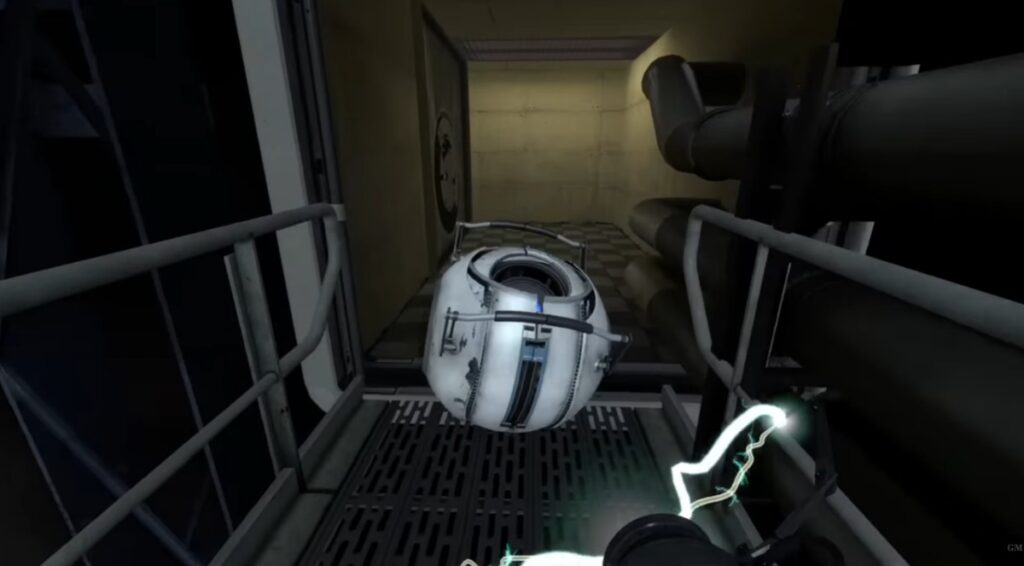
Portal 2 remains one of the best examples of an attractive 3D game built on modest requirements. The main campaign is generally a safer choice than unusually complex community maps, which can be more demanding.
Left 4 Dead 2
Best for: Cooperative shooting | Starting point: 720p, low settings

Left 4 Dead 2 offers a proper four-player shooter without the hardware demands of a modern live-service FPS. Large mod collections and unusually busy community servers can increase loading and memory use, so begin with the standard campaigns.
Don’t Starve
Best for: Single-player survival | Starting point: 720p or native resolution

Don’t Starve uses distinctive 2D artwork instead of heavy realistic rendering. Be careful not to assume that advice for the original single-player game automatically applies to Don’t Starve Together, which has different multiplayer demands.
Age of Empires II: Definitive Edition
Best for: Real-time strategy | Starting point: 720p, low settings
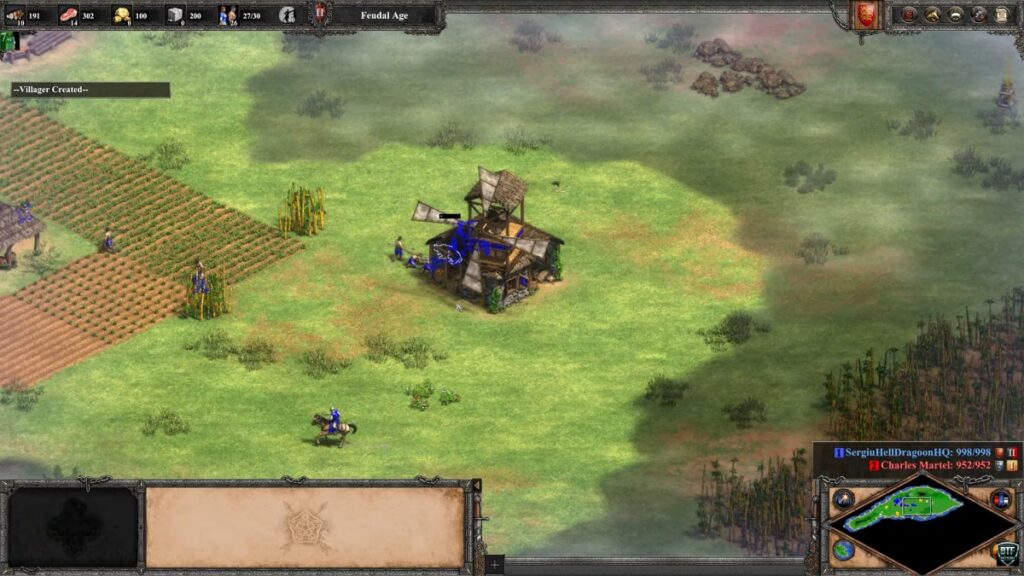
Age of Empires II: Definitive Edition can suit older integrated graphics, but strategy games become more CPU-heavy as battles and population sizes grow. A system that handles the early game comfortably may slow down during a large late-game fight.
If you prefer constructing and managing settlements to commanding armies, our guide to the best city-building games for low-end PCs ranks its recommendations by hardware demand, from extremely lightweight classics to more demanding 3D simulations.
Valorant
Best for: Competitive shooting | Starting point: 720p, low settings
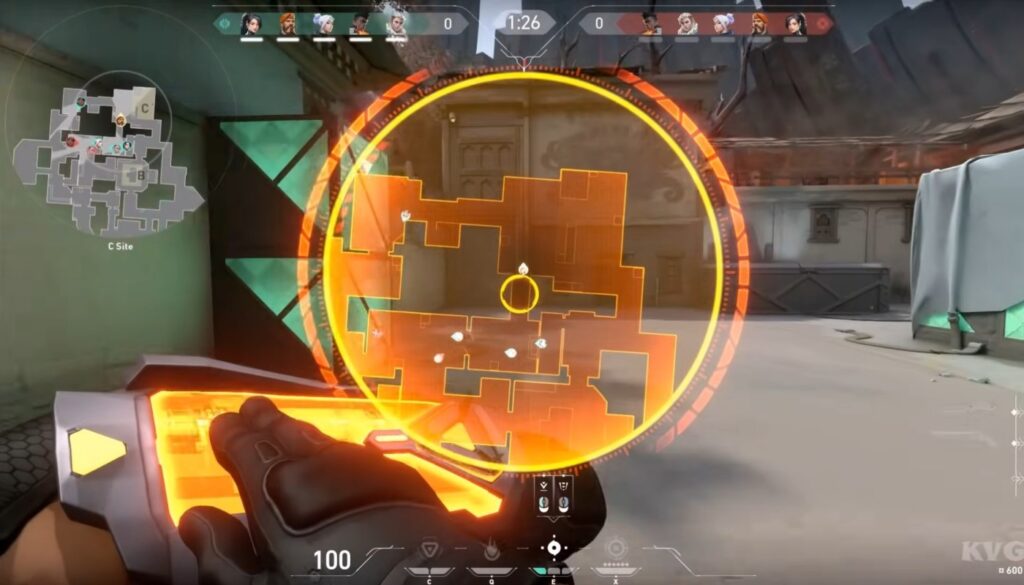
Valorant was designed to reach a broad range of PCs and is the most relevant free competitive choice in this tier. However, graphics performance is not the only requirement: Riot Vanguard, supported Windows versions and security requirements can prevent an otherwise capable PC from playing.
Tier 3: Games for Vega and Stronger Integrated Graphics
This tier is aimed at Vega 8, newer Radeon integrated graphics, Intel Iris Xe and comparable systems with 8–16GB of RAM. Integrated graphics share system memory, so dual-channel RAM can materially improve performance. AMD users can also consult our AMD Radeon integrated graphics guide.
Hades
Best for: Fast action and repeated progression | Starting point: 720p, low settings
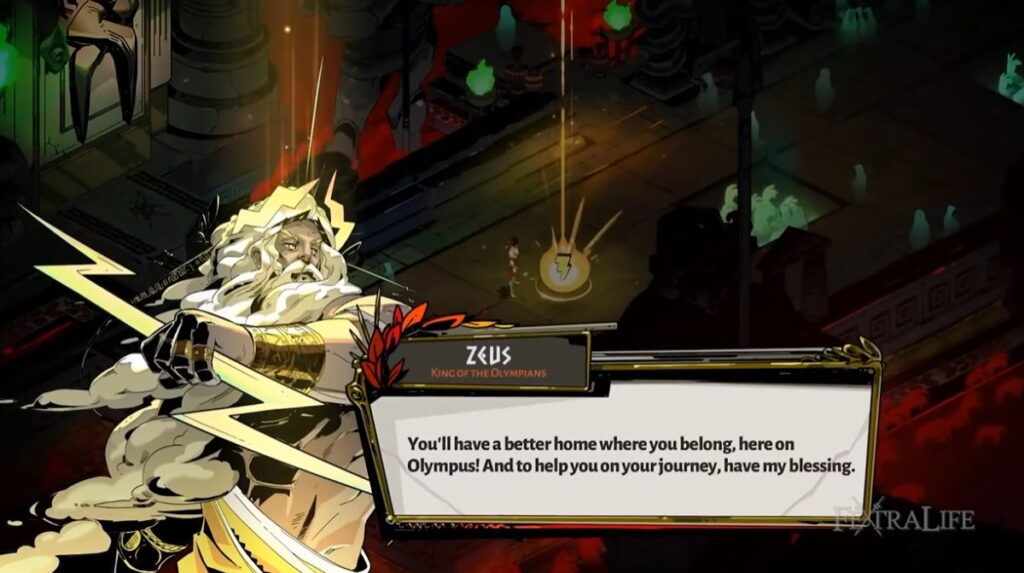
Hades looks far richer than the Tier 1 games but avoids the heavy demands of a fully 3D open world. Its official Windows minimum asks for 4GB of RAM, DirectX 10 support and 1GB of graphics memory. That does not guarantee every integrated GPU, so weak UHD systems should not treat it as a safe purchase without further checking.
Dead Cells
Best for: Difficult 2D action | Starting point: 720p or native resolution
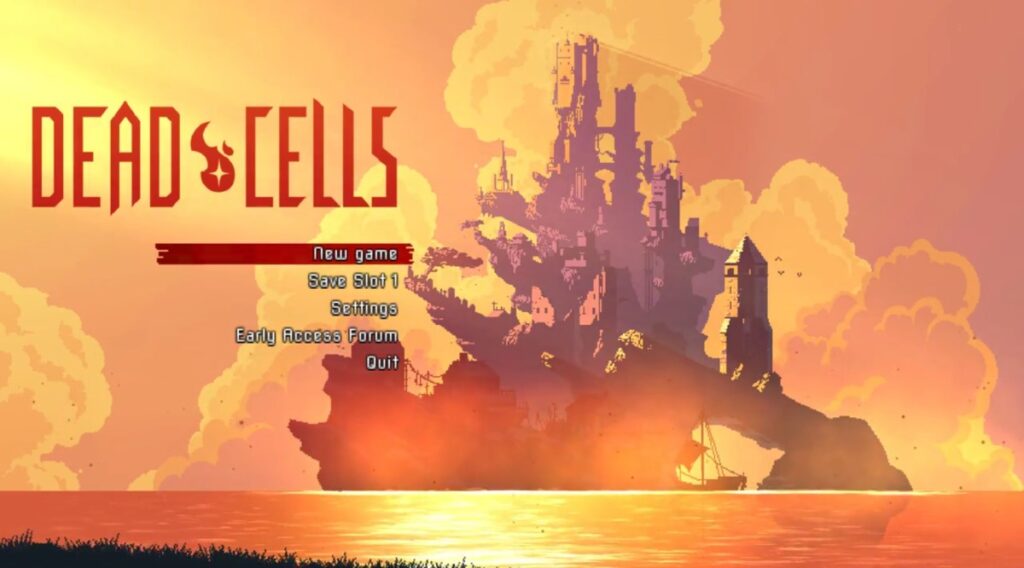
Dead Cells uses detailed 2D presentation and fast combat without requiring a modern gaming GPU. It is safer on stronger integrated graphics than on Intel HD 3000-class systems because responsiveness matters when the action becomes busy.
Dota 2
Best for: Competitive MOBA play | Starting point: 720p, low settings

Dota 2 remains accessible to relatively modest PCs, but large team fights are more demanding than quiet moments in a match. Because it is updated continuously, check its current requirements before presenting any old benchmark as permanent evidence.
Warframe
Best for: Free cooperative action | Starting point: 720p, low settings
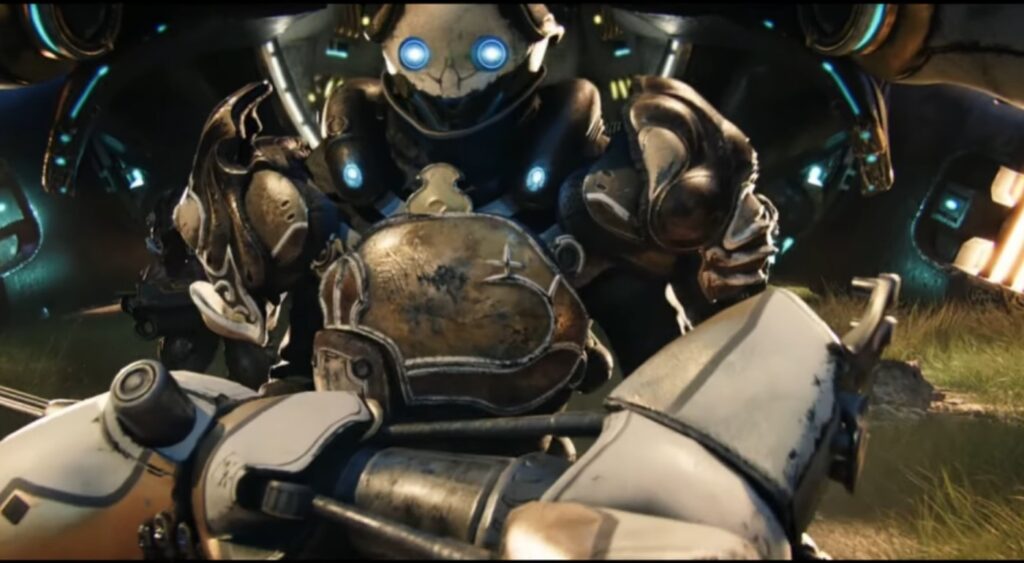
Warframe is an ambitious option for this tier rather than a guaranteed safe choice. It scales better than many modern online action games, but its missions, open zones and continuing updates do not all place the same load on a PC. Verify your exact integrated GPU before committing to a large download.
Civilization VI
Best for: Turn-based strategy | Starting point: 720p, low settings and smaller maps
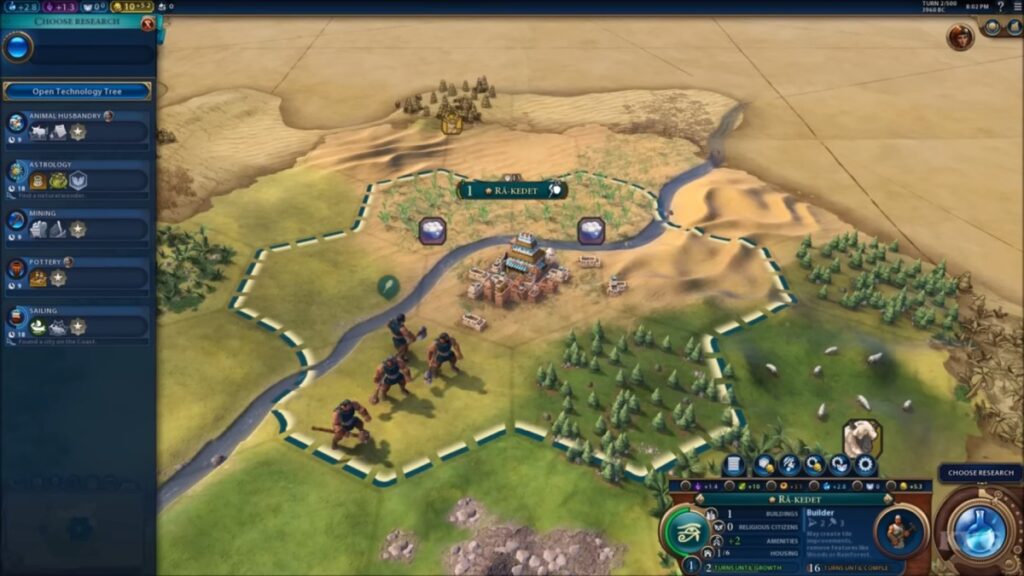
Civilization VI is forgiving when a frame rate is not perfectly smooth because it is turn-based. The greater concern is CPU performance: large maps and late-game turns can become slow even when the graphics remain acceptable.
Tier 4: Games for Older Dedicated Graphics
A GTX 750 Ti or GTX 1050 is much stronger than old Intel integrated graphics, but it is still low-end hardware for current AAA games. This tier assumes a suitable quad-core CPU and at least 8GB of RAM. Do not call these systems “fake low-end”; their limitations are real.
Tomb Raider (2013)
Best for: Cinematic action-adventure | Starting point: 1080p low or 720p medium

Tomb Raider is an accessible route into visually impressive older AAA gaming. Disable demanding hair effects and reduce shadows before sacrificing resolution if the game struggles.
BioShock Infinite
Best for: Story-driven shooting | Starting point: 1080p low or 720p medium
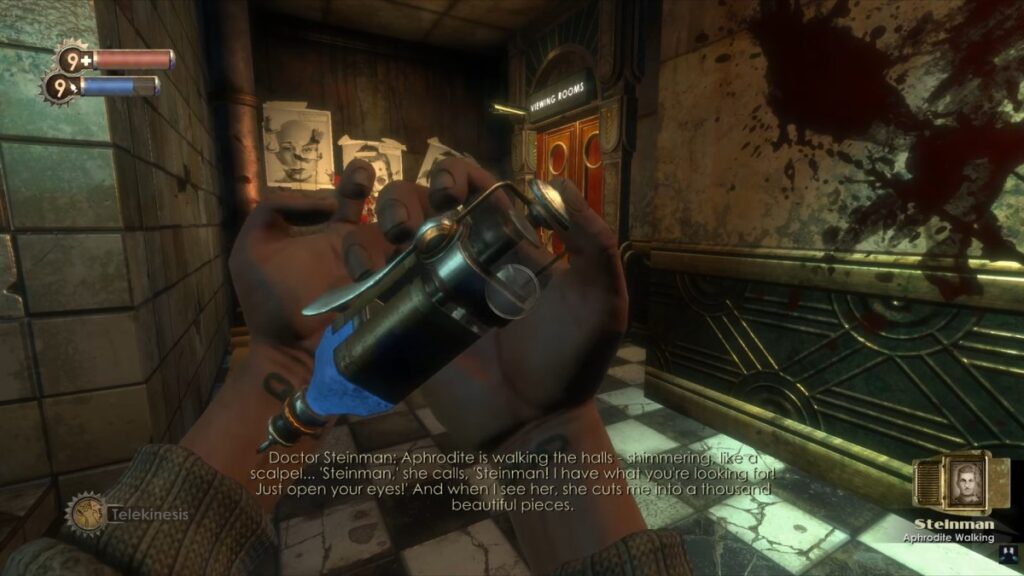
BioShock Infinite offers a complete, visually distinctive campaign on hardware far below modern AAA requirements. Integrated graphics may still deliver a very different experience, which is why it belongs in the dedicated-GPU tier.
Metal Gear Solid V: The Phantom Pain
Best for: Open-world stealth | Starting point: 1080p low or 720p medium
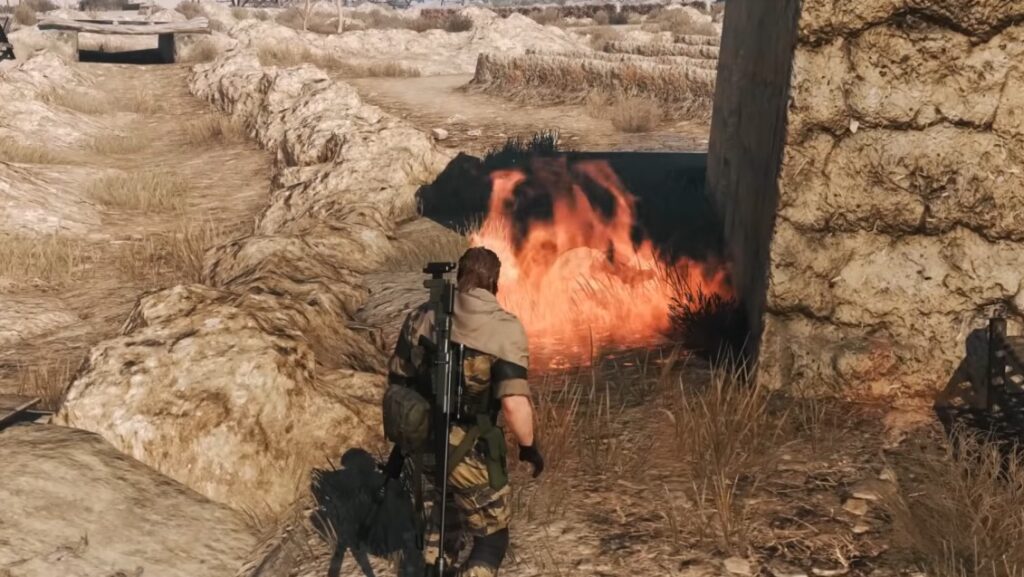
Metal Gear Solid V is one of the strongest examples of a demanding-looking game that scales sensibly. Its official minimum still calls for a quad-core processor and a GTX 650-class 2GB GPU, so it should not be recommended to old dual-core systems merely because the graphics engine is efficient.
Borderlands 2
Best for: Loot-driven co-op shooting | Starting point: 1080p low or 720p medium
Borderlands 2 provides a long campaign, co-op and substantial replay value without modern shooter requirements. Keep PhysX and demanding effects low; stylised graphics do not make every optional setting cheap to run.
The Witcher 3
Best for: Large story-driven RPG | Starting point: 720p low

The Witcher 3 is the upper-limit recommendation in this tier, not one of its safest games. The current version is more demanding than the original release, and a GTX 1050-class system should begin at low settings without ray tracing or next-generation visual extras. Check the current version and requirements before buying.
What to Check Before Downloading Any Low-End PC Game
Even a carefully chosen list cannot account for every laptop and office PC. Run through these checks before spending money or downloading a large game.
- Check the full GPU name: “Intel HD” is not specific enough.
- Check the CPU: open worlds, simulations and large battles can fail on an old processor even when graphics look simple.
- Check usable RAM: 4GB is shared with Windows and integrated graphics, leaving less for the game.
- Check Windows and graphics API support: meeting the original hardware requirements does not guarantee compatibility with the current launcher.
- Check the current game version: live-service updates and remasters can invalidate old performance videos.
- Use refund policies sensibly: requirements are a guide, not a promise that your particular PC will deliver stable performance.
“Playable” should mean more than reaching the menu. A stable 30 FPS can feel better than a fluctuating 45–60 FPS, especially on weak hardware. Our guide to what smooth gameplay means on a low-end PC explains the difference.
Should You Upgrade the PC?
Do not follow a universal “RAM first, SSD second, GPU third” rule. Upgrade the component causing the problem.
| Problem | Upgrade worth considering | What it will not fix |
|---|---|---|
| Memory remains close to full and the PC has only 4GB | Upgrade to 8GB if supported | An unsupported or extremely weak GPU |
| Very slow booting, loading and asset streaming from an HDD | SATA SSD | Low frame rates caused by the CPU or GPU |
| Integrated graphics is the clear limit in a desktop | Modest dedicated GPU, after checking power and case clearance | A severely outdated CPU |
| CPU, RAM, storage and graphics are all obsolete | A better used PC or platform replacement | Nothing; several upgrades may cost more than replacement |

If memory is the confirmed problem, use our gaming RAM buying guide before ordering anything. If the PC is old enough to use proprietary parts or a weak power supply, review the common GPU upgrade mistakes before adding a graphics card.
Frequently Asked Questions
What is considered a low-end PC?
A low-end PC generally has an older or entry-level processor, 4–8GB of RAM and integrated graphics or an older dedicated GPU. The exact CPU and graphics model matter more than the label because performance varies enormously within those categories.
What are the best games for a low-end PC?
Into the Breach, Stardew Valley, Terraria and Papers, Please are among the safest choices for extremely weak PCs. Portal 2 and Left 4 Dead 2 suit stronger Intel integrated graphics, while Hades and Civilization VI need a more capable iGPU. Match the game to your hardware tier rather than relying on one universal list.
Is 4GB of RAM enough for low-end gaming?
It is enough for selected lightweight games, but Windows and integrated graphics consume part of that memory. Eight gigabytes provides more breathing room, although extra RAM will not fix an inadequate CPU or GPU. Our dedicated 4GB RAM games guide focuses on that limit.
What frame rate is acceptable on a low-end PC?
A stable 30 FPS is a realistic target for many slower-paced games. Competitive shooters benefit more from 60 FPS, but consistency and frame pacing matter more than briefly reaching a high number.
Does an SSD increase gaming FPS?
Usually not by a meaningful amount. An SSD improves loading and general responsiveness and may help storage-related asset streaming, but it cannot replace an underpowered CPU or GPU. See our explanation of whether faster SSDs improve FPS.
Choose for Your Hardware, Not the Low-End Label
The best-optimized game is still the wrong recommendation if your PC lacks the required graphics support or CPU performance. Identify the exact hardware, begin with the closest tier and use conservative settings. That approach will save more time than downloading random games and hoping that “minimum requirements” means smooth performance.
Start with Into the Breach, Stardew Valley or Terraria on extremely weak hardware; move toward Portal 2 and Left 4 Dead 2 on later Intel graphics; and reserve games such as Hades, Metal Gear Solid V and The Witcher 3 for clearly stronger systems.