






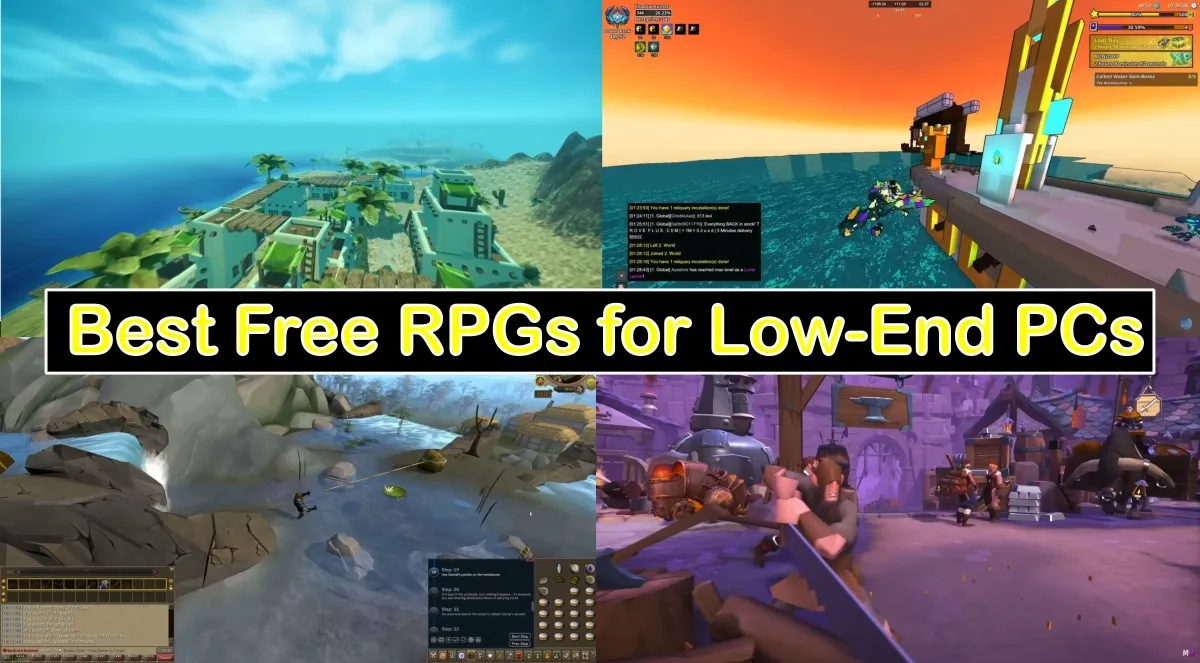
You don’t need a shiny GPU to play real RPGs. If you’re on a hand-me-down laptop or a desktop that wheezes when you open a browser tab, Our Best Free RPGs for Low-End PCs list is for you. Every pick here is free on PC, still active in 2025, and friendly to low-end specs like 4 to 8 GB of RAM and integrated graphics. We also added quick setup tips so you spend more time playing and less time watching your fan scream.
Before You Install, The 5 Minute Office Drone Prep
- Close background junk. Quit Discord overlays, Xbox Game Bar, GeForce Experience recording, and any updater apps.
- Use windowed fullscreen. It reduces alt-tab weirdness on older laptops.
- Cap your frame rate. Start at 30 or 45 and raise later if the game stays smooth.
- Drop resolution scale first. Keep textures readable, then lower shadows and post effects.
- Keep free space. Leave at least 10 GB for saves, shader cache, and updates.
- Optional sanity check: run a quick test with our How to Test Gaming PC Performance guide to confirm nothing silly is dragging you down.
If you are unsure where to start have a look at our Pillar Post – The Free Games Hub for Older PCs (Your Official Rescue Center).
Offline Classics That Still Rule
These are the true fossils that still hold up. No online accounts, no launchers, no nonsense, just pure single-player RPGs that run on hardware older than your Steam account. Each one proves that a good game doesn’t need a graphics card to pull you in.
The Elder Scrolls: Arena
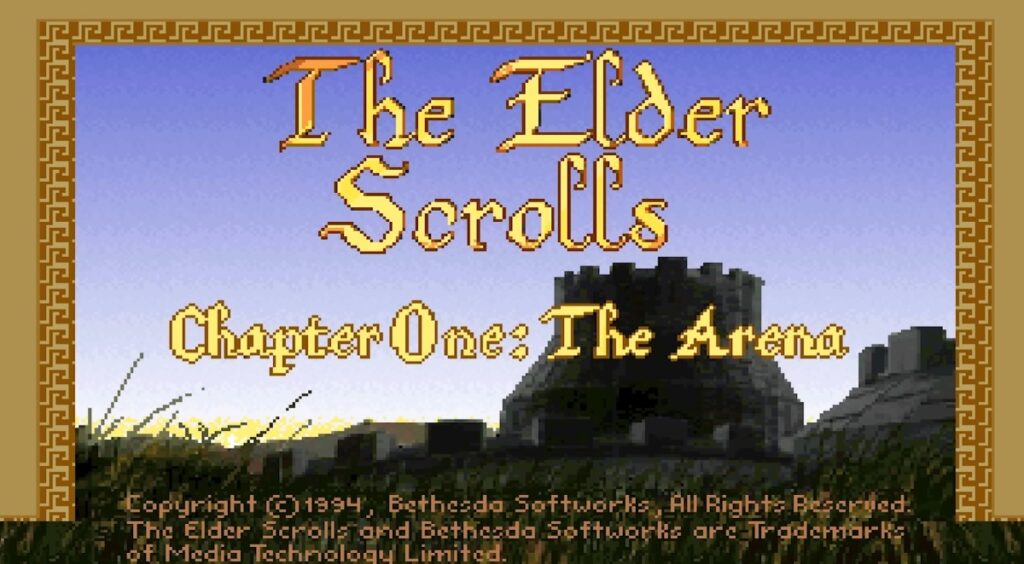
Pure 90s chaos in a box. It runs through DOSBox, the install is tiny, and it will not stress your old hardware. Expect old-school dungeon crawling, weird difficulty spikes, and endless charm.
Arena was Bethesda’s first open-world experiment, a maze of towns, dungeons, and random encounters stitched together by pure ambition. It’s clunky, it’s ancient, but it’s the DNA of every Elder Scrolls that came after.
Get Arena on Steam
The Elder Scrolls II: Daggerfall (Classic or Unity Fan Build)

One of the biggest RPG worlds ever, and the classic edition is free. The Unity version smooths controls and fixes quirks while staying light on resources compared to modern 3D games.
Its map is so massive it makes Skyrim look like a side quest, filled with random dungeons, guilds, and factions that actually react to your reputation. The Unity port adds modern saves, resolution scaling, and mod support while keeping GPU use minimal.
Get Daggerfall on Steam
Flare RPG
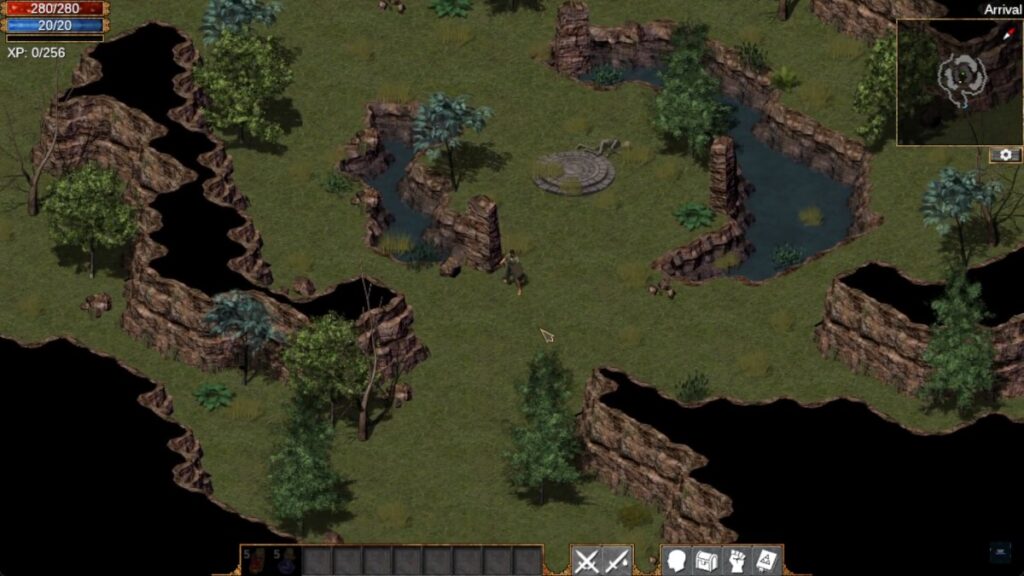
Open-source Diablo-style action RPG. No account, no launcher, just download and play. Perfect when you want mouse-clicking loot without the megabytes.
Built as both a game and a moddable engine, Flare is a top-down hack-and-slash that feels like a forgotten 90s classic rediscovered. Its low-poly art, quick combat, and zero-DRM design make it ideal for short bursts or full playthroughs on an old laptop.
Download Flare RPG
Cataclysm: Dark Days Ahead
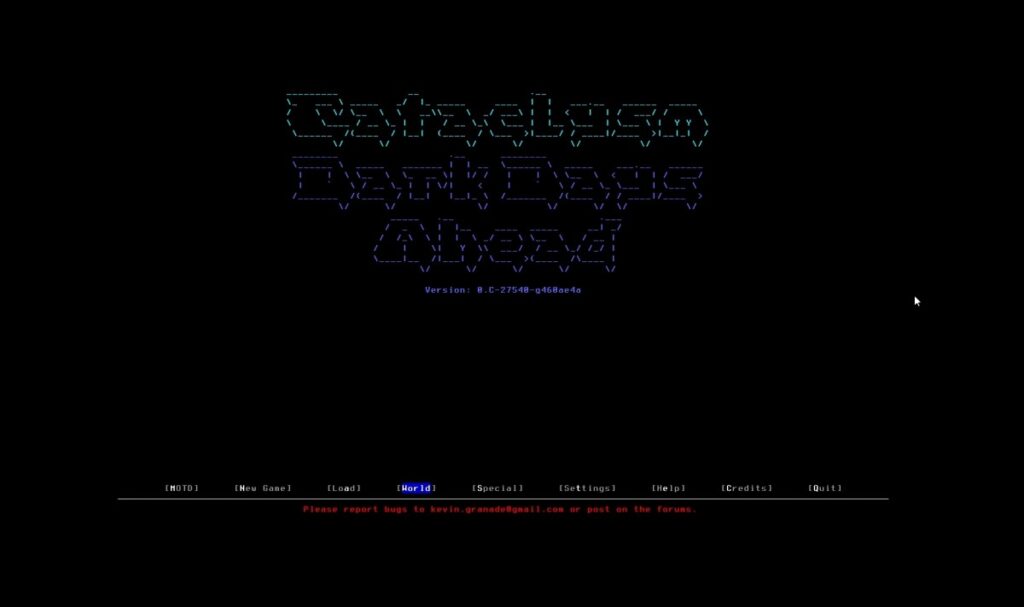
ASCII apocalypse RPG that can swallow weekends. It looks simple, but the crafting and survival systems go very deep. Runs on almost anything and saves are tiny.
You scavenge, craft, and survive in a persistent world full of zombies, mutants, and weather that actually matters. There’s no story rail, just pure emergent survival where every can of beans or bicycle you find could save your life.
Get Cataclysm: DDA
Free to Play RPGs That Don’t Melt Laptops
Old School RuneScape
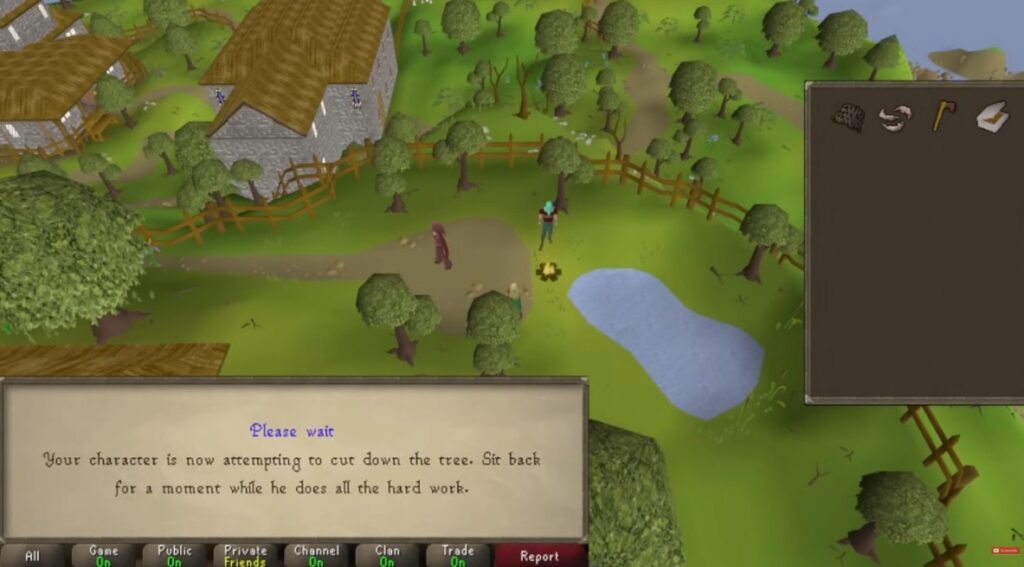
Lightweight client, timeless grind, and a massive community. Ideal for low-spec laptops and short sessions. If your machine can browse the web, it can probably play OSRS.
It’s classic RuneScape in its purest form, simple visuals, click-based combat, and an economy that’s still alive decades later. You can fish, mine, craft, or boss raid entirely solo, and the nostalgic soundtrack somehow makes the grind feel cozy.
Play OSRS on Steam | Official Site
RuneScape (Modern Client)
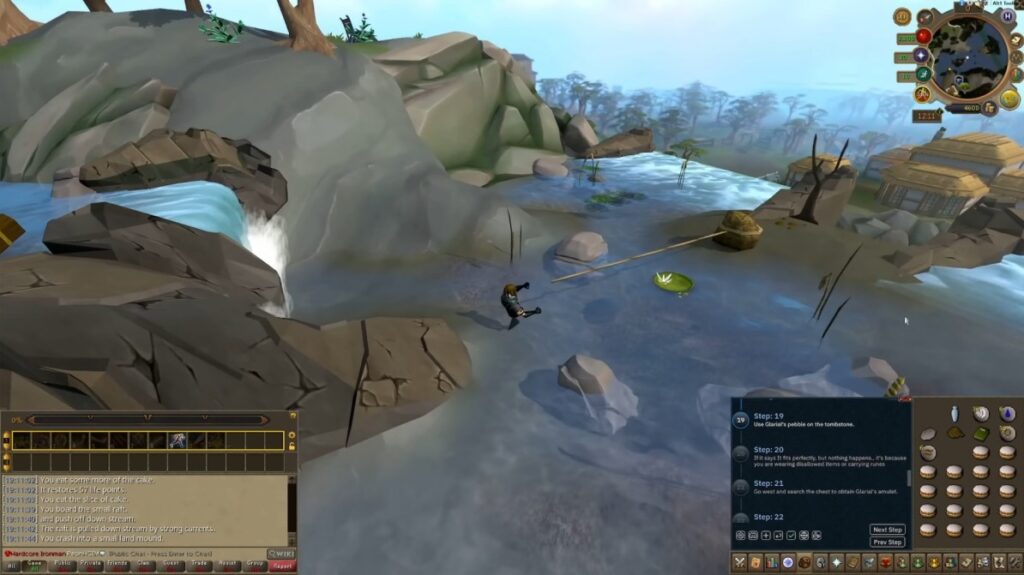
More modern visuals, more quests, still friendly to integrated graphics if you keep settings sensible. Good for story content without spending money.
The live version trades the old-school grind for smoother controls, voice acting, and evolving seasonal events. You can pick up daily challenges, slay bosses, or follow a surprisingly deep lore thread, all without paying a cent if you stay in the free zones.
Play RuneScape on Steam | Official Site
Albion Online
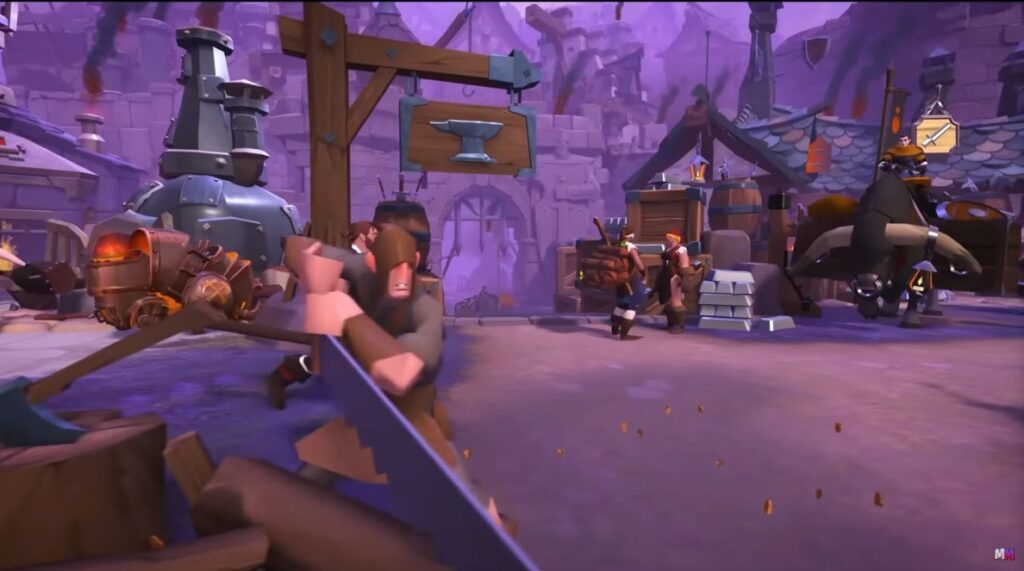
Crafting, gathering, and full-loot PvP if you want it. The client is small, load times are reasonable, and low settings keep it smooth on weak GPUs. SSD helps, but HDD still works.
Albion is a sandbox MMO where every item is player-made and every death actually costs you gear. Whether you join a guild war or just farm silver in peace, it’s one of the few modern MMOs that still respects your time and doesn’t crush your laptop.
Download Albion Online
Tibia
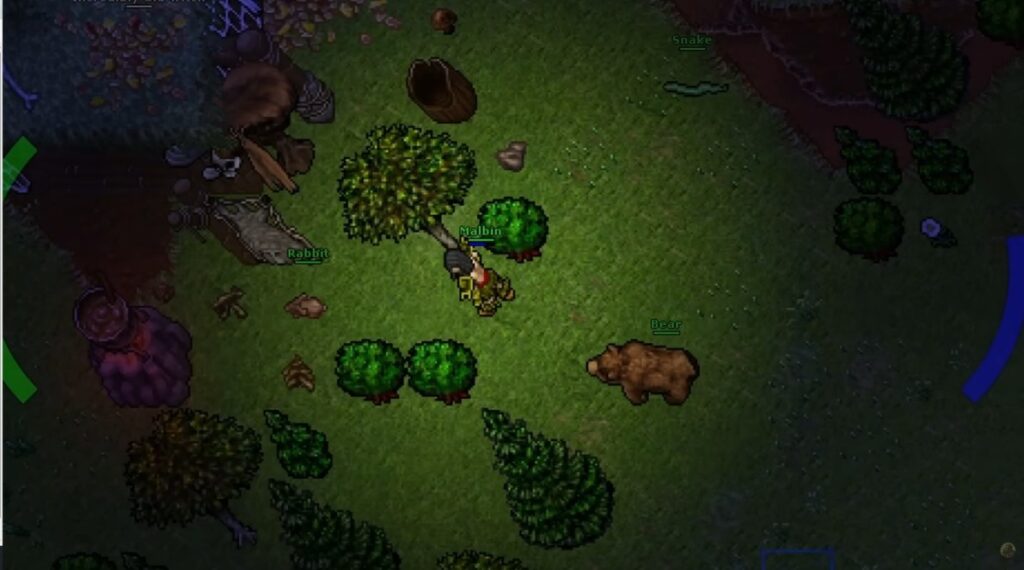
Retro MMO that refuses to die. Tiny download, mouse-driven gameplay, and a community that knows every quest by heart. Great option when you have 4 GB of RAM and a stubborn CPU.
Released in 1997 and still updated today, Tibia feels like time travel in the best way. The visuals are ancient, but the depth is real, from player-run houses to hardcore PvP servers that make every fight personal. It’s pure old-school energy, and it runs anywhere.
Play Tibia
AdventureQuest 3D
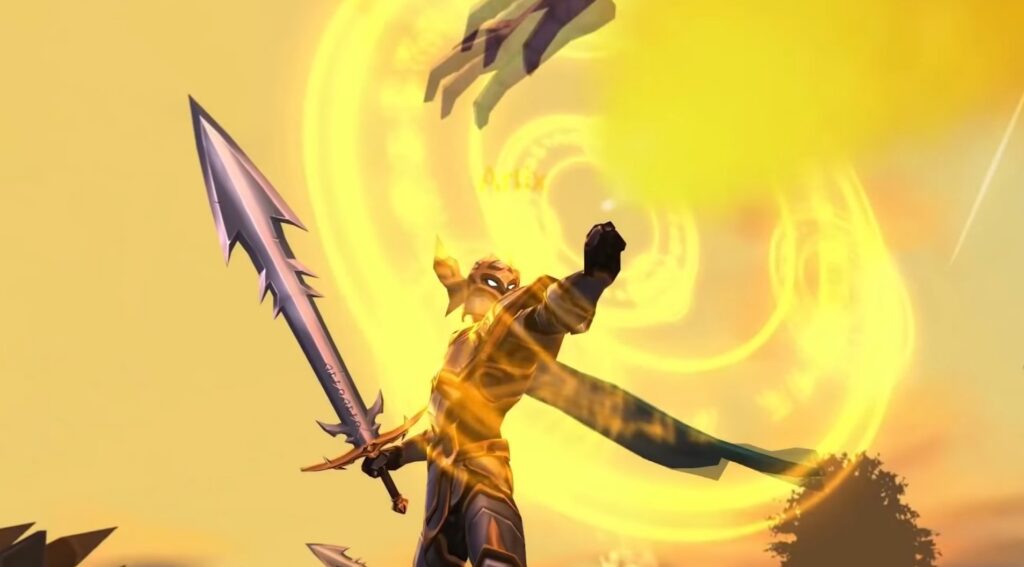
Simple, friendly, and runs on toasters. Good for casual dungeon runs with friends and light crafting without punishing your laptop.
It’s a cross-platform reboot of the browser legend, rebuilt for quick sessions and goofy fun. Combat is light and snappy, updates are frequent, and you can jump in solo or group up instantly, no massive downloads, no graphics drama.
Play AQ3D on Steam
Trove
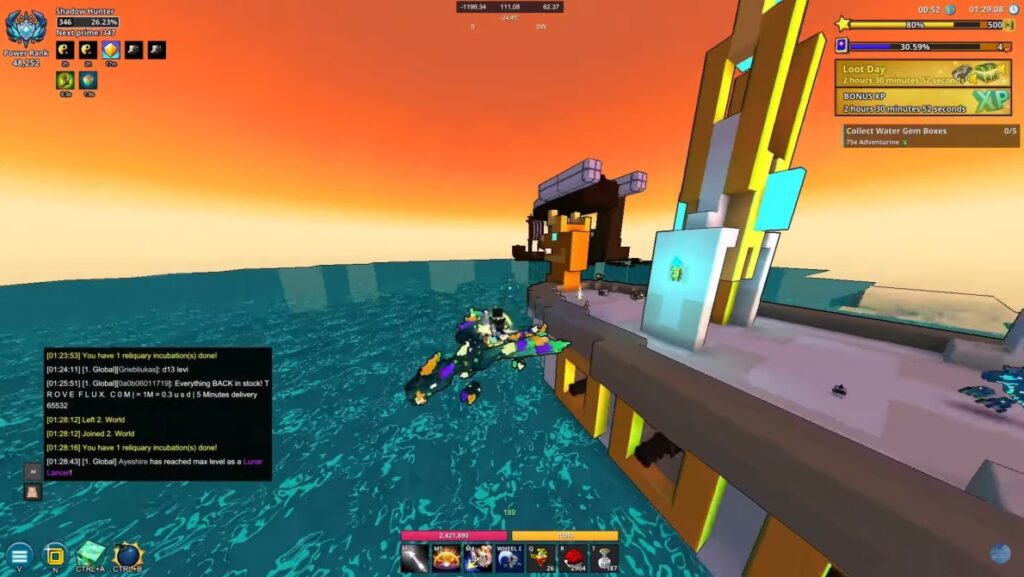
Voxel MMO with RPG progression and lots of building. It scales down well on Intel HD graphics when you cap FPS and cut the fancy effects.
Think Minecraft meets Diablo, you explore colorful biomes, loot dungeons, and build ridiculous bases with friends. It’s fast to load, light to run, and the low-poly art style means even aging GPUs can handle it with ease.
Play Trove on Steam
Browser and Text Adventures
Kingdom of Loathing
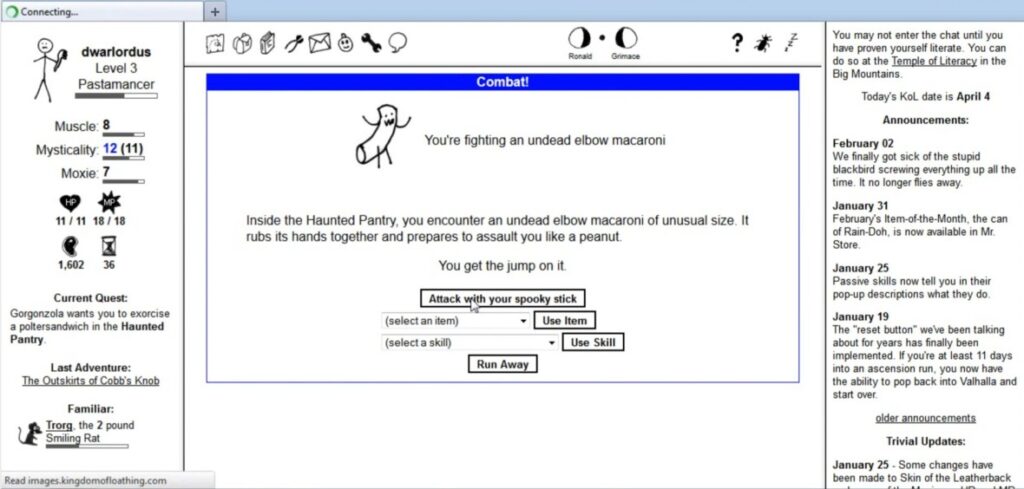
Text-based humor, silly items, and smart mechanics. It runs in a tab, it saves instantly, and it’s perfect for quick play at lunch.
You build your stick-figure hero, fight possessed pasta monsters, and collect meat as currency in a world that doesn’t take itself seriously. It’s genuinely funny, shockingly deep, and somehow still one of the best browser RPGs ever made.
Play Kingdom of Loathing
Fallen London
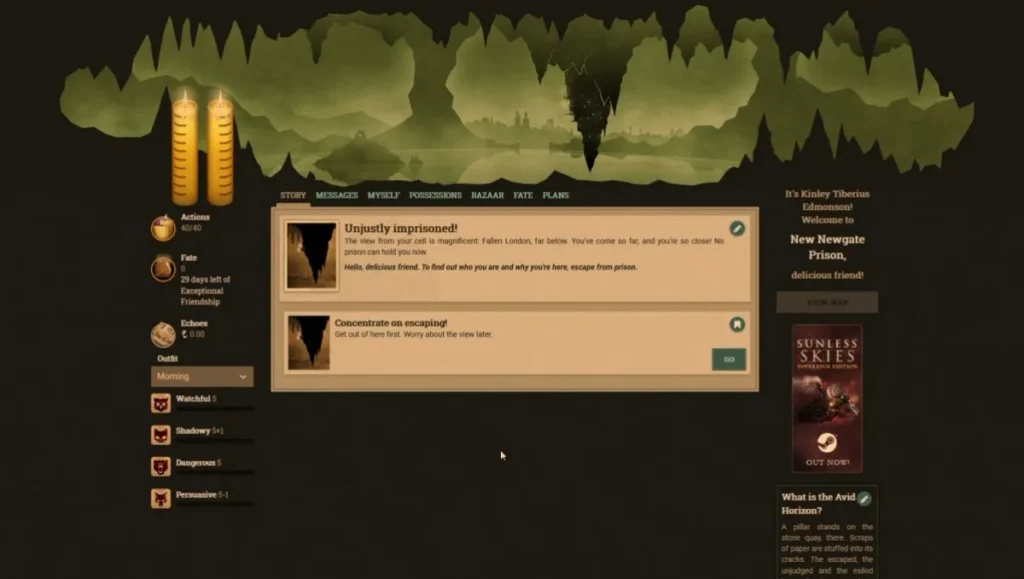
Gothic story choices with rich writing and a steady loop. No download, no noise, just choices and consequences.
Set in a dark, underground version of Victorian London, it’s all about narrative choices and long-term progress. Every click nudges your character’s story, reputation, and secrets, making it ideal for slow-burn storytelling fans on weak hardware.
Play Fallen London
Hordes.io
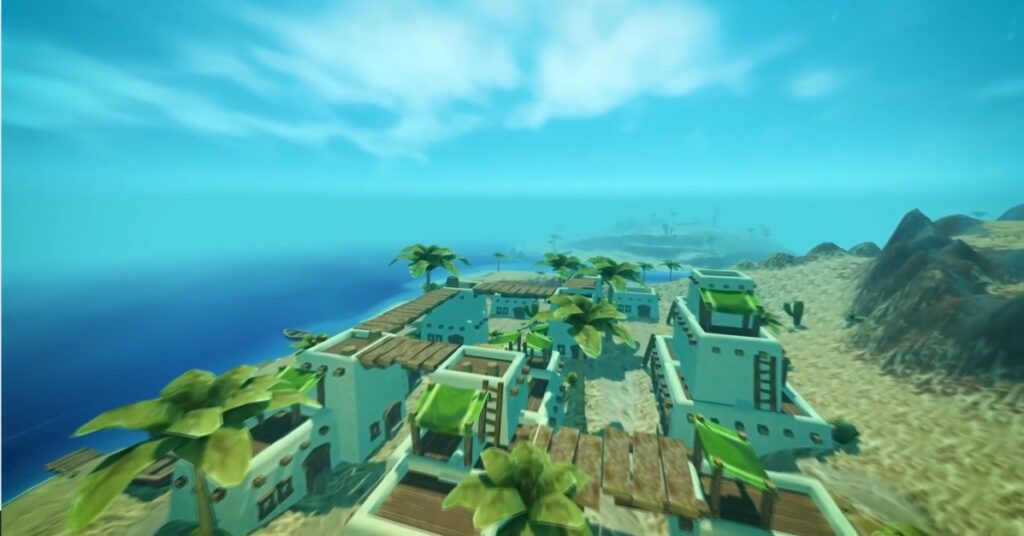
Light 3D in a browser with chunky, readable visuals. Grab a few friends and whack mobs without wrecking your CPU.
This one’s a hidden gem, a WebGL MMORPG that plays like an early WoW demo with Lego graphics. Simple classes, fast leveling, and instant combat make it great for party sessions that don’t demand a download or beefy specs.
Play Hordes.io
Lightweight Space and Indie RPGs
Endless Sky
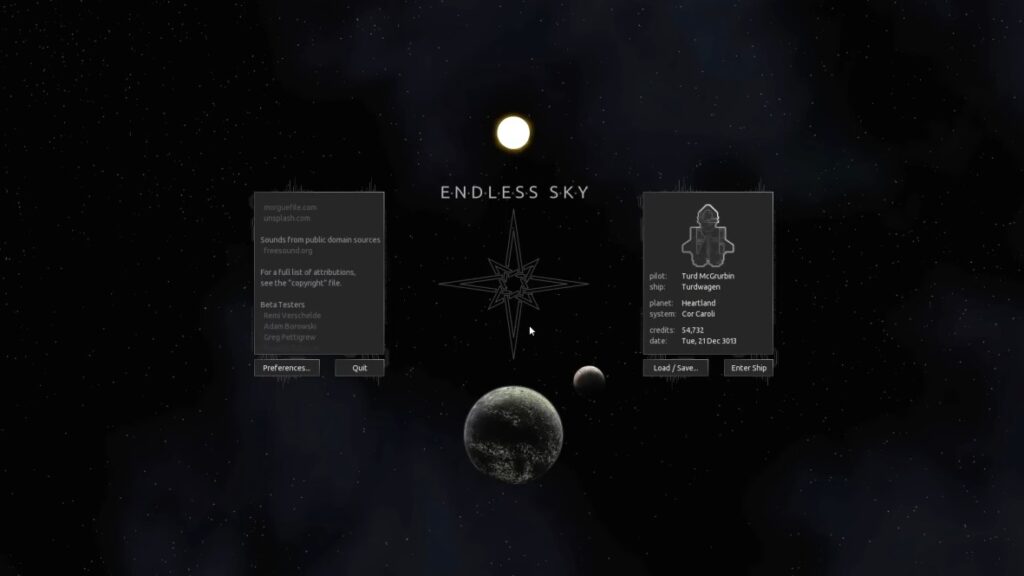
Open-source space RPG where you trade, fight, and upgrade your ship. It runs on older machines with OpenGL 3.0 and barely sips RAM.
It’s basically a spiritual successor to Escape Velocity, you start with a tiny freighter and slowly build an empire across hundreds of systems. The pixel-clean visuals and moddable engine make it an easy pick for low-end explorers and tinkerers alike.
Get Endless Sky on Steam | Project Page
Tales of Maj’Eyal
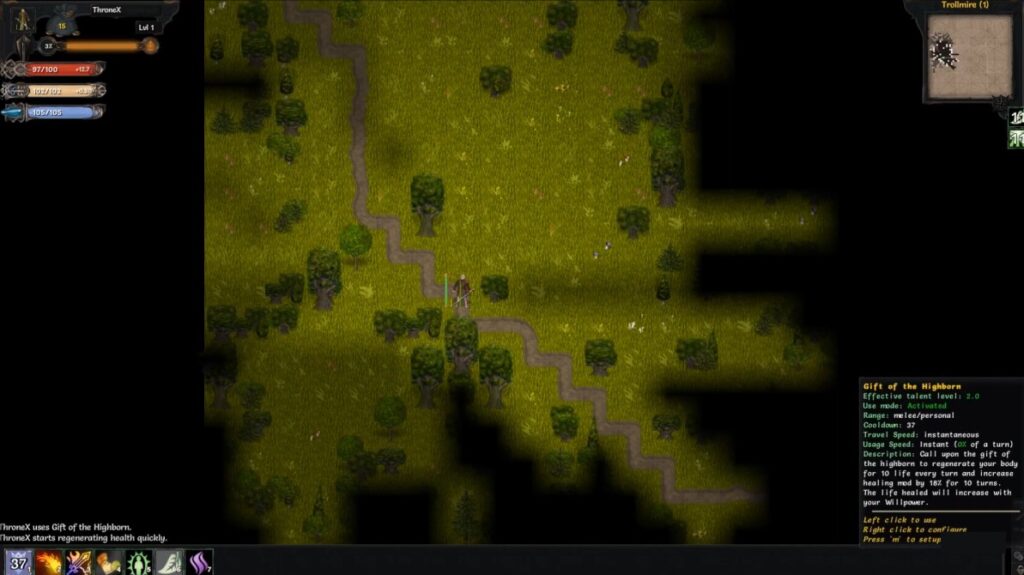
Deep roguelike with tons of classes and builds. Free on the developer site, with optional support packs if you love it.
It’s turn-based, tactical, and brutally addictive, every run feels unique thanks to random worlds, unlockable races, and layered systems that reward experimentation. It’s lightweight but still one of the most replayable RPGs you can run on ancient hardware.
Download ToME
Smooth Settings to Start With
| Spec | Resolution | FPS Cap | Quick Tweaks |
|---|---|---|---|
| 4 GB RAM + Intel HD/UHD | 1280 × 720 | 30 | Resolution scale 75 percent, shadows low or off, post-processing off |
| 6 to 8 GB RAM + very old GPU | 1600 × 900 | 45 | Textures medium, effects low, ambient occlusion off |
| Laptop APU mode | 1280 × 720 | 30 | Fullscreen or borderless, V-Sync on, anti-aliasing off |
Stable beats pretty. Start safe, then raise one setting at a time. If the game stutters after an update, revisit the cap and shadows first, then scale the resolution.
Treat your settings like a test bench, tweak, launch, test, repeat. Most of these low-end RPGs respond better to resolution changes than texture drops, so don’t be afraid to experiment. Once you hit a smooth 30 to 45 FPS, lock it in and enjoy your newfound stability.
For a Big and Free List see our post on – The Absolute 15 Best Free Games for Low-End PCs (No Lies, Just Playable Picks) or FPS not enough? Survive instead in 10 Free Survival Games for Low-End PCs.
Best Free RPGs for Low-End PCs FAQ’s
Are all of these actually free?
Yes. Everything listed has a free PC version with no time limit. A few have optional support packs or memberships, but the core loop is playable for free.
Can I play completely offline?
Yes for the classics and open-source picks like Arena, Daggerfall, Flare, and Cataclysm. MMOs and browser games require a connection.
What works best with 4 GB of RAM?
Start with Flare, Arena, Cataclysm, Tibia, and Old School RuneScape. Keep browser tabs closed and cap your FPS.
Can I use a controller?
Some games support controllers through Steam Input or native settings. OSRS and Tibia are mouse-first. Browser RPGs are usually keyboard and mouse.
Why isn’t Undertale or Ara Fell listed?
They are great on weak PCs, but they are not free. This list sticks to zero-cost RPGs only.
Related Reads on BuiltToFrag
If your PC is weaker than a school Chromebook, try our guide Free Games for Garbage PCs (Yes, Yours Too). It focuses on the absolute lightest options.
Want bigger experiences beyond PC, including Switch and mobile, see Best RPG Games for Every Platform. It’s a clean starting point if you upgrade later.
Once you have a few games installed, dial in your system with How to Test Gaming PC Performance. Learn quick checks that keep stutter away.
If your machine needs a little love to stay stable, bookmark our PC Maintenance and Optimization Guide. It covers the boring fixes that actually help.
Outbound Resources
Safest places to grab these games without junk installers: Daggerfall, Arena, Flare RPG, Cataclysm: DDA, OSRS, RuneScape, Albion Online, Tibia, AQ3D, Trove, KoL, Fallen London, Hordes.io, Endless Sky, ToME.
If you try a pick and it still stutters, circle back to the Weak PC Prep and cap your FPS tighter, then check our ultra-light free games list for even easier wins.