Old laptops can still run good games, but you have to be stricter than you would be on a desktop PC. The best games for low-end laptops are usually 2D games, turn-based games, older games, and lightweight online games that do not hammer the CPU, RAM, storage, and cooling system all at once.
If your laptop has only 4GB of RAM and integrated graphics, start with the safest picks first: Into the Breach, FTL, Papers, Please, and Stardew Valley. If you have 8GB of RAM and newer Intel UHD or Ryzen integrated graphics, you can also try lighter online games like Brawlhalla and some older multiplayer titles.
This is not an FPS-tested benchmark list. It is a practical, laptop-first shortlist based on official requirements, conservative hardware fit, and the reality that weak laptops throttle, run hot, and usually cannot be upgraded like desktop PCs.
Quick Picks for Low-End Laptops
If you just want somewhere sensible to start, use this table. These are not ranked by hype. They are ranked by how friendly they are to weak laptops with integrated graphics.
| Need | Best first pick | Why it fits |
|---|---|---|
| Safest 4GB laptop game | Into the Breach | Very low official requirements and Intel HD 3000-class support |
| Relaxed long-term game | Stardew Valley | Low RAM, low storage, and forgiving gameplay |
| Tiny install | Papers, Please | Very small storage requirement and simple visuals |
| Old-school strategy | FTL: Faster Than Light | Very light, but Intel HD support should be treated as a caveat |
| Free online game | Brawlhalla | 2D, free, and lighter than most competitive games |
| Older online shooter | Team Fortress 2 | Low official specs, but the install size and online nature make it less laptop-friendly than it looks |
If you specifically want free no-GPU options, also check my guide to free PC games that don’t need a GPU. That page owns the broader no-graphics-card angle; this one is focused on weak laptops.
What Counts as a Low-End Laptop?
For this article, a low-end laptop means a laptop with integrated graphics, limited RAM, weak cooling, and little or no upgrade path. That is different from a low-end desktop PC. A desktop can sometimes take a cheap GPU, more RAM, or better cooling. Most old laptops are stuck with what they have.
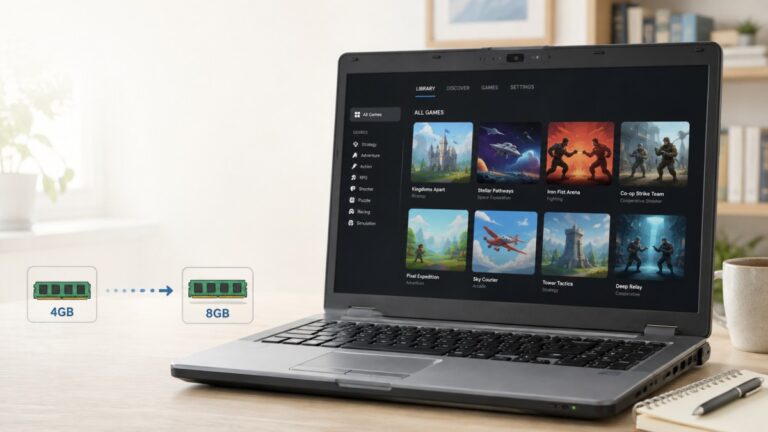
The biggest split is 4GB vs 8GB RAM. A 4GB laptop can still play some good games, but you need stricter expectations. An 8GB laptop with Intel UHD or Ryzen integrated graphics has more breathing room, especially for online games and older 3D titles.
| Laptop type | What to expect | Best game type |
|---|---|---|
| 4GB RAM + old Intel HD | Strictest limits | 2D, turn-based, small offline games |
| 8GB RAM + Intel UHD | More flexible, but still limited | 2D, older 3D, light online games |
| Ryzen integrated graphics laptop | Usually stronger than older Intel HD laptops | Some light 3D and online games |
| Old office laptop with HDD | Slow loading and stutter risk | Small games with simple visuals |
If your machine has only 4GB RAM, start with my dedicated games for 4GB RAM PCs guide as well. That is the stricter hardware problem. This article is about laptops specifically.
If your laptop has Intel UHD graphics, the dedicated Intel UHD games guide will help you narrow things down by graphics hardware.
Safest Games for 4GB RAM Laptops
These are the games I would try first on a weak laptop. They are not magic. A broken Windows install, overheating laptop, dying hard drive, or overloaded background apps can still ruin them. But based on their official requirements and design, they are safer starting points than most modern 3D games.
Into the Breach
Best for: tactical strategy on very weak hardware.
Into the Breach is one of the strongest low-end laptop picks because it is turn-based, compact, and officially lists very low requirements. Its Steam requirements include 1GB RAM, OpenGL 2.1 support, and Intel HD 3000 or better.

That makes it a sensible first download for old laptops where fast action games feel awful. You do not need high frame rates to enjoy it, and the small-scale battles are a good fit for weak CPUs and integrated graphics.
Best if: your laptop is old, has 4GB RAM, and struggles with real-time games.
Avoid if: you want action, aiming, or open-world exploration. This is tactical and deliberate.
FTL: Faster Than Light
Best for: lightweight strategy with tiny storage needs.
FTL is another excellent weak-laptop candidate. Its official requirements are low, with 1GB RAM and a 2GHz processor listed on Steam. The important caveat is graphics support: Steam notes that some integrated Intel HD graphics cards have been known to work, but are not officially supported.

That does not make FTL a bad pick. It just means you should treat it as a safe-to-try game rather than a guaranteed win on every old Intel laptop. If it works on your machine, it gives you a lot of game for very little hardware pressure.
Best if: you like strategy, survival decisions, and tiny install sizes.
Avoid if: your laptop has awkward display scaling or very old graphics drivers that struggle with OpenGL.
Papers, Please
Best for: very weak laptops and short play sessions.
Papers, Please is one of the easiest games here to justify for low-end laptops. Its Steam requirements list a 1.5GHz Core2Duo, 2GB RAM, OpenGL 1.4 or better, and only around 100MB of storage.

That combination matters. Weak laptops often struggle not only because of graphics, but because storage is slow and RAM is tight. A small, simple game avoids a lot of that pain.
Best if: you want something clever, story-driven, and extremely light.
Avoid if: you want relaxed gameplay. Papers, Please is light on hardware, but not light on stress.
Stardew Valley
Best for: relaxed long-term play on old laptops.
Stardew Valley is one of the safest recommendations for weak laptops because the official requirements are modest: 2GB RAM, a 2GHz processor, 256MB video memory, Shader Model 3.0+, DirectX 10, and about 500MB of storage.
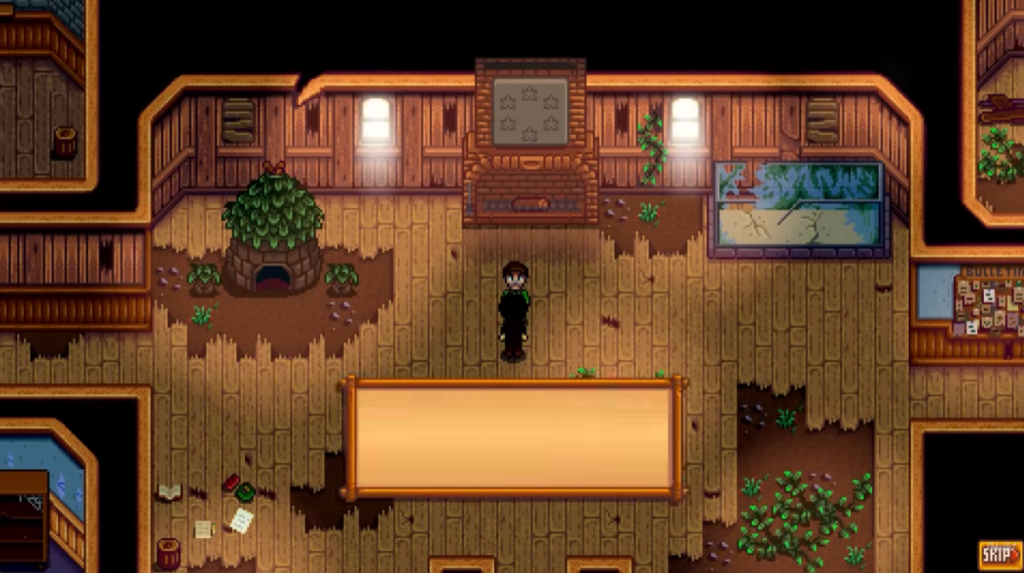
It is also a better fit for laptop life than many action games. You can play it in shorter sessions, it does not need twitch aiming, and it is less likely to expose every weakness in an old laptop at once.
Best if: you want farming, crafting, exploration, and a game that can last for dozens of hours.
Avoid if: your laptop is so old that it struggles with DirectX 10 or modern Steam support.
Better Picks for 8GB RAM and Newer Integrated Graphics
If your laptop has 8GB RAM and newer integrated graphics, you can be a little more ambitious. This does not mean modern AAA games are suddenly sensible. It means you can try more online games, older multiplayer games, and lighter 3D titles without expecting a disaster every time.
Brawlhalla
Best for: free online fighting on weak laptops.
Brawlhalla is a good low-end laptop pick because it is 2D, free, and officially lightweight. Steam lists 2GB RAM as the minimum and 4GB RAM as recommended, while the official Brawlhalla site describes it as a free platform fighting game with local and online play.
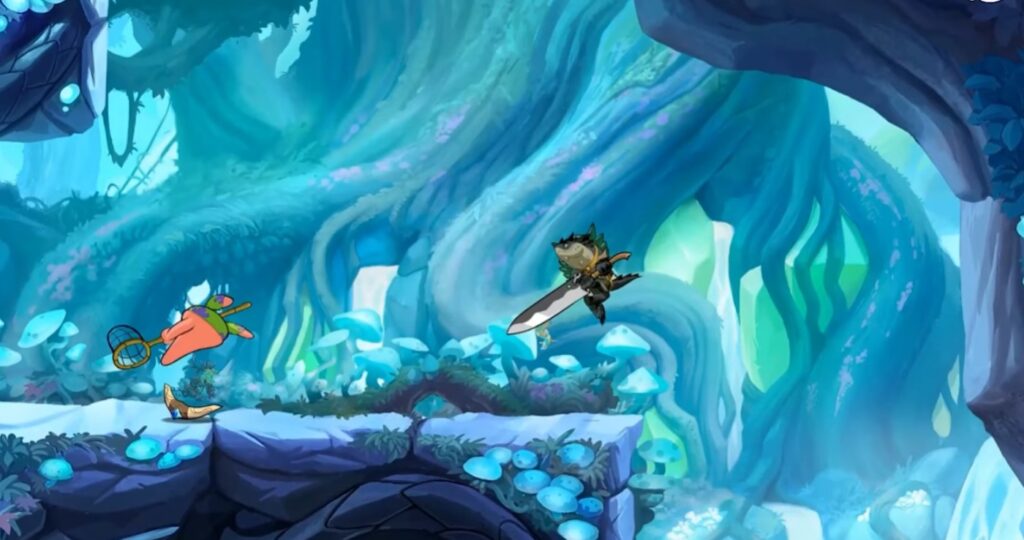
The catch is that online play adds another failure point. If your laptop is weak and your WiFi is unstable, the game may feel bad even if the hardware can run it.
Best if: you want something free, competitive, and lighter than most modern online games.
Avoid if: your internet is unstable or your laptop already struggles while a browser is open.
Team Fortress 2
Best for: older online shooter gameplay, if your laptop can handle the install and online load.
Team Fortress 2 has famously low official requirements for a PC shooter, including a 1.7GHz processor, 512MB RAM, DirectX 8.1, and broadband internet. On paper, that looks perfect for weak laptops.
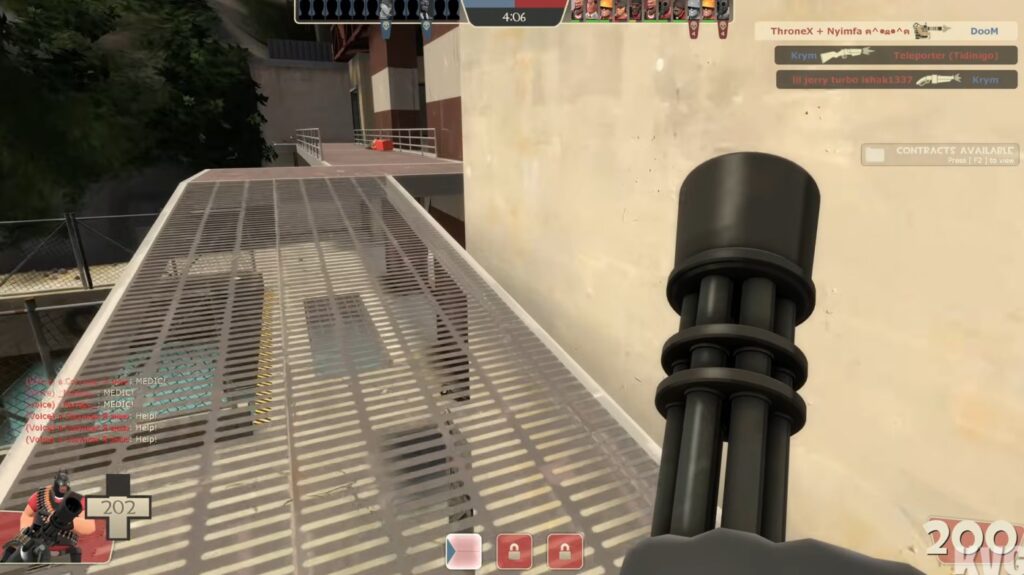
The reality is more complicated. It is still an online shooter, the install is much larger than the smallest games in this list, and real multiplayer matches can expose CPU, heat, storage, and network problems. Treat it as a maybe, not as the safest weak-laptop pick.
Best if: you have 8GB RAM, reasonable storage, and want an older online shooter.
Avoid if: your laptop has 4GB RAM, a slow hard drive, and bad WiFi.
RuneScape or Old School RuneScape
Best for: long-term online play on slightly stronger low-end laptops.
RuneScape needs more caution than people expect. Jagex’s current support guidance for the modern RuneScape client points toward an 8GB RAM system and Intel UHD 610-class graphics. That does not make it impossible on weak hardware, but it does mean it should not be treated as a safest 4GB laptop recommendation.
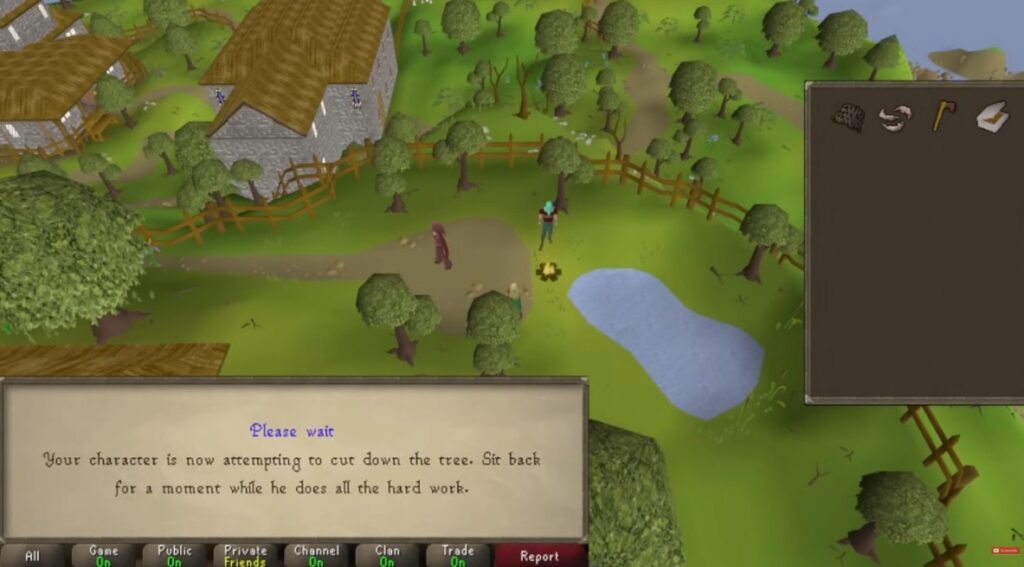
If you have an 8GB laptop with newer integrated graphics, RuneScape or Old School RuneScape can be worth trying. If you have an older 4GB laptop, start with the lighter offline games first.
Best if: you have 8GB RAM and want a long-term online game.
Avoid if: your laptop is already RAM-starved before launching a game.
For more online options, use my guide to online games for low-end PCs, but be stricter when applying those choices to an old laptop.
Side note: League of Legends can be worth checking on a stronger low-end laptop, but I have not included it as a main recommendation here. Before downloading it, check Riot’s official League of Legends system requirements, because RAM, graphics support and Windows version matter more on weak laptops than they do on stronger desktop PCs.
Offline Games Are Usually Safer on Weak Laptops
Offline games are often the better first choice for weak laptops. They avoid ping problems, server issues, anti-cheat overhead, launcher drama, and the extra background pressure that comes with online play.
That does not mean every offline game is light. A huge open-world game can still crush an old laptop. But small offline games like Stardew Valley, Into the Breach, FTL, and Papers, Please usually make more sense than trying to force a modern online shooter onto a machine that is already struggling.
If you mainly want no-internet options, the deeper list is here: offline games for low-end PCs.
Games to Be Careful With on Weak Laptops
Some games look low-end friendly until you actually try them on an old laptop. The problem is not always the official minimum requirement. Sometimes it is the launcher, updates, online services, RAM use, storage speed, heat, or modern Windows overhead.
| Game type | Why it can struggle | Safer alternative |
|---|---|---|
| Modern 3D shooters | Updates, anti-cheat, CPU pressure, GPU pressure | Brawlhalla or older shooters |
| Open-world games | CPU, RAM, storage, and heat all matter | Stardew Valley or smaller 2D games |
| Minecraft Java | Version, launcher, RAM, mods, and render distance can change everything | Try only with lower settings and preferably 8GB RAM |
| Browser games | Modern browsers can eat RAM before the game even starts | Native lightweight games |
If you specifically want open-world games, use the dedicated open-world games for low-end PCs guide. For shooters, use the FPS games without a graphics card list instead of forcing modern shooters onto a weak laptop.
How to Make Games Run Better on a Low-End Laptop
Before you give up on a game, make sure the laptop is not making the problem worse. Weak laptops are very sensitive to background apps, heat, battery mode, and bad settings.
- Plug the laptop in. Many laptops reduce performance heavily on battery.
- Close your browser first. A few browser tabs can punish a 4GB laptop before the game even launches.
- Lower resolution before chasing every setting. Dropping from 1080p to 720p can help weak integrated graphics more than small visual tweaks.
- Cap your FPS. A lower stable cap can reduce heat and make the game feel less erratic.
- Use performance power mode. Windows power settings can hold weak laptops back.
- Keep vents clear. Heat throttling can make a game start fine and then get worse after ten minutes.
- Avoid heavy launchers and overlays where possible. On a weak laptop, everything running in the background matters.
For deeper tuning, read what smooth gameplay actually feels like on a low-end PC. If the game starts fine and then becomes choppy, my guide to why games stutter on low-end PCs is the better next step. You can also use an FPS cap to calm down heat and frame pacing; I explain that in why capping your FPS can help.
Which Game Should You Try First?
If you are not sure where your laptop fits, start conservative. The mistake is not choosing an old-looking game. The mistake is downloading a huge modern game, watching it stutter, and deciding your laptop cannot play anything.
| Your laptop | Try first | Avoid first |
|---|---|---|
| 4GB RAM, old Intel HD | Into the Breach, FTL, Papers, Please | Online shooters, Minecraft with mods, open-world games |
| 4GB RAM, slightly newer laptop | Stardew Valley, Brawlhalla | Large 3D games and heavy launchers |
| 8GB RAM, Intel UHD | Brawlhalla, Team Fortress 2, Stardew Valley | Modern AAA games and shader-heavy games |
| Ryzen integrated graphics laptop | Broader low-end lists and some older 3D games | New games with heavy shaders or huge open worlds |
Final Answer
The best games for low-end laptops are not the biggest games with the lowest settings. They are games that respect weak CPUs, integrated graphics, limited RAM, slow storage, and laptop heat.
For a very weak 4GB laptop, start with Into the Breach, FTL, Papers, Please, or Stardew Valley. For an 8GB laptop with newer integrated graphics, add Brawlhalla, Team Fortress 2, and carefully chosen online games to the list.
Do not judge your laptop by one bad download. Start with lighter games, keep background apps closed, lower resolution early, and only move to more demanding games once you know where your laptop’s real limit is.