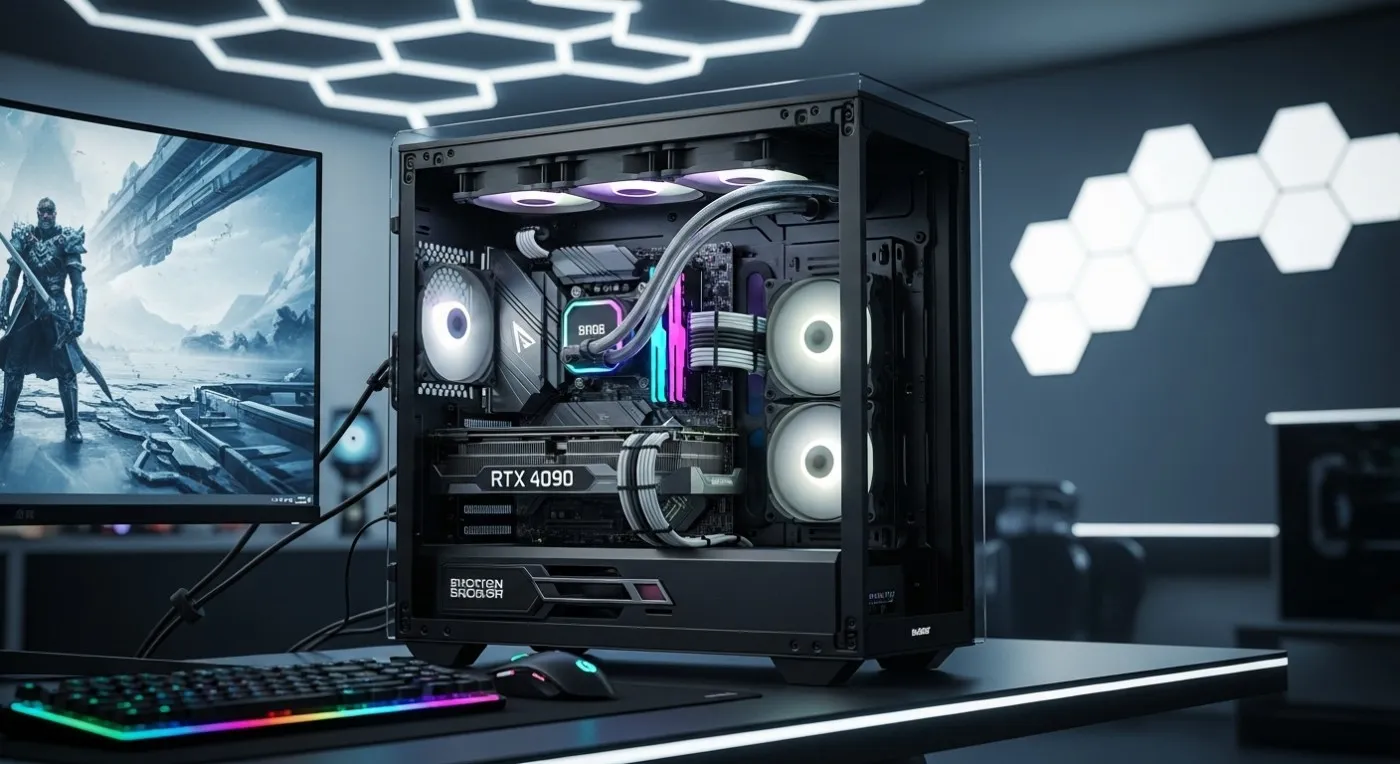

If you want the best 4K gaming PC build, you do not need the most expensive parts on Earth. You need the right parts in the right places, plus the boring support hardware that stops your system from face-planting under load. This guide is the high-end, realistic ceiling for 4K gaming performance, the point where FPS still scales with spend. Past that line, extra money mostly buys silence, looks, and build comfort, not more speed.
This build sits inside the BuiltToFrag Future-Proof PC Build Pillar and is meant to be the flagship smart monster tier. If your budget is lower, start here and work your way up, best mid-range gaming PC build, best budget PC build, then come back when you are ready to bully 4K.
What A “Best 4K Gaming PC Build” Actually Means
“Best” gets abused online. In this article, best means a build that performs like a monster in real games, stays stable for long sessions, and does not sabotage itself with weak supporting parts. This is not a parts list for bragging rights, it is a build plan that survives modern engines and background chaos.
Here is what best means in practical terms:
- Real 4K performance at high settings with stable frame pacing, not just a pretty benchmark screenshot.
- Balanced hardware so the GPU can run flat-out without the CPU, thermals, or power delivery holding it back.
- Smart spending where your money buys frames first, then stability, then comfort.
If you follow that order, this build feels fast every day, not just during the first boot.
The 4K Performance Wall (Where FPS Stops Scaling)
At 4K, the GPU does most of the work. You can throw more CPU at the problem, faster RAM, and exotic cooling, but at true 4K you hit diminishing returns fast. The biggest FPS jumps come from going up a GPU tier and keeping that GPU cool and stable enough to hold boost clocks.
This is the point where smart builds separate from expensive chaos.

The biggest gains usually come from:
- Going up a GPU tier
- Keeping the GPU cool enough to sustain boost clocks
- Not sabotaging the system with weak power delivery, bad airflow, or bargain-bin storage choices
Once you are in true high-end GPU territory, you reach the point where more money stops translating into more frames. Beyond that, you are buying quieter fans, nicer cases, premium cabling, and custom loops. All nice, none magical.
The Core Philosophy of a Smart 4K Monster
This build is not about throwing money at every spec sheet. It is about putting money where it actually creates performance and stability at 4K. When your GPU is doing the heavy lifting, everything else exists to keep it fed, cooled, and powered cleanly.
These rules keep the build fast and predictable under real gaming load:
- GPU first. At 4K, the GPU is the build. Everything else supports it.
- CPU stability, not ego clocks. You want consistent delivery, not a heat-soaked trophy.
- Cooling is performance. Better thermals equals higher sustained boost and smoother play.
- Power quality over wattage flex. Buy a good PSU, not just a bigger number.
- Airflow beats aesthetics. Pretty is fine, but stable is better.
If you follow those rules, this build will feel fast, not just look expensive.
The GPU That Actually Makes Sense for 4K
If you are building a 4K gaming PC, your GPU choice decides whether you are cruising at high refresh or staring at settings menus like they owe you money. The best GPU for 4K gaming is the highest tier you can justify while still funding the supporting parts that keep it stable.
In other words, do not buy a flagship GPU and then cheap out on the case, PSU, and cooling. That is how you turn a monster into a thermal apology.
Recommended GPU tier for this build:
- Top-tier flagship GPU (primary recommendation). For 4K high refresh targets and maximum headroom.
- Upper high-end GPU (smart alternative). For strong 4K performance with slightly less overhead in brutal titles.
If you want official reference pages while comparing models, NVIDIA’s product pages are a solid starting point: NVIDIA. For a quick database view of GPU specs across generations, TechPowerUp’s database is handy: TechPowerUp GPU Specs.
Practical truth: At 4K, the GPU is your performance ceiling. Spend too little here and nothing else will save you. Spend too much here without supporting airflow and power, and you will still lose performance to heat and instability.
The CPU: Feed the Beast Without Overspending
At 4K, the CPU matters, but it matters differently than at 1080p. You are not chasing the highest FPS possible in esports titles. You are trying to keep the GPU fed, avoid stutter, and maintain stable frame delivery when games get messy.
You want a CPU that stays consistent under load, not a chip that turns your case into a space heater.
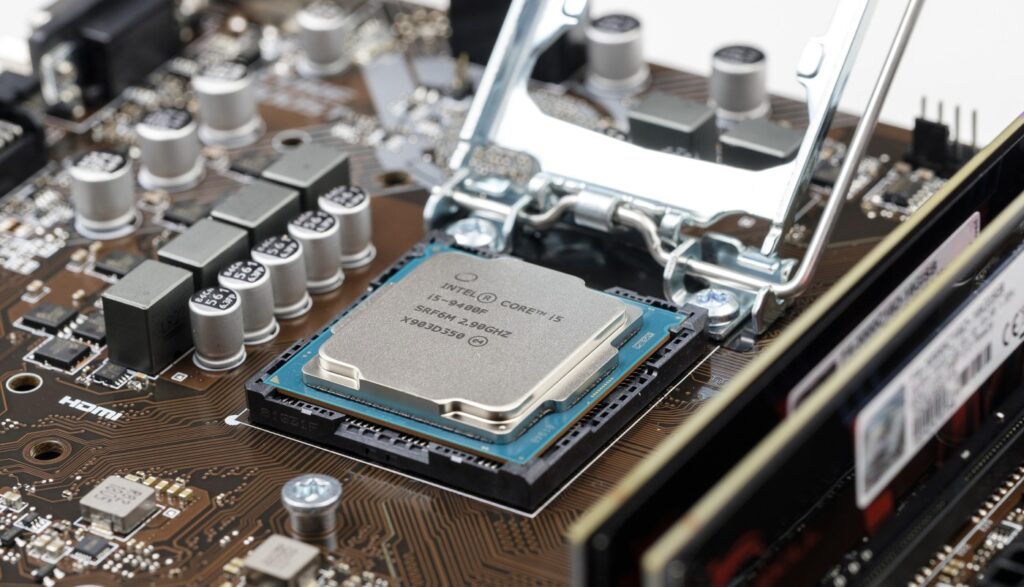
What you want from a 4K CPU:
- Strong single-core performance for game threads that refuse to scale nicely
- Enough cores to handle modern engines plus background tasks without hitching
- Good efficiency, because stability is easier when the CPU is not cooking your case
AMD and Intel both have solid options here. If you want official specs and platform info, use their own pages: AMD, Intel.
Reality check: If you already picked a flagship 4K GPU, the CPU is about stability and consistency. It is not the place to light money on fire hoping for a miracle.
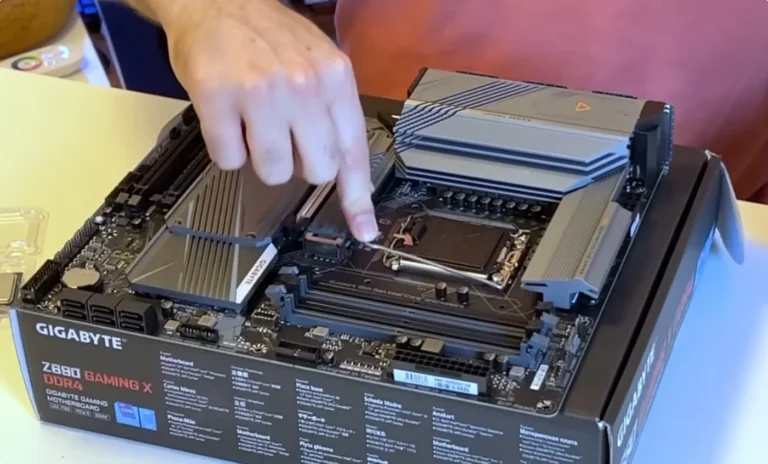
Motherboard: Pay for Reliability, Not Sticker Features
Motherboards are where people overspend on features they will never use, then underinvest in the stuff that matters like VRM quality, BIOS stability, and expansion that actually fits a modern gaming life. For a 4K build, the motherboard’s job is to be boring in the best way, stable power, clean compatibility, and enough storage slots.
If you want the short version of what matters and what is marketing, start here: gaming motherboard guide.

For a 4K monster build, look for:
- Strong VRMs that hold stable power under sustained gaming loads
- Good BIOS support and regular updates
- Enough M.2 slots for your current drive plus future expansion
- Solid connectivity, 2.5G LAN is great, Wi-Fi if you actually need it
This is a high-end build. You want a board that disappears into the background and never becomes the reason your system is weird. Also worth avoiding the classic “it fits, right?” mistakes: PC part compatibility mistakes.
RAM: Enough, Fast Enough, Then Stop
RAM is a classic trap. People either underbuy and suffer, or overbuy and brag. For 4K gaming, you want capacity first, then speed within reason, then stability that does not require weekly BIOS rituals.
If you keep it simple, you get a smoother life and the same performance.
- Capacity: 32GB is the sweet spot for a high-end modern gaming machine.
- Speed: Choose a well-regarded kit in the stable sweet spot range for your platform, rather than chasing extreme clocks.
- Stability: A stable kit with a proper profile beats a finicky kit that needs prayer.
If you are doing heavy content work too, 64GB can make sense. For pure gaming, 32GB is the play. If you want a clean breakdown of what modern games actually need, use: how much RAM do games need.
Storage: Speed Where It Actually Matters

Storage will not double your FPS, but it can absolutely reduce pain. Faster NVMe storage helps with loading, streaming-heavy games, and overall responsiveness. The real win is avoiding the slow-drive bottleneck that causes uneven asset streaming and stutter in some modern titles.
In a premium build, storage should be reliable, cool-running, and predictable.
For a 4K build:
- Main drive: A quality NVMe SSD for Windows and your main games.
- Optional game library drive: A second NVMe or SATA SSD, depending on budget and slots.
This is one of the rare areas where “good enough” is smart. Just do not sabotage a premium build with a bargain drive that runs hot, slows down, or has questionable endurance. For a shortlist that makes sense for gaming, start here: best NVMe SSDs for gaming.
If you are still on the fence about whether faster storage impacts games beyond load times, this is worth reading: do faster SSDs improve FPS.
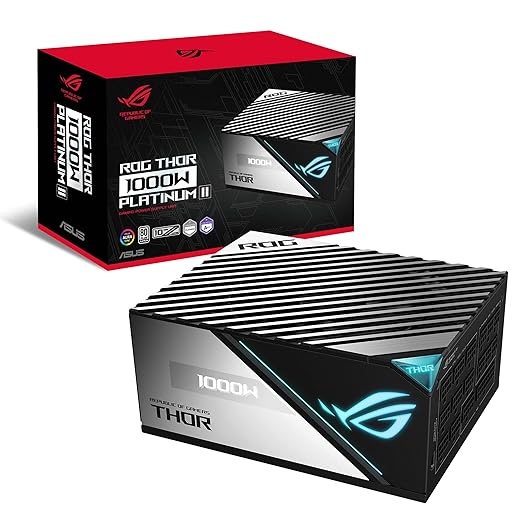
Power Supply: The Silent Hero of High-End Builds
A high-end GPU plus a high-end CPU is a real power draw situation. You want a PSU that handles transient spikes, stays stable, and does not whine like it is being held hostage. This is also where cheap units quietly turn into random crashes, black screens, and long nights of regret.
Buy once, cry once, and then never think about it again.
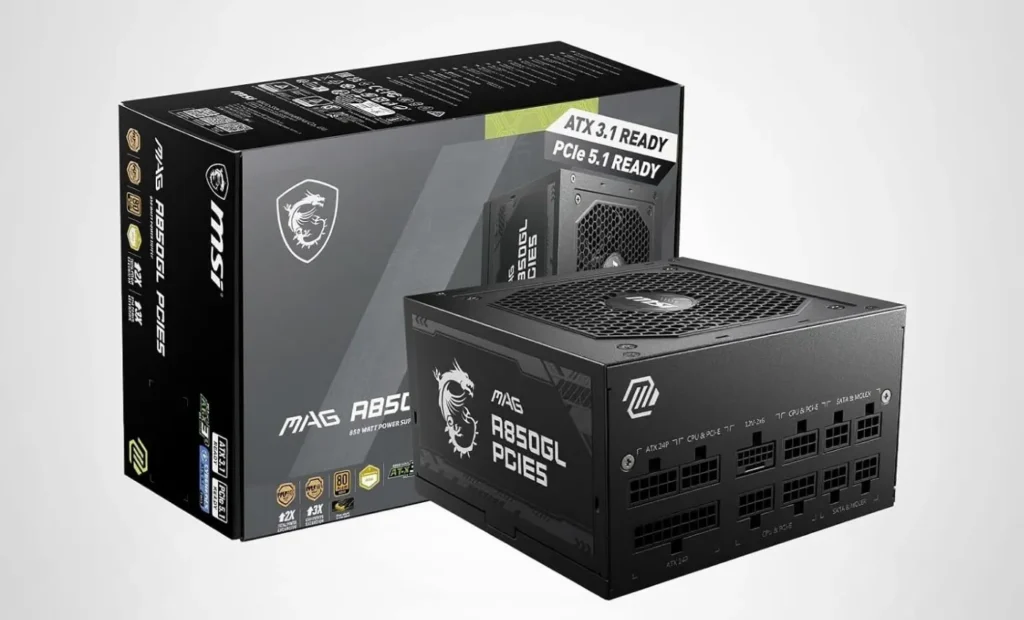
What to aim for:
- High-quality unit from a reputable brand, this matters more than raw wattage.
- Enough wattage headroom for GPU spikes and sustained loads.
- Modern cabling support based on your GPU’s requirements.
If you want a quiet and stable system, the PSU is not the place to save a little. It is the part that stops your whole build from becoming an expensive troubleshooting hobby. If you want help picking the right tier, use: best PC power supply buying guide.
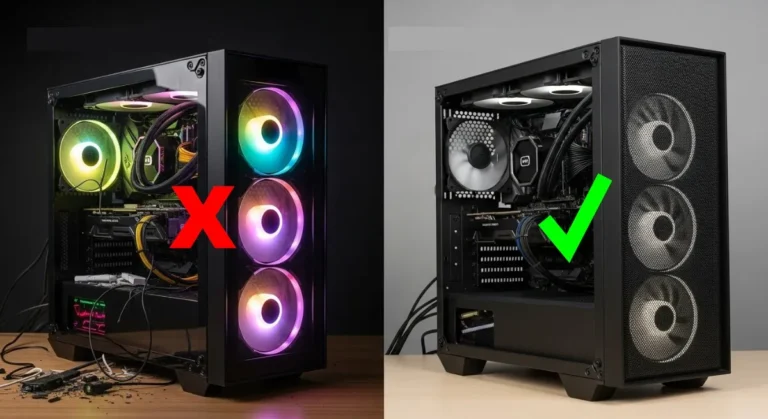
Cooling: Stability Beats RGB Every Time
Cooling is performance, especially at the high end. Your GPU and CPU will boost higher and stay there longer if the case airflow is good and your CPU cooling is appropriately sized. It also makes the whole experience better because you are not gaming next to a fan tornado.
Do not treat cooling as an afterthought, it is part of your performance budget.
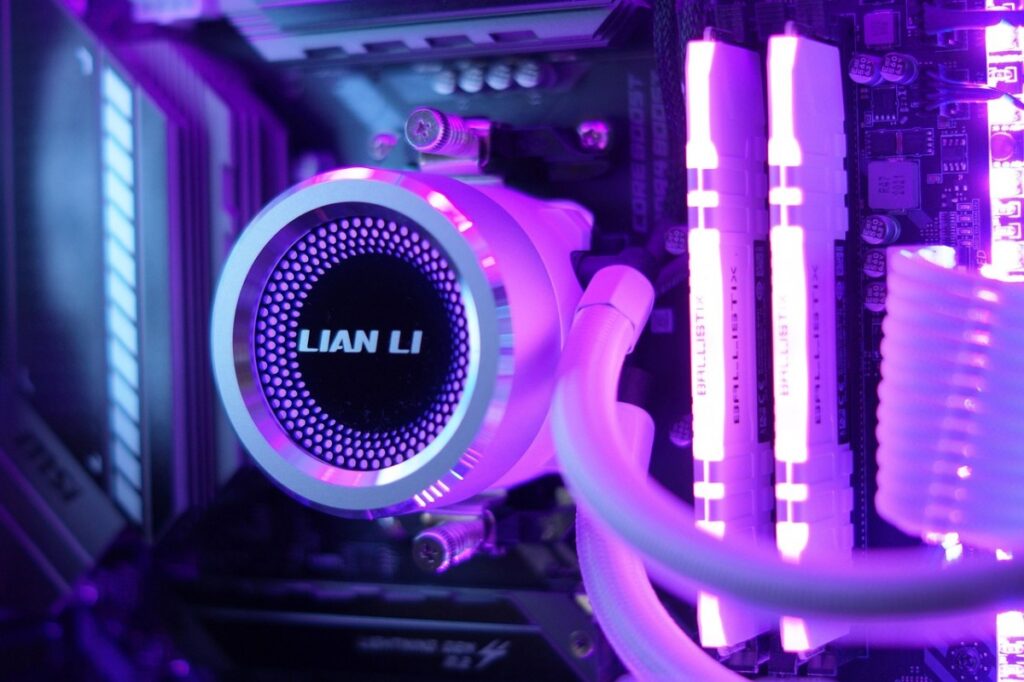
Pick your cooling with your goals in mind:
- High-end air cooling: Often the simplest, most reliable option for quiet stability.
- Quality liquid cooling: Great thermals and aesthetics, but buy quality and install properly.
If you are going to spend extra money anywhere that actually improves daily experience, spending it on better thermals and lower noise is a solid move. It might not always increase average FPS, but it can improve sustained clocks and reduce performance dips.
If you want to avoid silly thermal mistakes, this is a good companion read: best thermal paste techniques.
Case and Airflow: Performance You Can Feel
A premium GPU in a bad case is like putting a race engine in a shopping cart. It technically works, but it is embarrassing, and it performs worse than it should. Airflow is not a cosmetic choice, it decides whether your GPU holds boost clocks or slowly drifts into lower performance over time.
A good case makes the build easier, cooler, quieter, and more stable.
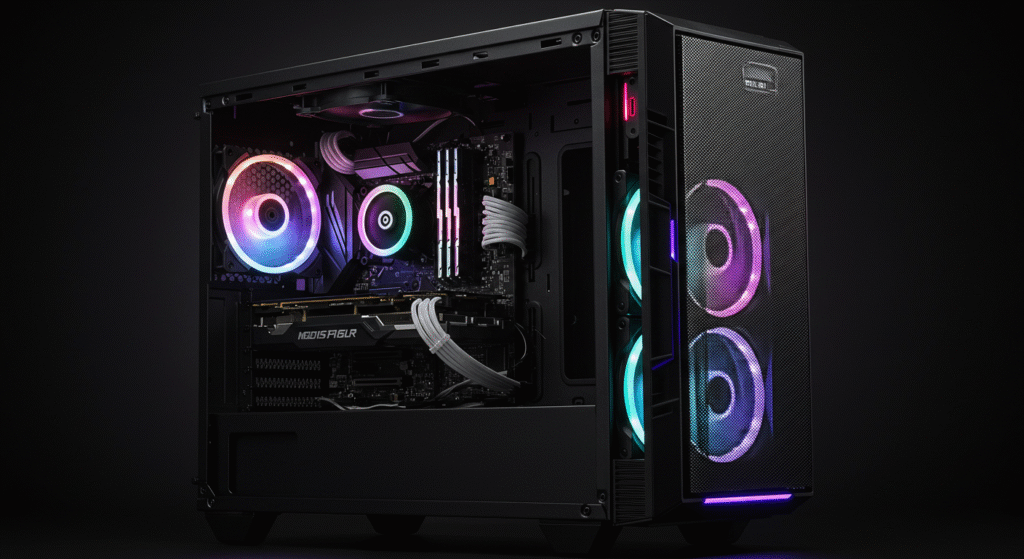
Look for a case with:
- Strong front intake, preferably mesh
- Enough fan mounts for a front-to-back airflow path
- Room for your GPU, including cable clearance
- Decent cable management so airflow is not blocked by spaghetti
If you want a high-end build that feels stable, airflow is non-negotiable.
Before You Buy: What Actually Decides Your Performance
If you are about to spend serious money, focus on what actually moves the needle. At 4K, your GPU tier matters more than anything else, followed by thermals and power stability. Everything else is support and comfort, useful, but not the main performance lever.
If your budget is limited, prioritize GPU first, then build around it properly. Do not overspend on parts that do not directly improve performance at 4K.
Pick One: 3 Complete Monster 4K Builds (No Guesswork)
Important: These are complete, locked builds. The parts are chosen to work together. Pick the build that matches your budget and vibe, then buy what is in that build. Do not mix parts across builds unless you know exactly why you are doing it.
If you want the simplest path to a working monster, treat these like kits, not suggestions.
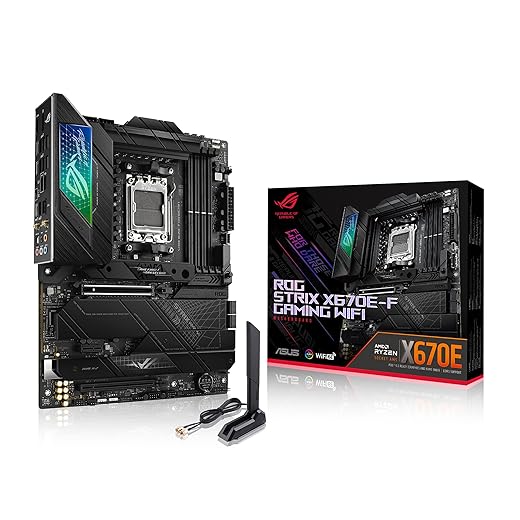
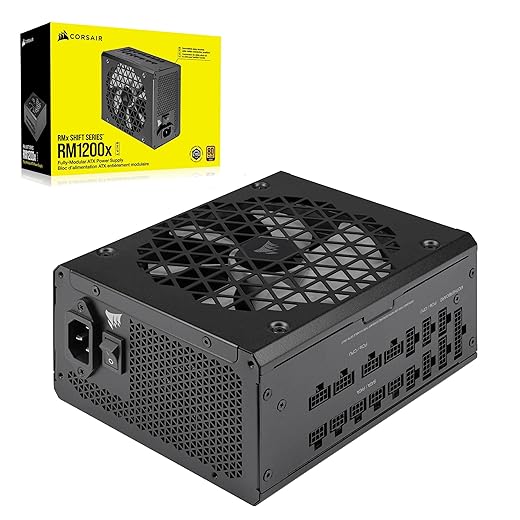
Build 1: The Absolute Monster (No Compromises)
This is your flagship. Max gaming performance, excellent frame stability, premium platform support, and the kind of headroom that makes brutal games feel normal. It is the build people bookmark and pretend they are “just researching.”






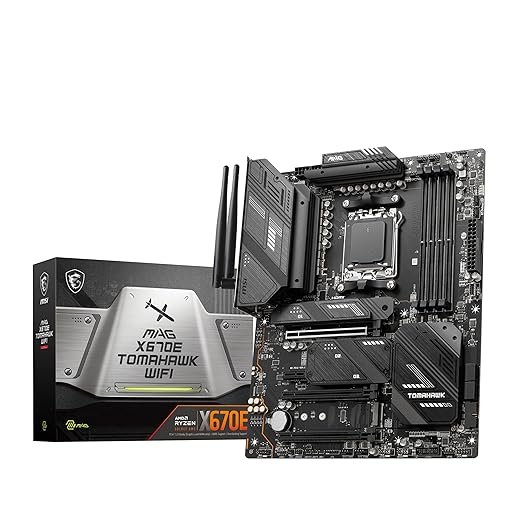
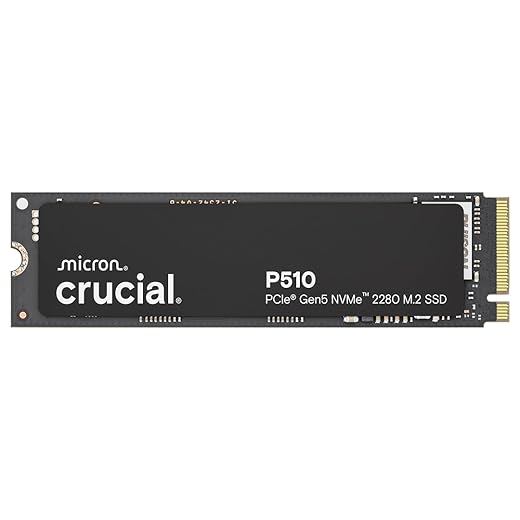
Build 2: The 4K Performance King (High-End, Smarter Spend)
This is the real gamer monster. Slightly less extreme, still obliterates 4K, and costs less than Build 1 while feeling almost identical in most titles. This is usually the best balance between performance and sanity.





Build 3: The Radeon Powerhouse (All-AMD Value Beast)
This is your AMD purist monster. Huge raster performance, lots of VRAM, simpler tuning, and still absolutely lethal at 4K. If you want strong 4K results without paying the “because I can” tax, this build makes sense.




The Upgrade Path (When You Want More, Not Faster)
Once you are already at the performance ceiling, upgrades stop being about FPS and start being about comfort. This is the part where you make the build quieter, cleaner, and nicer to live with. These upgrades are optional, but they can be worth it if you game a lot.
Just do not pretend they are performance upgrades, they are quality-of-life upgrades.
- Quieter fans
- Higher-end case
- Better cable management
- Custom water cooling
These improve comfort, noise, and aesthetics. They do not increase FPS.
What These Builds Can Cost
High-end 4K builds are not cheap, and the GPU is the biggest variable by far. A realistic high-end 4K gaming PC build typically lands in the $2,500 to $3,500 range depending on your region, GPU tier, and how much storage and cooling you choose.
If you want to budget smarter before you commit, this companion guide helps you avoid the dumb spending traps: gaming PC budget guide.

Where Extra Money Goes (And Why It Won’t Make Games Faster)
Yes, you can absolutely spend more than this. Easily. The difference is what you get for the extra money, and at 4K it is rarely raw performance. Most of the time, you are paying for silence, looks, premium materials, and convenience.
All good things, just not FPS multipliers.
Here is what extra budget usually buys you:
- Silence: Better fans, better cases, better coolers, lower noise profiles.
- Looks: Premium cases, cleaner cabling, RGB ecosystems, themed builds.
- Luxury cooling: Custom loops and premium AIOs that look amazing and run cool.
- Convenience: More storage, nicer peripherals, fewer compromises overall.
What it does not reliably buy: More FPS at 4K. You might gain a little from better sustained thermals, but the big leaps come from GPU class and sane configuration, not from turning your build into a showroom display.
If you want a quieter, cleaner, more premium build experience, this belongs right here: silent PC build.
Expected 4K Performance (Realistic FPS Ranges)
Performance in 4K depends heavily on the game, the engine, and whether you use modern upscaling features. Native 4K is brutal in some titles, especially with ray tracing, and that is normal. The goal is not perfection, the goal is stable, smooth play that does not feel like a compromise.
In general, you can expect these patterns:
- Well-optimized games: Smooth high FPS at high settings with the right GPU tier
- Brutal modern titles: Lower FPS at native 4K unless you use upscaling and tuned settings
- Ray tracing heavy games: Huge GPU load, settings and upscaling matter a lot
If your goal is 4K at high refresh, you are building for headroom, not just “it runs.” That is why the GPU is the anchor, and why airflow and power quality matter more than most people think.
If you want to sanity-check temps, clocks, and whether anything is throttling under load, use: how to monitor temps, clocks and usage.
How This Build Actually Behaves on Real PCs
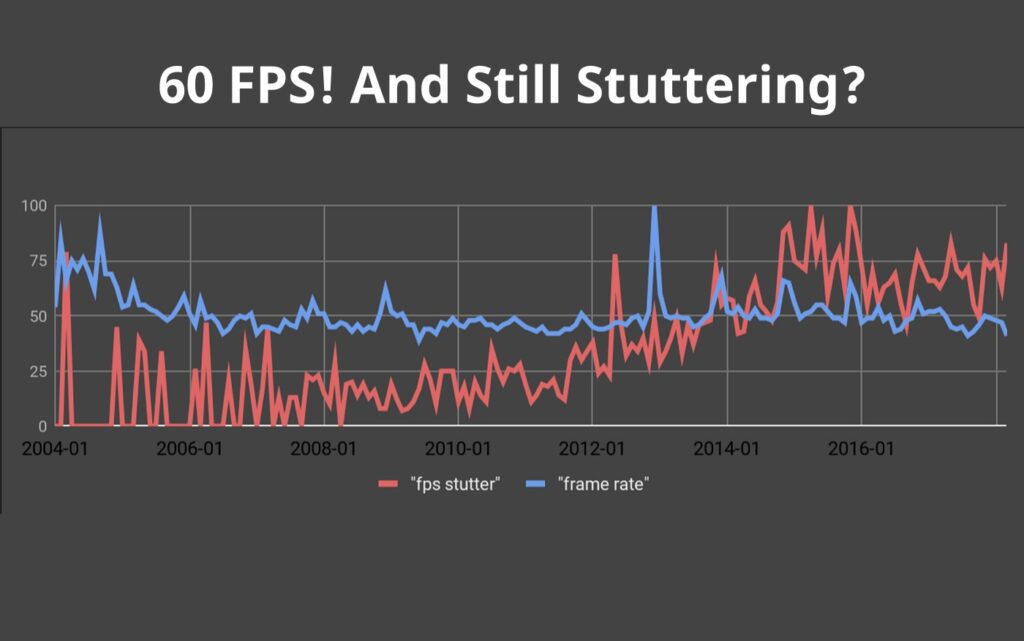
On paper, this build is a 4K monster. In reality, how it behaves depends on the game engine, background load, and thermal conditions. Even high-end systems can show stutter, uneven frametimes, or CPU spikes if something is off.
This is what you should expect on real machines, not YouTube fantasy rigs:
- Mostly GPU-bound at 4K: Most games lean heavily on the GPU, especially at ultra settings and with ray tracing enabled.
- CPU spikes still happen: Open-world games and messy engines can cause frame drops even with a strong CPU.
- Thermals affect sustained performance: Poor airflow can reduce boost clocks, lowering FPS over time.
- Background tasks can still ruin your day: Overlays, browsers, and random Windows nonsense can create hitching.
If something feels off, do not guess. Confirm what is happening with monitoring, then fix the real bottleneck:
Who This Build Is For (And Who It Isn’t)
This build is for people who want real 4K gaming, not marketing 4K. It is also for people who care about stability over long sessions, because high-end hardware can still behave badly if the supporting parts are weak. If you are spending this much, you deserve a build that feels smooth every time you play.
If your use case is different, there is a smarter path.
This build is for you if:
- You want real 4K gaming performance, not “it technically outputs 4K”
- You want stable, smooth play over long sessions
- You are willing to spend high-end money, but you still want it to be smart
This build is not for you if:
- You are mainly playing esports titles at 1080p or 1440p
- You are trying to stretch a tight budget, start with the ladder below
- You think RGB increases FPS, it does not, it increases electricity bills
If you are not ready for the 4K tier yet, start lower and climb logically:
If you are still exploring weird build paths, the iGPU experiment cluster is here: no GPU gaming PC.
When This 4K Build Is NOT the Right Move
This build looks incredible on paper, but it is not always the smart choice. In some cases, you are better off spending less and getting a more balanced setup that matches your screen and your games. Overkill is only fun when you are actually using it.
If any of these are true, step down and save money:
- If you play at 1440p: This build is usually overkill. A mid-range or upper mid-range system will deliver better value per frame.
- If your monitor is not 4K: You will not see the benefit. Your GPU will sit underutilized while you pay for headroom you cannot see.
- If your budget is tight: High-end builds amplify bad spending decisions. Start lower, upgrade smart, and avoid financial pain.
- If you expect perfect performance in every game: Some engines are poorly optimized. Even top-tier hardware cannot fix bad code.
This is a premium build. If your use case does not match it, you are paying for headroom you will never use.
Final Verdict: The Smart Monster
If you want the best 4K gaming PC build, build to the point where performance still scales, then stop. The GPU decides your ceiling. The CPU keeps things stable. Cooling and airflow protect your boost clocks. The PSU prevents chaos. Everything else is comfort and style.
This is the ceiling where money still buys speed. Past this, you are buying luxury. Which is fine, just do not pretend it is FPS.